Free Instagram Carousel Maker
Describe your post, and Krumzi writes and designs a 5-slide Instagram carousel from scratch while you watch: a cover with the hook, three slides with one point each and a last slide with your call to action, each 1080 x 1350 (4:5). You get one free design a week across Krumzi's free design tools, with no signup: move, resize and retype anything on it, then download all five slides as PNGs with a watermark. Start the 3-day free trial (card needed, no charge until day 4) to ask for changes in plain words, open the full editor, make up to 20 slides or a square, TikTok or LinkedIn size, and make the matching story. Downloads are clean once your plan starts.
Next, you watch all five slides build. It usually takes 1 to 3 minutes.
Made by this generator, from the brief under each one.
Krumzi's Instagram carousel maker writes and designs a 5-slide carousel from a few lines about your post: a cover with the hook, three slides with one point each, and a last slide with your call to action. Each slide is 1080 x 1350 pixels (4:5 portrait), and all five are designed as one carousel, so the swipe reads as one post. Every word is real text you can retype, and Krumzi is set up to use only the names, prices, dates and handles you give it. One free design a week across Krumzi's free design tools. It needs no signup: move, resize and retype anything, then download the five slides as PNGs in one ZIP, each with a small watermark. More slides, square, TikTok and LinkedIn sizes, AI changes and the full editor come with the 3-day free trial (card needed, no charge until day 4), and downloads are clean once the plan starts. It usually takes 1 to 3 minutes, and you watch it build.
What goes on each slide of an Instagram carousel
A carousel is read one swipe at a time, so every slide has one job: the cover earns the swipe, the middle slides deliver, the last slide asks for one thing. Here's one carousel from this tool, slide by slide.
The hook that earns the swipe
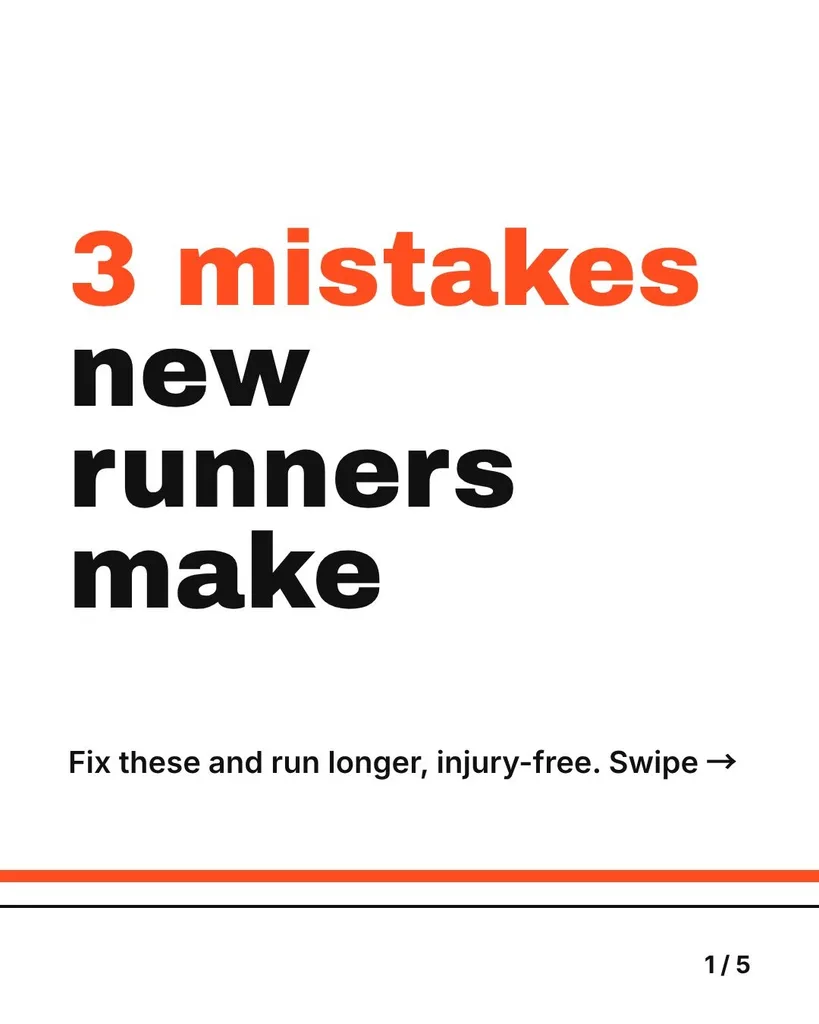
One short promise in big type, and a nudge to swipe. Here: 3 mistakes new runners make, and a line that says fixing them helps you run longer.
One point per slide
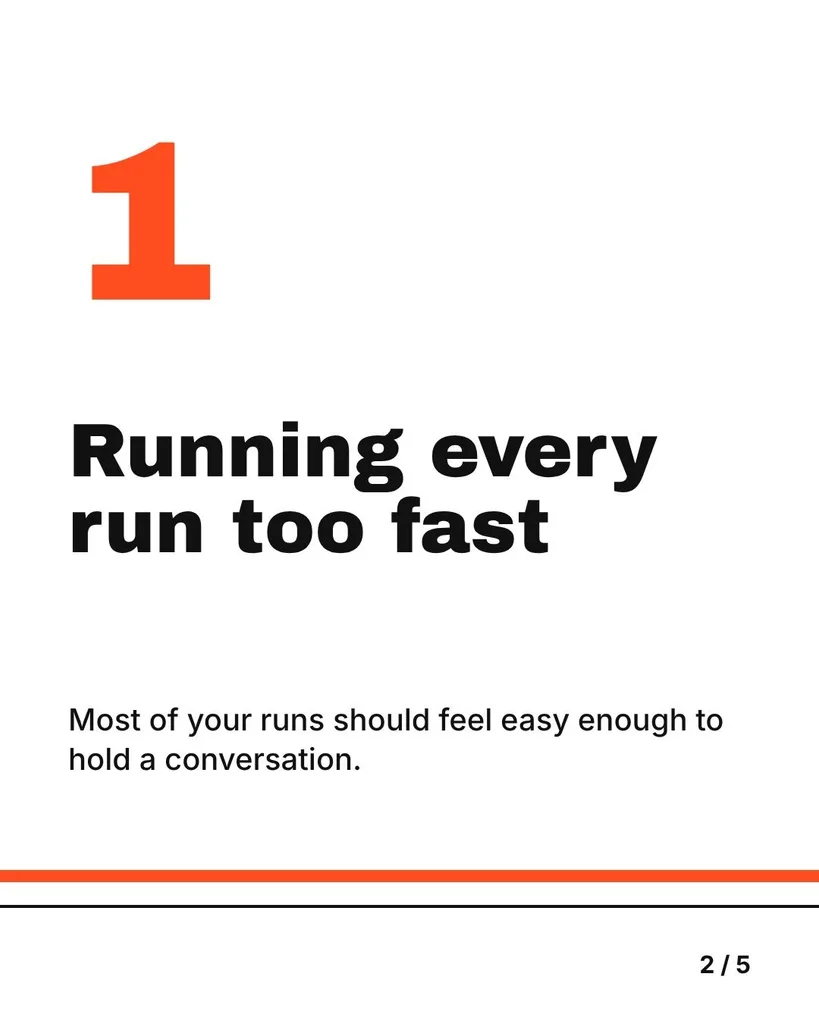
A number, a short heading and one line that explains it. Here: running every run too fast, and keep most runs easy enough to talk.
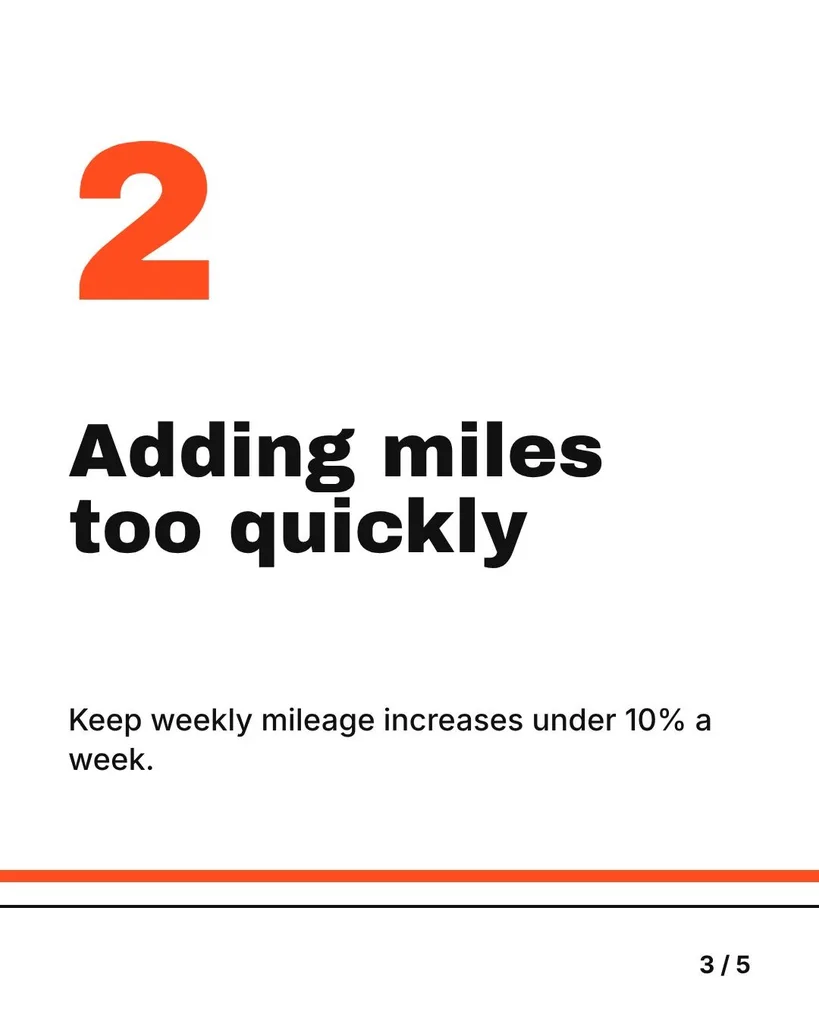
Same layout, next point
The orange line and the slide counter carry across every slide, so the swipe feels like one post. Here: adding miles too quickly, under 10% a week.
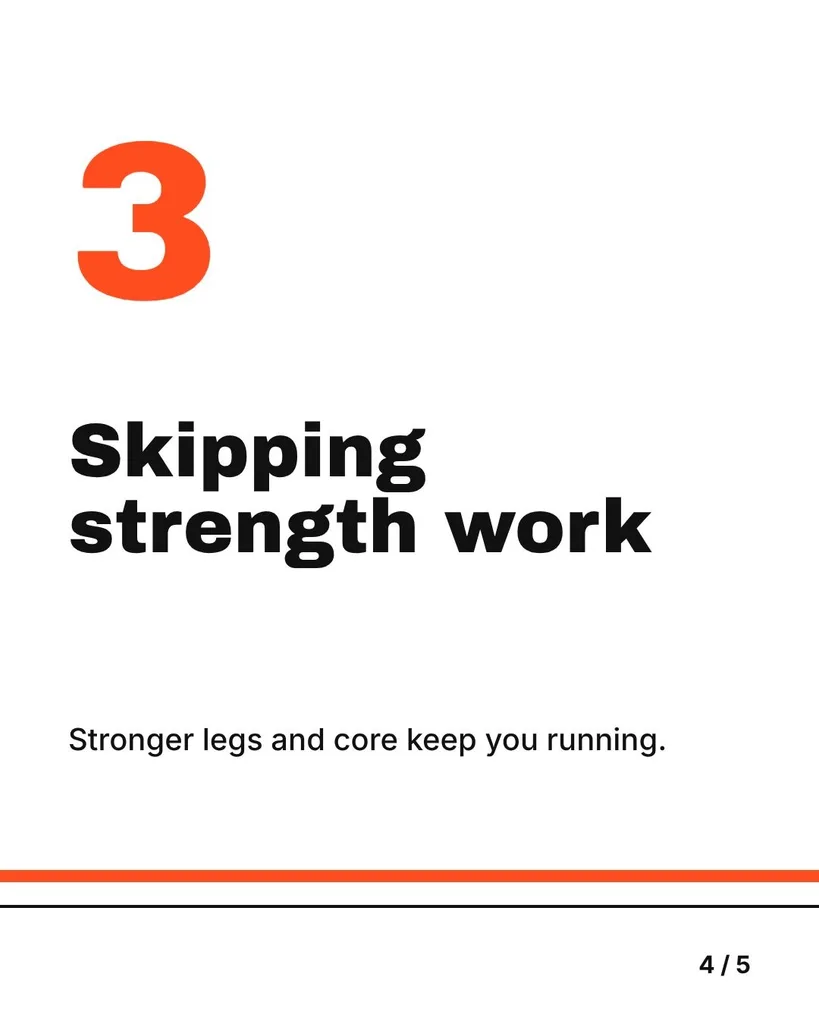
The last point
Three points fill a 5-slide carousel. Keep the rest for next week's. Here: skipping strength work, because stronger legs and core keep you running.
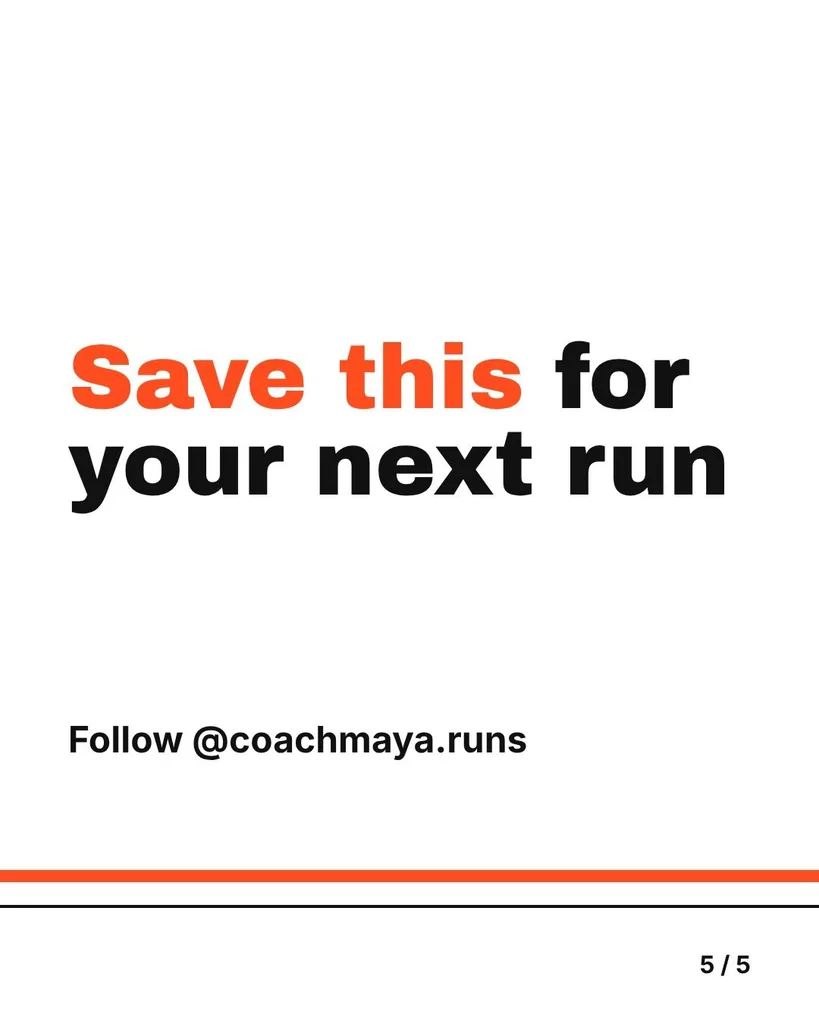
One thing to do next
Ask for one action and say where to find you. Here: save this for your next run, then follow @coachmaya.runs.
Carousel for my running coaching account: 3 mistakes new runners make. 1, running every run too fast. 2, adding miles too quickly, keep it under 10% a week. 3, skipping strength work. Hook on the first slide, one mistake per slide, and end with save this for your next run and follow @coachmaya.runs. Energetic but clean.
How to post it on Instagram
- 1Download the ZIP.You get five PNGs, slide-1.png to slide-5.png, each 1080 x 1350 with a small watermark. Open the ZIP and save the five slides to your phone.
- 2Start a post with several photos.In Instagram, start a new feed post and choose to select more than one photo. Tap slide 1 first, then 2, 3, 4 and 5: people swipe them in the order you pick them.
- 3Keep the portrait crop.Every slide takes the first slide's shape, so pick the 4:5 portrait crop, not the square one, or the edges of every slide get cut off.
- 4Write one caption and share.One caption covers all five slides. Say what's inside, and repeat the ask from the last slide.
Instagram takes up to 20 photos and videos in one post. This tool makes 5 slides; Krumzi makes up to 20 in the 3-day free trial (card needed, no charge until day 4).
Limits from Instagram's Help Center and Meta's developer docs, read November 2026. Button names can differ a little between app versions.
Instagram carousel examples, with every slide shown
Search for a carousel maker and half of page one splits one wide photo into slides. Each carousel below was written and designed by the same engine as the box above, from the brief shown with it, and posted as it came out. The names are made up.
Running coach tips
Carousel for my running coaching account: 3 mistakes new runners make. 1, running every run too fast. 2, adding miles too quickly, keep it under 10% a week. 3, skipping strength work. Hook on the first slide, one mistake per slide, and end with save this for your next run and follow @coachmaya.runs. Energetic but clean.
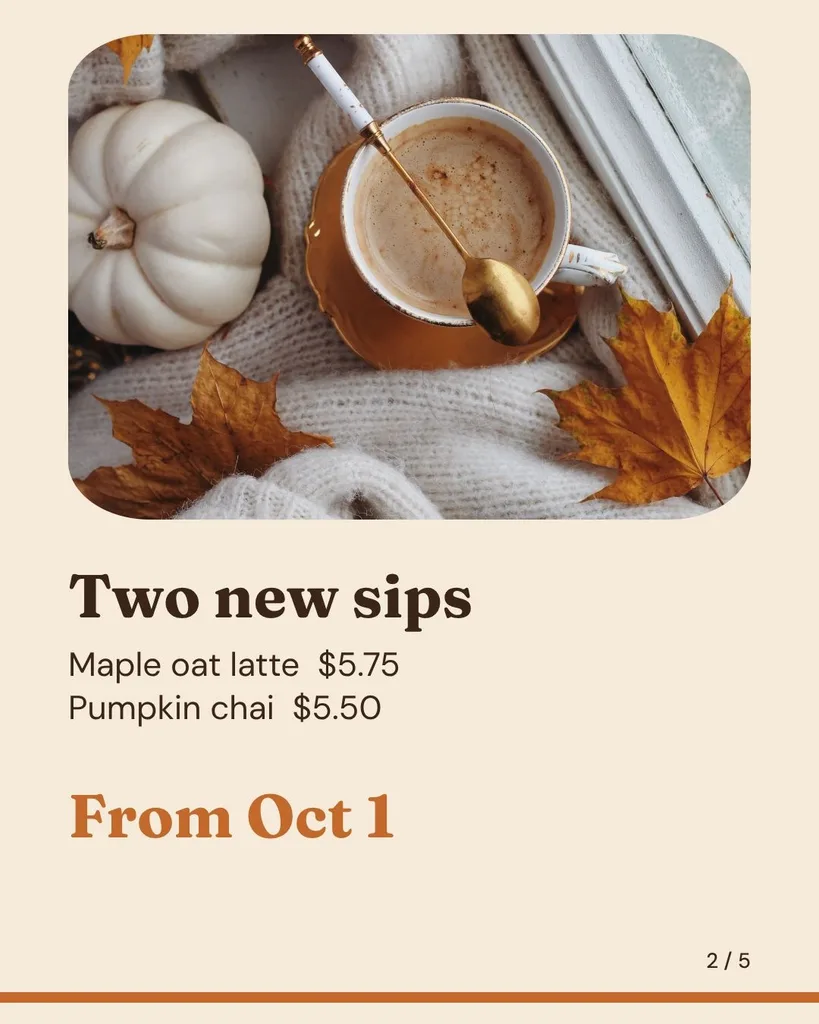
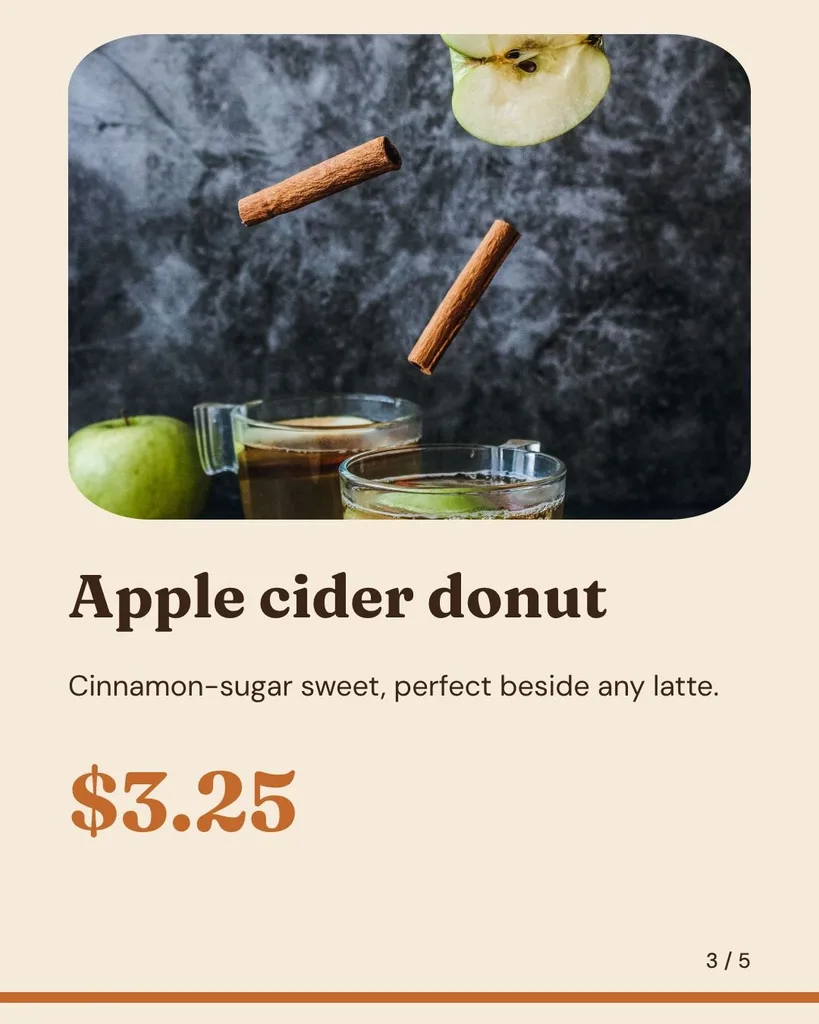
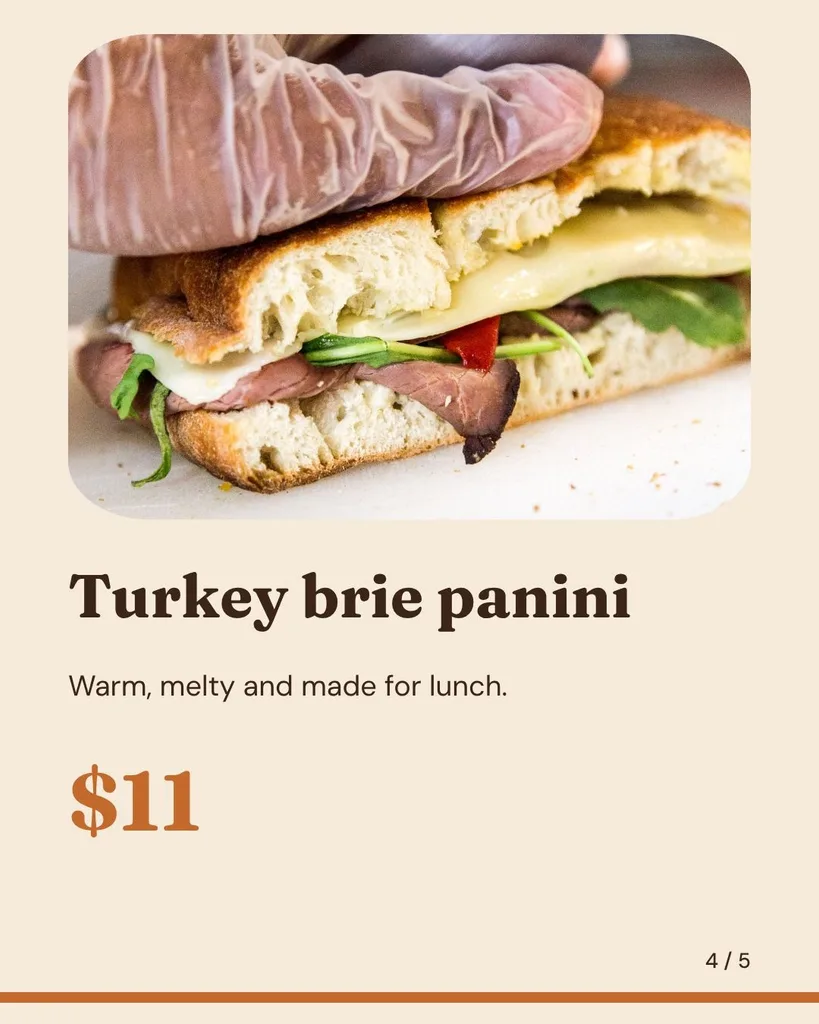
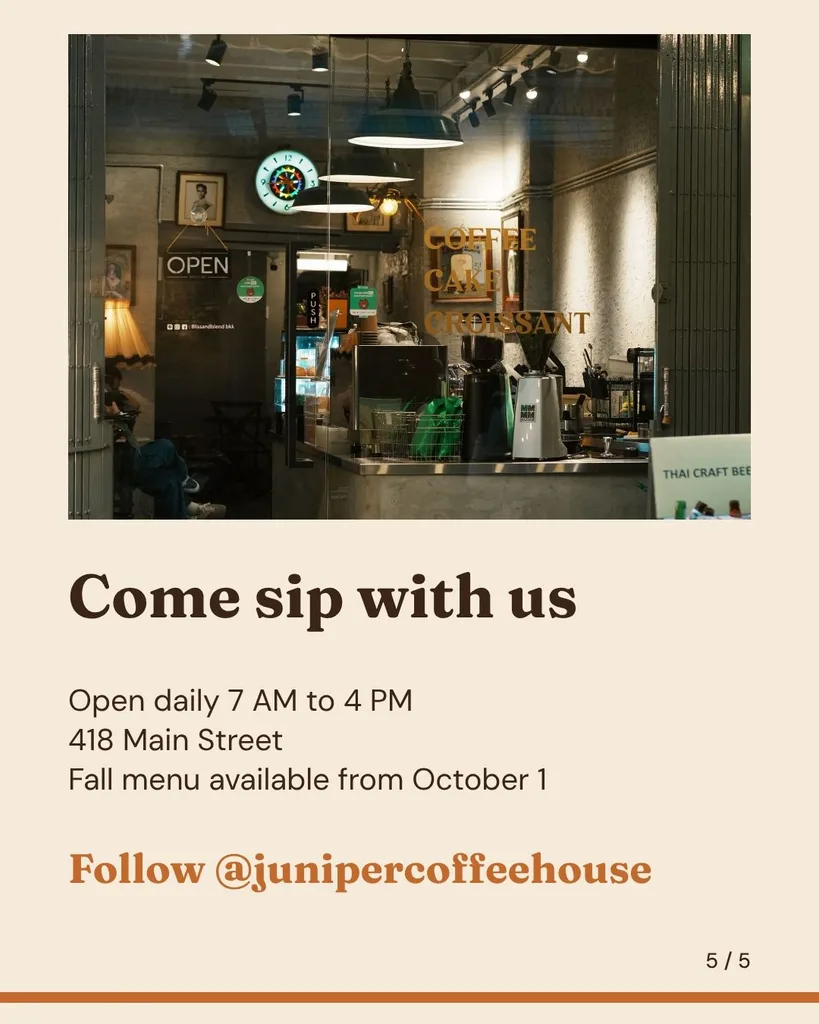
Café fall menu
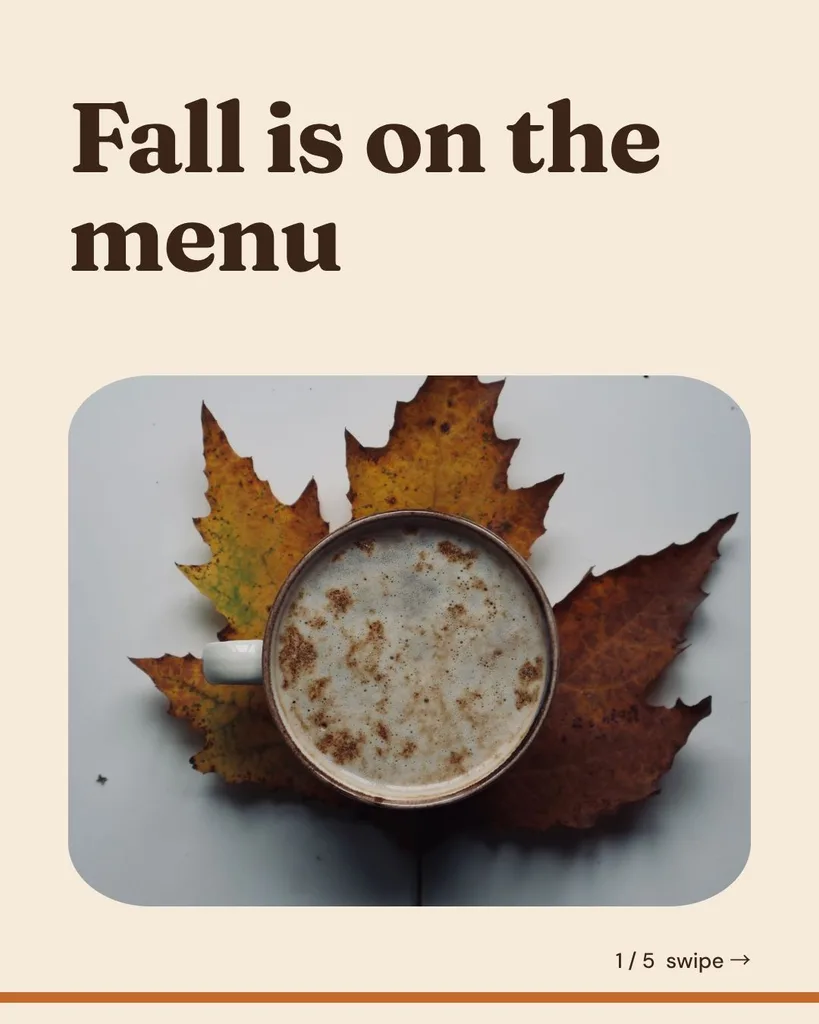
Fall menu carousel for Juniper Coffee House. New this season: maple oat latte $5.75, pumpkin chai $5.50, apple cider donut $3.25 and a turkey brie panini $11. Available from October 1. Open daily 7 AM to 4 PM at 418 Main Street. Follow @junipercoffeehouse. Cozy and warm.
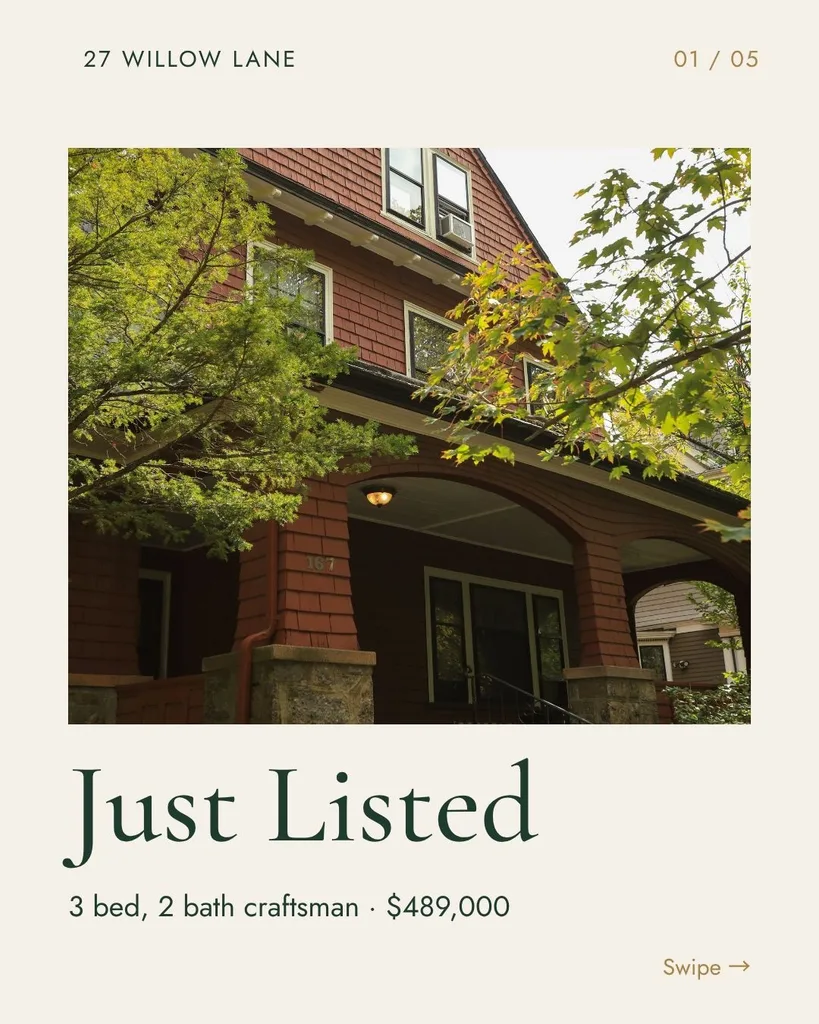
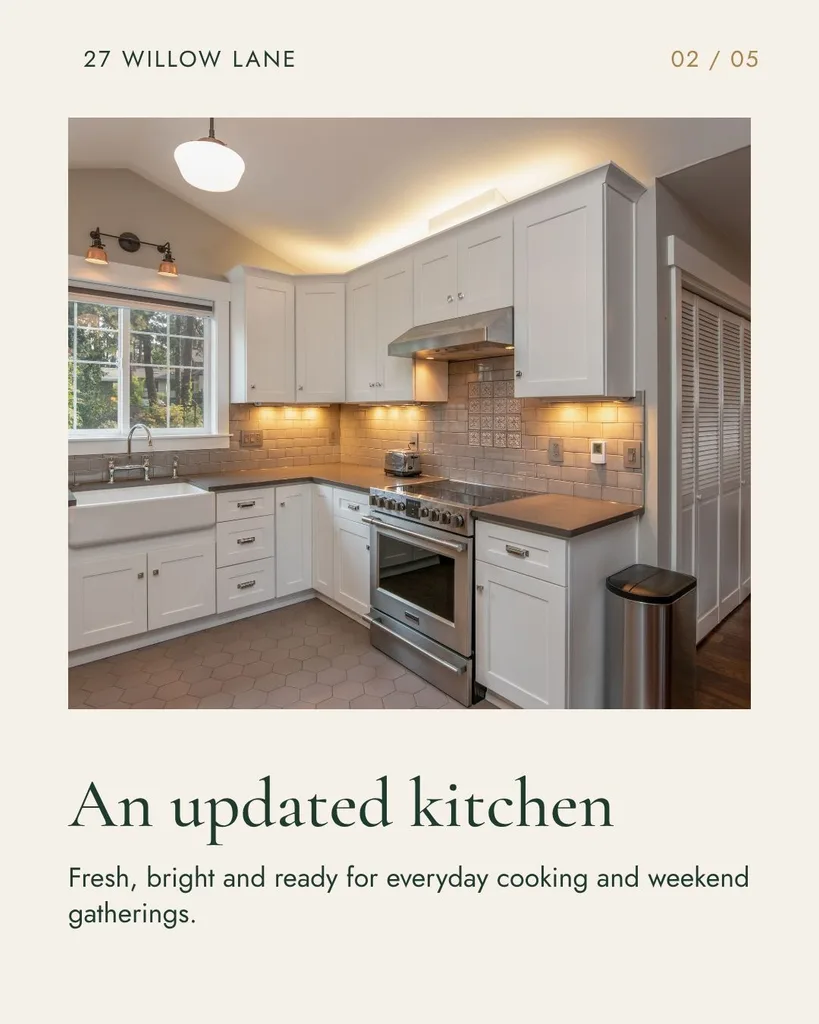
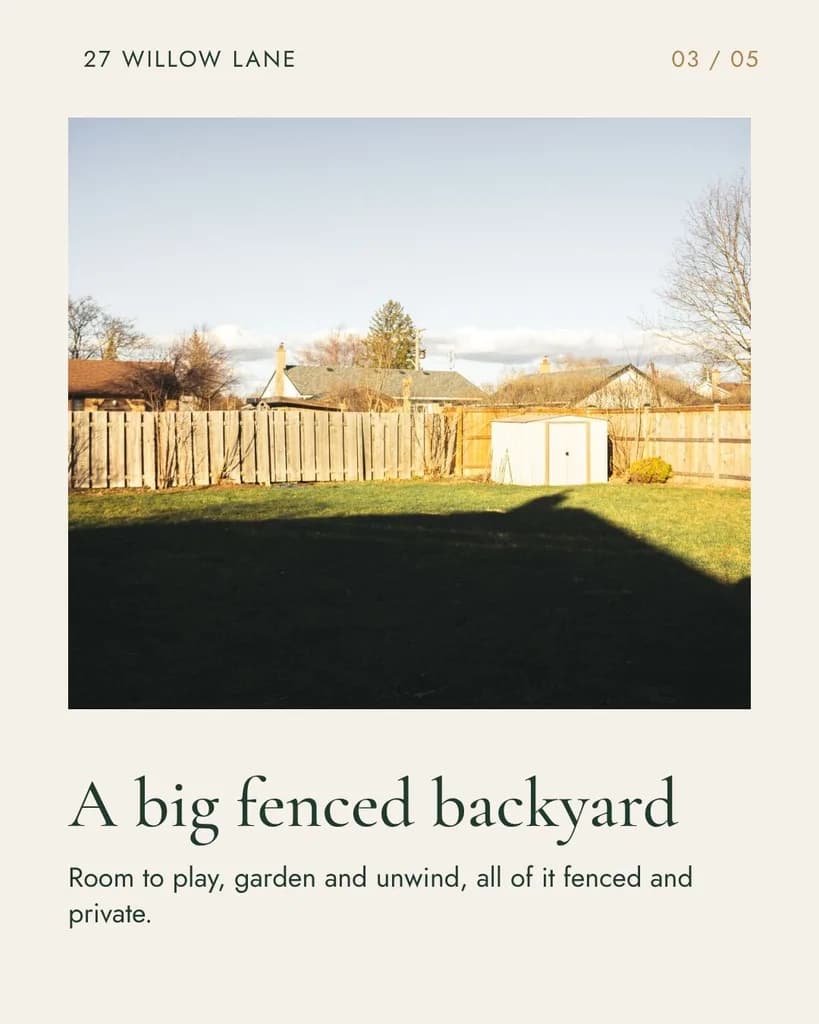
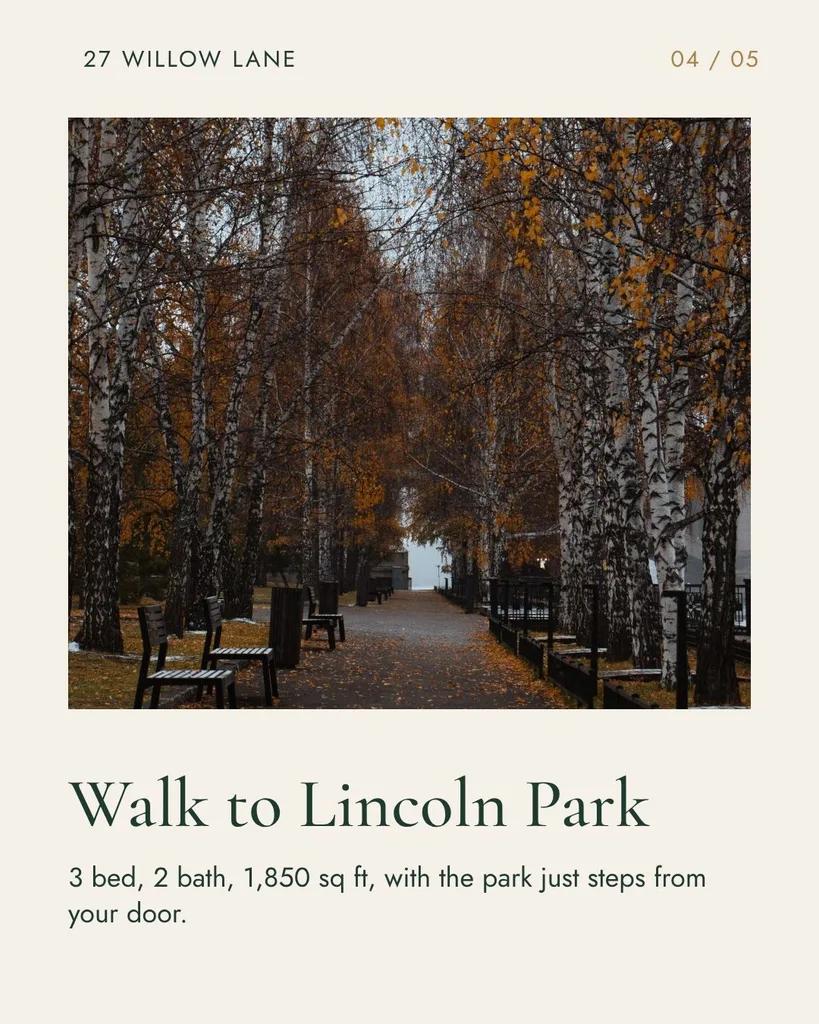
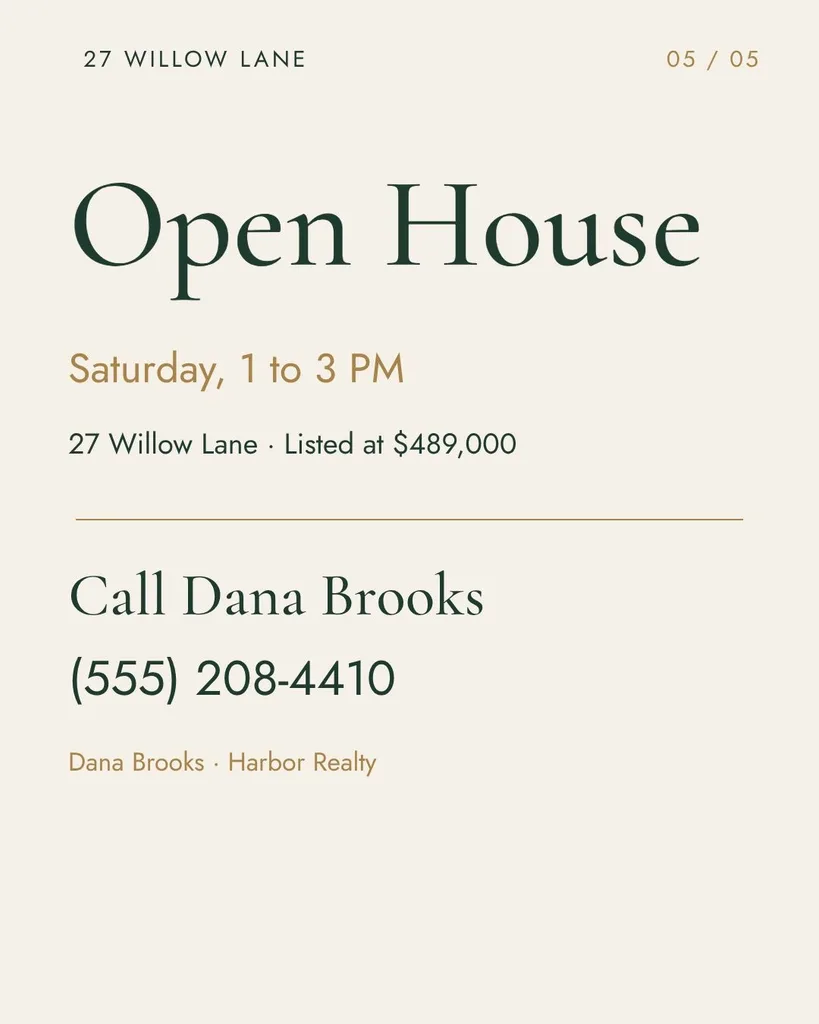
Just listed, for a realtor client
Just listed carousel for a client, realtor Dana Brooks at Harbor Realty. 3 bed, 2 bath craftsman at 27 Willow Lane, 1,850 sq ft, listed at $489,000. Updated kitchen, big fenced backyard, walk to Lincoln Park. Open house Saturday 1 to 3 PM. Call Dana at (555) 208-4410. Elegant and calm.
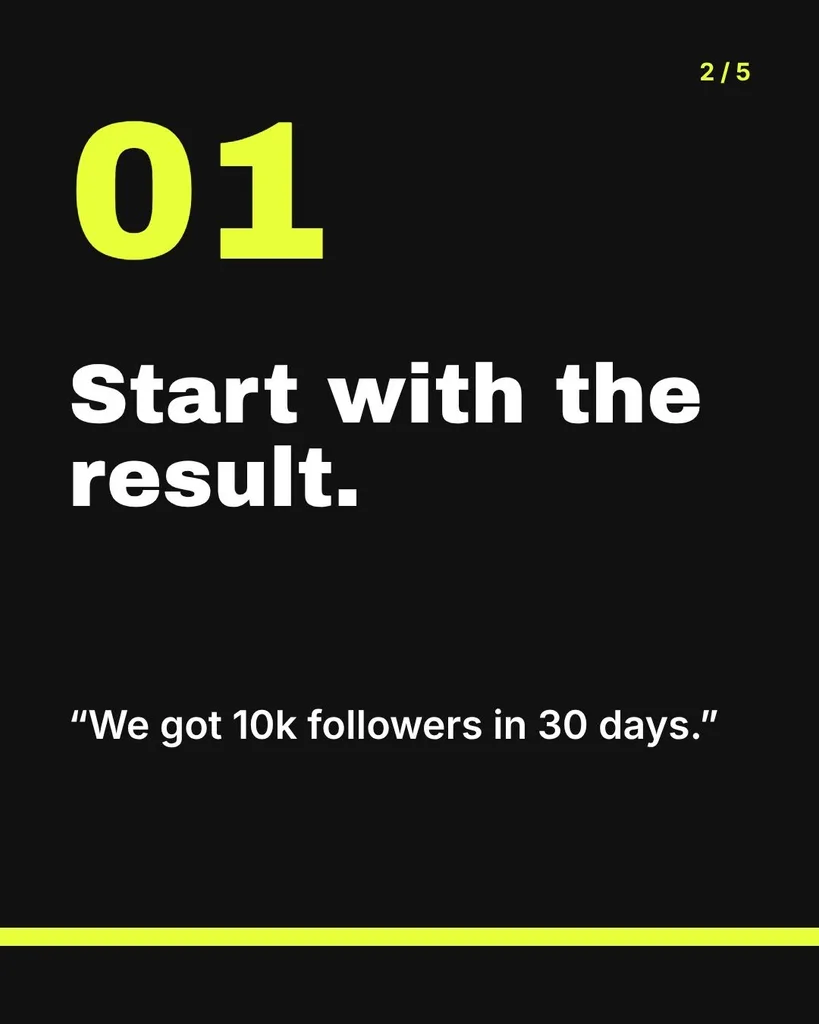
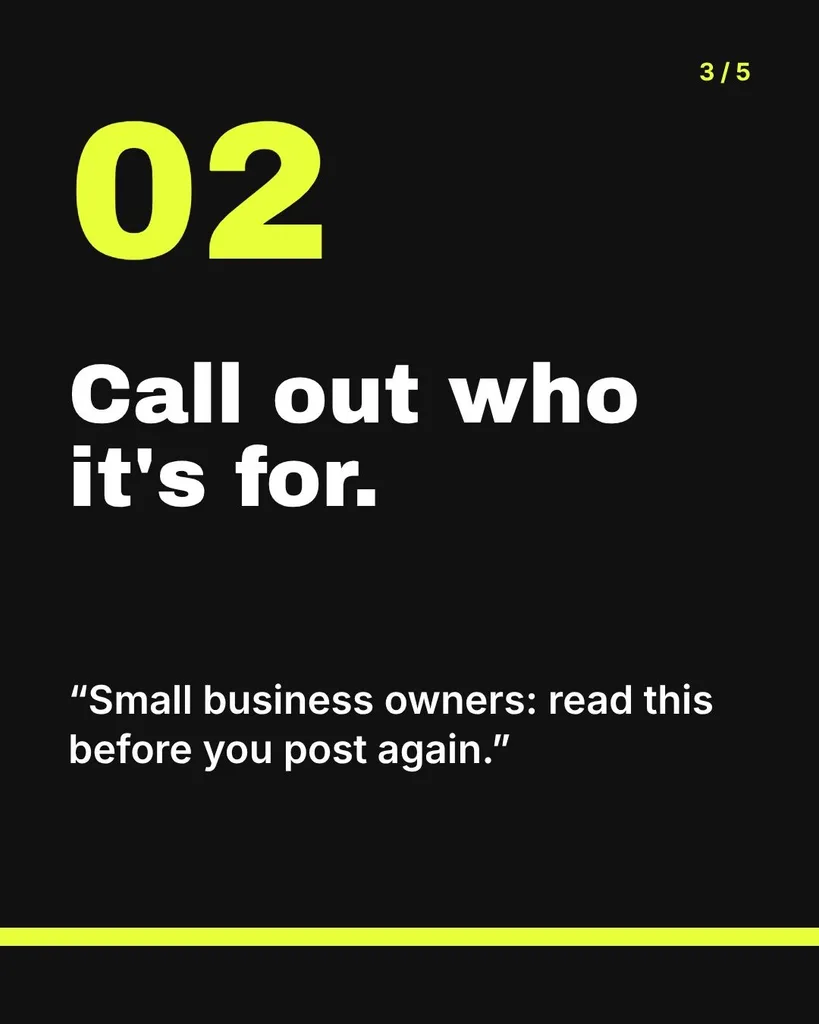
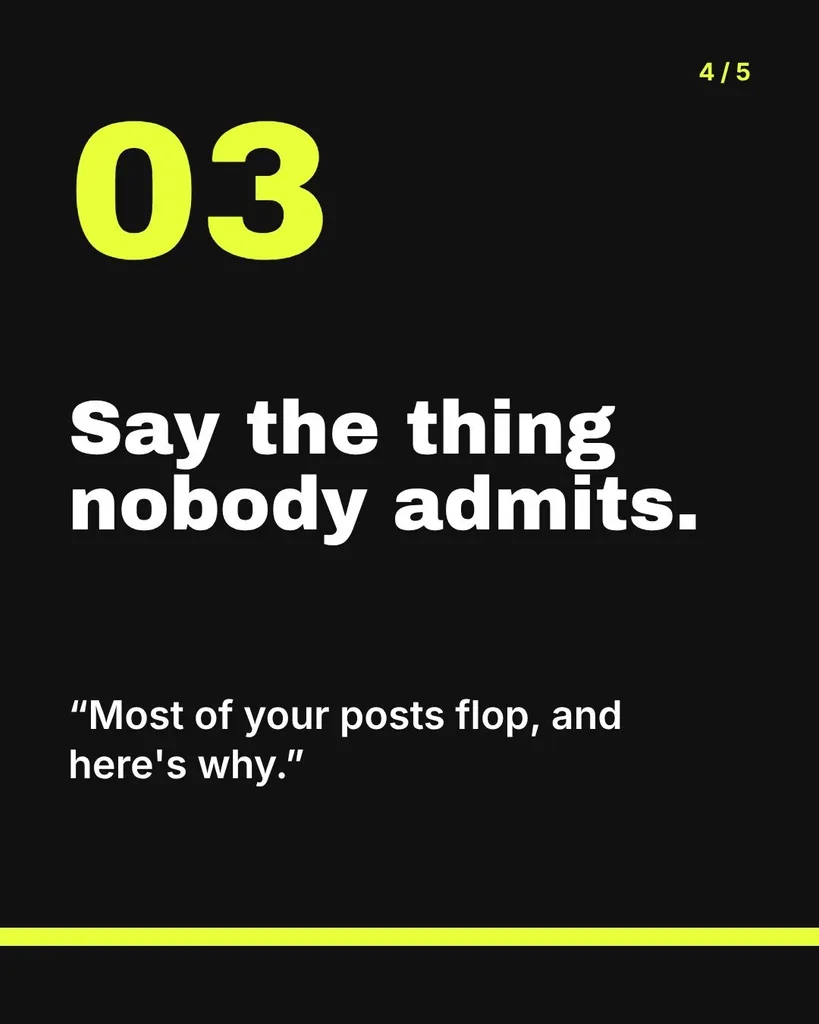
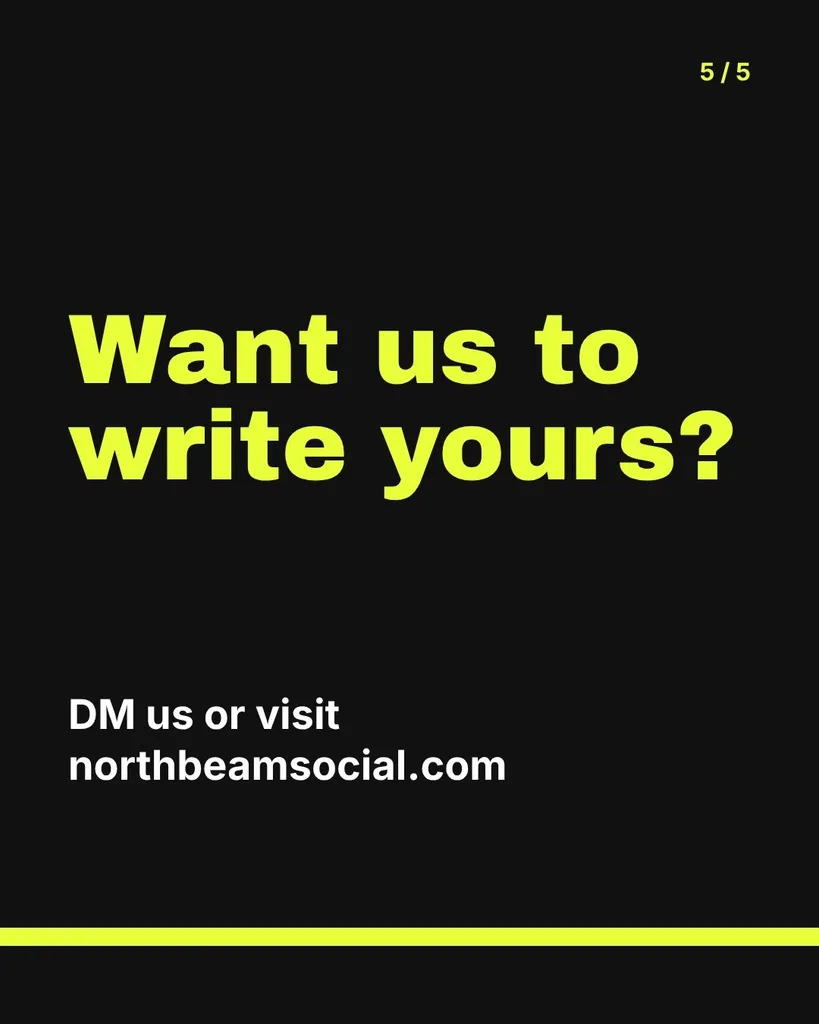
Agency how-to: writing hooks
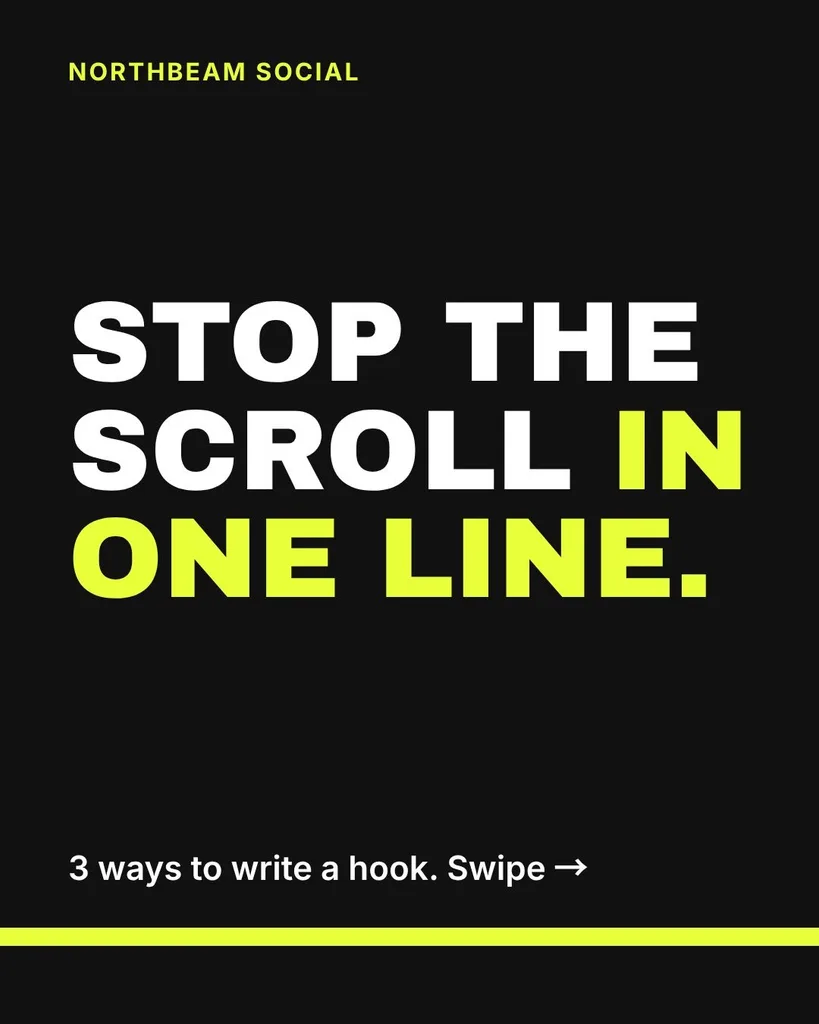
Carousel for our small social media agency, Northbeam Social: how to write a hook that stops the scroll. Three ways: start with the result, call out who it's for, or say the thing nobody admits. Give one short example line for each. Last slide: want us to write yours? DM us or visit northbeamsocial.com. Bold and modern.
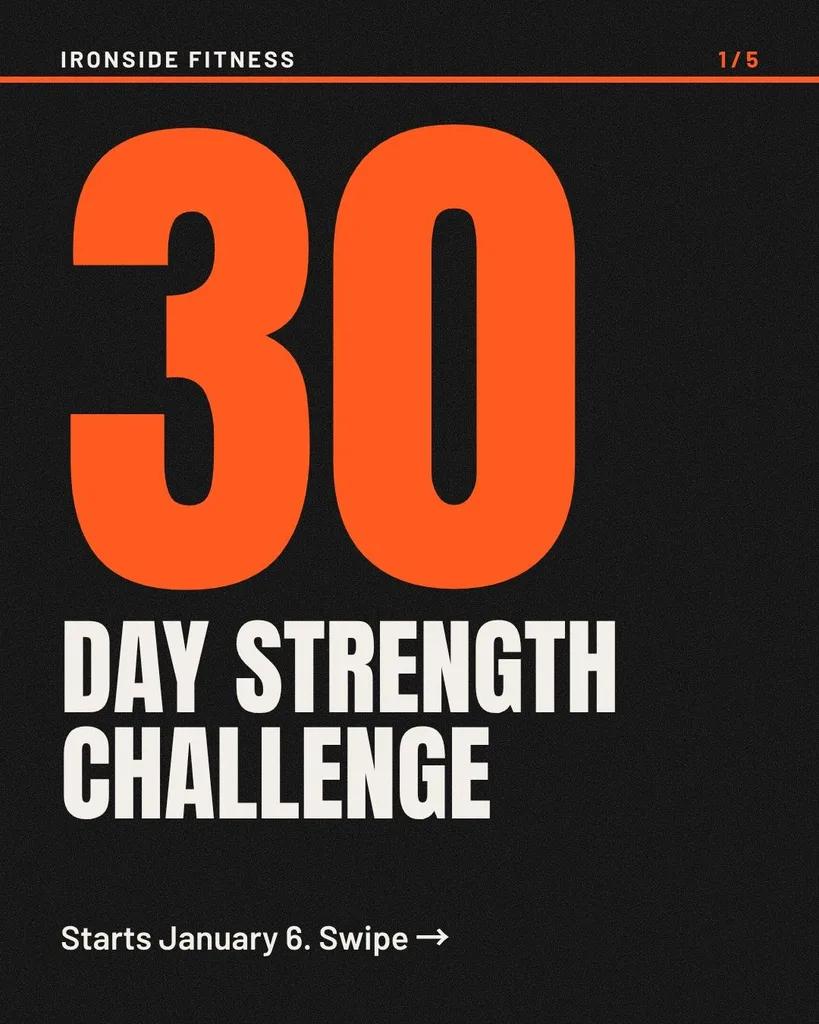
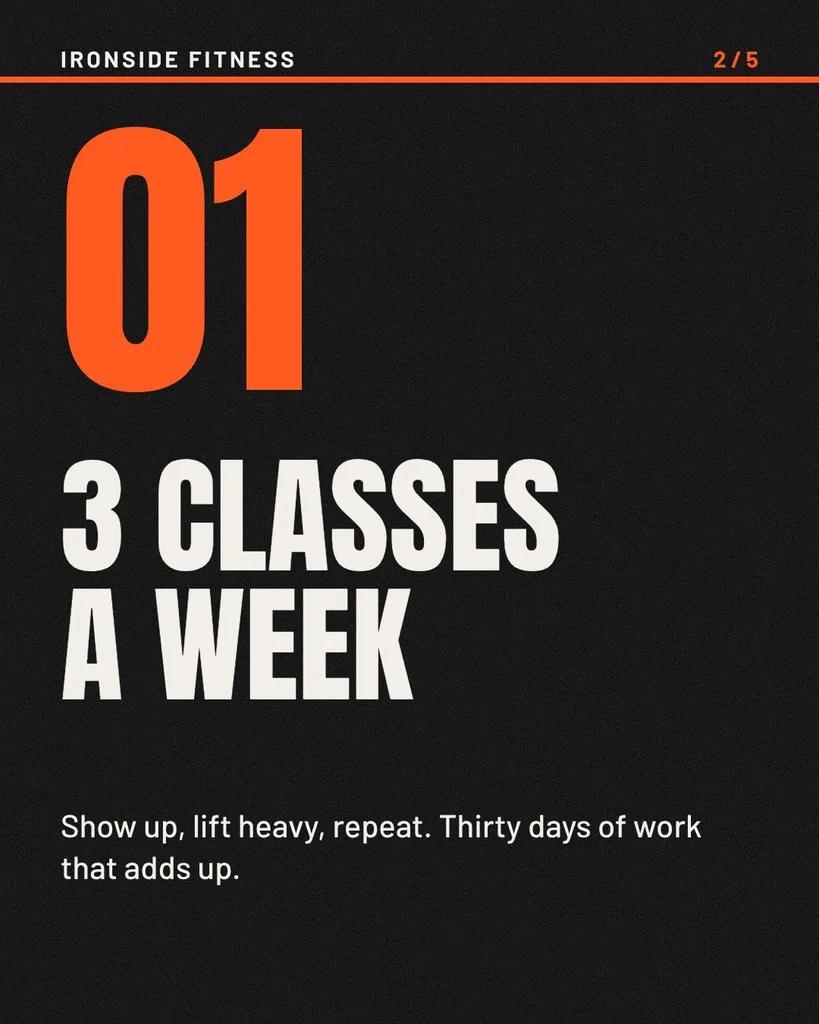
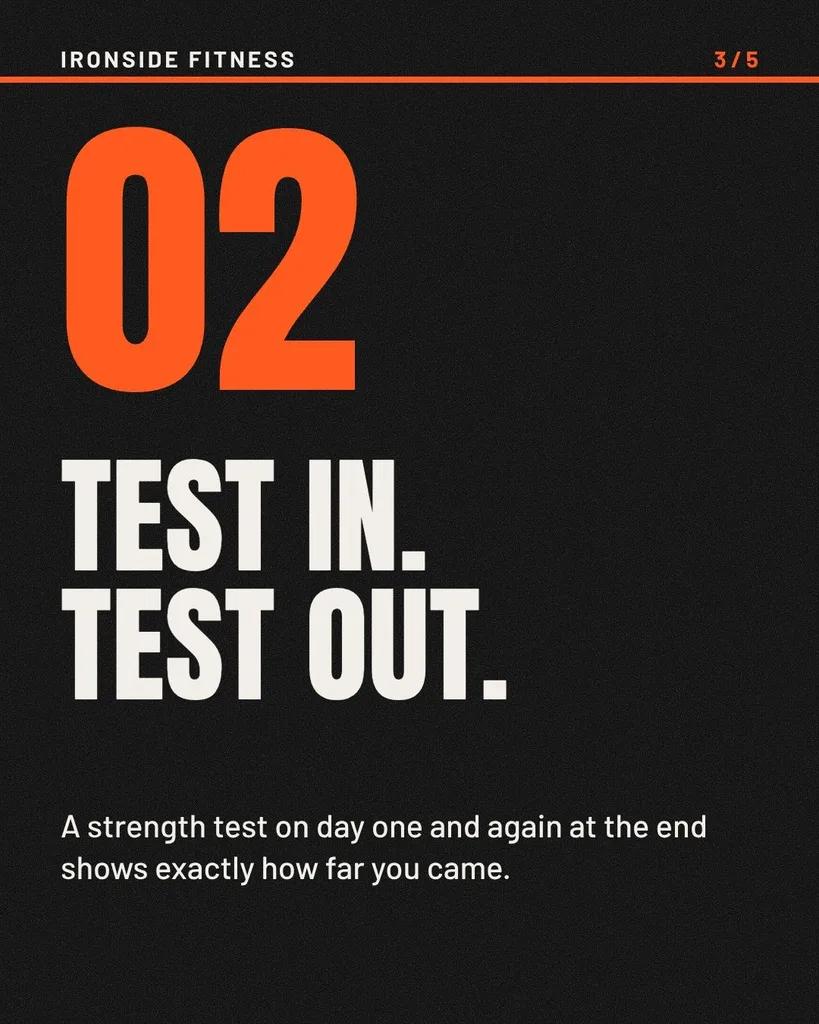
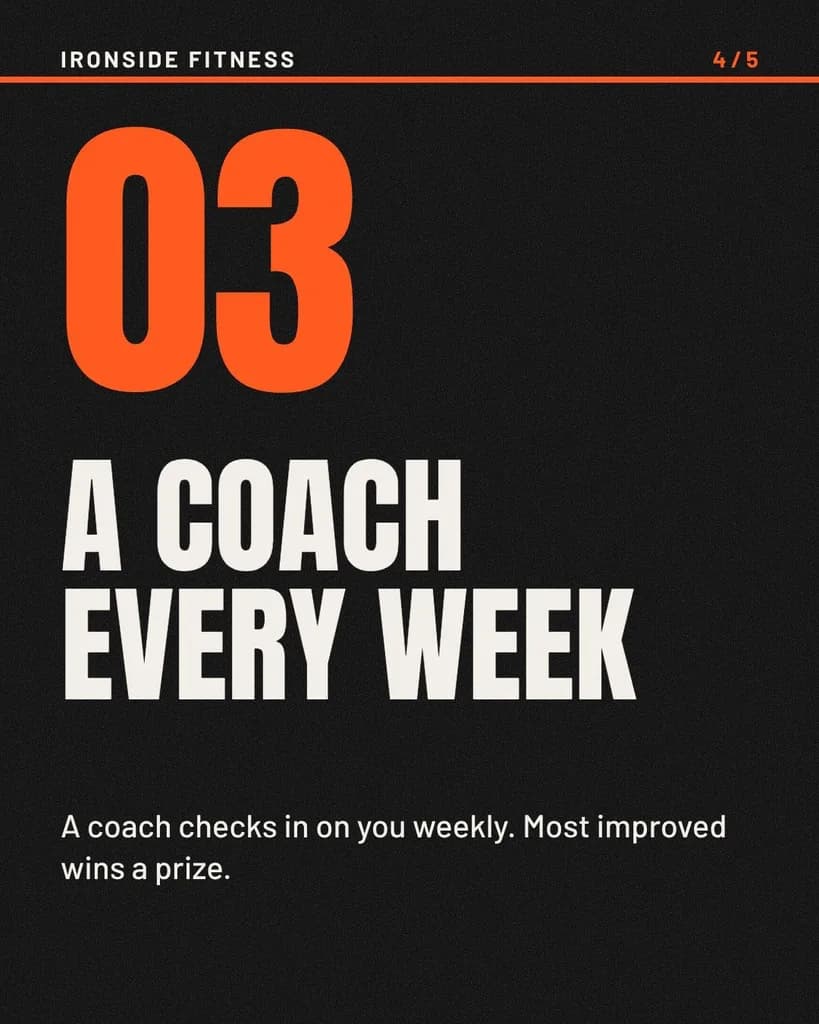
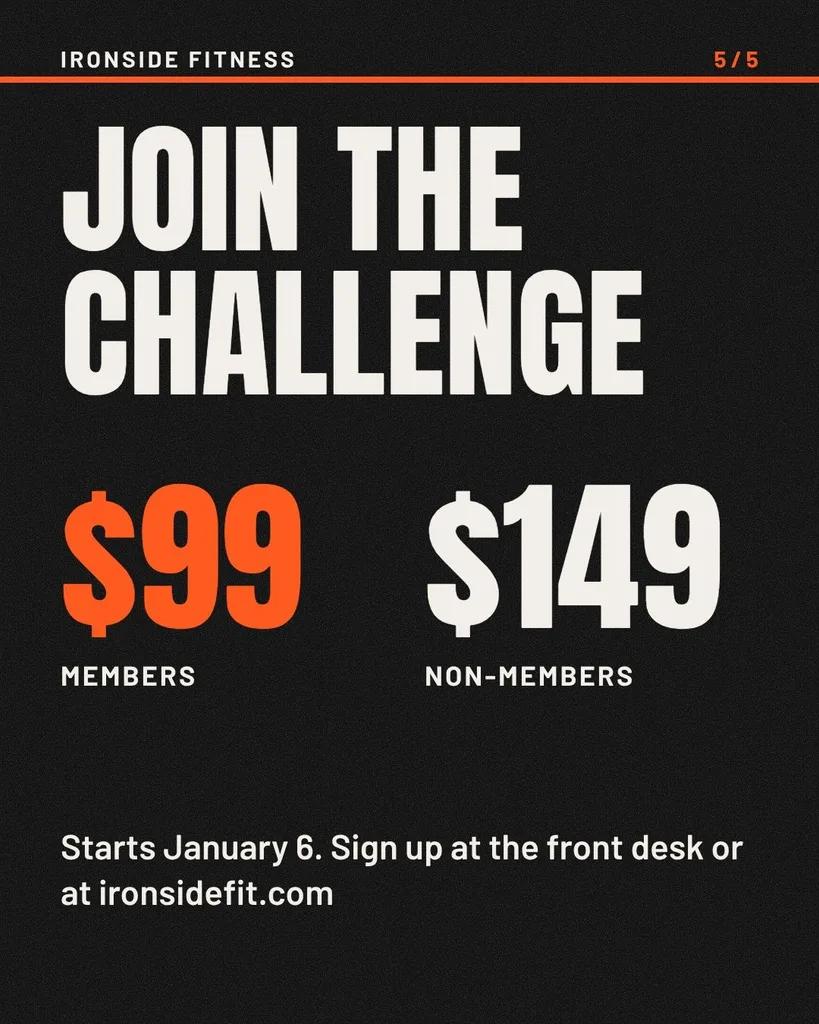
Gym strength challenge
Carousel for Ironside Fitness: our 30-day strength challenge starts January 6. Three classes a week, a starting and ending strength test, and a coach checking in every week. $99 for members, $149 for non-members, prize for the most improved. Sign up at the front desk or ironsidefit.com. Gritty and motivating.
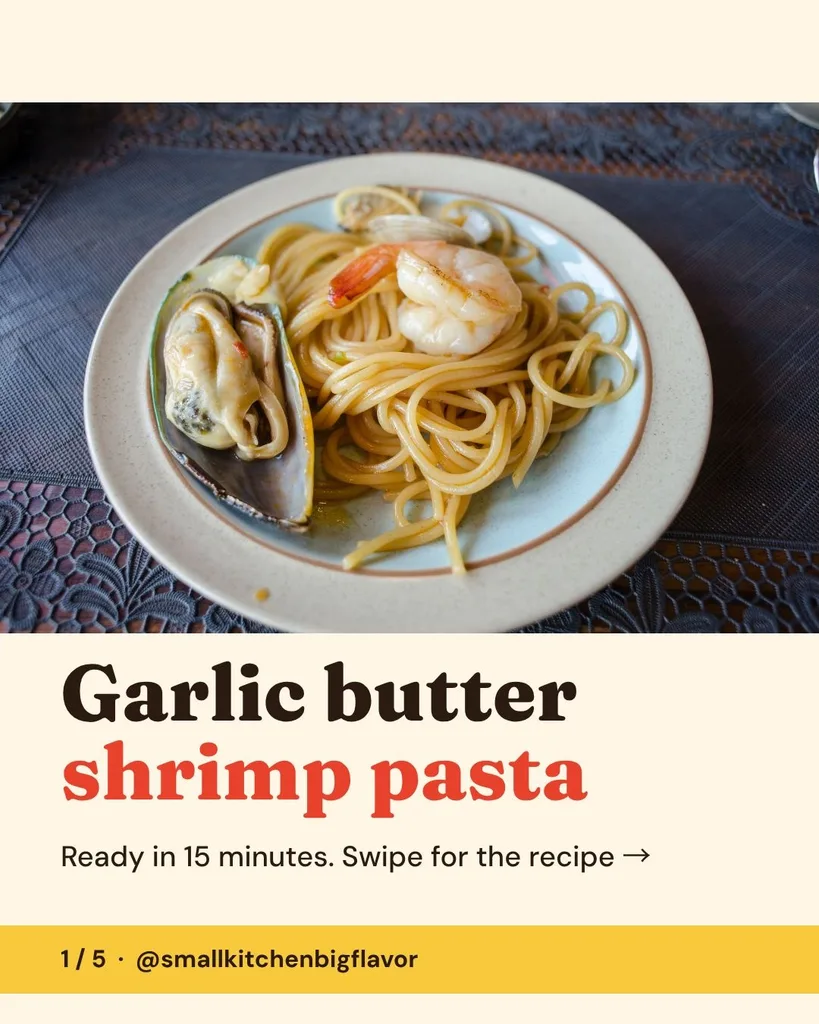
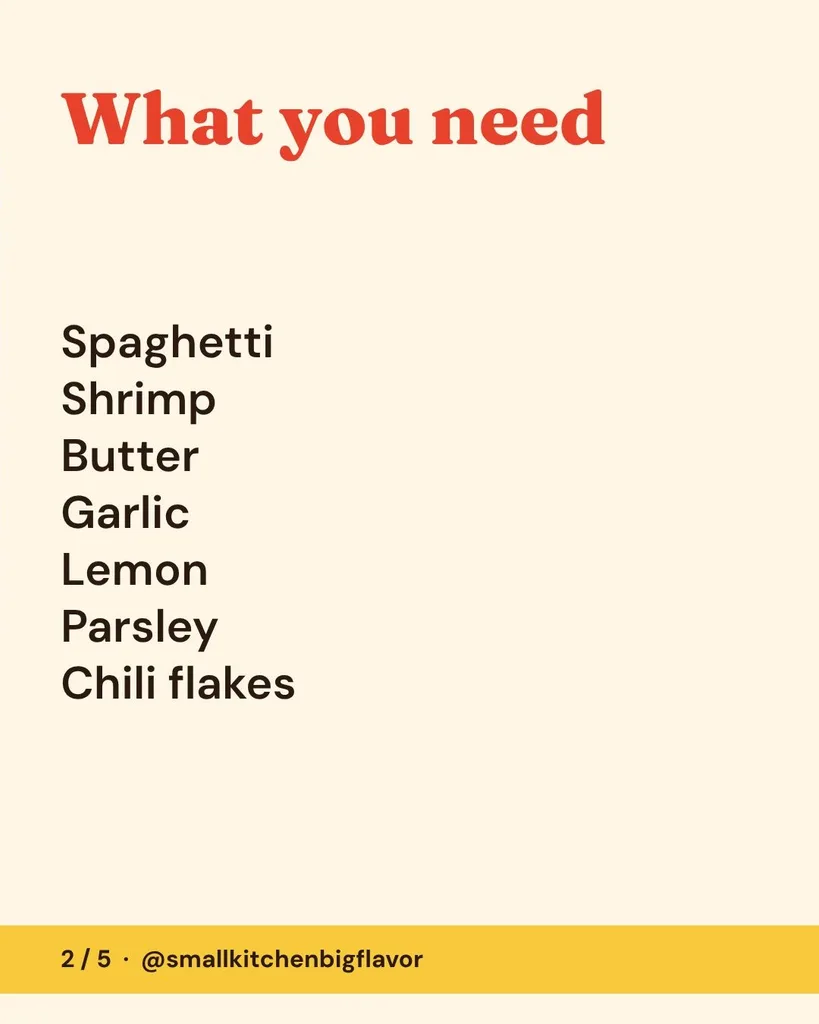
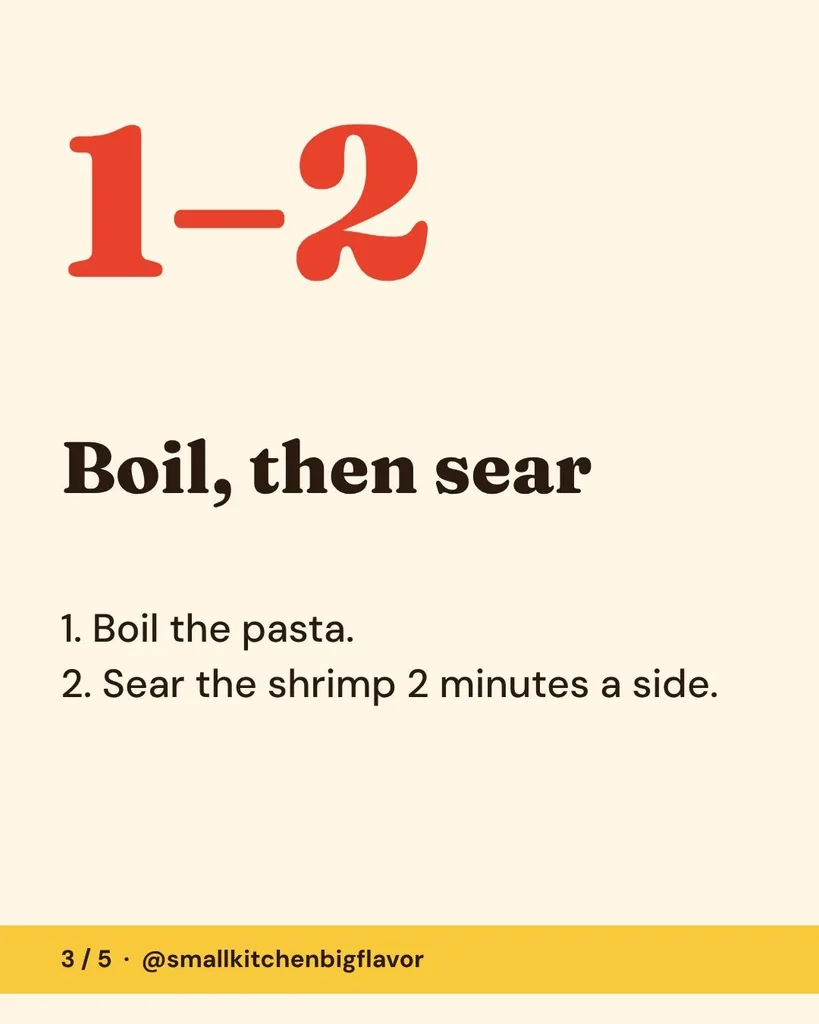
Recipe for a food account
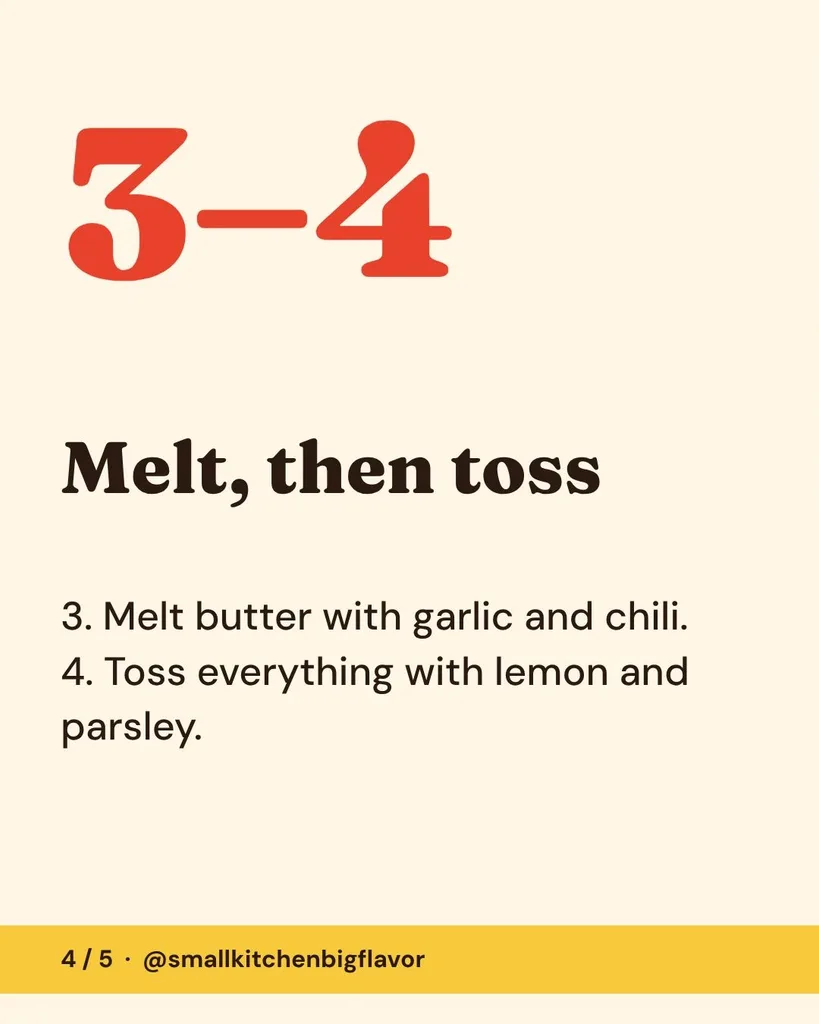
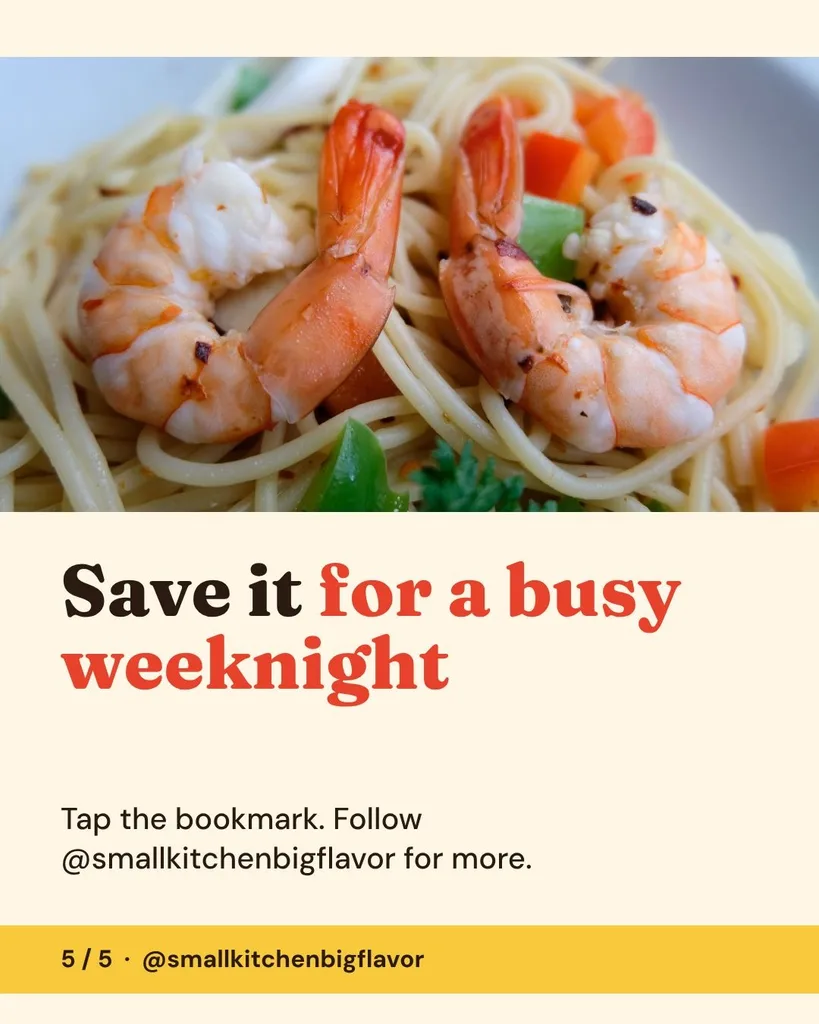
Recipe carousel for my food account @smallkitchenbigflavor: 15-minute garlic butter shrimp pasta. Ingredients: spaghetti, shrimp, butter, garlic, lemon, parsley, chili flakes. Steps: boil the pasta, sear the shrimp 2 minutes a side, melt butter with garlic and chili, toss everything with lemon and parsley. Last slide: save it for a busy weeknight. Bright and appetizing.
How to make an Instagram carousel with Krumzi
The box above is the real thing. Here's how a few lines become a carousel you can post today.
- 01
Describe it.
Say what the post is about and give your points, one per slide, with any prices, dates and your handle. Add your logo and colors if you like.
- 02
Watch it build.
Krumzi writes the hook and the slide text from your brief and lays out all five slides as one design, so the swipe reads as one post. It usually takes 1 to 3 minutes.
- 03
Fix it, download it, post it.
Move, resize or retype anything first, free. Then download the five slides as PNGs in one ZIP, with a watermark and no signup, and post them in order.
- 04
Want more? Start the trial.
Ask for changes in plain words, like "punchier hook" or "add a slide about pricing", or change colors, fonts and photos in the full editor. Make up to 20 slides, a square, TikTok or LinkedIn version, and the matching story. It's the 3-day free trial: card needed, no charge until day 4. Downloads are clean once your plan starts.
 Krumzi
Just listed carousel for a client, realtor Dana Brooks at Harbor Realty. 3 bed, 2 bath craftsman at 27 Willow Lane, 1,850 sq ft, listed at $489,000. Updated kitchen, big fenced backyard, walk to Lincoln Park. Open house Saturday 1 to 3 PM. Call Dana at (555) 208-4410. Elegant and calm.
Just listed carousel for a client, realtor Dana Brooks at Harbor Realty. 3 bed, 2 bath craftsman at 27 Willow Lane, 1,850 sq ft, listed at $489,000. Updated kitchen, big fenced backyard, walk to Lincoln Park. Open house Saturday 1 to 3 PM. Call Dana at (555) 208-4410. Elegant and calm.
 Made with Krumzi
Each slide carries a small Made with Krumzi mark. Downloads are clean once your plan starts.
Make the price bigger
AI changes come with the 3-day free trial.
Free, no signup. One carousel a week: move, resize and retype anything, then download all five slides with a watermark.
Carousel sizes for Instagram, TikTok and LinkedIn
This tool makes the Instagram portrait carousel: 5 slides at 1080 x 1350 (4:5). Square, 3:4, TikTok and LinkedIn carousels, and up to 20 slides, come with the 3-day free trial (card needed, no charge until day 4).
Every slide takes the first slide's shape. Instagram crops the whole carousel to the first slide, so all five slides here share one size. One post holds up to 20 photos and videos.
A LinkedIn carousel is a document post: a PDF whose pages are all the same size. "Email me a copy" sends your free carousel as one PDF, with the watermark, and LinkedIn takes it as a document.
TikTok photo carousels hold up to 35 photos. In the trial, Krumzi makes them at 9:16, 1080 x 1920.
Limits from Instagram's, LinkedIn's and TikTok's own help pages, read November 2026. For every Instagram size and crop, see the Instagram carousel size guide.
| Carousel | Slide size | Shape | Most per post | In Krumzi |
|---|---|---|---|---|
| Instagram portrait | 1080 x 1350 px | 4:5 | 20 slides | This tool, free: 5 slides |
| Instagram square | 1080 x 1080 px | 1:1 | 20 slides | In the trial, up to 20 slides |
| Instagram tall portrait | 1080 x 1440 px | 3:4 | 20 slides | In the trial, as a custom size, up to 10 slides |
| TikTok photo carousel | 1080 x 1920 px | 9:16 | 35 photos | In the trial, up to 20 slides |
| LinkedIn document post | One size for every page; Krumzi's is 1200 x 1200 px | Your choice | 300 pages | In the trial, up to 10 slides, as a PDF |
This week's carousel, then next week's
One carousel is one post. The job is every week: the Tuesday tip, the new menu, each new listing.
In the 3-day free trial (card needed, no charge until day 4), ask for next week's carousel or the matching story and it comes back in the same look. Krumzi learns your brand from your website or a few taps, and on any paid plan you can schedule the post to Instagram from Krumzi.
Posting for clients? On Pro and up, each client gets their own brand in Krumzi, so each client's carousels keep their own look.

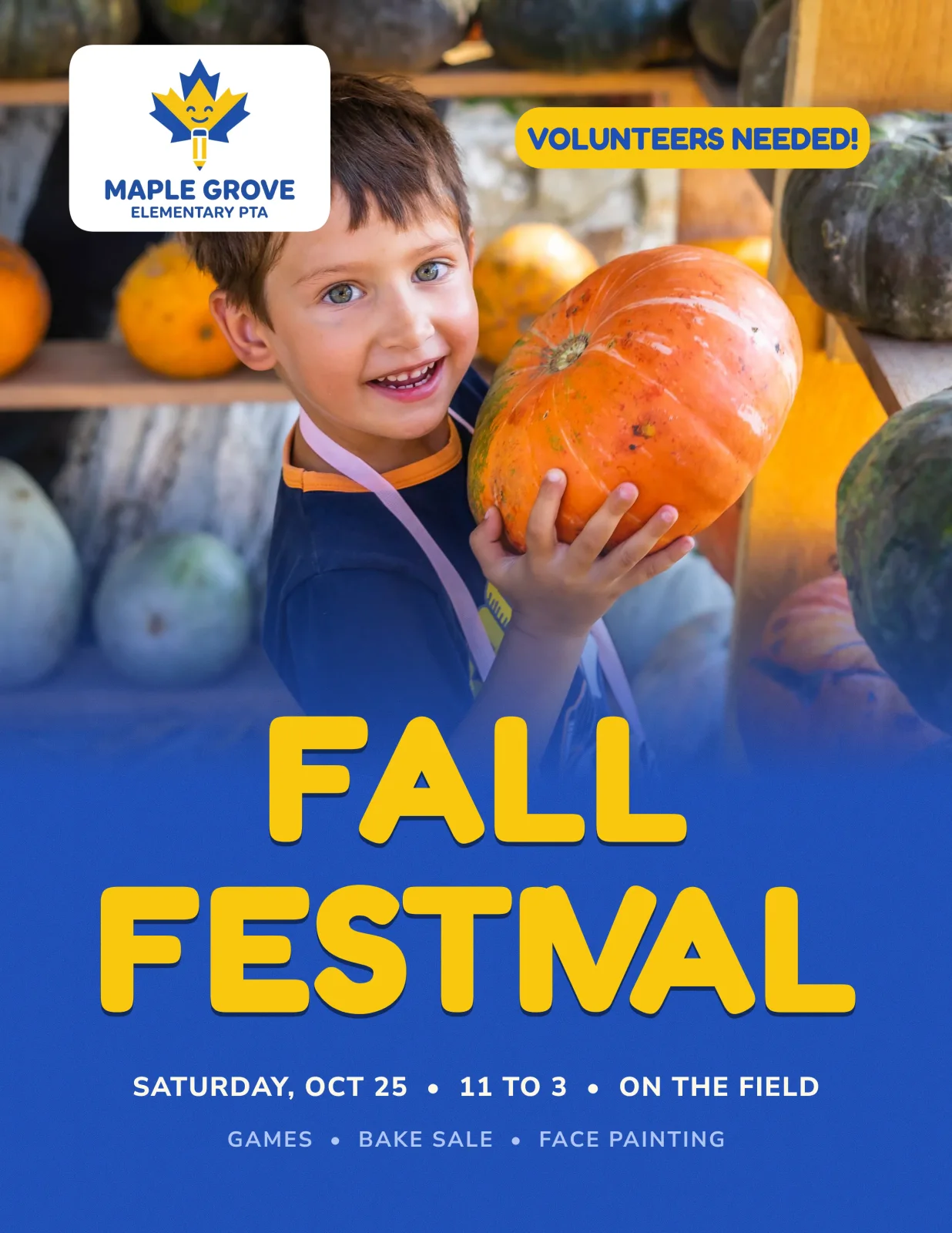

Carousel ideas for social media managers, creators and local businesses
If you post every week, for clients or for your own account, there's a carousel in it.
Social media managers and agencies
Each client's tips, launches and offers, in that client's look.
Realtors and their marketers
Just listed, open houses and the neighborhood, one photo per slide.
Coaches and creators
Tips, mistakes to avoid, myths and how-tos for the account you're growing.
Food accounts
Recipes with the ingredients and the steps, a slide at a time.
Cafés, restaurants and shops
New menus, specials, product drops and opening hours.
Gyms, studios and classes
Challenges, class schedules, prices and how to sign up.
Krumzi vs other carousel makers
Some carousel makers write the slides for you, some hand you a template, and some only split a photo. Here's what each one gives you free, checked on its own pages.
Updated November 2026| Writes the slides for you | Account needed | What's free | Watermark on the free file | |
|---|---|---|---|---|
| Krumzi | Yes: the words and the design of all 5 slides | No | One design a week across Krumzi's free design tools: 5 slides at 1080 x 1350, as PNGs | Yes, a small mark on each slide |
| WaveGen | Yes, with a free account | For the AI | 10 AI posts with a free account; template edits without one | Yes |
| PostNitro | Yes | To save your work | Up to 5 slides, 5 downloads a month | Yes |
| aiCarousels | Yes, once | Not to try it | One try, up to 8 slides, with no download | No free download |
| Carousel Maker (carouselmaker.com) | Yes | No | Build and export | Signed out, on the slides after the cover; a free account removes it |
| Canva | Templates, plus AI through apps like Carousel Studio | Yes | Free templates and a monthly limit on AI uses | Only on Premium elements |
| CreatorFlow | No, you type each slide | No | Up to 10 text slides as 1080 x 1350 PNGs | No |
Want to type your own text slides with nothing on them? CreatorFlow does that free. Want a template to fill in yourself? That's Canva. Krumzi is for when you want the carousel written and designed from a few lines, then next week's in the same look.
Krumzi's plans are monthly or yearly. Starter, Pro and Studio start with a 3-day free trial. You add a card, pay nothing today, and your plan starts on day 4 unless you cancel. See plans.
From each tool's own pages, read on November 5, 2026. Canva's pages blocked our reader, so its row rests on Google's copy of Canva's help pages. Plans change, so check before you rely on it.
Krumzi carousel maker facts
- Makes
- A 5-slide Instagram carousel: a cover with the hook, three slides with one point each, and a last slide with your call to action.
- Size
- Five portrait slides, 1080 x 1350 pixels (4:5), designed side by side as one carousel.
- From
- A few lines about your post: the topic, your points, any prices and dates, and your handle, plus your logo and up to three brand colors if you like.
- Words
- Krumzi writes the hook and the slide text from your brief, and it's set up to use only the names, prices, dates and handles you type.
- Time
- Usually 1 to 3 minutes. You watch it build.
- Free
- One free design a week across Krumzi's free design tools. No signup. Move, resize, rotate and retype anything, then download the five slides as full-size PNGs in one ZIP, each with a small watermark.
- Emailed copy
- "Email me a copy" sends the five slides as one PDF, with the same watermark.
- Saved
- Your free carousel stays on your device for 14 days. If a build fails, trying again doesn't use your free design.
- Other sizes
- This tool makes Instagram 4:5 only. Square, 3:4, TikTok 9:16 and LinkedIn sizes, and up to 20 slides, come with the 3-day free trial (card needed, no charge until day 4).
- The 3-day free trial adds
- Changes in plain words, the full editor (colors, fonts, photos, adding things), more slides and sizes, and the matching story. Card needed, no charge until day 4.
- Clean files
- Once your plan starts: every slide as a PNG in a ZIP, or the whole carousel as one PDF.
- Scheduling
- On any paid plan, schedule the carousel to Instagram or Facebook from Krumzi.
- Across the slides
- All five slides are designed on one wide canvas, so a line or a shape can run across a slide edge. Krumzi doesn't cut a photo you already have into slides; an image splitter does that.
- How it's made
- The same design engine as the Krumzi app. Each carousel is built from your brief, not filled into a template.
- Use
- Everything you make with Krumzi is yours to use, personally or commercially.
- Updated
- November 2026.
Instagram carousel maker FAQ

Yes. Krumzi's Instagram carousel maker makes one free carousel a week with no signup, shared across Krumzi's free design tools. You describe it, watch all five slides build in 1 to 3 minutes, move, resize and retype anything on it yourself, and download the slides with a watermark. To ask for changes in plain words or open the full editor, start the 3-day free trial: card needed, no charge until day 4. Downloads are clean once your plan starts.
No. You can make your carousel, change it by hand and download the five slides without an account or an email address. They download with a watermark, and the carousel stays saved on your device for 14 days. You only sign up to ask for changes in plain words, open the full editor, add slides, change the size or make more, which starts the 3-day free trial: card needed, no charge until day 4.
Yes. Once your carousel is built, select any part on any slide to move, resize, rotate or delete it, and double-click any text (tap twice on a phone) to retype it, like the hook or a price. That part is free, with undo, and your edits are in the download. To change colors, fonts or photos, add things or slides, or ask in plain words, like "punchier hook", start the 3-day free trial (card needed, no charge until day 4).
This tool makes each slide 1080 x 1350 pixels, the 4:5 portrait shape. Instagram also takes square 1080 x 1080 and 3:4 1080 x 1440 slides, up to 20 in one post, and crops every slide to the first slide's shape, so keep them all one size.
Yes. Each slide of the free carousel has a small Made with Krumzi mark in the corner, and so does every download during the 3-day free trial (card needed, no charge until day 4). Your files are clean once your plan starts, on day 4 or sooner if you start it early. Then you can download every slide as a PNG or the whole carousel as one PDF.
ChatGPT is good at writing carousel text: the hook, the points and the caption. It can also make a picture of a slide, but the words come back baked into the picture, so a typo means a new image, and getting five slides that match, at 1080 x 1350 and in order, is up to you. Krumzi writes the text from your brief and designs all five slides as one carousel, with every word as real text you can retype, free.
No. Krumzi doesn't fill in a template. It designs each carousel from scratch for your brief, so posts about different things come out laid out differently, like the six examples on this page. Canva is a good choice when you'd rather pick a template and fill it in yourself, and its Carousel Studio app adds AI inside Canva.
It depends on what you want it to do. If you want the slides written and designed from a few lines with no signup, Krumzi makes one free carousel a week, with a watermark. aiCarousels, PostNitro and WaveGen also make carousels from a prompt, each with its own free limits, and Canva adds AI through apps like Carousel Studio. ChatGPT can write the text. We checked each on its own pages in November 2026, and plans change.
Start a new feed post in Instagram, choose to select more than one photo, and tap them in the order you want people to swipe, up to 20. Pick one crop for all of them, since every slide takes the first slide's shape, then write one caption and share. To make the slides themselves, describe your post in the box at the top of this page and Krumzi designs five 1080 x 1350 slides in 1 to 3 minutes.
A carousel lets one post hold several slides that people swipe through, so you can make a point in steps: a list of tips, a recipe, a menu, a home tour or a how-to. The first slide's job is to earn the swipe, and the last slide's job is to ask for one thing, like a save, a follow or a booking.
On Instagram, a carousel is one post of up to 20 photos or videos that people swipe through at their own pace. A slideshow usually means a video that plays the images one after another, often with music. TikTok's photo mode mixes the two: TikTok describes it as carousel posts of still images that play one after another.
Instagram keeps building on them: a carousel now holds up to 20 photos and videos, up from 10 when carousels launched in 2017, and Instagram added the taller 3:4 shape in 2025. Whether they work for your account comes down to what's on them, a cover that earns the swipe and one clear point per slide, so compare the saves and shares on your own carousels against your single-image posts.
Give it one idea and a shape people can follow: a hook on the cover, one point per slide, a number or a line that carries across the swipe, and one ask at the end. Use real photos of the thing you're talking about rather than clip art, keep the words big enough to read on a phone, and keep every slide in the same colors and fonts. Krumzi designs carousels that way from your brief, so you can see one built before you change it.
On LinkedIn, a carousel is a document post: a PDF whose pages are all the same size. "Email me a copy" sends your free carousel as one PDF, with the watermark, and LinkedIn takes it as a document. For TikTok, Krumzi makes photo carousels at 9:16 (1080 x 1920) in the 3-day free trial (card needed, no charge until day 4), along with a 1200 x 1200 LinkedIn size.
Not on this free tool: it always makes five. In the 3-day free trial (card needed, no charge until day 4), Krumzi makes up to 20 slides for Instagram and TikTok and up to 10 for other sizes, and you can add or delete slides in the editor.
It's set up not to. Krumzi writes the hook and the slide text from your brief, but uses only the names, prices, dates and handles you type. AI can still slip on a detail, so read every slide before you post. If something's off, double-click it and retype it, free.
A line, a shape or a number can, because Krumzi designs all five slides on one wide canvas, so the swipe reads as one piece. It doesn't cut a wide photo you already have into slides; an image splitter does that.
Yes, in the 3-day free trial (card needed, no charge until day 4). In the Krumzi editor, add photos of your product, your food, your space or your people, and ask Krumzi to design the carousel around them.
Yes. Everything you create with Krumzi is yours to use, personally or commercially, on your own account or a client's.
More free design tools and guides

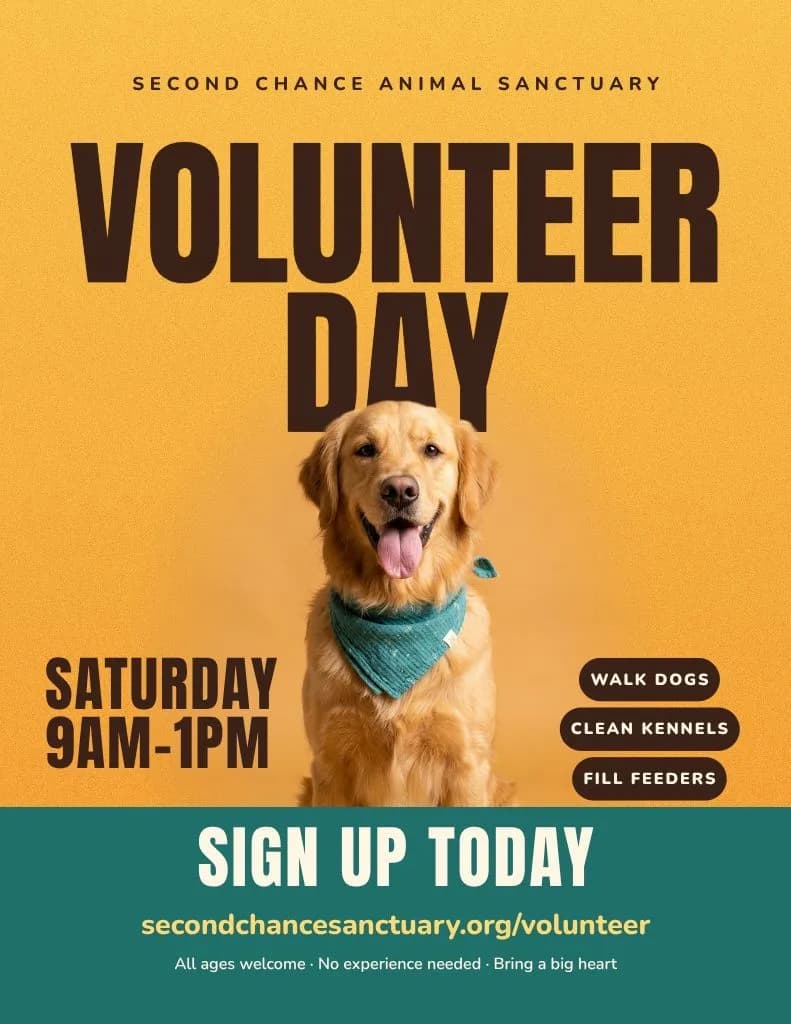
Five slides, ready to post, from a few lines.
Describe your post and watch all five slides build. It usually takes 1 to 3 minutes.