This week's school posts and flyers, made in your school's colors.
Write what's coming up: picture day, early dismissal, the winter concert. Krumzi designs the post, the story and the flyer for the take-home folder from scratch in your colors, with every date and time exactly as you wrote it.
3-day free trial, card needed.No charge until day 4.Cancel online anytime.
What should a school post each week?
A reminder for what's coming up, said once and plainly: picture day, a field trip, an early dismissal. A post and a flyer for each event. Something to celebrate, like a team win or the volunteers who ran the festival. And the key dates from your newsletter, posted again the day before. Keep it all in one look so families know it's the school before they read a word. Krumzi makes every piece from plain words in your school's colors, and keeps each date, time and room exactly as you wrote it.
Your school's week, ready before it starts
Reminders
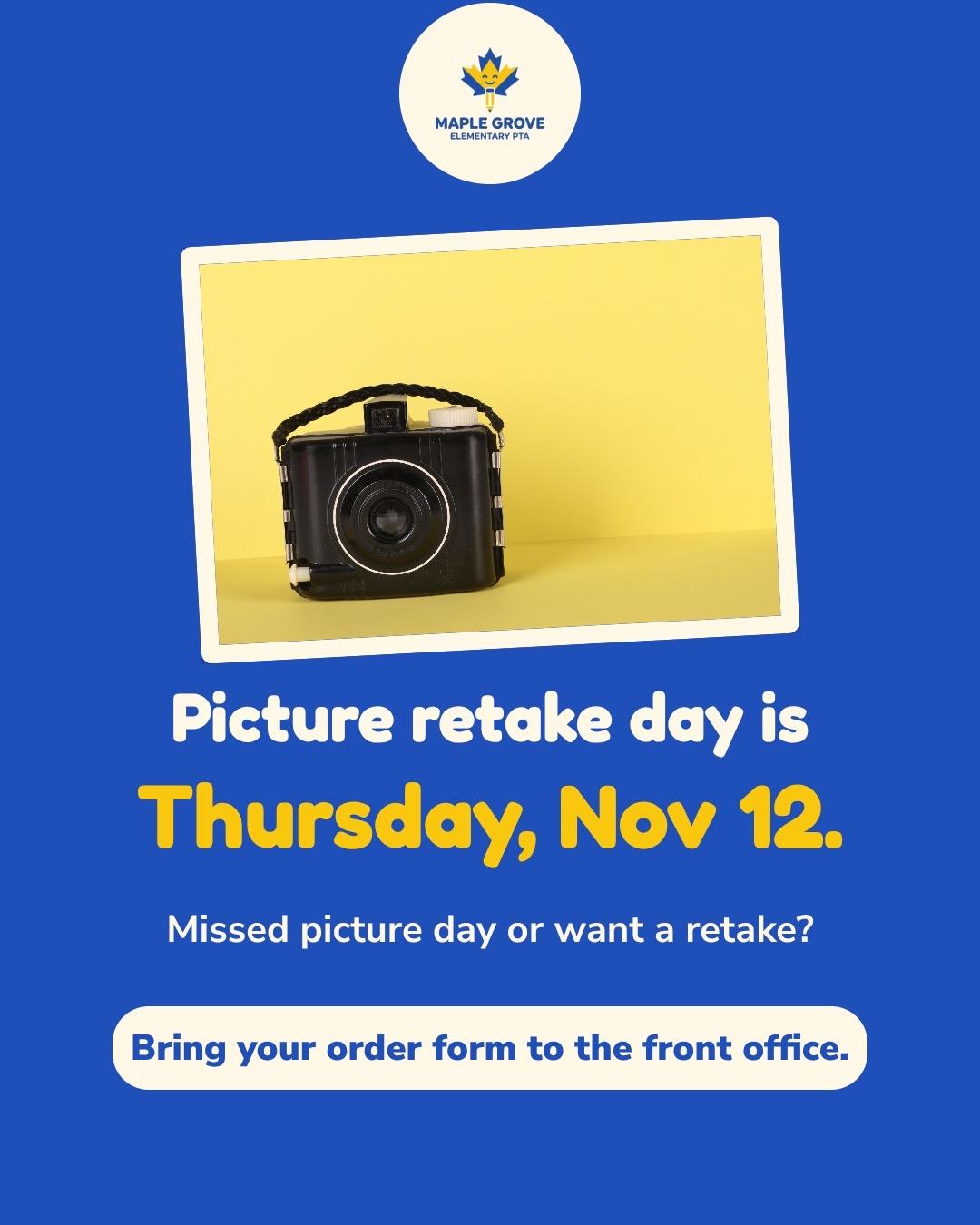
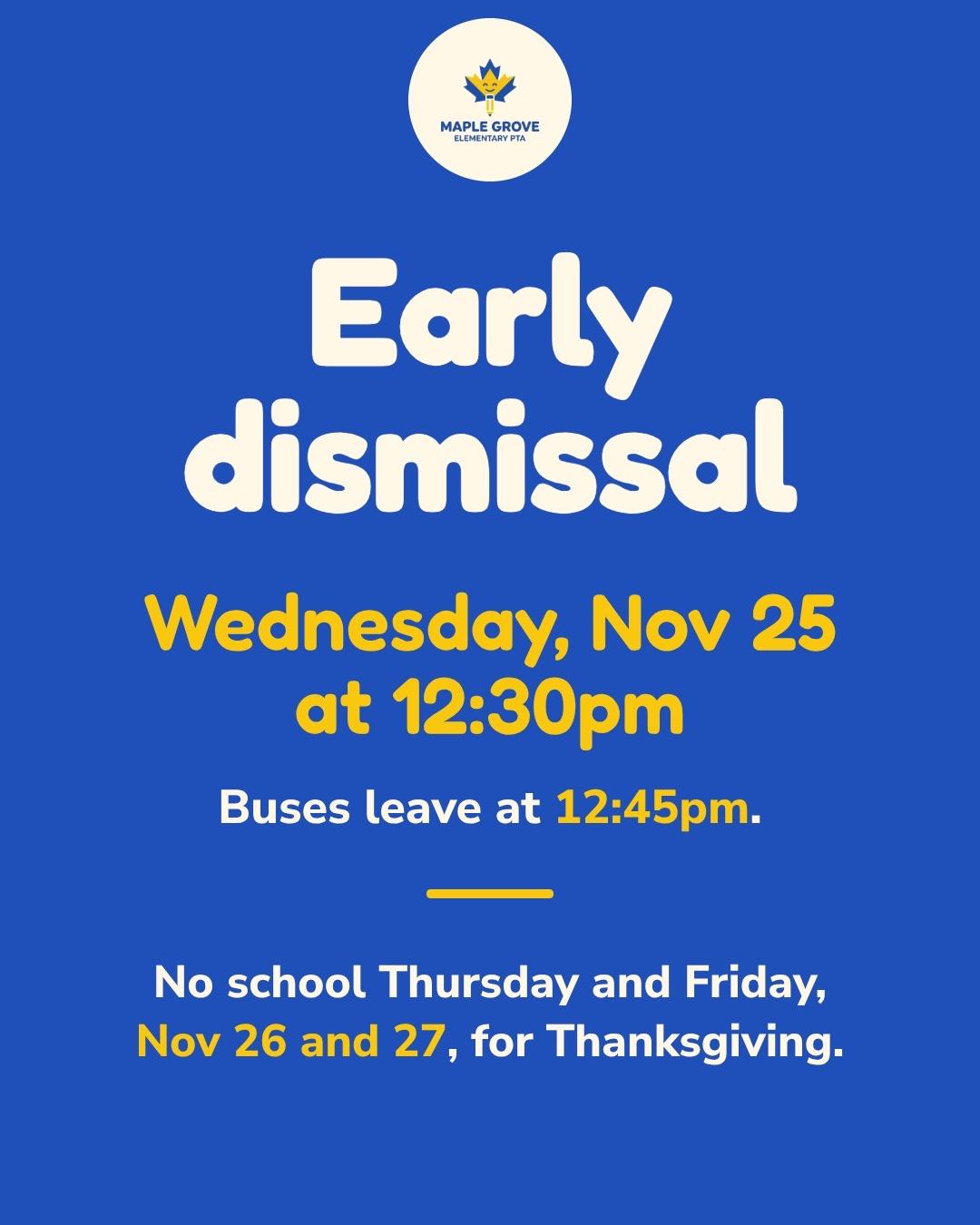
Picture day, early dismissal, no school Friday. Big, clear and in your colors, so nobody misses it.
Events
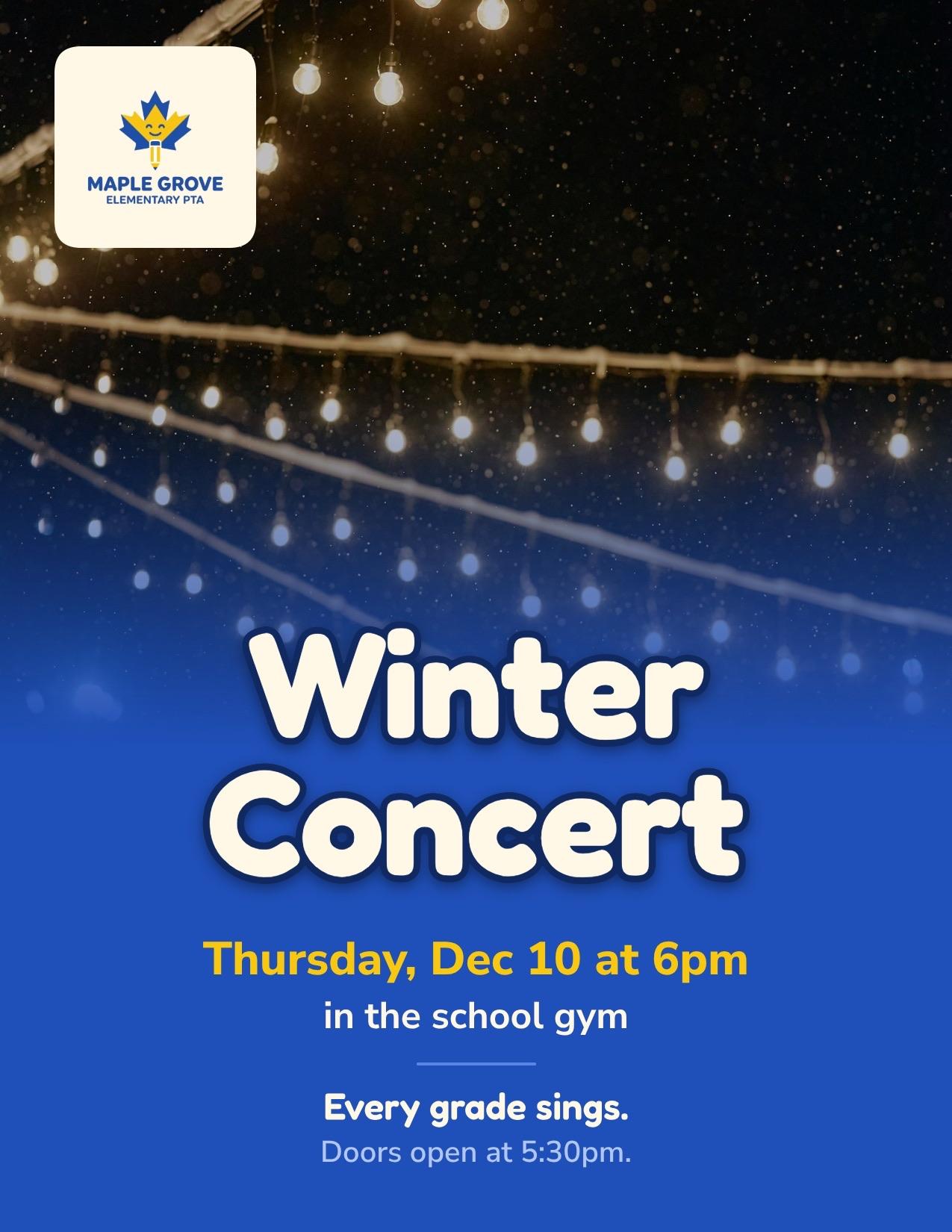
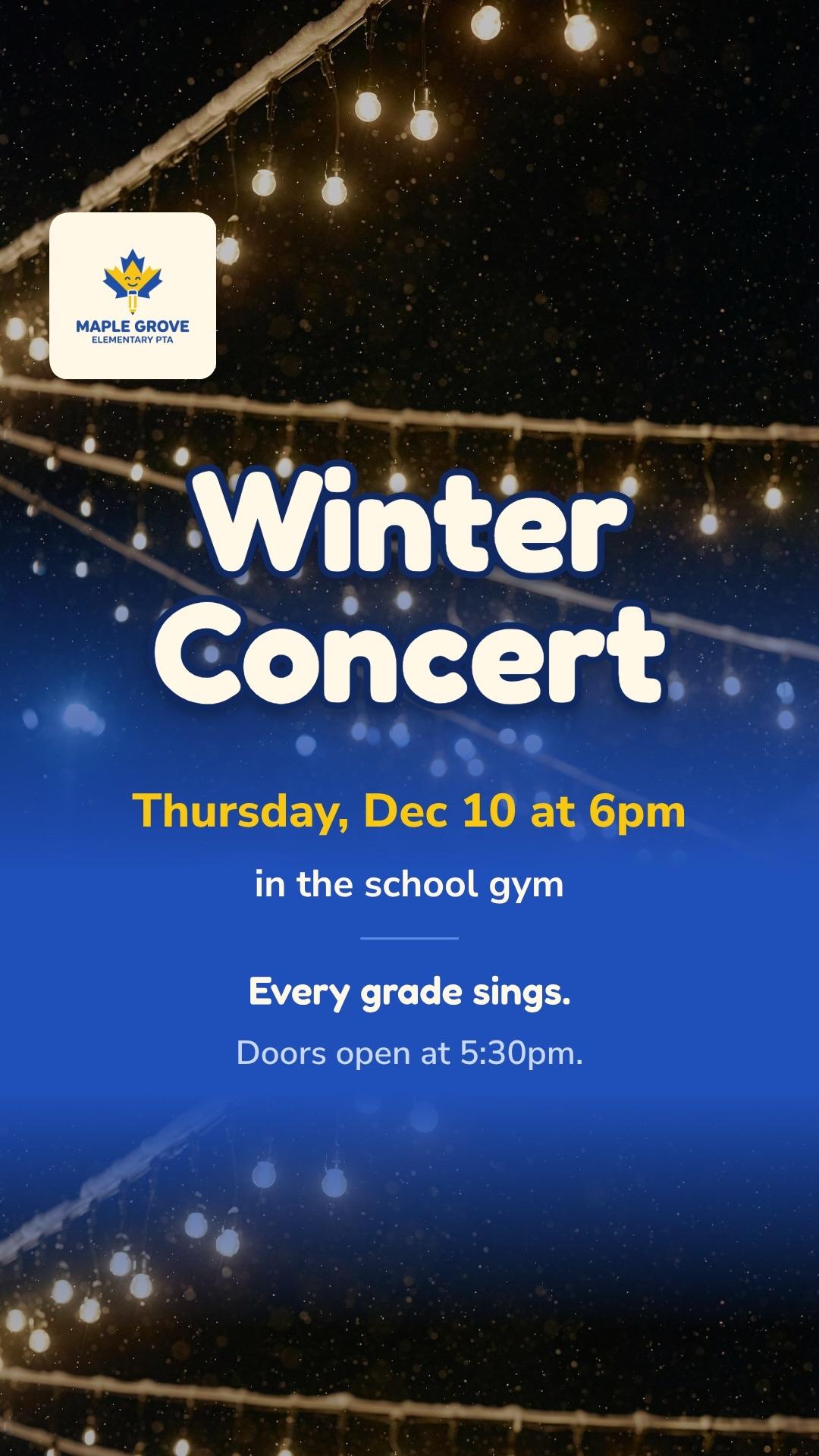
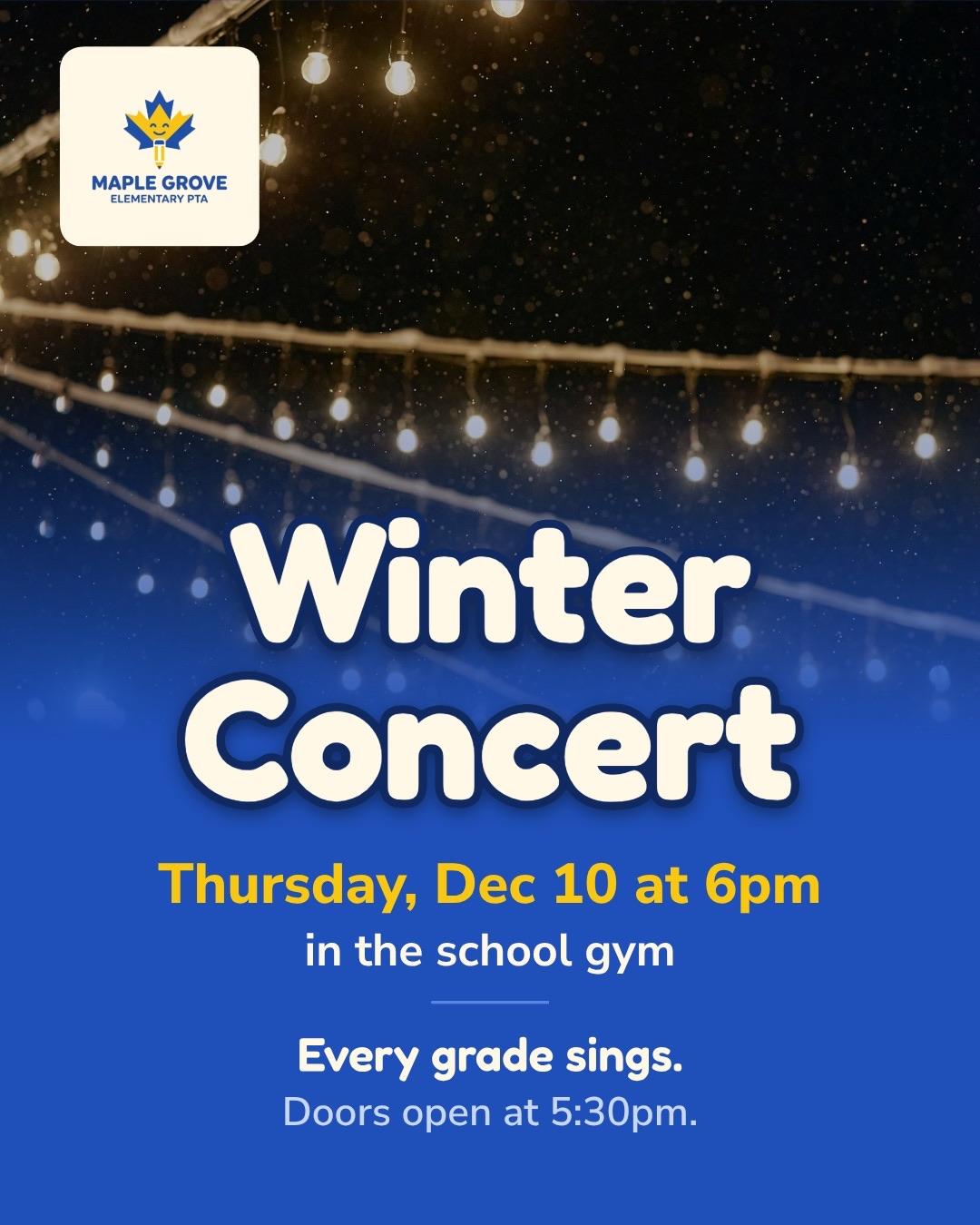
The winter concert, the fun run, back-to-school night. A flyer for the hallway and the take-home folder, and a post and a story for families online.
Celebrations
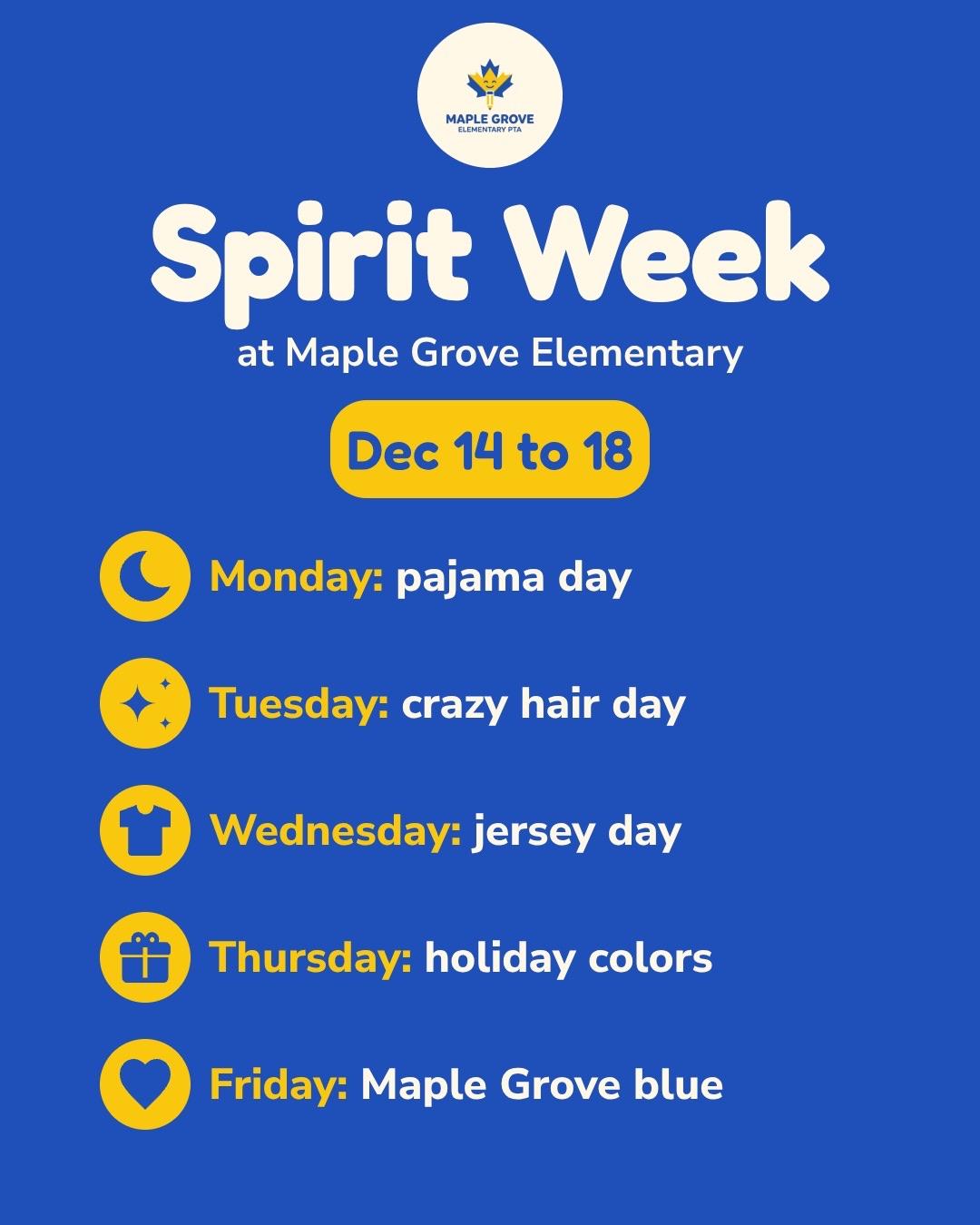
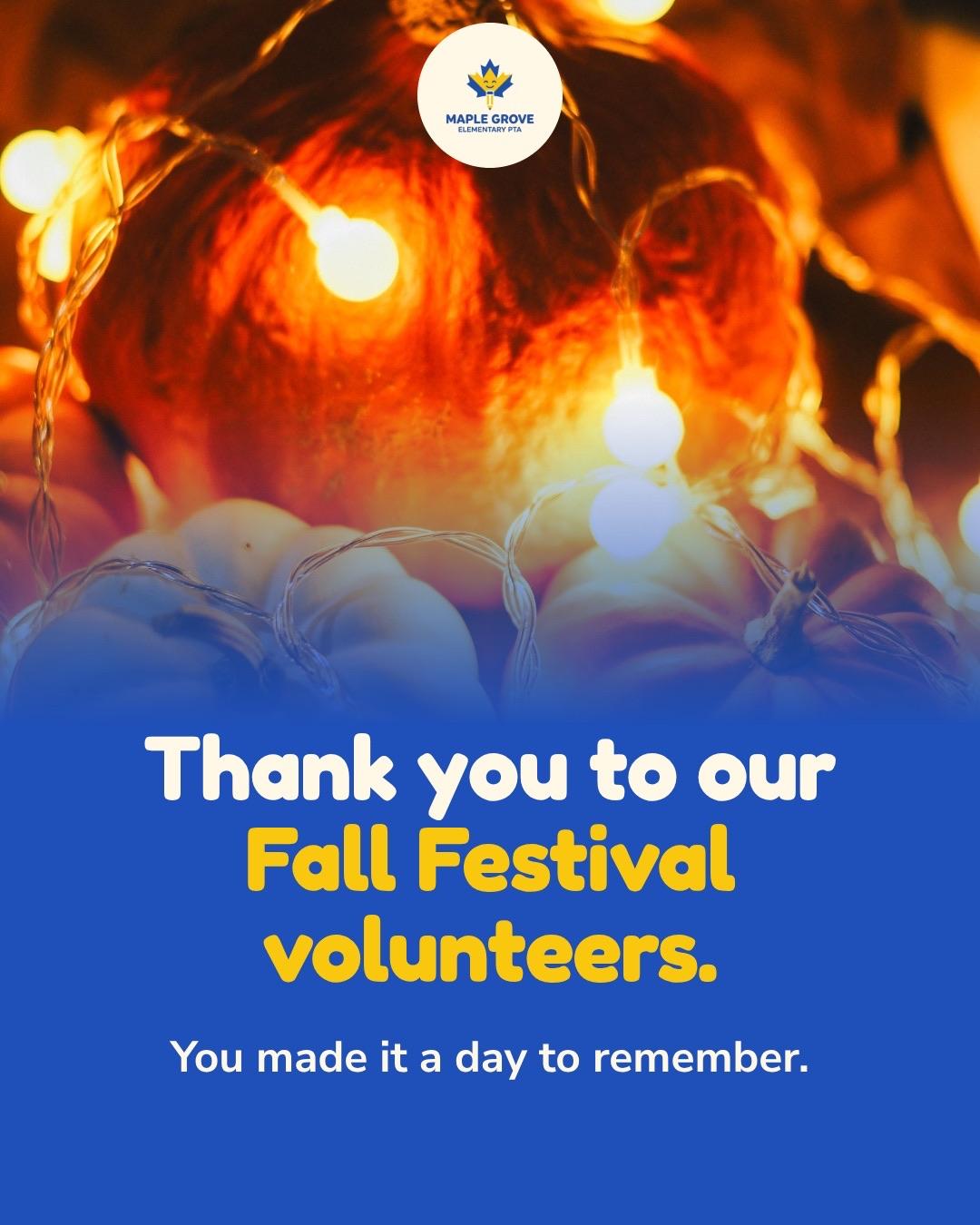
Spirit week, a team win, a thank-you to the volunteers who ran the festival. The good news worth a post of its own.
The newsletter
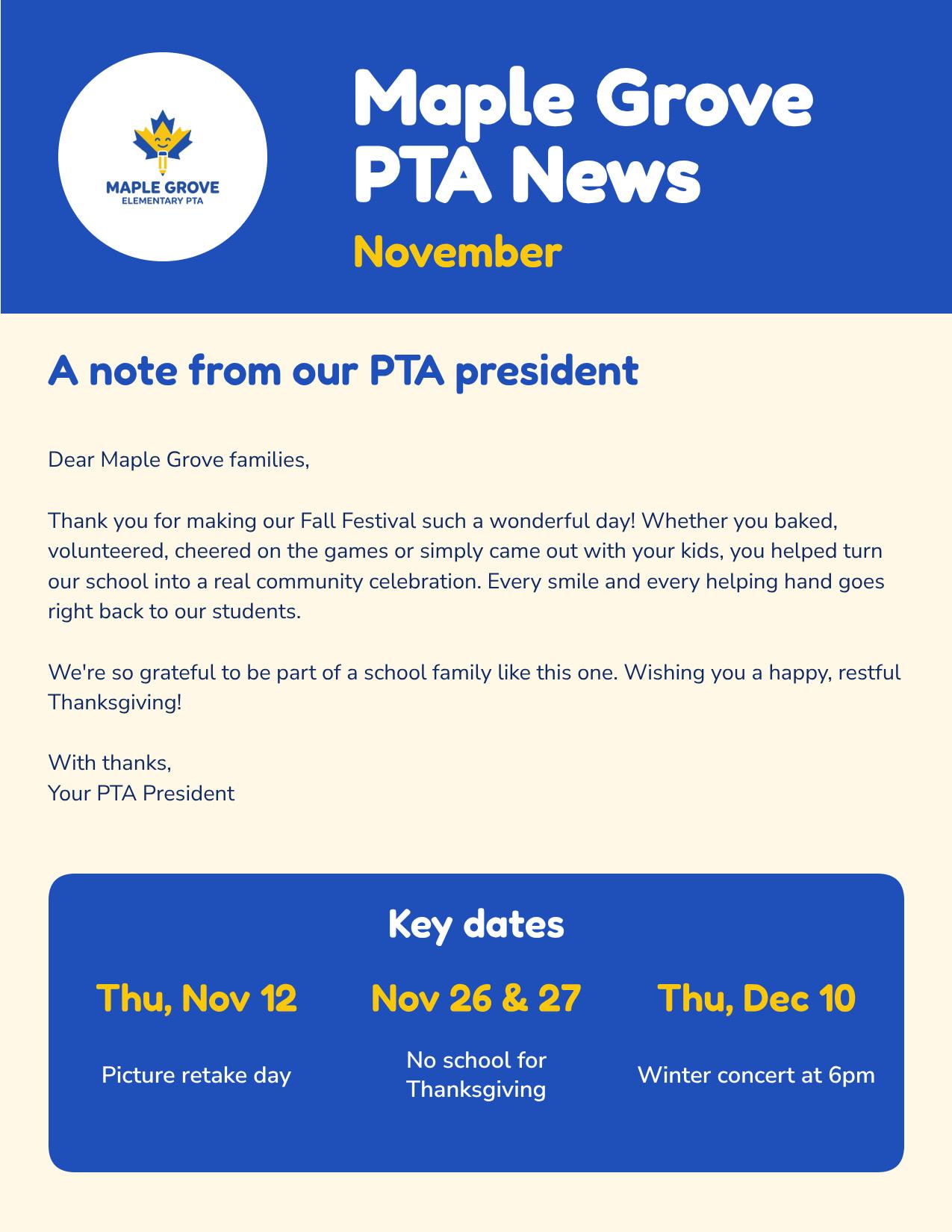
The monthly newsletter as a print-ready PDF for the take-home folder, and its key dates as a post.
Why not use a free template?
Canva for Education is free for K-12 teachers and has a template for almost everything. If you have it, keep it for that. The catch is that every school picks from the same templates, and you still fill in every date, resize it for the story and set up the flyer yourself.
Krumzi designs each piece for your school from what you write, and makes the post, the story and the flyer from the same design.
- Find a template
- Fill in the dates
- Swap the photo
- Resize for the story
- Set up the flyer
- Write what's coming up
- Get the post, story and flyer
- Change anything by asking
Every date and time, exactly as you wrote it
Krumzi keeps every date, time, room and name you give it, word for word. If plans change, say what changed and it fixes that design without touching the rest. Every version is kept, so you can always go back.
YouAdd that buses leave at 12:45pm
Your photos, or no pictures at all
Parents notice AI pictures. Add your own photos of the hallway, the field or last year's event, and Krumzi designs around them. Or turn off AI images for your school's brand, and it uses only your photos, stock photos and icons.
Looks like your school, every week
Add your logo, school colors and fonts once, and they go on every piece (Brand Kit, Pro and up). Brand Mind learns your look from your website and from what you keep. The PTA or a sports team can keep its own look too (Pro and up).
How it works
- 01
Write what's coming up
The event, the date, the time and the room. Type it or say it, and add your own photos or last year's flyer.
- 02
Make it yours
Click any part and say what to change, or move it by hand.
- 03
Post it
Schedule it to Instagram and Facebook, or download PNG, JPG or a print-ready PDF.
One school's month, start to finish
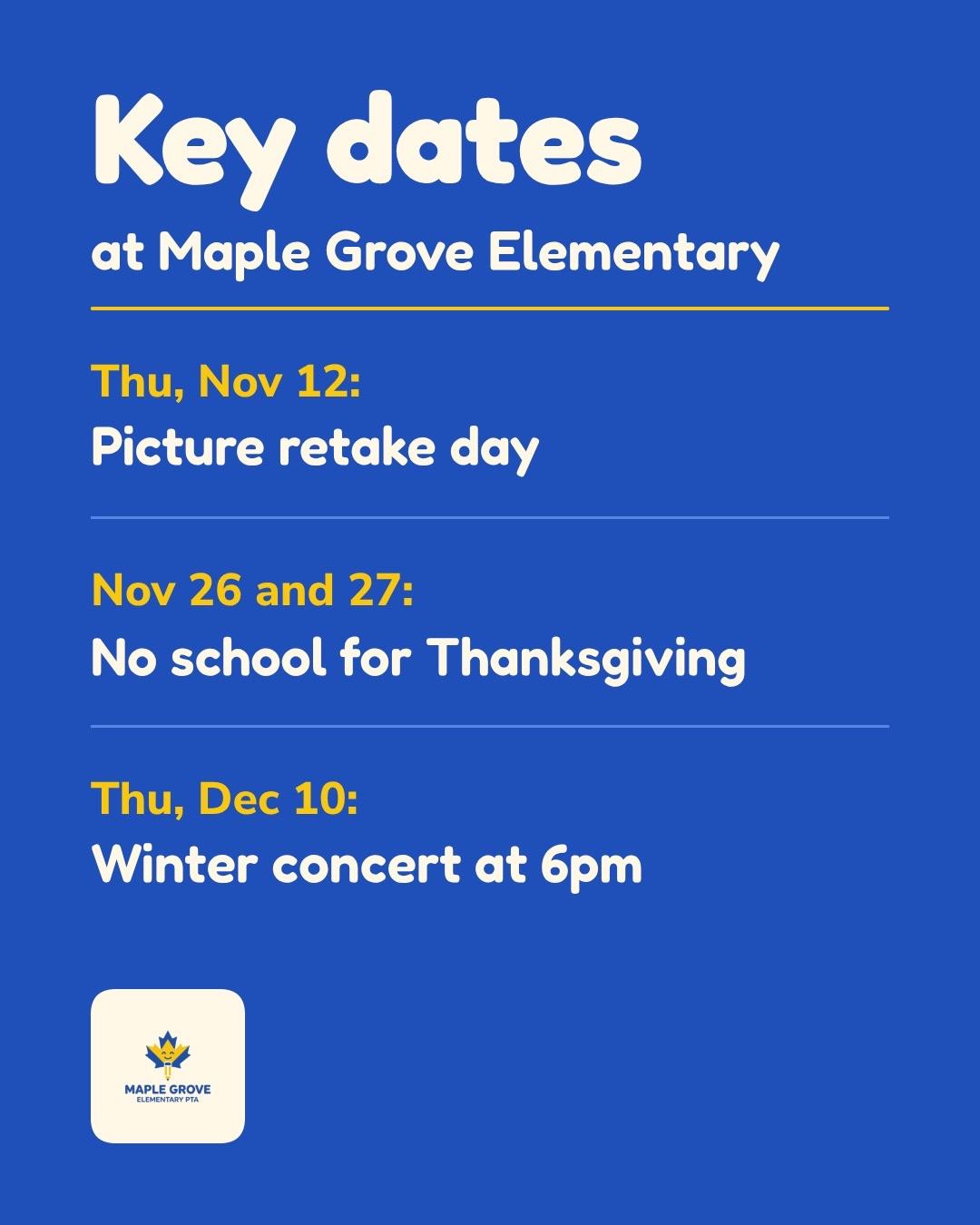
Picture retake day, an early dismissal, the winter concert's flyer and story, spirit week and a thank-you to the volunteers. One school's PTA, one look, written in plain words.
Example made in Krumzi.
Questions

Reminders for what's coming up, a post and a flyer for each event, the wins worth celebrating and the key dates from your newsletter. Keep them in one look so families know it's the school.
Yes. Upload them with the brief, and Krumzi builds the design around them.
Yes. Turn off AI images for your school's brand in Settings, and Krumzi uses only your photos, stock photos and icons.
Krumzi keeps every date, time and room exactly as you write them. Check it before you post, and change anything by asking.
Yes. Download print-ready PDFs, including newsletters of 2 to 12 pages in US Letter or A4. During the trial, downloads carry a watermark and come out smaller until your plan starts.
Yes. Pro and up hold more than one brand, each with its own logo, colors and fonts.
Yes. Write the brief in Spanish and the design comes back in Spanish. You can also set a brand to always write its designs in one language.
There are no team seats yet: each account has one sign-in.
Canva for Education is free for K-12 teachers, and if you have it, it's a good deal for templates. Krumzi designs each piece for your school from what you write.
There are four plans, Starter, Pro, Studio and Agency, billed monthly or yearly, and yearly gets two months free. Every plan comes with AI credits each month, and Pro and up add video, Brand Kit and more brands. Starter, Pro and Studio start with a 3-day free trial: you add a card, pay nothing today, and your plan starts on day 4 unless you cancel. Agency starts paid, with no trial. Current prices are at krumzi.com/pricing.
The free flyer maker gives you one design a week, free with no signup, downloaded with a watermark. The full app starts with a 3-day free trial, card needed.
Yes, online, any time.
Next week's school posts, ready this week
Made for your school, from what you write. Change anything.
3-day free trial, card needed.No charge until day 4.Cancel online anytime.