Free AI Flyer Generator
Describe your event, sale or opening. This free AI flyer maker designs your flyer from scratch while you watch. Then you edit every detail.
How the AI flyer generator works
The generator above is the real thing. Here’s how one sentence becomes a flyer you can print.
Describe it
Say what the flyer is for, then add the date, time and place. Pick a style. Add your colors and logo if you like.
Watch it build
Krumzi designs a US Letter flyer (8.5×11 in, portrait) from scratch, element by element, with the margins kept clear for print.
Print it
Get a free watermarked JPEG by email. Sign up to make it your free design, edit every layer, and only pay if you download a clean PDF or PNG for the printer.
Designed at US Letter, 8.5×11 inches in portrait, with margins wide enough that nothing gets trimmed. Export at 2x for a 300 dpi PDF, or grab a PNG for the feed and the group chat.
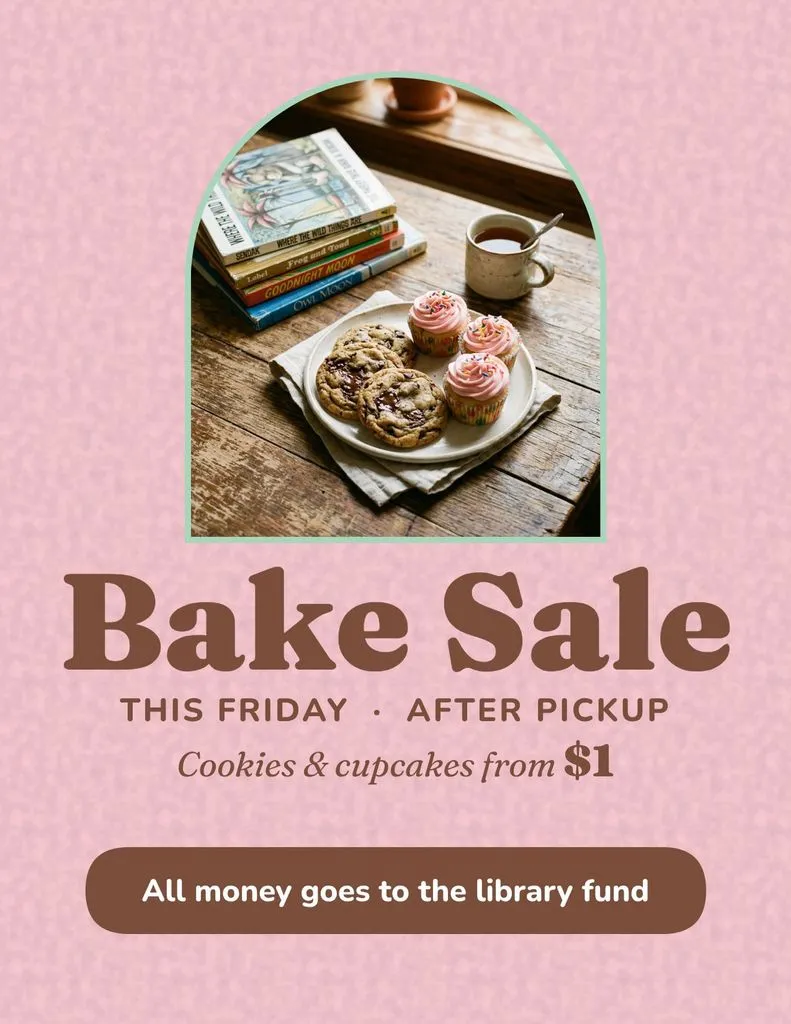
AI flyer examples, one sentence each
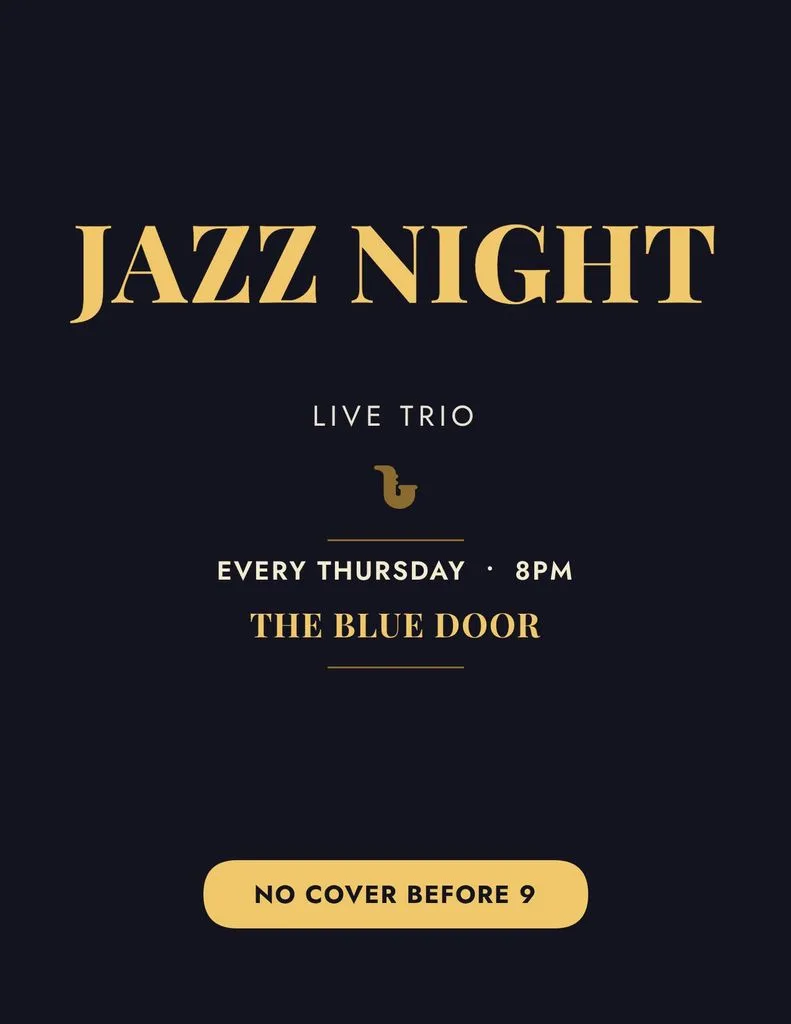
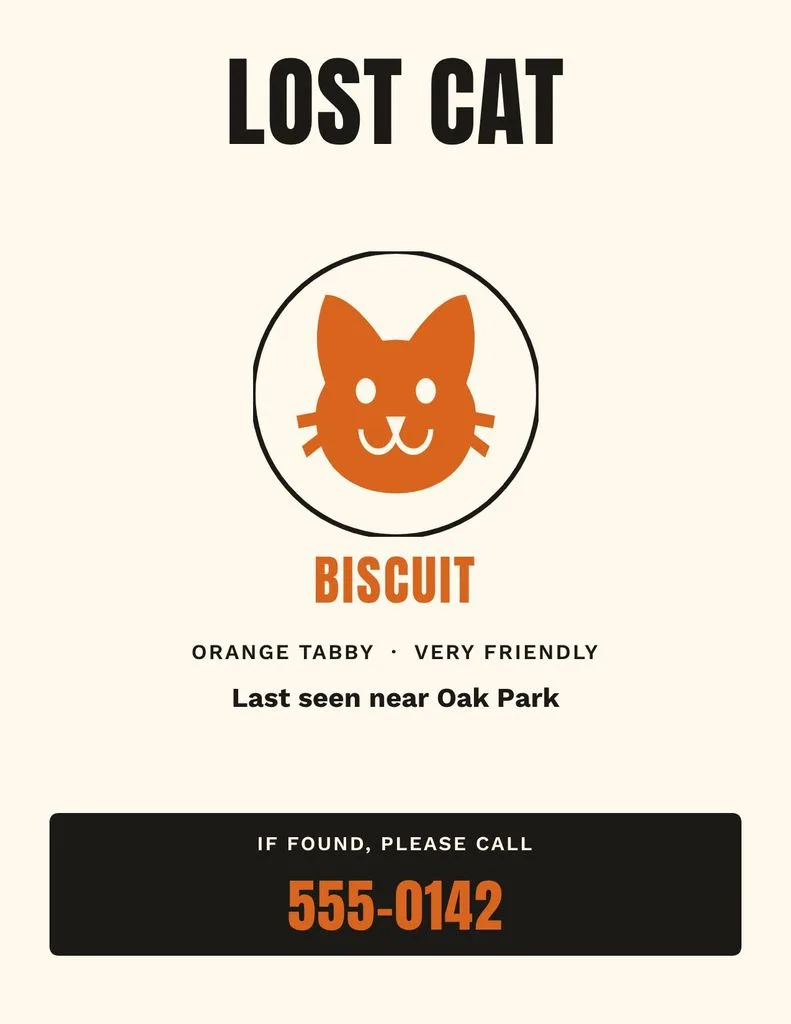
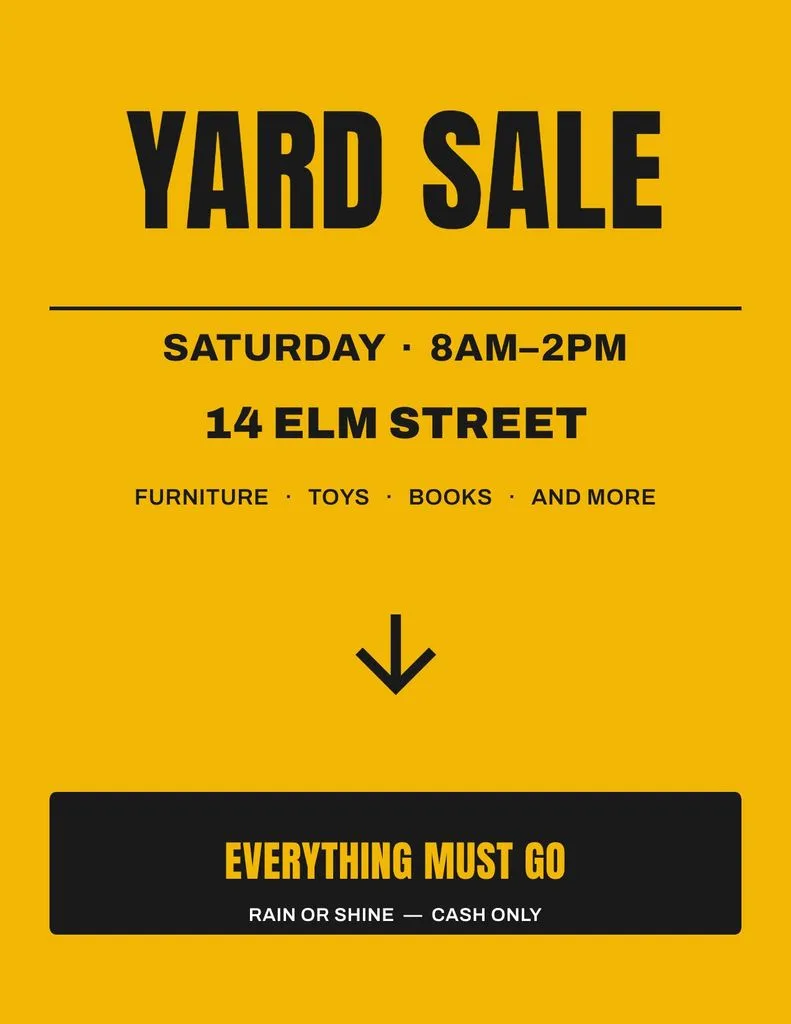
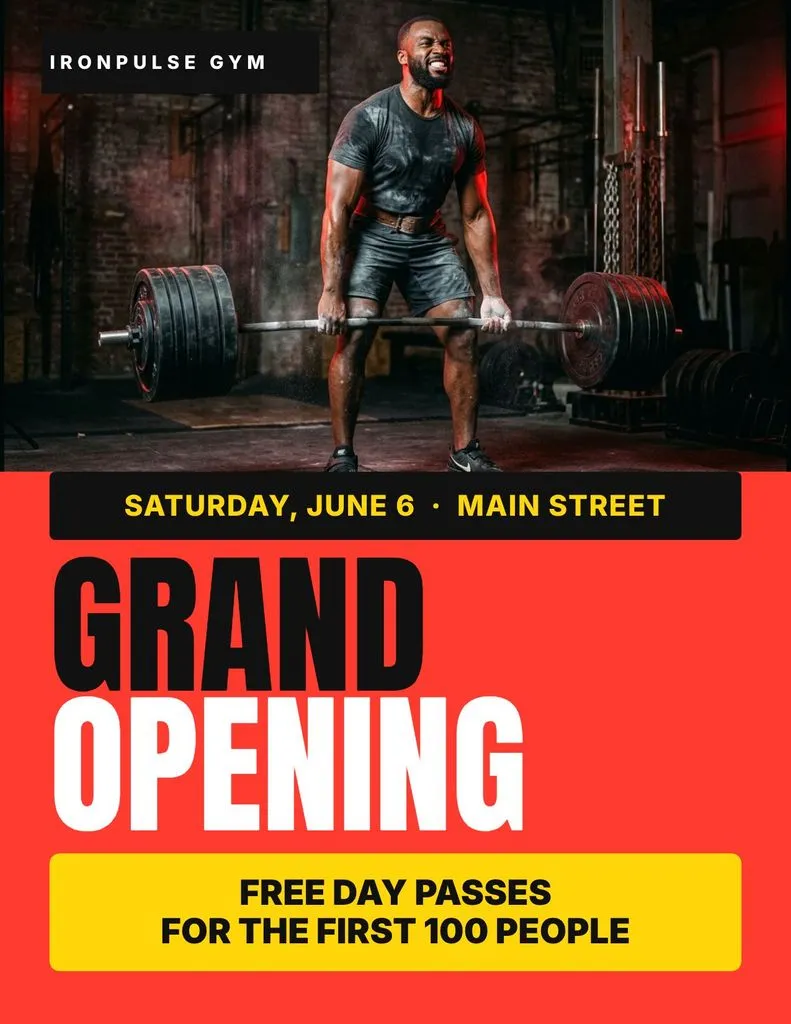
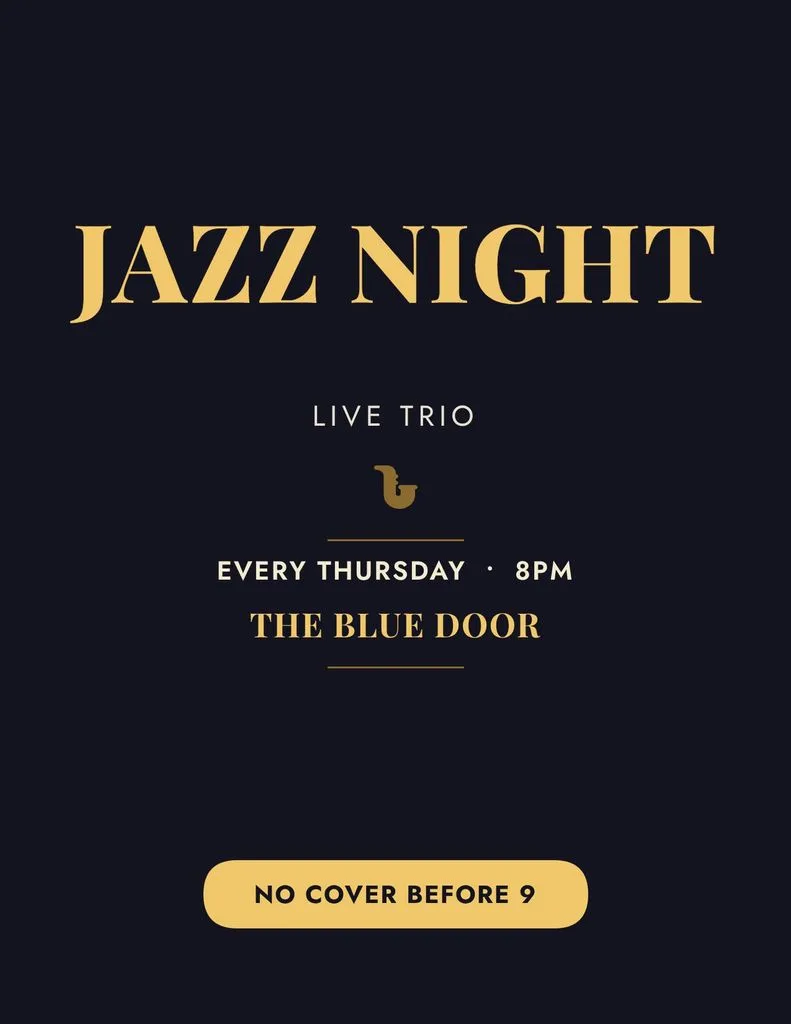
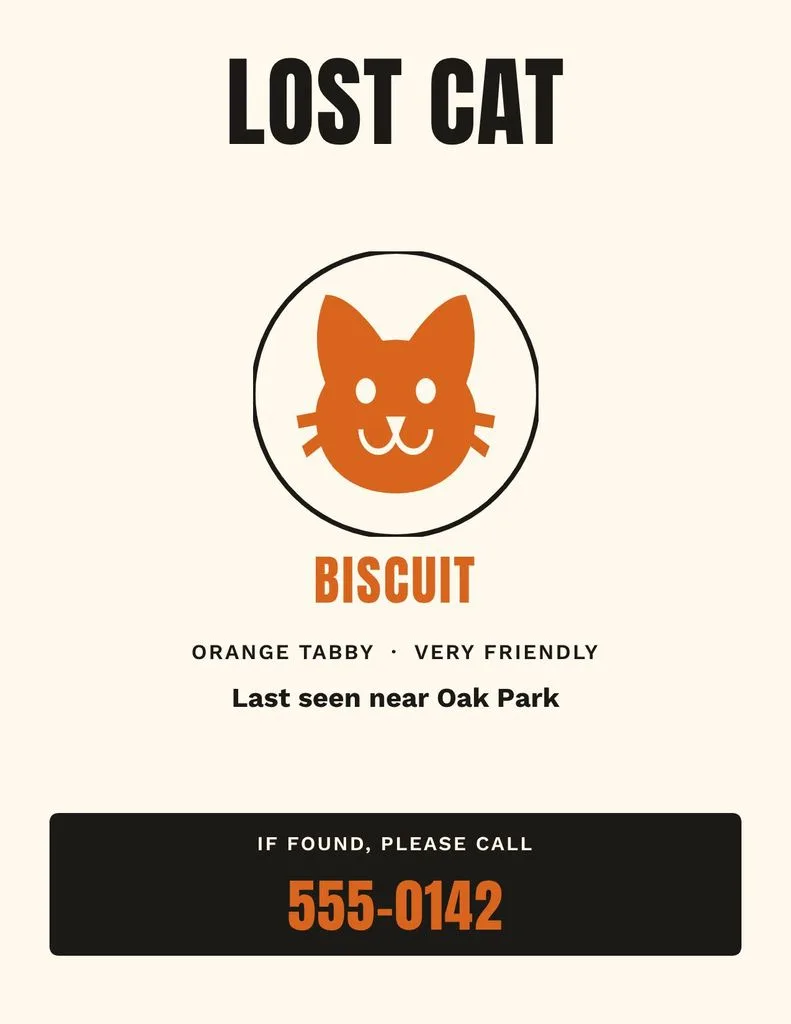
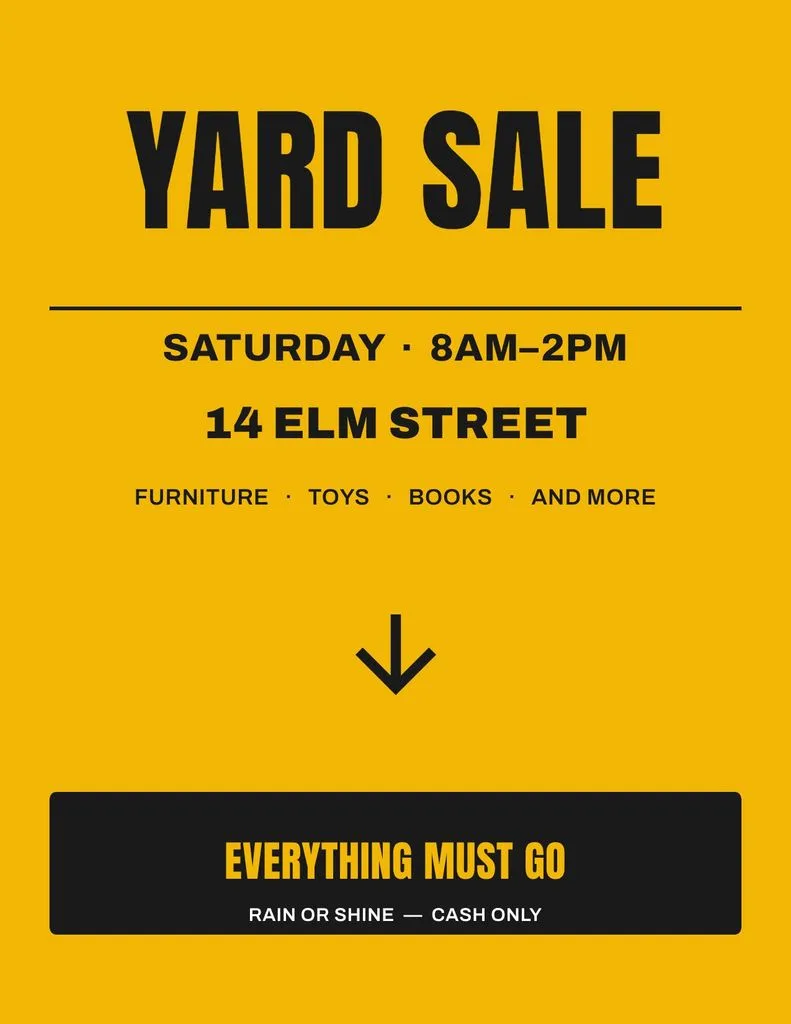
Real briefs typed into the tool above, each one a US Letter flyer. Hover any flyer to read the sentence that made it.
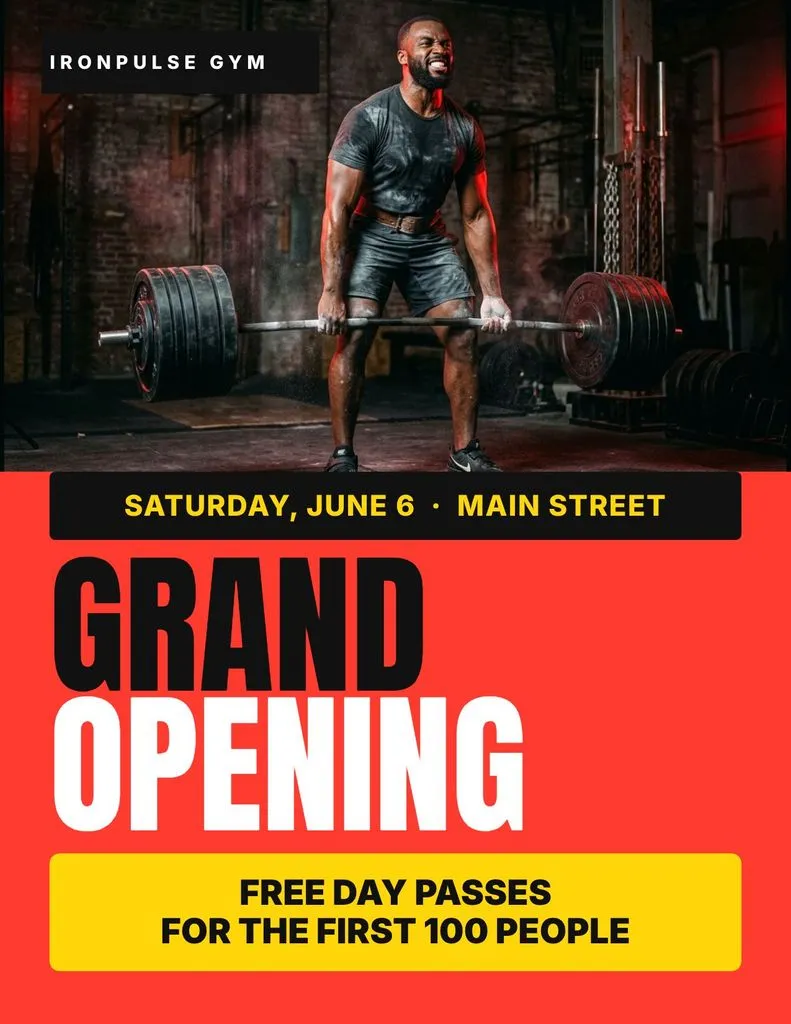
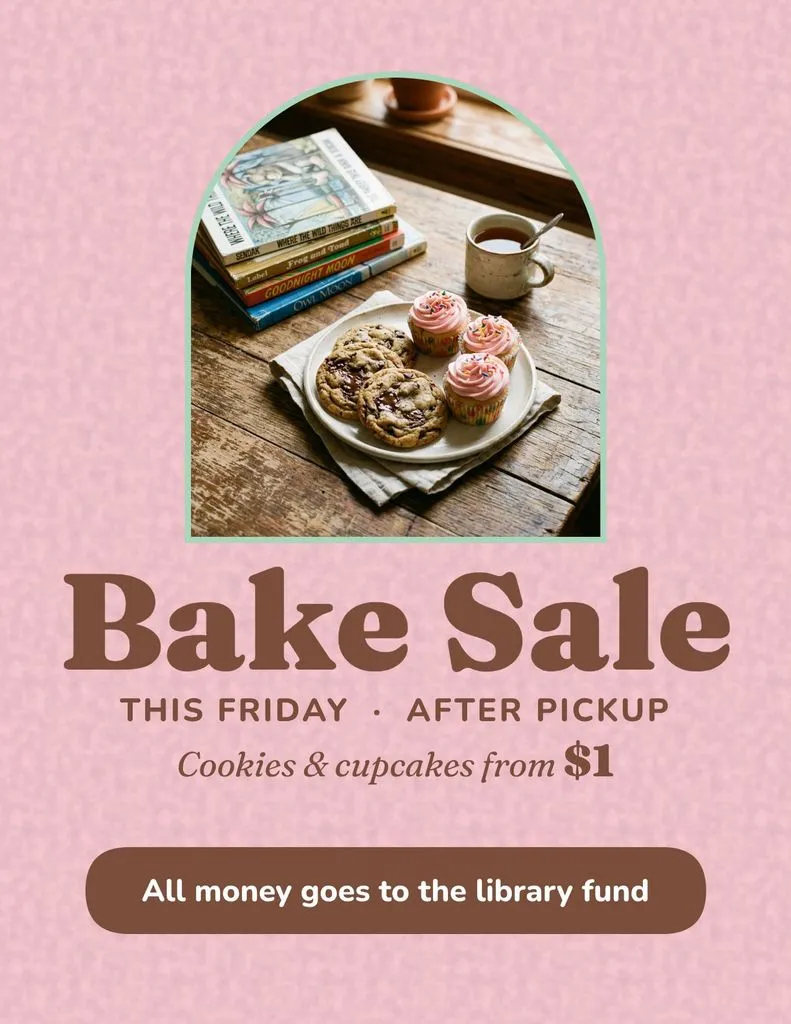
You've seen this flyer before.
So has everyone in your neighborhood. That's what happens when 40,000 people start from the same template.
Your event isn't a template. Your flyer shouldn't start as one.
Same starburst, same layout, same clip art. People learned to scroll past that look years ago, and a flyer that looks mass-made gets treated that way.
You change the headline and the layout breaks. You fix the layout and the colors clash. Fifteen tiny decisions later, your evening lives in a font menu.
Wrong size. Text in the trim. 72 DPI. The template was built for a screen, and it shows the moment it hits paper.
Why it beats grabbing a template
Four reasons the old way keeps losing.
Designed from zero, every time
Krumzi reads your brief and makes real design decisions: layout, palette, type pairing, spacing. Two briefs never come back the same, so your flyer doesn't have 40,000 siblings.
It's a design, not a picture
AI image tools hand you a JPG with melted text and a fake photo of food you don't sell. Krumzi hands you layers: your real photo, your real words, every date and price as text you can fix in two seconds.
Your brand, remembered
Save your colors, fonts, and logo once. Every flyer after that comes back already looking like you, without you re-teaching the tool each time.
Print specs, handled
US Letter size, text kept out of the trim, contrast that holds up on paper, and a 300 dpi PDF when you export at 2x. The stuff print shops bounce files for, sorted before you ask.
Flyer ideas for every week
If it ends up on a corkboard, a windshield, or a group chat, Krumzi makes it.
Krumzi vs other flyer makers
How the three ways to get a flyer actually stack up, from the first idea to the print shop.
| Krumzi | Template sites | AI image tools | |
|---|---|---|---|
| Starts from | Your sentence | Someone else's design | A prompt and a prayer |
| What you get | A layered, editable design | A layout you fight with | A flat image, melted text |
| Time to done | About a minute | An hour, if you're decisive | Seconds, then re-rolls all night |
| Fixing a typo | Click it, type | Click it, type, re-align | Regenerate and hope |
| Print quality | 300 dpi PDF, safe margins | Depends on the template | Upscaled pixels |
| Looks like | Your event | Everyone else's event | “AI made this” |
Canva is great at plenty of things. Starting your flyer from zero isn't one of them.
AI flyer maker FAQ
Yes. You get one free flyer a week with no signup and no card. Leave your email and we’ll send you a watermarked JPEG. It’s designed at US Letter size, so it’s ready to pin up once you remove the watermark. To edit it, sign up and it becomes your free design: change anything, no card needed. You only pay if you download it without the watermark.
Yes, every element. Sign up and your flyer opens in the Krumzi editor as your free design, with the headline, date, address and every shape as its own layer. Change it with your mouse or just ask in chat.
In the US the common flyer size is US Letter, 8.5×11 inches. Most other countries use A4 (210×297 mm), and A5 (148×210 mm) is the usual handbill. This tool designs 8.5×11 in portrait. Need A4 or A5? Start a design at that size in Krumzi and the AI lays it out for the page.
A headline people can read from across the room, the date, time and place, one clear call to action, a way to reach you (a phone number, a link or a QR code) and your brand colors or logo. Cut anything else. The generator builds that hierarchy for you.
Yes. Export at 2x and you get a 300 dpi PDF at US Letter size, with text kept clear of the edges. Local print shops and online printers take it as is. You can also download a PNG or JPG.
Templates start from someone else's design, and you spend your time adapting it. Krumzi starts from your sentence and designs from scratch: layout, colors, and type chosen for your brief. You skip the browsing, and nobody else's flyer looks like yours.
Image generators output a flat picture, and the text inside usually comes out garbled. Krumzi builds a real layered design, so the date, address, and price are actual text you can edit and trust.
Yes, and you should. In the Krumzi editor, drop in a photo of the actual food, the actual house, the actual band, and Krumzi designs the flyer around it. For a local business, your real photo beats a generated one every time.
Open “Make it yours” before you generate to add your colors and logo. In Krumzi, save your logo, colors, and fonts once in Brand Mind and every flyer after that starts on-brand.
Yes. Everything you create with Krumzi is yours to use, personally or commercially.
Something else? Email the founder. He actually replies.
One free design a week, in every format.
Same idea, different canvas. No signup for any of them.
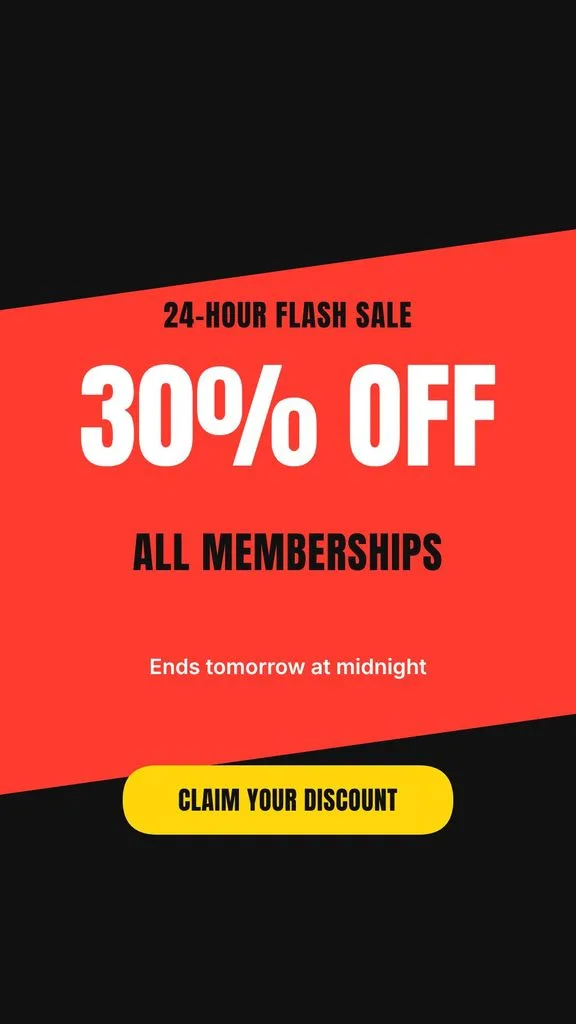
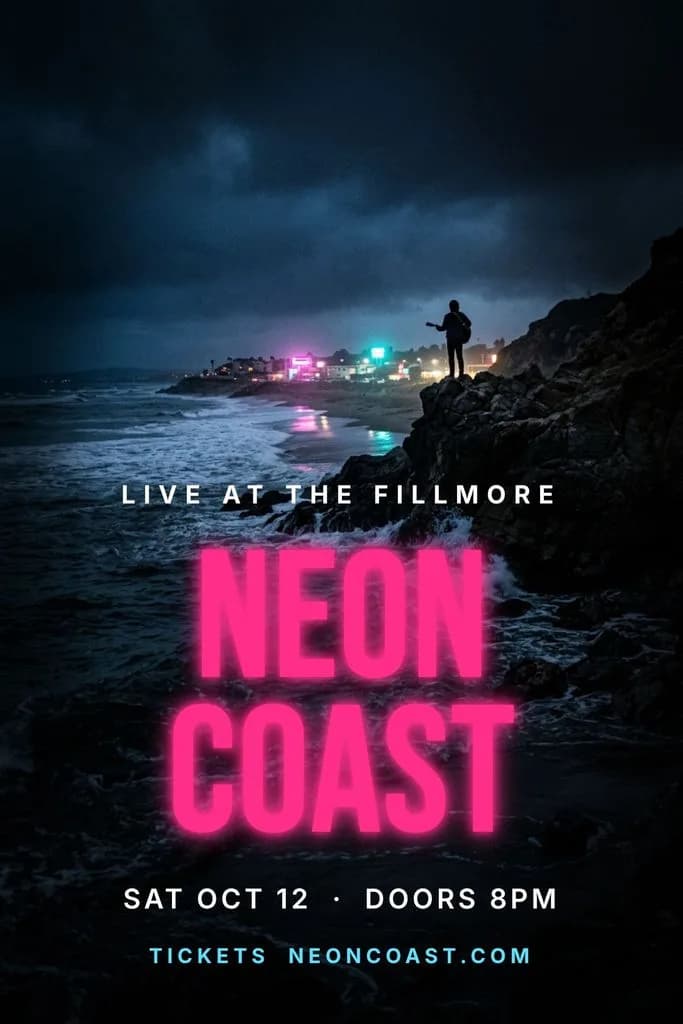
Your flyer is one sentence away.
Your first design is free to make, no card needed, and you only pay if you download it. Every feature comes with every amount, so the next flyer takes a minute too.