01
Connect once
Paste one link into Claude, ChatGPT or Cursor. Approve the connection on Krumzi. Takes about a minute.
Settings, Connectors, Add, paste the Krumzi link
Add the Krumzi server to your AI tool. Describe a post in chat and it lands in your Krumzi library, usually in 1–5 minutes. On brand and fully editable.
https://www.krumzi.com/api/mcphttps://www.krumzi.com/api/mcp
Included on every Krumzi plan. Uses the open MCP standard, so any tool with remote MCP support works.
The problem
You plan the post with Claude. Nail the caption. Then open a design tool, stare at a blank canvas, make fifteen tiny decisions, and lose the thread.
You need text, shapes and images as separate layers, so the next change is easy to make.
Krumzi closes the gap. The same chat that wrote your caption now designs the post, in your brand, as real editable layers. You stay in the conversation.
How it works
Paste one link into Claude, ChatGPT or Cursor. Approve the connection on Krumzi. Takes about a minute.
Ask like you'd ask a designer. Format, mood, what it's about. Krumzi pulls your colors, fonts and logo from your brand kit.
Tweak the saved design in chat or open the editor. Single images export as PNG, JPG, WebP or single-page PDF. Carousels and documents export as separate JPG slides or pages.
What to ask
Ask for an editable post, thumbnail, flyer or banner while you're planning, writing or coding. The connection supports still designs; video stays in the Krumzi app.
Announcements, quotes, product shots, promos. Sized for Instagram, LinkedIn, X or TikTok.
“A LinkedIn post announcing we hit 10,000 customers. Confident, not braggy.”
Multi-slide posts with a hook, a body and a close. Every slide stays consistent because they share one brand.
“Turn this blog post into a 7-slide carousel. Keep it under 12 words a slide.”
Editable multi-page guides, menus and lead magnets, using your brand. Download each page as a separate JPG through the connection.
“A 6-page mini guide from this checklist. A4, our brand, one idea per page.”
Ask for several posts in one conversation. Krumzi keeps the set coherent so your grid looks planned.
“Design 8 posts for our September campaign from this outline. Vary the layouts.”
Example workflow
Every design shows up in your library as editable layers. Tweak it in the conversation or open the editor.
 krumzi · generate_designexamplekrumzi · edit_designexample
 The Design Brief · Issue 011920 × 1080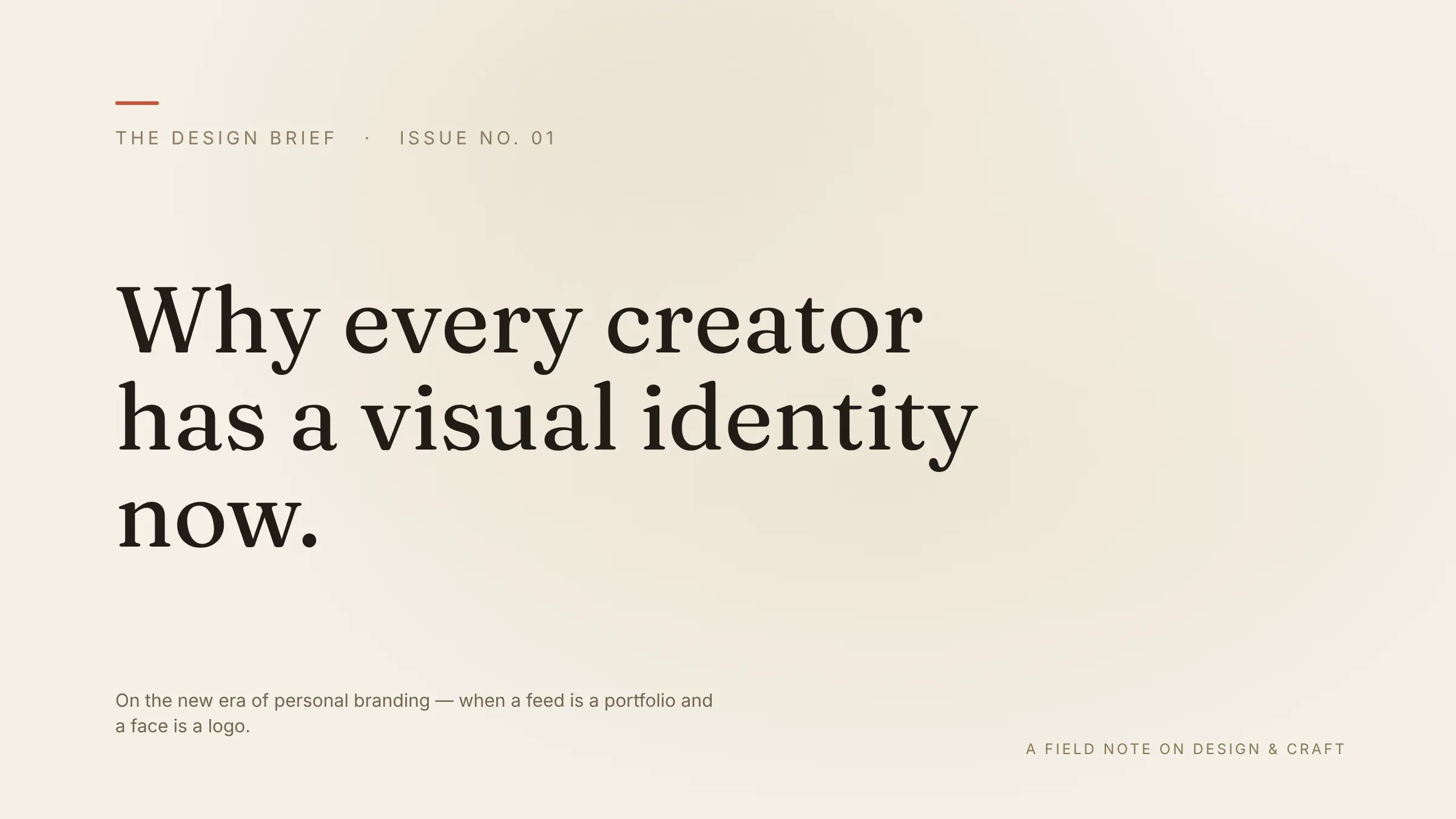
Security
A connection is a scoped key secured with OAuth 2.1, not your password. Here's exactly what it can and can't do.
Create and edit designs, generate images, export files, read your brand kits and use your credits. Edits save directly and can change or remove elements. The connection can't publish social posts, manage billing or members, or delete accounts or whole designs.
Choose the brand for your design. Saved designs land in your Krumzi library, where you can review, edit or delete them.
Settings, Connected apps shows the AI tools linked to your account. Disconnect one to block new requests. Work already running may finish, and your saved designs remain.
FAQ
No. Connections are included on every Krumzi plan. Designs made through Claude or ChatGPT spend the same credits as designs made in the app.
Posts, carousels and documents have editable text, shapes and image layers. You can also ask for a standalone AI image, which is a flat asset you can use inside a design.
Usually 1–5 minutes, depending on the request. The AI checks the saved design and shows its preview when it's ready.
Claude (web and desktop), ChatGPT, Cursor and Claude Code today. Krumzi uses the open MCP standard, so any tool that supports remote MCP servers can connect with the same link.
No. The connection supports design and brand tools. Publishing and scheduling are separate actions in Krumzi, where you can review the post before it goes out.
Krumzi receives the request the AI sends to a tool, including any selected text, asset links or other content supplied for the task. It also uses relevant brand and design information from your account. Connecting doesn't give Krumzi access to your full chat history or unrelated conversations.
Settings, Connected apps, Disconnect. This blocks new requests through that connection. Work already running may finish. Disconnecting doesn't delete your saved designs, AI history or files. Contact support for data deletion.
Connect Krumzi to Claude, ChatGPT or Cursor and describe your first design.
Included on every plan. Disconnect anytime.