New arrivals, restocks and sales, posted in your shop's look.
Tell Krumzi what's new, what's back and what's on sale. It designs the post, the story and the sign for the counter from scratch in your colors, and keeps every price exactly as you wrote it.
3-day free trial, card needed.No charge until day 4.Cancel online anytime.



How do you make posts for new arrivals and sales?
Give each post one job: what just came in, what's back, or what's on sale and when it ends. Put the product first, then the price, then where to buy it, in the shop or online. Use your own colors and fonts so people know it's your shop before they read a word, and post the big ones more than once: the post, a story, and a sign at the counter. Krumzi makes all of them from one sentence about what's new, and keeps every price and date exactly as you wrote them.
Your shop's week, ready before it starts
New arrivals
What just came in, the price and where to find it. The post for the feed and the story for the day it lands.
Back in stock
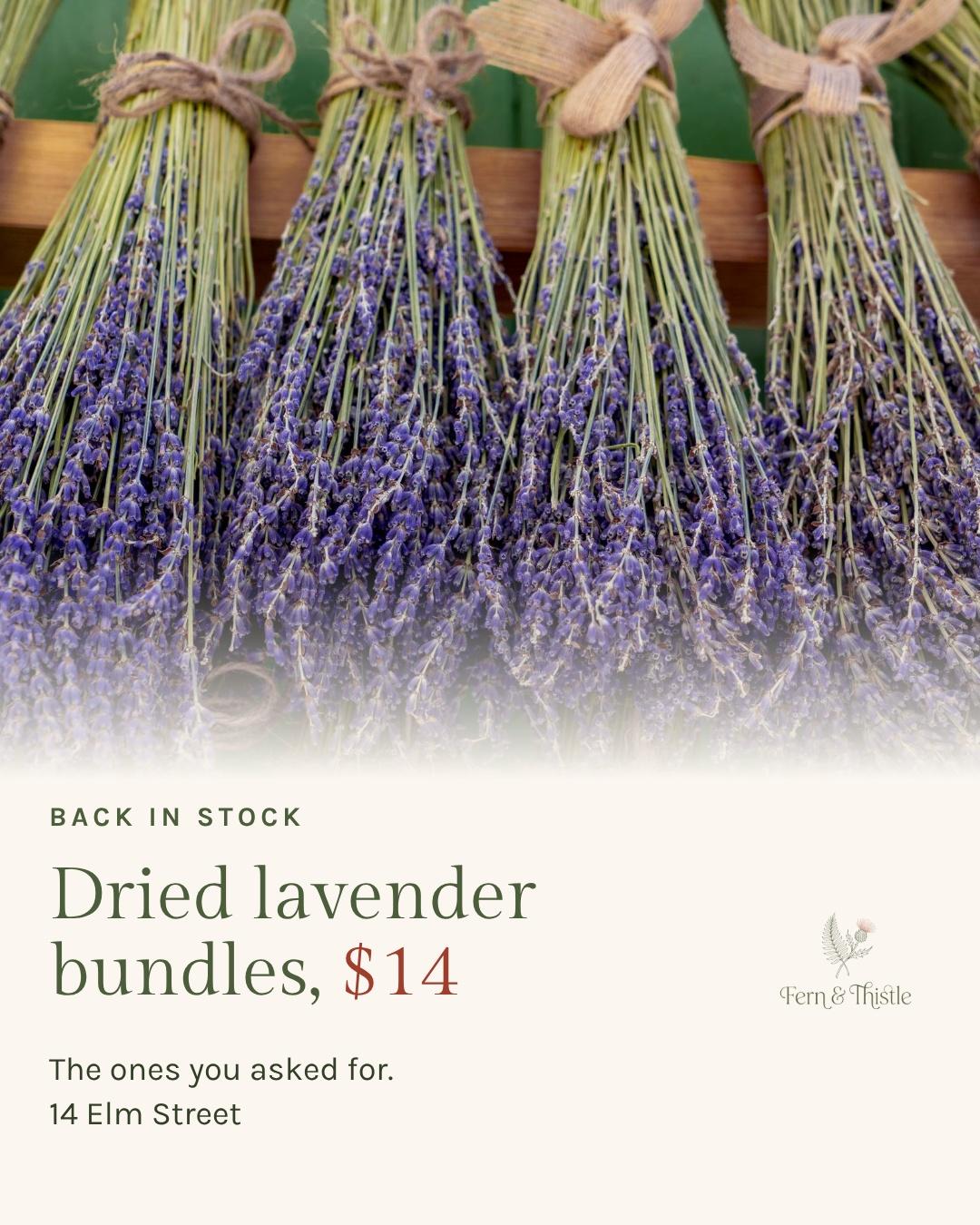
The thing people kept asking for is back. Say what it is and the price, and attach your photo of it.
Sales and deadlines
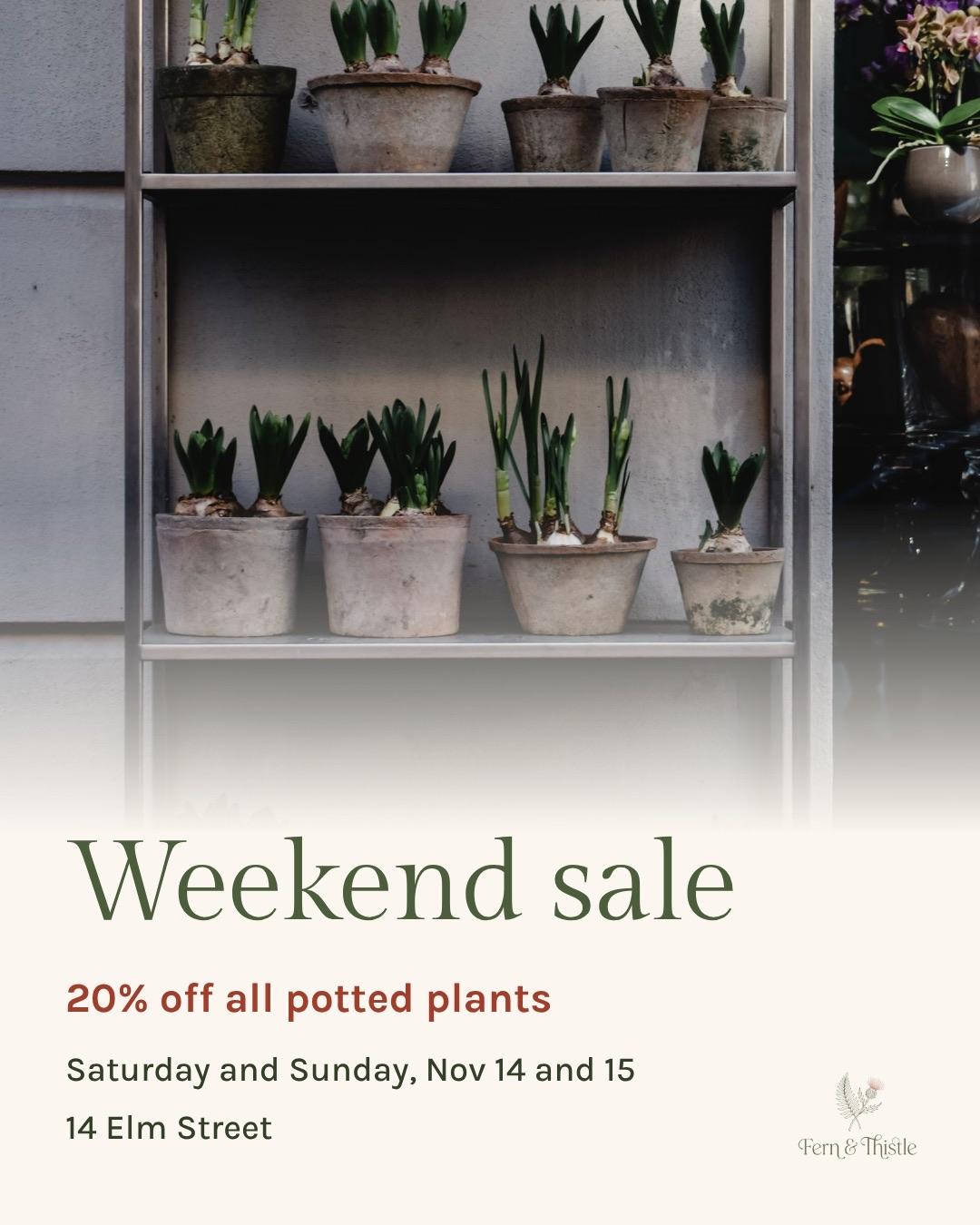
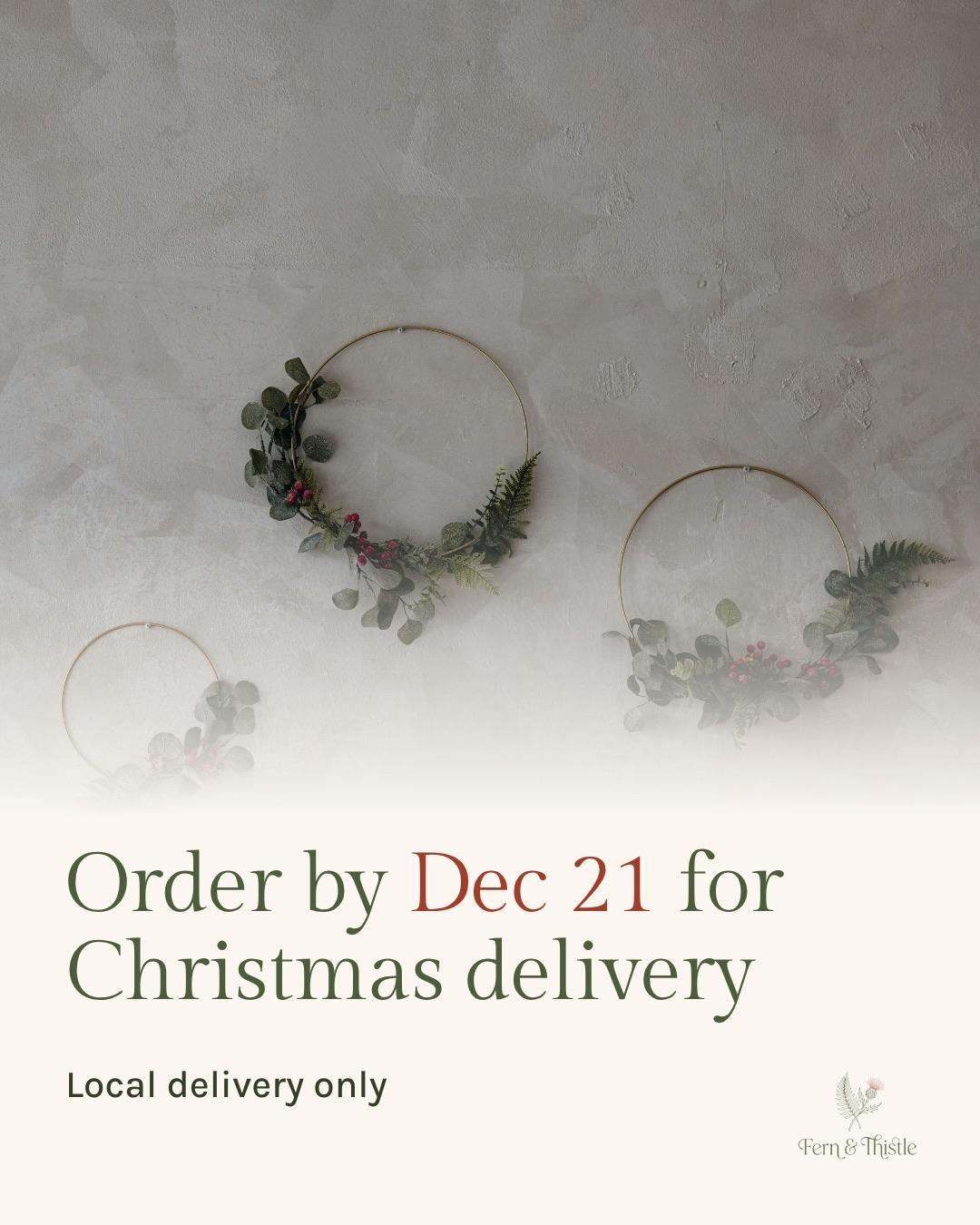
The weekend sale and the last day to order for Christmas, each said once and plainly.
In the shop
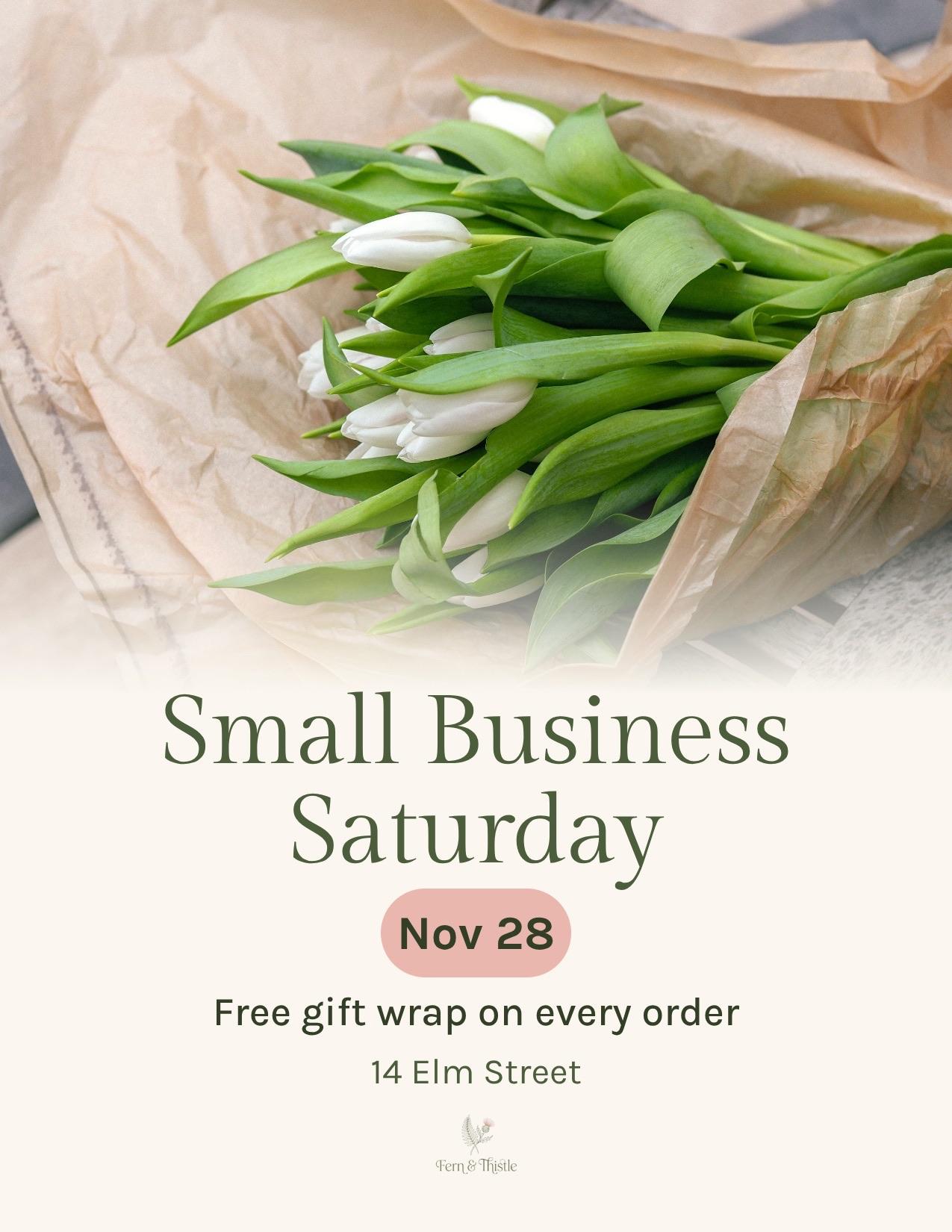
A sign for the counter or the window, as a print-ready PDF.
Why not keep using templates?
Templates are fast, and every shop has used one. The catch is that other shops pick the same ones, and every new arrival means retyping the prices and resizing it all again for the story.
Krumzi designs each post for what's new in your shop, in your colors, and makes the story and the counter sign from the same design. Keep Canva for what it's good at.
- Find a template
- Swap in the photo
- Retype the prices
- Resize for the story
- Make the sign
- Write what's new
- Get the post, story and sign
- Change anything by asking
Your product, from your own photo
Buyers want to see the real thing. Attach your product photo and Krumzi designs the post around it, or paste the link to a product page and it can use the photos from the page. Turn off AI images for your shop's brand, and it uses only your photos, stock photos and icons.
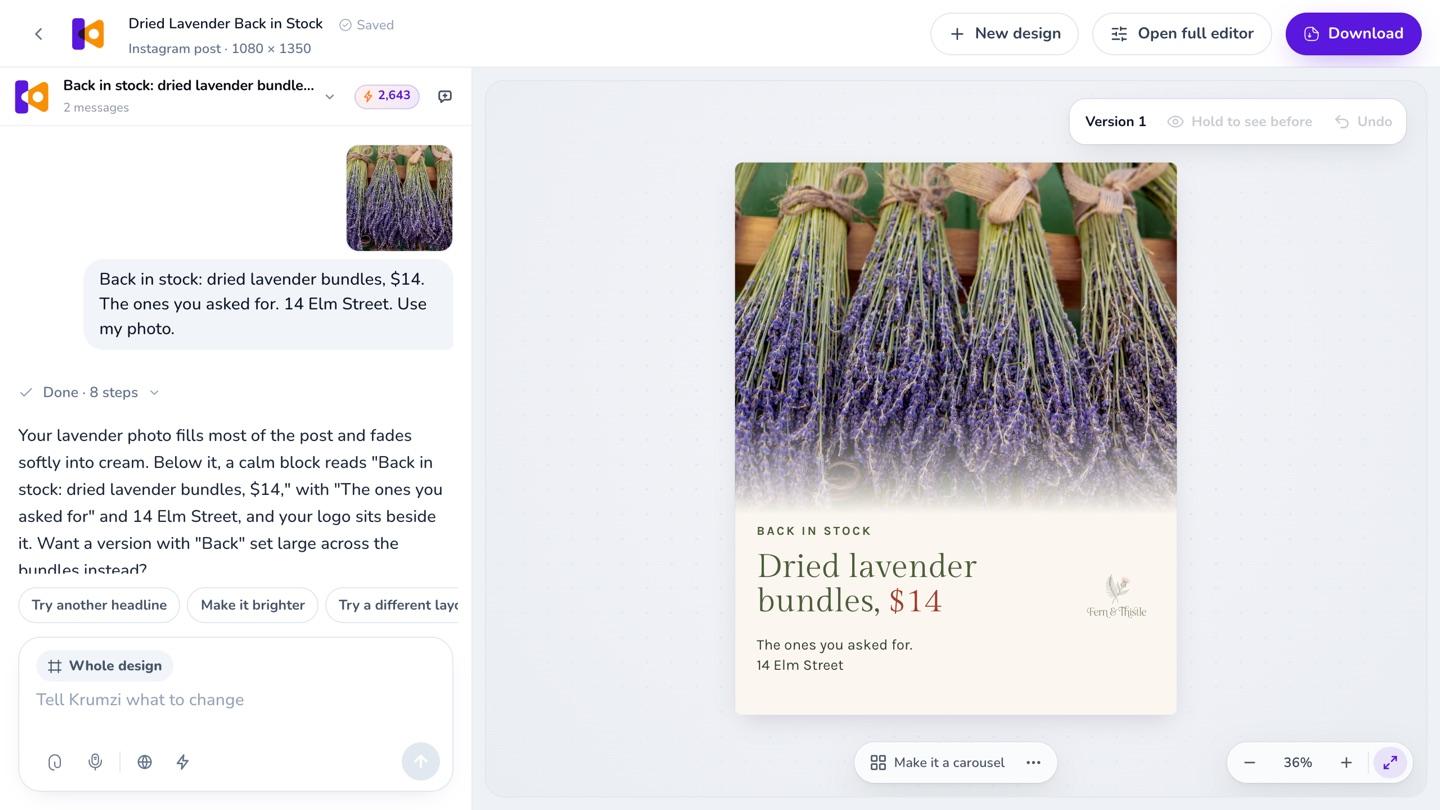
Your prices and dates, exactly as you wrote them
Krumzi keeps every price, date and product name you give it, word for word. If something changes, say what changed and it fixes that design without touching the rest. Every version is kept, so you can always go back.
YouMake the last day to order Dec 21
Looks like your shop, every week
Add your logo, colors and fonts once, and they go on every post (Brand Kit, Pro and up). Brand Mind learns your look from your website and from what you keep, so next week's new arrivals look like this week's.
Other sellers, the same idea

The code
For online shops: the code, big enough to read at a glance, and the day it ends.

The new product
What it is, the price and where to buy it.
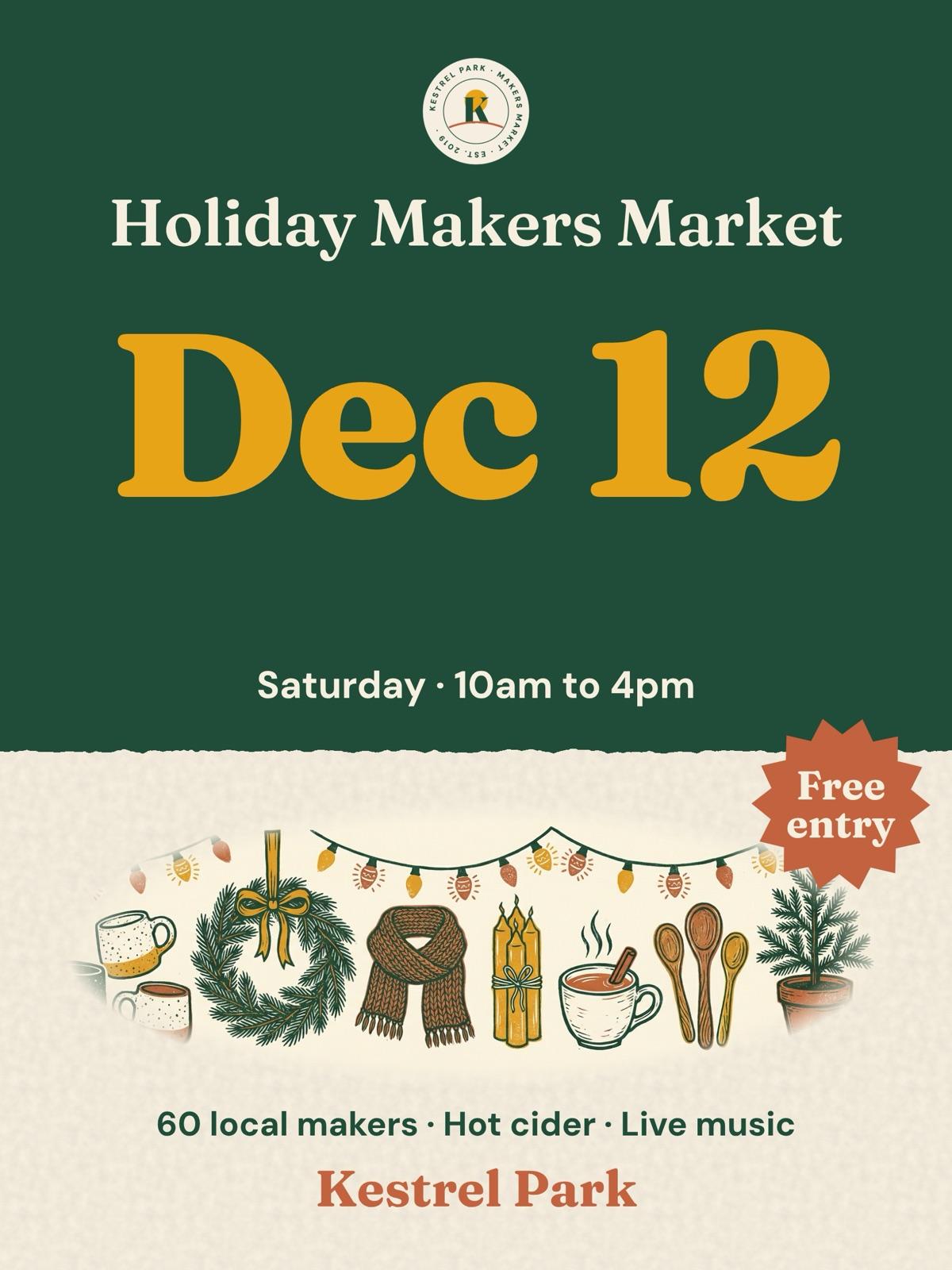
The market day
For a makers market: the date, big enough to read across the street.
How it works
- 01
Write what's new
The product, the price, the offer and when it ends. Type it or say it, and attach your product photos.
- 02
Make it yours
Click any part and say what to change, or move it by hand.
- 03
Post it
Schedule it to Instagram and Facebook, or download PNG, JPG or a print-ready PDF.
One shop's week, start to finish
New arrivals and their story, a restock, a weekend sale, the Christmas order deadline and a Small Business Saturday sign. One shop, one look, written in plain words.
Example made in Krumzi.
Questions

What just came in, what's back, what's on sale and when it ends, plus a reminder before deadlines like the last day to order for Christmas. One product or one offer per post, with the price, reads best.
Yes. Attach them to the brief and Krumzi designs the post around them, so the product people see is yours.
Yes. Paste the link to the product page. Krumzi reads it and can put the real product photos from the page on your post.
Yes. Turn off AI images for your shop's brand in Settings, and Krumzi uses only your photos, stock photos and icons.
Yes. Attach a plain photo of the product and ask for a nicer background. Krumzi places it in a styled scene without changing the product. This uses AI images, so keep them switched on for your brand.
Krumzi keeps every price, date and product name exactly as you write them. Check it before you post, and change anything by asking.
Yes. Ask for a sign or a flyer and download a print-ready PDF. During the trial, downloads carry a watermark and come out smaller until your plan starts.
Yes. Connect your Instagram professional account and your Facebook Page, then schedule posts from Krumzi. Stories can't be scheduled yet, so download those and post them from your phone.
Yes. Krumzi makes the images and you post them wherever you sell. Attach your product photos, or paste a product page link from your own site or Shopify store to use its photos. Download each design in the size you need.
There are four plans, Starter, Pro, Studio and Agency, billed monthly or yearly, and yearly gets two months free. Every plan comes with AI credits each month, and Pro and up add video, Brand Kit and more brands. Starter, Pro and Studio start with a 3-day free trial: you add a card, pay nothing today, and your plan starts on day 4 unless you cancel. Agency starts paid, with no trial. Current prices are at krumzi.com/pricing.
The free AI flyer and poster makers give you one design a week, free with no signup, downloaded with a watermark. The full app starts with a 3-day free trial, card needed.
Yes, online, any time.
What's new this week, posted in your shop's look
Designed from scratch for your shop. Change anything.
3-day free trial, card needed.No charge until day 4.Cancel online anytime.