Launch posts and feature updates, without waiting on a designer.
Write what shipped and who it's for. Krumzi designs the post, the LinkedIn carousel and the Product Hunt images from scratch in your brand, and keeps every product name and number exactly as you wrote it.
3-day free trial, card needed.No charge until day 4.Cancel online anytime.
Every example on this page is a Krumzi post about a Krumzi feature, made in Krumzi.
What should a startup post on social media?
Post what changes for your users. A new feature, a fix people asked for, a launch, an update on what shipped this month. Say who it's for in one line, show the product, and give each launch a post, a short carousel that explains it and the right size for every place you post. Keep it all in your brand so people know it's you in a busy feed. Krumzi designs every piece from plain words, in your colors and fonts.
Every post a launch needs
The announcement
One feature, who it's for and why it matters, in your brand. Made once, then sized for Instagram, LinkedIn and X.
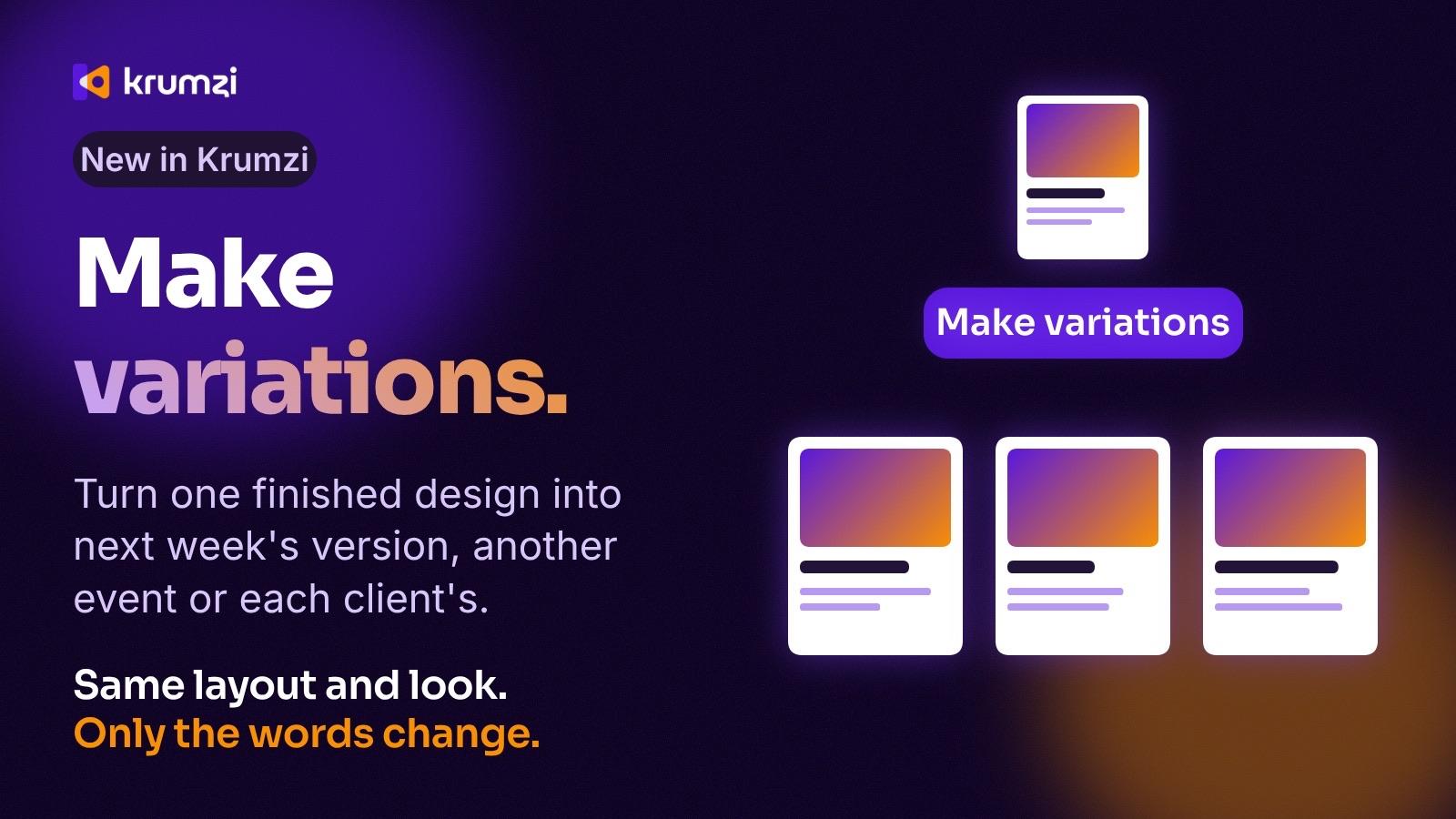
The explainer
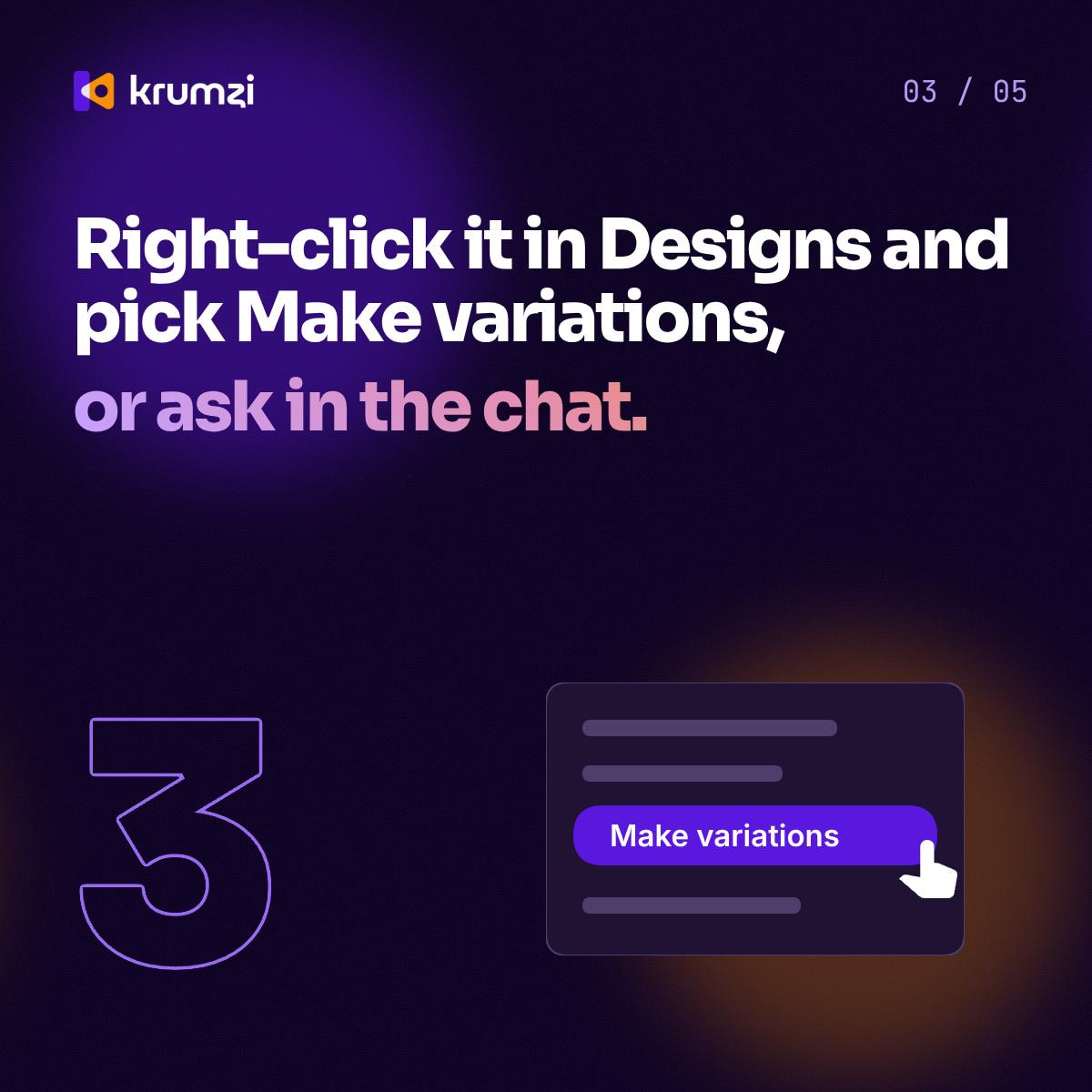
How it works in five slides, for LinkedIn or Instagram. Download it as images or one PDF.
Launch day
The story and the Product Hunt gallery images, in the same look.
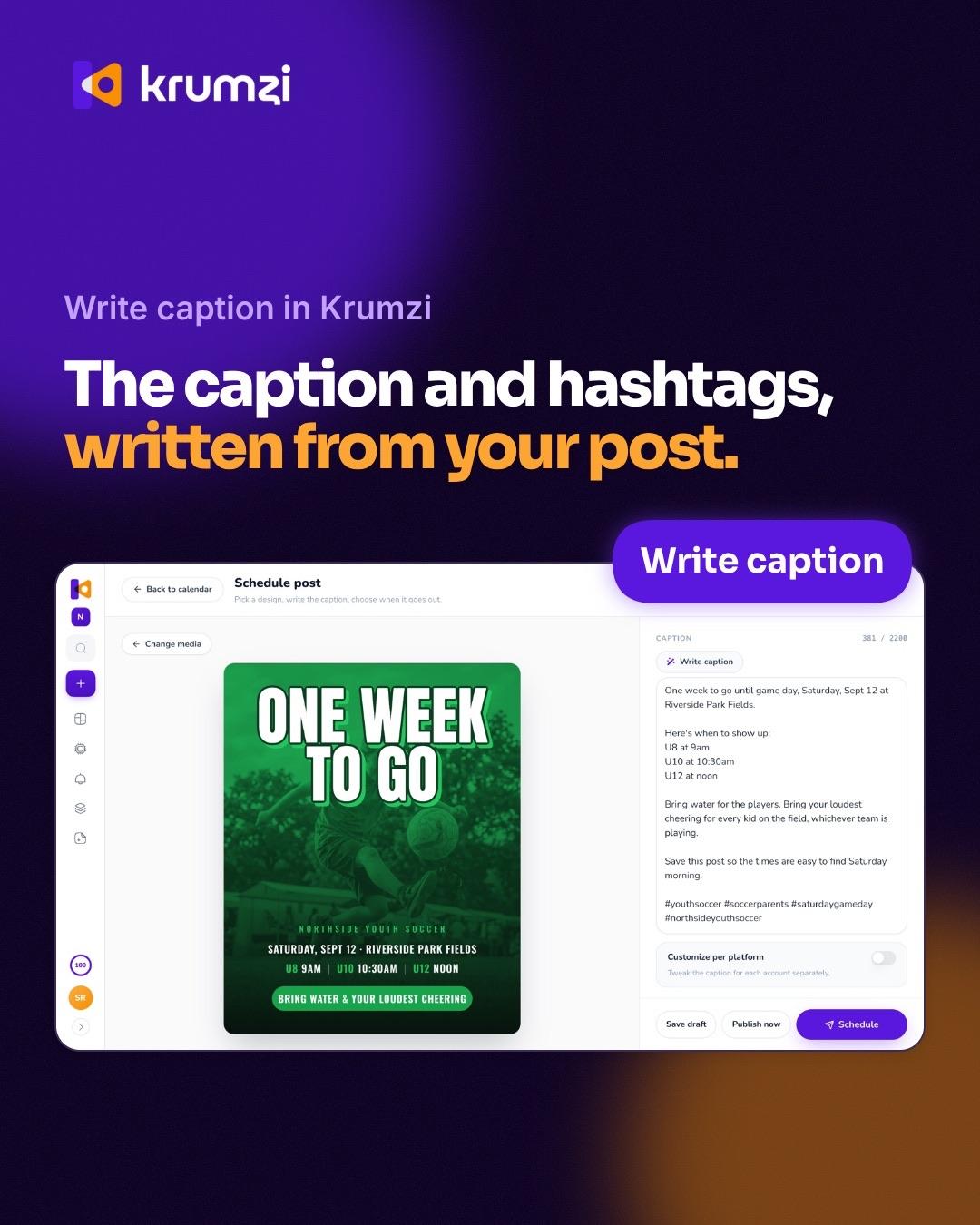
Your product on the post
Attach a screenshot, or paste a link to your site, and Krumzi puts the real product on the post.
What's new
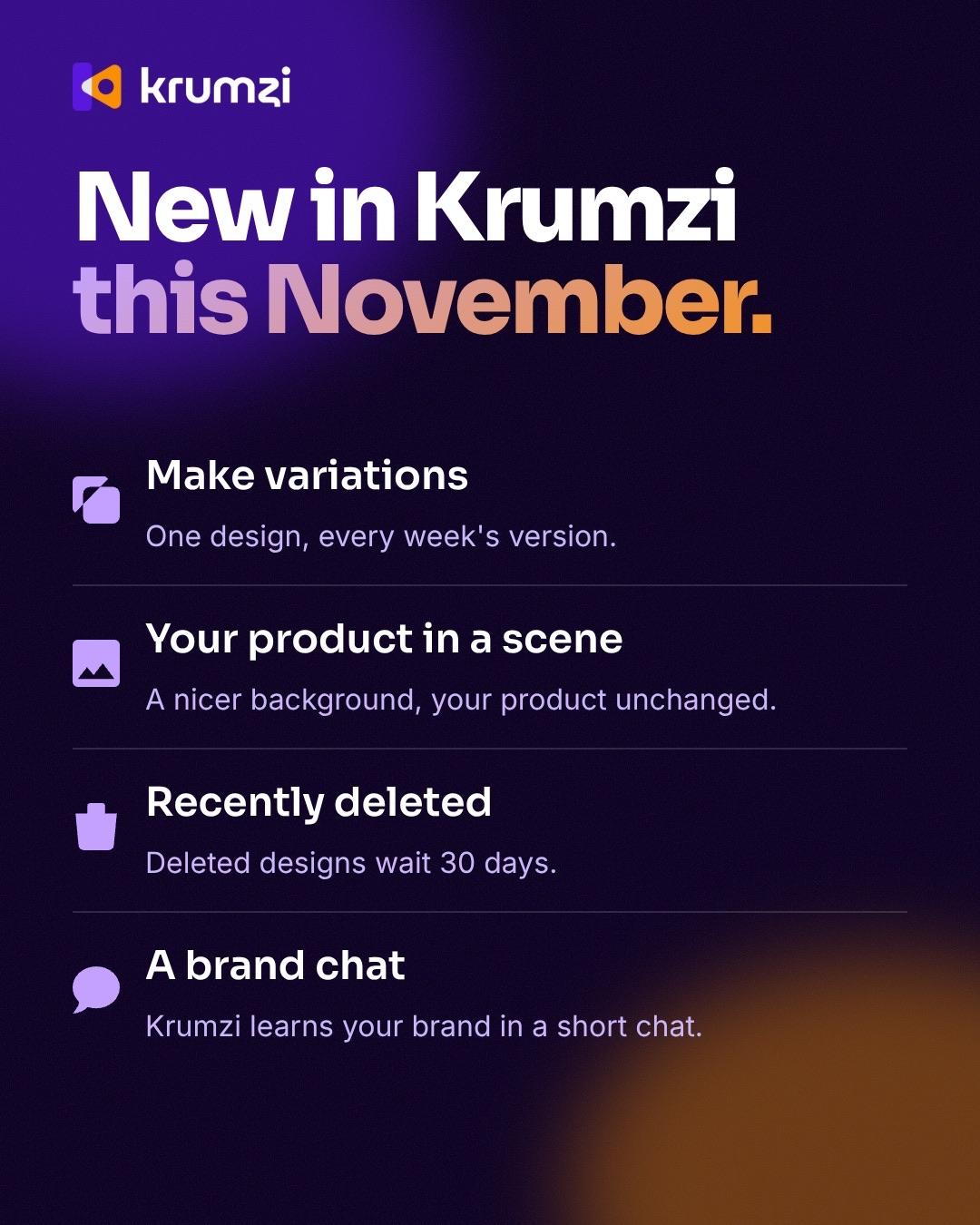
A monthly roundup of what shipped, short enough to skim.
Why not ask your designer, or use a template?
A designer does great work, but they're busy with the product. A template is fast, but it looks like every other startup's launch post.
Krumzi designs each post for what you shipped, in your brand, and makes the carousel and the launch images in the same look. Keep your designer on the product.
- Write the brief
- Wait for the designer
- Ask for the LinkedIn size
- Ask for the Product Hunt images
- Ask again when the copy changes
- Write what shipped
- Get every size in your brand
- Change the copy by asking
Your product names and numbers, exactly as you wrote them
Krumzi keeps every product name, number and date you give it, word for word. When the copy changes, say what changed and it fixes that design without touching the rest. Every version is kept, so you can always go back.
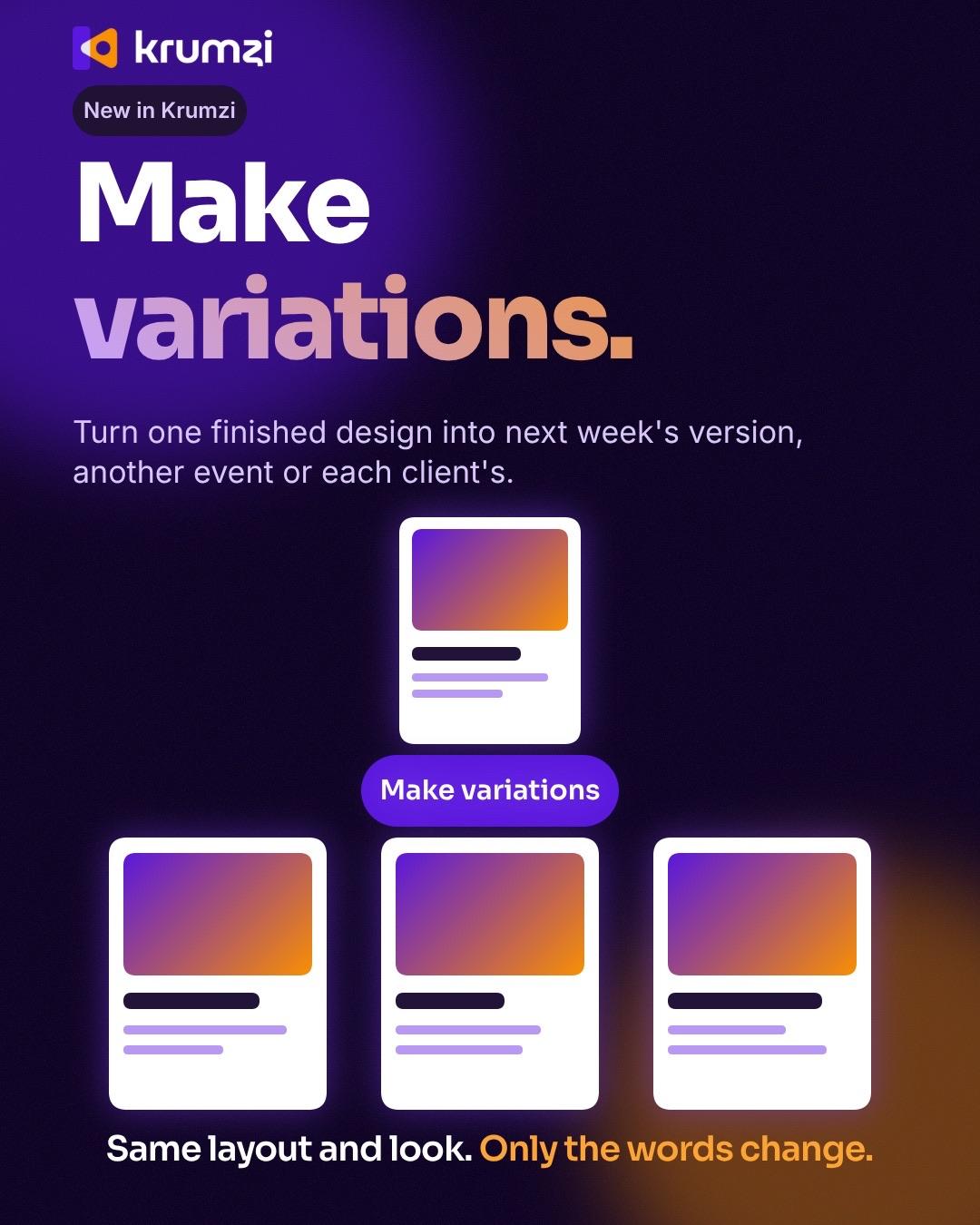
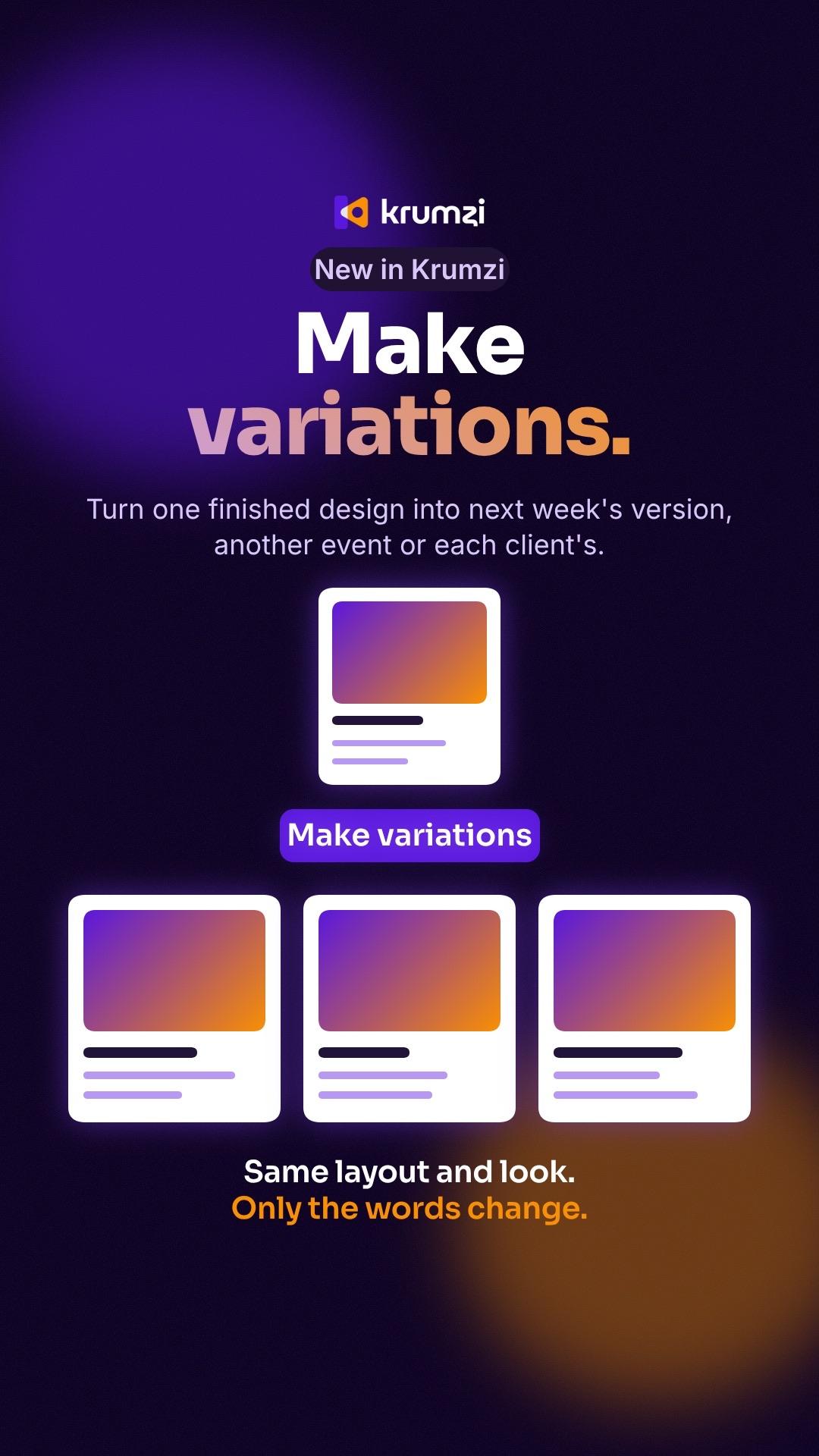
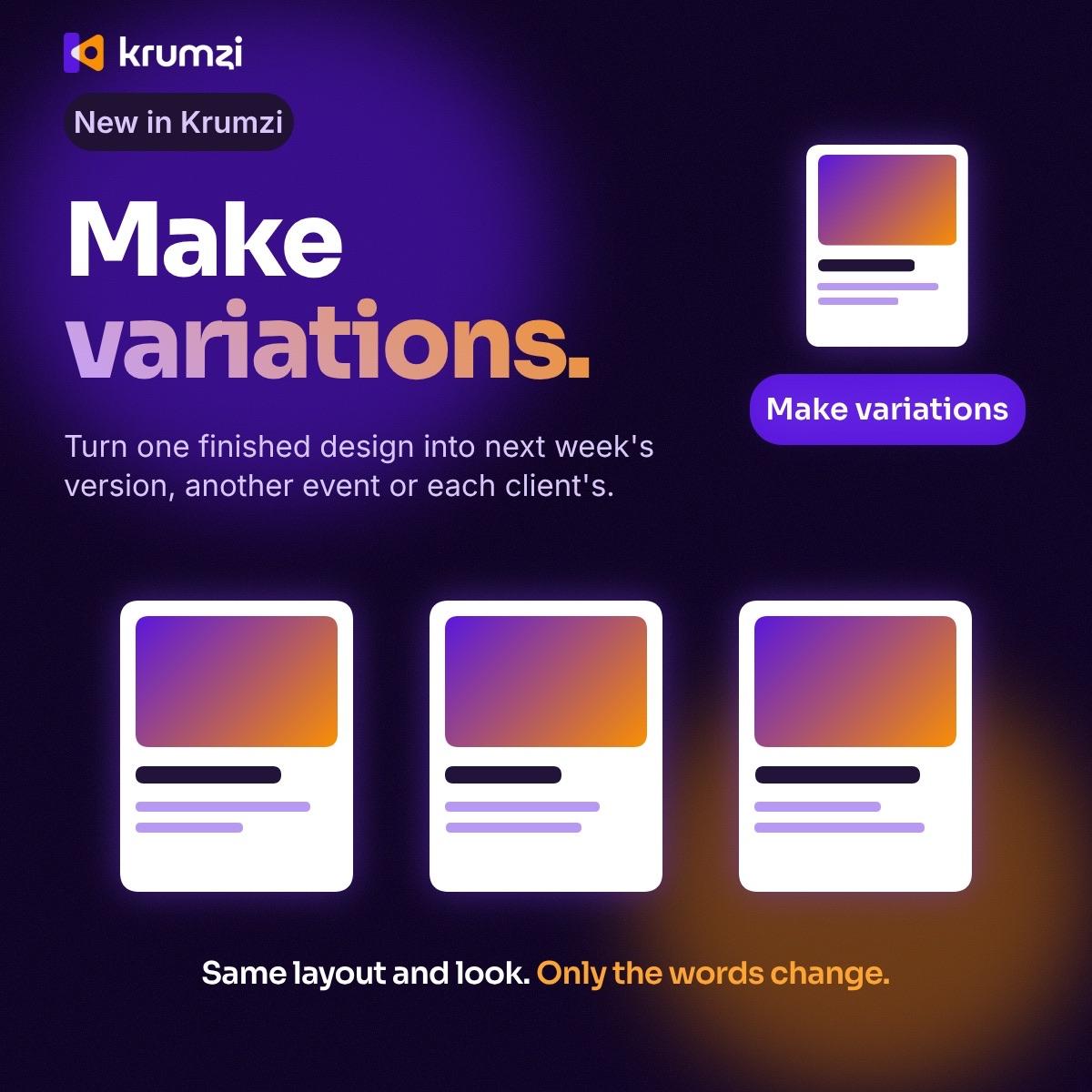
YouAdd New in Krumzi as a small label above the headline
Looks like your brand, every launch
Add your logo, colors and fonts once, and they go on every post (Brand Kit, Pro and up). Brand Mind learns your look from your website and from what you keep, so this month's launch looks like last month's. Running a second product? Give it its own brand (Pro and up).
How it works
- 01
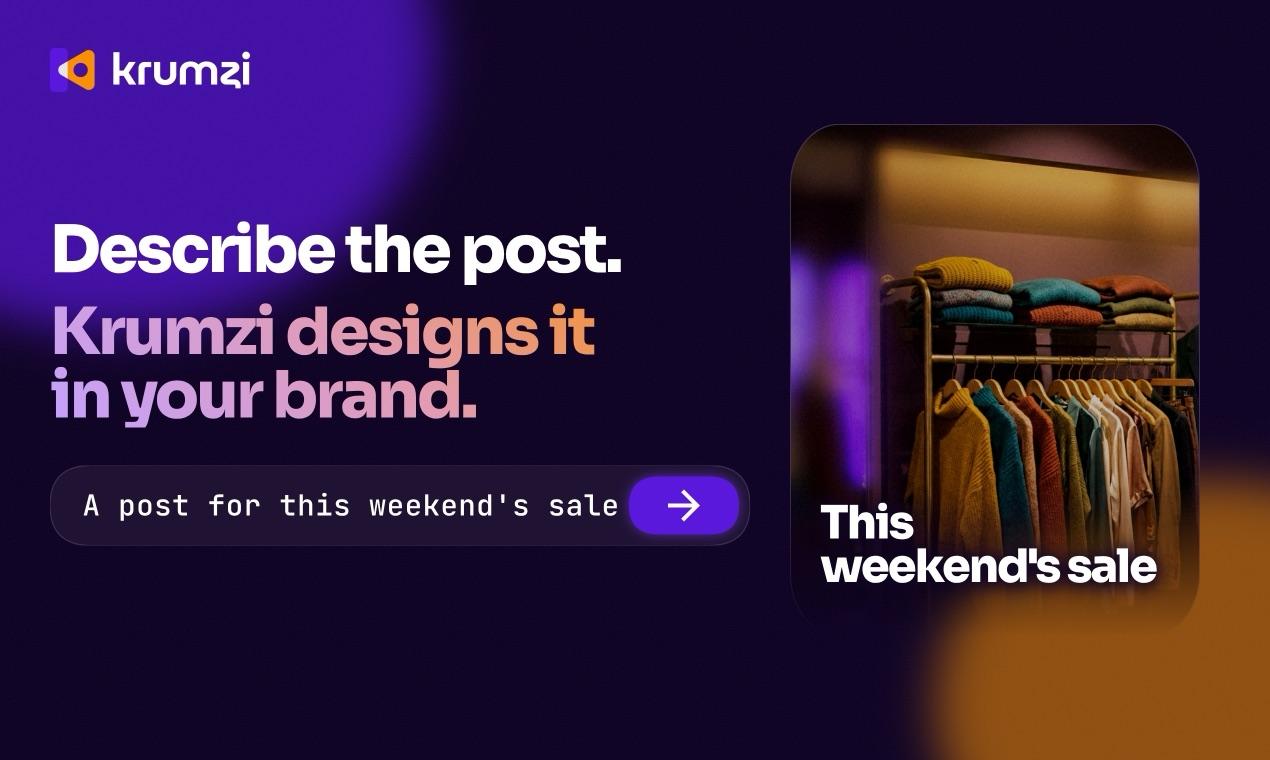
Write what shipped
The feature, who it's for and the one line that sells it. Type it, say it, or paste a link to your changelog.
- 02
Make it yours
Click any part and say what to change, or move it by hand.
- 03
Post it
Schedule it to Instagram and Facebook, or download it for LinkedIn, X and Product Hunt as PNG, JPG or PDF.
One startup's launch, start to finish
Our own launch: the announcement, the explainer carousel, the X post, the story, a Product Hunt image and the monthly update. One brand, one look, written in plain words.
Example made in Krumzi.
Questions

What shipped and who it's for, a short carousel that explains how it works, the problem you solve in plain words, and milestones you can stand behind. Post the same update on X and Instagram in the right size.
Yes. Pick Carousel and the LinkedIn size, up to 10 slides, then download the slides as images or as one PDF. During the trial, downloads carry a watermark until your plan starts.
Yes. The Product Hunt gallery size is built in, with sizes for LinkedIn, X, Instagram, YouTube and more.
Yes. Attach them to the brief and Krumzi puts them in the design. Or paste a link to your site or changelog: it reads the page and can use the page's real images.
Not yet. Scheduling goes to Instagram and Facebook. For LinkedIn and X, download the design and post it there.
There are no team seats yet: each account has one sign-in.
Keep your designer on the product and the big launches. Krumzi is for the posts that pile up in between: updates, explainers and every extra size.
There are four plans, Starter, Pro, Studio and Agency, billed monthly or yearly, and yearly gets two months free. Every plan comes with AI credits each month, and Pro and up add video, Brand Kit and more brands. Starter, Pro and Studio start with a 3-day free trial: you add a card, pay nothing today, and your plan starts on day 4 unless you cancel. Agency starts paid, with no trial. Current prices are at krumzi.com/pricing.
The free hiring poster maker gives you one design a week, free with no signup, downloaded with a watermark. The full app starts with a 3-day free trial, card needed.
Yes, online, any time.
Your next launch, posted the day it ships
Designed from scratch in your brand. Change anything.
3-day free trial, card needed.No charge until day 4.Cancel online anytime.