Captions written from your post, in your voice.
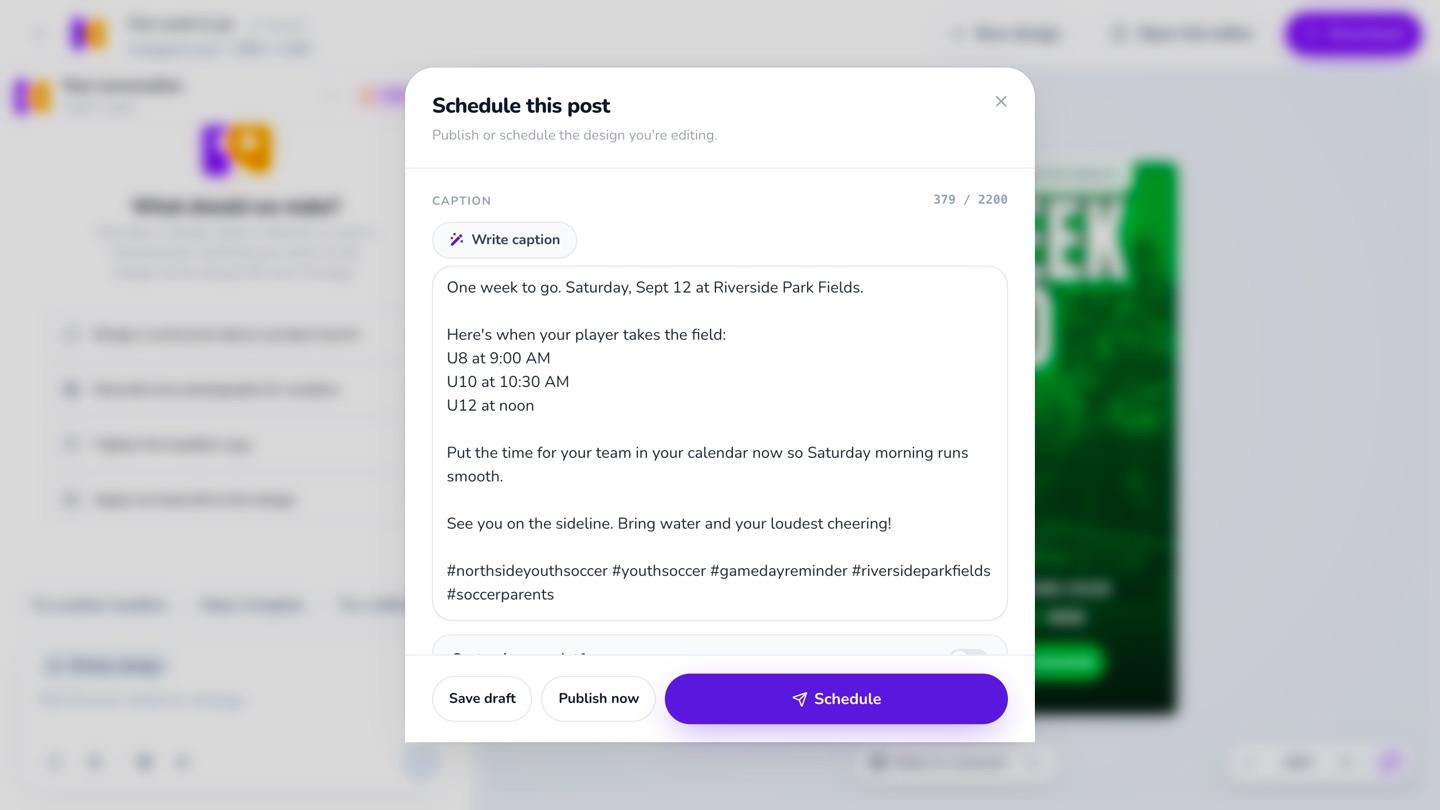
Click Write caption and Krumzi reads the words on your design, then writes the caption and 3 to 5 hashtags the way your brand talks. It's told never to add a price, a date or an offer that isn't on the post.
3-day free trial, card needed.No charge until day 4.Cancel online anytime.
For posts going to your connected Instagram or Facebook account.
An Instagram caption generator that starts from your post
A caption generator usually starts from a blank box: you describe the post, and it writes something that could fit anyone's. Krumzi starts from the post itself. It reads the words on your design, every slide of a carousel, or looks at the photo you uploaded, and writes as your brand, in the voice Brand Mind has for it. The hook goes in the first line, because Instagram cuts the caption off after about 125 characters. Then a few short lines, one call to action (your design's own, when it has one), and 3 to 5 hashtags picked for the post, not #explore or #viral.
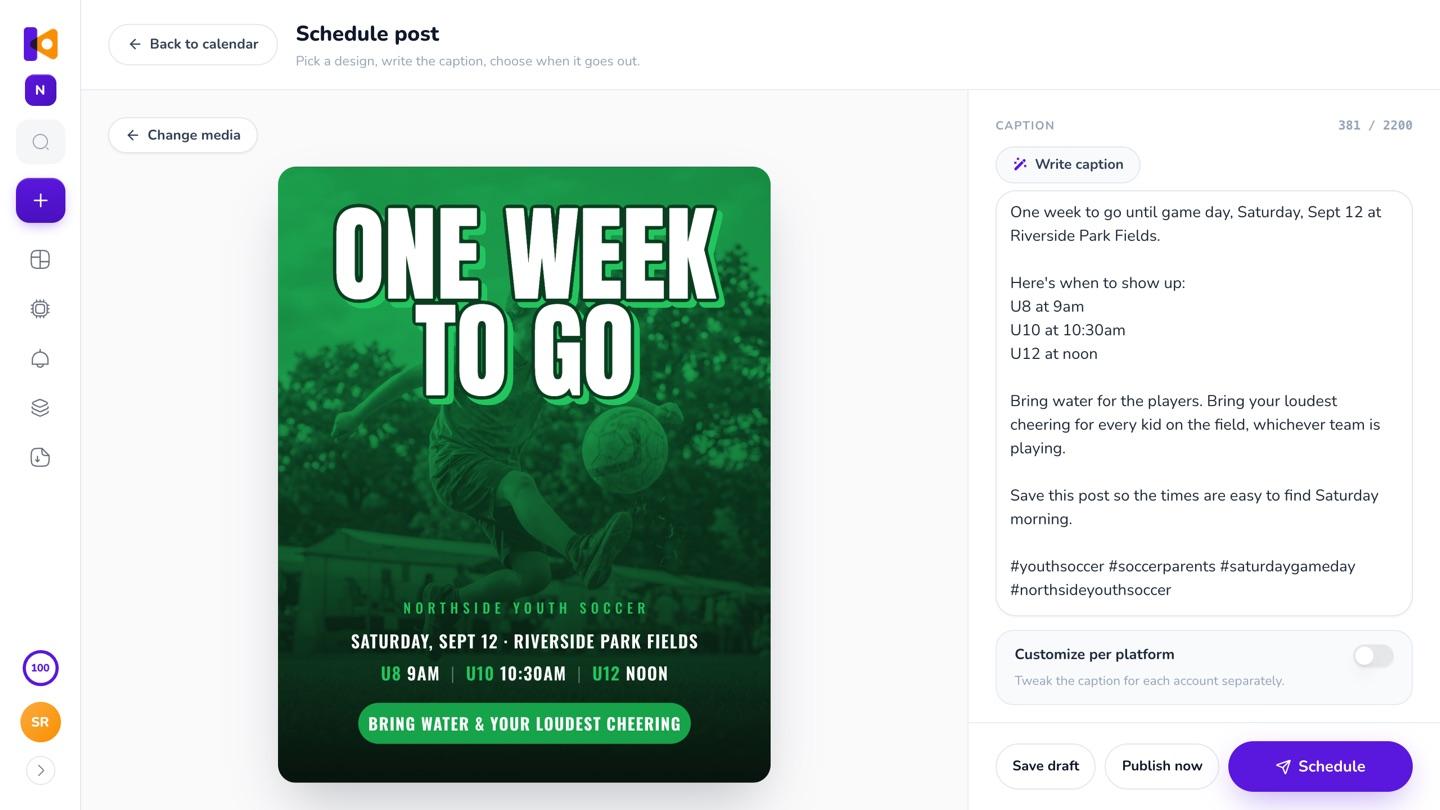
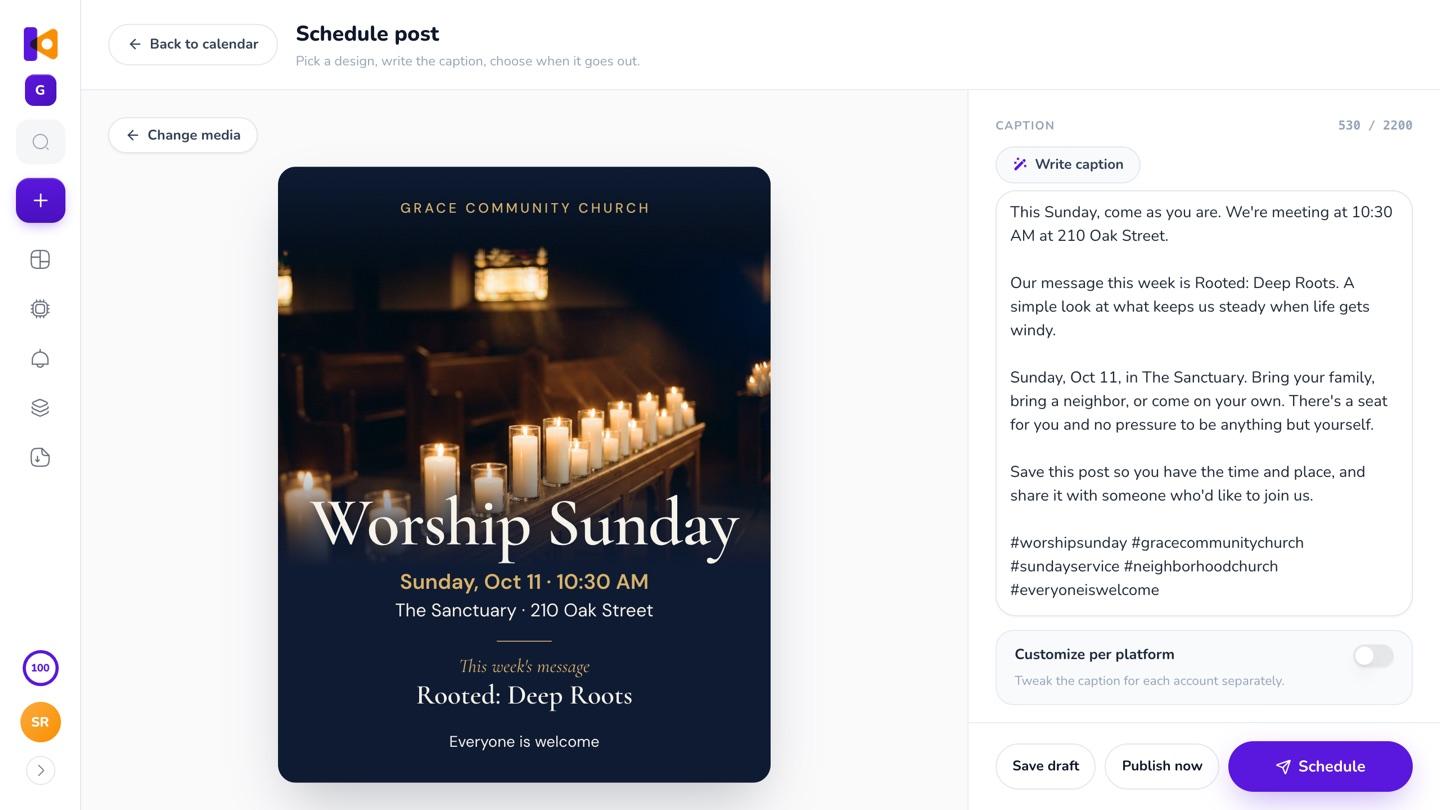
It reads the words on your post
The day, the time and the place come from the design, so the caption says the same thing.
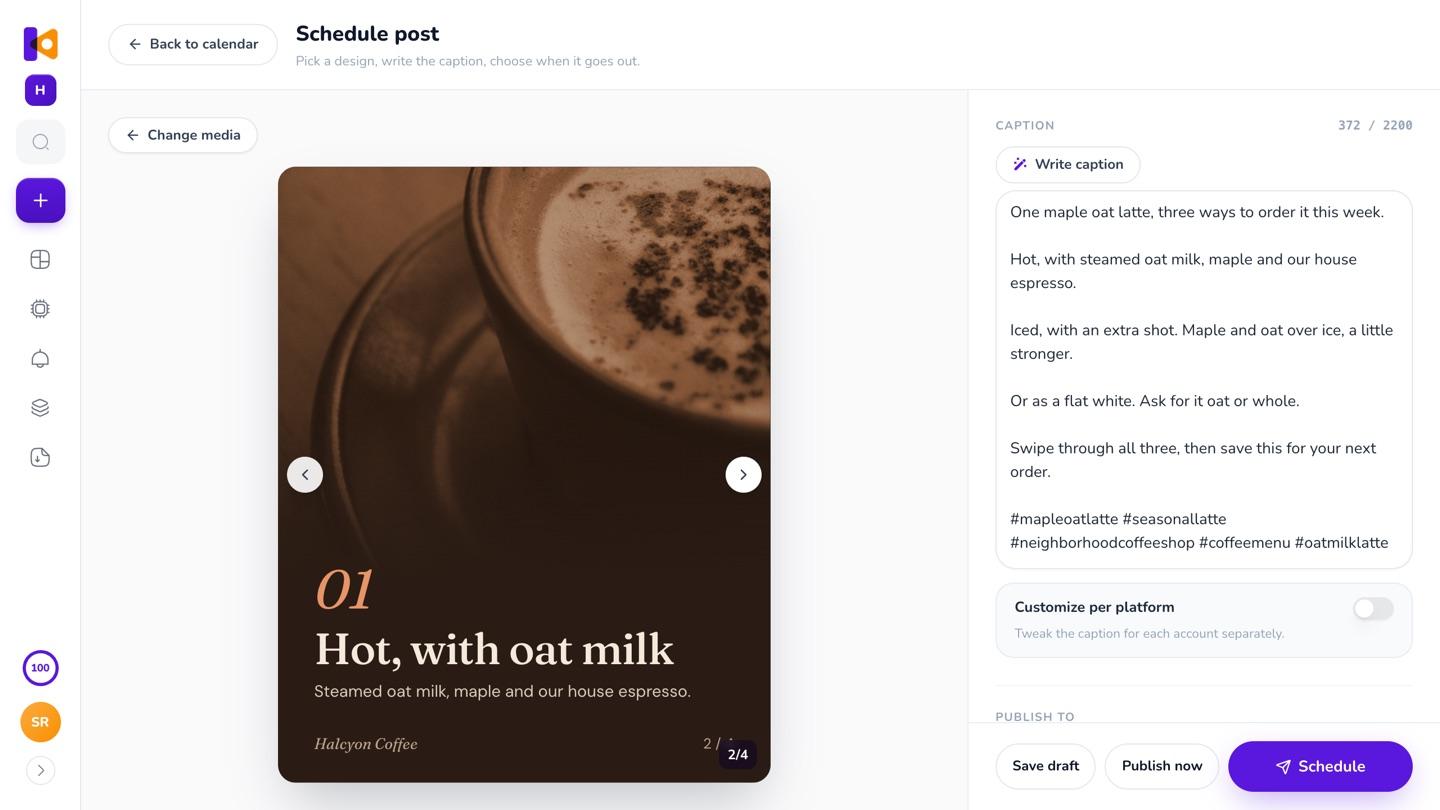
Every slide of a carousel
It reads the slides in order and writes one caption for the set.
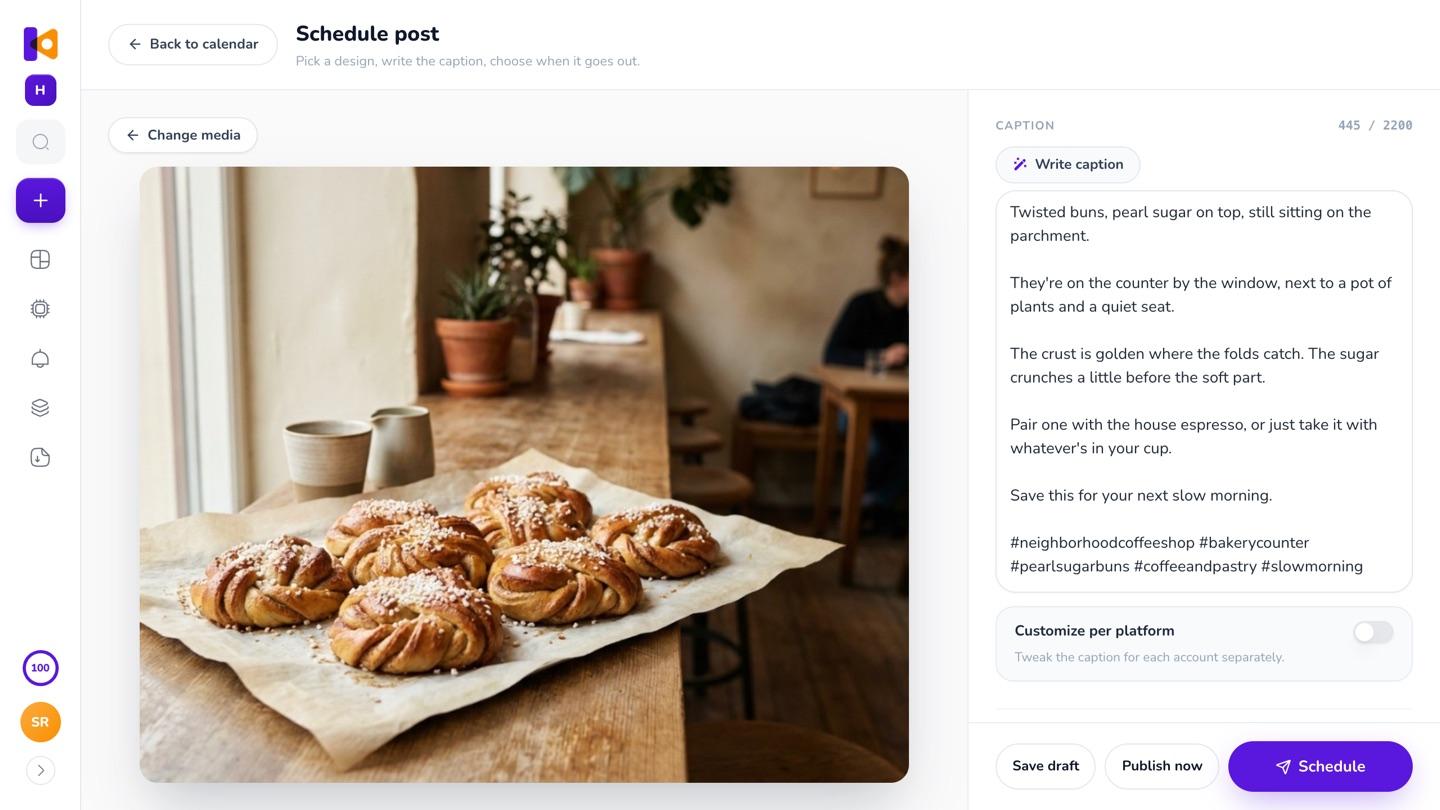
Or the photo you upload
No words on it? Krumzi looks at the photo and writes from what's in it and what it knows about your brand.
Another tool, or the button beside the post
A caption written somewhere else means describing the post twice. Here it's one click, next to the post.
- Open another tool
- Describe the post again
- Copy the caption over
- Cut the hashtags it padded on
- Pick the design
- Click Write caption
- Change a word if you want
- Schedule it
What goes into every caption
- 01
Your voice
Brand Mind's summary of your brand and any instructions you gave it shape every caption, so it reads like you, not like a default.
- 02
Hashtags about the post
3 to 5 about the post's topic and your niche, not tags like #explore or #viral that say nothing.
- 03
No made-up offers
It's told to use only what's on your post and what Brand Mind knows, so no price, date or offer you didn't give it. Emoji only if your brand uses them, two at most.
One caption, or one per platform
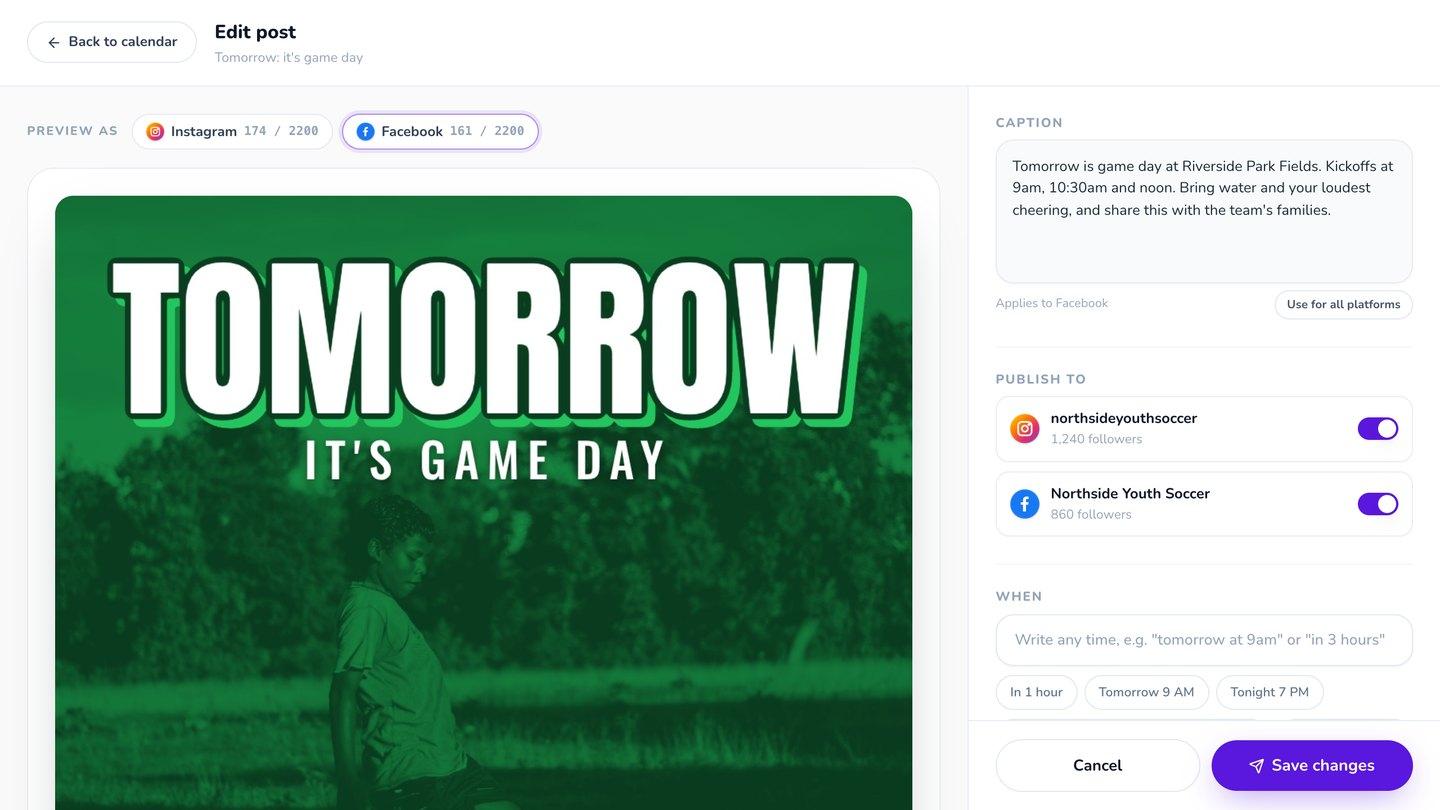
Write caption writes one caption for the accounts you post to. Want them different? Give each platform its own caption. If a post goes only to Facebook, where links work, the call to action can point straight to your link.
In the editor too
Finished a design? Schedule it from the editor's download screen, and the same Write caption button is there.
The week, captioned and scheduled
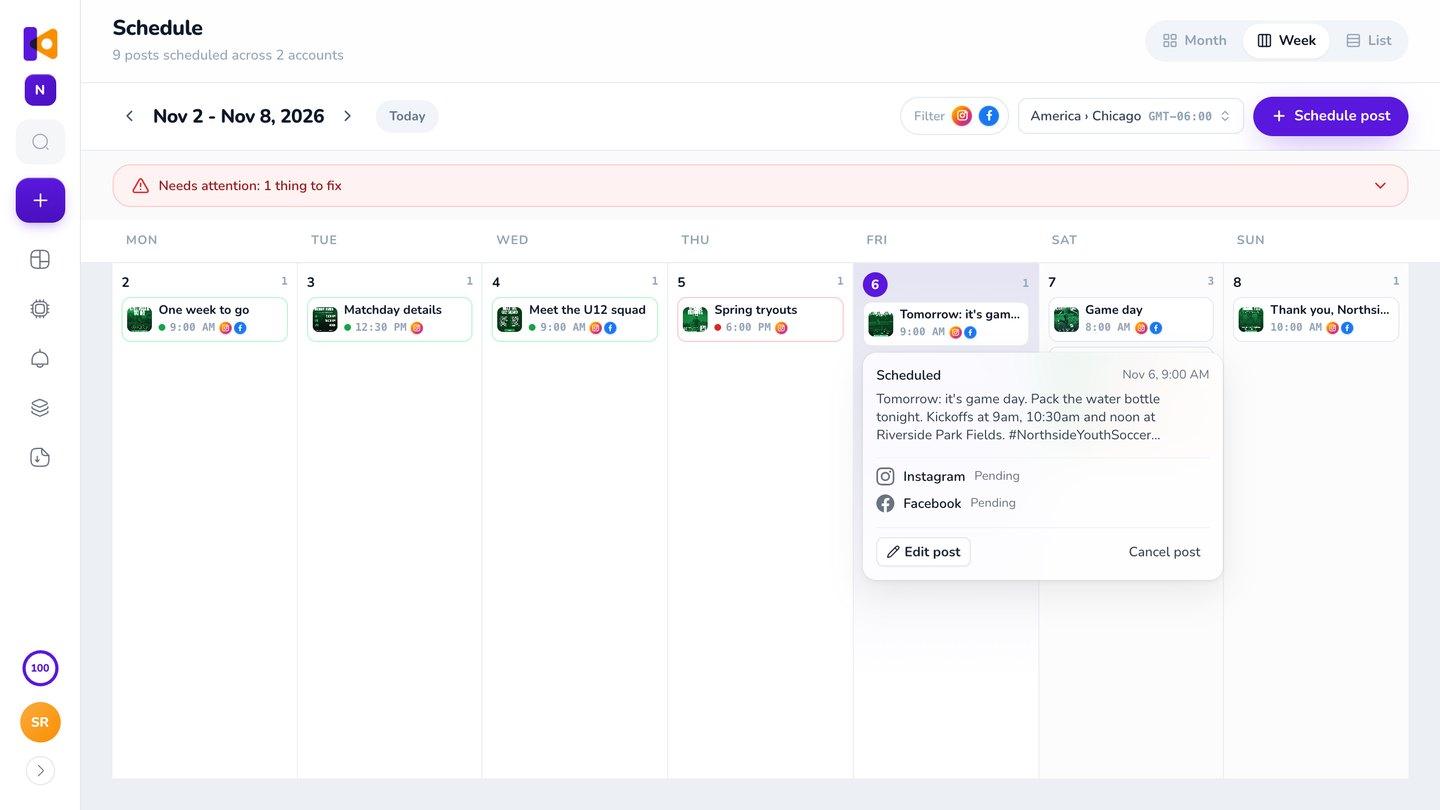
Write the caption, pick the time and move on to the next post. The week's posts sit on one calendar with their captions, and go out to Instagram and Facebook on time. See scheduling.
Questions

It's part of the Krumzi app, which starts with a 3-day free trial, card needed. Each caption uses a little of your plan's AI credits.
Yes, 3 to 5 about the post's topic and your niche. It skips tags like #explore and #viral that say nothing about the post.
It's told not to. It writes from what's on your post and what Brand Mind knows about your brand, and it's told never to add a price, a date or an offer. If the post has no words and no photo, it writes a plain caption for your brand. Read it before you schedule.
Yes. A post going only to Facebook gets a call to action that can point straight to your link, since links work there. A post going to both gets one caption that works on both.
Yes. Edit any word before you schedule, or click Write caption again for a new one.
Brand Mind, so Krumzi knows your voice, and an Instagram or Facebook account connected on the Accounts page. Krumzi asks for Brand Mind if it's missing.
Yes. It looks at the photo and writes from what's in it and what it knows about your brand.
It's told to use them only if your brand does, and two at most.
There are four plans, Starter, Pro, Studio and Agency, billed monthly or yearly, and yearly gets two months free. Every plan comes with AI credits each month, and Pro and up add video, Brand Kit and more brands. Starter, Pro and Studio start with a 3-day free trial: you add a card, pay nothing today, and your plan starts on day 4 unless you cancel. Agency starts paid, with no trial. Current prices are at krumzi.com/pricing.
Yes, online, any time.
Every post goes out with a caption that sounds like you
Written from the post, in your voice. Change any word.
3-day free trial, card needed.No charge until day 4.Cancel online anytime.