Design this week's posts and schedule them in the same place.
Describe the post. Krumzi designs it in your brand and writes the caption from what's on it. Pick a time, and it goes out to Instagram and Facebook without the design ever leaving Krumzi.
3-day free trial, card needed.No charge until day 4.Cancel online anytime.
Works with Instagram Business and Creator accounts and Facebook Pages.
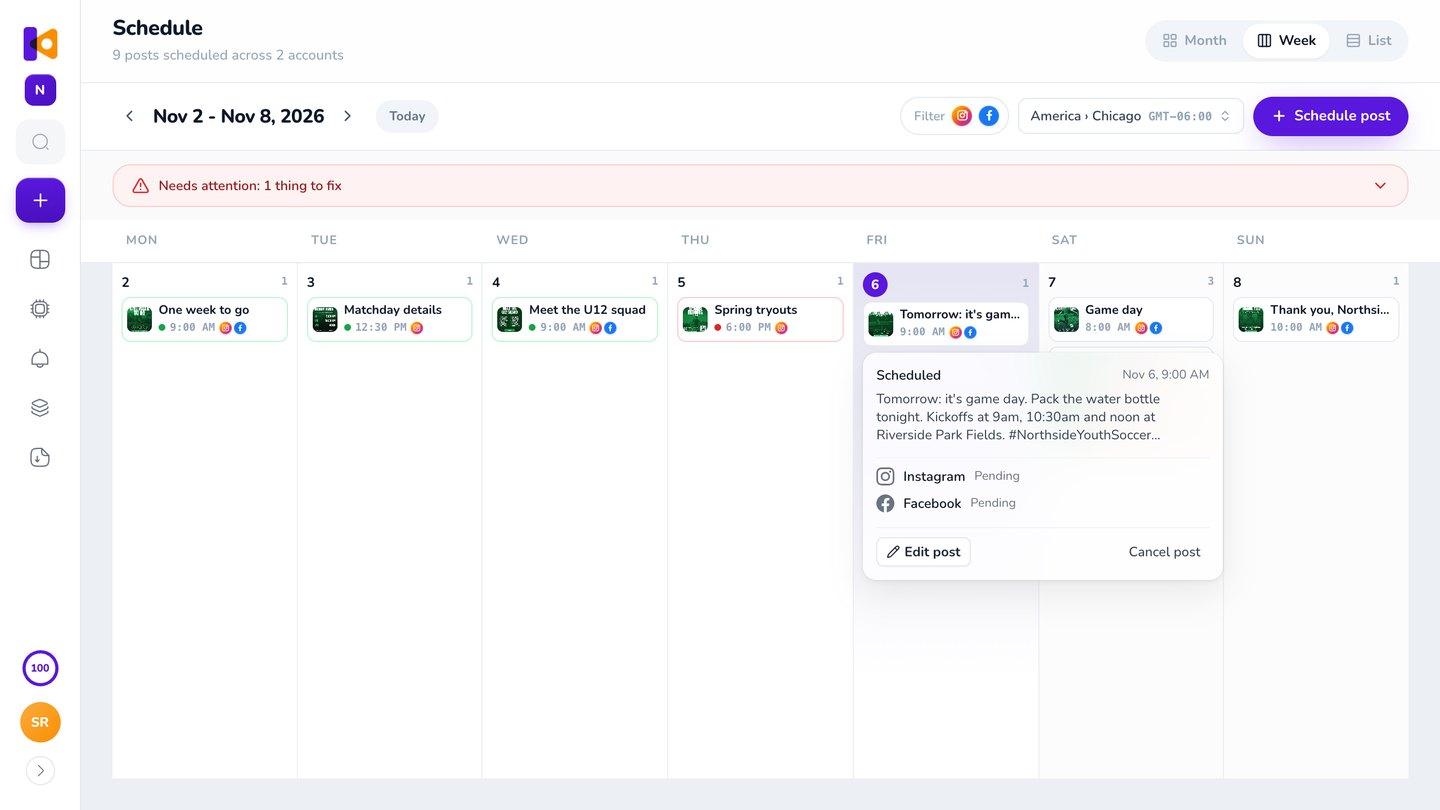
A social media scheduling tool that makes the posts too
A scheduler holds posts you designed somewhere else. Krumzi does the whole job: it designs the post from your description, writes the caption from the words on it, and schedules it to Instagram and Facebook from one calendar.
From idea to scheduled post, in one place
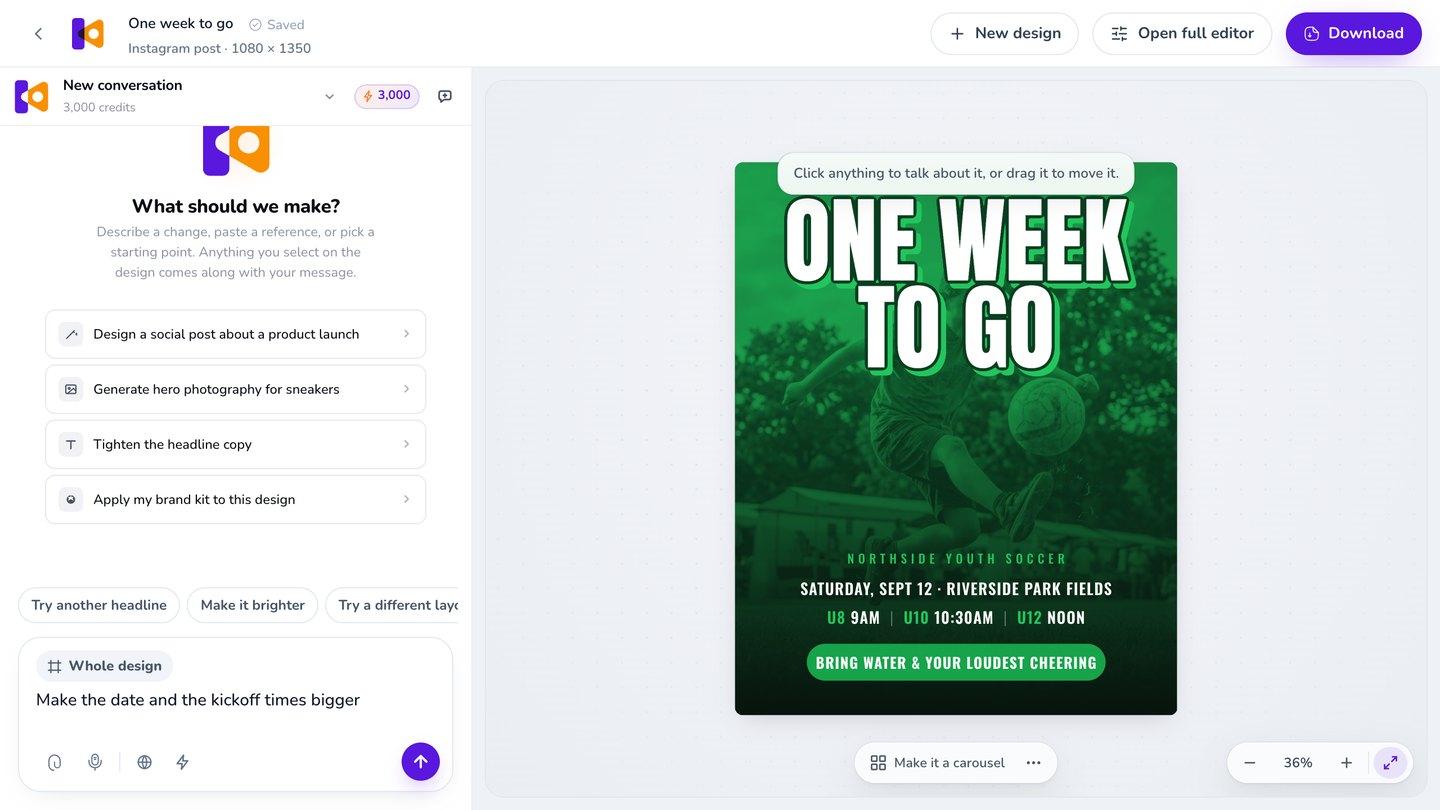
Make the post.
Say what it's for in plain words. Krumzi designs it from scratch, in your colors, and you can change anything by asking.
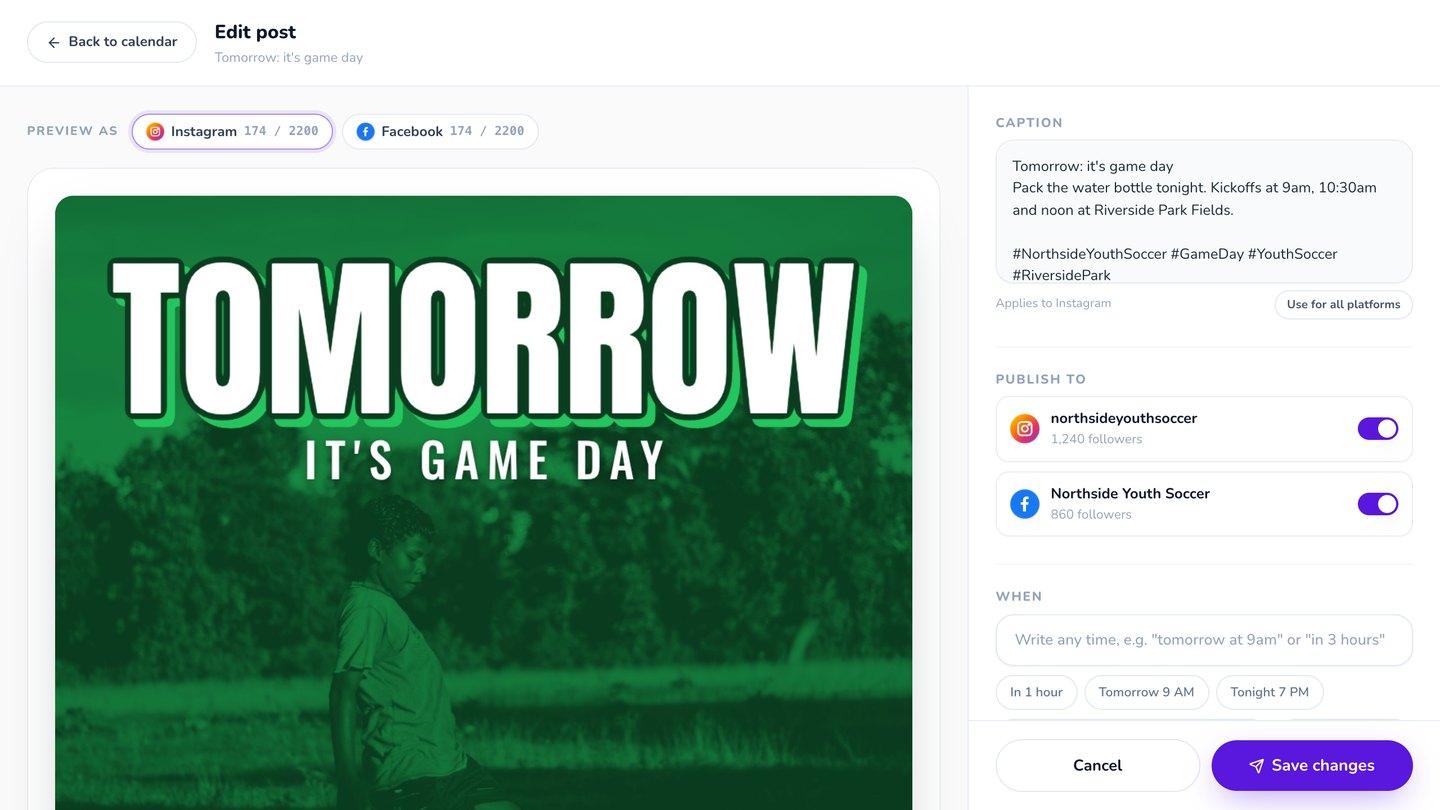
Get the caption.
One click writes a caption and a few hashtags from the words on your post, in your brand's voice. Edit it, or write a different one for Facebook.
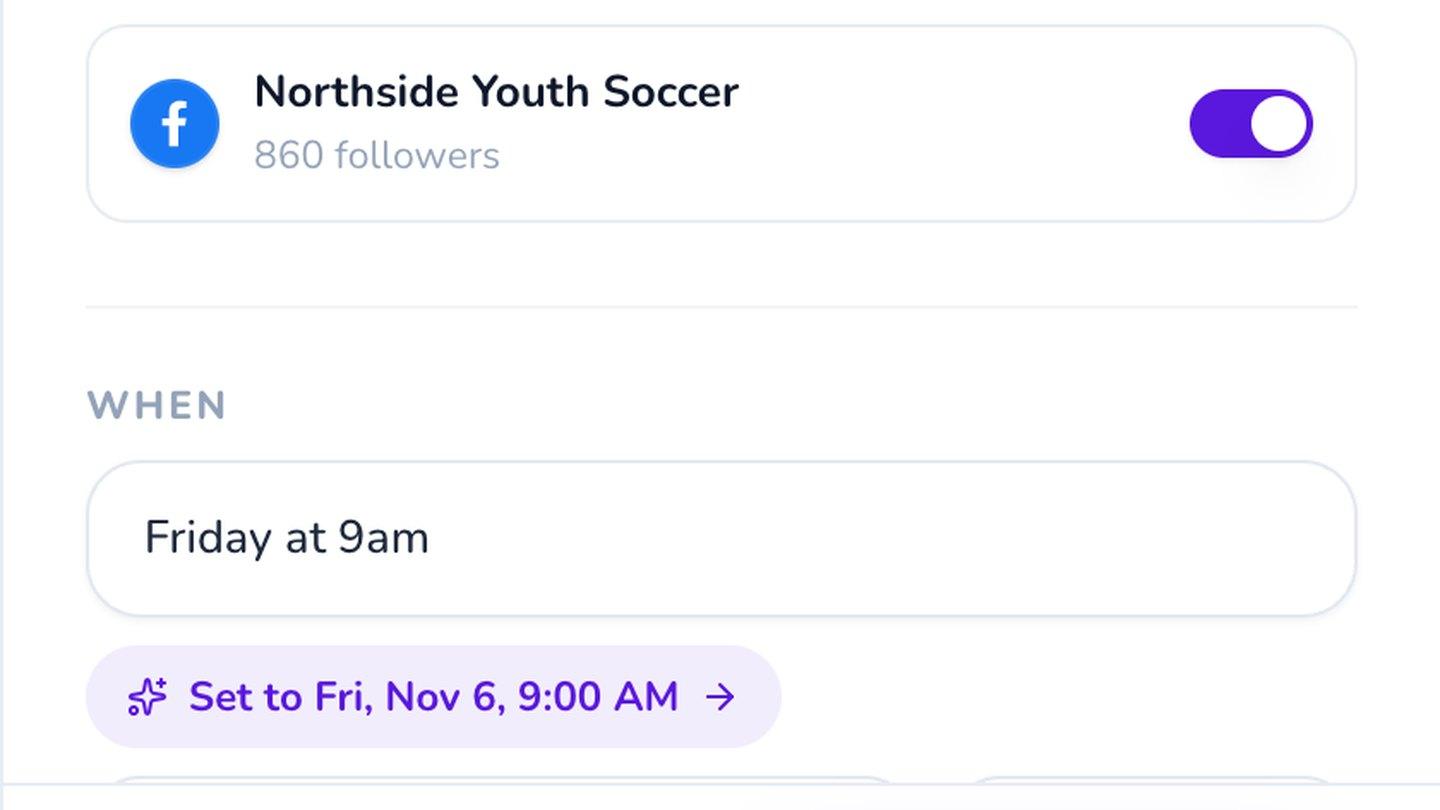
Pick the time.
Type "Friday at 9am" or pick a date. It goes out to Instagram and Facebook at the same moment.
Finished a design? Schedule it right from the editor.
3-day free trial, card needed.No charge until day 4.Cancel online anytime.
Your week in one calendar
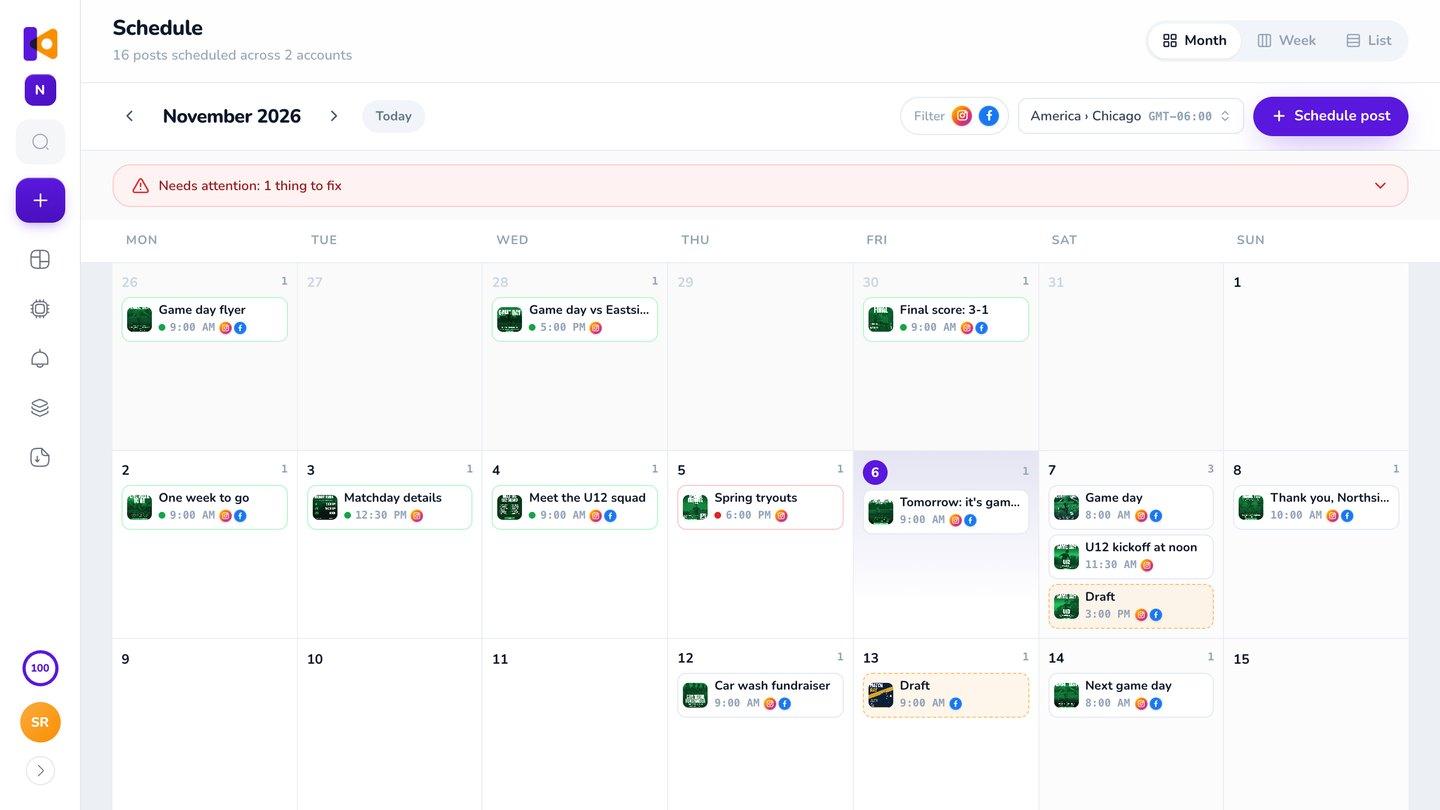
See every post by month, week or as a list. Drag a post to another day to move it. Keep drafts until they're ready, or publish one right now. Times follow your brand's time zone, so 9am means 9am where your brand is.
It goes out on time, or you'll know why
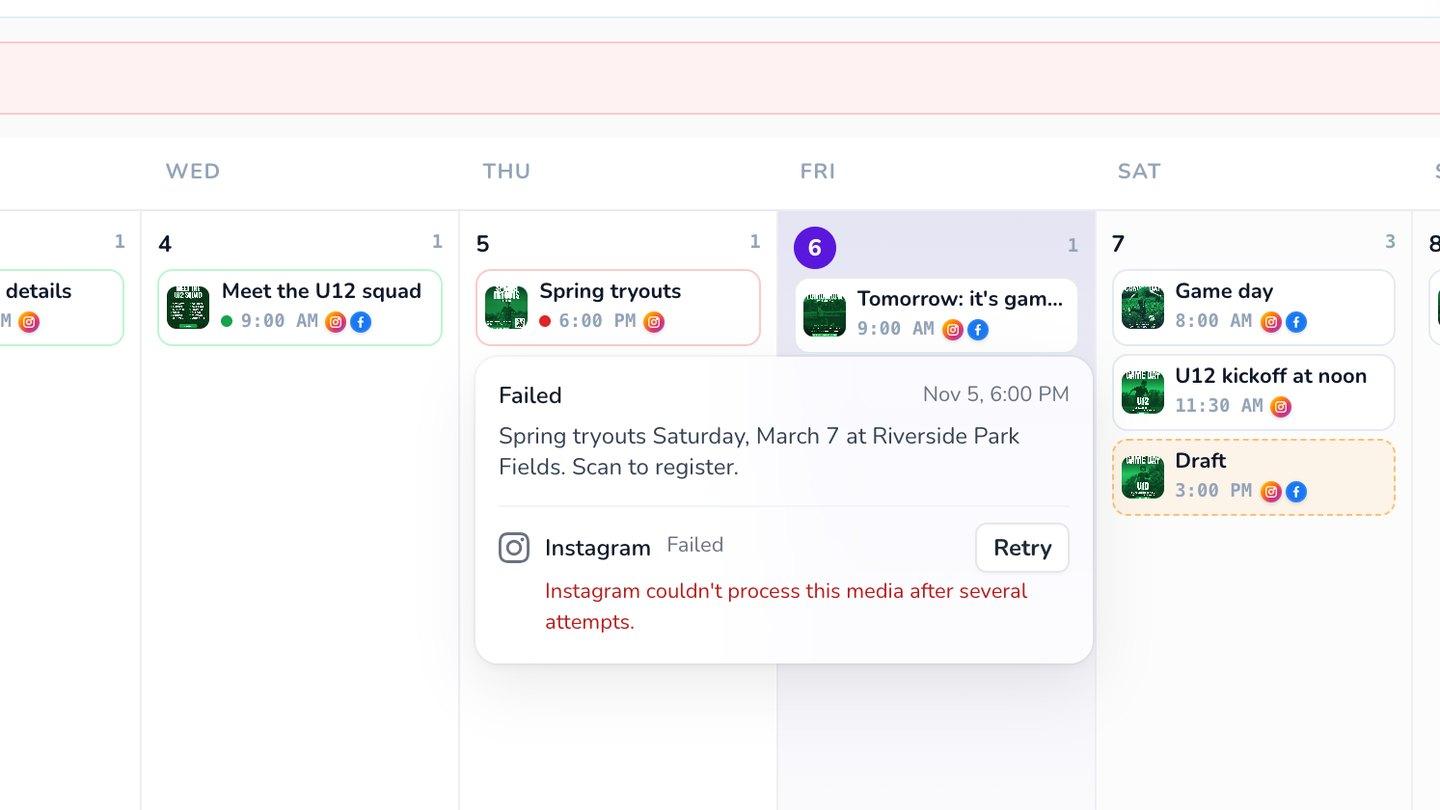
Posts go out at the minute you picked, to every network at once. If one can't, you'll see it in red with the reason in plain words, retry it in one click, and get an email. If an account needs reconnecting, Krumzi tells you which posts are waiting for it.
Already use Buffer or Meta Business Suite?
They're good at holding posts, and Meta Business Suite is free. But they hold posts you designed somewhere else. With Krumzi the design, the caption and the schedule are one job, so nothing gets downloaded just to be uploaded again.
Happy with your scheduler? Keep it. Every design downloads as a PNG, JPG or PDF.
- Design app
- Download
- Scheduler
- Caption
- Make the post
- Get the caption
- Pick the time
Where your posts go
More networks aren't available yet.
Posts that repeat every week
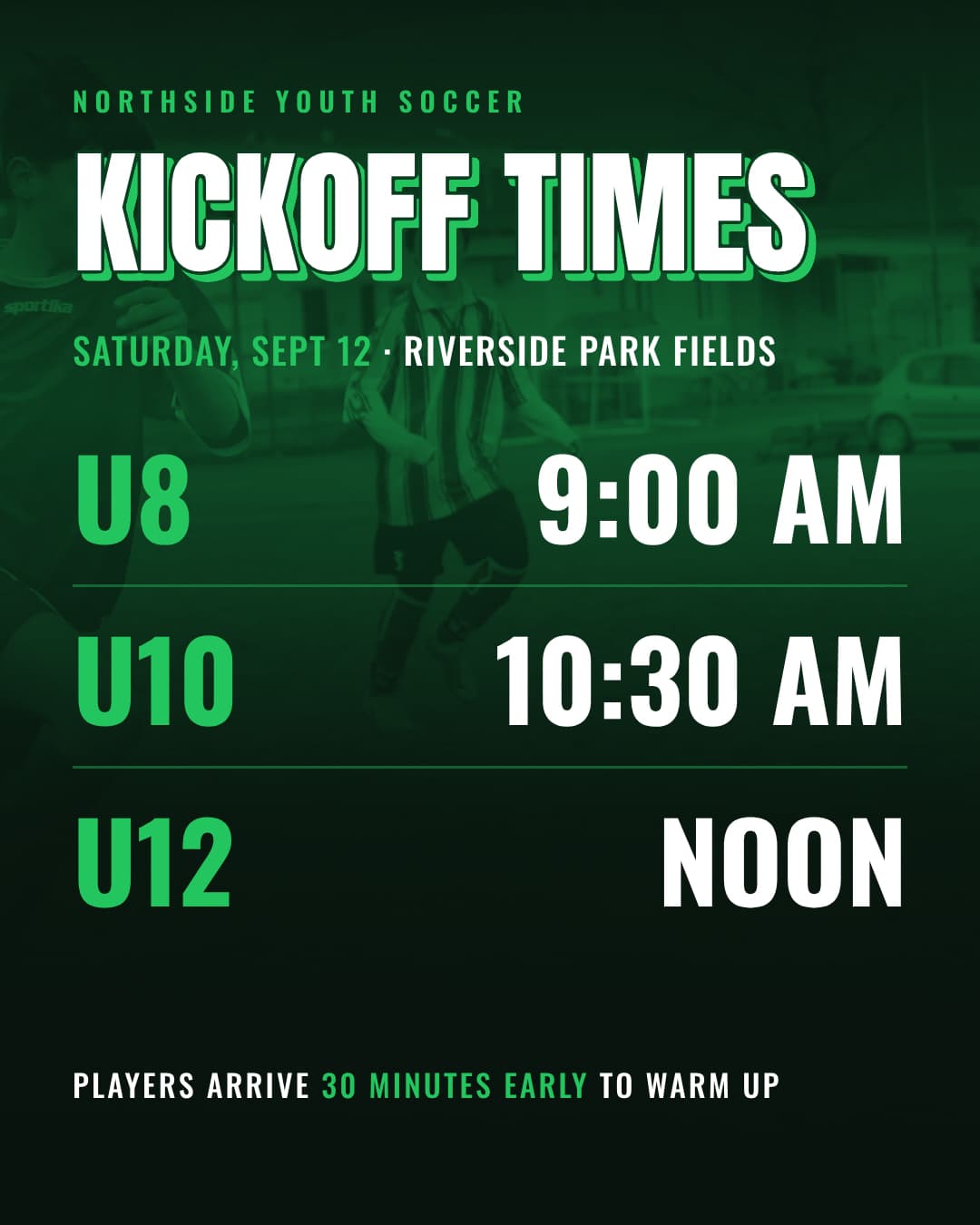
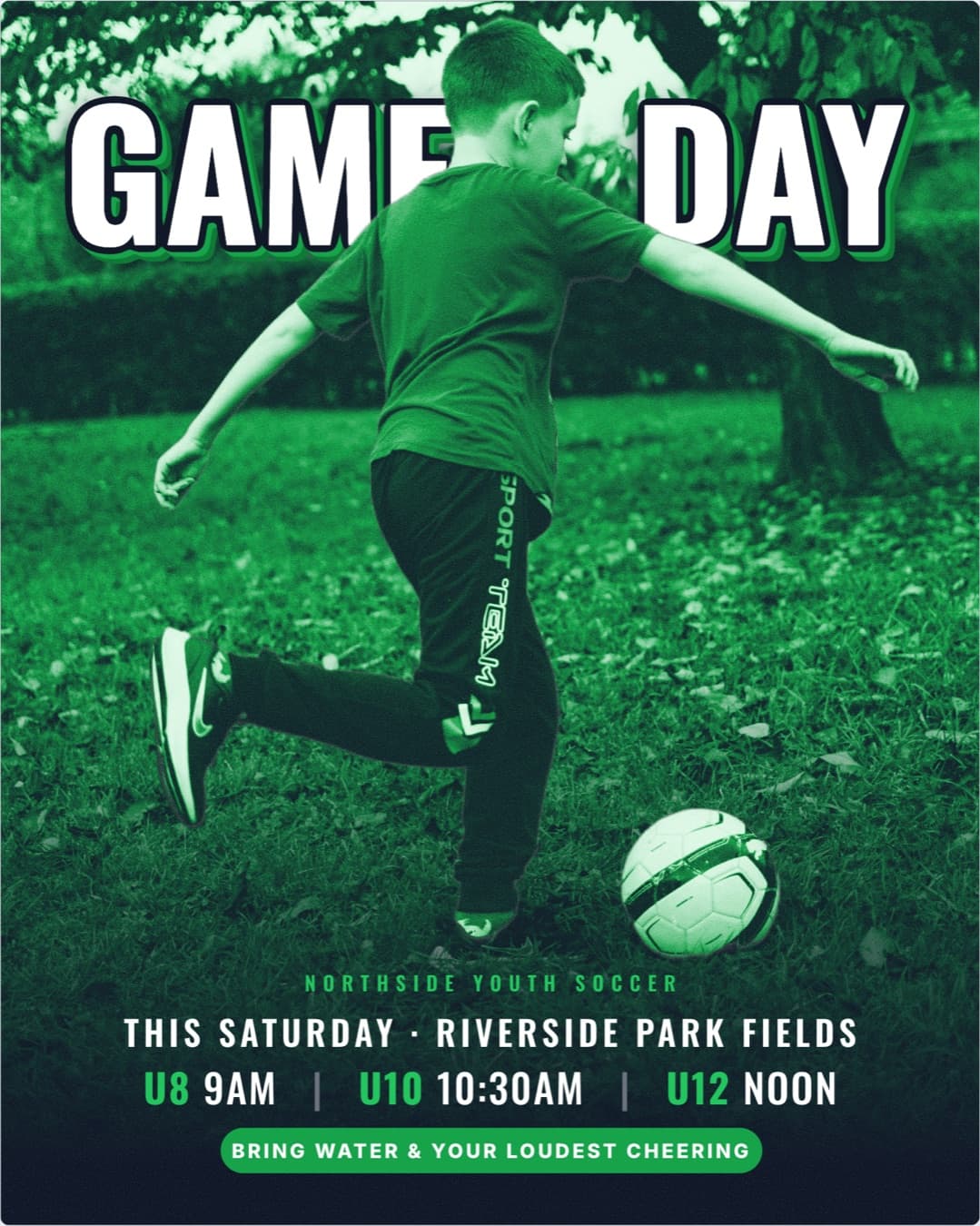
Got a post that comes back every Friday? Make next week's version from this one, with the new date, then schedule it. Your look stays the same, week after week.
Questions

Instagram (Business or Creator accounts) and Facebook Pages. Each brand connects one of each. Other networks aren't available yet.
Yes. Upload an image or a video and schedule it the same way.
It posts the design as it looked when you scheduled it. If you change the design later, refresh the scheduled post in one click.
You see it in red with the reason, retry it in one click, and get an email.
Yes. It writes the caption and 3 to 5 hashtags from the words on your post, in your brand's voice. It uses a little of your plan's credits.
Yes. Each brand connects its own Instagram account and Facebook Page.
Yes, on every plan, including the 3-day free trial. During the trial, posts carry the trial watermark, like every trial download. Once your plan starts, refresh the design and it publishes without it.
There are four plans, Starter, Pro, Studio and Agency, billed monthly or yearly, and yearly gets two months free. Every plan comes with AI credits each month, and Pro and up add video, Brand Kit and more brands. Starter, Pro and Studio start with a 3-day free trial: you add a card, pay nothing today, and your plan starts on day 4 unless you cancel. Agency starts paid, with no trial. Current prices are at krumzi.com/pricing.
Yes, online, any time.
Next week's posts, designed and scheduled before Monday
The calendar, the captions and the publishing, in the same place you make the posts.
3-day free trial, card needed.No charge until day 4.Cancel online anytime.