Schedule your Facebook Page posts with the design already done.
Describe the post. Krumzi designs it in your brand, writes the caption, and posts it to your Facebook Page, and to your Instagram at the same moment if you want.
3-day free trial, card needed.No charge until day 4.Cancel online anytime.
Works with any Facebook Page you manage.
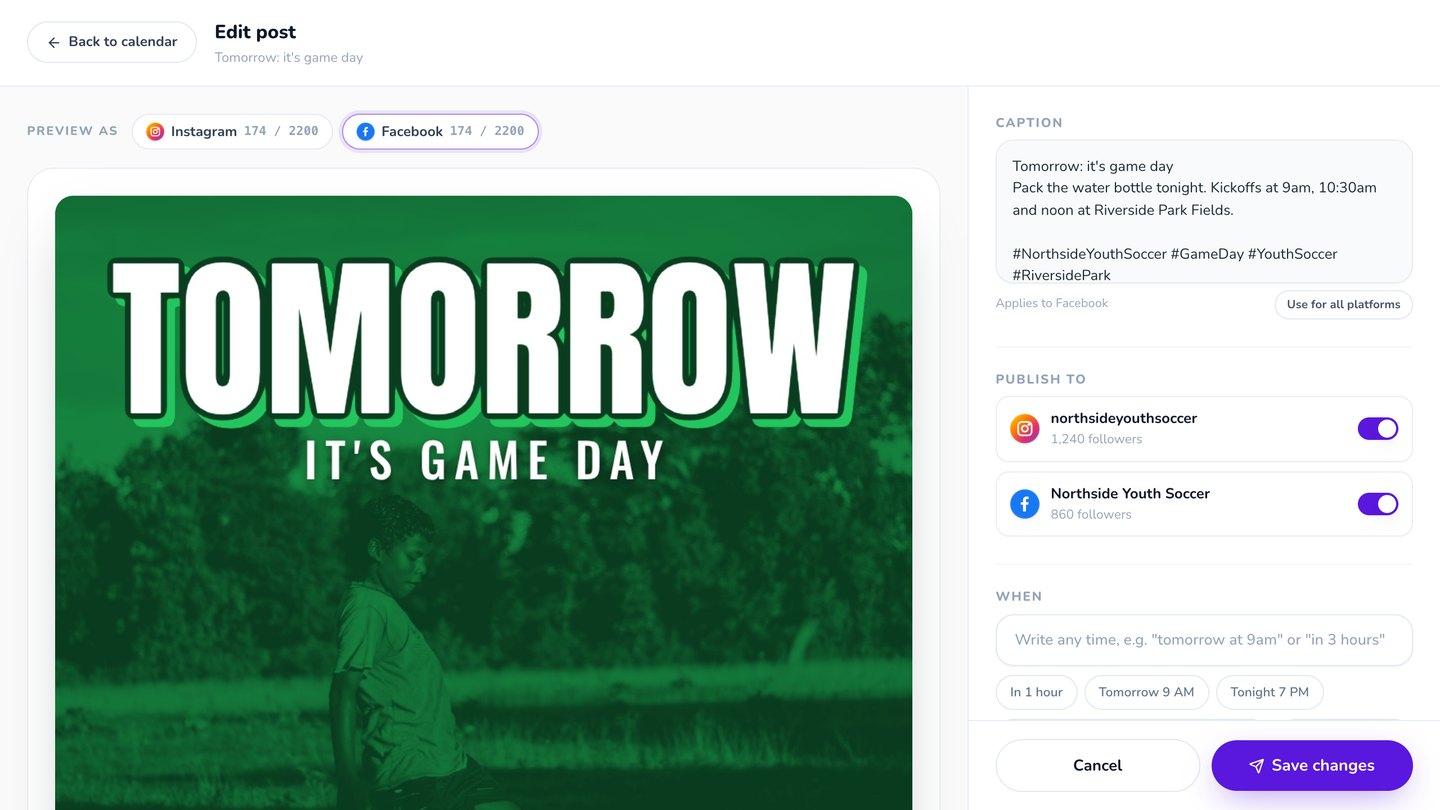
How to schedule Facebook posts
Krumzi schedules posts to Facebook Pages. Facebook also lets you schedule on the Page itself or in Meta Business Suite, once the post is made. The difference with Krumzi is that it makes the post too. Describe it, Krumzi designs it and writes the caption, and you pick the time. It can go out to your Instagram at the same moment.
Facebook and Instagram, at the same moment
Switch on both, and the same post goes to your Page and your Instagram at the minute you picked. Write one caption for both, or a different one for each.
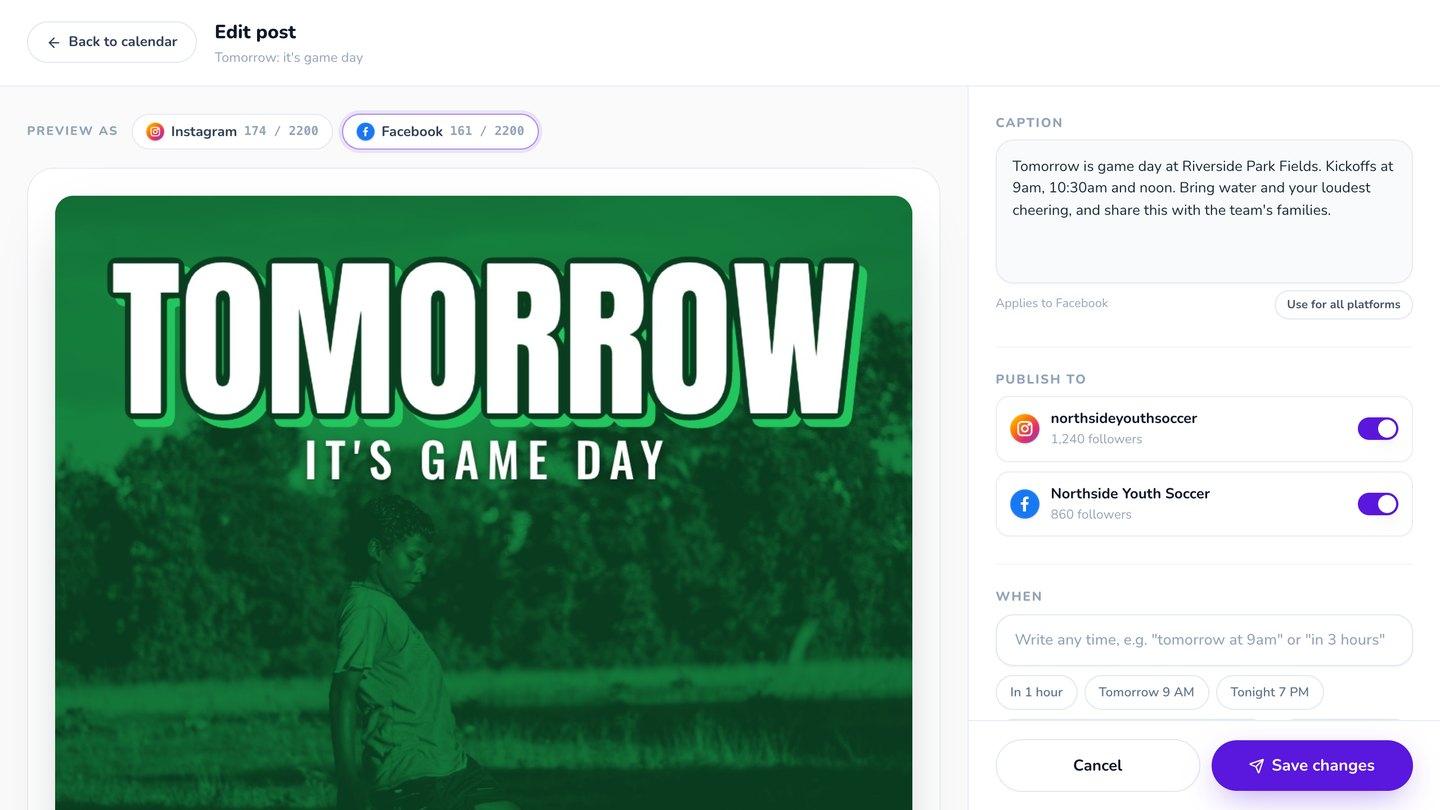
Photos, multi-photo posts and videos
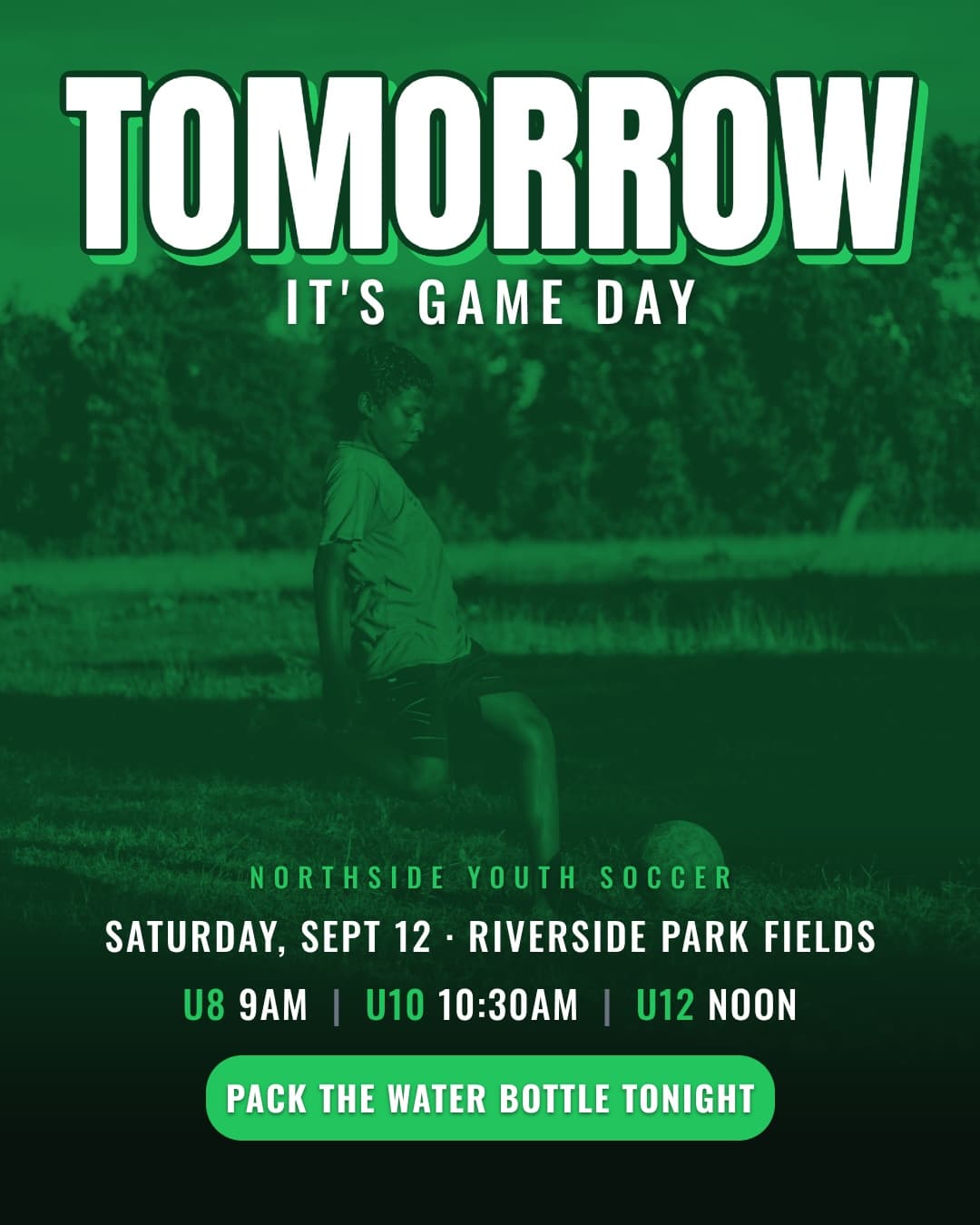
Single photo posts
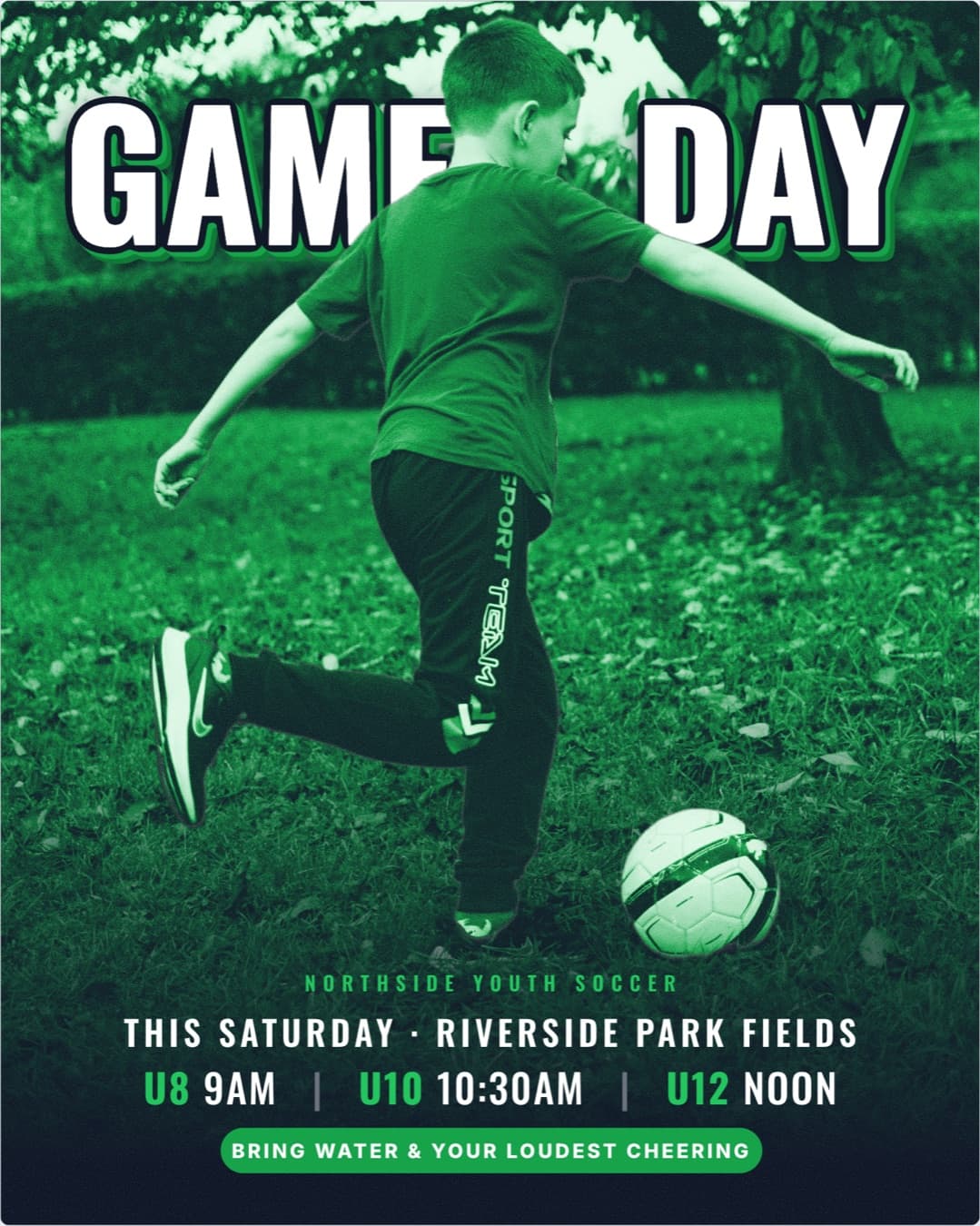
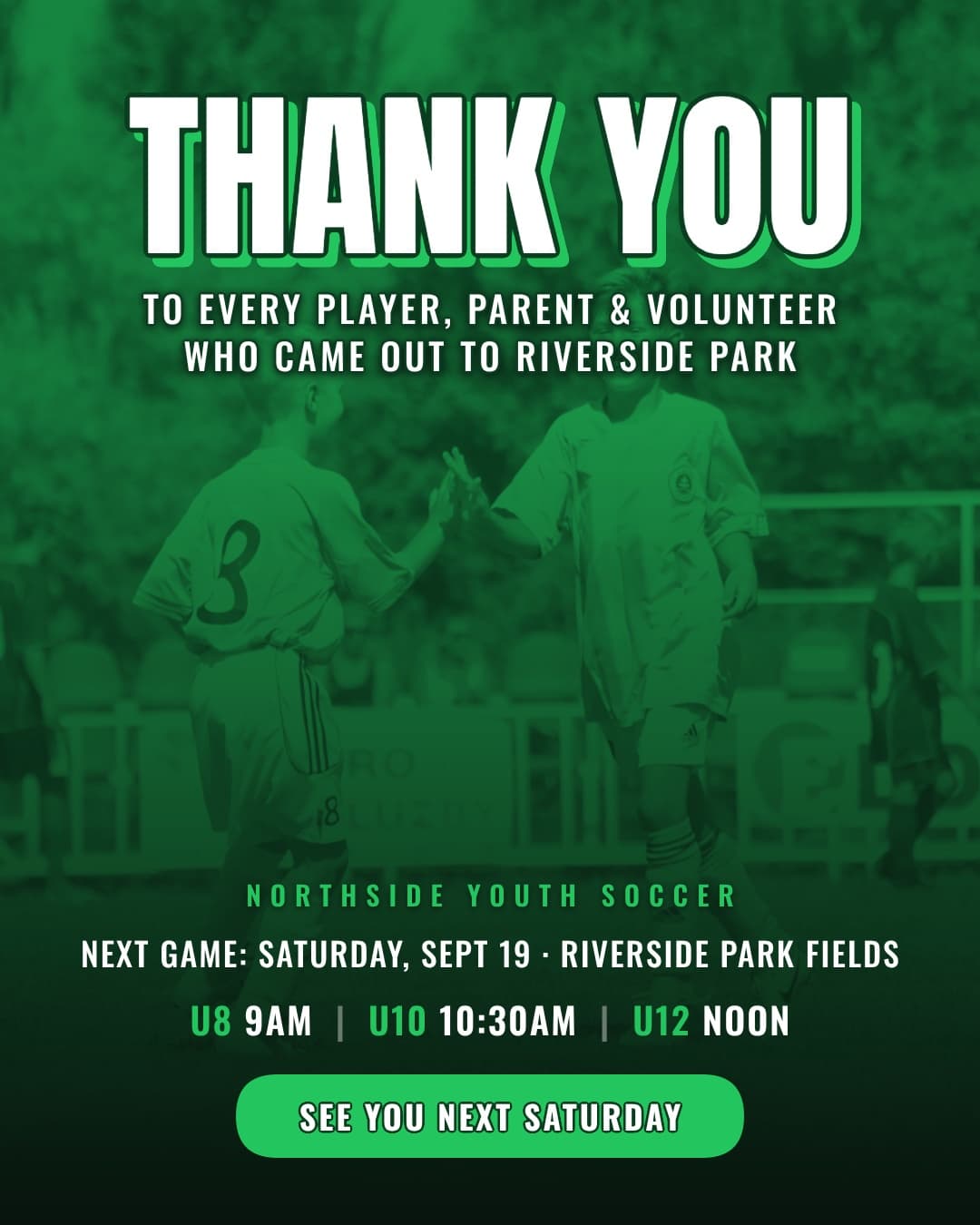
Posts with several photos
Up to 10.
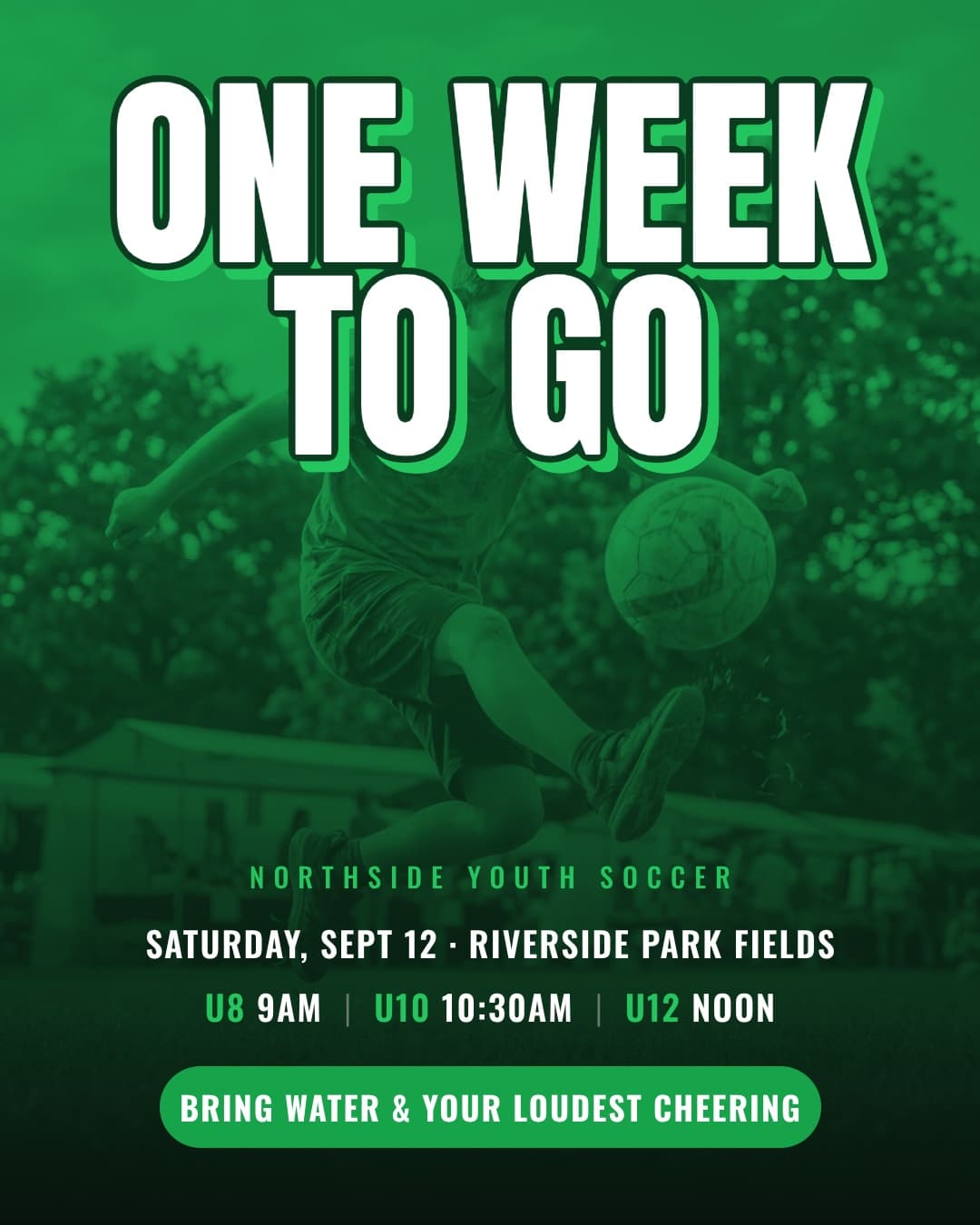
Videos
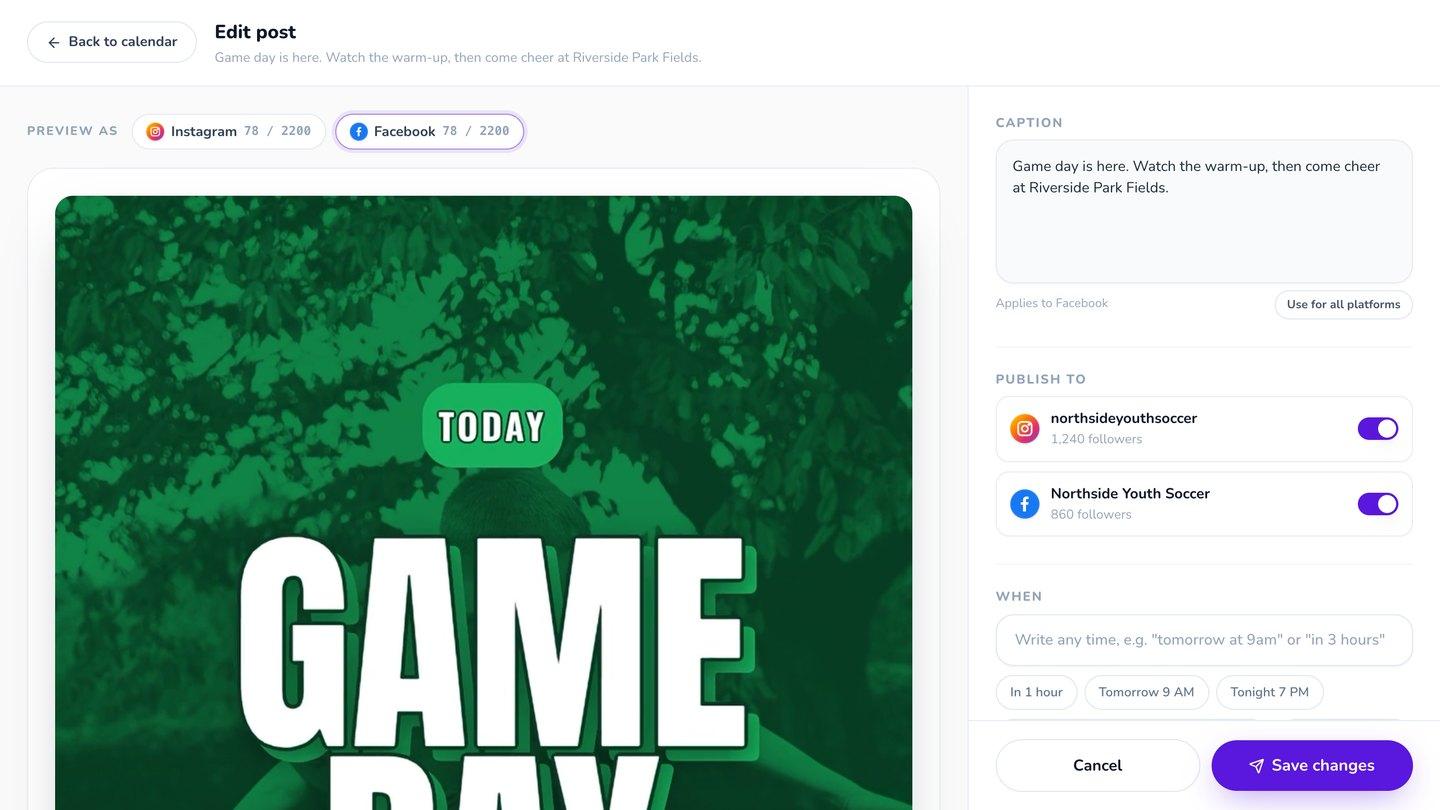
Every image is designed from scratch in your colors and fonts, with the caption written from the words on it.
Connect your Page with your Facebook login
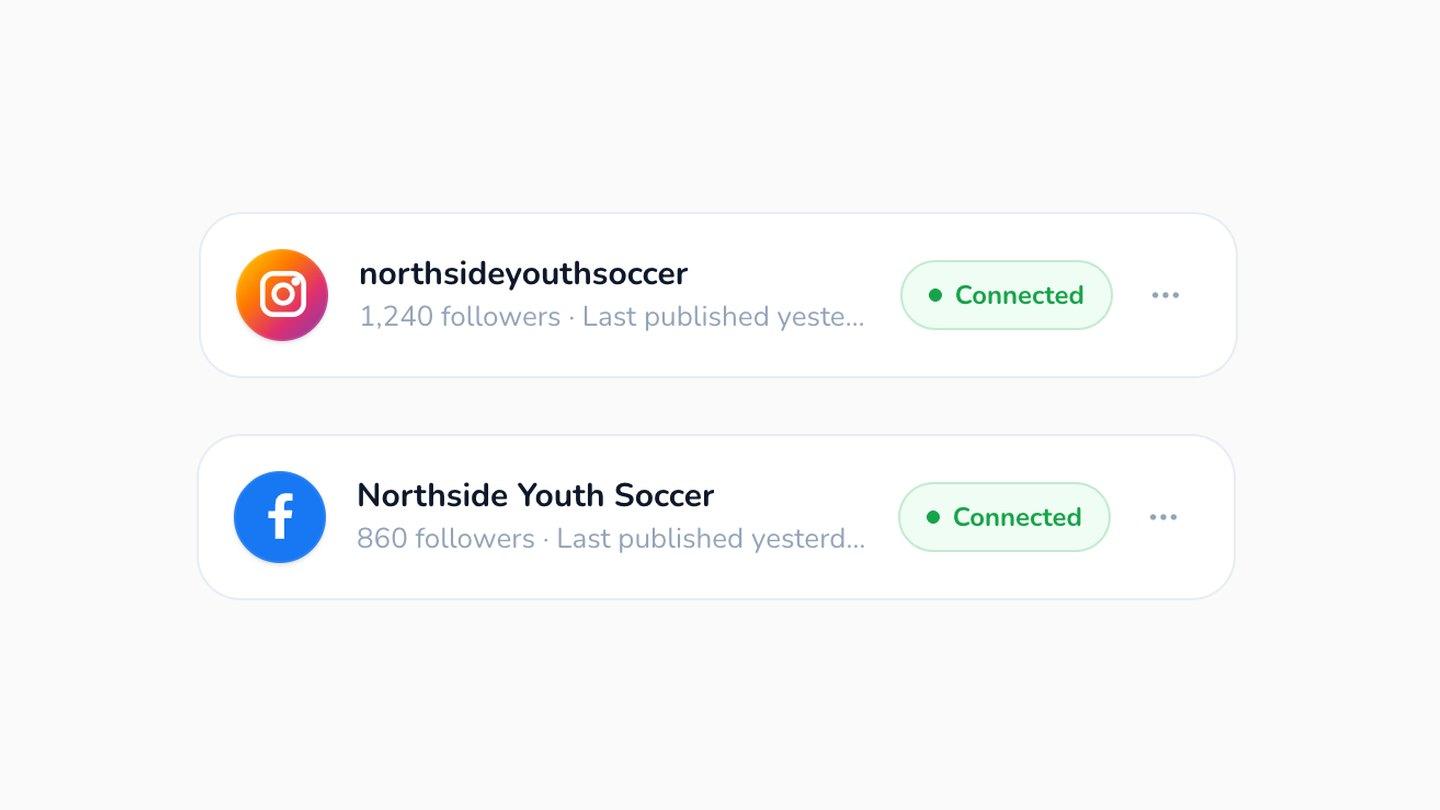
Log in with Facebook and pick the Page you want. Krumzi shows its name and follower count, so you know it's the right one. The connection is stored encrypted, and you can disconnect it any time.
Your whole week in one place
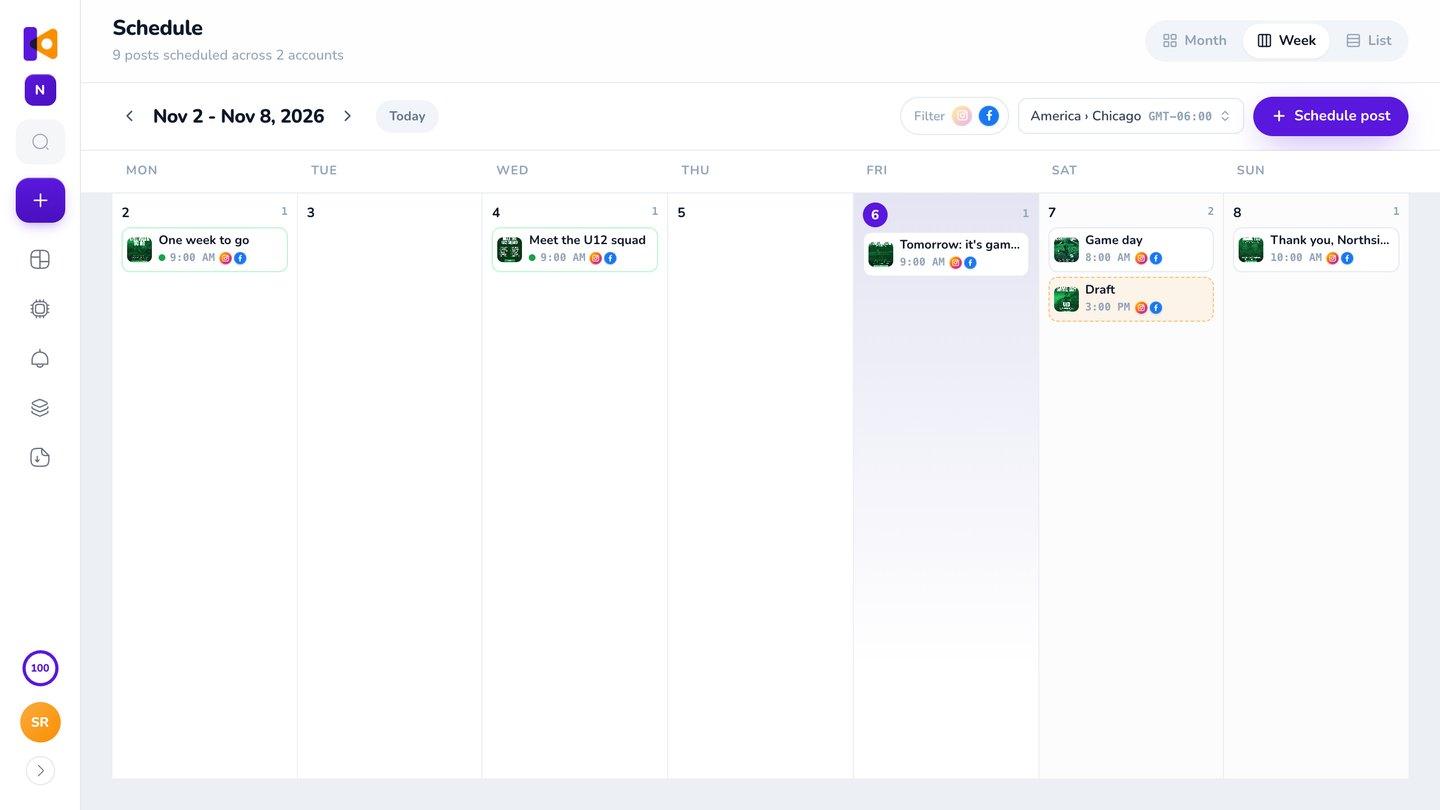
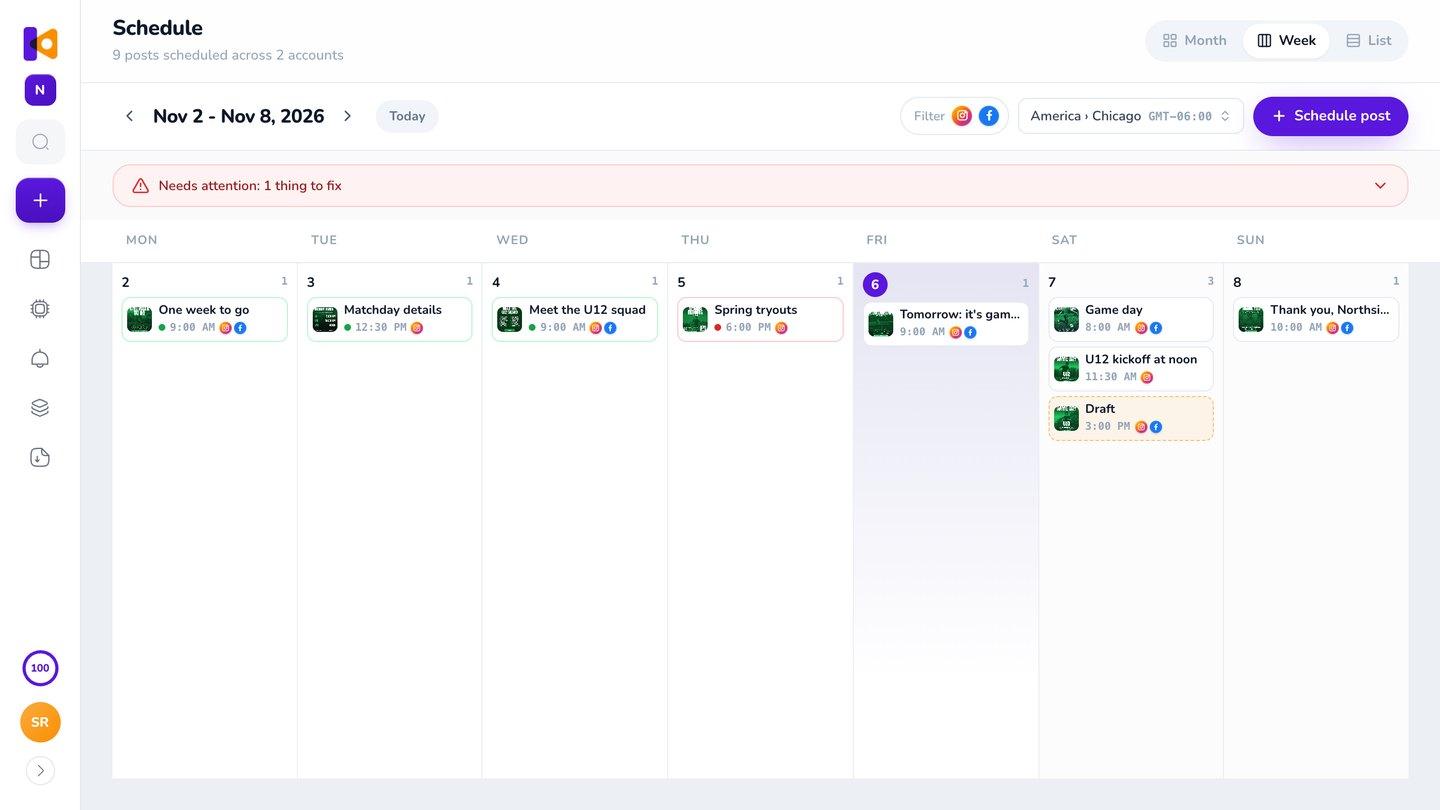
Facebook and Instagram posts sit in the same calendar, by month, week or list. Show only Facebook, drag a post to another day, or publish one right now.
Why not just schedule on Facebook?
You can, and it's free. Facebook's scheduler and Meta Business Suite hold a post you already made. Krumzi makes the post, writes the caption and sends it to your Instagram too, so your Page stays active without spending an evening designing each week.
- Design app
- Download
- Instagram, separately
- Make the post
- Get the caption
- Pick the time
Promoting something on your Page?
Make the flyer, the posts and the reminders for your next event in one go, and schedule them all to your Page and your Instagram. See every post an event needs.
Questions

No. Krumzi posts to Facebook Pages only.
Any Page you manage. Each brand in Krumzi connects one Page and one Instagram account.
Yes. Add a brand for each Page. How many brands you can have depends on your plan.
In Krumzi's calendar, with your Instagram posts.
You see the reason, retry it in one click, and get an email. If Facebook asks you to reconnect, it's one button.
It posts the design as it looked when you scheduled it. Refresh it in one click.
Yes.
Yes, on every plan, including the 3-day free trial. During the trial, posts carry the trial watermark, like every trial download. Once your plan starts, refresh the design and it publishes without it.
There are four plans, Starter, Pro, Studio and Agency, billed monthly or yearly, and yearly gets two months free. Every plan comes with AI credits each month, and Pro and up add video, Brand Kit and more brands. Starter, Pro and Studio start with a 3-day free trial: you add a card, pay nothing today, and your plan starts on day 4 unless you cancel. Agency starts paid, with no trial. Current prices are at krumzi.com/pricing.
Yes, online, any time.
Your Page, posted every week, in your brand
Works with any Facebook Page you manage, and your Instagram at the same moment.
3-day free trial, card needed.No charge until day 4.Cancel online anytime.