Every post your event needs. Done in one sitting.
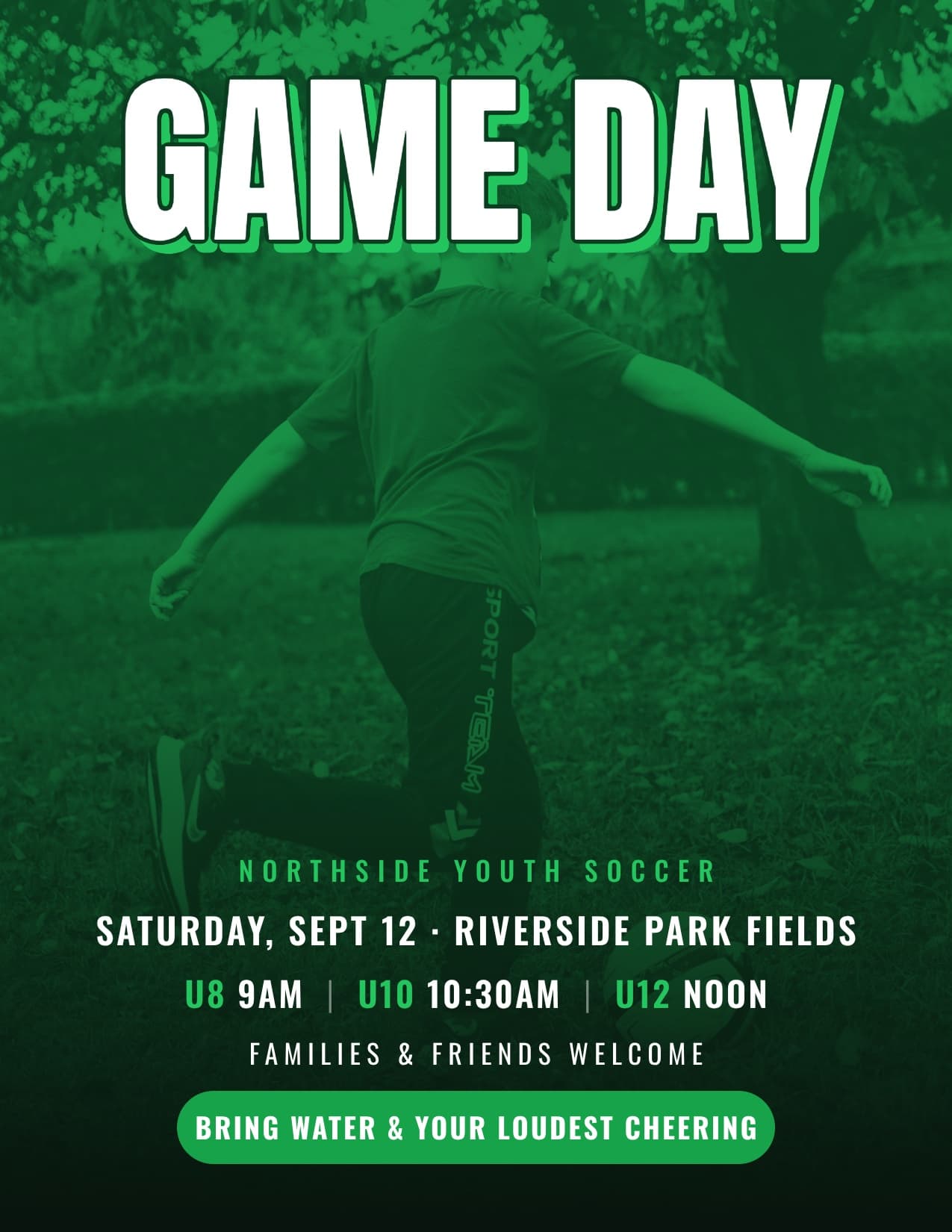
Tell Krumzi what's happening, when and where. It designs the flyer from scratch in your colors, not from a template, then makes the announcement, the story and every reminder to match.
3-day free trial, card needed.No charge until day 4.Cancel online anytime.
How to promote an event on social media
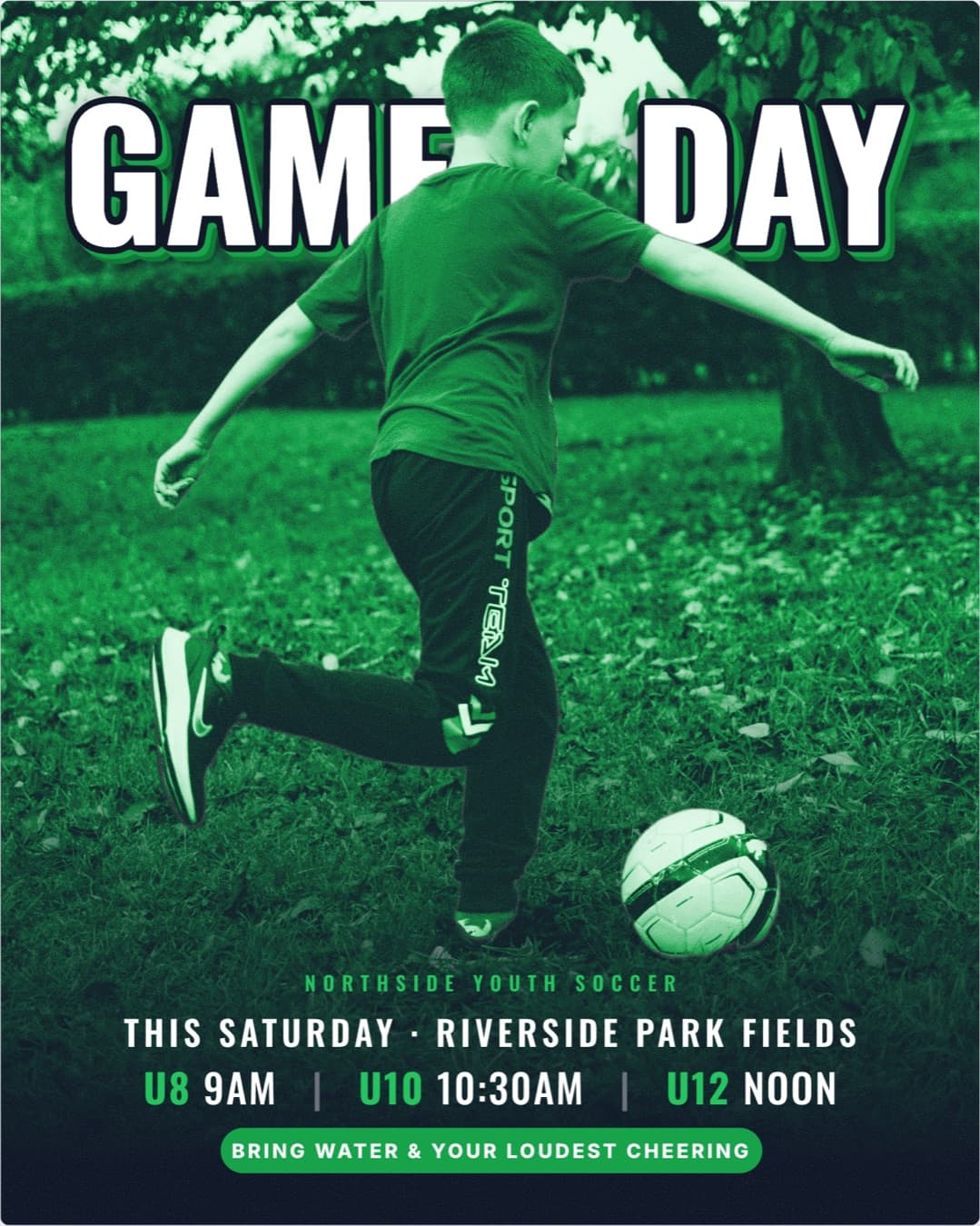
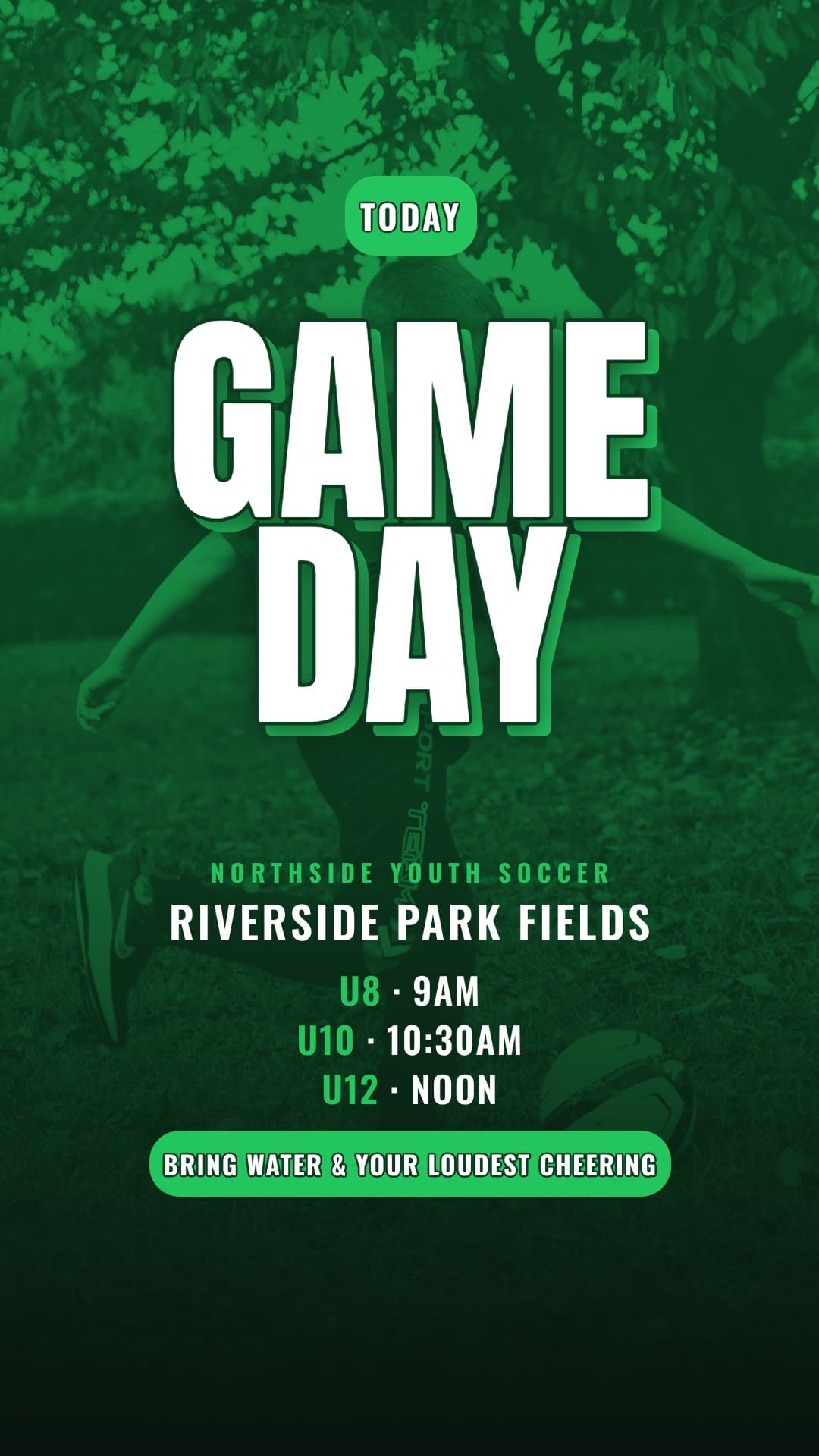
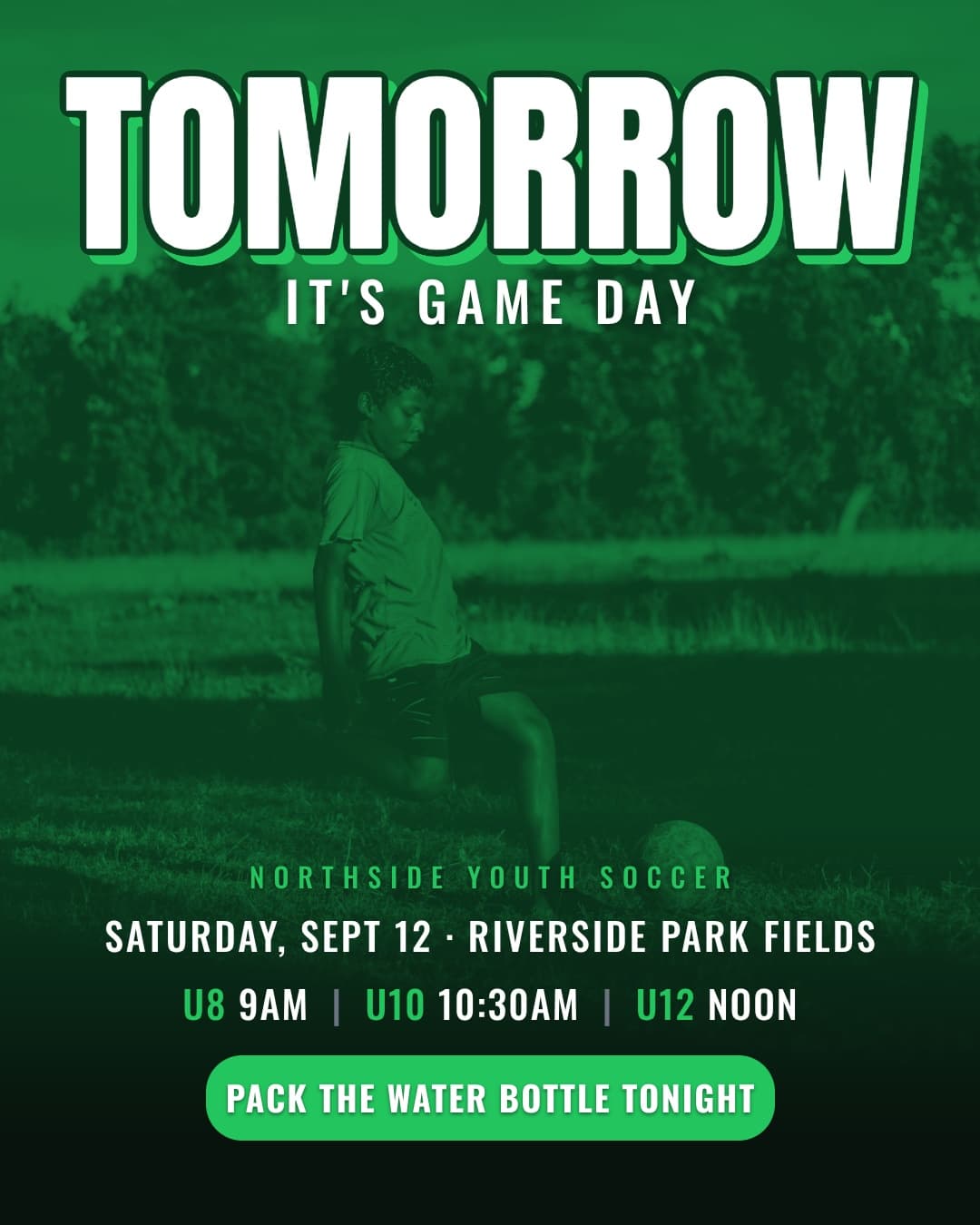
Post about it more than once. Announce it as soon as the date is set, share the details as they firm up, remind people a week before and the day before, post on the day, then thank everyone after. That's six posts and a flyer for the wall, and they should all look like the same event. Krumzi makes all of it from one description of your event, and keeps every date, time and place exactly as you wrote them.
Every post your event needs, in order
Schedule them all to Instagram and Facebook from the same place, and they go out on time while you run the event.
- 1For the wall
The flyer
For the noticeboard, the counter and the group chat. Krumzi designs it for your event and gives you a print-ready PDF.
- 2As soon as the date is set
The announcement
The same design, sized for the feed.
- 3As details firm up
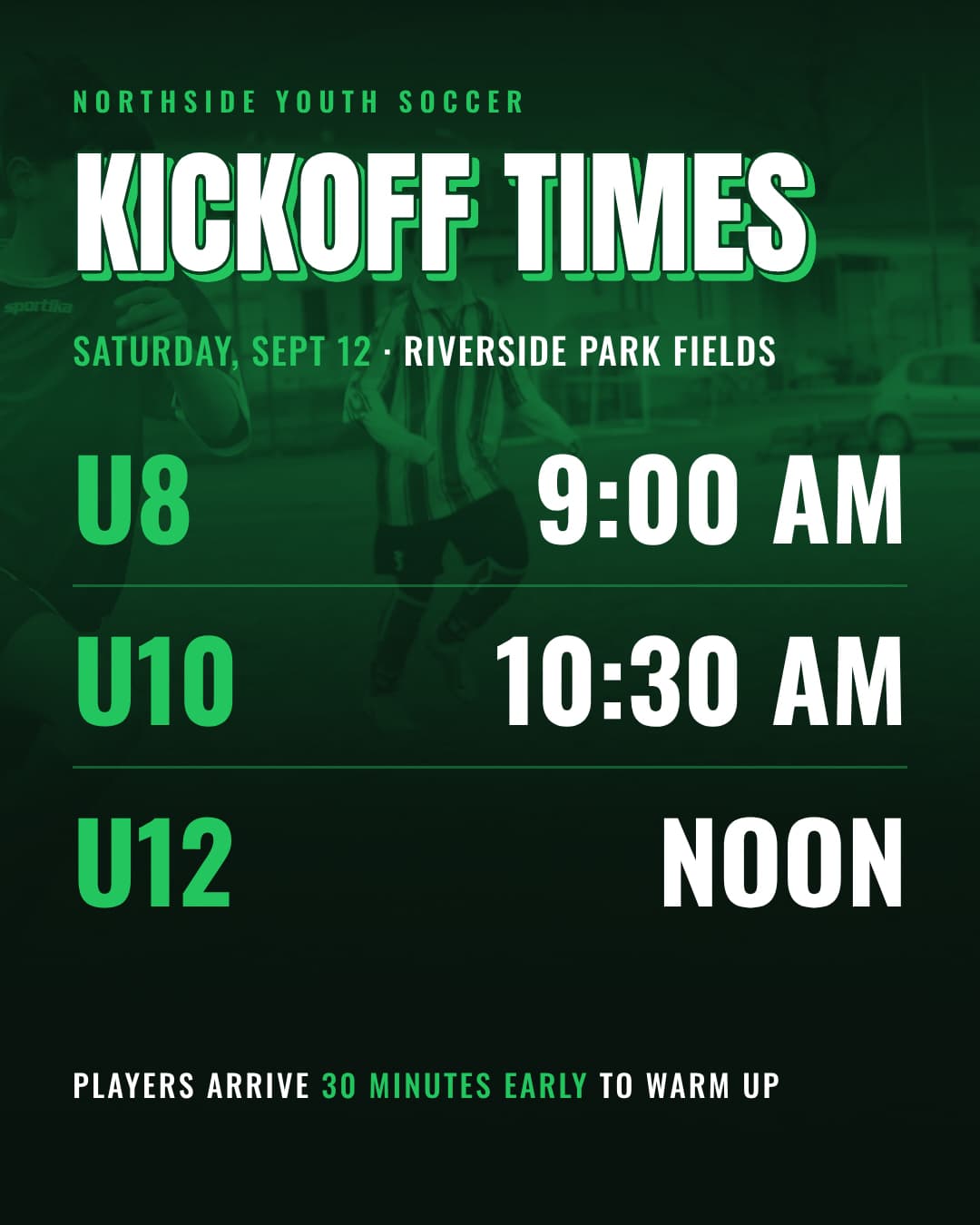
The details
Who's playing, what to bring, how to get tickets. A carousel works well here, and you can add a QR code.
- 4A week before, then the day before
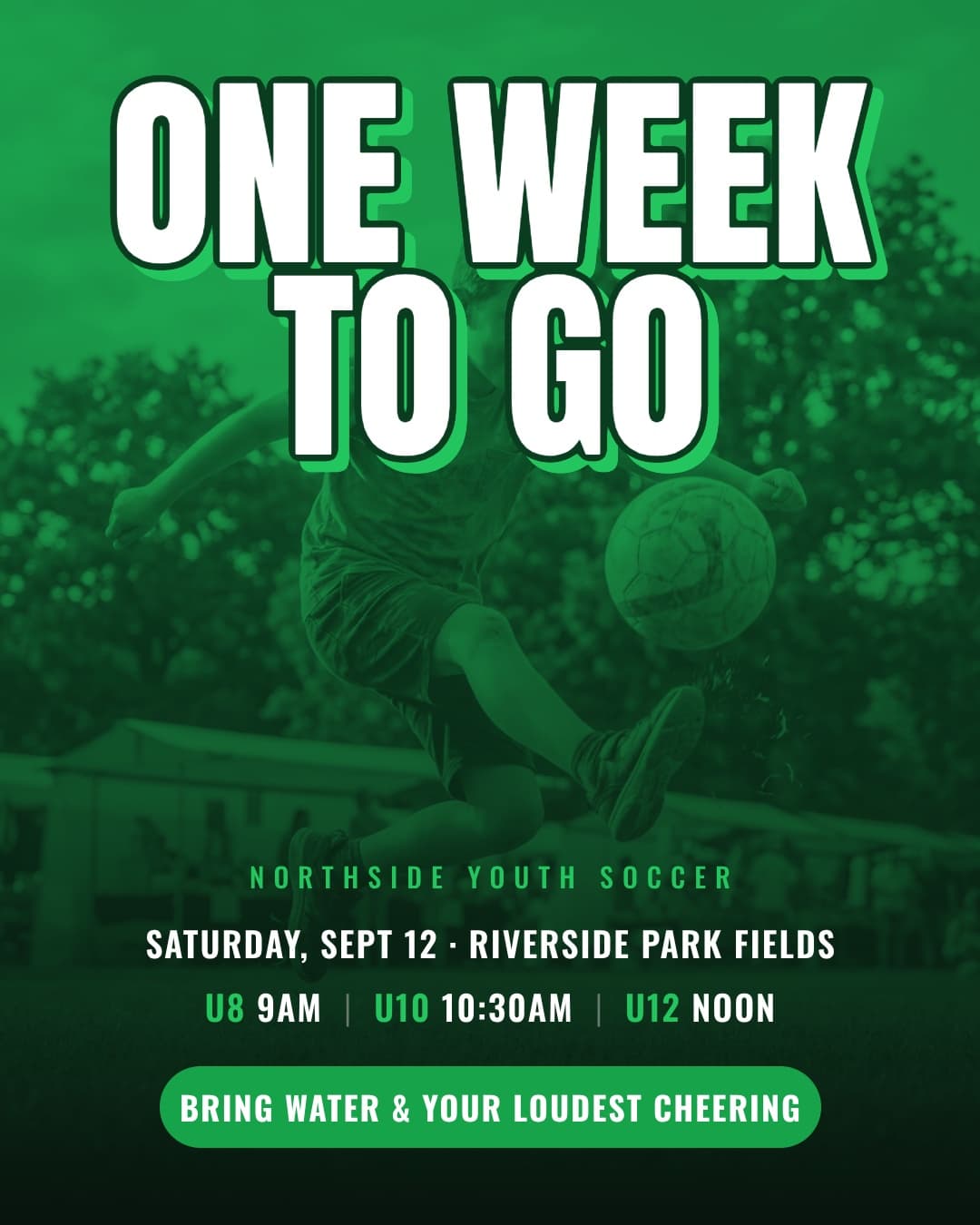
The reminders
Same layout, new words, made from the first design without starting over.
- 5On the day
On the day
A story with the time and place, sized for phones.
- 6The day after
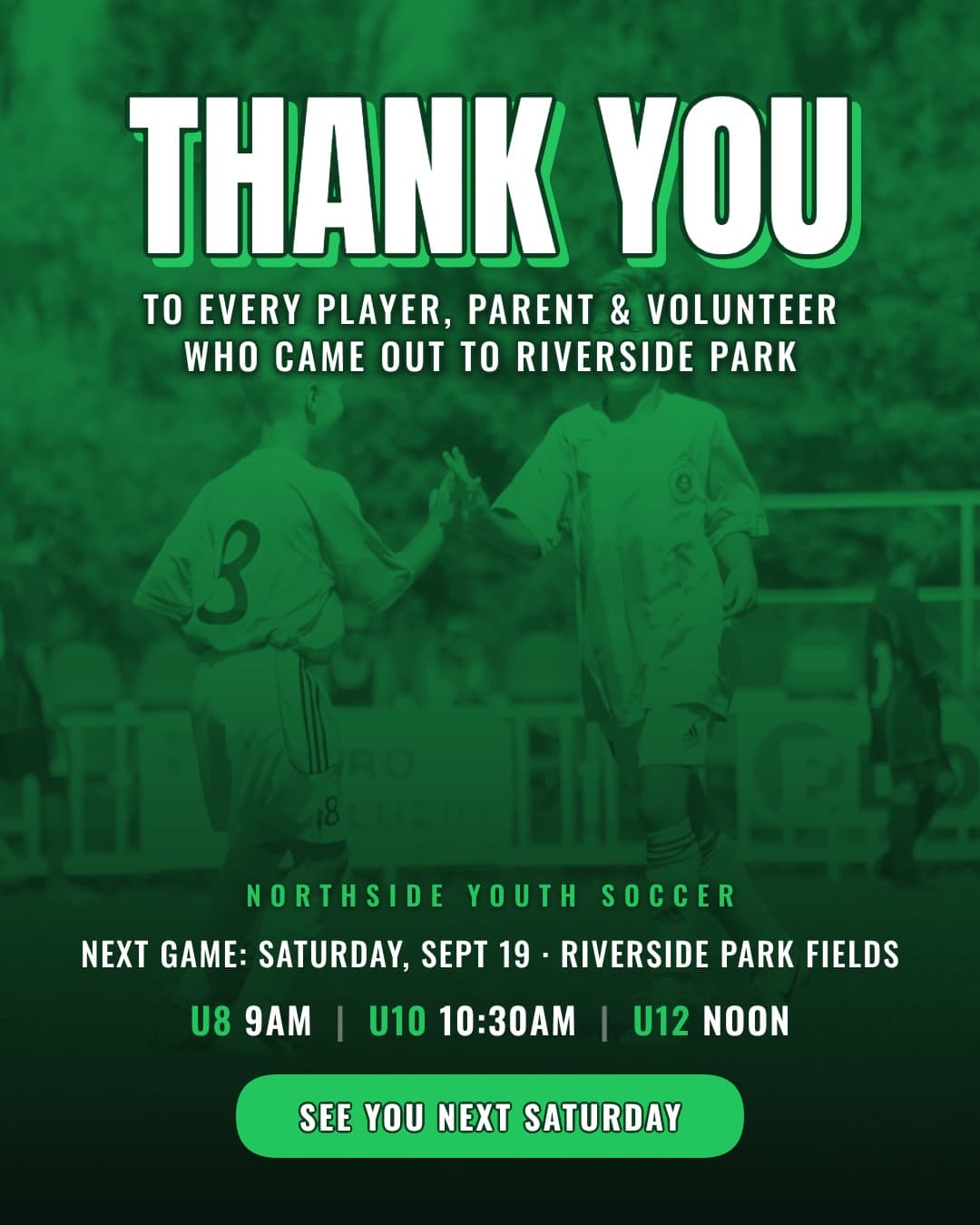
The thank-you
With photos and the next date.
Why not just make the flyer in Canva?
Canva is great when you want to pick a template and fill it in. It has a template for almost everything. The catch is that other events pick the same ones.
Krumzi designs the flyer for your event, from scratch, then makes the rest from it. Every piece matches, and none of it looks like the next event in the feed. Keep Canva for what it's good at.
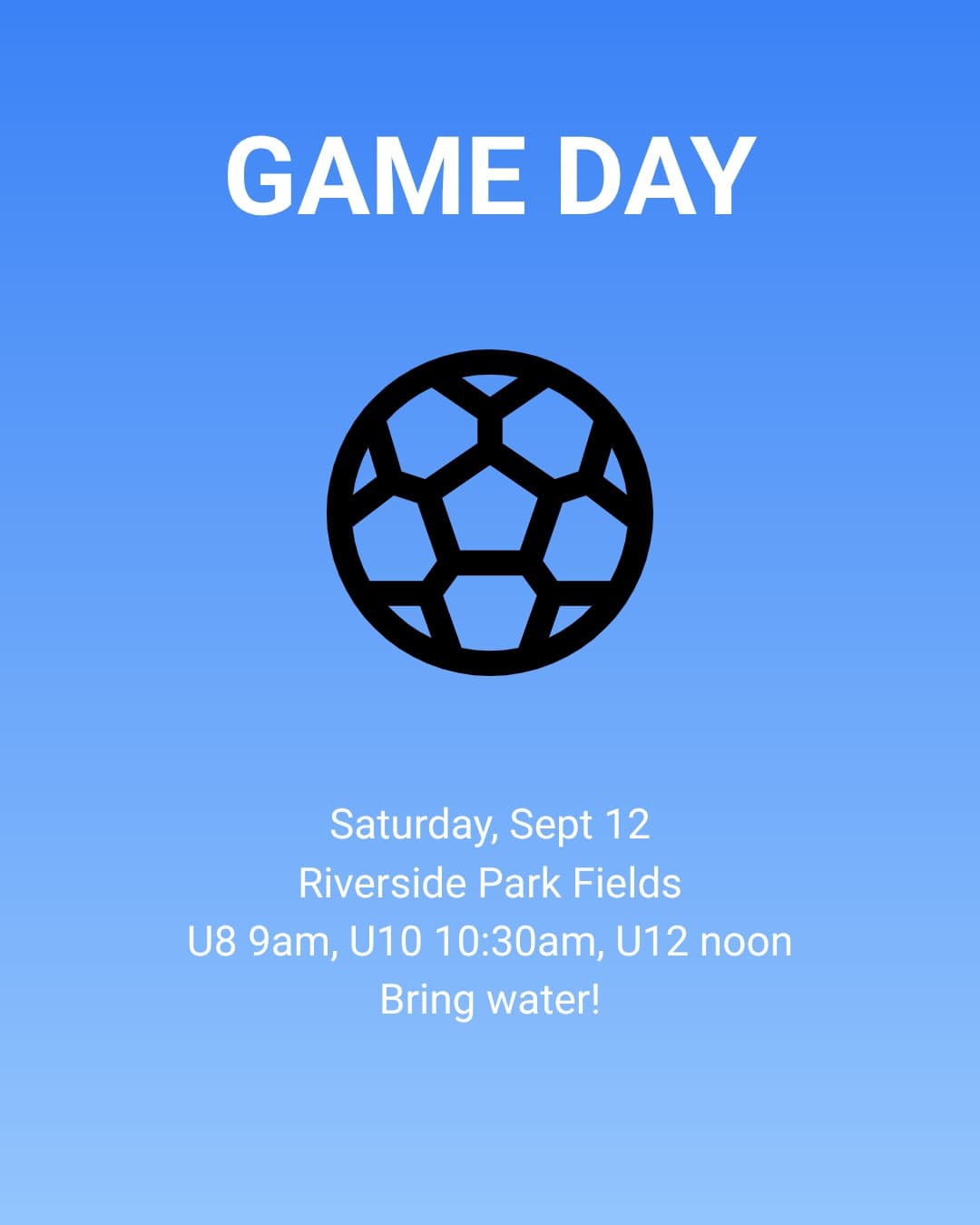
Your date, time and place, exactly as you wrote them
Krumzi keeps every date, time, place and price you give it, word for word. If something changes, tell it what changed and it fixes that design without touching the rest. Every version is kept, so you can always go back.
YouMove it to 7pm
Looks like you, every time
Add your logo, colors and fonts once, and they go on every piece (Brand Kit, Pro and up). Brand Mind learns your look from your website and from what you keep, so your tenth event looks like your first.
How it works
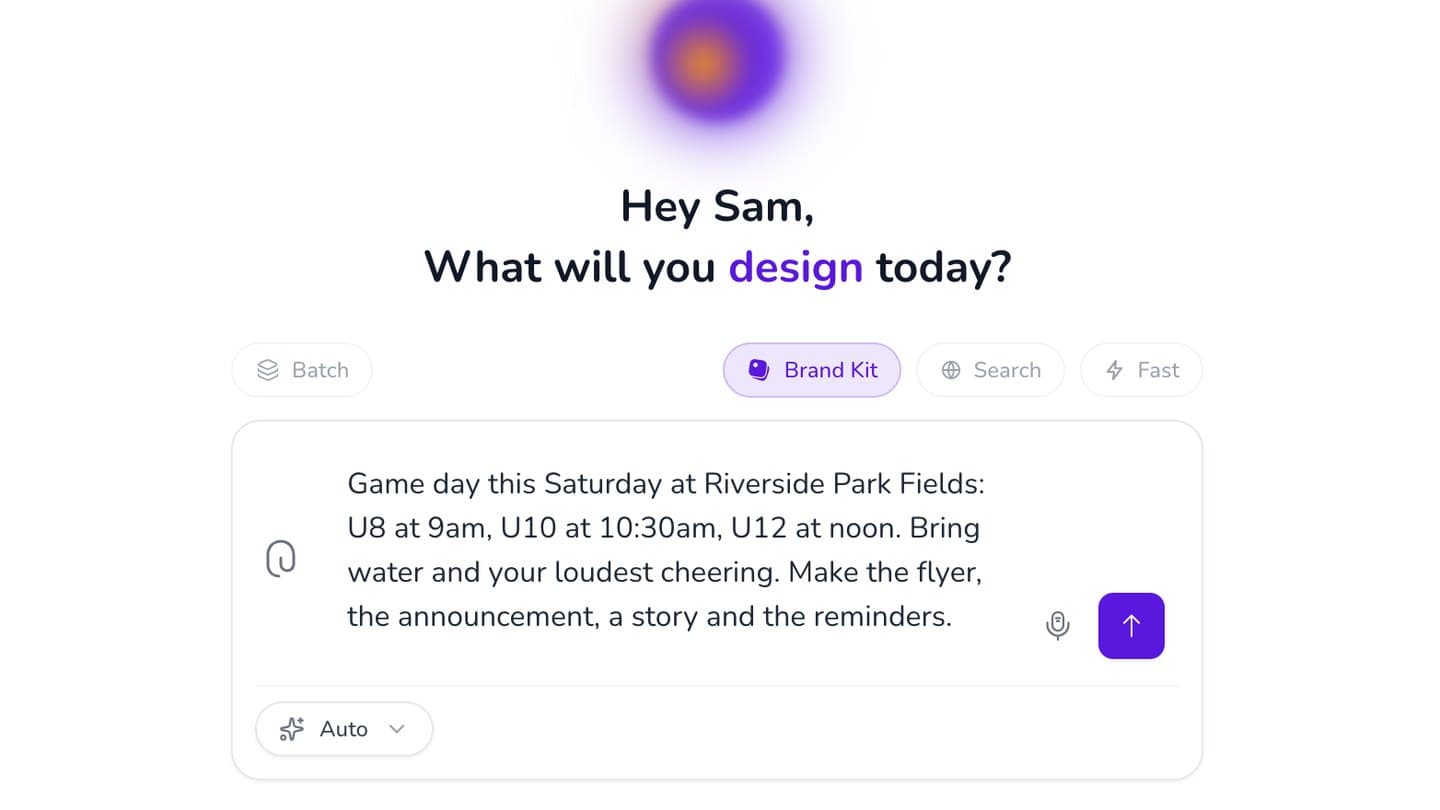
Describe the event
What, when, where, and anything people need to know. Type it, or say it.
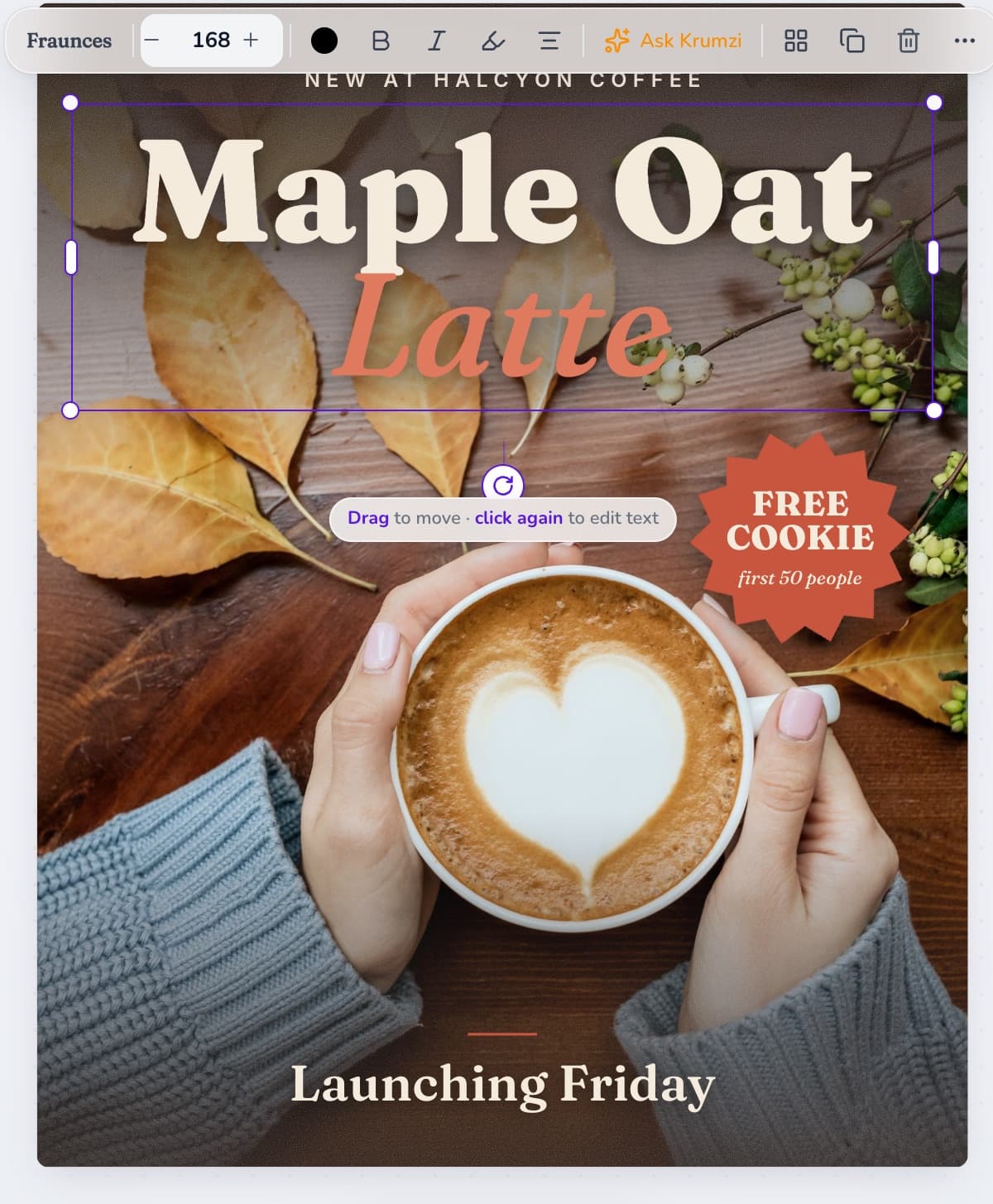
Make it yours
Click any part and say what to change, or move it by hand.
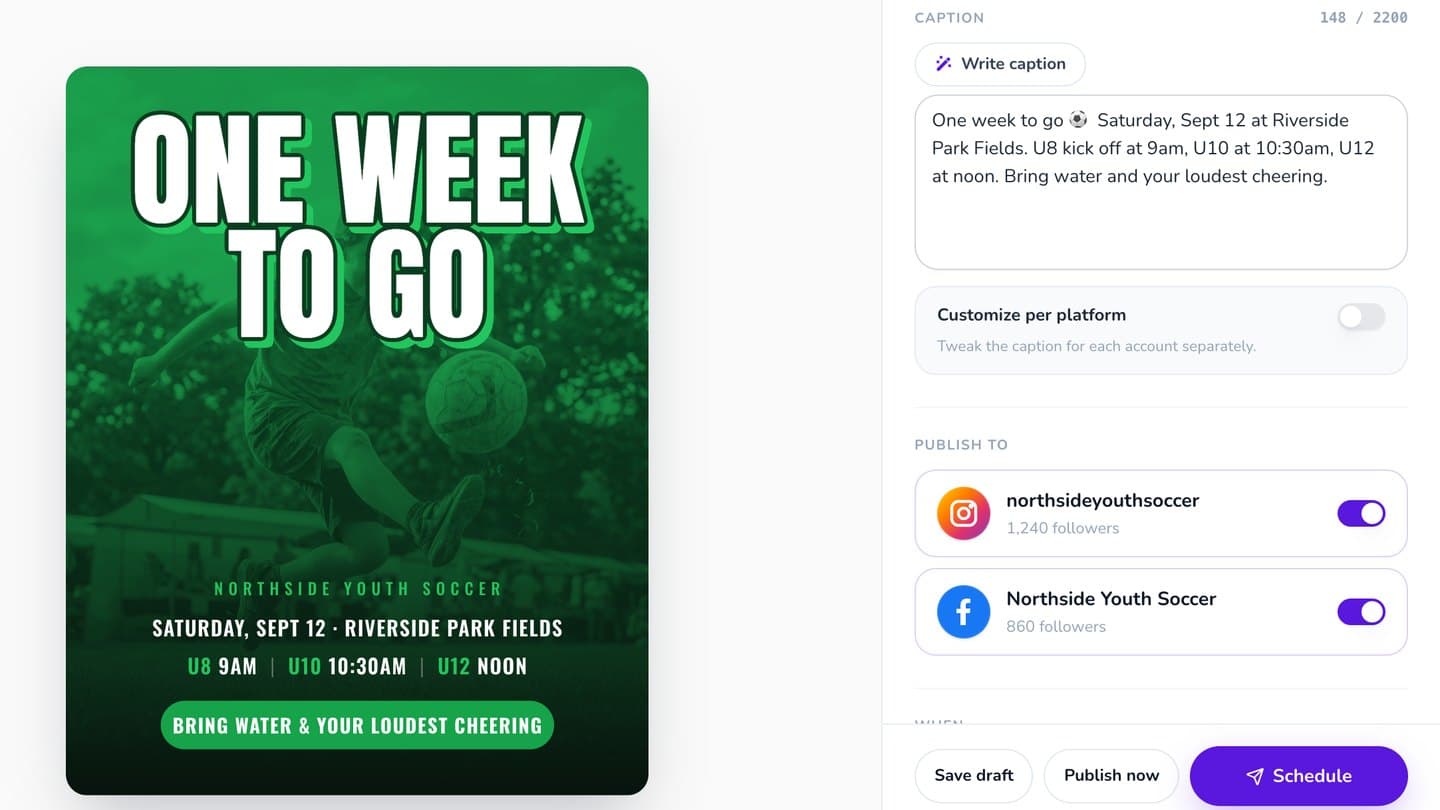
Post it
Schedule it to Instagram and Facebook, or download PNG, JPG or a print-ready PDF.
3-day free trial, card needed.No charge until day 4.Cancel online anytime.
Three events, start to finish
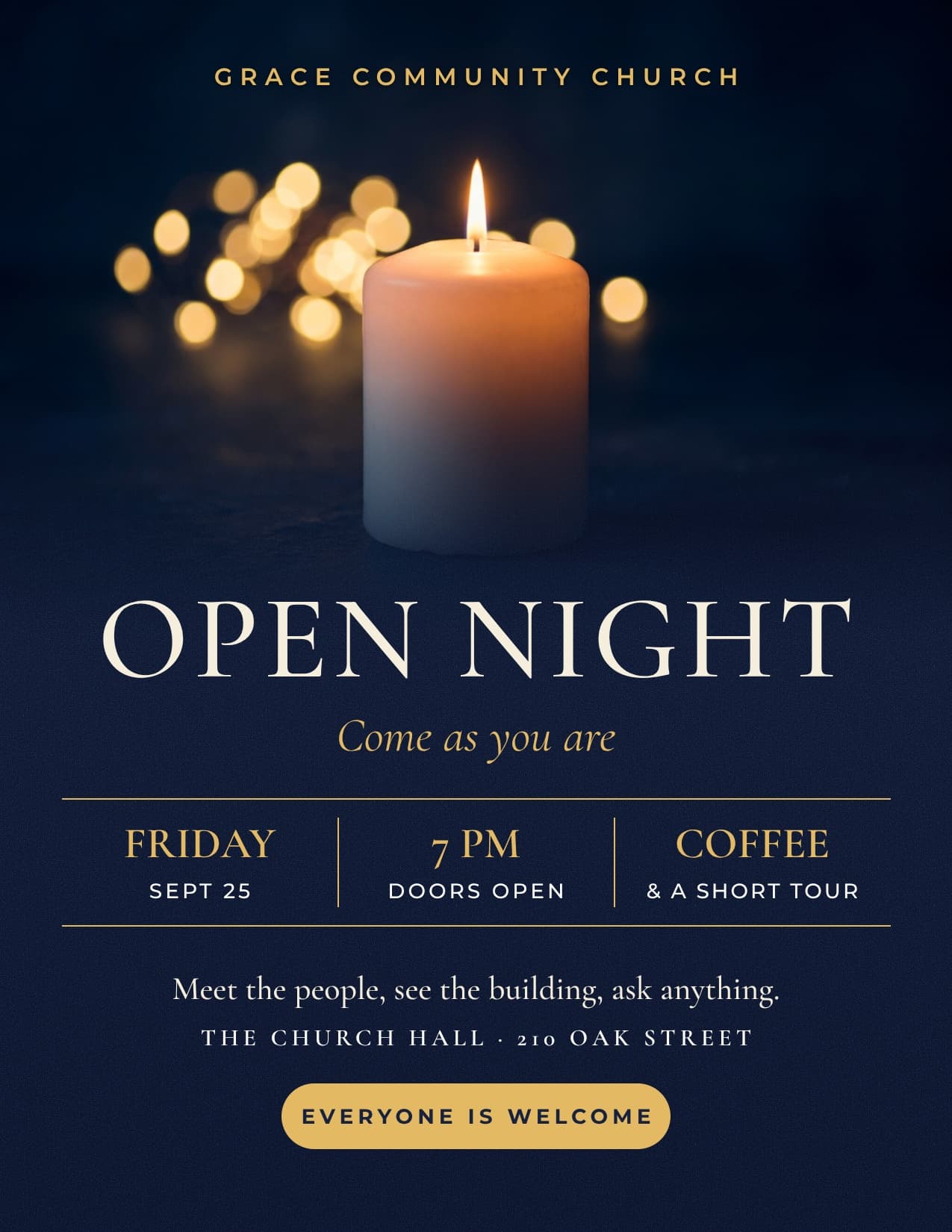
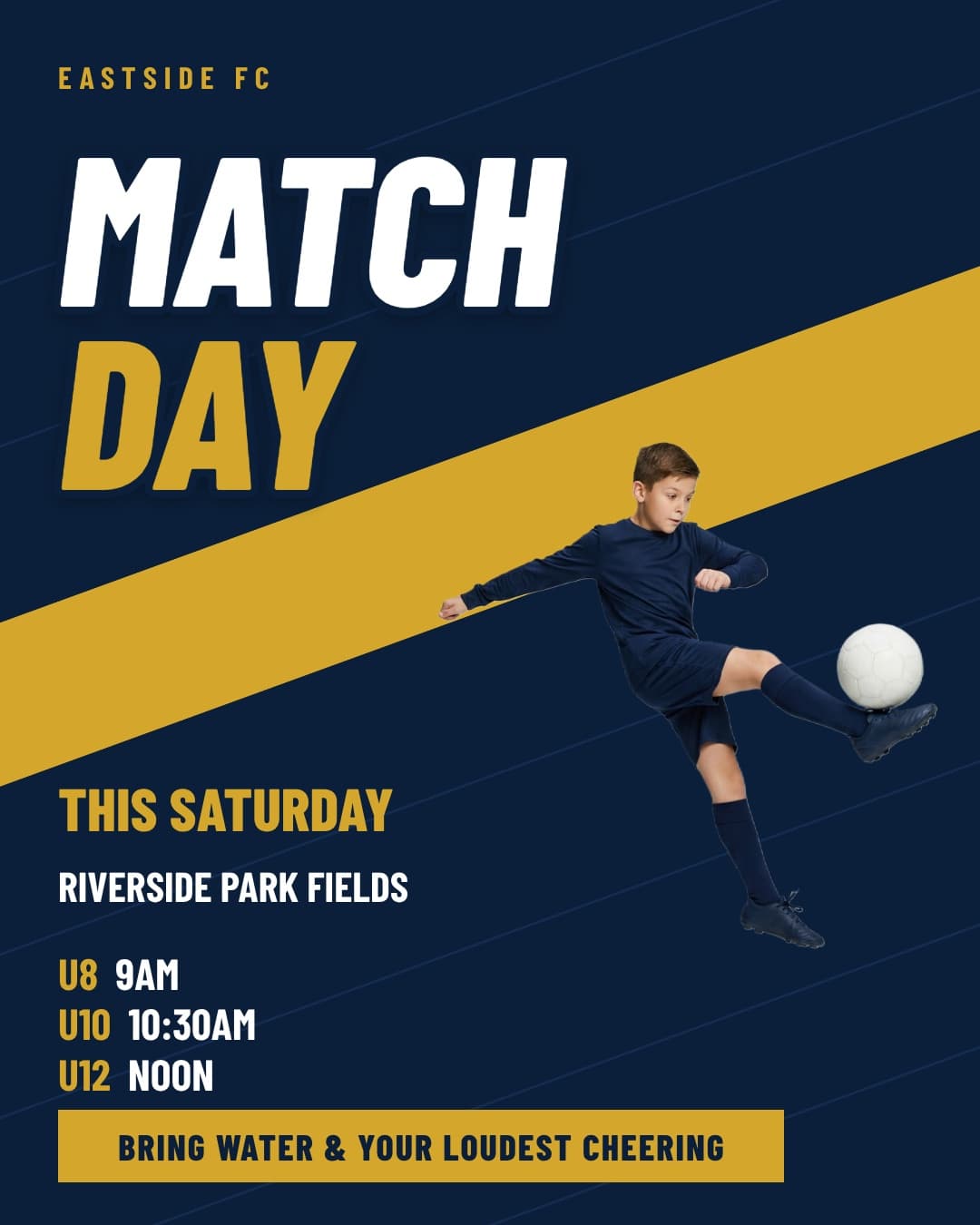
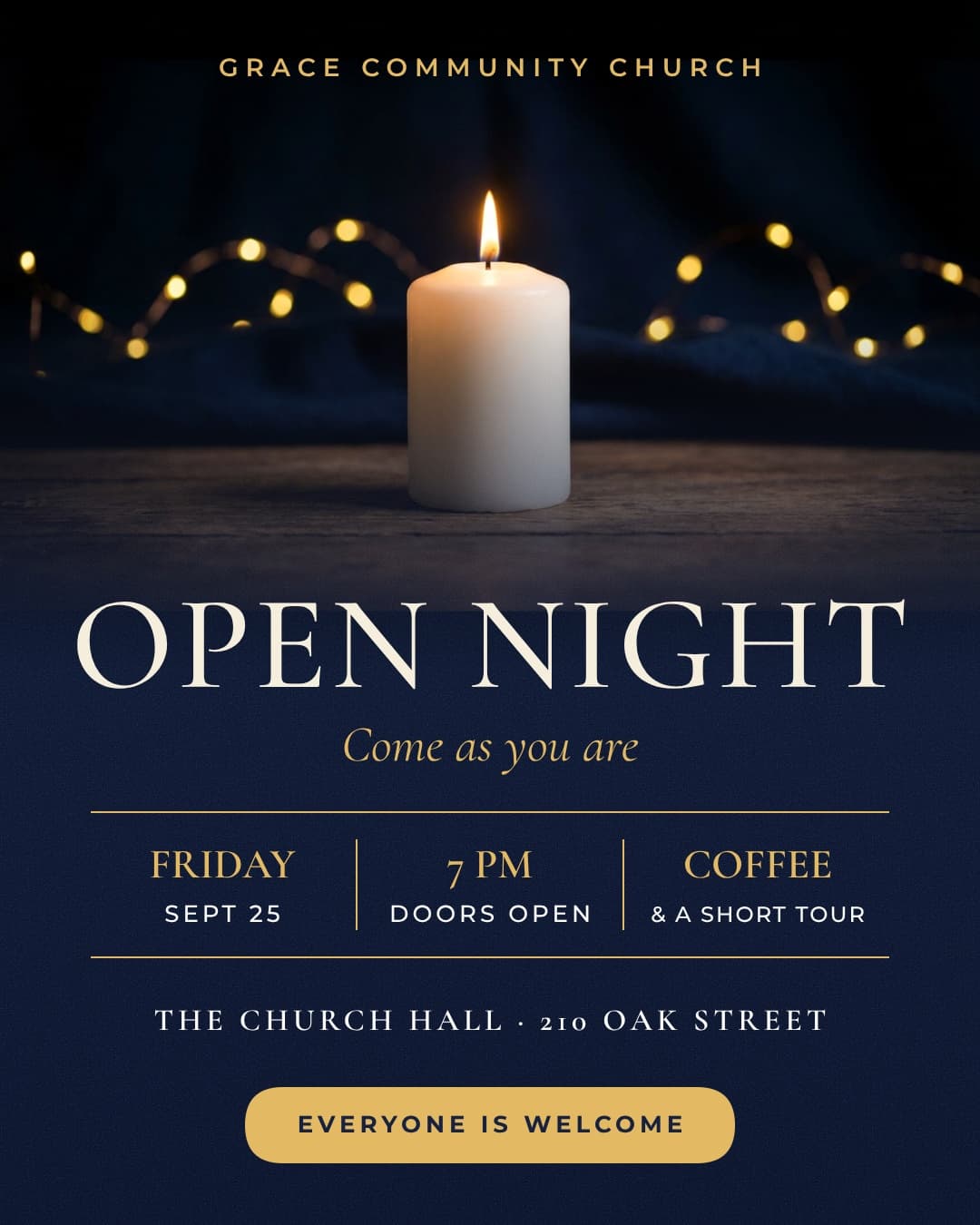
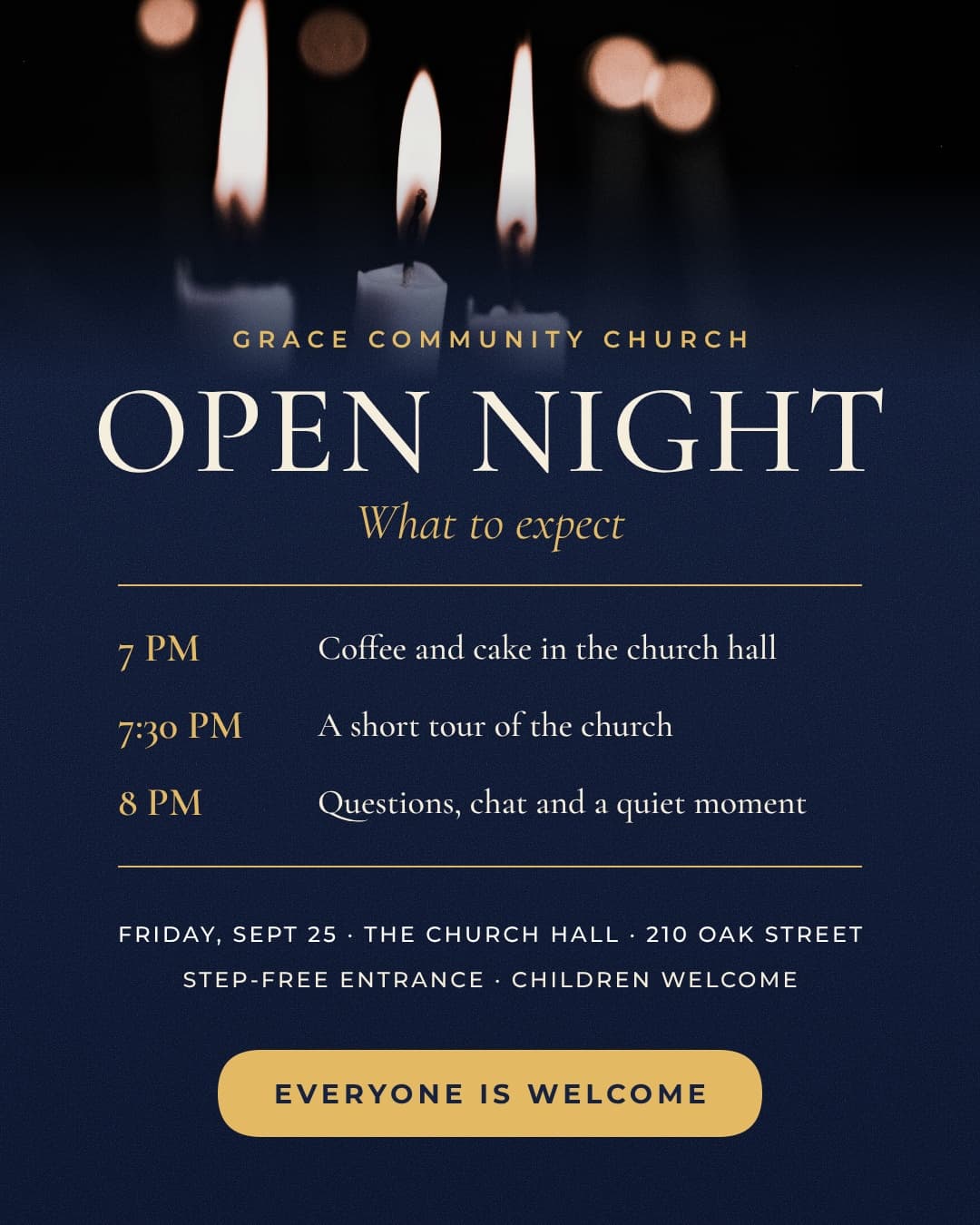
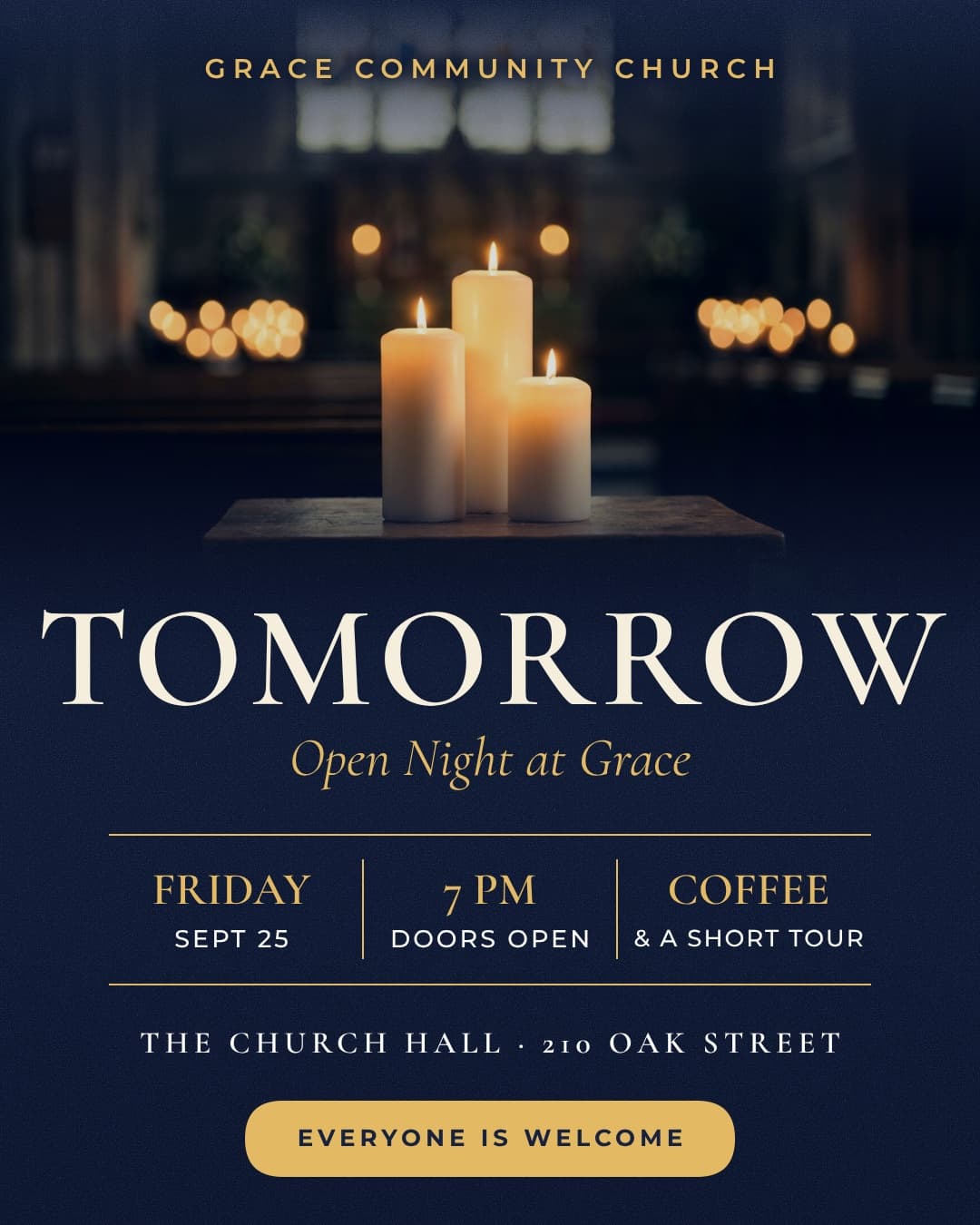
A club's matchday. A church's open night. A bar's quiz night. Each one is a single description, turned into a flyer, posts, a story and reminders.
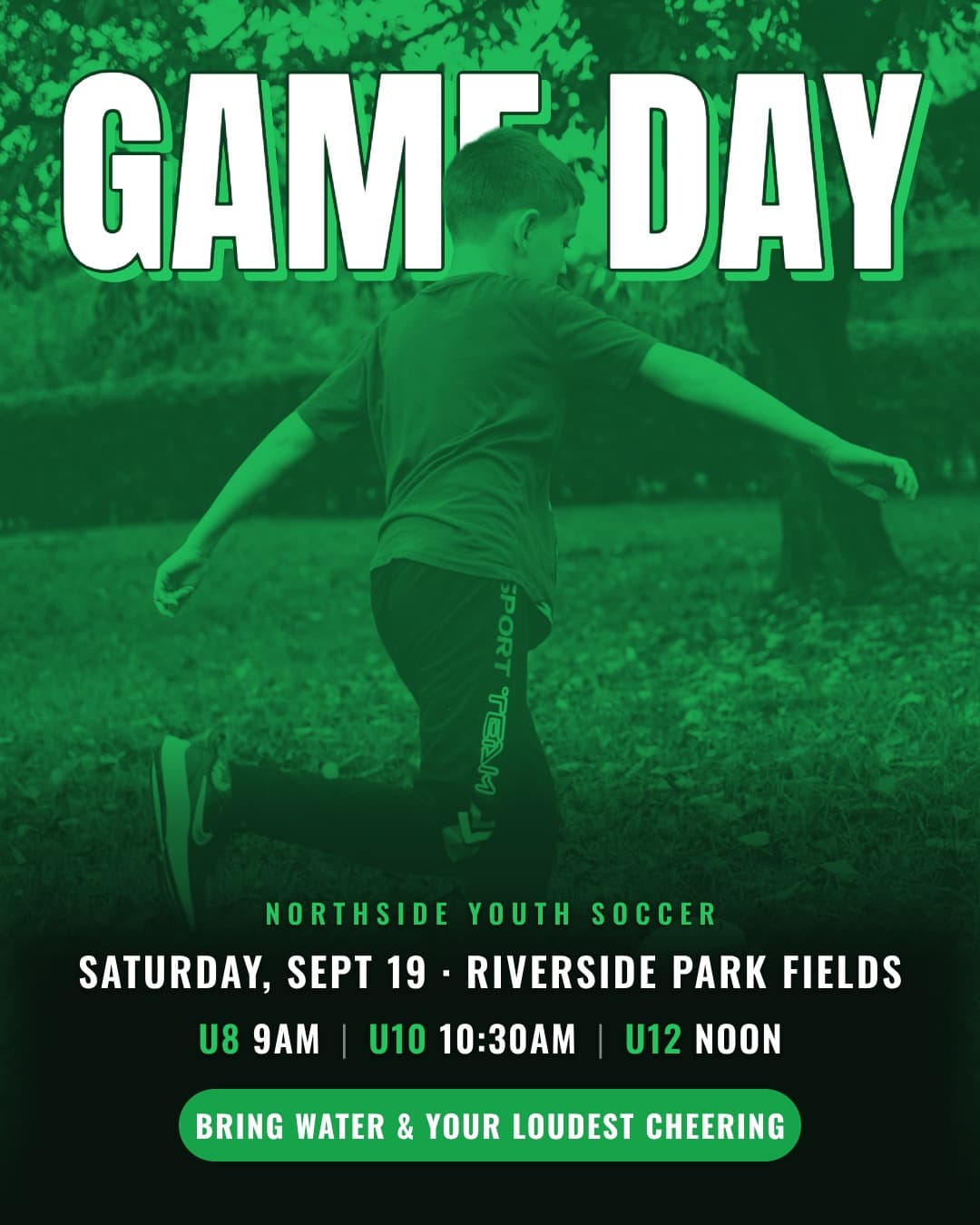
“Game day Saturday, Sept 12 at Riverside Park Fields: U8 at 9am, U10 at 10:30am, U12 at noon. Bring water and your loudest cheering.”
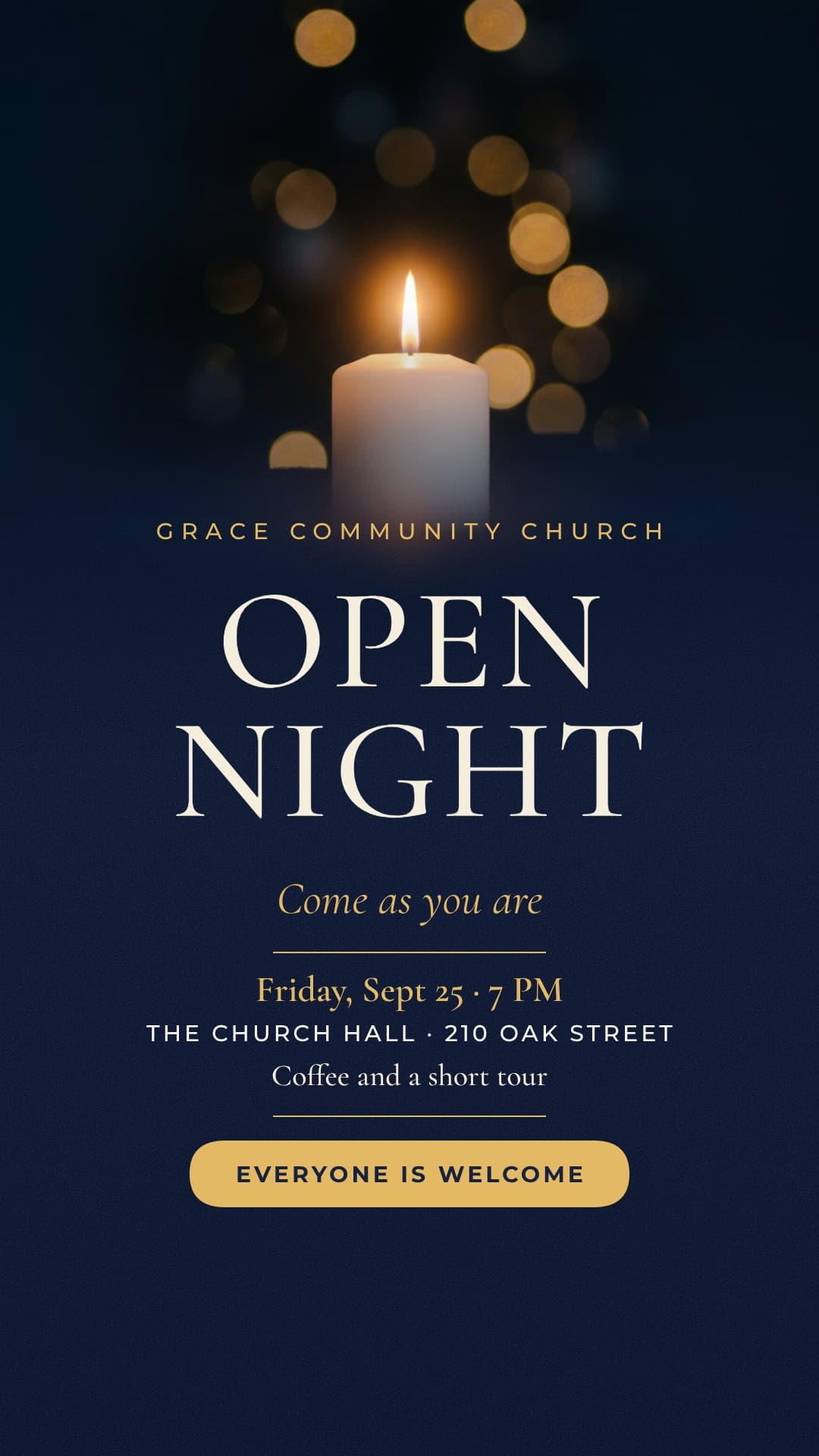
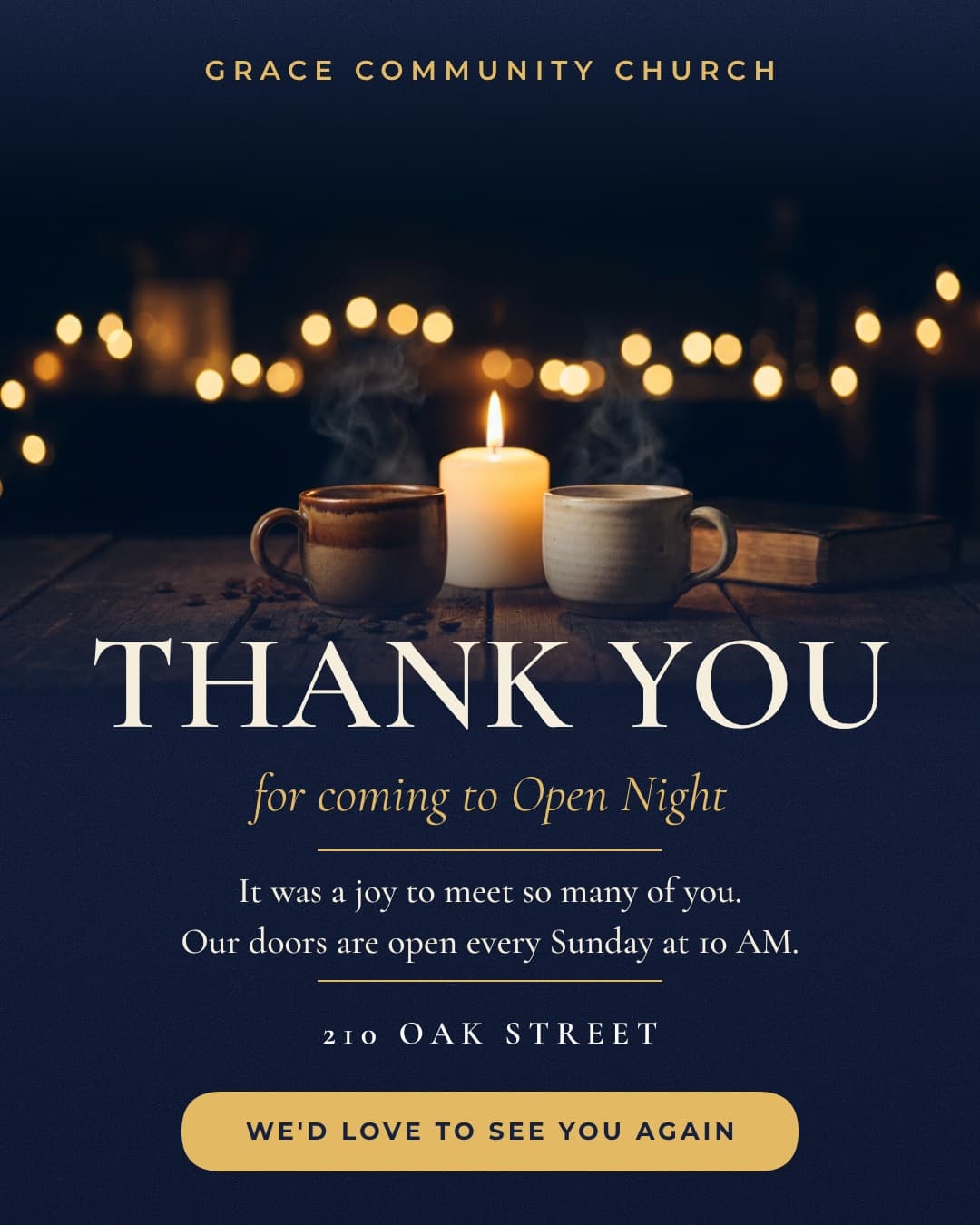
“Open night at the church hall, Friday at 7pm. Coffee, a short tour, everyone welcome.”
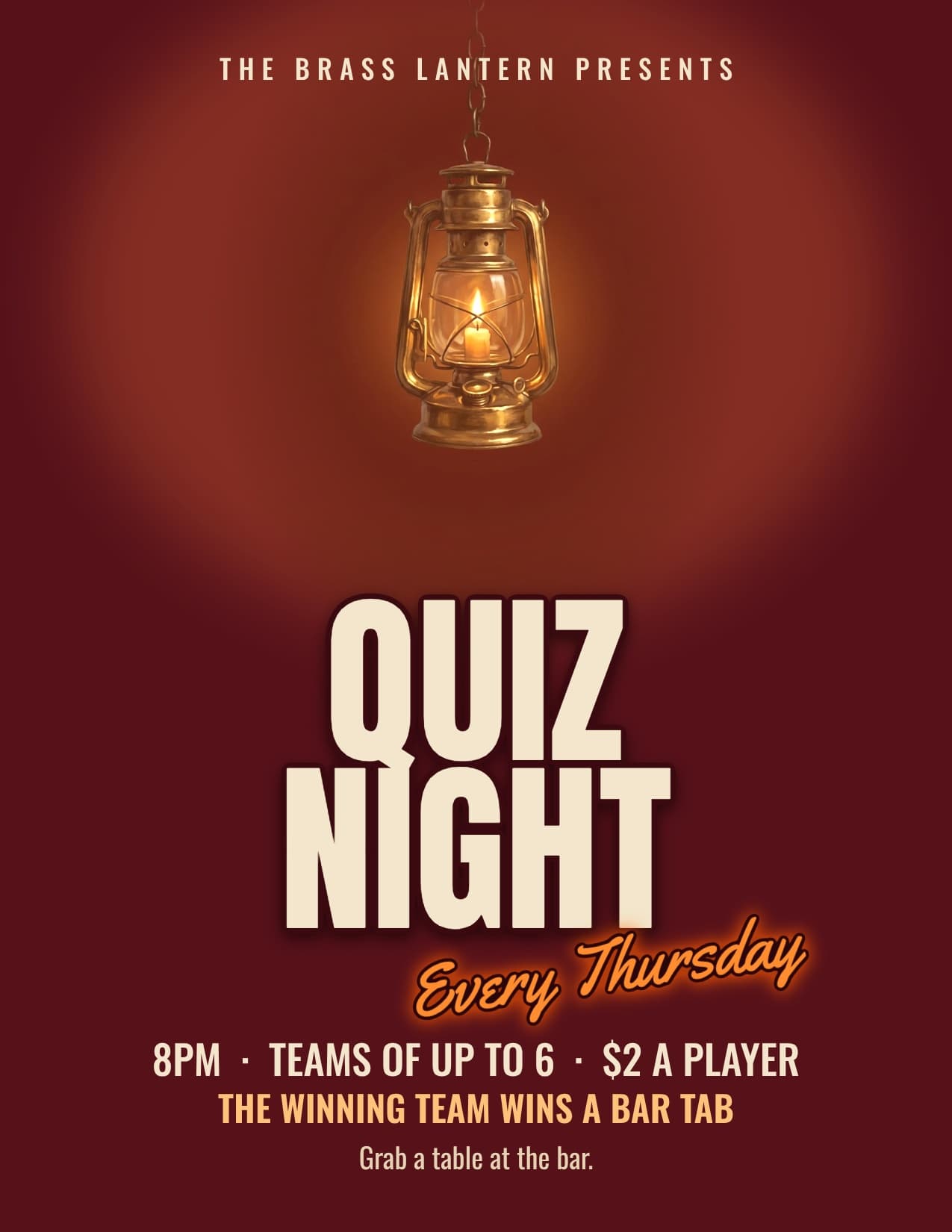
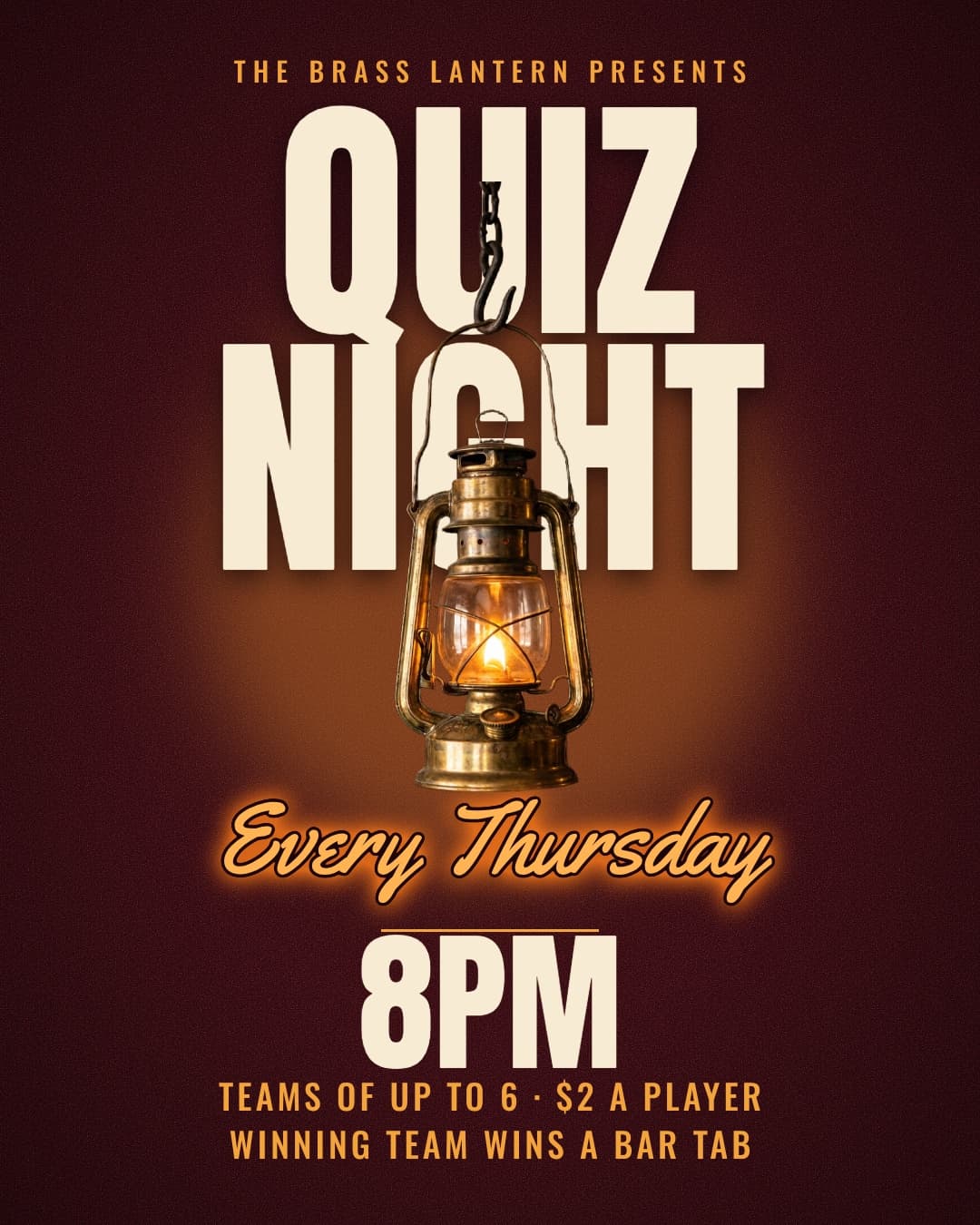
“Quiz night every Thursday at 8pm. Teams of up to 6, $2 a player, a bar tab for the winning team.”
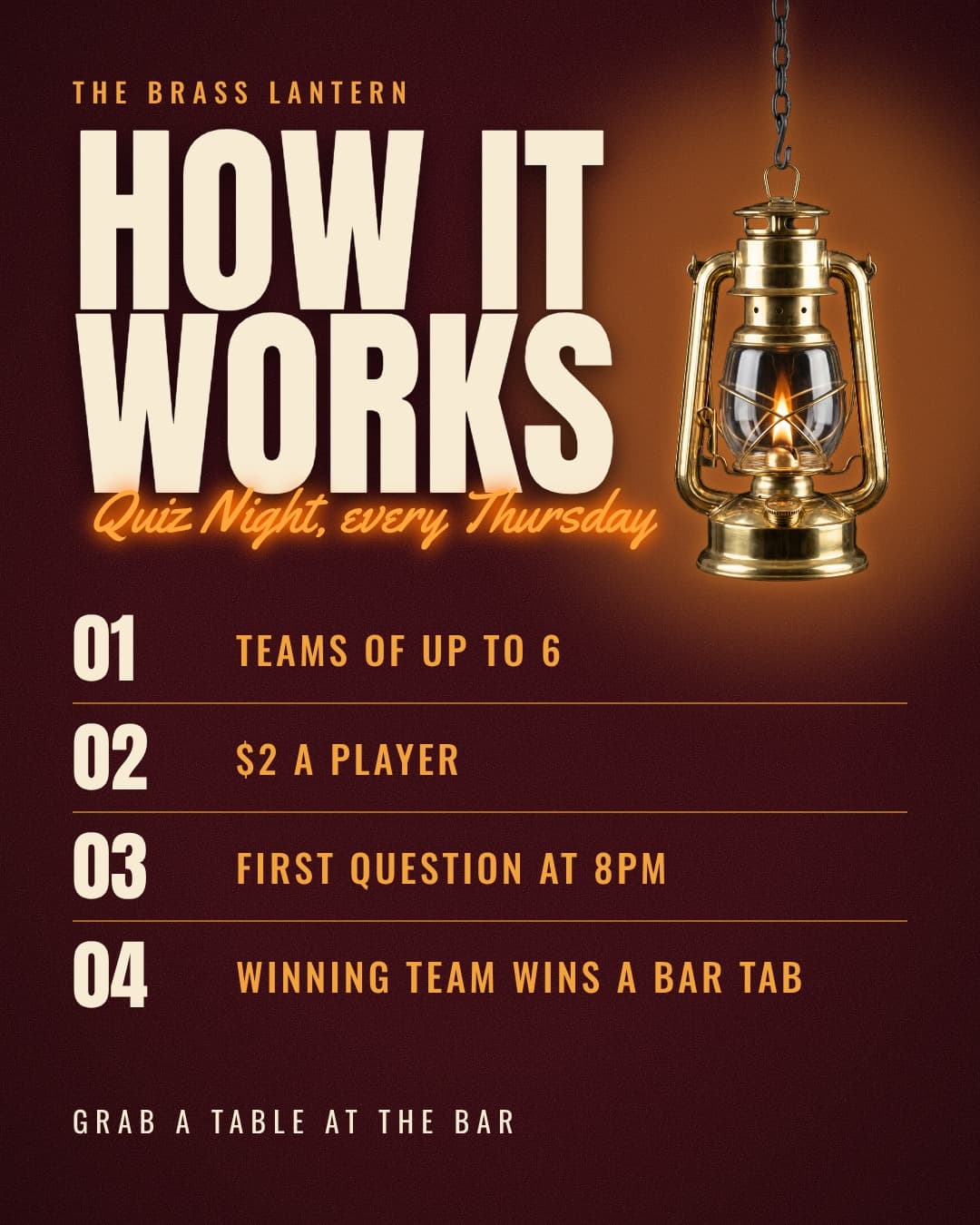
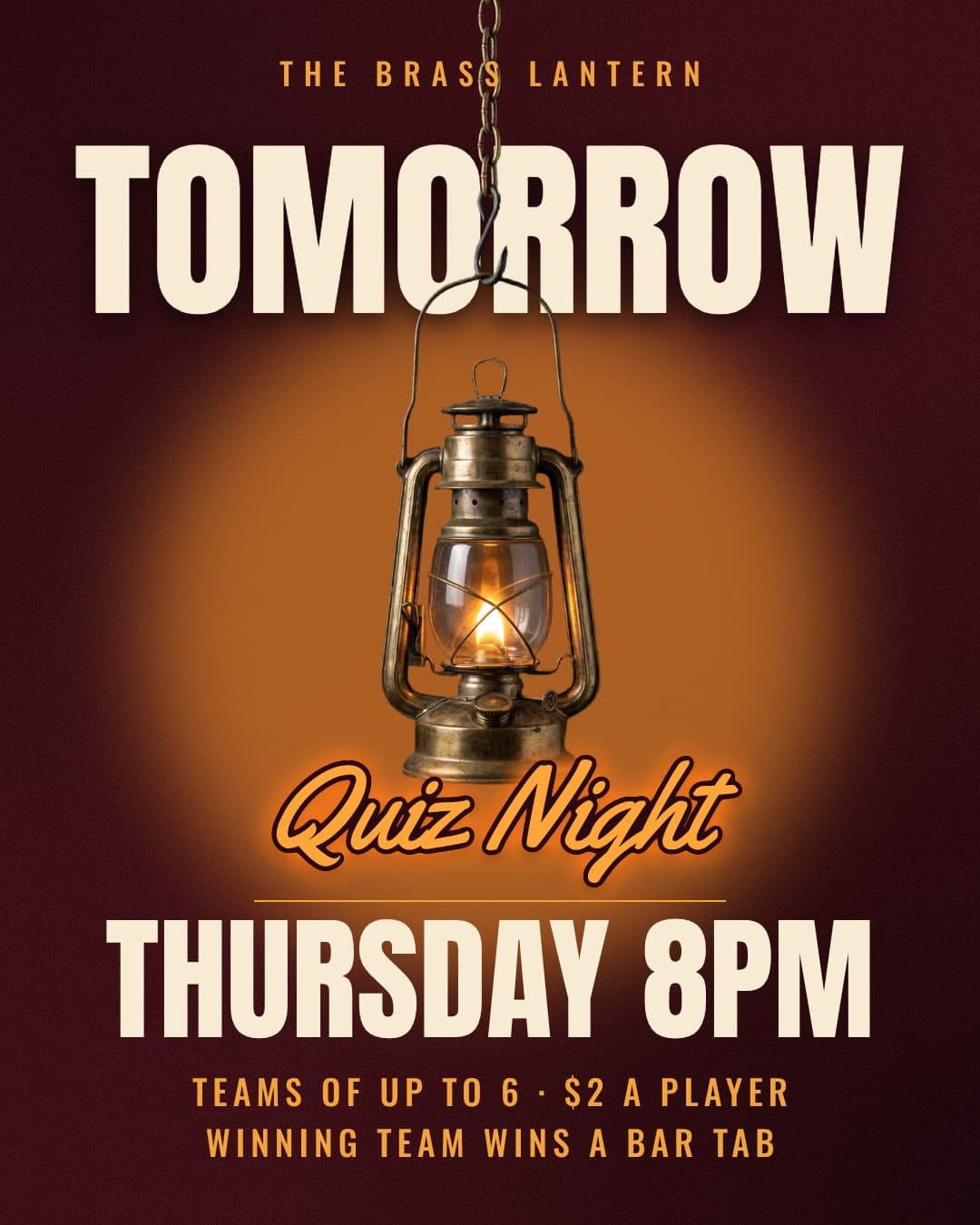
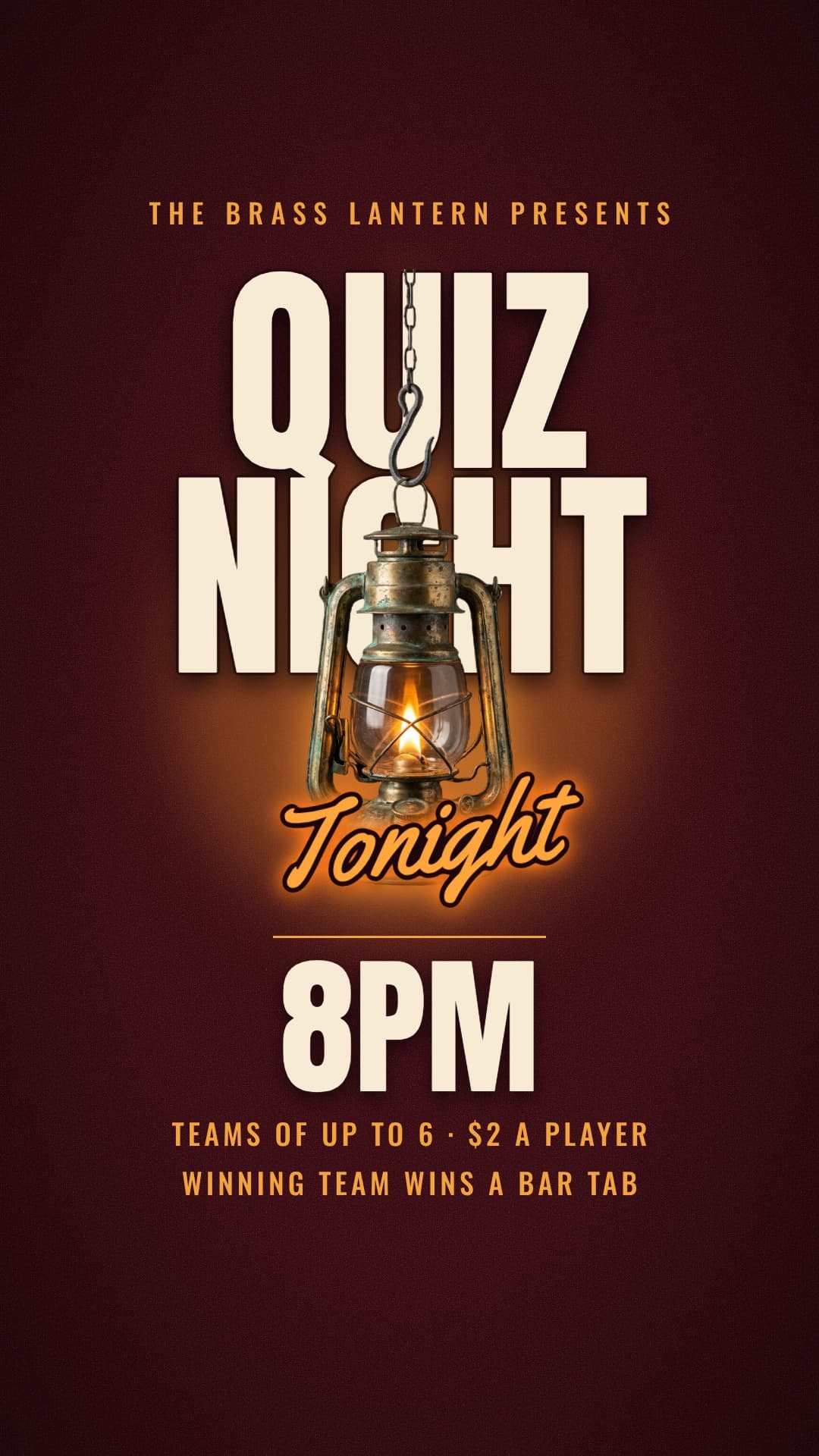
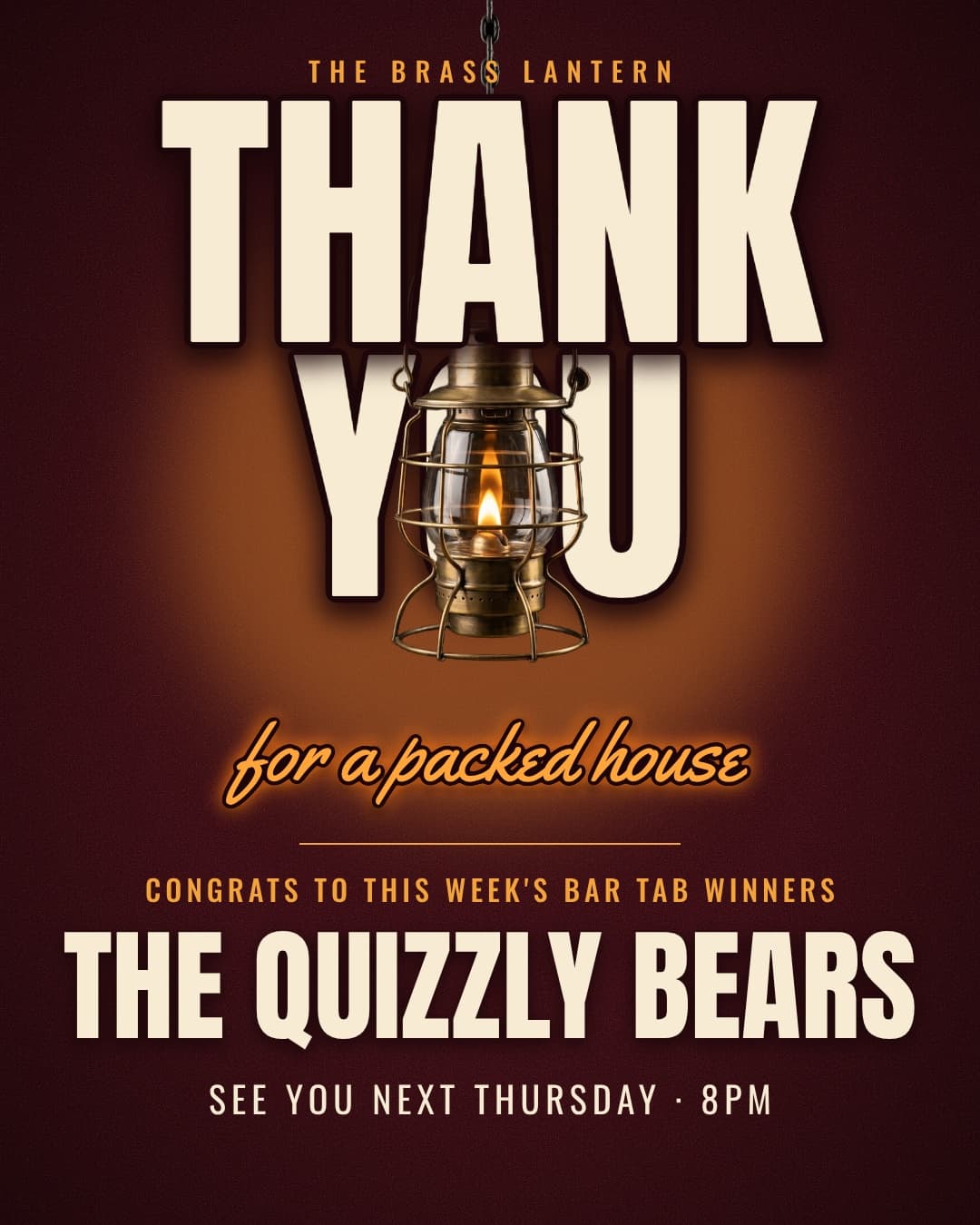
The next one starts where this one ended
Most events come back: the next match, next Sunday, next quiz night. Krumzi remembers your look, so next week's run starts from this one. Change the date and the details, and it's ready.
Questions

Post the announcement to your feed, share the details in a carousel, and use stories for the reminders and on the day. Krumzi makes all of them in the same look and schedules them to Instagram for you.
At least five: the announcement, the details, a reminder a week before, one the day before, and a post on the day. Add a thank-you after.
What it is, the date and time, the place, how to get in or get tickets, and your logo. Keep it to one main message. A QR code helps people sign up from the wall.
Yes. It keeps every date, time, place and price exactly as you write them. Check it before you post, and change anything by asking.
Yes. Download a print-ready PDF.
Yes. Attach it and ask for a better version, or for the posts and story that go with it.
Yes. Describe it, change it and download it on your phone.
There are four plans, Starter, Pro, Studio and Agency, billed monthly or yearly, and yearly gets two months free. Every plan comes with AI credits each month, and Pro and up add video, Brand Kit and more brands. Starter, Pro and Studio start with a 3-day free trial: you add a card, pay nothing today, and your plan starts on day 4 unless you cancel. Agency starts paid, with no trial. Current prices are at krumzi.com/pricing.
The free flyer maker gives you one design a week, free with no signup, downloaded with a watermark. The full app, with the posts, story, reminders and scheduling, starts with a 3-day free trial, card needed.
Yes, online, any time.
Your next event, every post ready before the week starts
Designed from scratch for your event. Change anything.
3-day free trial, card needed.No charge until day 4.Cancel online anytime.