The tips you give every day, made into carousels in your look.
Write your tips, paste your notes or a link to your article, or just name the topic. Krumzi designs every slide from scratch in your brand, not from a template, and you can change any of them before you post.
3-day free trial, card needed.No charge until day 4.Cancel online anytime.



The easiest way to make educational Instagram posts
Coaches, salons, gyms, shops, schools and clubs all have something to teach. Start from what you already explain: the question customers ask most, the mistake you fix every week, how to look after what they bought. Teach one thing per post. For steps or a list, make a carousel: the promise on the first slide, one point per slide in a few big words, and what to do next on the last. For one tip, or a myth and the fact, one post is enough. Keep the same look every time so people know it's you. The easiest way is to skip the slide-by-slide work: in Krumzi you write your tips, paste your notes or a link to your article, or just name the topic, and every slide is designed from scratch in your brand. Download the slides or one PDF, or schedule it to Instagram and Facebook.
Educational posts you can make this week
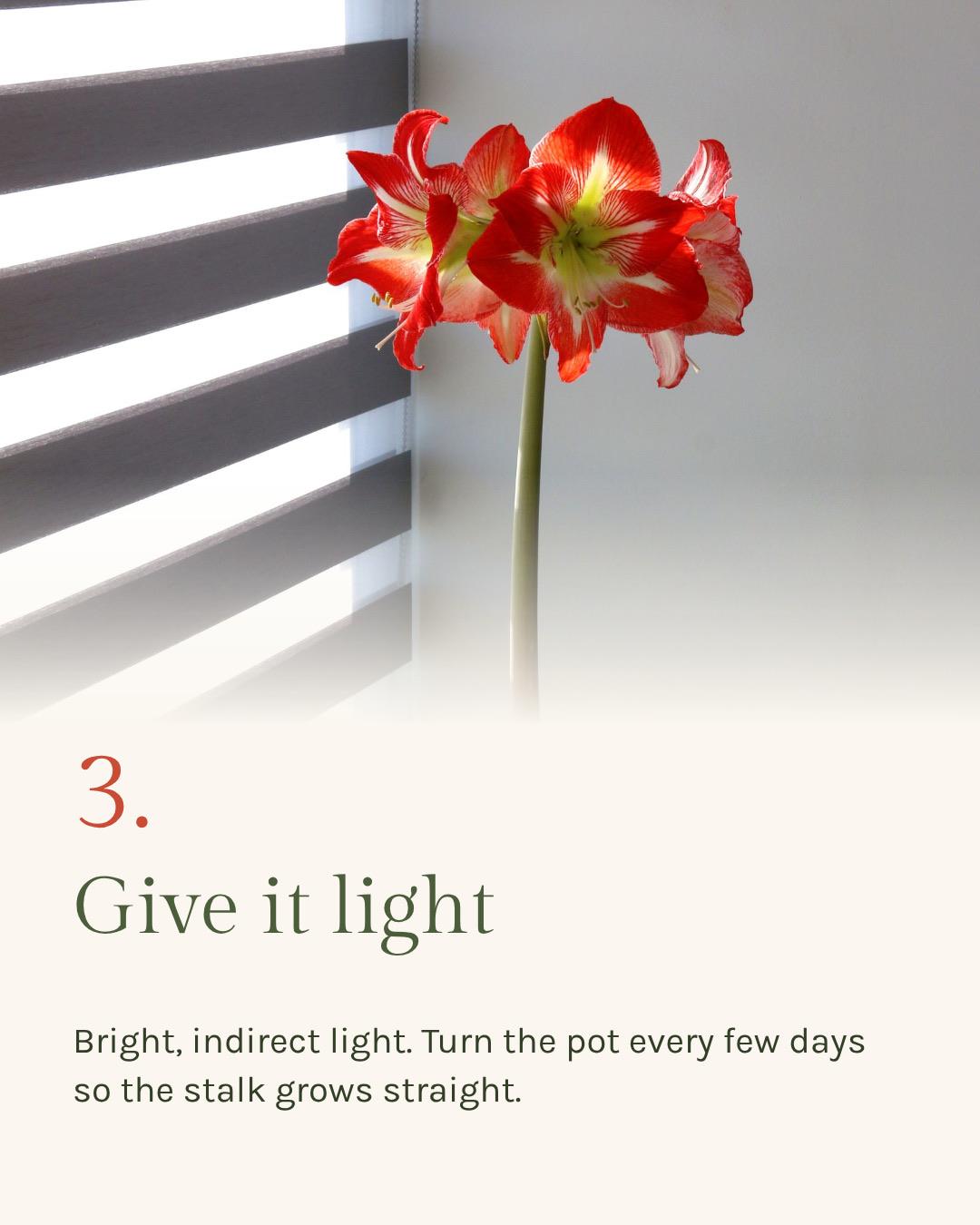
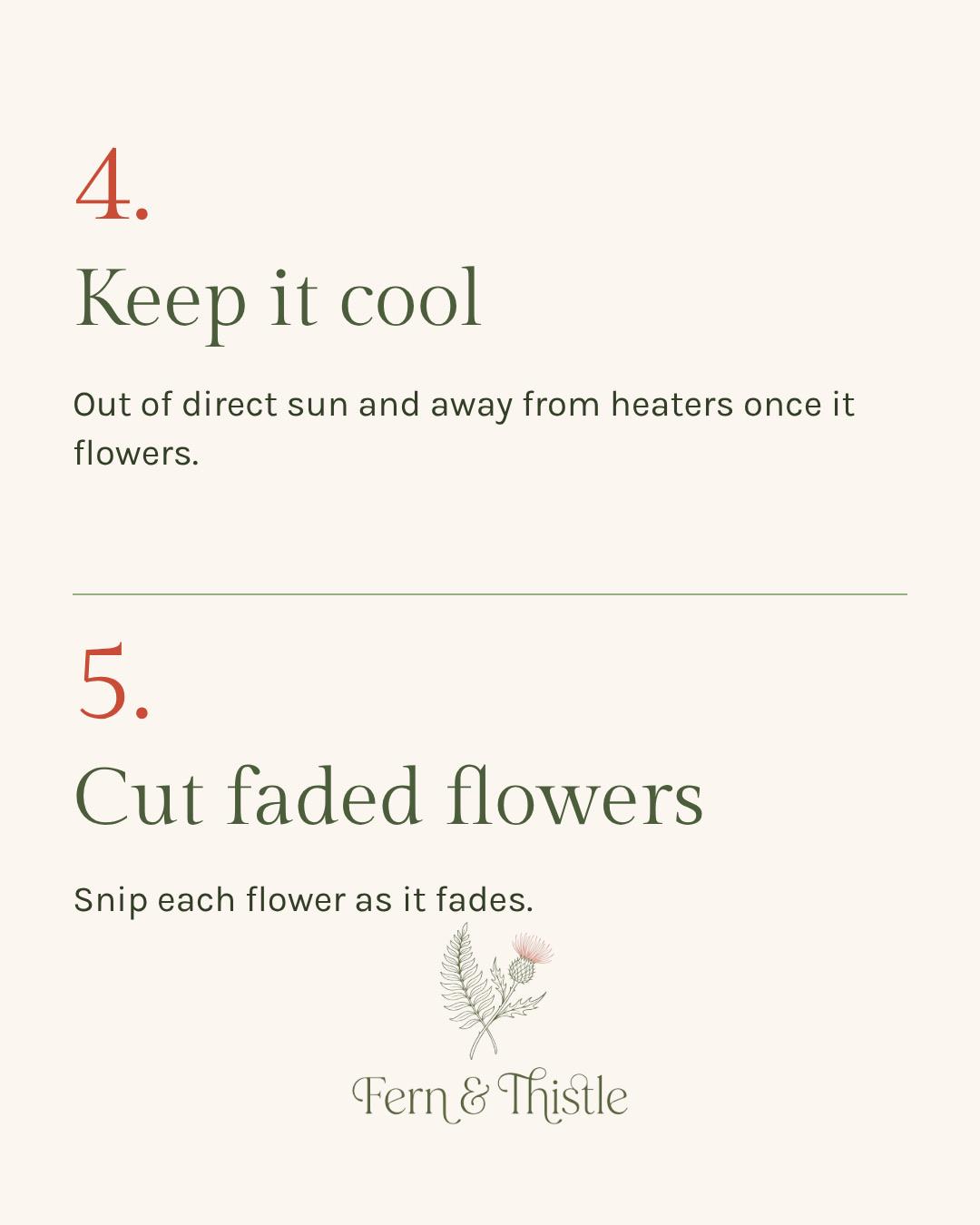
The care guide
How to look after what they bought, one tip per slide.
The checklist
What to bring, what to check, what to do first.
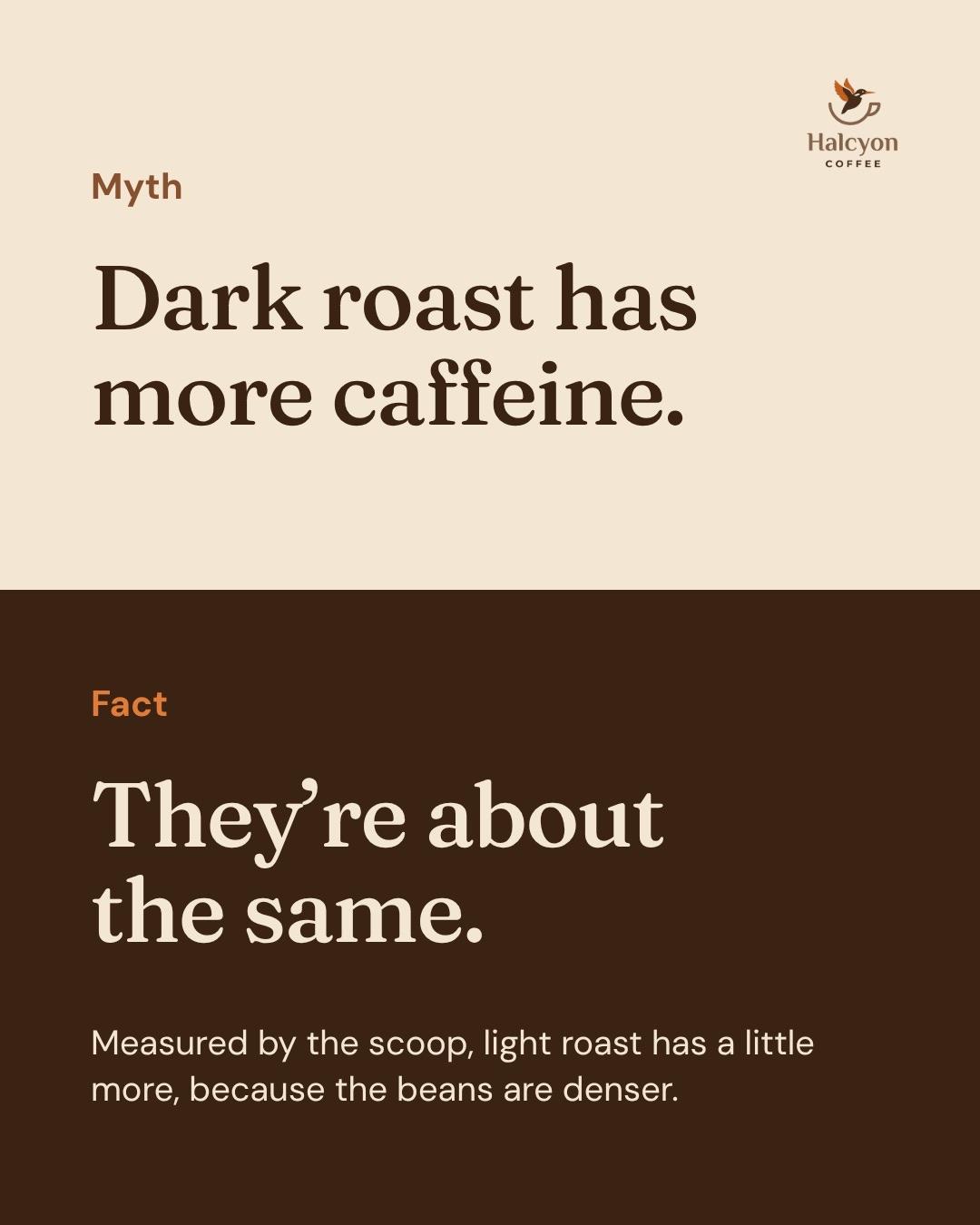
Myth and fact
What people get wrong, and the real answer, on one post.
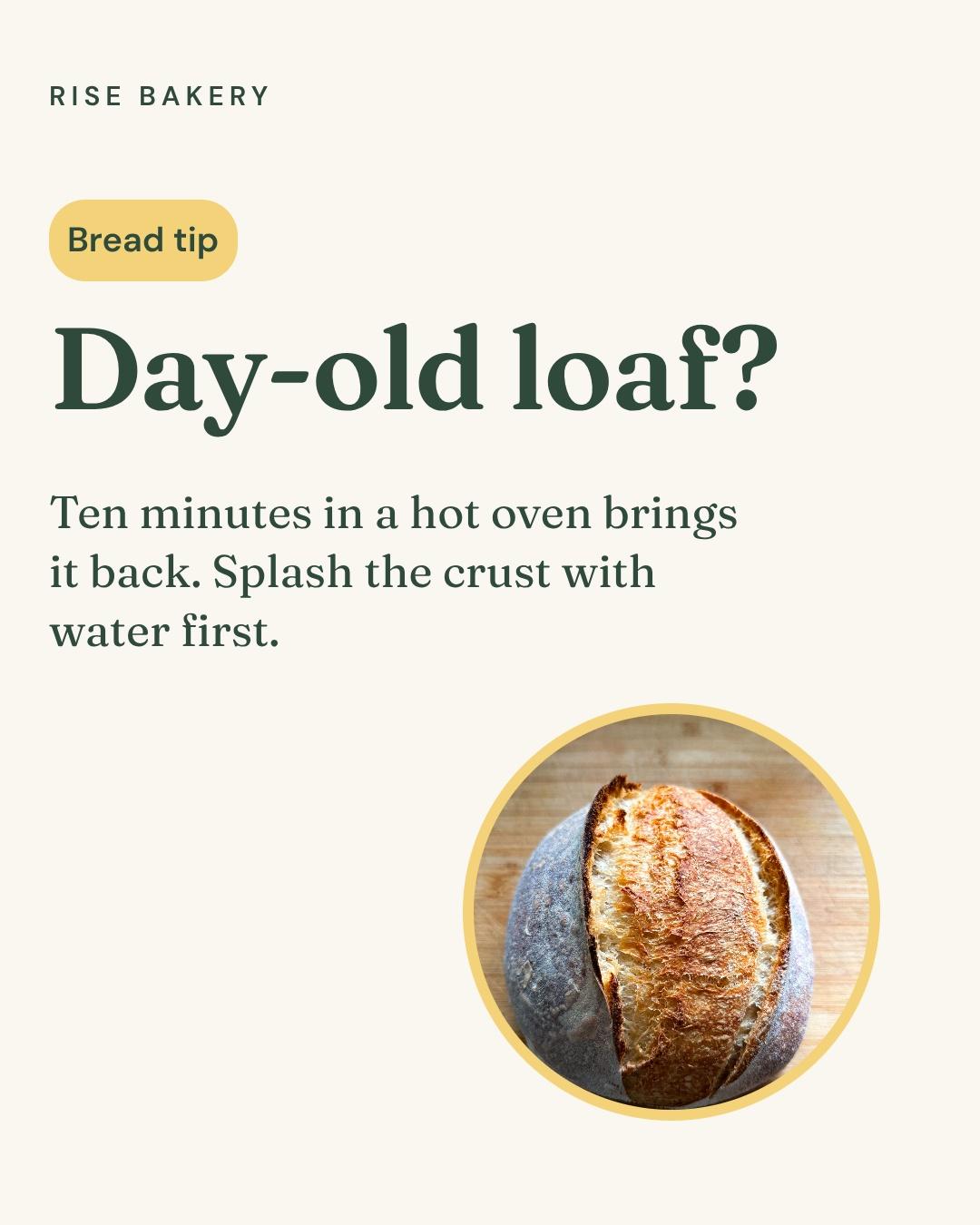
The one-tip post
One tip, said plainly. Good for a busy week.
Tips from a topic
Name the topic and Krumzi writes the slides for you to check.

Your article, as a carousel
Paste the link and Krumzi picks the key points.
Why not build it in Canva, slide by slide?
Canva has carousel templates, and they're fine for one post. The work is the assembly: writing the points somewhere else, pasting each one onto its slide, fixing the alignment on every slide, then finding the typo on slide 3.
Krumzi designs every slide for your points at once, from scratch in your brand. Keep Canva for what it's good at.
- Draft the points in a doc or ChatGPT
- Find a carousel template
- Paste each point onto its slide
- Fix the alignment on every slide
- Export, spot a typo, redo
- Write or paste your points
- Get every slide designed
- Change any slide by asking
- Download it or schedule it
Three carousels, three ways to start
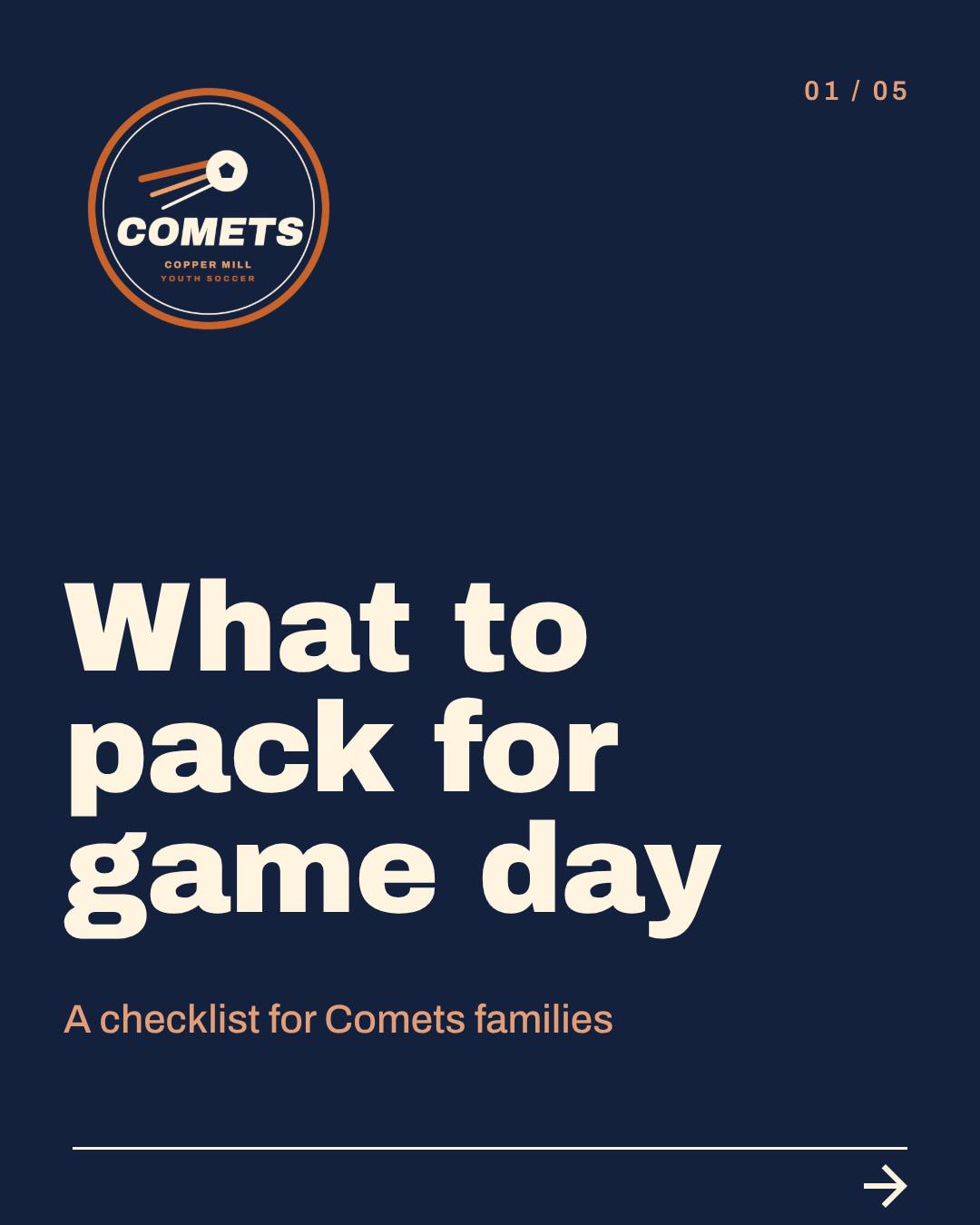
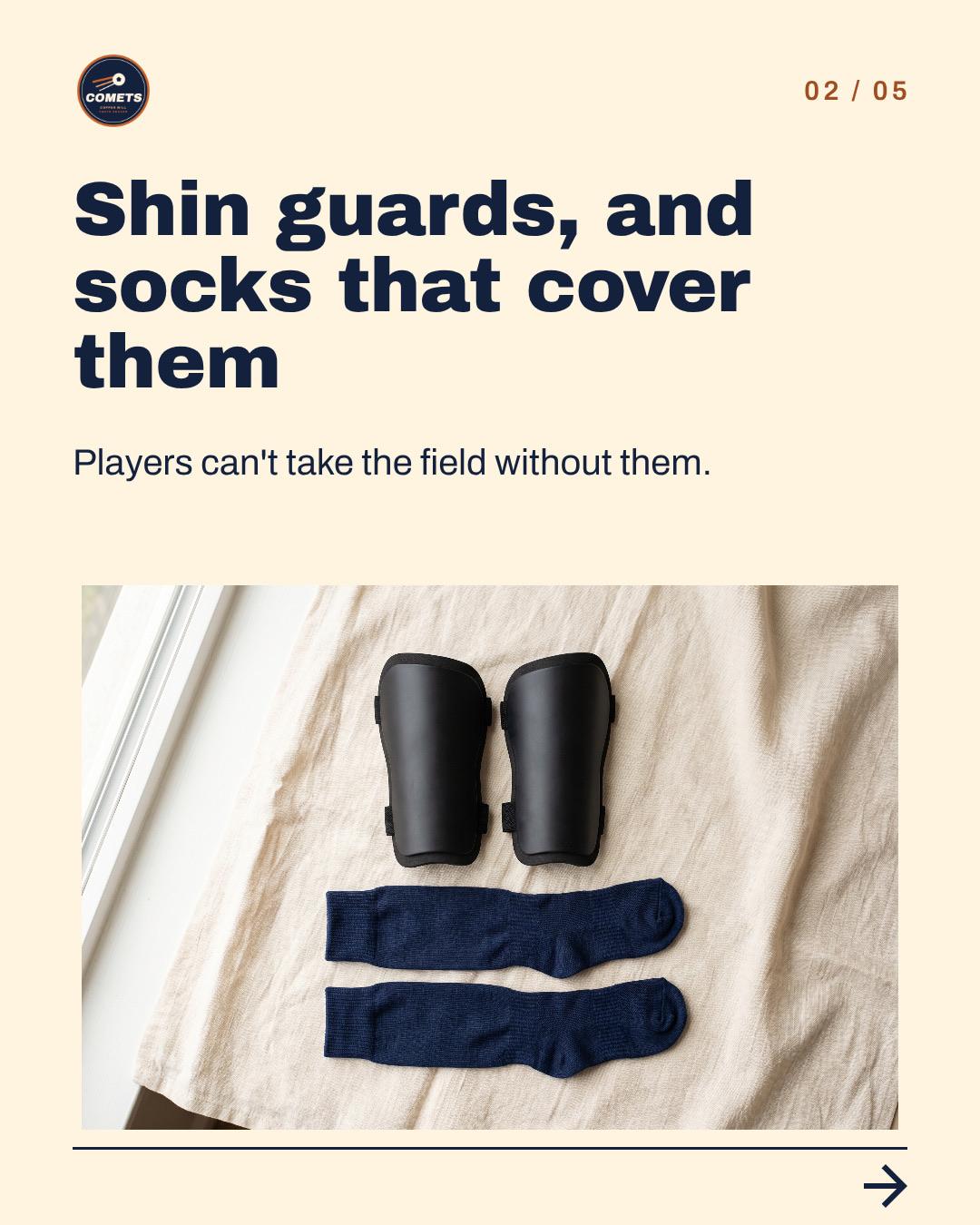
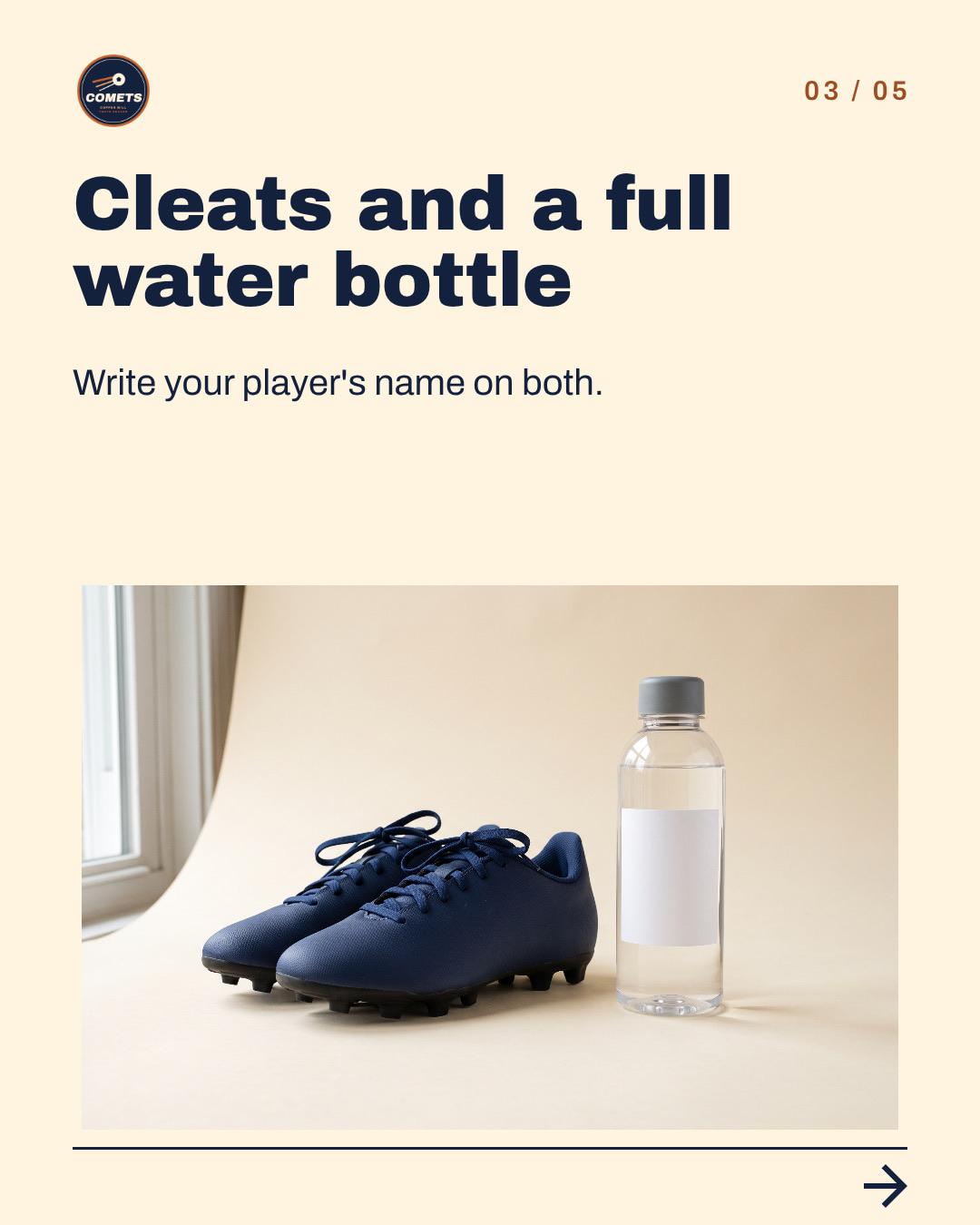
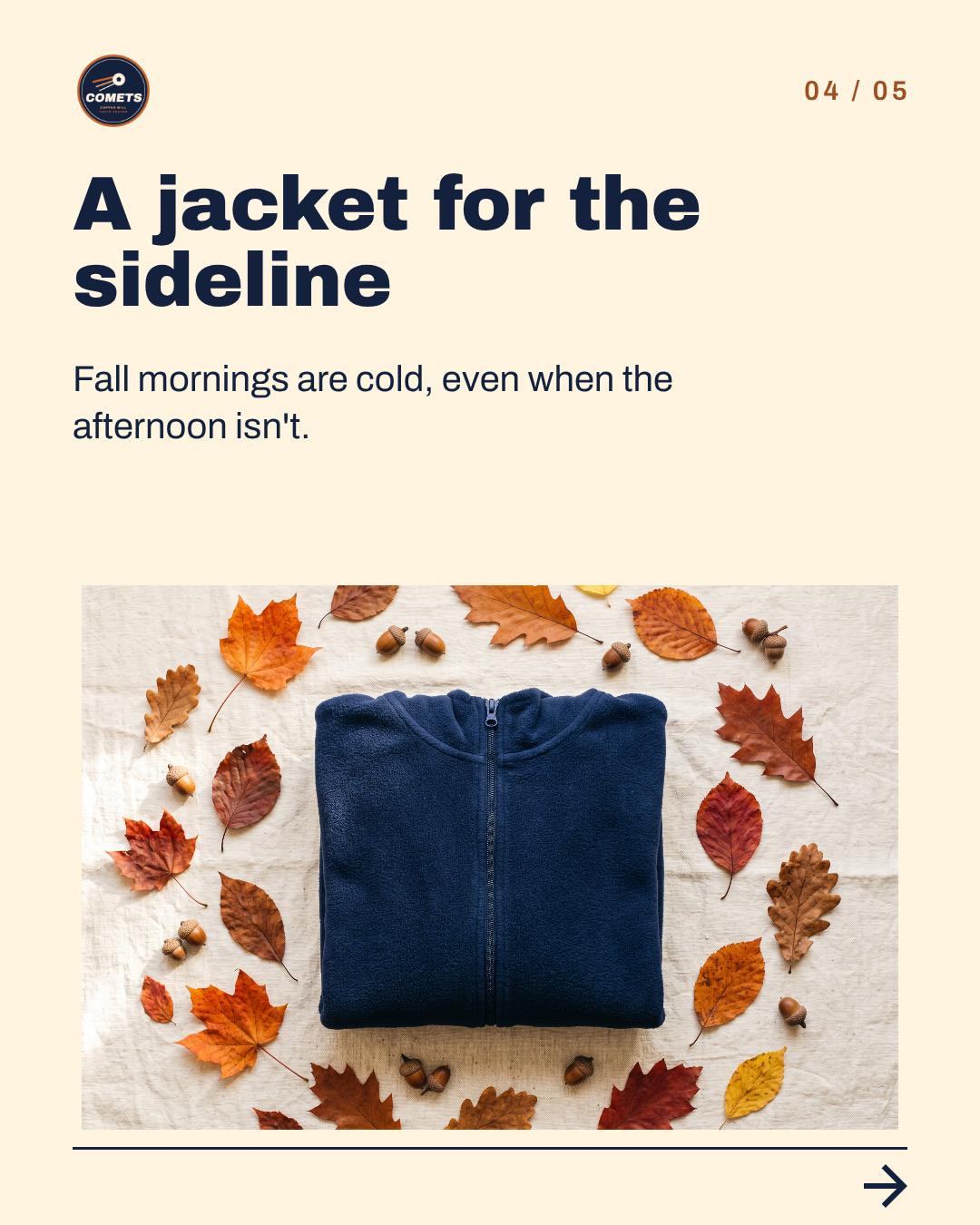
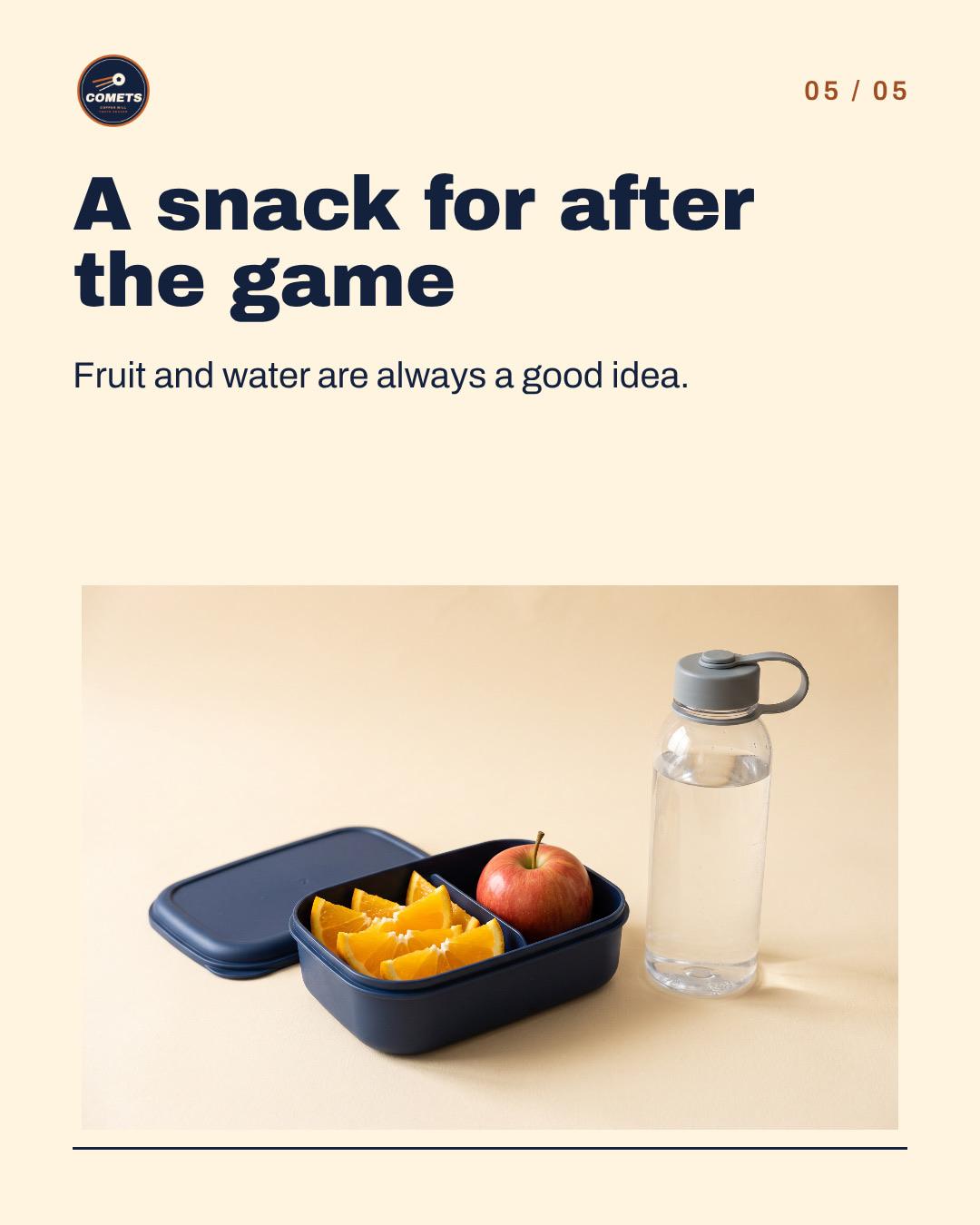
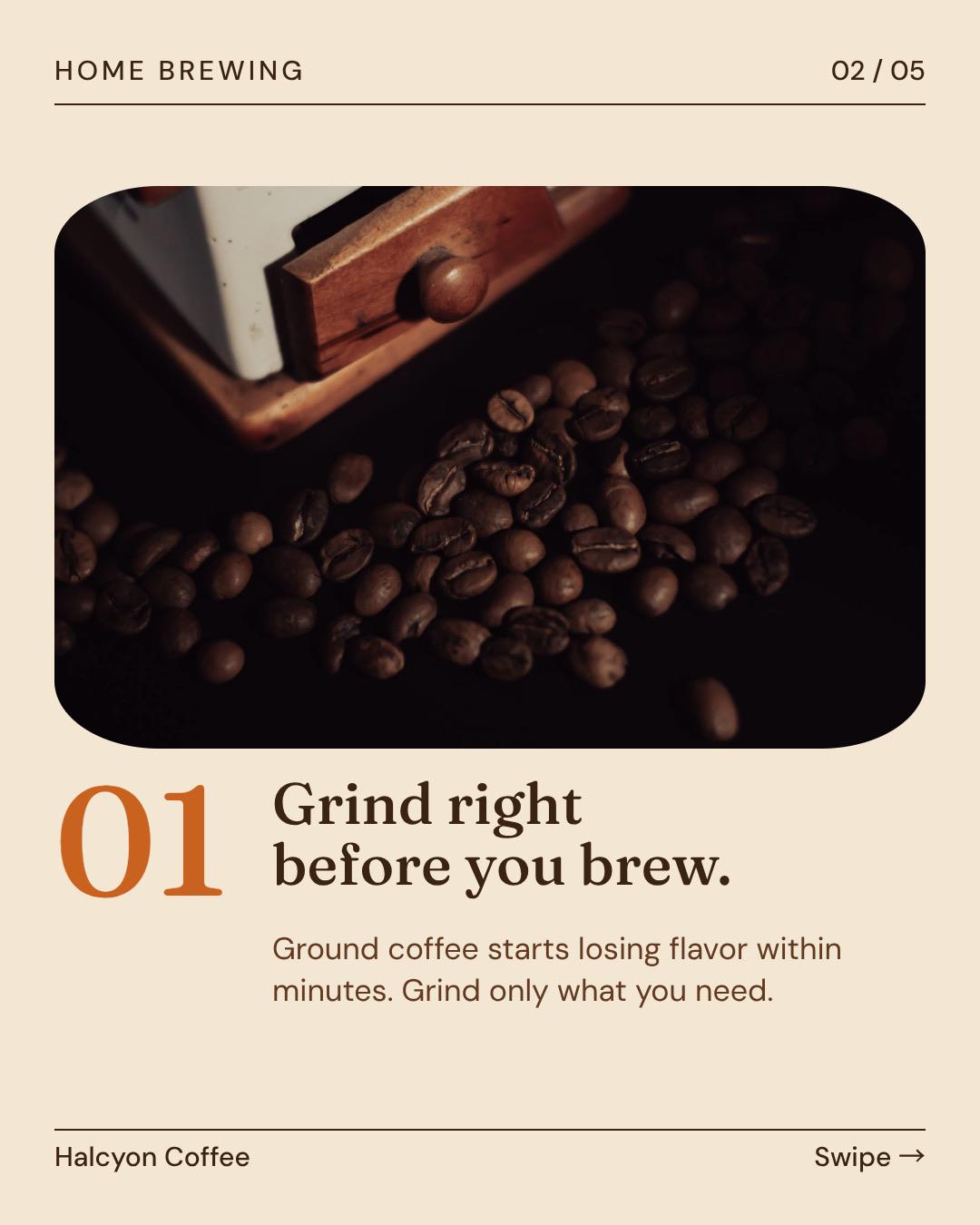
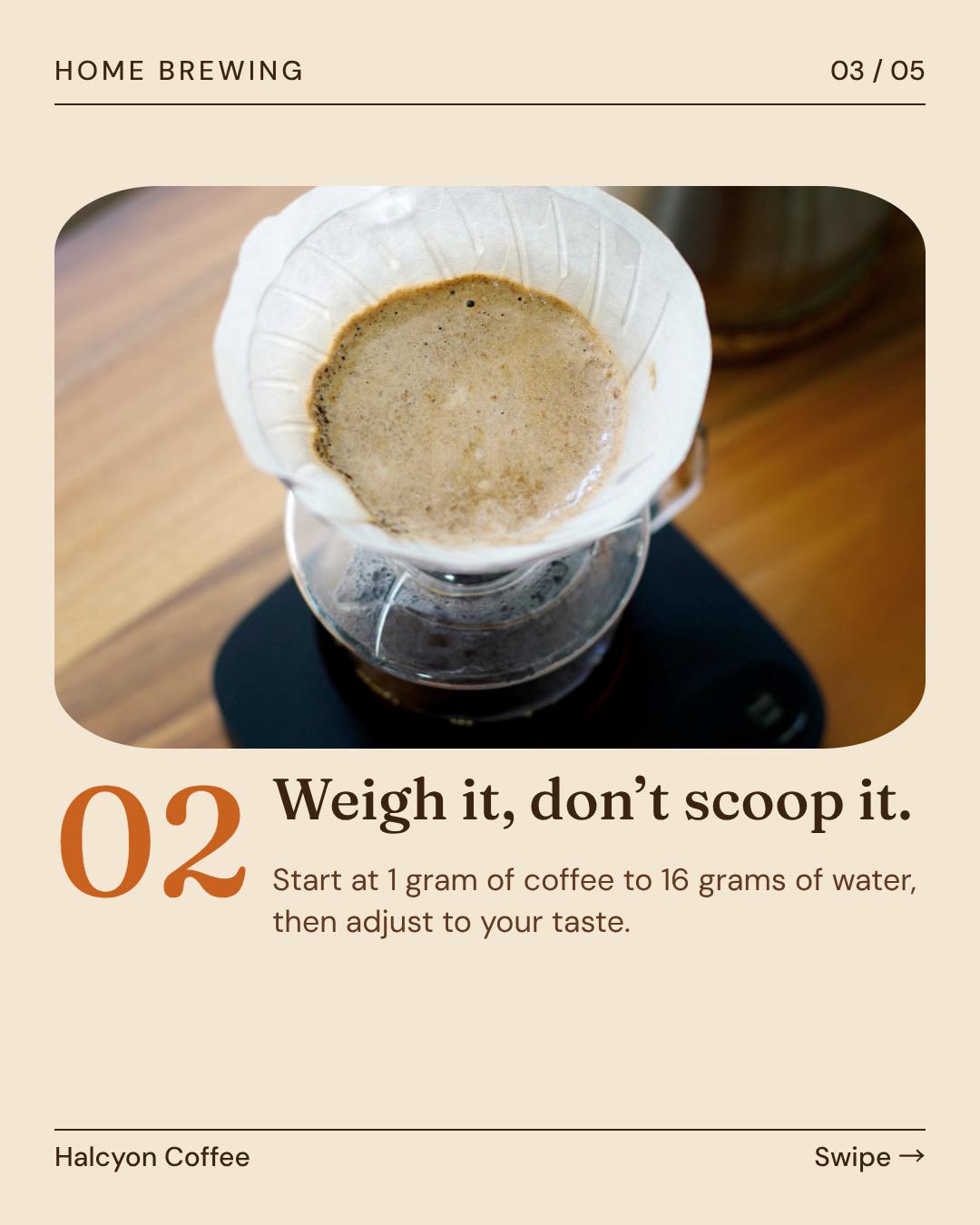
For an example youth soccer club we wrote the checklist word for word. For an example cafe we gave only the topic. For ourselves we pasted a link to one of our blog posts. Each carousel came from one brief, and the club's words stayed as it wrote them. Then one chat message each: we had the cafe's tips made more exact, and the brand logos taken off the club's product pictures.
“Instagram carousel for our families. Use exactly these words. Slide 1: What to pack for game day / A checklist for Comets families. Slide 2: Shin guards, and socks that cover them / Players can't take the field without them. Slide 3: Cleats and a full water bottle / Write your player's name on both. Slide 4: A jacket for the sideline / Fall mornings are cold, even when the afternoon isn't. Slide 5: A snack for after the game / Fruit and water are always a good idea. No photos of children.”
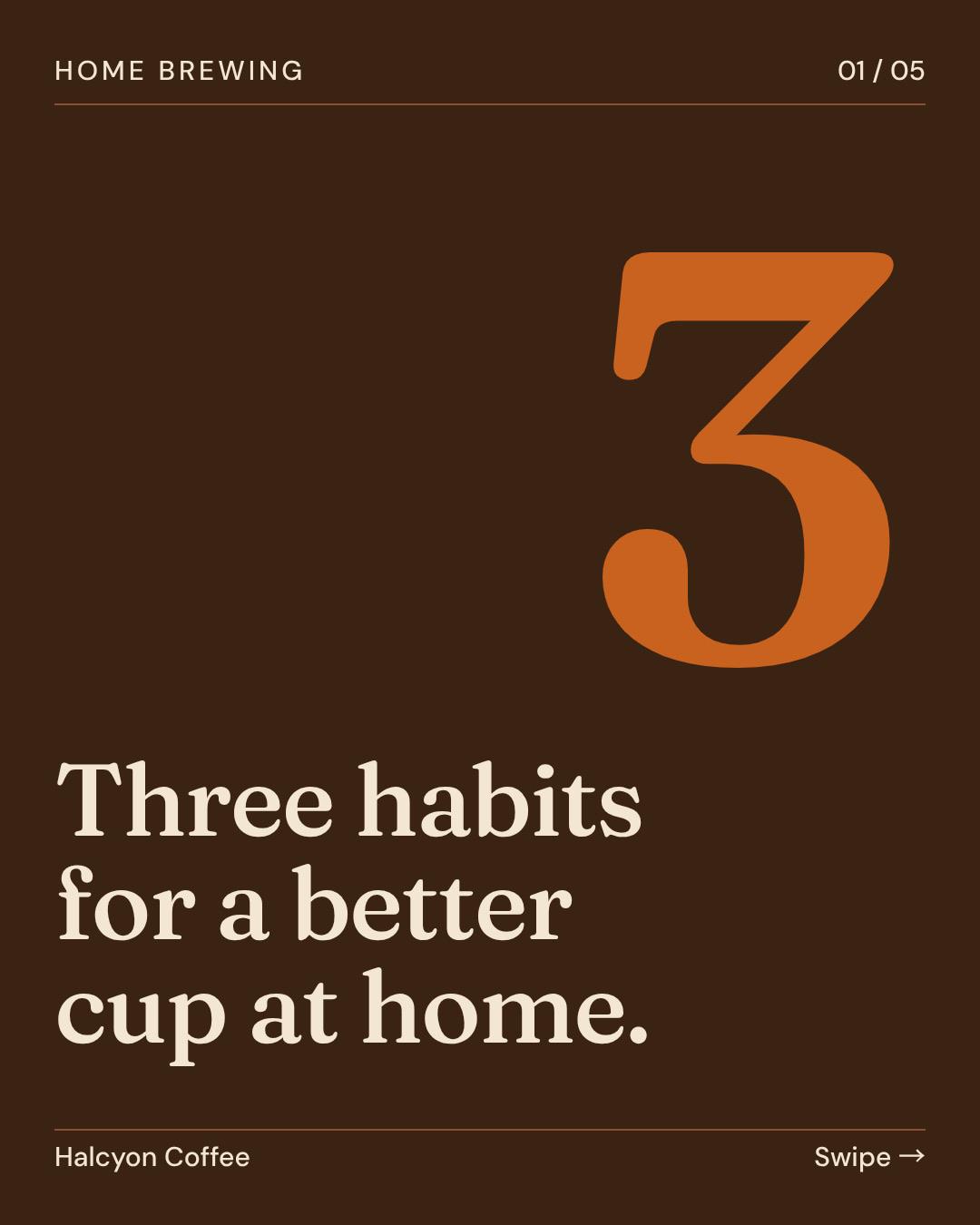
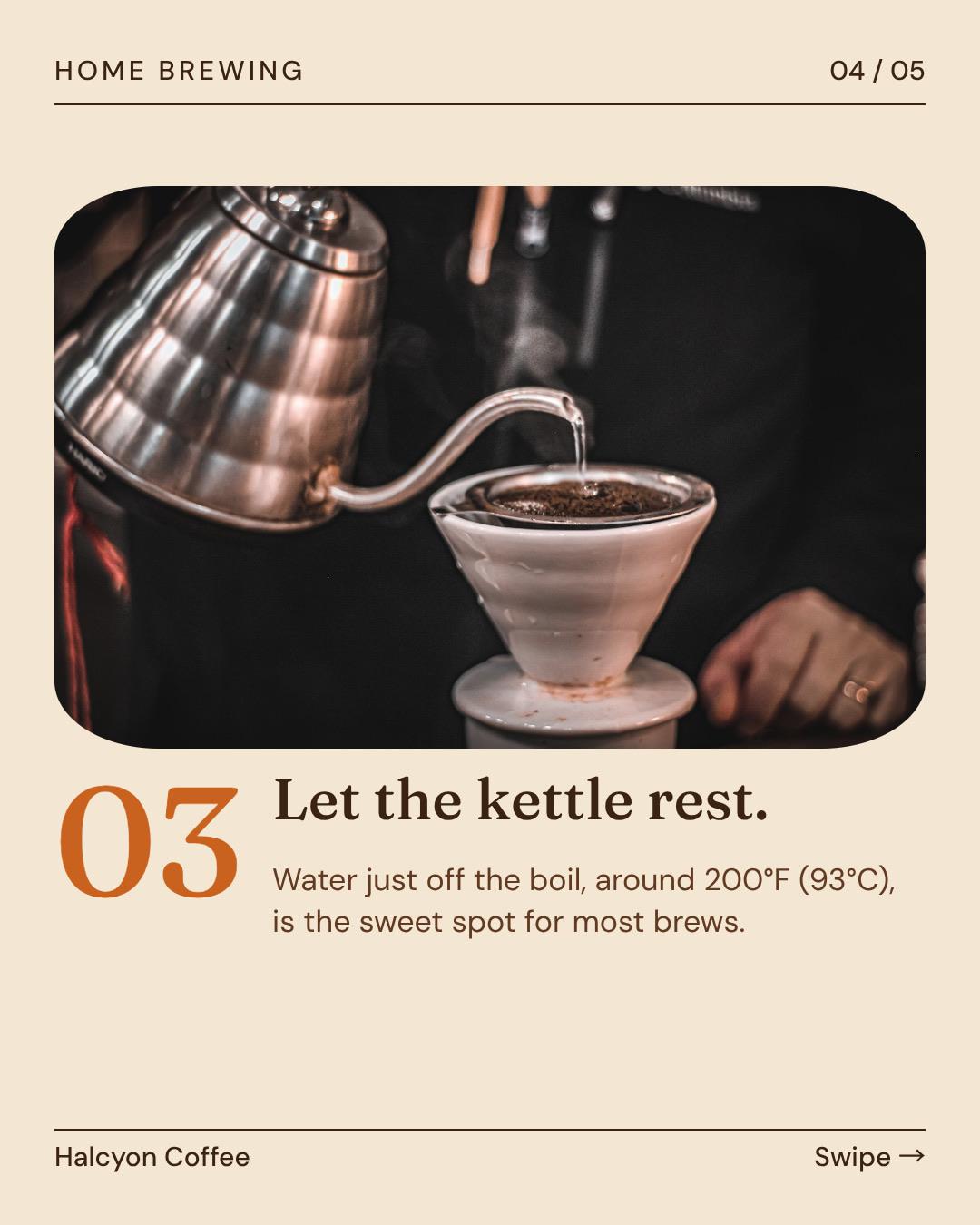
“A 5-slide carousel for our customers: tips for brewing better coffee at home.”

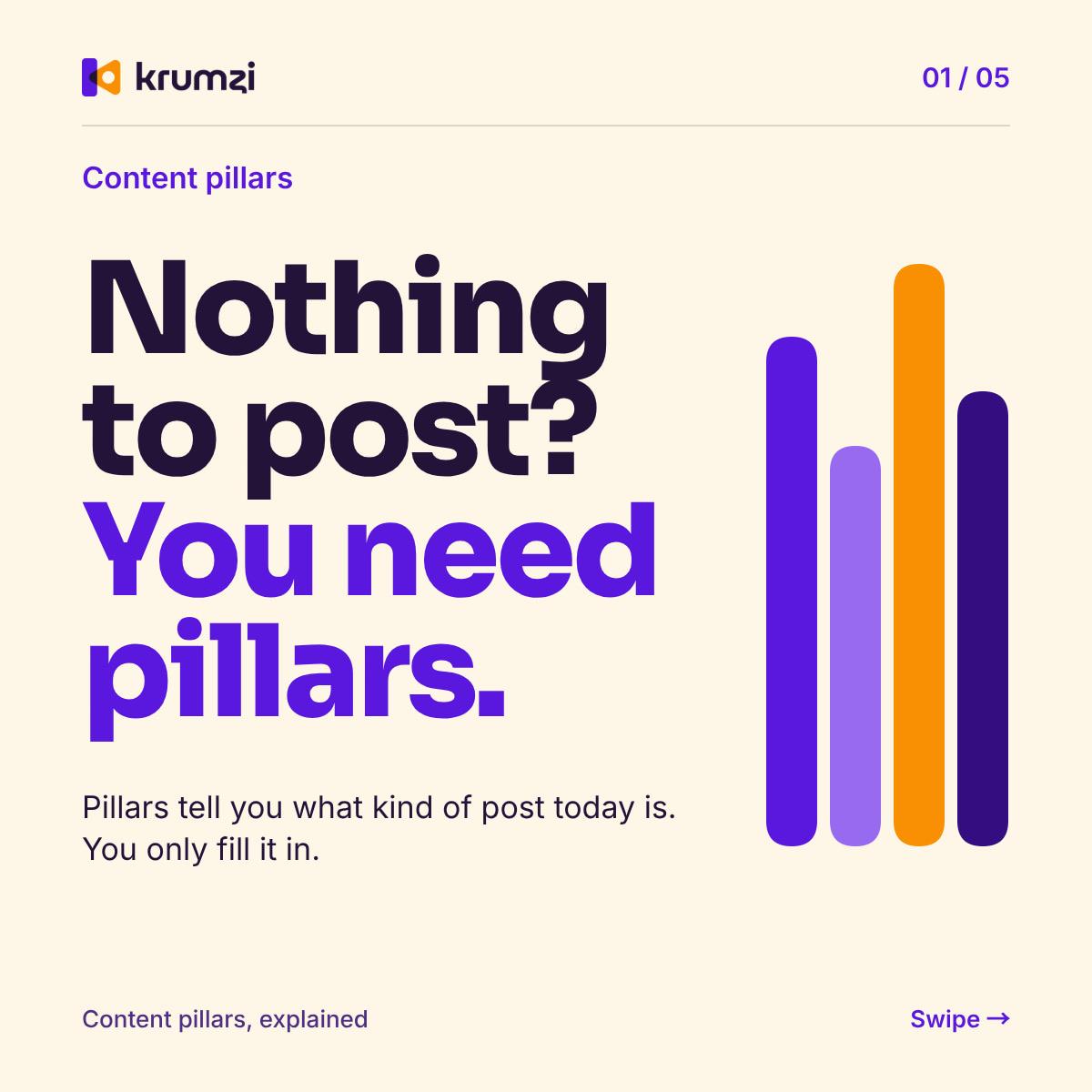
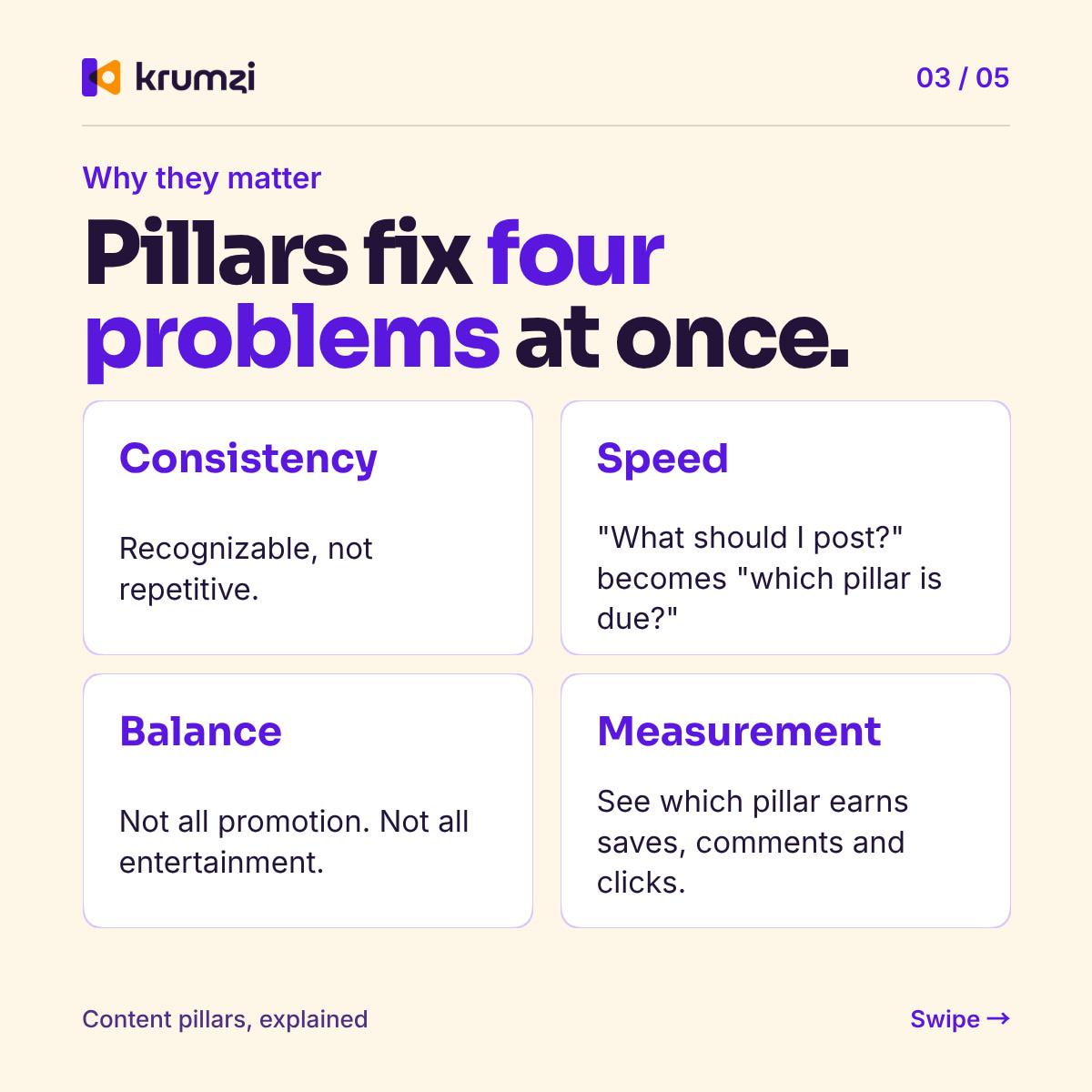
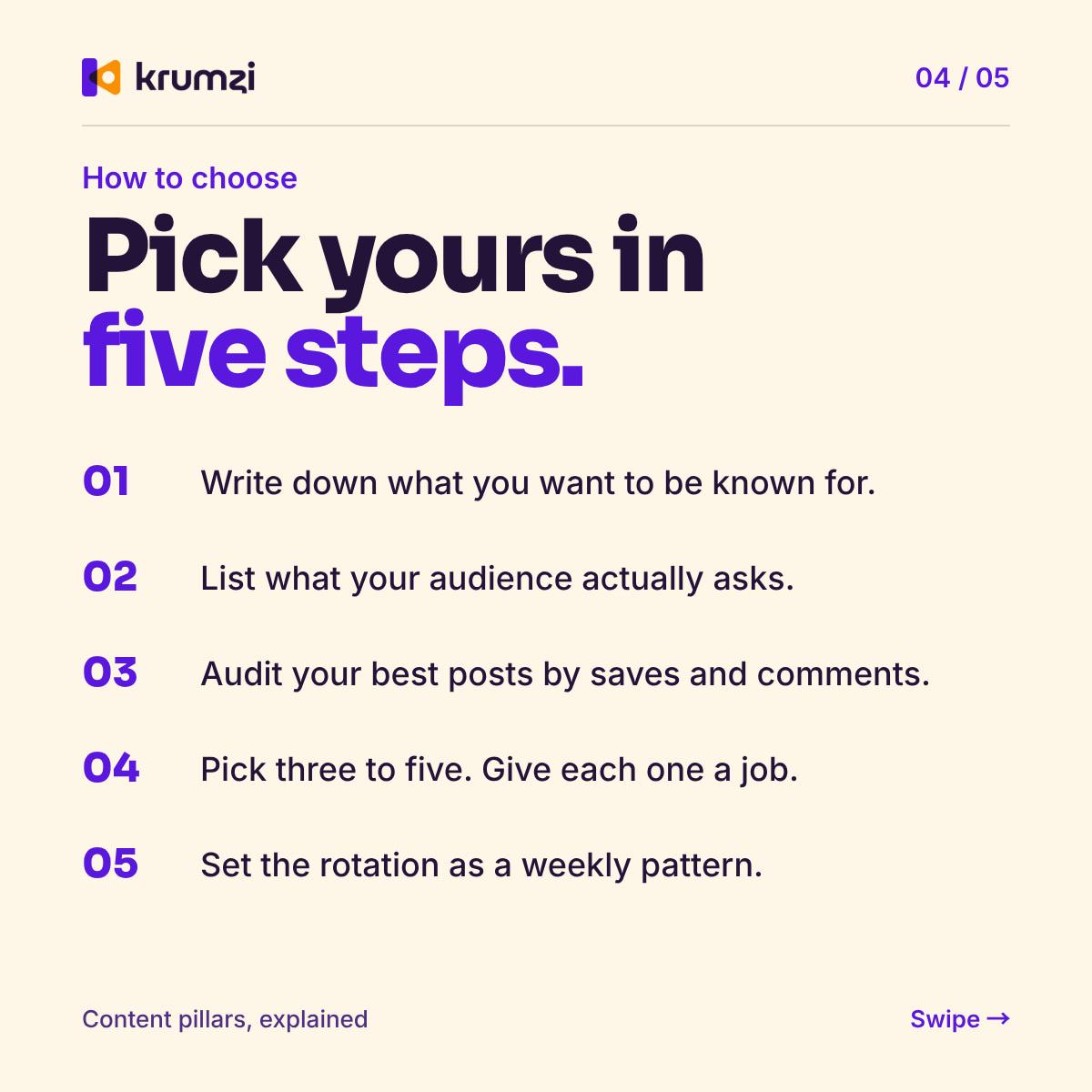
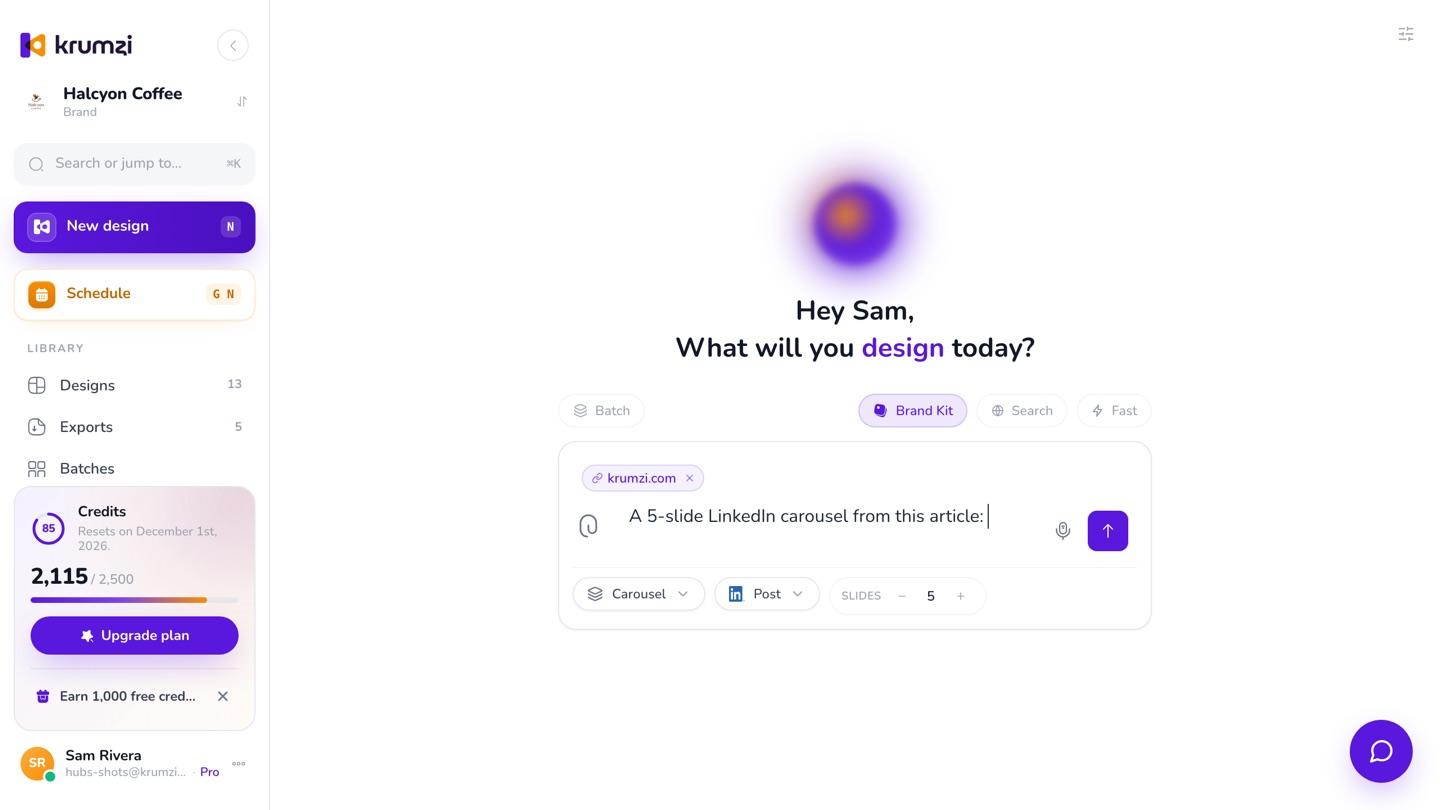
“A 5-slide LinkedIn carousel from this article: https://www.krumzi.com/blog/content-pillars”

Start from what you already have
Paste a link to your blog post and Krumzi reads the page, picks the key points and can put the photos from it on your slides. Or paste your notes, or attach them as a PDF or a text file, even a long one, since it's read as text. Or type the tips yourself, or say them out loud.
You're the expert
Want your exact words? Write each tip the way you want it read, and the slides keep it. When Krumzi writes the tips from a topic, read every slide before you post: you know your field, and it can get things wrong. Click a slide and say what to change, or retype it by hand.
The size and the file you need
Pick Instagram square or portrait, a TikTok photo carousel or LinkedIn's square. Instagram and TikTok carousels go up to 20 slides, LinkedIn up to 10. Download every slide as an image, or the whole carousel as one PDF for LinkedIn. On a phone, the slides save straight to your photos.
Schedule it with a caption
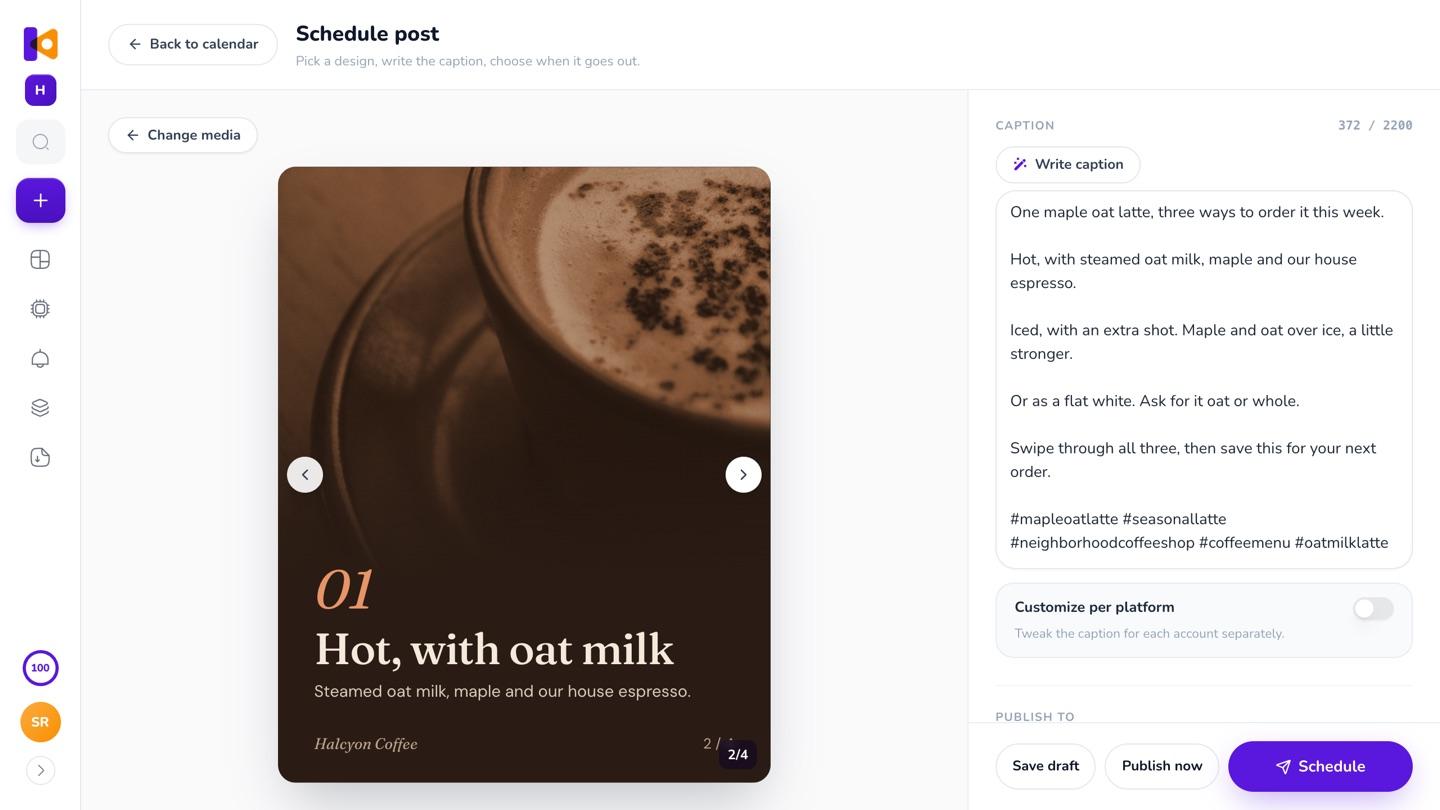
Schedule a carousel of up to 10 slides to Instagram and Facebook. Write caption reads every slide in order and writes one caption for the set, in your voice.
A tip in every week of posts
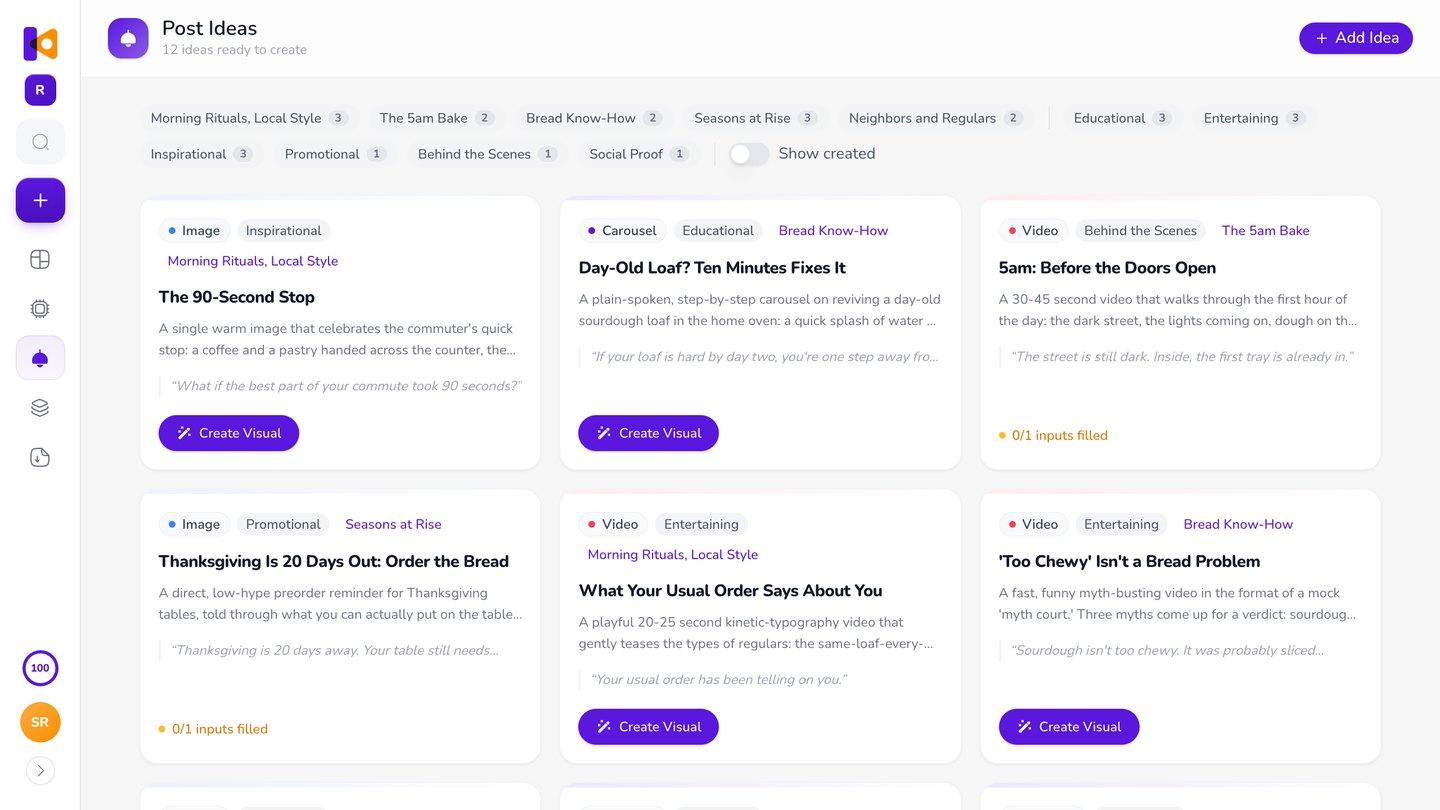
Post Ideas sorts ideas for your brand into three to five themes, so a tip can sit next to what's new and this week's offer. Pick one and Create Visual makes it a post, a carousel or a video (video is on Pro and up), whichever the idea is. Brand Mind keeps every carousel in your look, and Brand Kit adds your logo, colors and fonts (Pro and up). Next week's tip starts from this one: Make variations keeps the layout and changes the words. See weekly posts.
How it works
- 01
Give it your tips
Type them, paste your notes or a link to your article, or just name the topic. Pick a carousel size, or ask for one post.
- 02
Make it yours
Click any part and say what to change, or move it by hand.
- 03
Post it
Schedule it to Instagram and Facebook, or download PNG, JPG or a print-ready PDF.
Questions

Anything that teaches your customers something: how to look after what they bought, the steps to do something, a checklist, a common mistake and its fix, a myth and the fact, or the question you hear most. One idea per post reads best.
As many as the steps need: one point per slide, plus a cover and a last slide that says what to do next. Krumzi makes up to 20 slides for Instagram and TikTok, and up to 10 for LinkedIn.
Yes. Give it the topic and it writes the slides. It can get things wrong, so read every slide before you post. You know your field best.
Yes. Paste the link. Krumzi reads the page, picks the key points and can put the photos from it on your slides.
Yes. Paste them into the brief, or attach a PDF or a text file, and say what you want. A long PDF is read as text, so the points come through. Word files aren't read, so save them as a PDF first.
Yes. Pick the LinkedIn size, download the carousel as one PDF and upload it to LinkedIn yourself, since Krumzi doesn't post to LinkedIn. During the trial, downloads carry a watermark and come out smaller until your plan starts.
Yes, to Instagram and Facebook, up to 10 slides a post. Write caption reads every slide and writes one caption for the set. During the trial, posts go out with the trial watermark.
Each carousel is designed from scratch for your tips, in your brand, not filled into a template. Turn off AI pictures for your brand and Krumzi uses only your photos, stock photos and icons. Change any slide by asking or by hand.
Yes. Write to Krumzi in your language, or set a design language for your brand and every slide comes out in it.
There are four plans, Starter, Pro, Studio and Agency, billed monthly or yearly, and yearly gets two months free. Every plan comes with AI credits each month, and Pro and up add video, Brand Kit and more brands. Starter, Pro and Studio start with a 3-day free trial: you add a card, pay nothing today, and your plan starts on day 4 unless you cancel. Agency starts paid, with no trial. Current prices are at krumzi.com/pricing.
The free carousel maker makes a 5-slide Instagram carousel, free with no signup, downloaded with a watermark. It's one design a week across all the free tools. The full app, with every size, PDF export and scheduling, starts with a 3-day free trial, card needed. During the trial, downloads carry a watermark and come out smaller until your plan starts.
Yes, online, any time.
Your next tip, designed and ready to post
Designed from scratch in your brand. Change any slide.
3-day free trial, card needed.No charge until day 4.Cancel online anytime.