Describe your week once. Get every post, in your brand.
Write what's happening this week in a few lines. Krumzi designs every post from scratch in your brand, not from a template, and keeps every date and price as you wrote it. Change anything, then schedule the week to Instagram and Facebook.
3-day free trial, card needed.No charge until day 4.Cancel online anytime.
How to make a month of weekly social media posts in one go
Decide first, then make. Pick how often you can keep it up, even if that's once or twice a week, and three or four kinds of post to rotate: what's new, an offer, a tip, the people behind the business. Then write down what's really happening each week: the special, the event, the new arrival, the change in hours. Make the posts in batches, not one at a time, keep one look so people know it's you, and schedule them so they go out while you work. In Krumzi you write a week in a few lines with Batch on and get up to ten different posts, each designed in your brand. Make next week's from this week's by changing the words, and schedule them all to Instagram and Facebook from one calendar.
From a blank week to a scheduled one
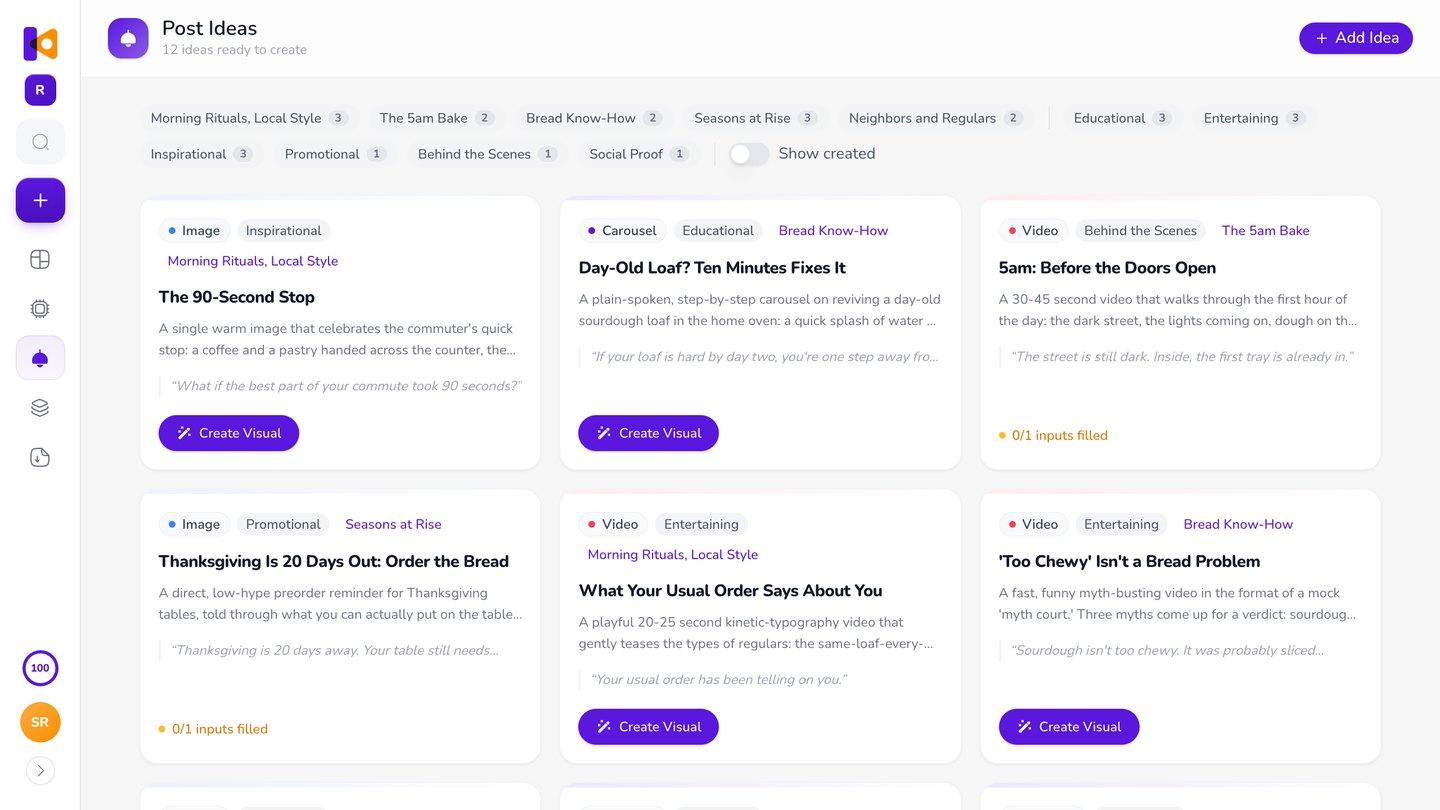
Know what to post.
Post Ideas suggests posts from what Krumzi knows about your business, sorted into three to five themes it picks for your brand. Filter by theme so the week isn't all offers.
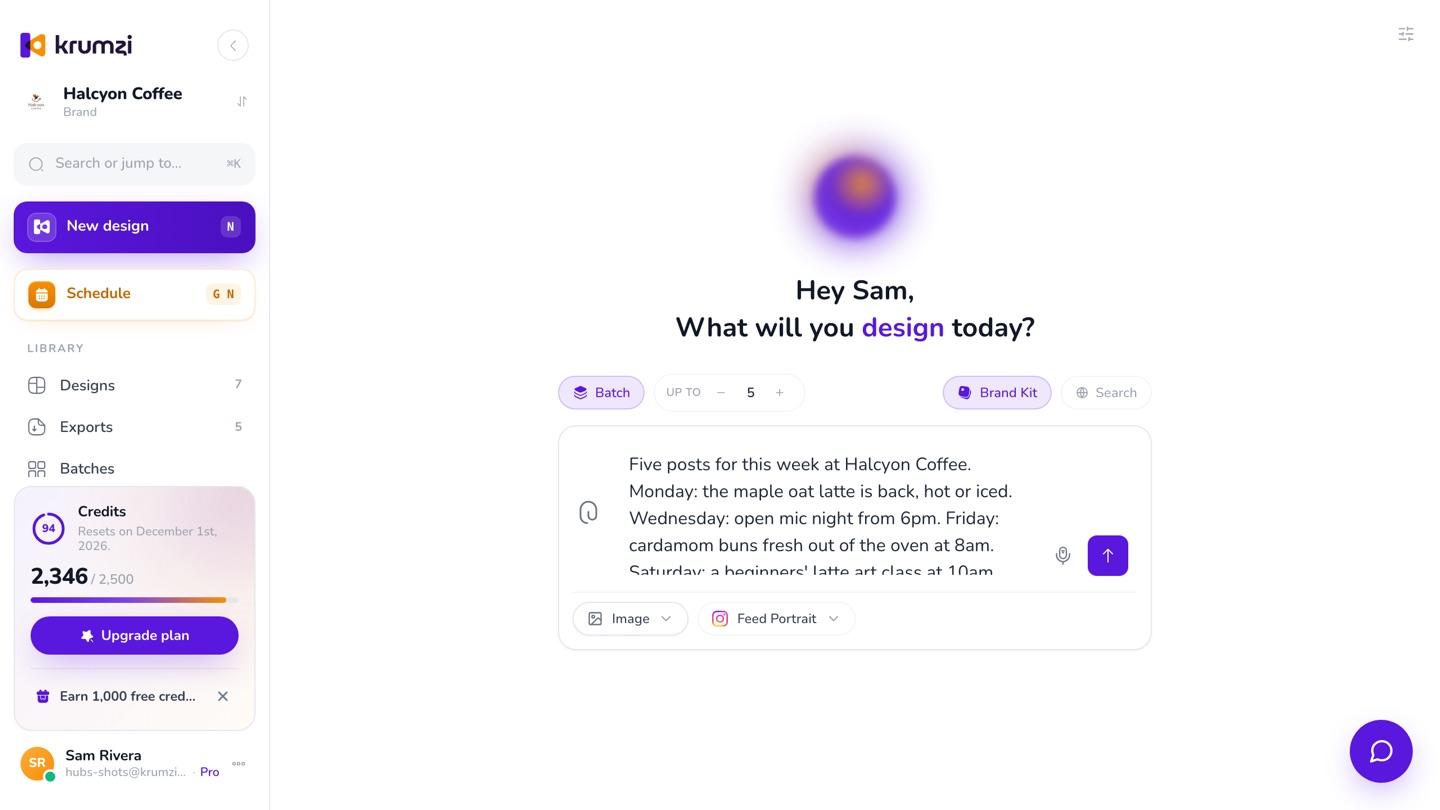
Describe the week once.
Turn on Batch, set how many posts you want, up to ten, and write the week in plain words. Krumzi works out the different posts the brief needs, up to your number.
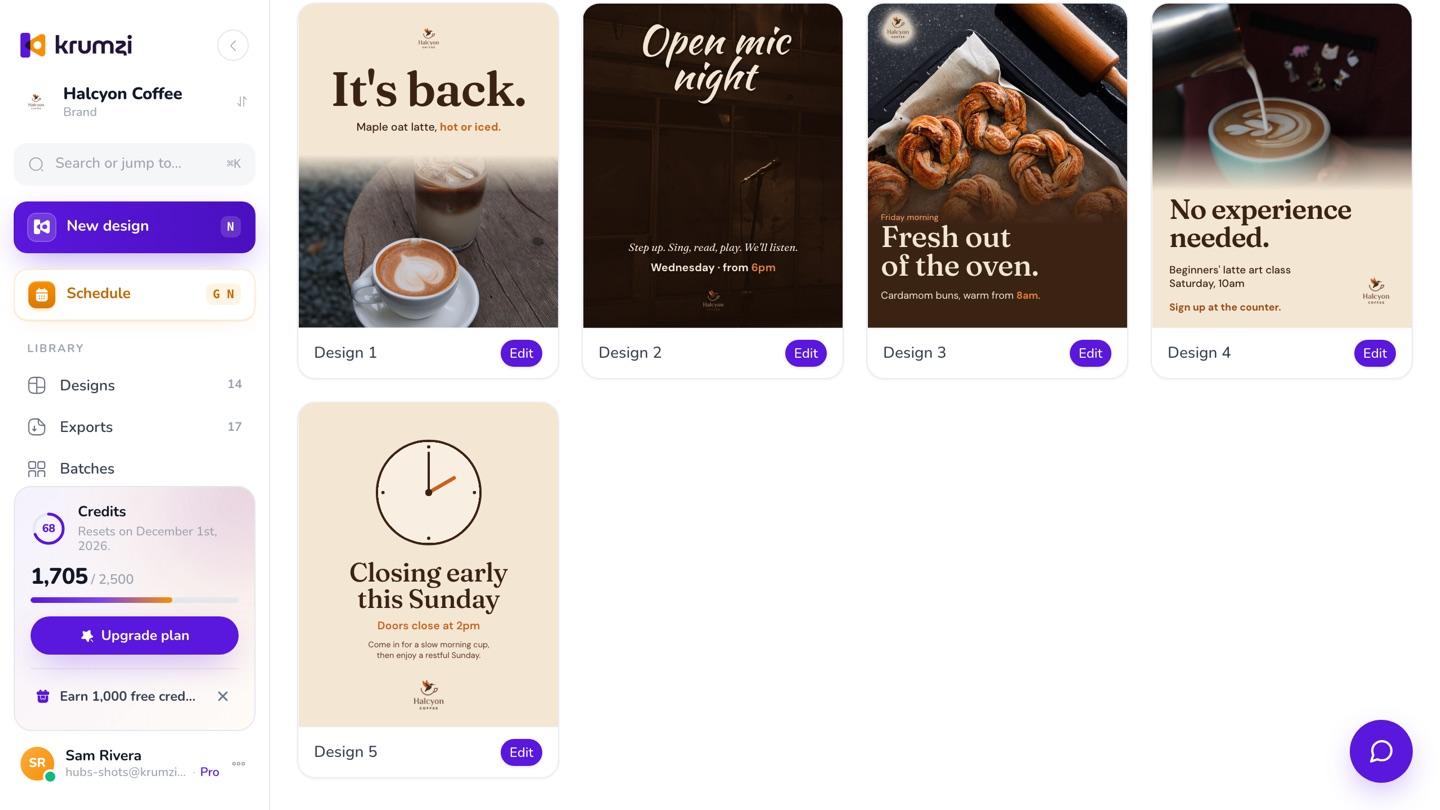
Get every post.
They're made side by side, and they keep going if you close the tab. Open any one to change it, or download them all at once.
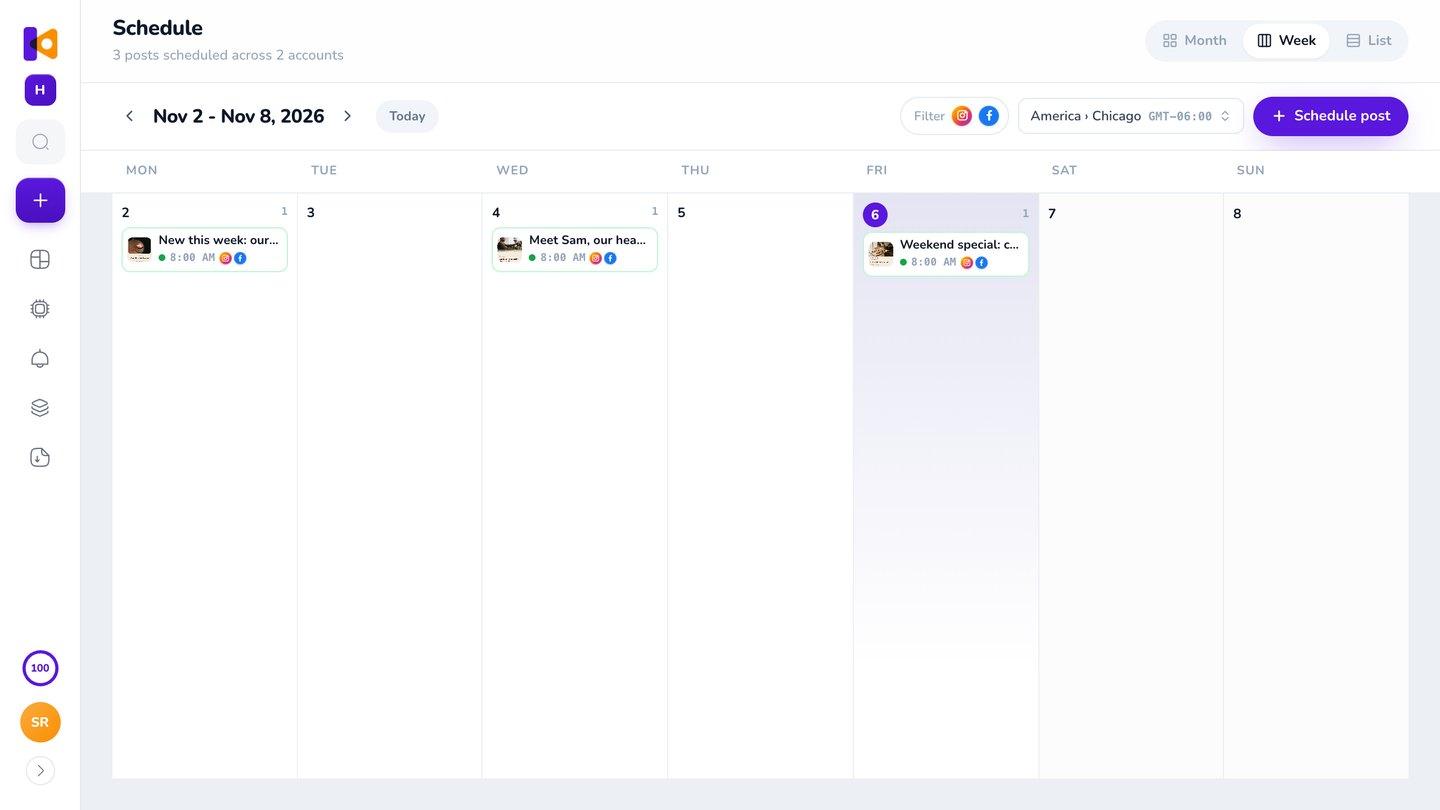
Schedule the week.
Put each post on the calendar, click Write caption for a caption in your voice, and they go out to Instagram and Facebook on time.
3-day free trial, card needed.No charge until day 4.Cancel online anytime.
One cafe's week, from one brief
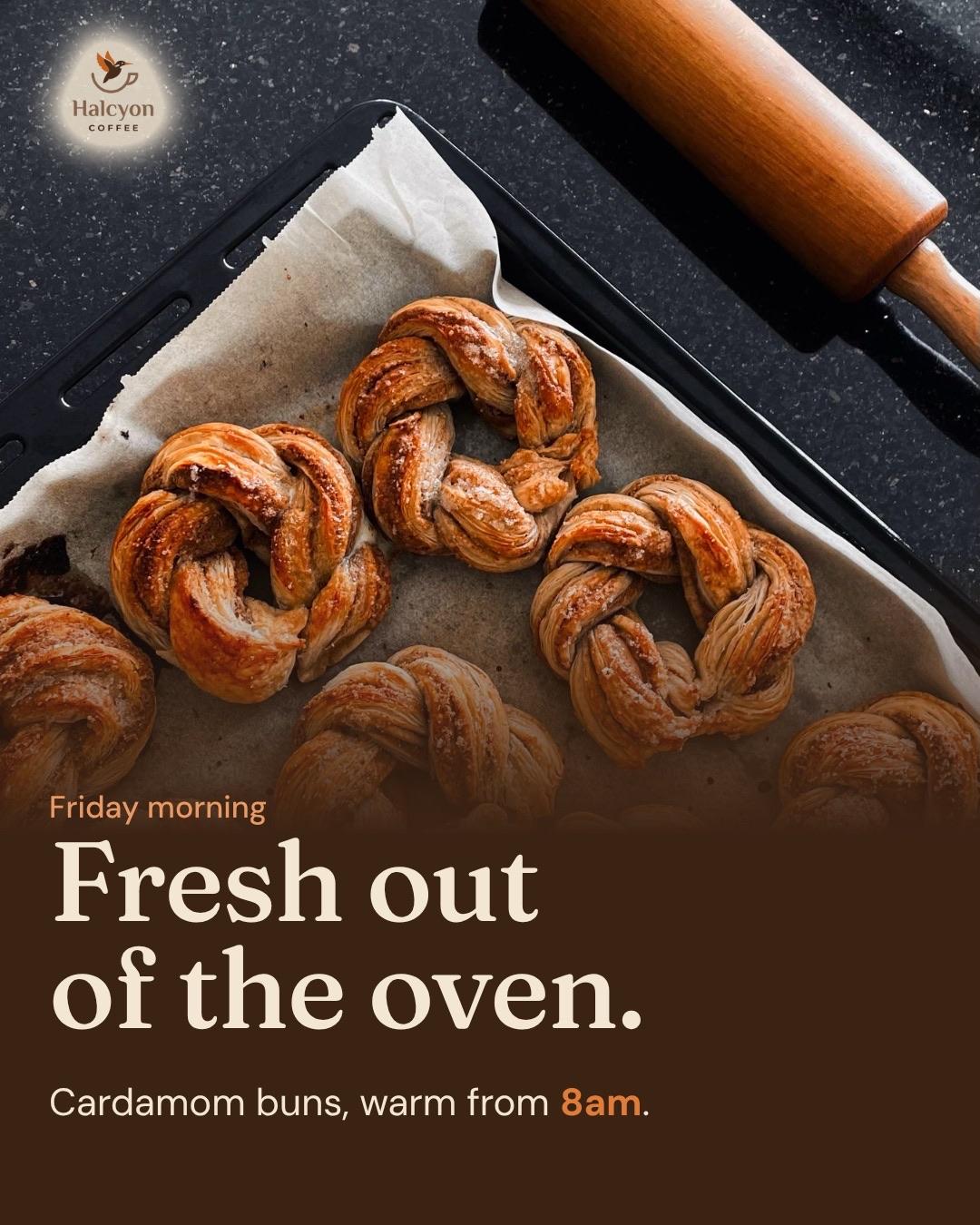
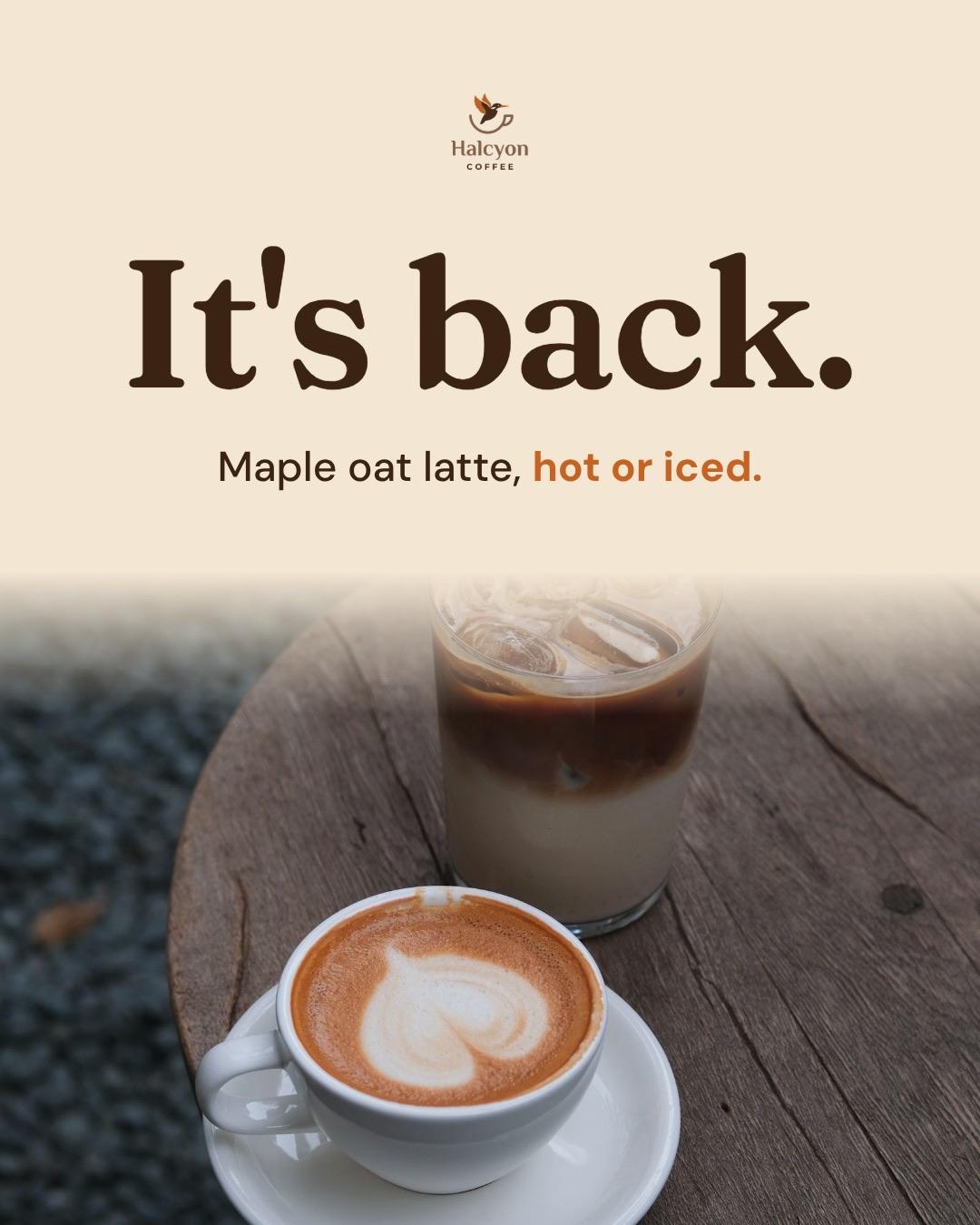
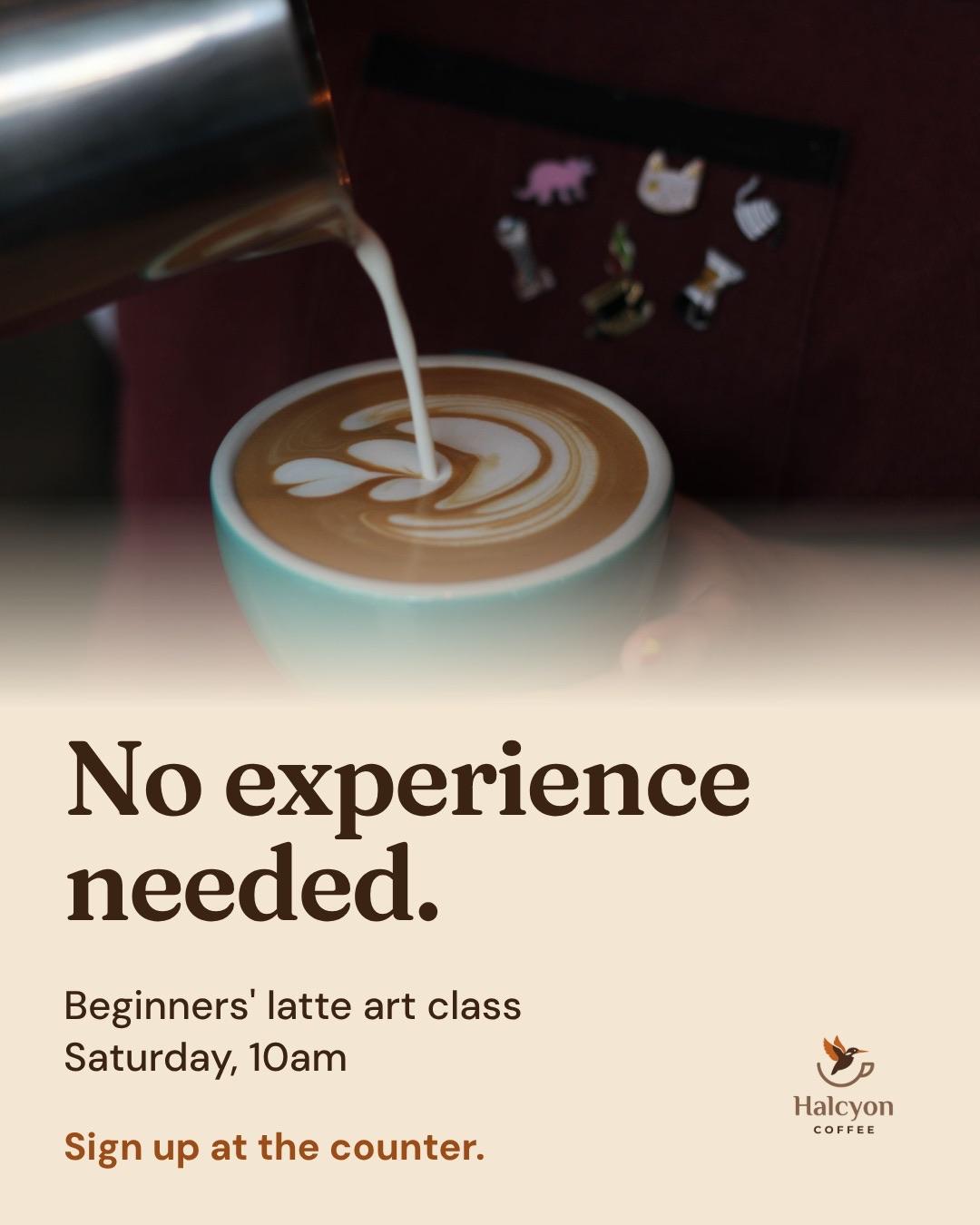
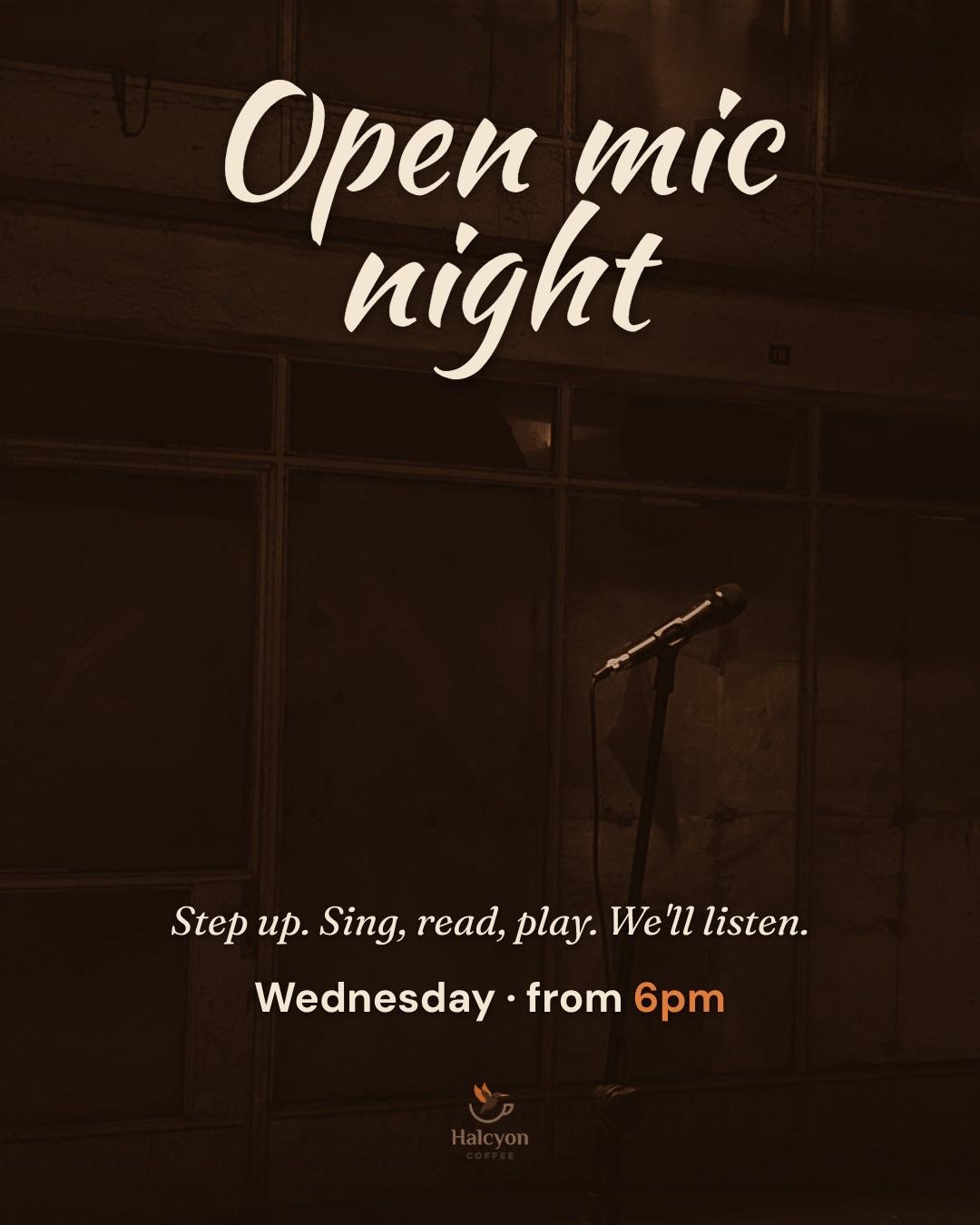
Halcyon Coffee is an example cafe. One brief with Batch on gave the week below: a drink that's back, an open mic, fresh buns, a class and an early close. Five posts, one look, every time and date as written. Afterwards we asked in the chat for real stock photos on four of them, and for a rounder clock on Sunday's.
Example made in Krumzi.
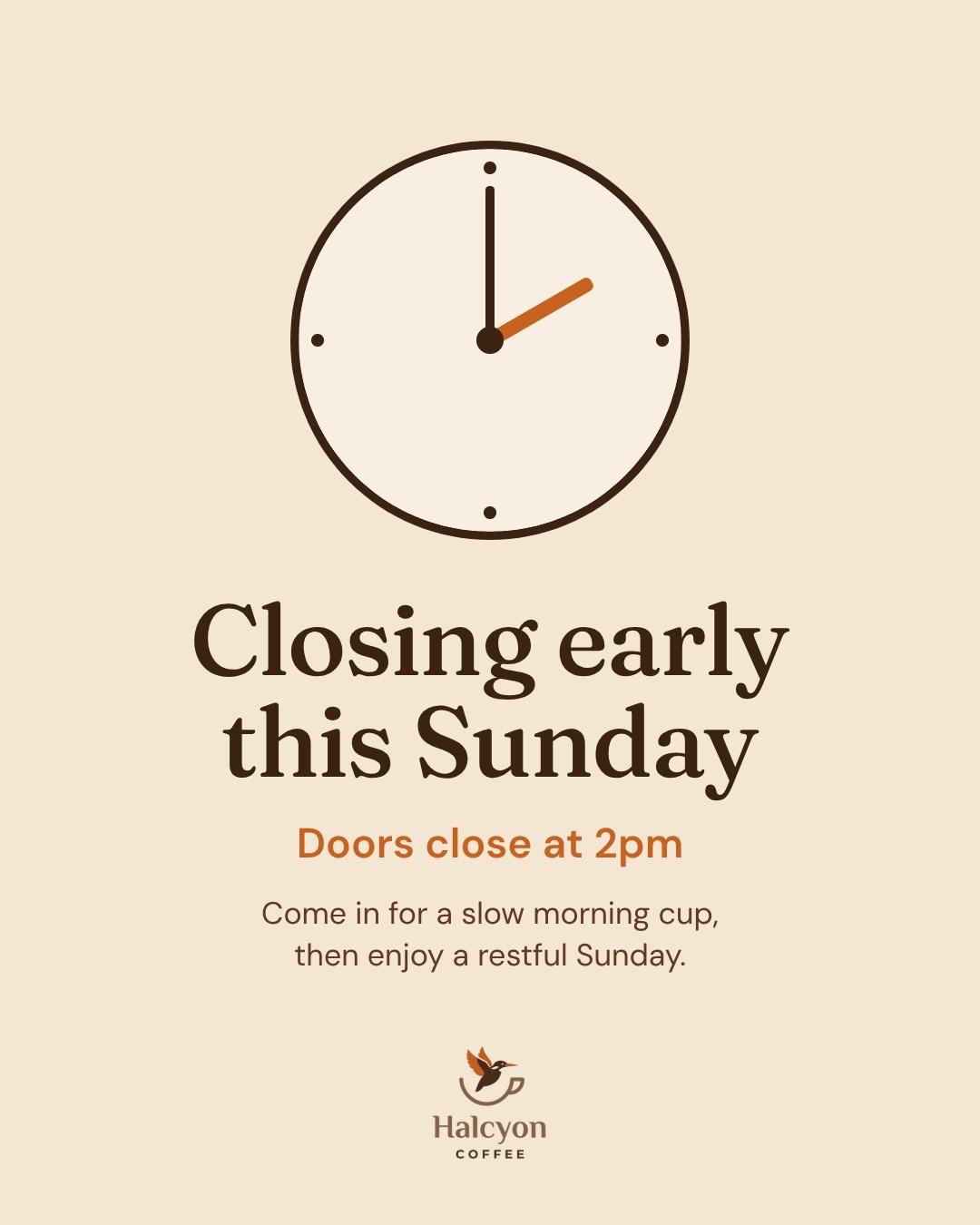
Why not fill in the same templates every week?
Plenty of businesses set up four or five templates and swap the photo and the words each week. It's quick, but other businesses use the same templates, and you still build every post one at a time.
Krumzi designs the whole week from scratch in your brand, from a few lines, so it looks like your business, not a template. Keep Canva for what it's good at.
- Decide what to post
- Open this week's template
- Swap the photo
- Retype the words
- Repeat for every post
- Write the week in a few lines
- Get every post
- Change anything by asking
- Schedule the week
Next week starts from this one
Most weeks repeat: a new drink on Monday, the weekend special on Friday. Right-click a post in Designs, choose Make variations and write what changes. Paste the next few weeks at once and you get a version for each, with the same layout and new words. Your photos stay as they are.
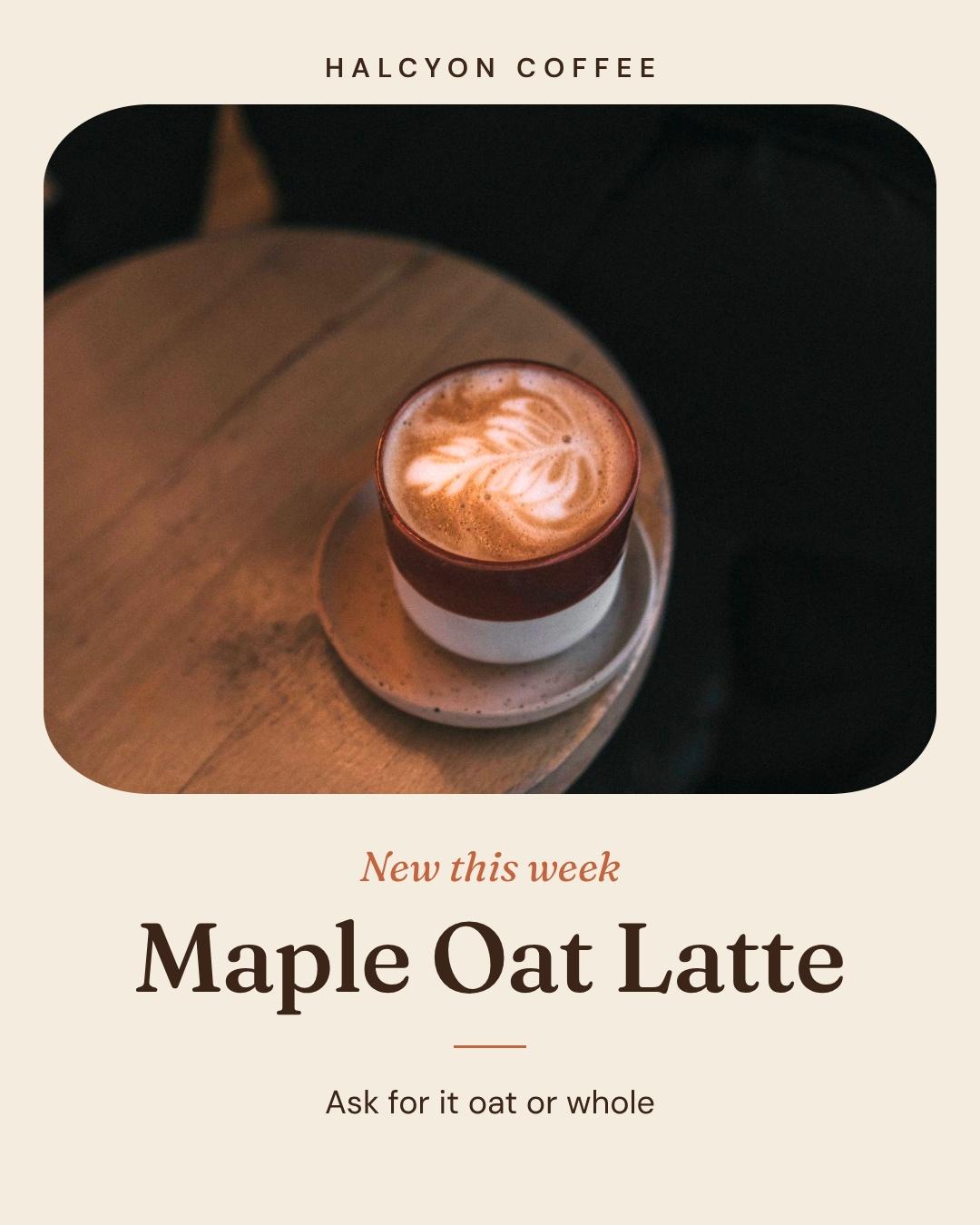
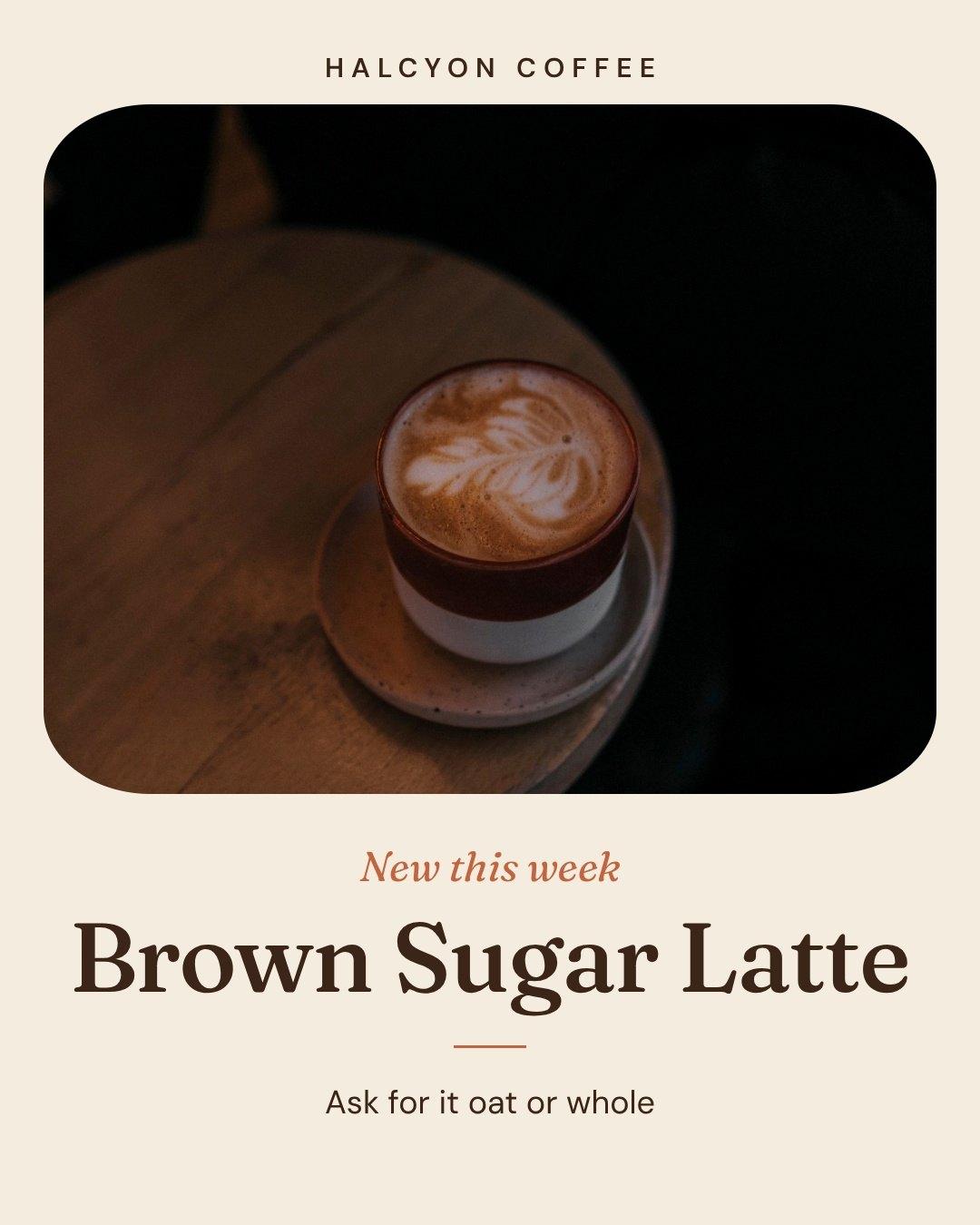
Every post in your look
Brand Mind learns your business from your website and from what you keep and change, so each week looks like the last. Add your logo, colors and fonts once and they go on every post (Brand Kit, Pro and up).
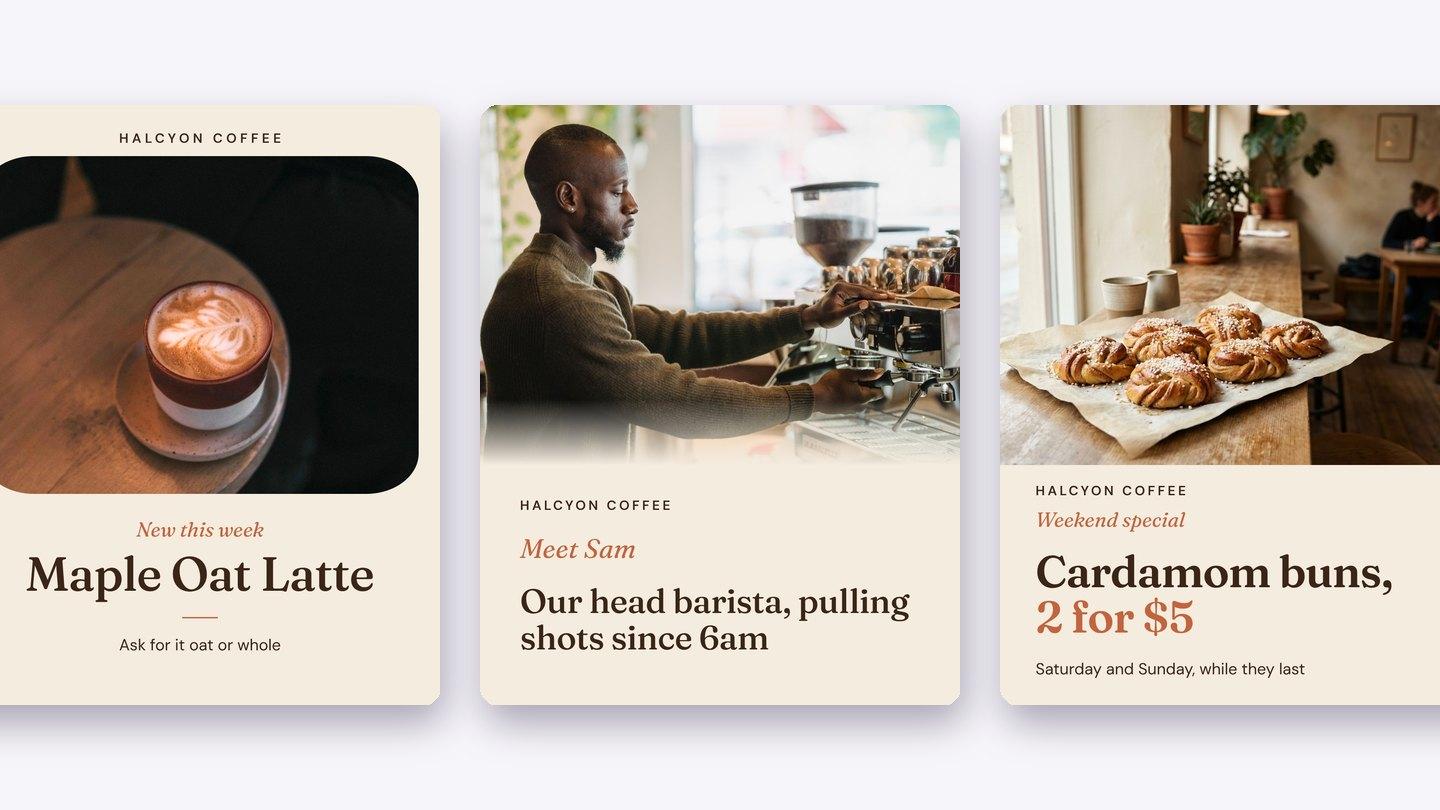
Your photos, your facts
Every post's brief carries your words exactly, so names, dates and prices stay as you wrote them. Batch works from those words, so to put your own photo on a post, open it, attach the photo and say use it. Rather have no AI pictures at all? Turn them off for your brand and Krumzi uses your photos, stock photos and icons.
Every kind of week

A shop's week
New arrivals, a restock and the weekend sale. See shops.
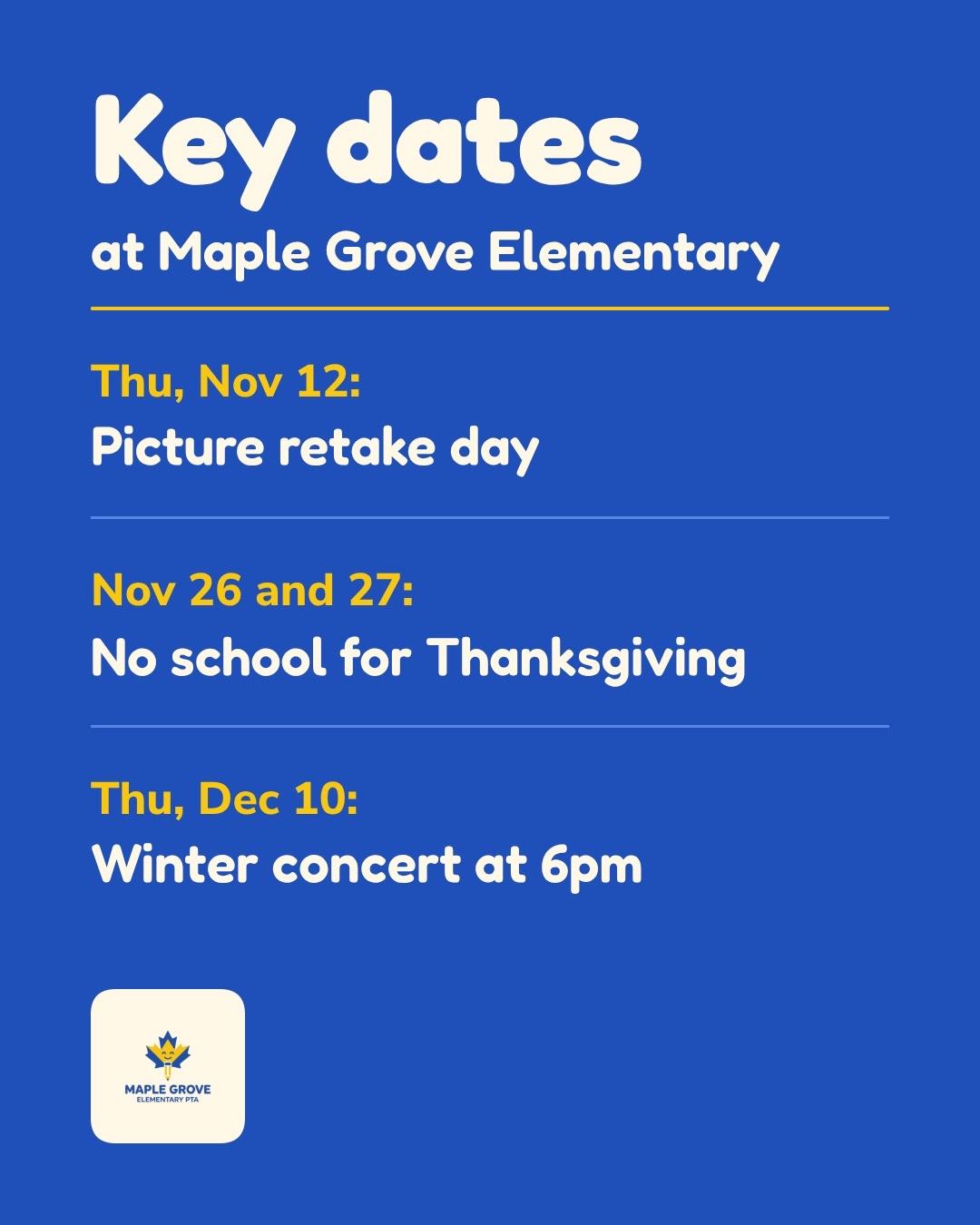
A school's week
Picture day, early dismissal and the key dates for families. See schools.
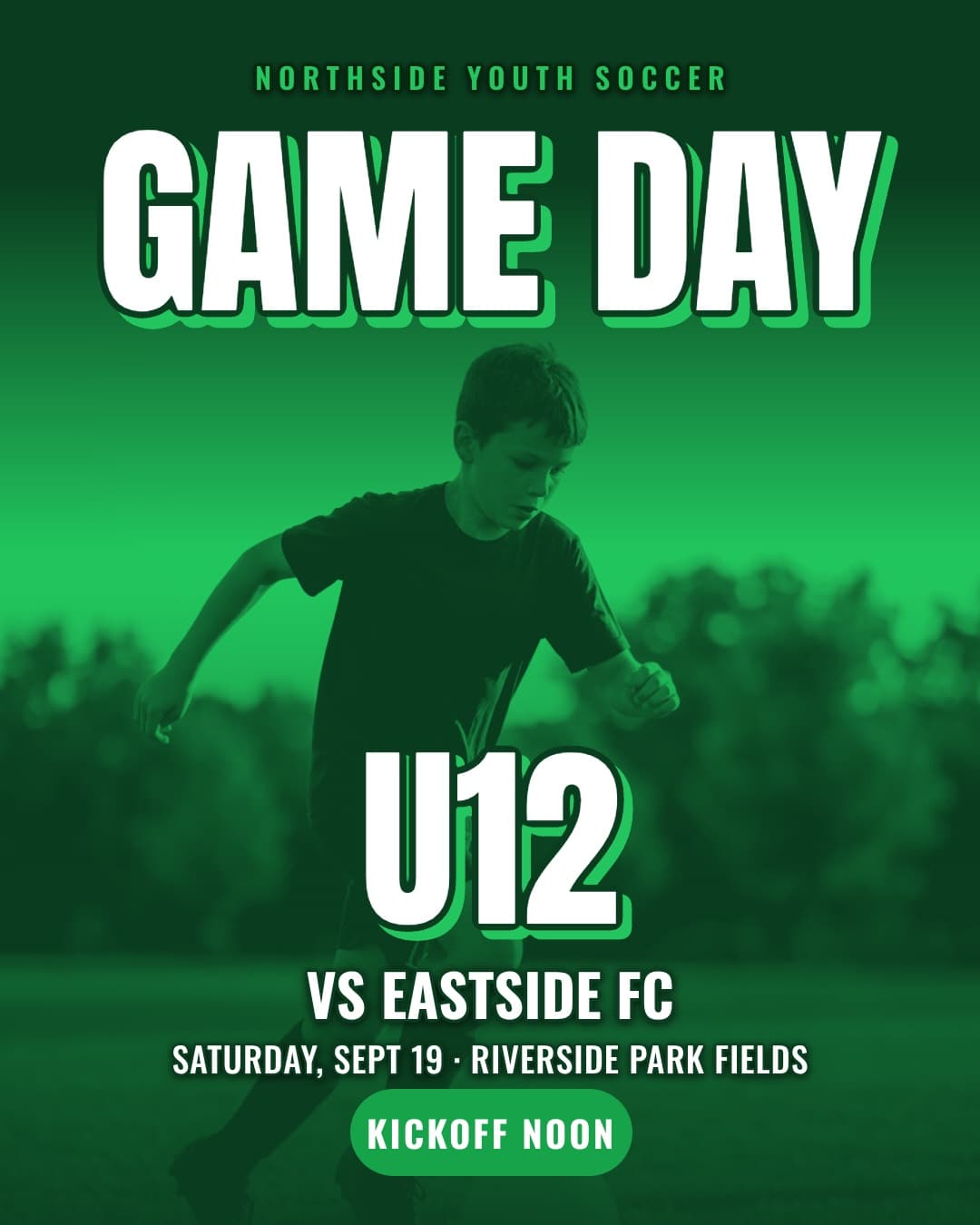
A club's week
Game day for every team, then the final score. See sports clubs.
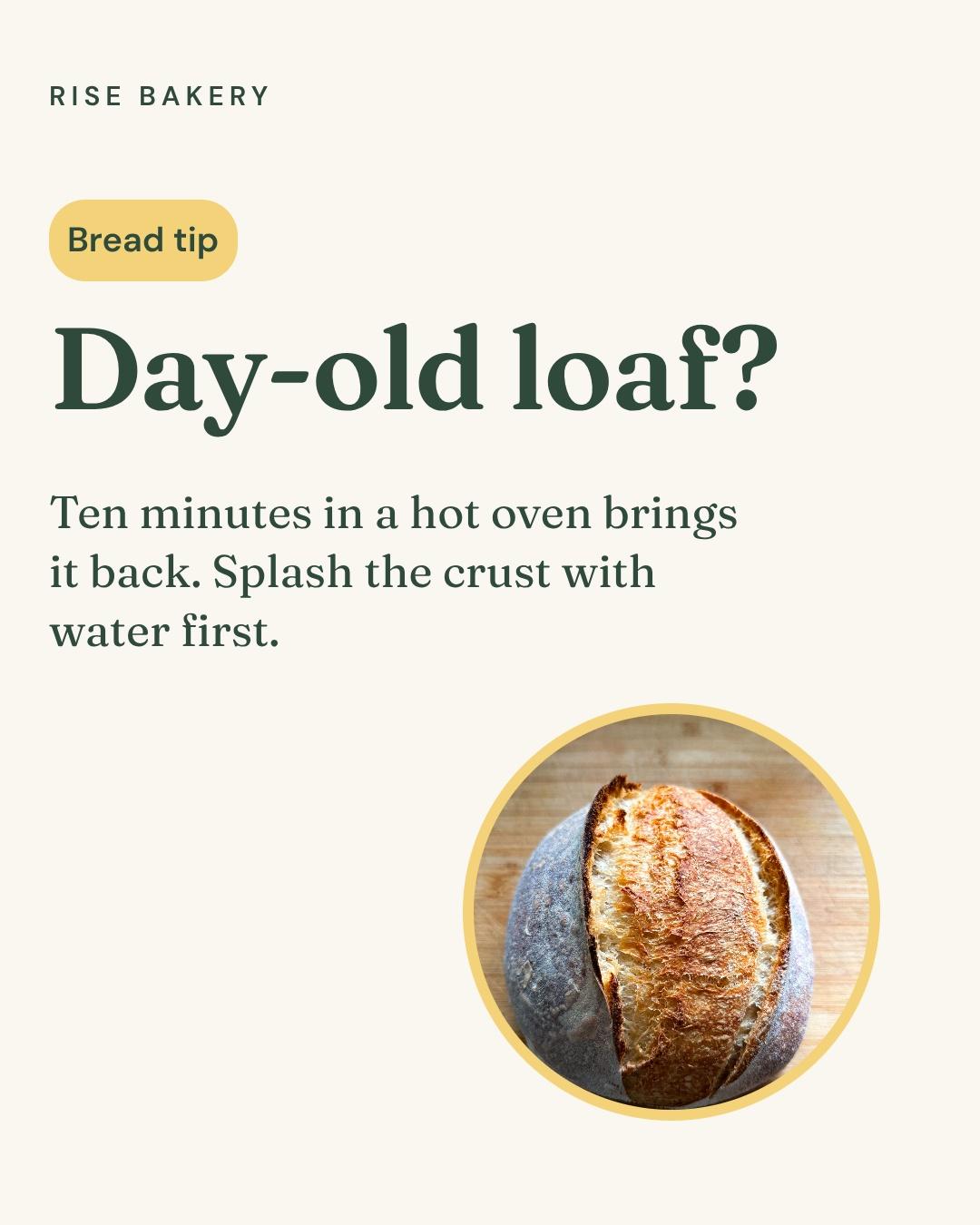
The weekly tip
One thing you explain every day, as a post or a carousel. See educational content.
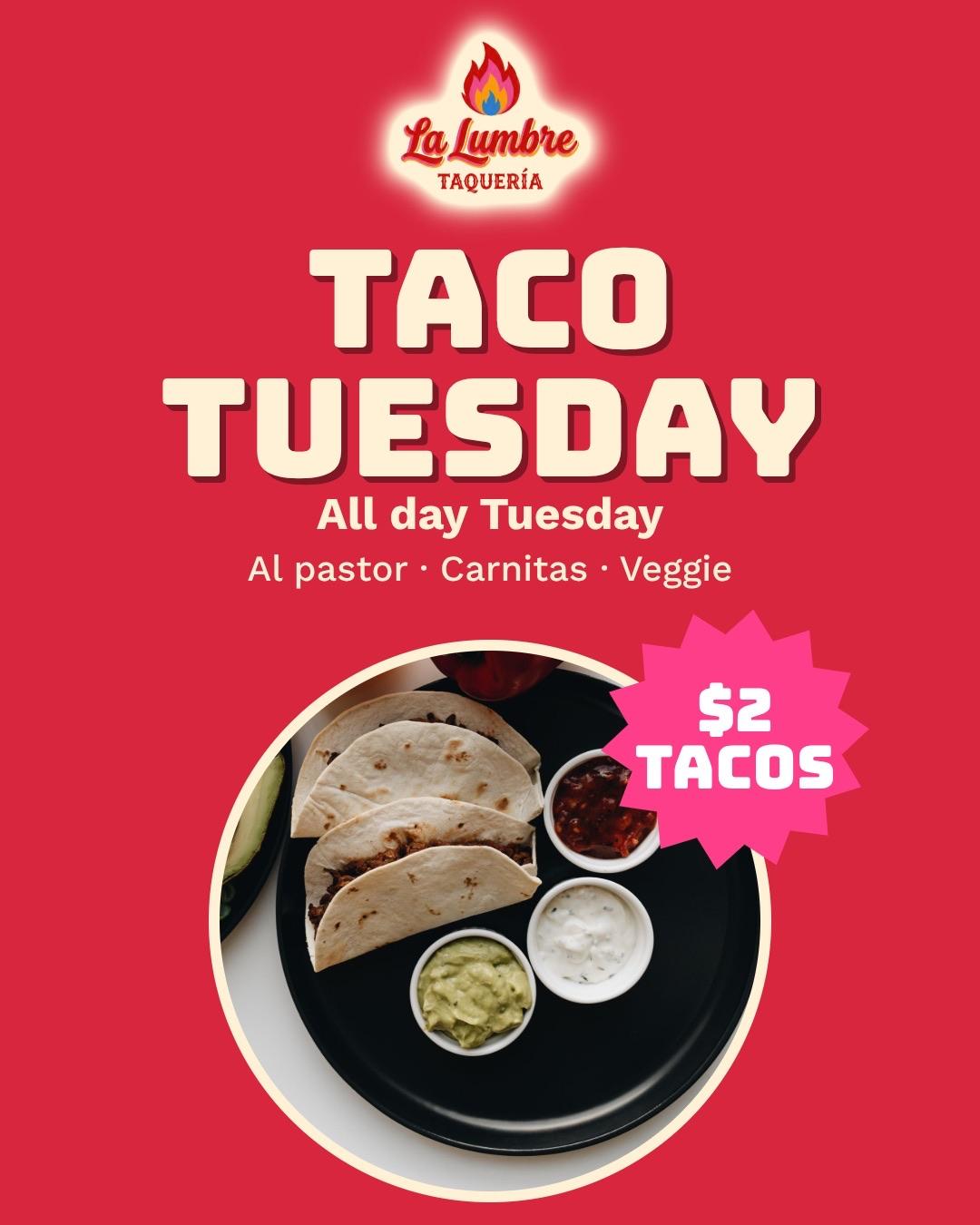
The weekly offer
One deal on the same day every week, so people learn to wait for it. See promotions.
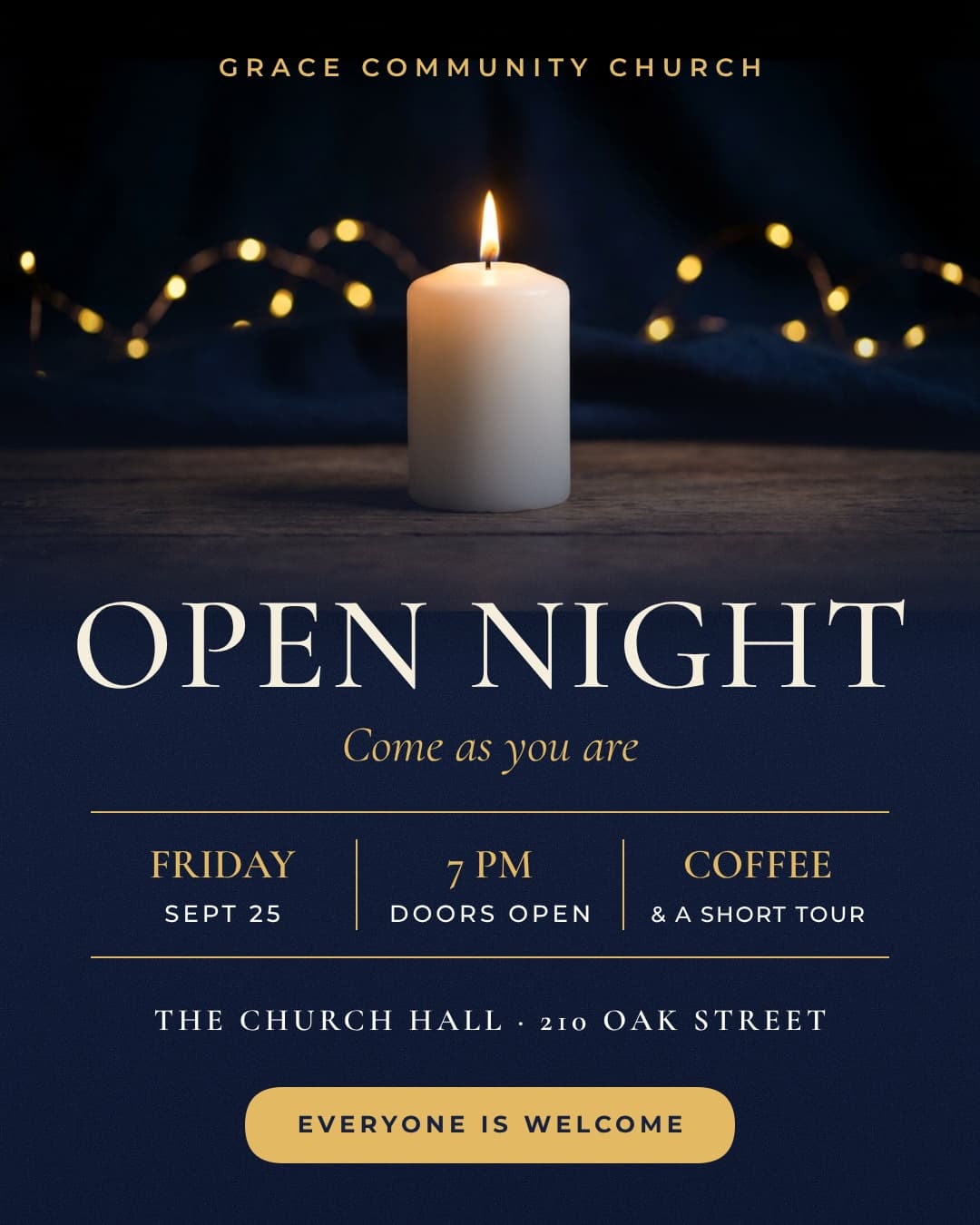
The event coming up
The announcement, the reminder and the story, all matching. See event promotion.
How it works
- 01
Describe the week
What's happening each day: the special, the event, what's new, the change in hours. Type it or say it.
- 02
Make it yours
Click any part and say what to change, or move it by hand.
- 03
Post it
Schedule it to Instagram and Facebook, or download PNG, JPG or a print-ready PDF.
Questions

As many as you can keep up every week. Once or twice a week is a fine start, and three is plenty for most. A steady rhythm beats a busy week followed by a month of silence.
Yes. Write one brief per week with Batch on, or make the first week and turn each post into the next weeks' versions with Make variations. Then put them all on the calendar. How long it takes depends on how many posts you make and how much you change.
Up to ten. You set the number, and Krumzi works out how many different posts the brief needs, up to it. One batch makes one kind: all posts, all carousels or all videos (video is on Pro and up).
They share your look, so people know it's you, but each one is designed on its own, with its own angle. Monday's new drink and Saturday's class won't be the same post with new words.
What's new, this week's offer, an event coming up, a tip, and the people behind the business. Post Ideas suggests posts for your brand, sorted into its themes. Pick one and Create Visual makes it a square post, a carousel or a video, whichever the idea is (video is on Pro and up).
Yes. Batch works from the words in your brief, so open any post from the batch, attach your photo and say use it. Your photos stay put when you make next week's version.
Every post's brief carries your words exactly, so names, dates and prices stay as you wrote them. Check each post before you schedule it, and change anything by asking.
Yes, to Instagram and Facebook. Connect your Instagram professional account and your Facebook Page, then schedule each post from the calendar. Stories can't be scheduled yet, so download those and post them from your phone. During the trial, posts go out with the trial watermark, like every trial download.
Yes. In the post composer, Write caption reads the words on your post and writes a caption and 3 to 5 hashtags in your brand's voice. It needs Brand Mind and a connected Instagram or Facebook account, and each caption uses a little of your credits.
Yes. Each client is its own brand, with its own look, Brand Mind and connected accounts. Starter holds one brand, and Pro and up hold more.
There are four plans, Starter, Pro, Studio and Agency, billed monthly or yearly, and yearly gets two months free. Every plan comes with AI credits each month, and Pro and up add video, Brand Kit and more brands. Starter, Pro and Studio start with a 3-day free trial: you add a card, pay nothing today, and your plan starts on day 4 unless you cancel. Agency starts paid, with no trial. Current prices are at krumzi.com/pricing.
Yes, online, any time.
Your whole week of posts, made in one go
Designed from scratch in your brand, ready to schedule. Change anything.
3-day free trial, card needed.No charge until day 4.Cancel online anytime.