Every post your launch needs, ready before you open.
Tell Krumzi what's new, when it opens and what's on offer. It designs the grand opening flyer from scratch in your colors, not from a template, then makes the teaser, the announcement, the story and the thank-you to match.
3-day free trial, card needed.No charge until day 4.Cancel online anytime.
What to post when you launch a new business or product
Start before you open. Post a teaser a week or two out, announce the date and what's on offer, put a grand opening flyer up where your neighbors walk past, post a story on the day, then say thank you and tell people when you're open. Every piece should look like the same business, because it's the first time most people see it. Krumzi makes all of it from one sentence about your launch, and keeps your date, time, address and offer exactly as you wrote them.
Every post your launch needs, in order
Schedule the posts to Instagram and Facebook from the same place, and launch week goes out on time while you get ready to open.
- 1A week or two before
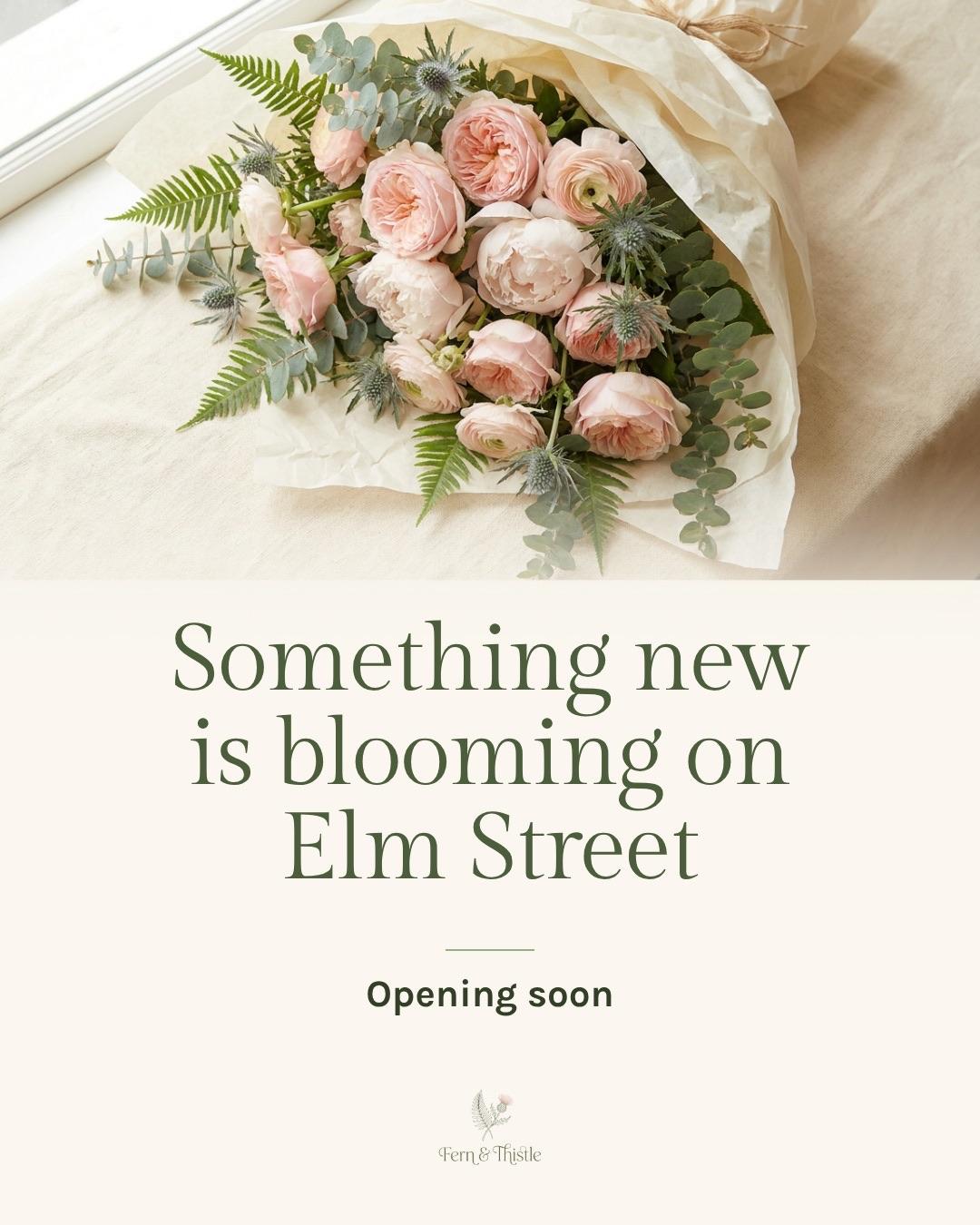
The teaser
A sneak peek: something new is coming, and when.
- 2For the windows
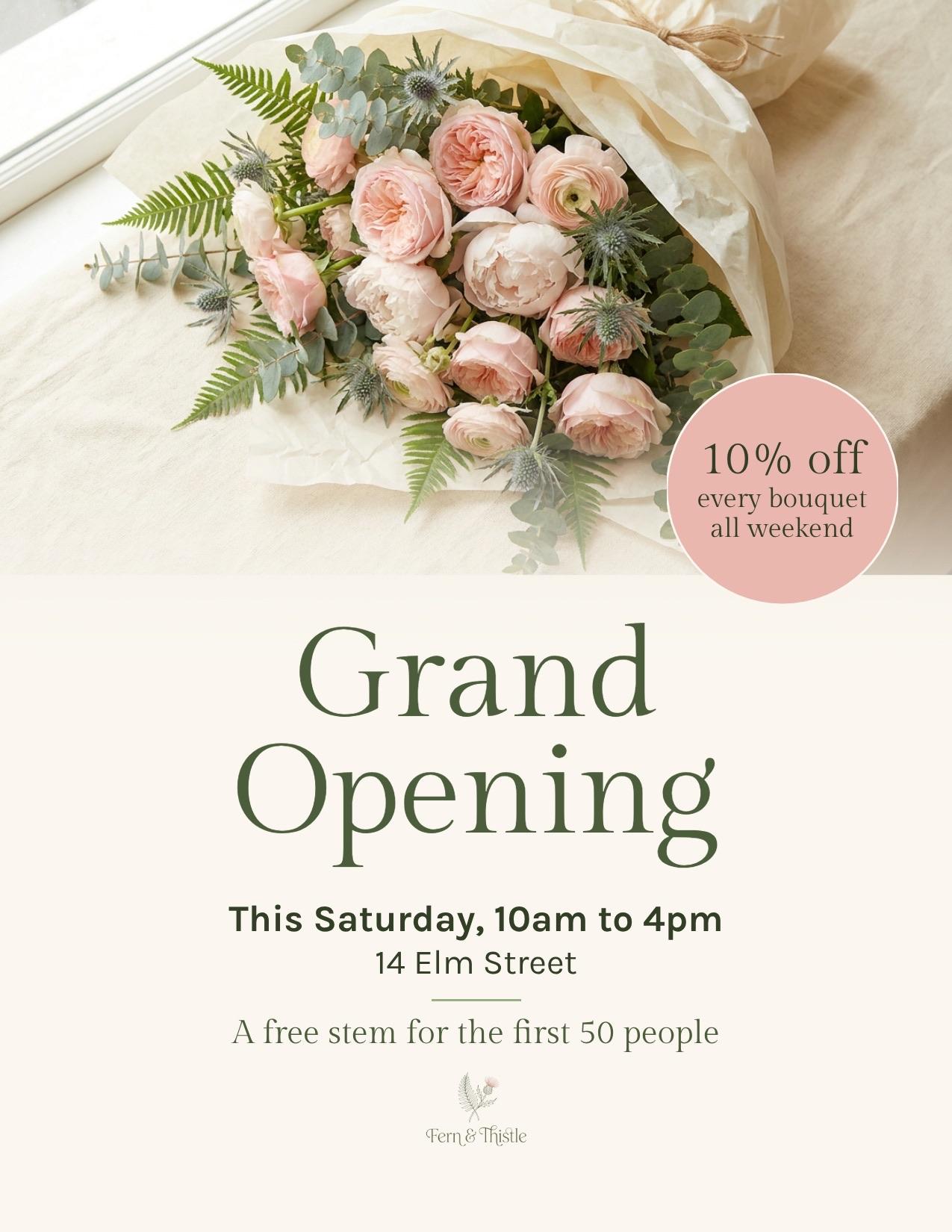
The grand opening flyer
For your window, the coffee shop board and the neighbors' doors. Download a print-ready PDF.
- 3When the date is set
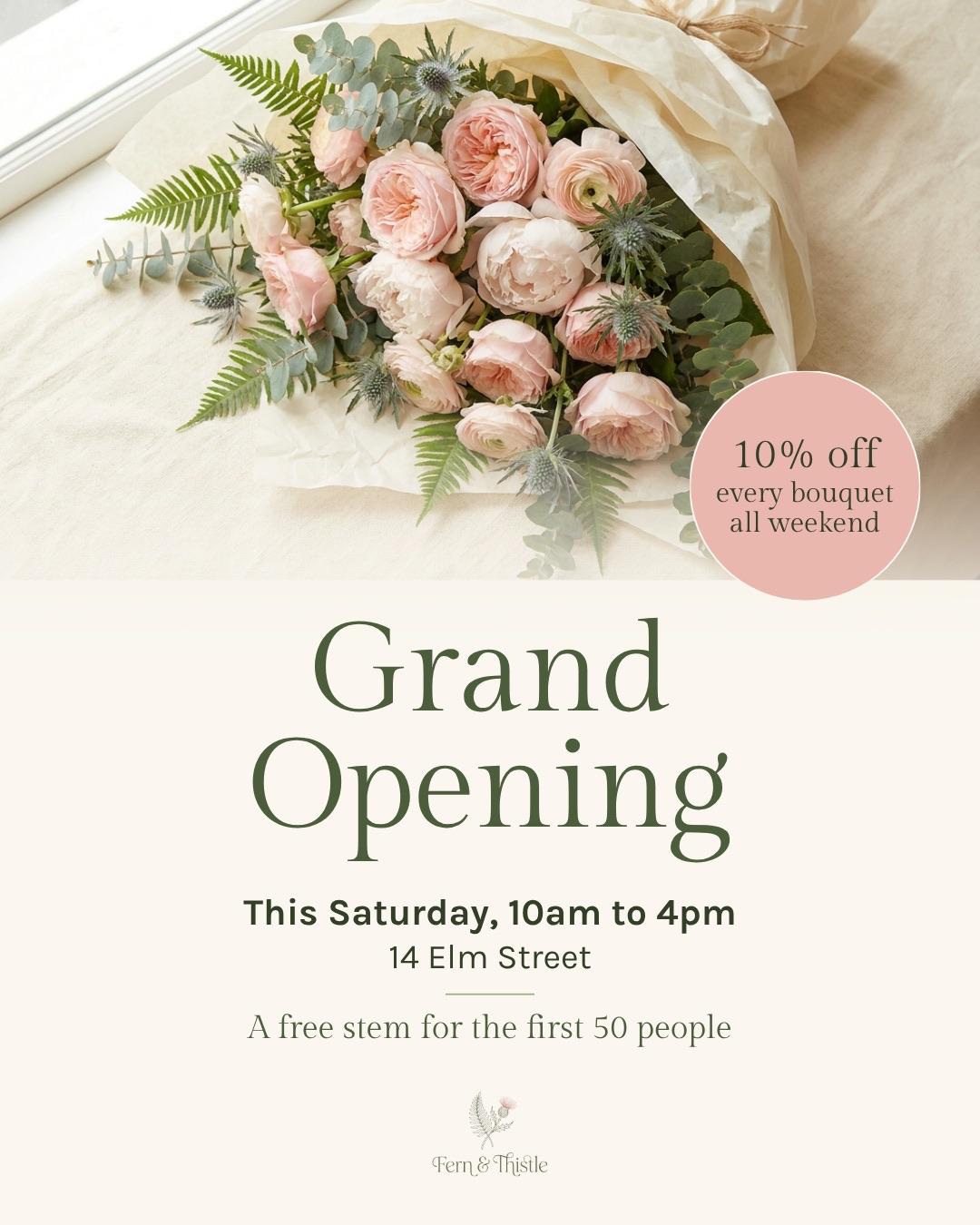
The announcement
The flyer's design, sized for the feed.
- 4On the day
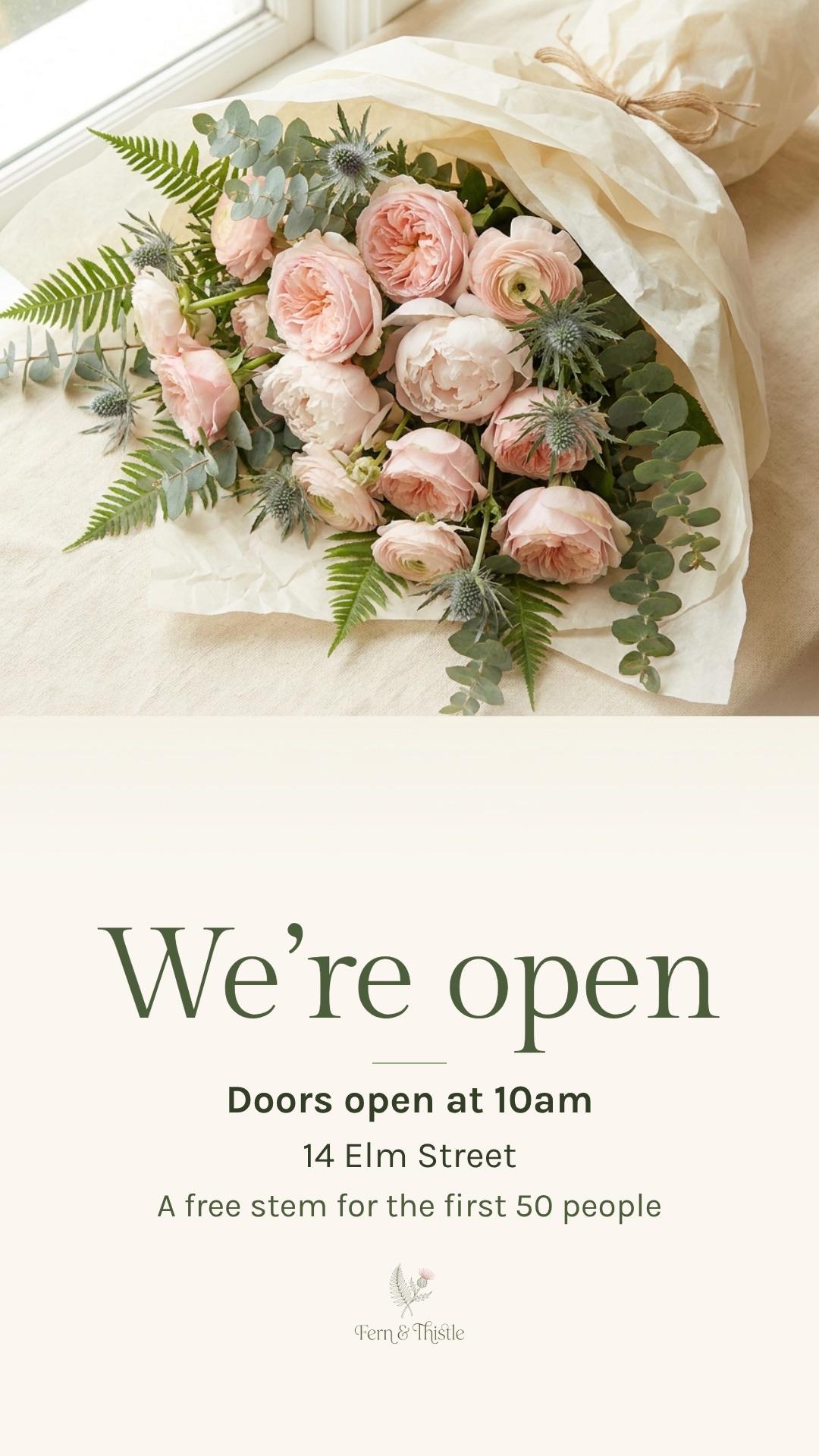
The story
We're open, the time and the address, sized for phones.
- 5The day after
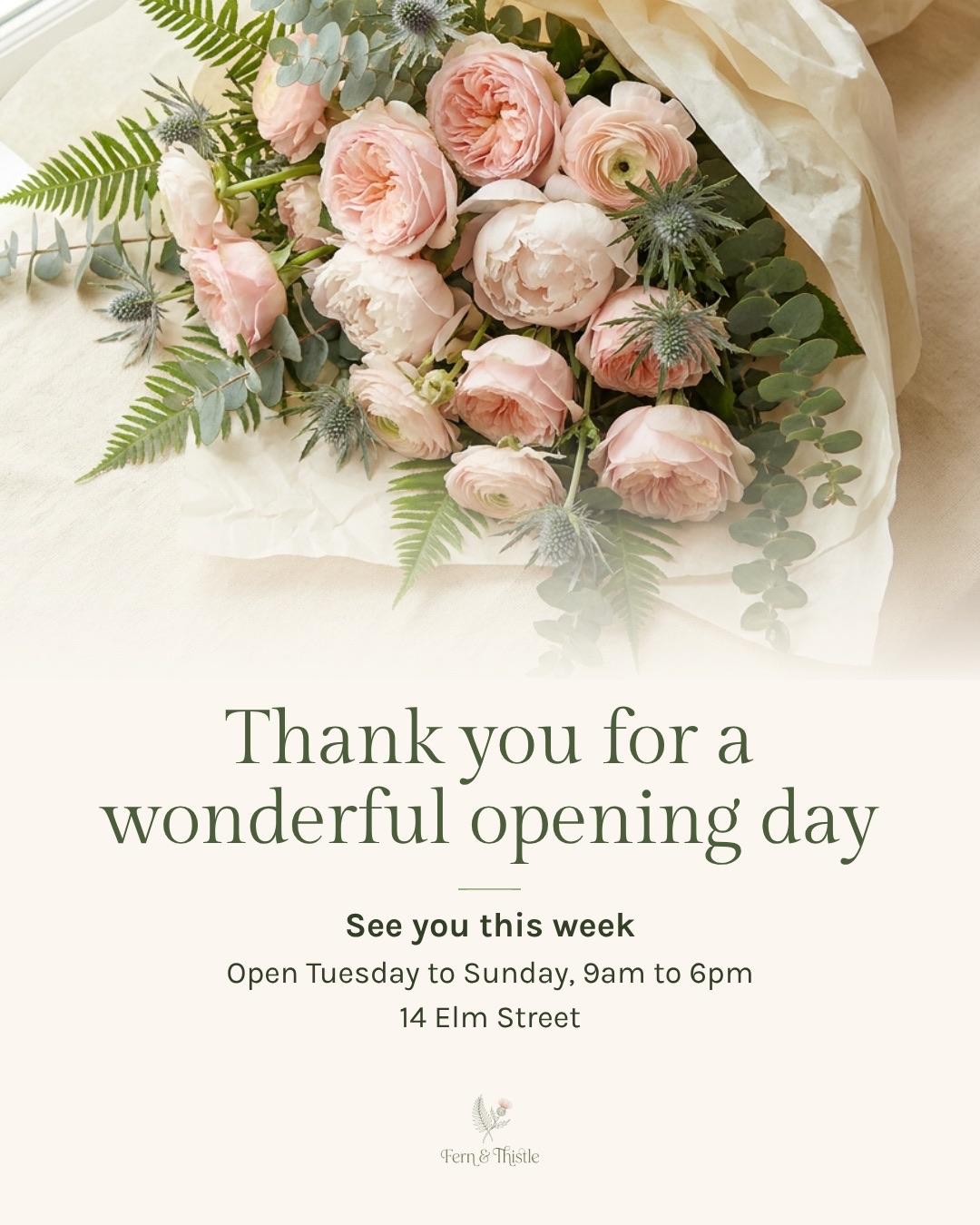
The thank-you
Thank everyone, then tell them your hours.
Every kind of launch
The grand opening
A new shop, a second location, a reopening after a refit.
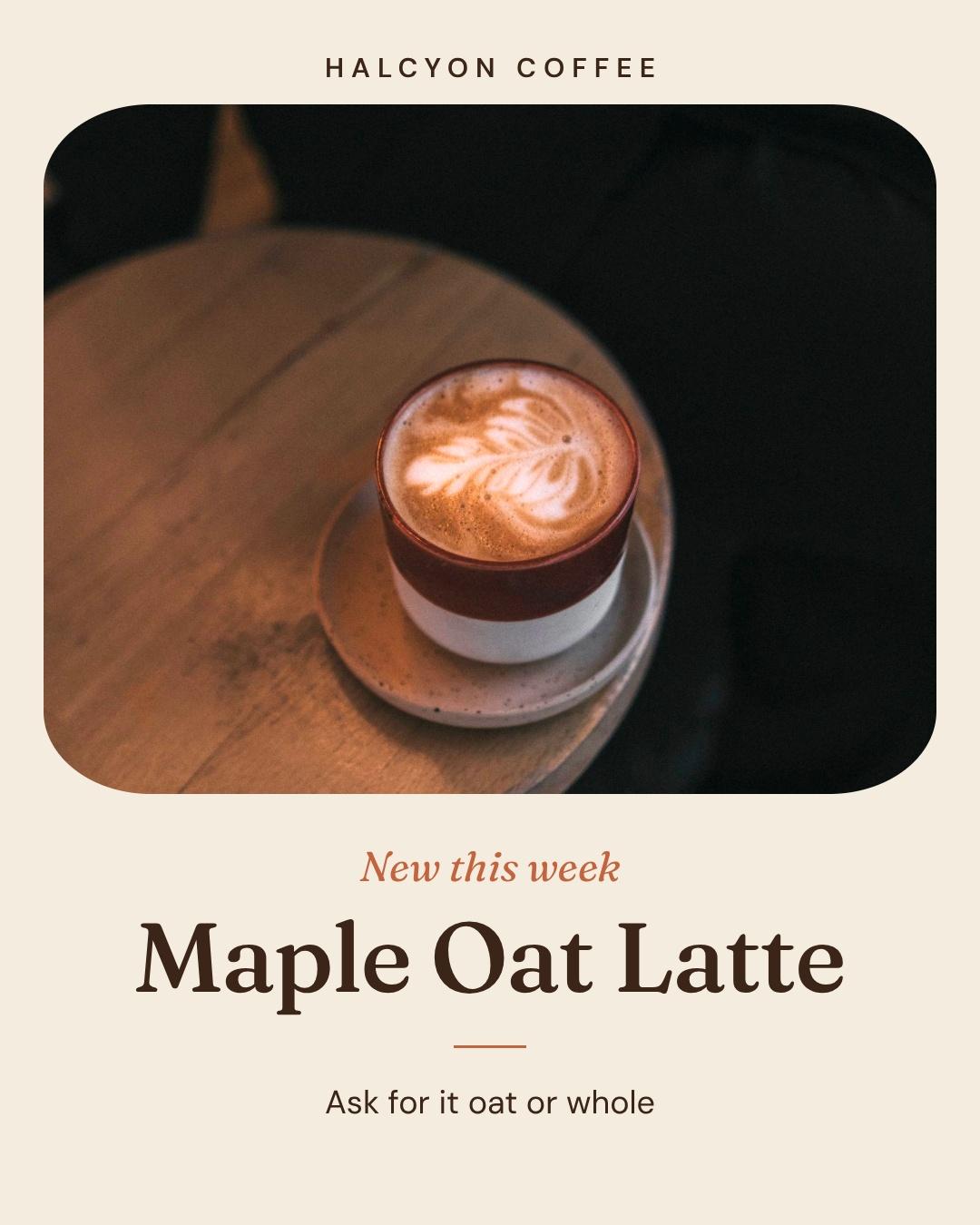
The new product
A new drink, a new range, the thing you've been working on.
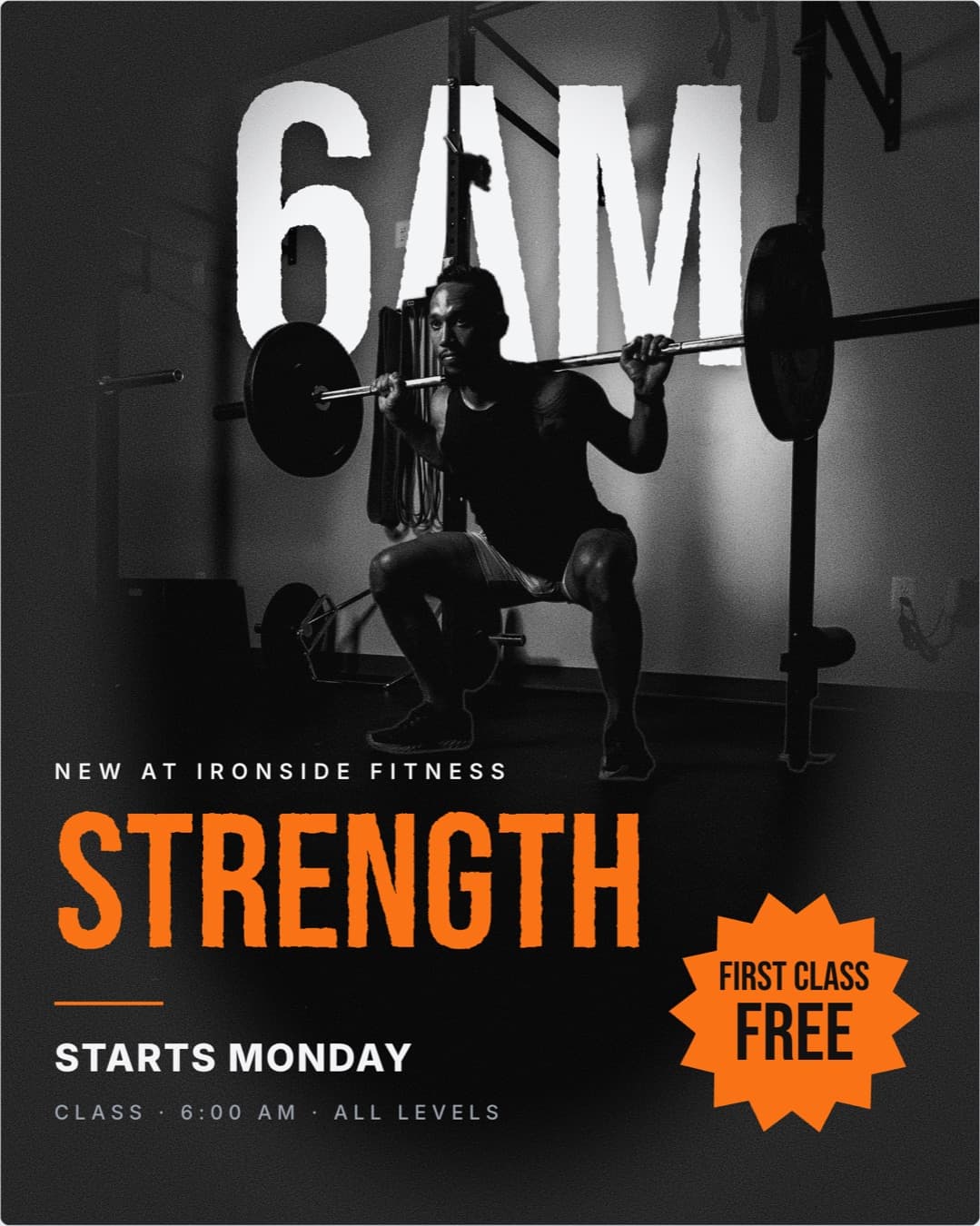
The new class
A new class or service, with a reason to try the first one.
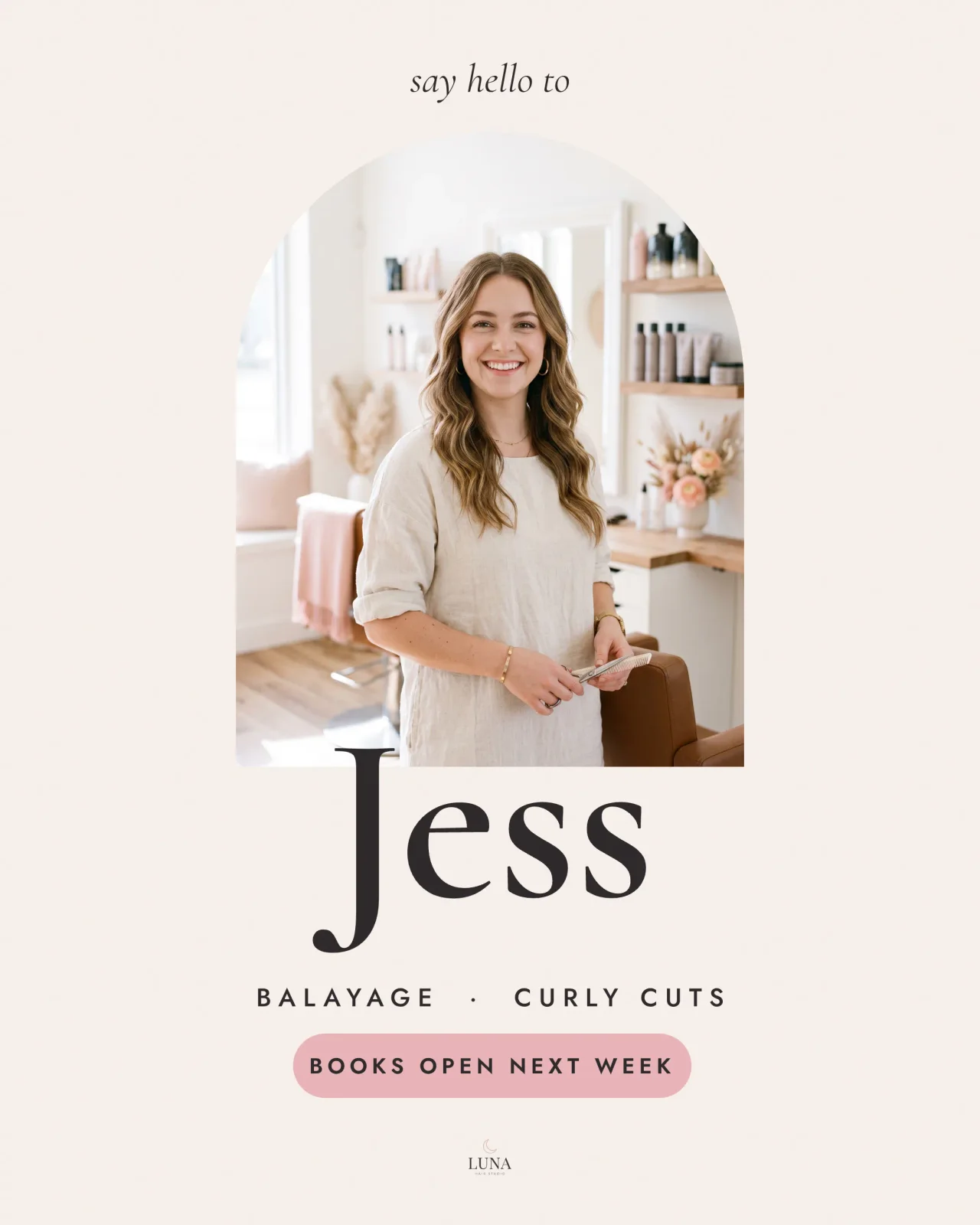
The new face
A new stylist, coach or teacher, and when people can book them.
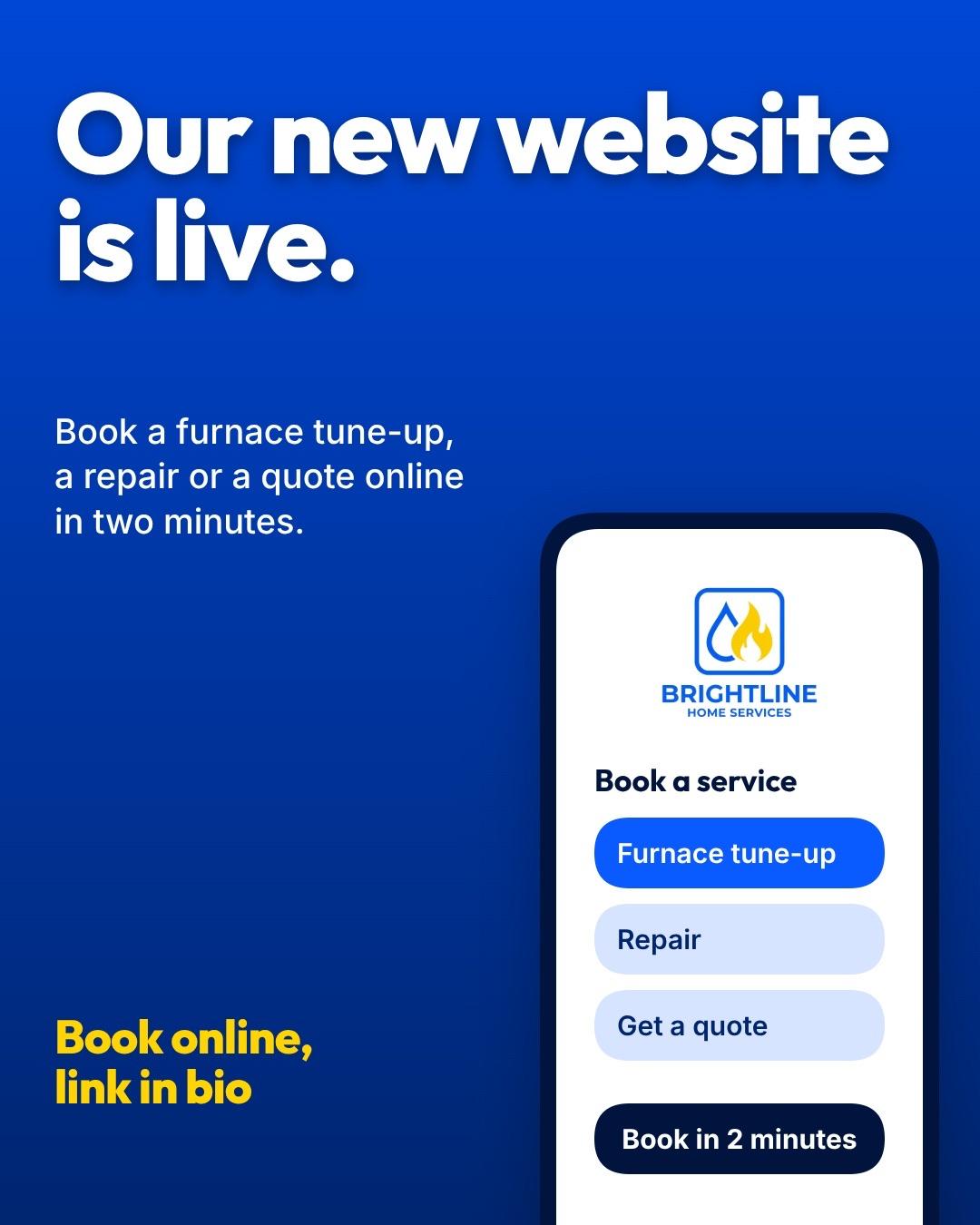
The new website
Tell people it's live and what they can do there now.
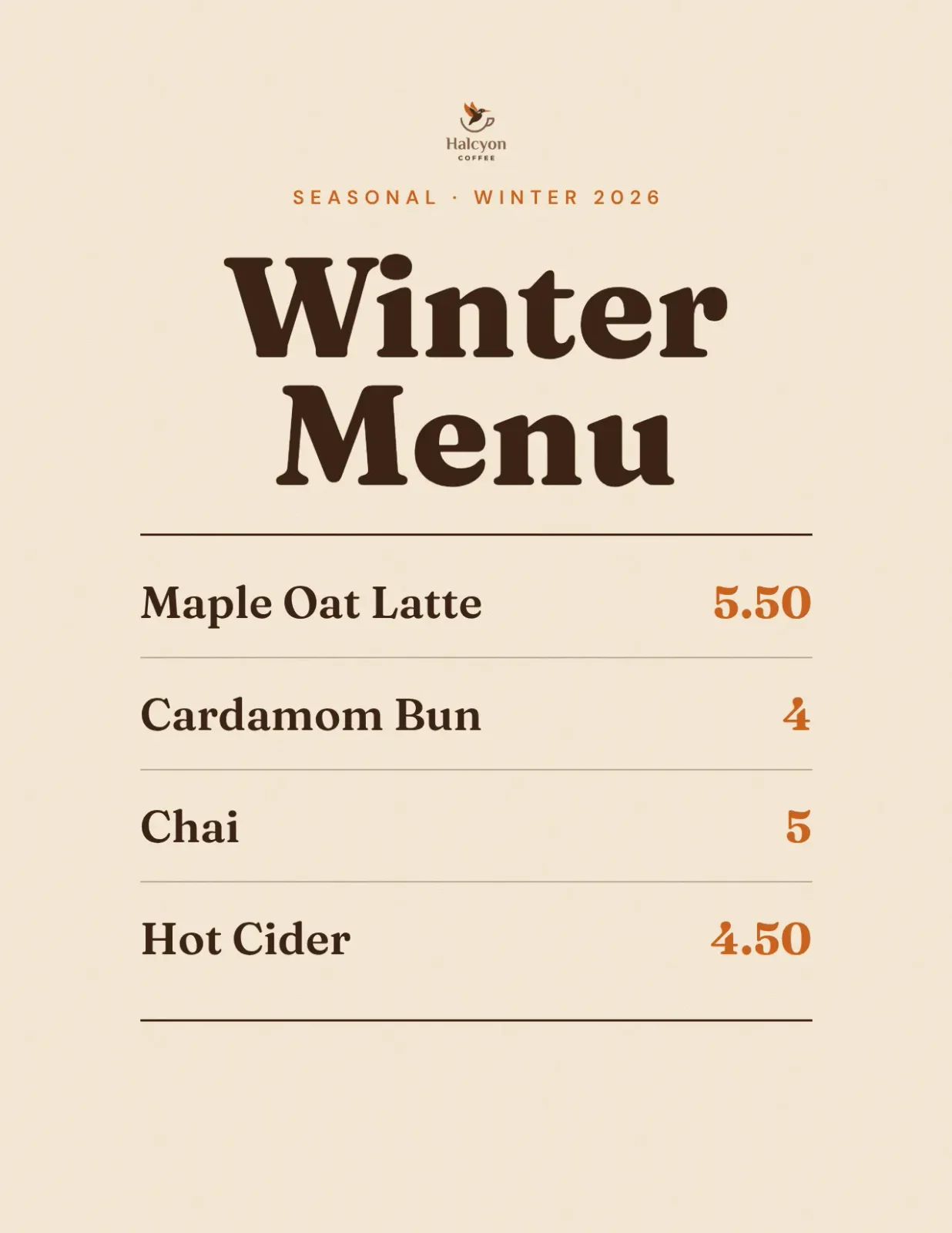
The new menu
Print it for the counter and post it the same day.
One template, or the whole launch
A grand opening template gets you one flyer. Launch week needs five pieces that look like the same business.
- Find a grand opening template
- Change the colors to yours
- Start again for the post
- And again for the story
- Write the thank-you on the night
- Describe the launch once
- Get the flyer, designed for you
- Ask for the teaser, post, story and thank-you
- Schedule the posts
No logo or website yet? That's fine.
A new business often has neither. Brand Mind sets up your look from a few taps: pick a palette and a font pairing, tell it about the business, and every launch post uses them. Add a logo to your Brand Kit whenever it's ready (Pro and up).
Your date and offer, exactly as you wrote them
Krumzi keeps every date, time, address and offer you give it, word for word. Launching online? Paste the link to your product page and Krumzi reads it, and can put the real product photos from the page on your post.

YouAdd a free cookie for the first 50 people
How it works
- 01
Describe the launch
What's new, when and where, and what's on offer. Type it, or say it.
- 02
Make it yours
Click any part and say what to change, or move it by hand.
- 03
Post it
Schedule it to Instagram and Facebook, or download PNG, JPG or a print-ready PDF.
After launch week, the weekly posts
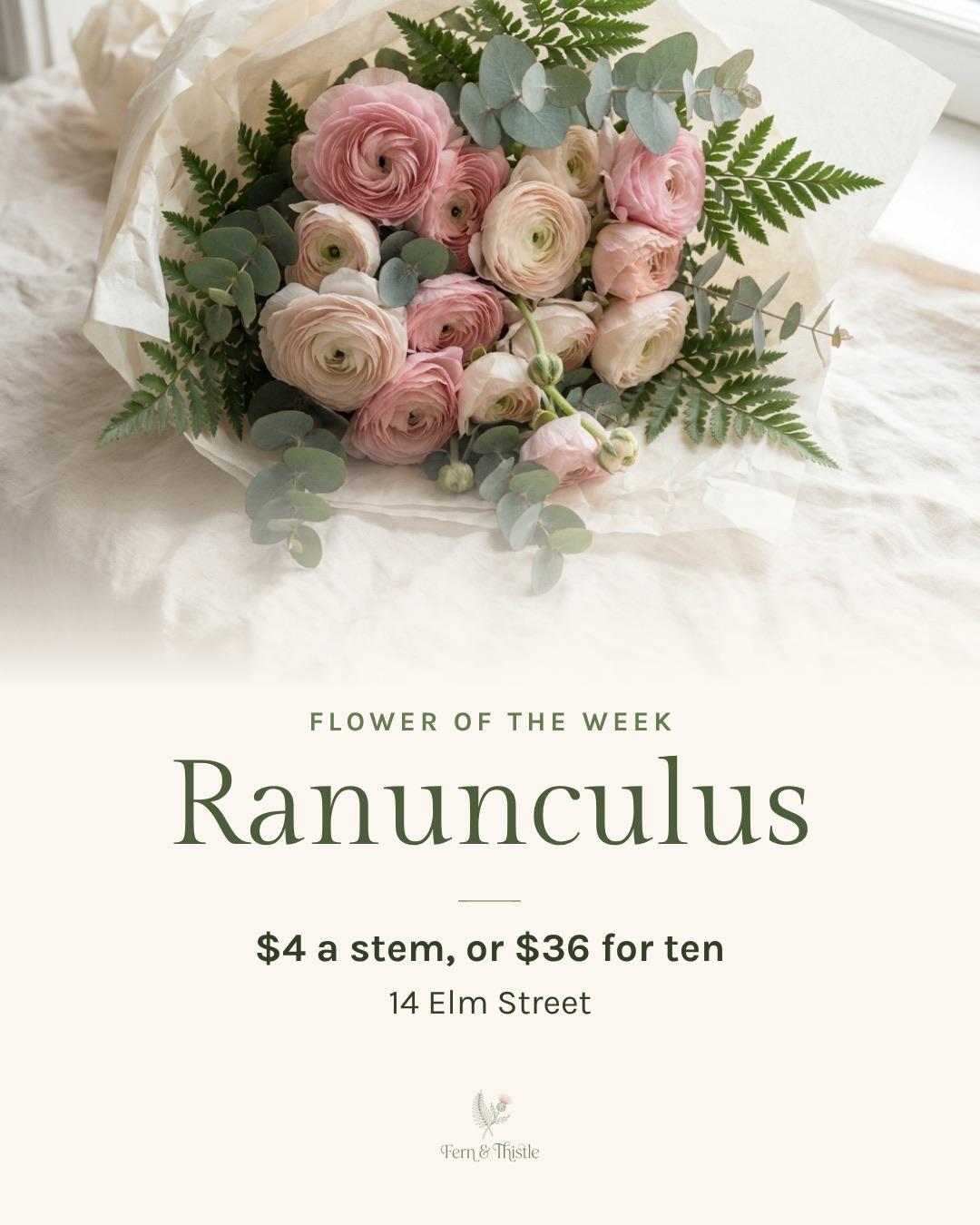
Launch week is your first week. After it come the posts that bring people back: the flower of the week, the weekend bouquets, Friday's delivery. Krumzi keeps the look from your launch, so every week's posts match it.
Questions

A teaser a week or two before, an announcement with the date and the offer, a flyer for the window, a story on the day and a thank-you after. That's five pieces, and they should all look like the same business.
Your name, the words Grand opening, the date and time, the address, and a reason to come: a free gift, a discount or a tasting. Add your logo and a photo of what you sell.
One to two weeks before is a good start. Post the teaser first, then the announcement once the date is set.
Yes. Brand Mind sets up your look from a few taps, with no website needed. Add a logo to your Brand Kit when it's ready (Pro and up).
Yes. Krumzi keeps every date, time, address and offer exactly as you write them. Check it before you post, and change anything by asking.
Yes. Download a print-ready PDF at 300 dpi, with bleed for the print shop. During the trial, downloads carry a watermark and come out smaller until your plan starts.
Yes, on Pro and up. Describe it and Krumzi makes the video, ready to post as a Reel.
There are four plans, Starter, Pro, Studio and Agency, billed monthly or yearly, and yearly gets two months free. Every plan comes with AI credits each month, and Pro and up add video, Brand Kit and more brands. Starter, Pro and Studio start with a 3-day free trial: you add a card, pay nothing today, and your plan starts on day 4 unless you cancel. Agency starts paid, with no trial. Current prices are at krumzi.com/pricing.
The free AI flyer maker gives you one design a week, free with no signup, downloaded with a watermark. The full app, with the teaser, posts, story and scheduling, starts with a 3-day free trial, card needed.
Yes, online, any time.
Open with every post ready
Designed from scratch for your launch. Change anything.
3-day free trial, card needed.No charge until day 4.Cancel online anytime.