Send your draft. Get it back looking professional.
Made it in Word, Canva or Publisher? Upload a screenshot, a PDF or the .pub file. Krumzi reads every word, keeps your details exactly as they are, and designs it again from scratch. Then change any part of it.
3-day free trial, card needed.No charge until day 4.Cancel online anytime.
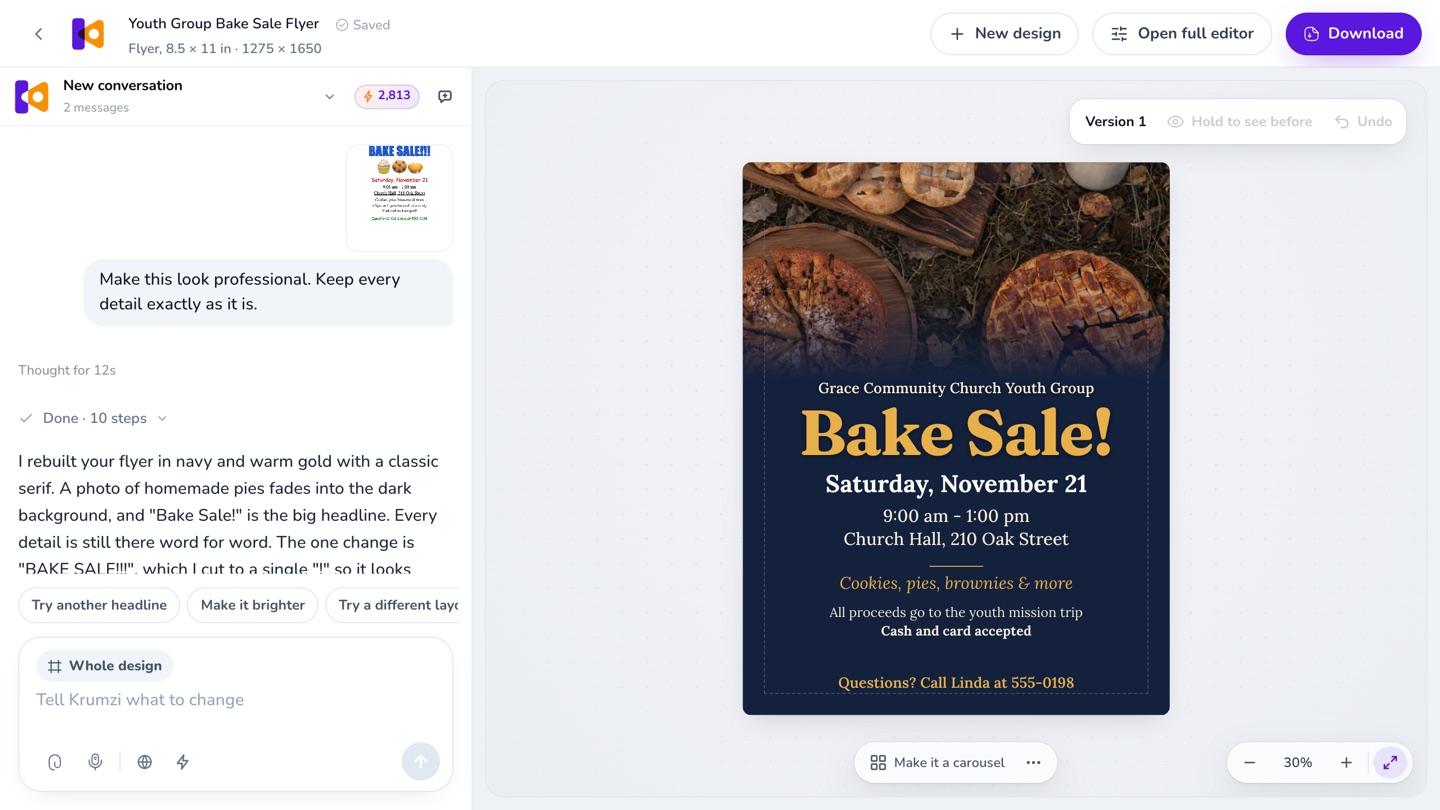
A real redesign in Krumzi: the draft in the chat, the new version on the right.
How to make your flyer look professional
Most homemade flyers have the right words, with too many of them fighting for attention. A professional flyer has one big headline, the details grouped and easy to scan, two or three colors, one or two fonts, and space around everything. You can fix it yourself with those rules. Or upload it to Krumzi: it reads every word on your draft, keeps your dates, times and details exactly as they are, and designs it again from scratch. The result is a real design, so you can change any part of it.
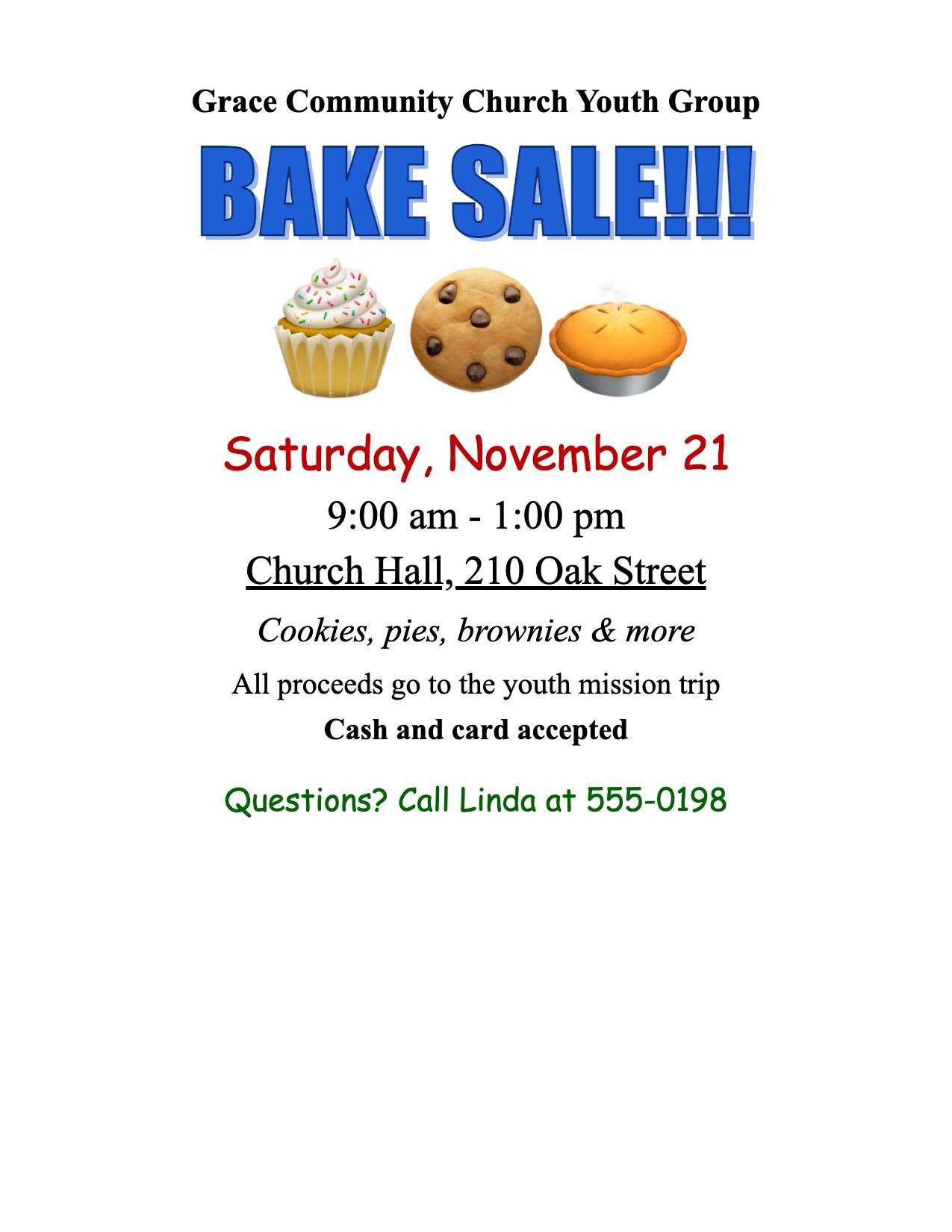
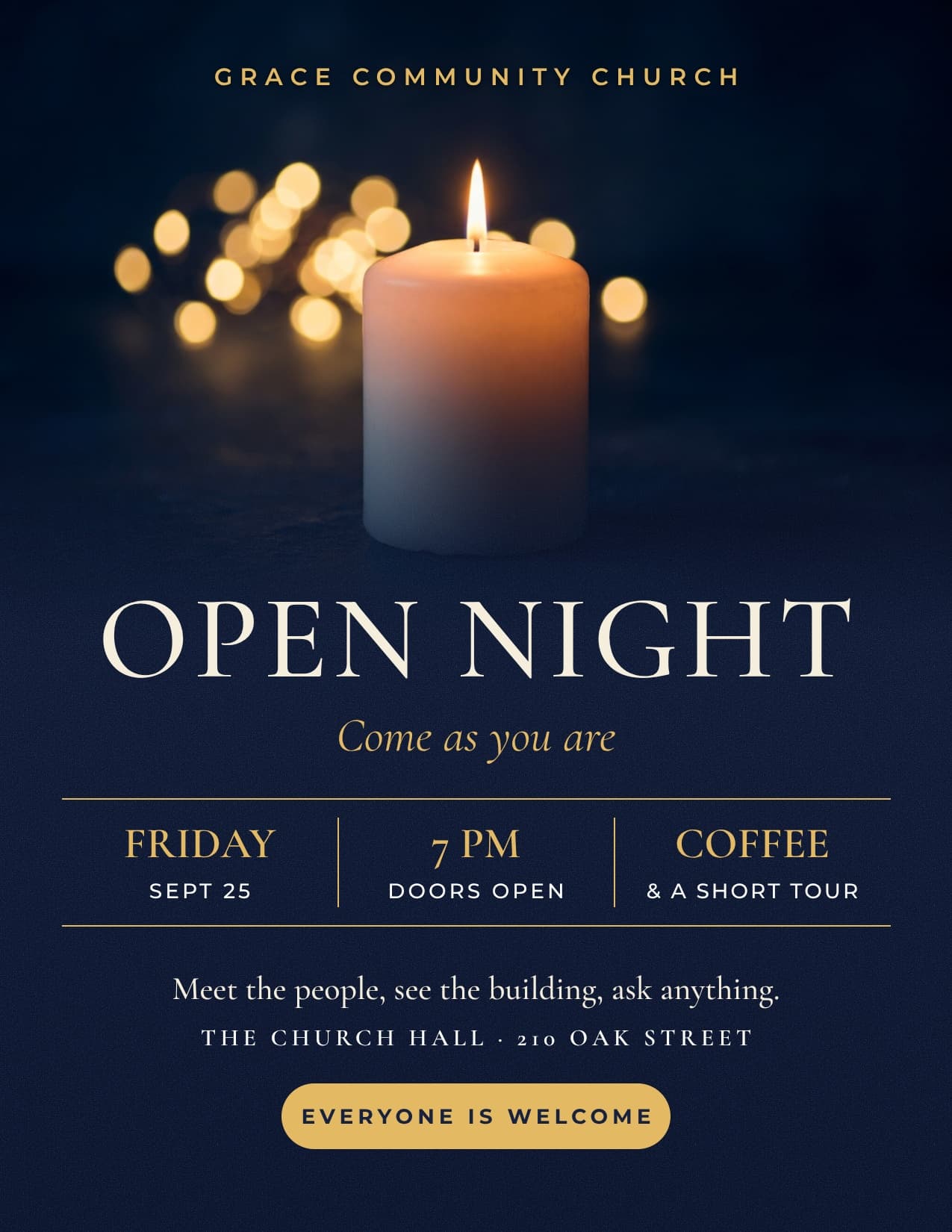
A typical Word flyer
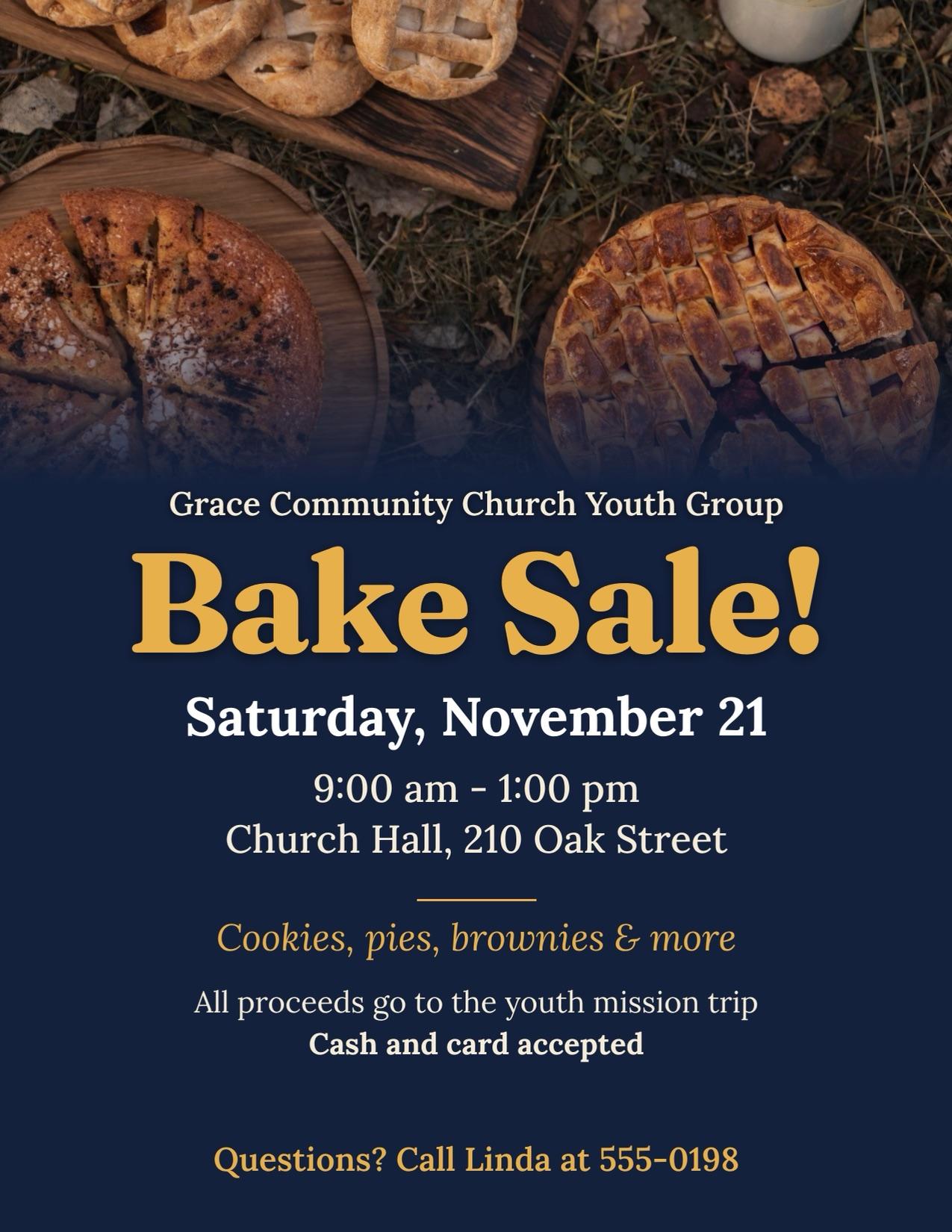
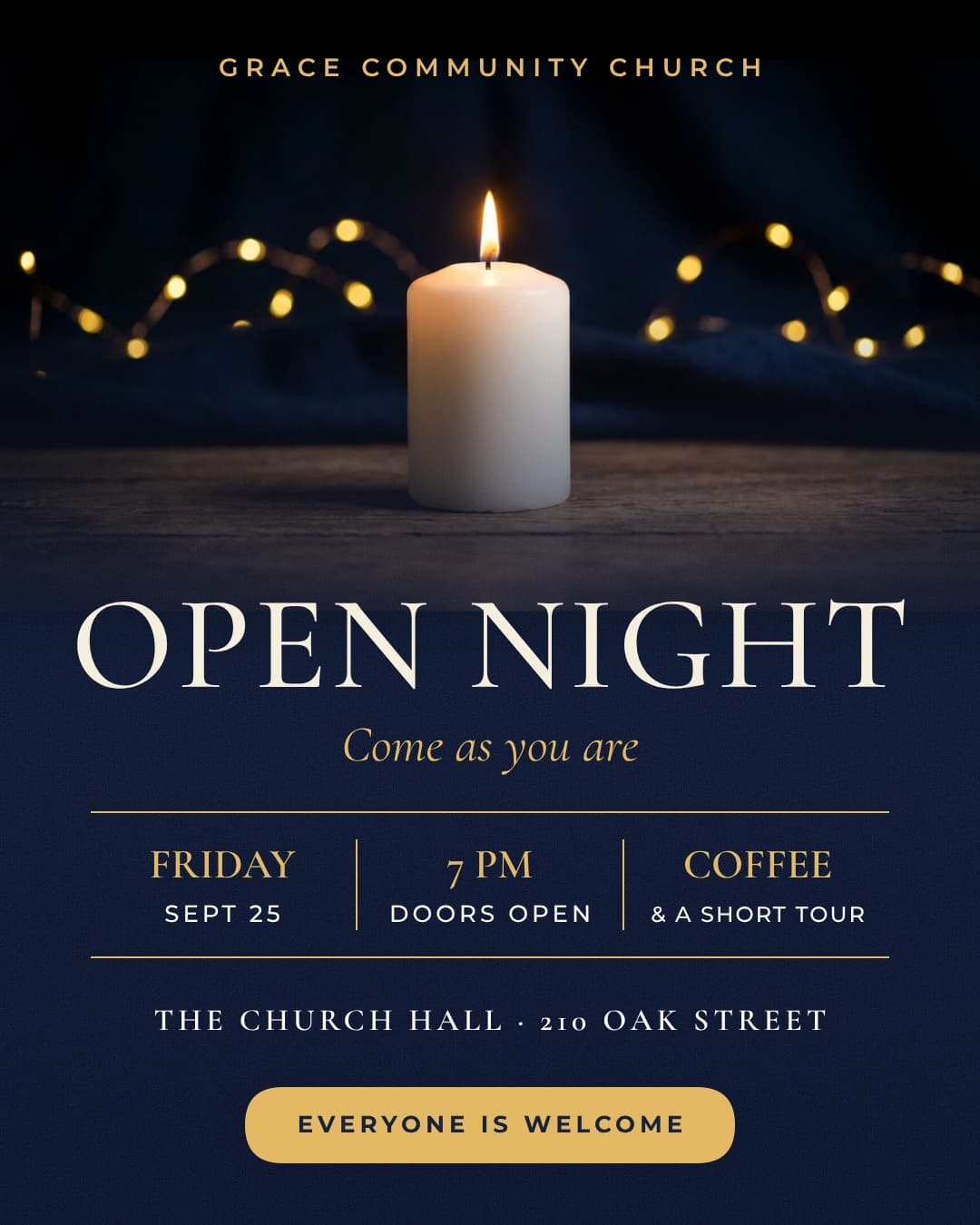
Every detail was there. Krumzi kept the date, the time, the place and every detail, then gave it one headline, an order and room to breathe.
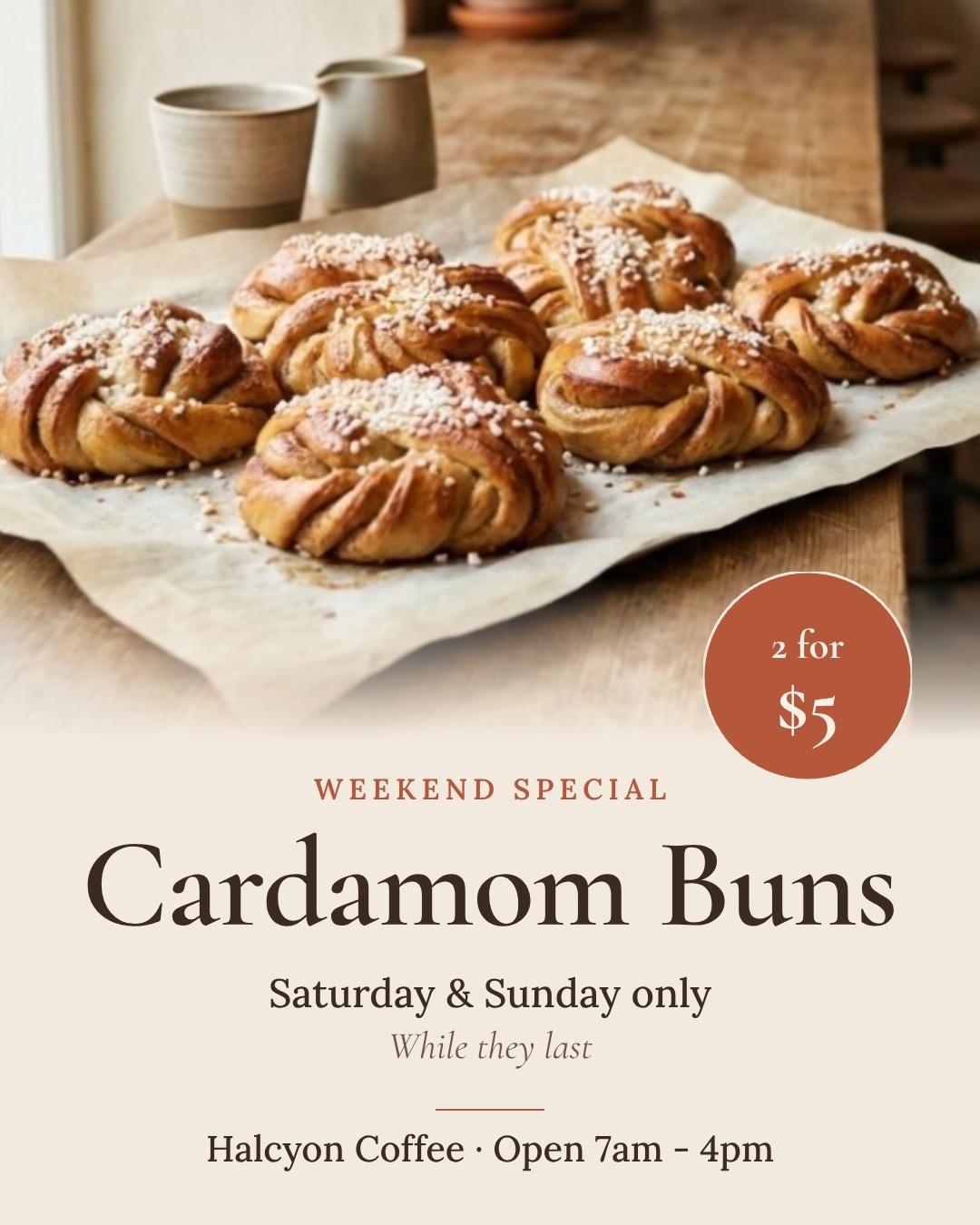
A post that looked like everyone's
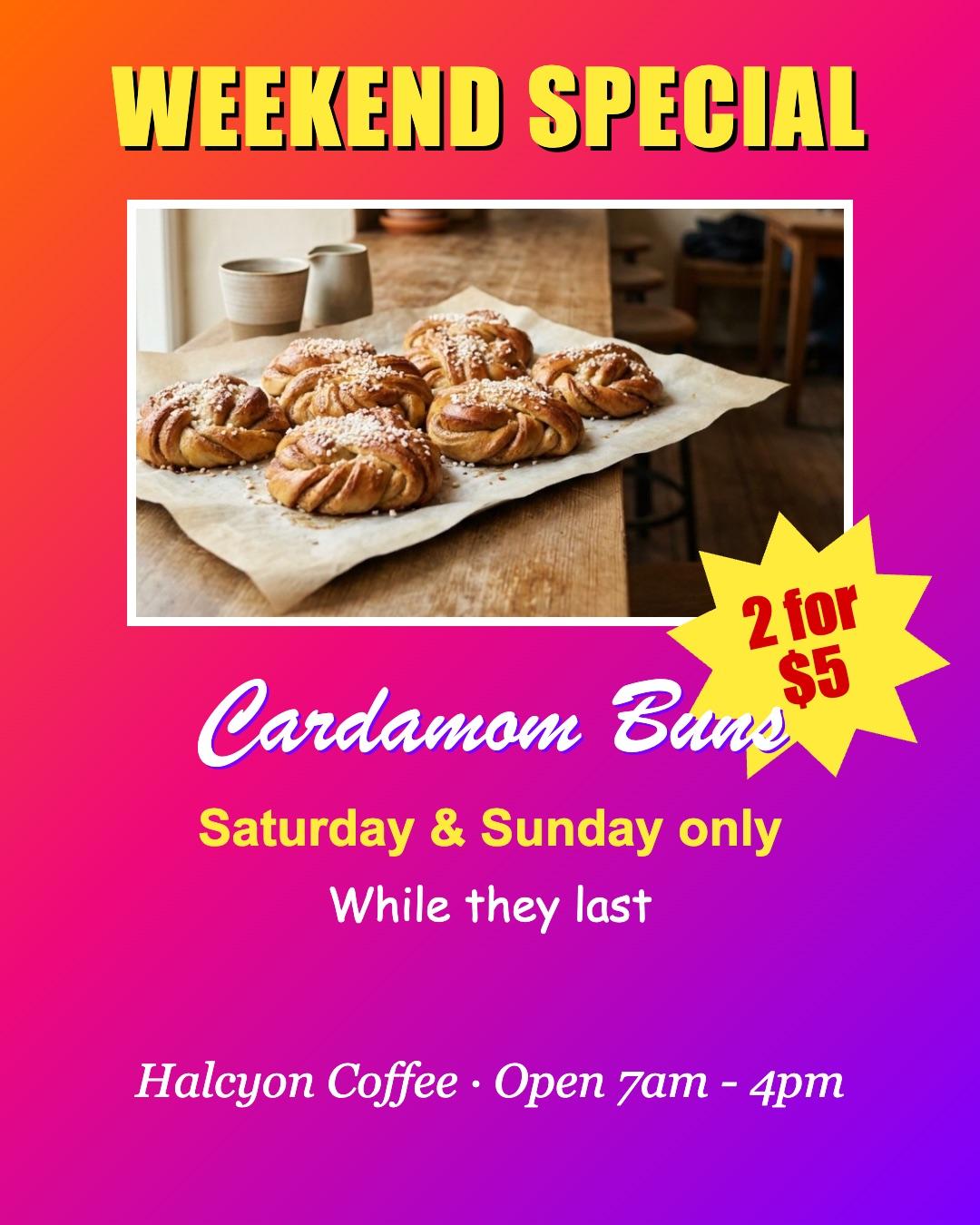
A busy template with the details lost in it. Krumzi kept the words and designed it for this business.
How it works
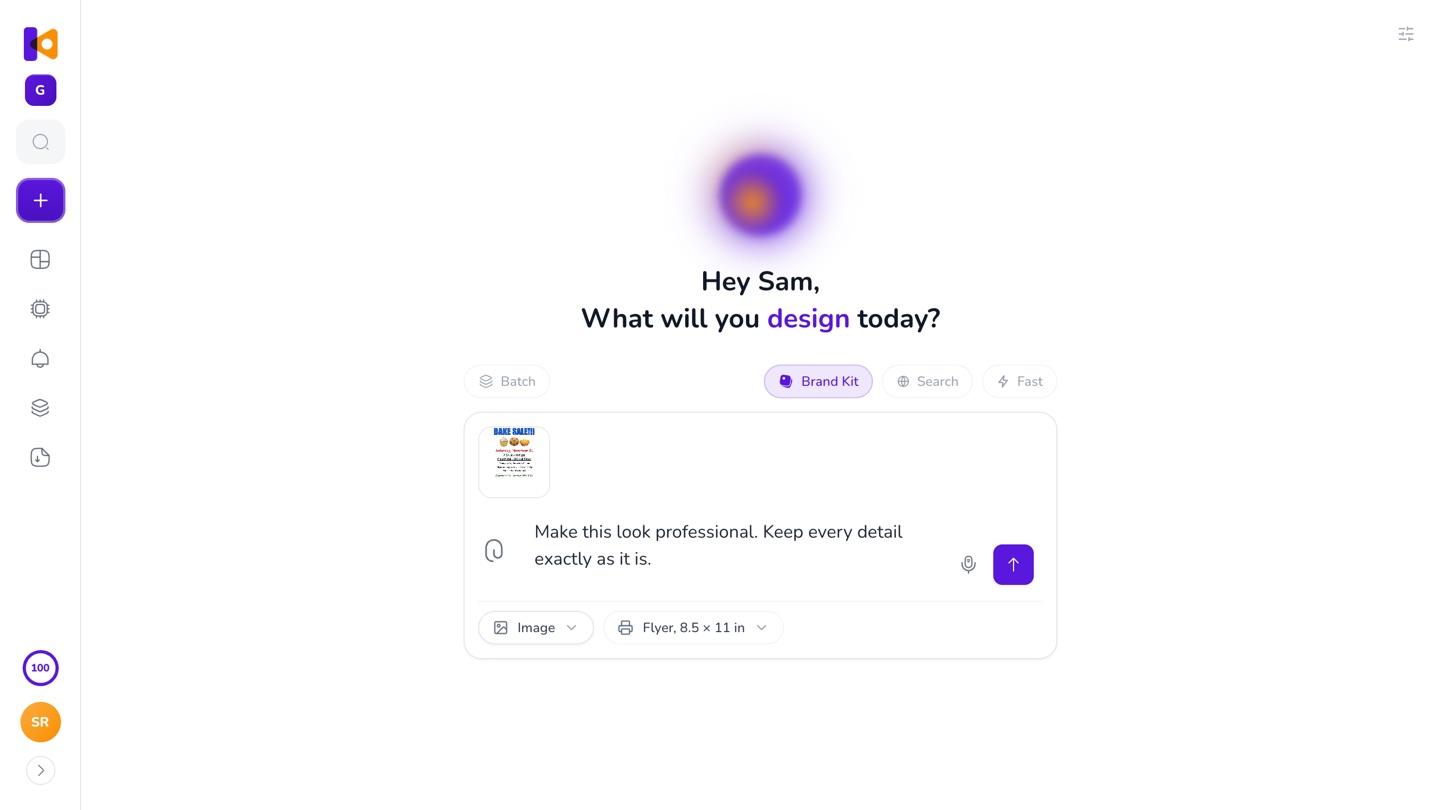
Upload your draft
A photo or screenshot, a PDF, or a Publisher file. Drag it into the box with a sentence: Make this look professional.
Get it back redesigned
Krumzi reads the words, keeps your details and designs it from scratch.
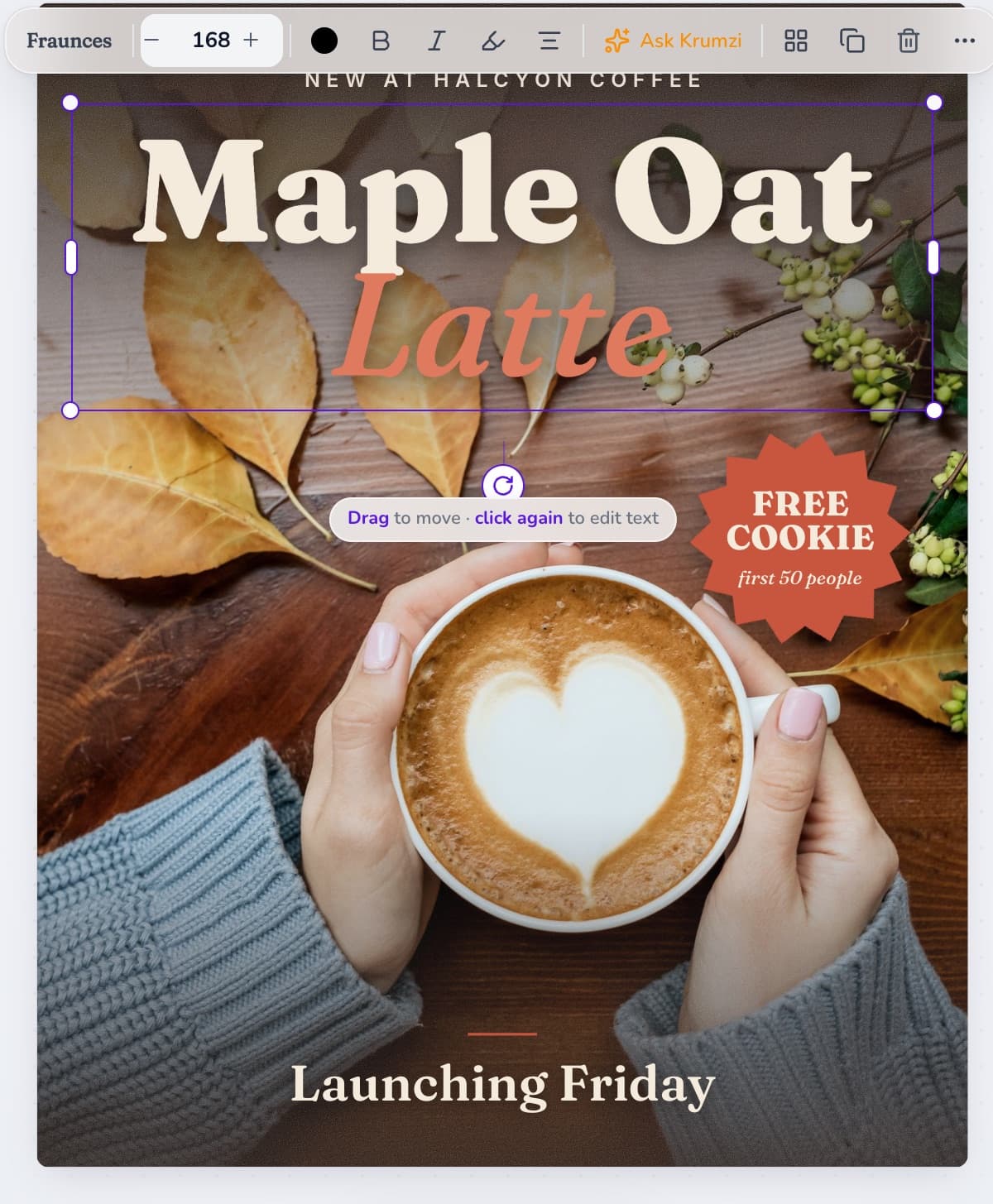
Make it yours
Click any part and say what to change, or move it by hand. Every version is kept.
3-day free trial, card needed.No charge until day 4.Cancel online anytime.
Your draft, your details
- 01
Your words stay yours
Krumzi keeps every date, time, name and price from your draft exactly as it is. Tell it if you want any words changed, and it changes only those.
- 02
Like one you've seen?
Attach it as a reference and say what yours is for. Krumzi works from it and designs yours for your event or business.
- 03
Made it in Publisher?
Attach the .pub file. Krumzi opens it and can bring it back as it was, or design it fresh. More on the Publisher alternative page.
Then make the rest from it
Once the flyer looks right, ask for the matching post and story. Same look, sized for the feed and for phones, ready to schedule to Instagram and Facebook.
Questions

Yes. Download it from Canva as an image or a PDF, upload it to Krumzi and ask for a redesign. Krumzi keeps your words and designs it again from scratch.
Yes. Save it as a PDF or take a screenshot, upload it, and ask Krumzi to make it look professional.
Images like PNG and JPG, and PDFs. A PDF of up to 4 pages keeps its look; a longer one is read as text. Publisher files (.pub) open too.
Yes. Every date, time, name and price stays exactly as it is on your draft. Tell it if you want any words changed.
Yes. Attach them as separate files and Krumzi puts them on the new design.
Yes. Every text, photo and shape is its own part. Change it by asking, or by hand.
Yes. Download a print-ready PDF.
There are four plans, Starter, Pro, Studio and Agency, billed monthly or yearly, and yearly gets two months free. Every plan comes with AI credits each month, and Pro and up add video, Brand Kit and more brands. Starter, Pro and Studio start with a 3-day free trial: you add a card, pay nothing today, and your plan starts on day 4 unless you cancel. Agency starts paid, with no trial. Current prices are at krumzi.com/pricing.
The free AI flyer maker gives you one design a week, free with no signup, from a description. Redesigning your own draft happens in the app, which starts with a 3-day free trial, card needed.
Yes, online, any time.
Your flyer, redesigned and still yours
Your words, exactly as you wrote them. A design made from scratch.
3-day free trial, card needed.No charge until day 4.Cancel online anytime.