Describe the post. Get it designed from scratch, in your brand.
Type what it's for, or say it. Add a photo or a link if you have one. Krumzi designs the post, carousel or flyer at the size you need, and you change any part by asking.
3-day free trial, card needed.No charge until day 4.Cancel online anytime.
Every plan makes posts, carousels, flyers and documents. Pro and up add video, Brand Kit and more brands.
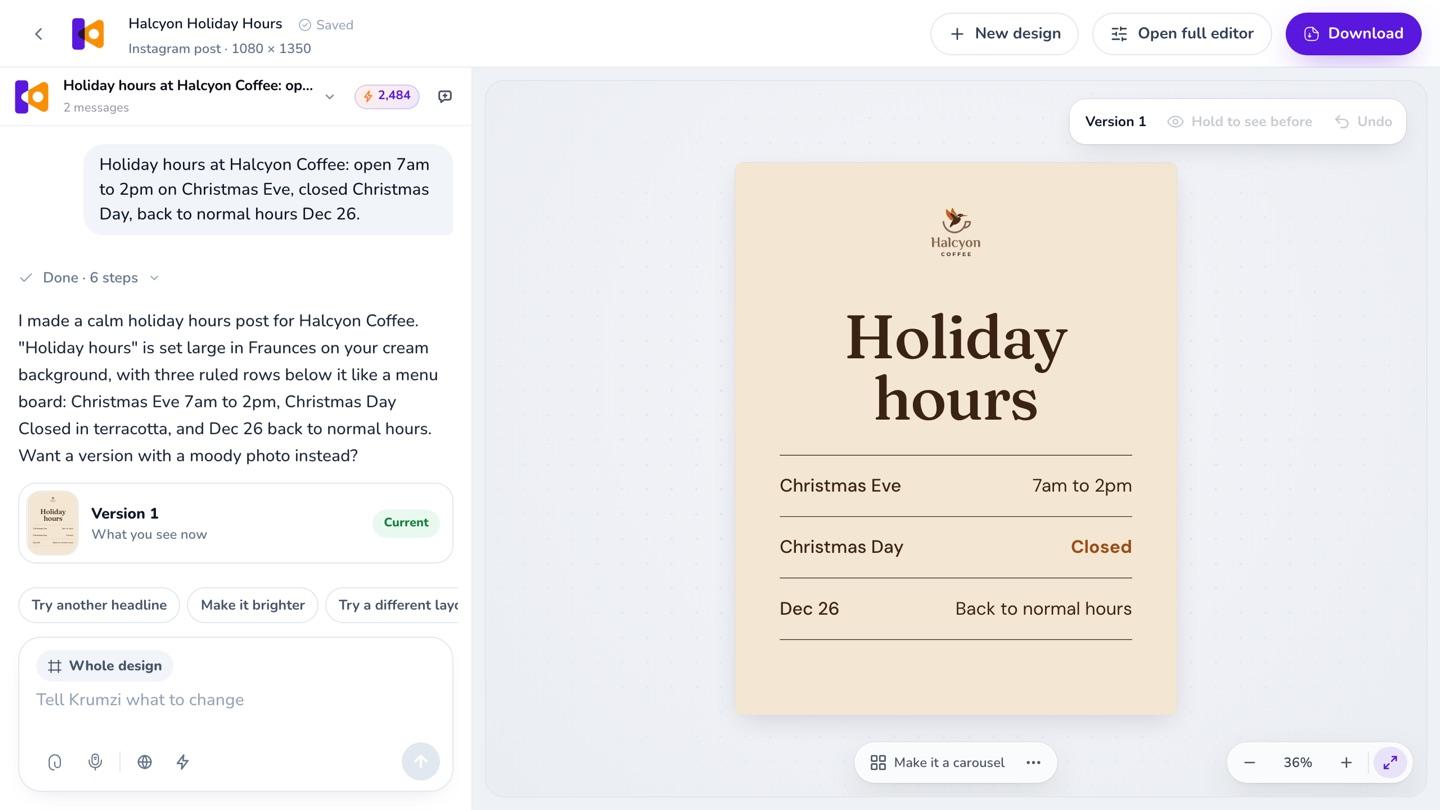
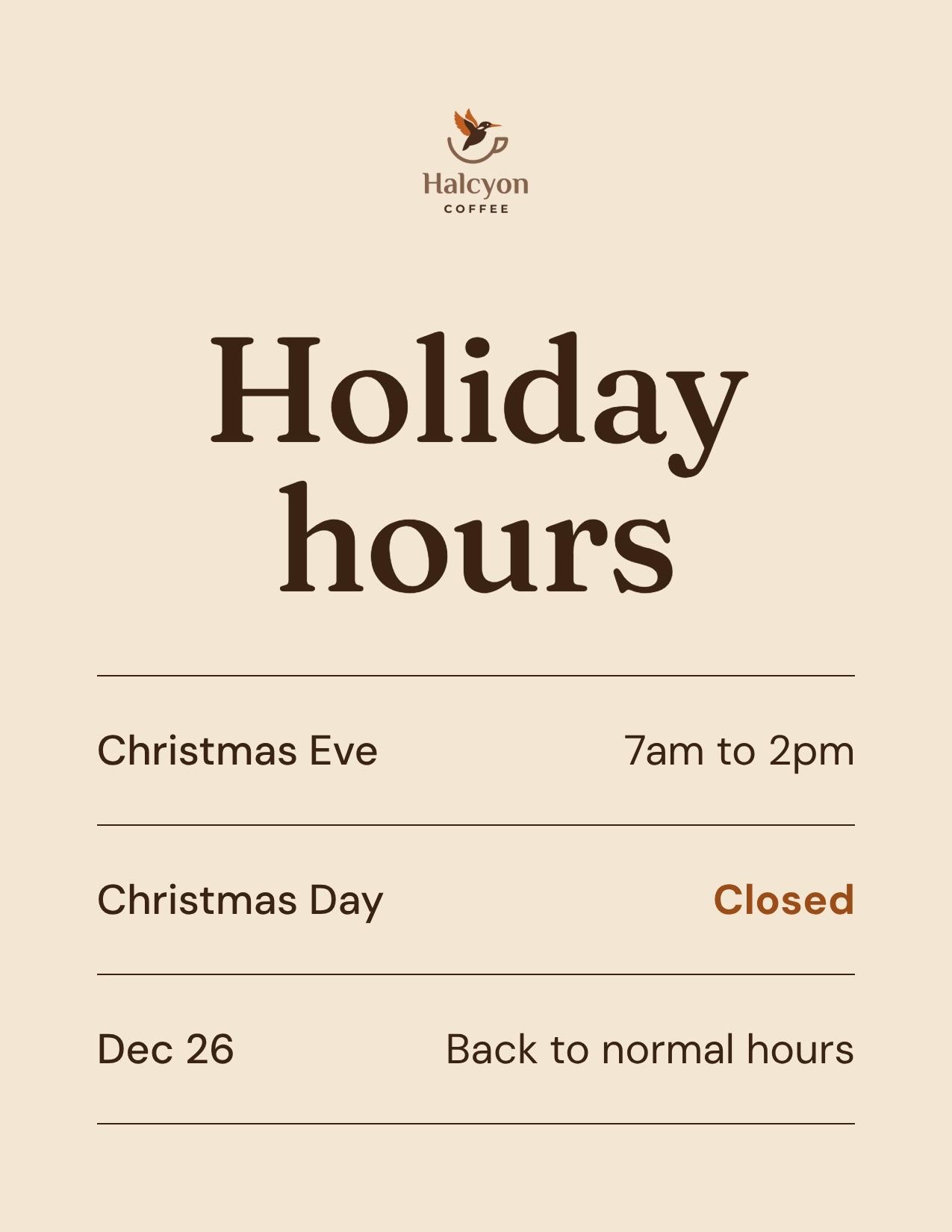
Halcyon Coffee is a sample business. Example made in Krumzi.
A design generator that starts from your words, not a template
Yes, Krumzi is an AI design generator that works from what you write. Tell it what the post is for and what it should say, in plain words: "I need a post about our fall drink menu launching" is enough. Pick what you're making: a post, a carousel, a document of 2 to 12 pages like a flyer or a brochure, or a video on Pro and up. For a single post, pick one of 44 sizes across 10 platforms, a print size, or your own width and height. Krumzi designs it from scratch for that brief, in your brand: the layout, the type, the colors and the photo. Nothing gets filled into a ready-made layout, so it doesn't look like a template. Every part stays editable. Click anything and say what to change, or move it by hand, then turn it into a story or a flyer in the same look.
Made for your words, not filled into a template
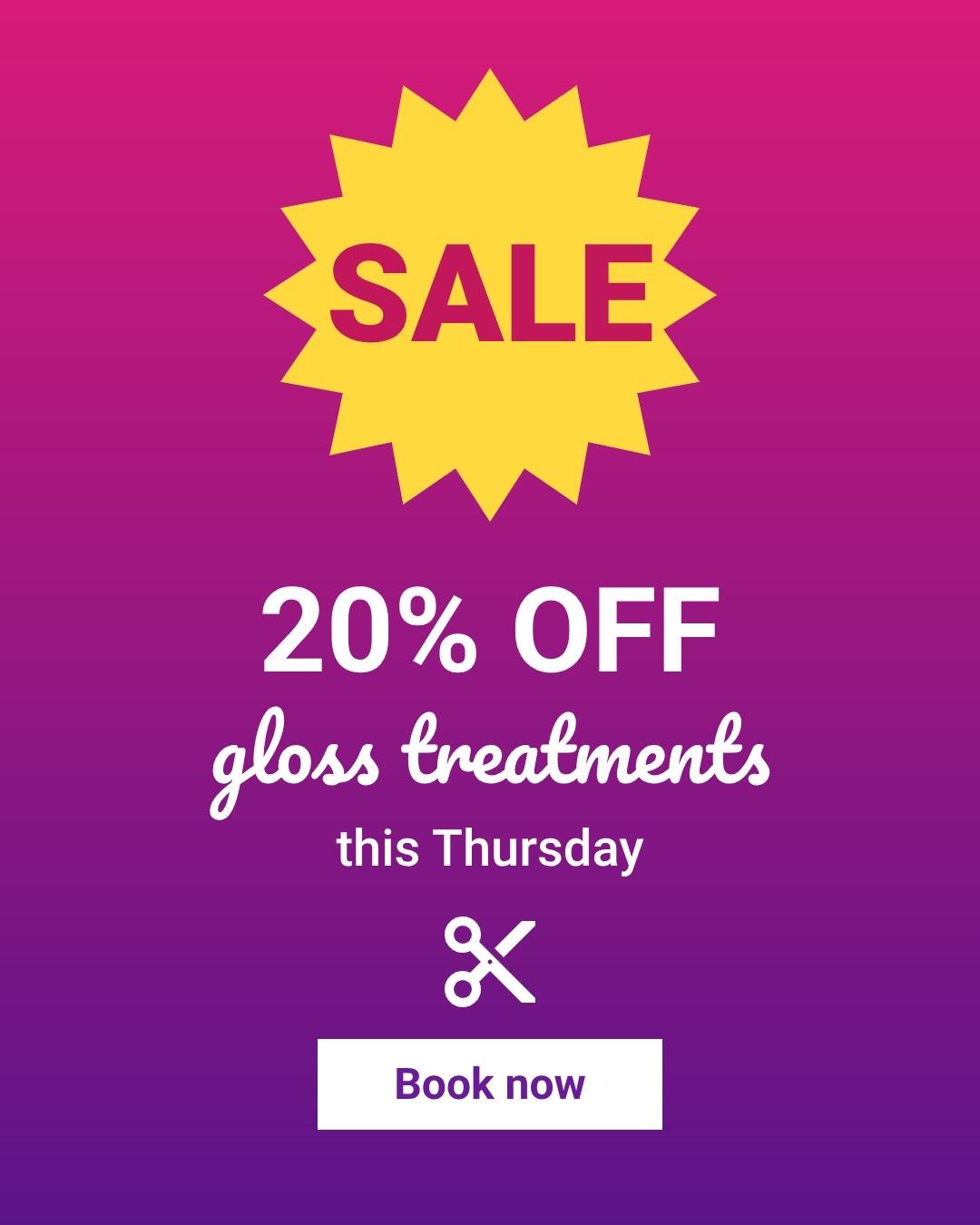
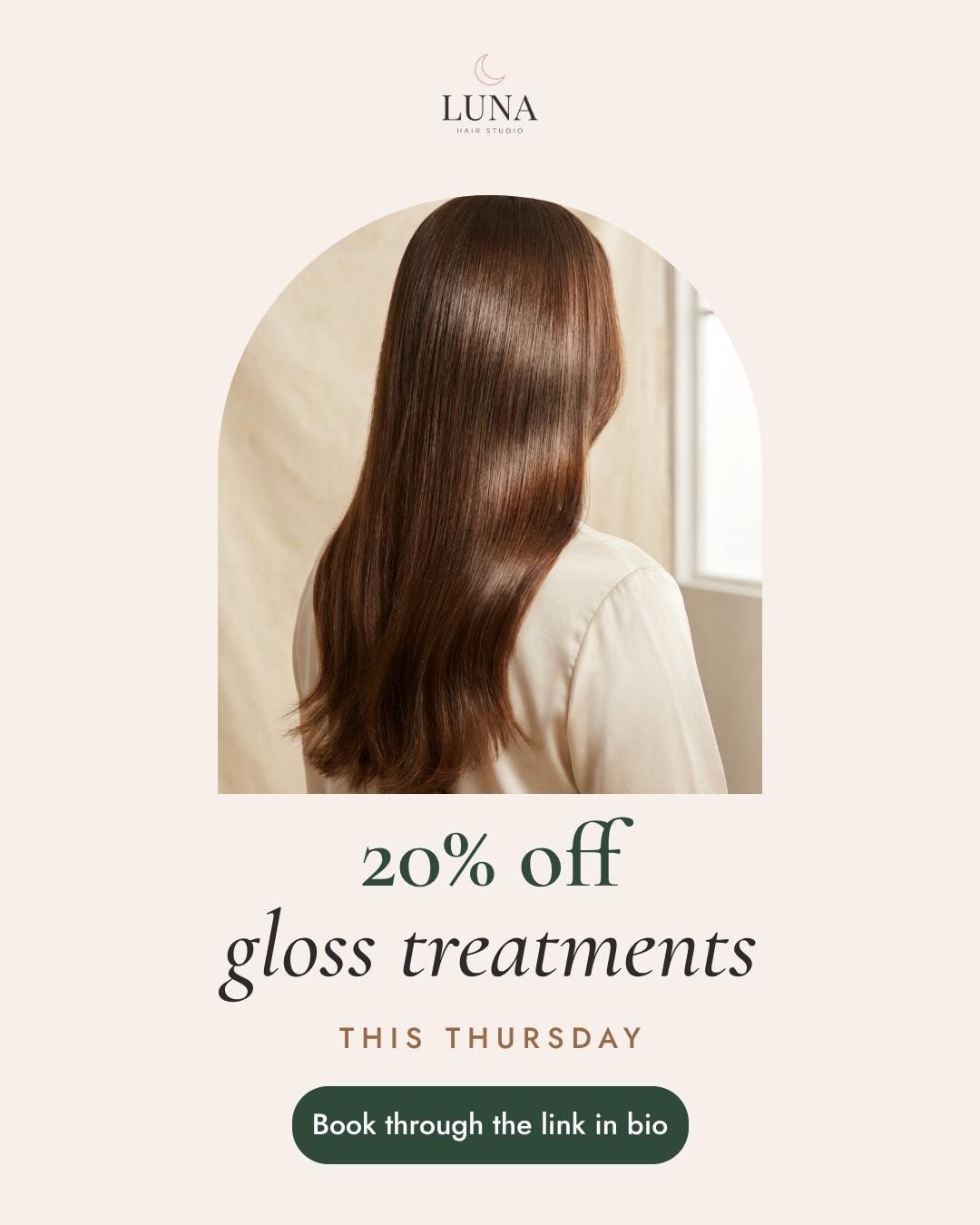
Templates are fast, and Canva has one for almost anything. The catch: other people pick the same ones, and your words rarely fit the boxes they came with.
Krumzi starts from what you wrote and builds the layout, the type and the colors around it, in your brand. Keep Canva for what it's good at.
From a sentence to a finished design
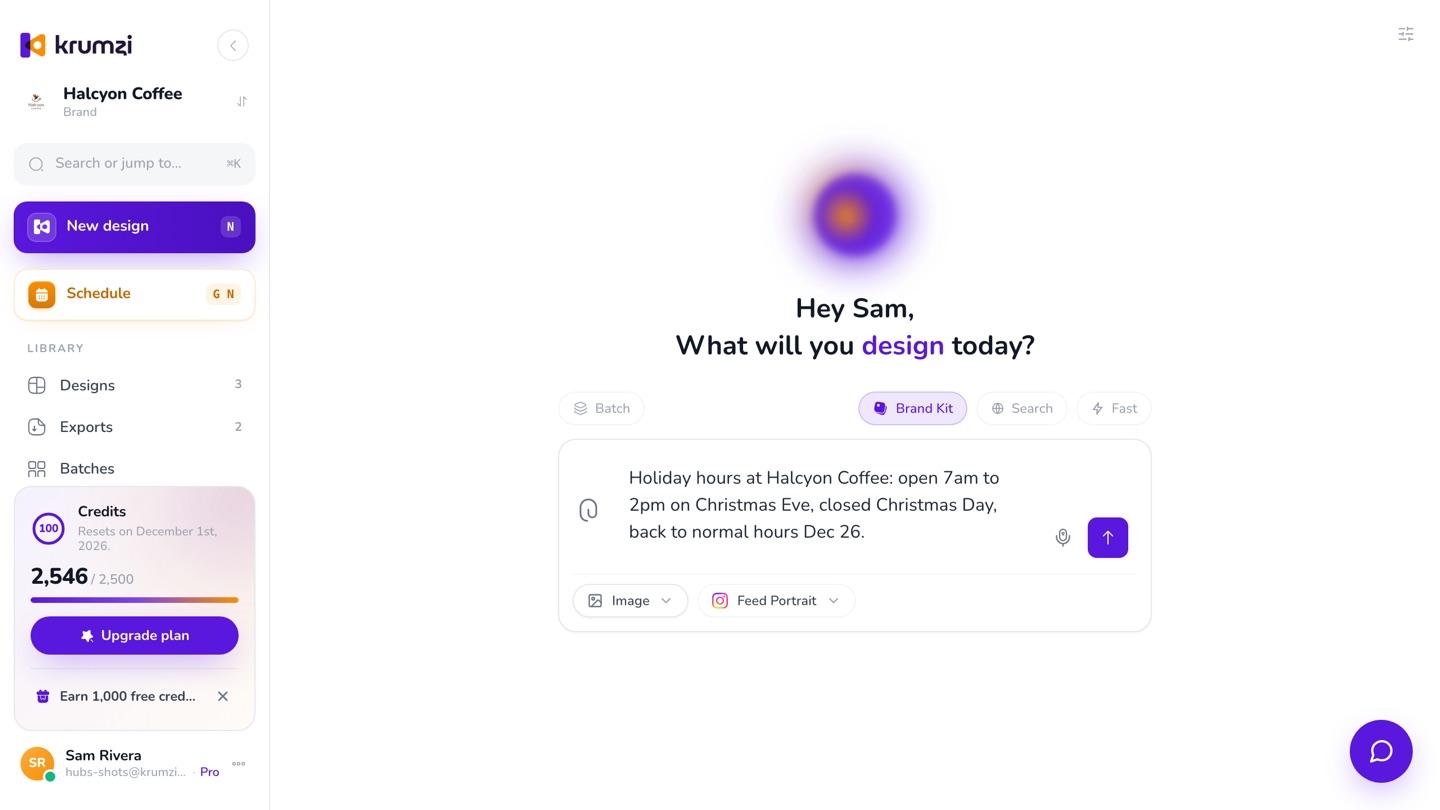
Describe it.
Write what it's for and what it should say, in plain words. Or tap the mic and say it. Attach a photo, a PDF or a link, and Krumzi works from that too.
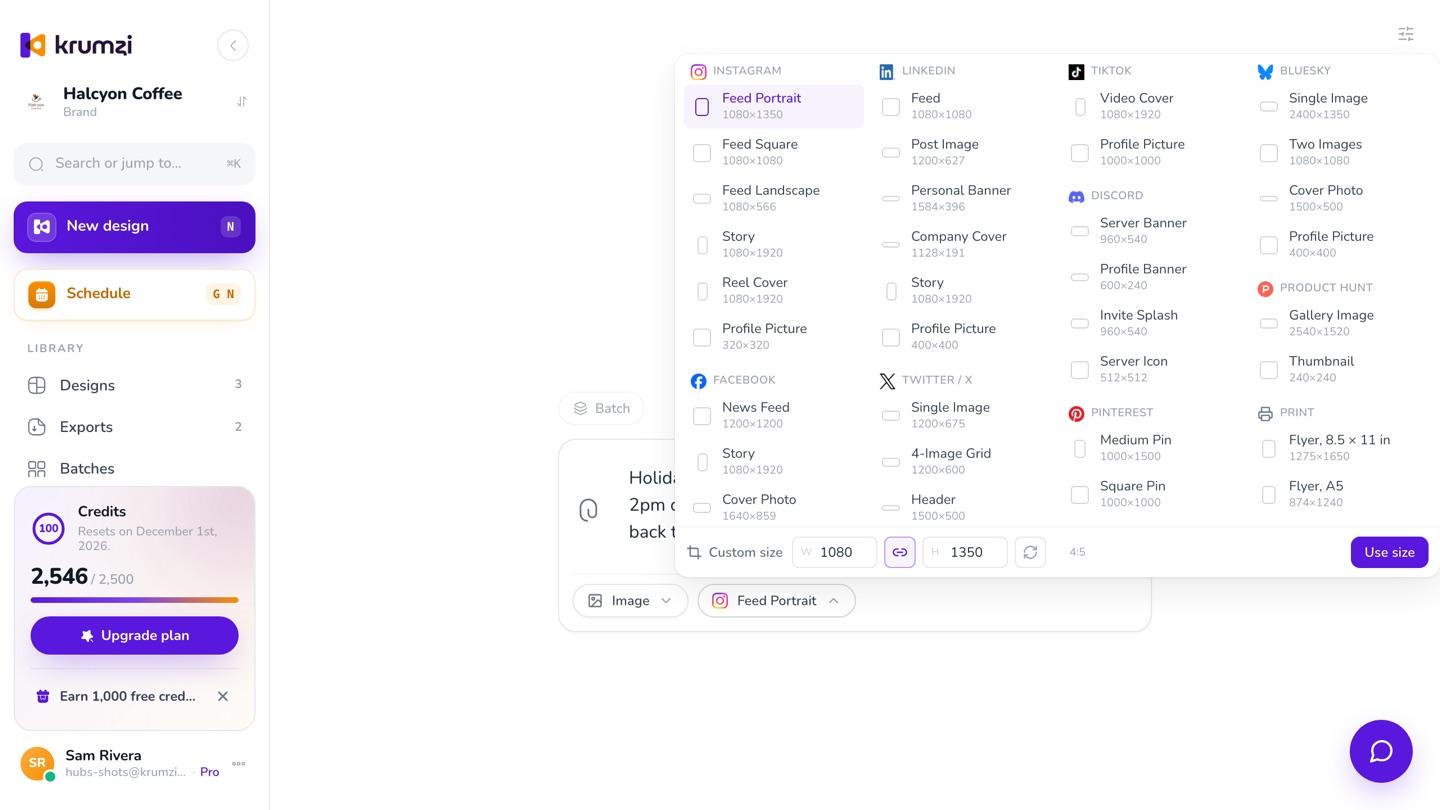
Pick what it is and the size.
A post, a carousel, a document of 2 to 12 pages, or a video on Pro and up. For a single post, pick one of 44 sizes across Instagram, Facebook, LinkedIn, TikTok and 6 more, a print size, or your own width and height. Or leave it on Auto and Krumzi picks from what you wrote.
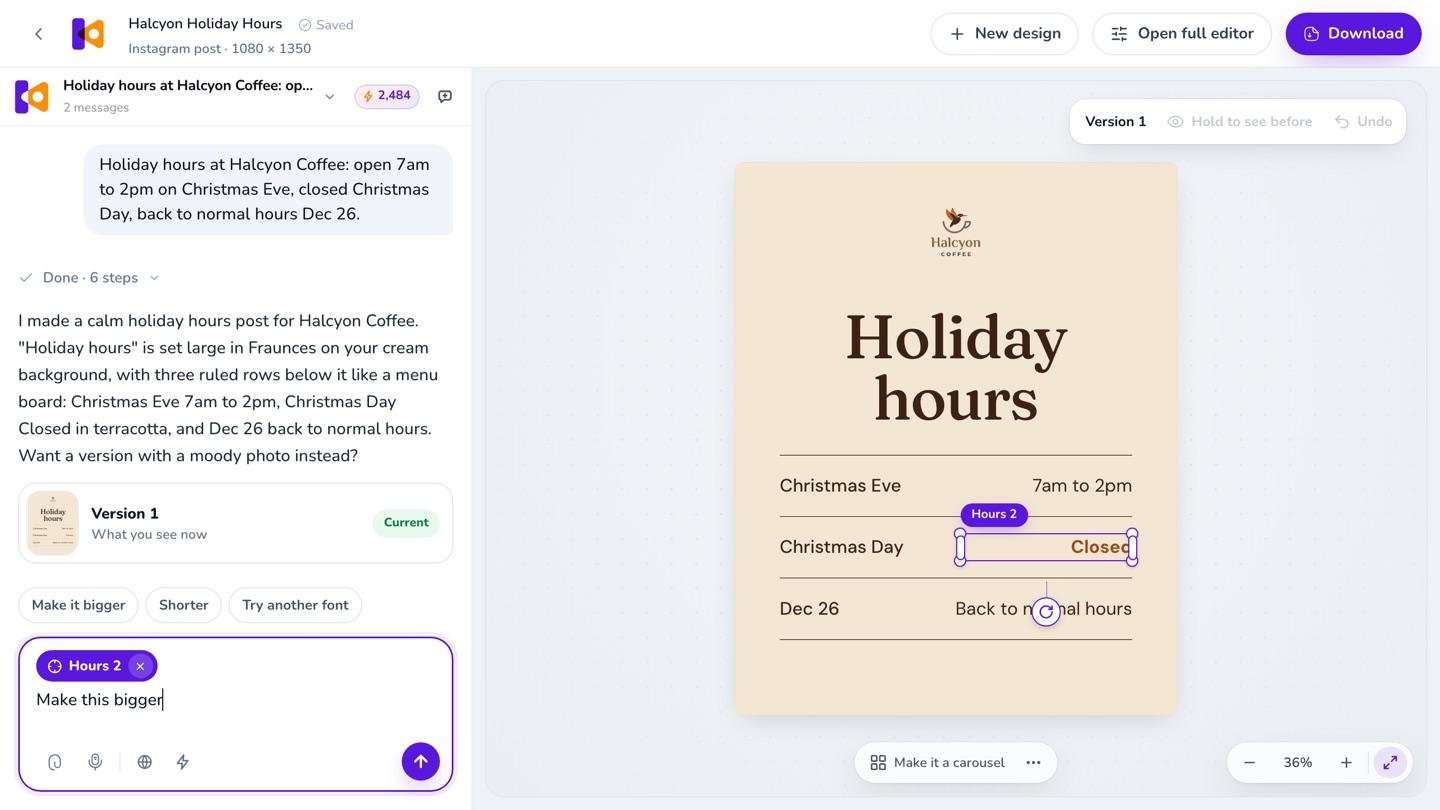
Change anything by asking.
The design opens with the chat beside it. Click any part and say what to change, or drag, resize and retype it yourself. Every change Krumzi makes is saved as a version you can go back to.
Before it hands the design over, Krumzi checks its own work for text that overlaps, gets cut off or is hard to read, and fixes what it finds.
3-day free trial, card needed.No charge until day 4.Cancel online anytime.
Posts, carousels and documents, each from one brief
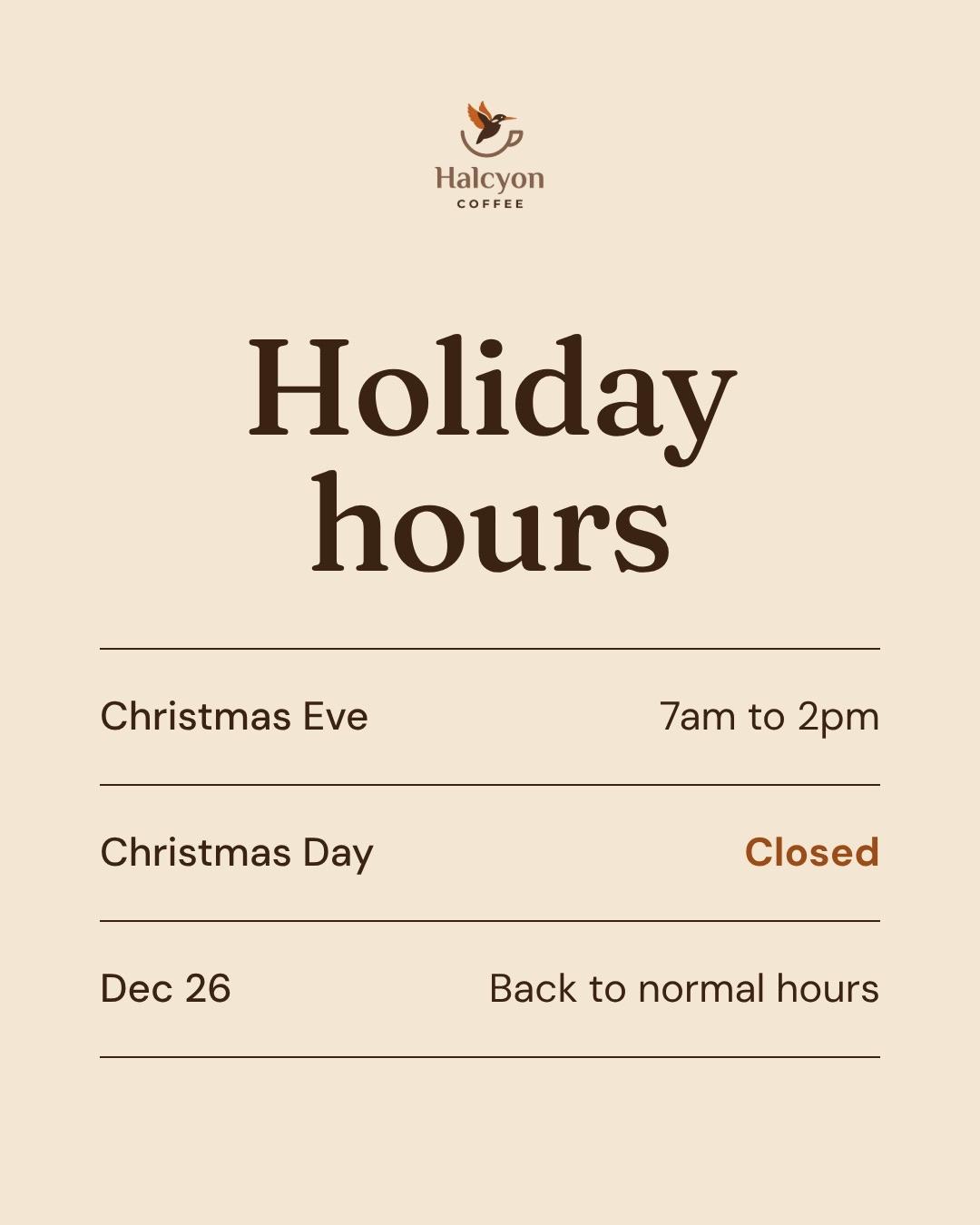
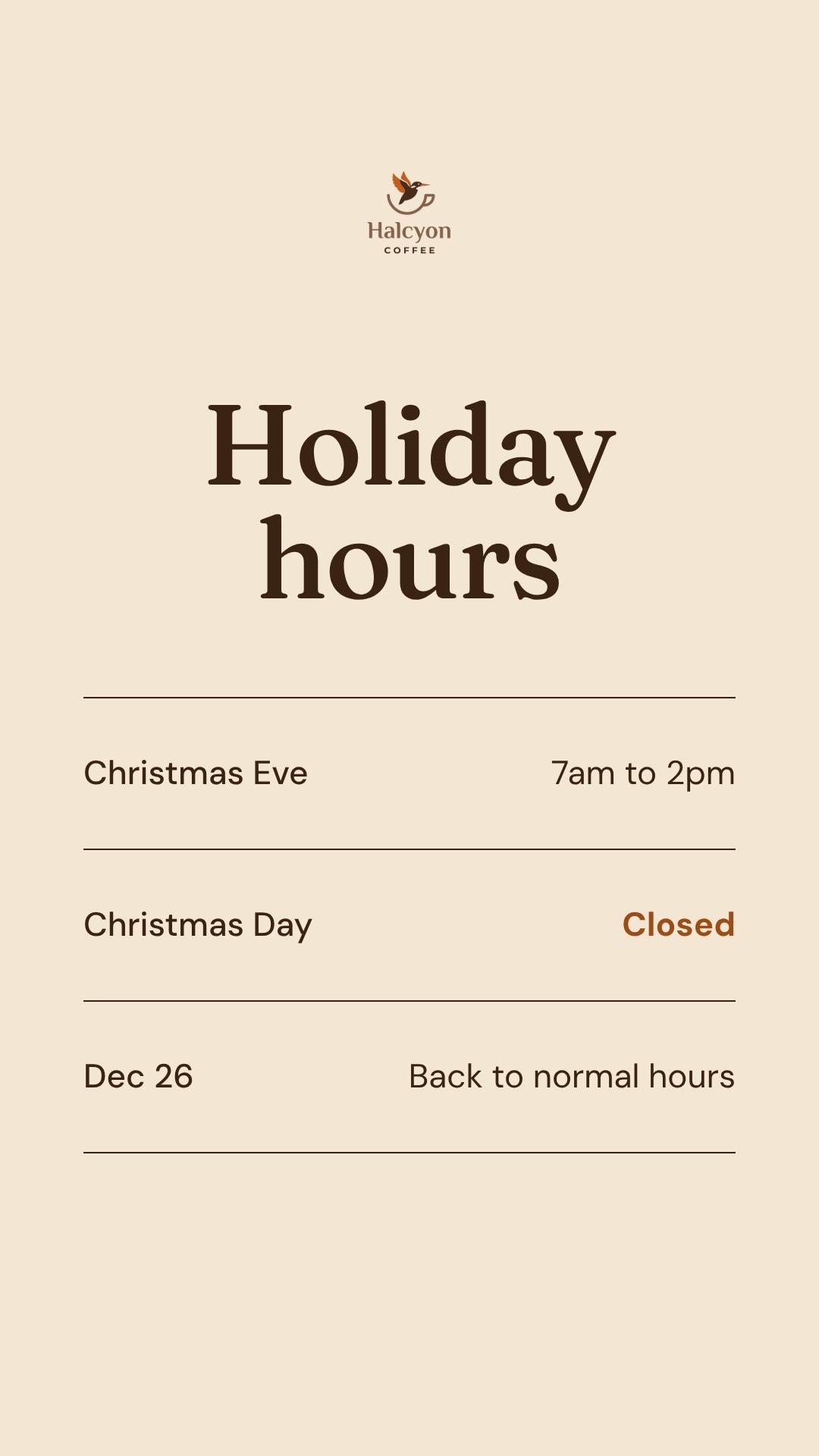
Each row is one brief and what Krumzi made from it. Need another size? Ask for the story, the flyer or the LinkedIn size, and Krumzi lays it out again for that shape in the same look. Turn this into, in Designs, makes a copy and leaves your post as it is.
“Holiday hours at Halcyon Coffee: open 7am to 2pm on Christmas Eve, closed Christmas Day, back to normal hours Dec 26.”
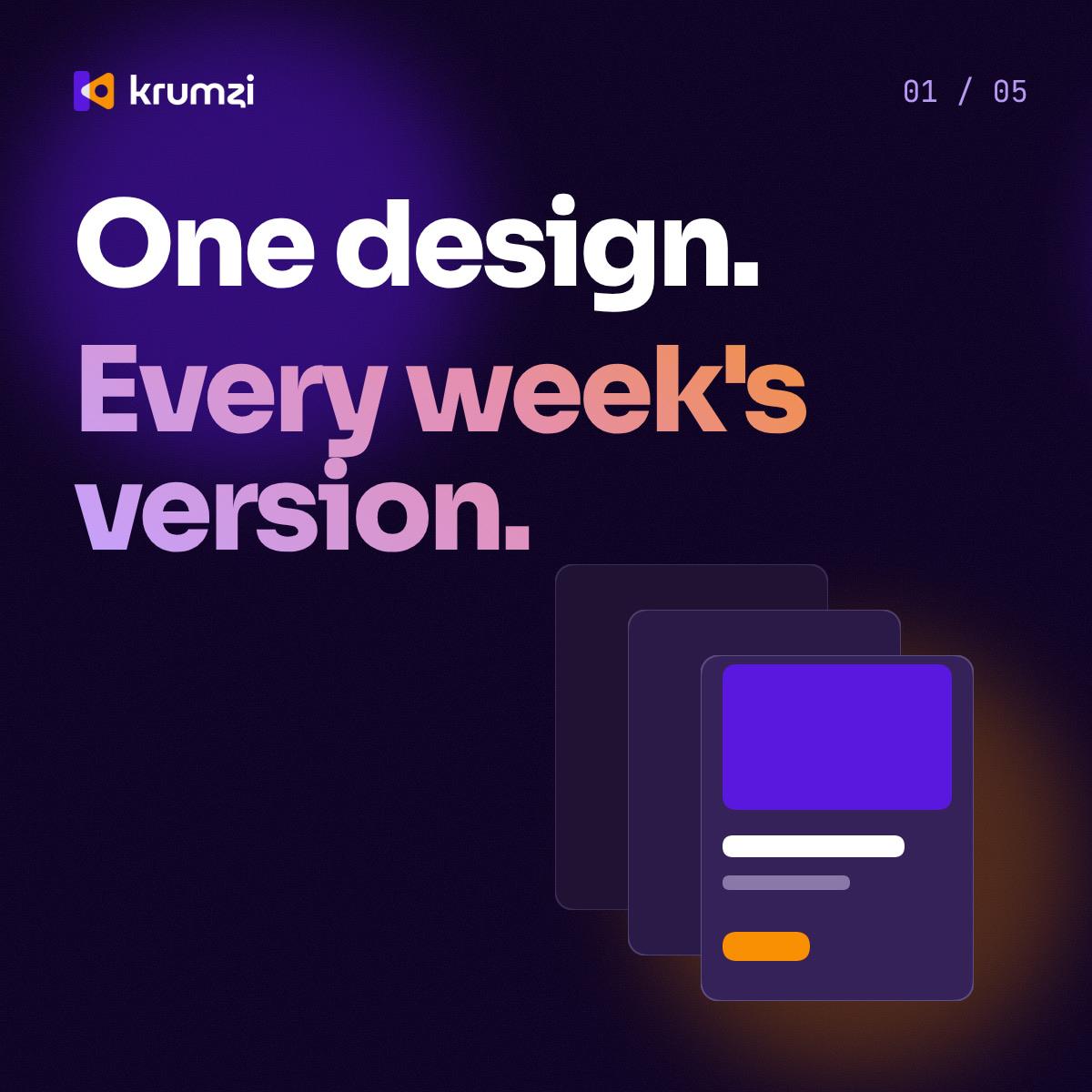
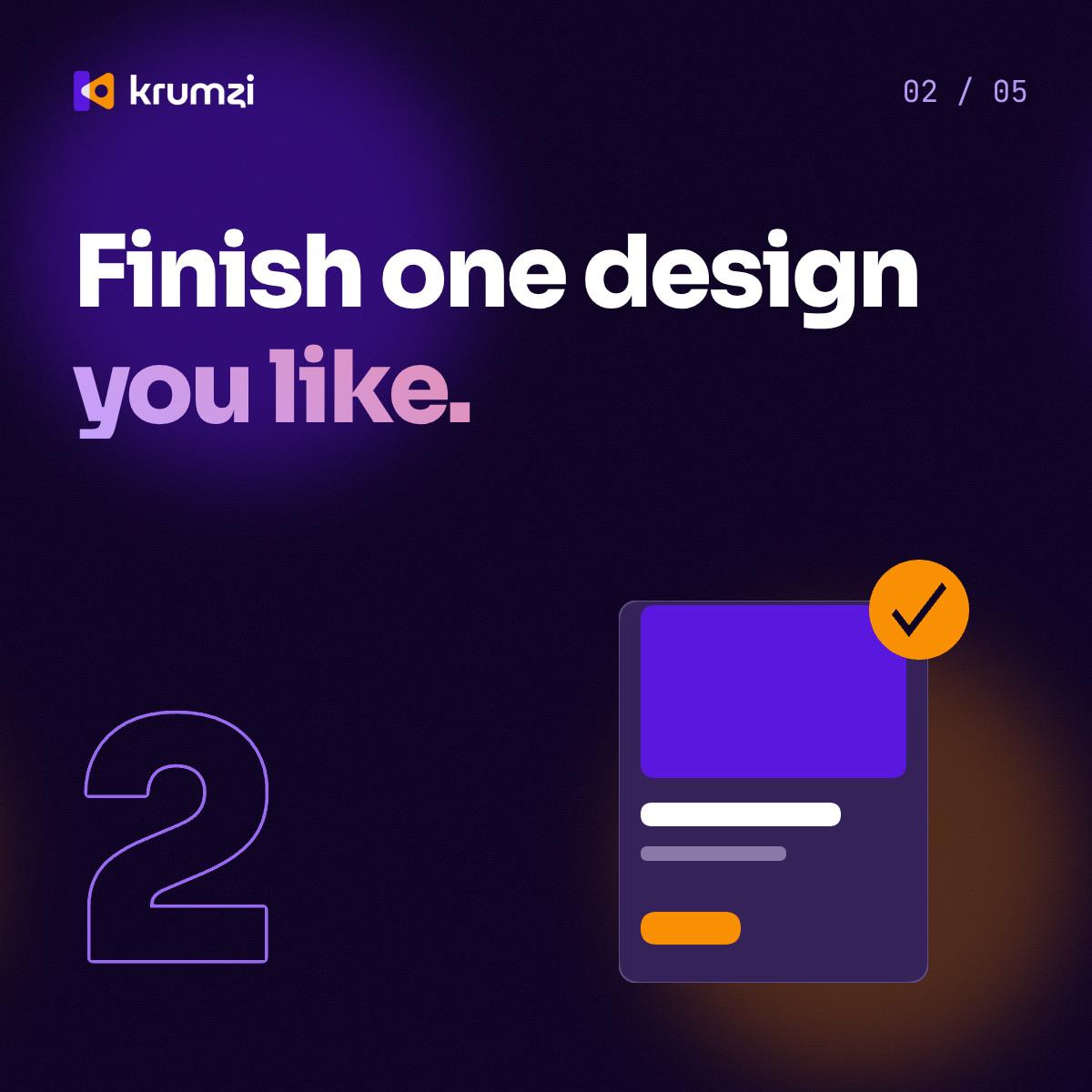
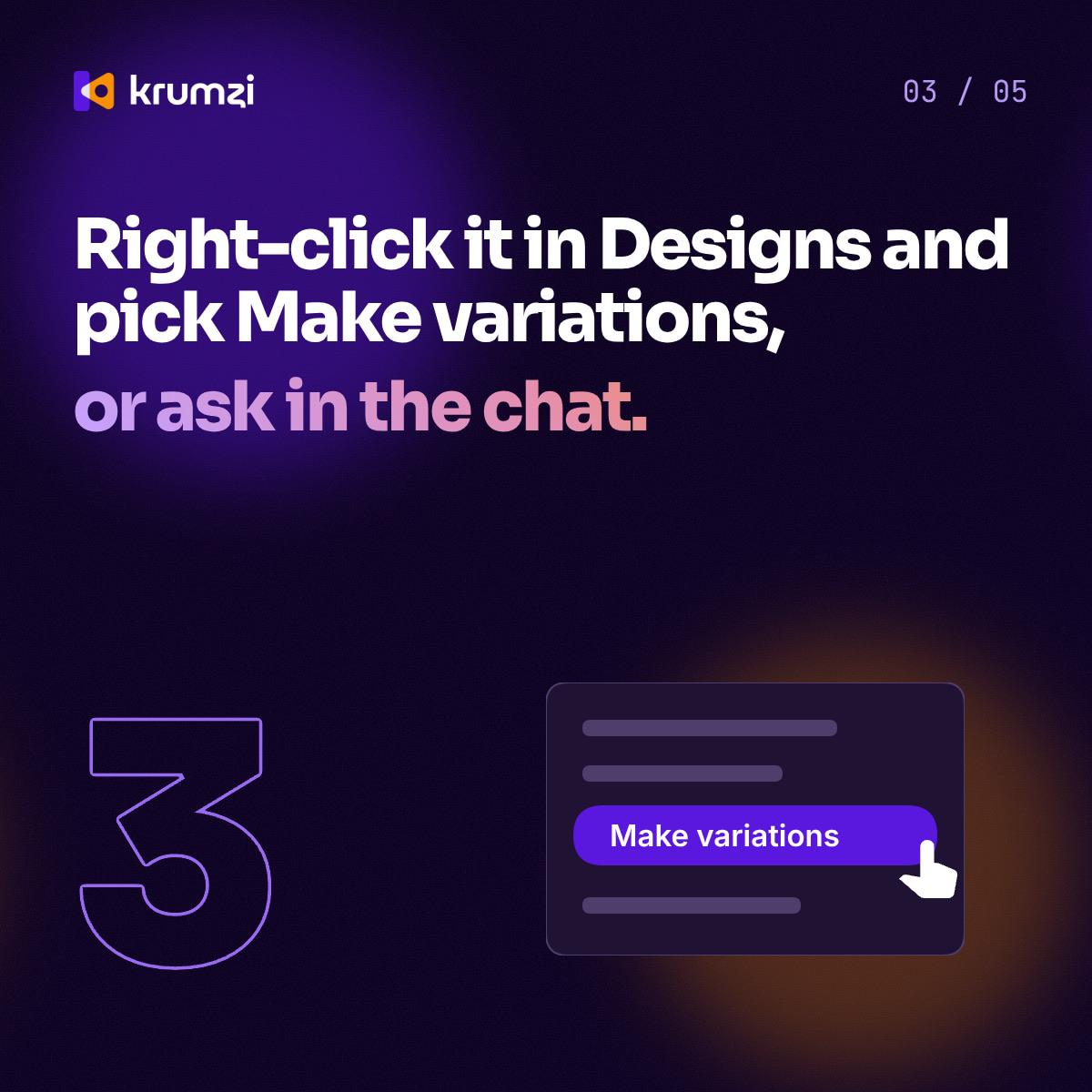
“A 5-slide LinkedIn carousel on how Make variations works: finish a design, right-click it in Designs or ask in the chat, say what changes.”
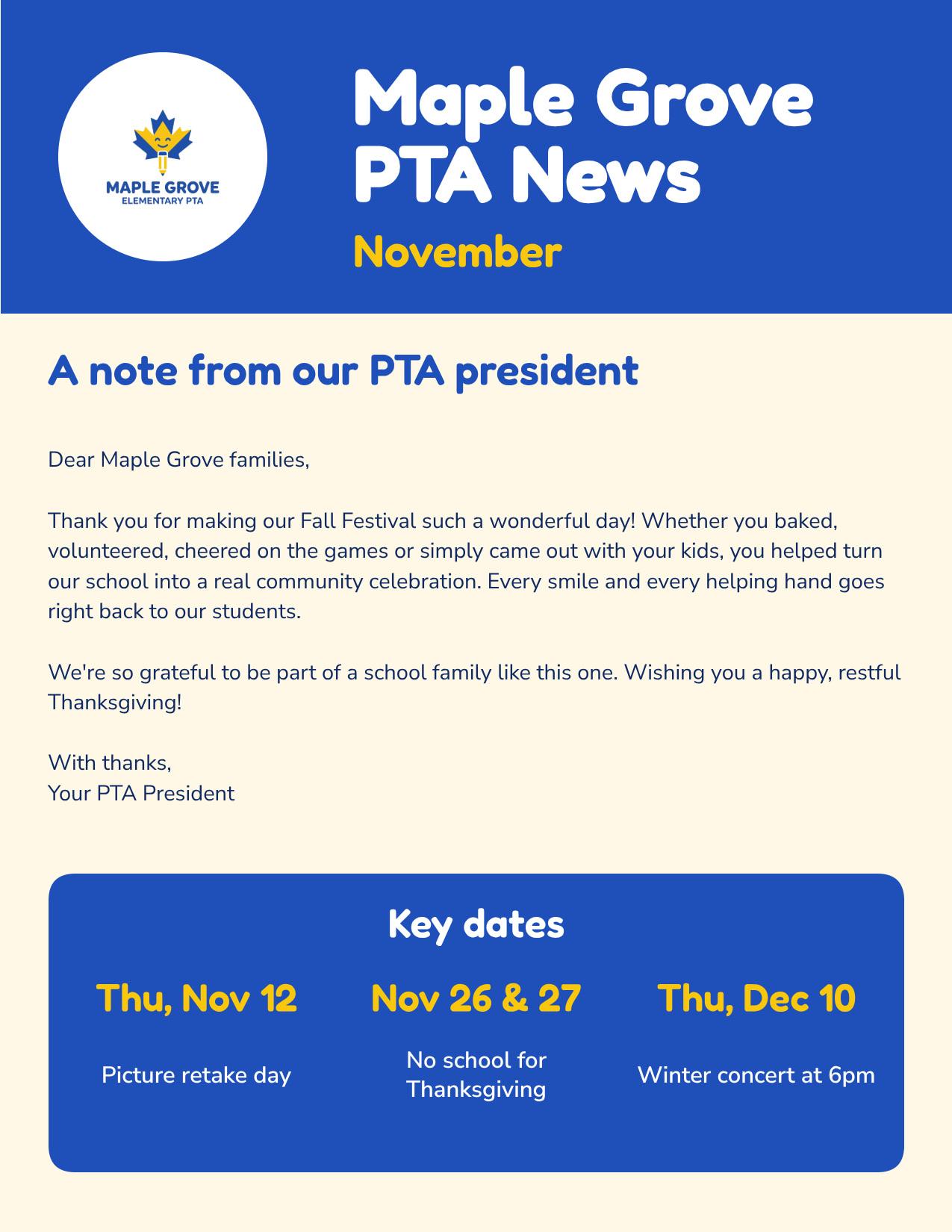
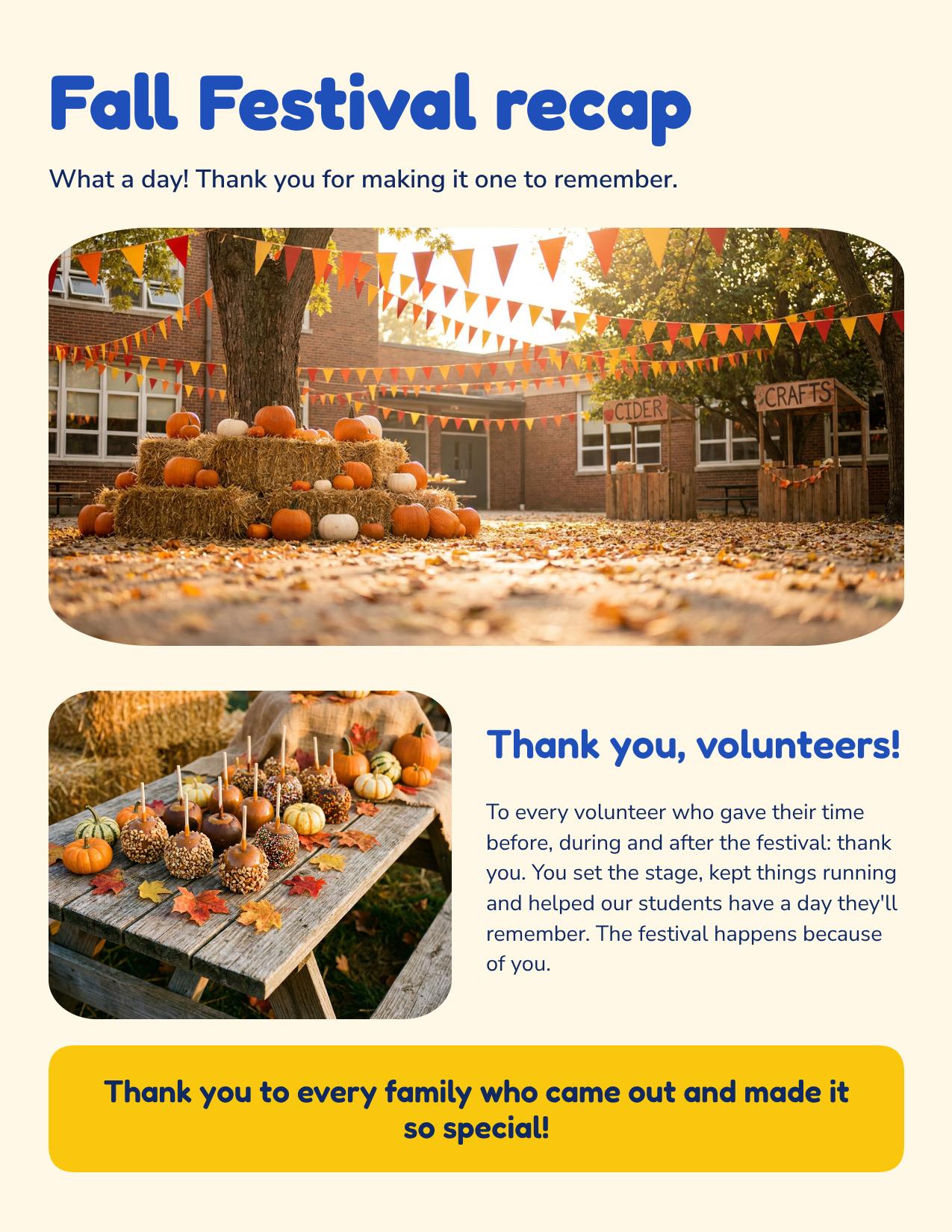
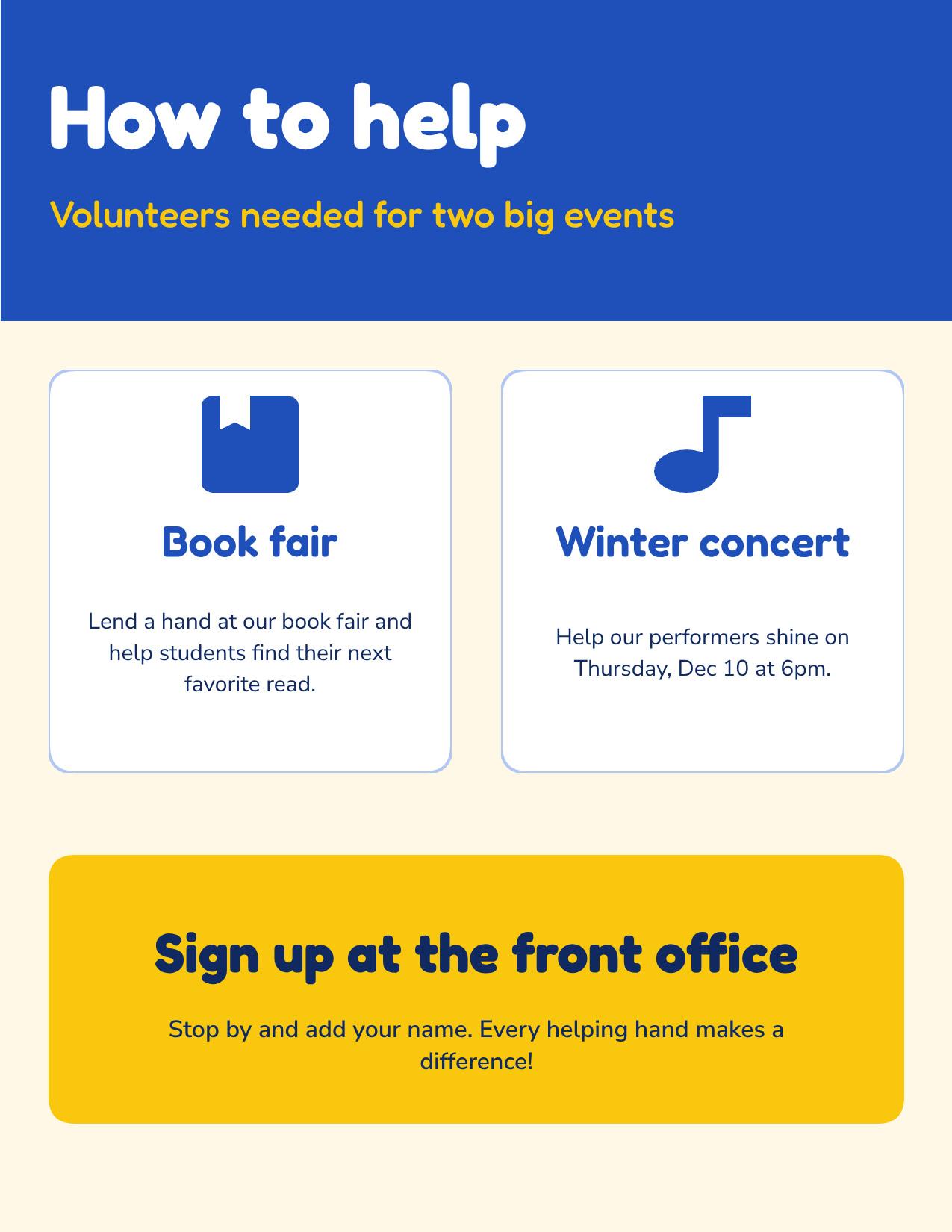
“Maple Grove PTA's November newsletter to send home in backpacks: thanks for the Fall Festival, picture retake day Thursday, Nov 12, no school Nov 26 and 27, winter concert Thursday, Dec 10 at 6pm, and how to help.”
Your photo, on the post
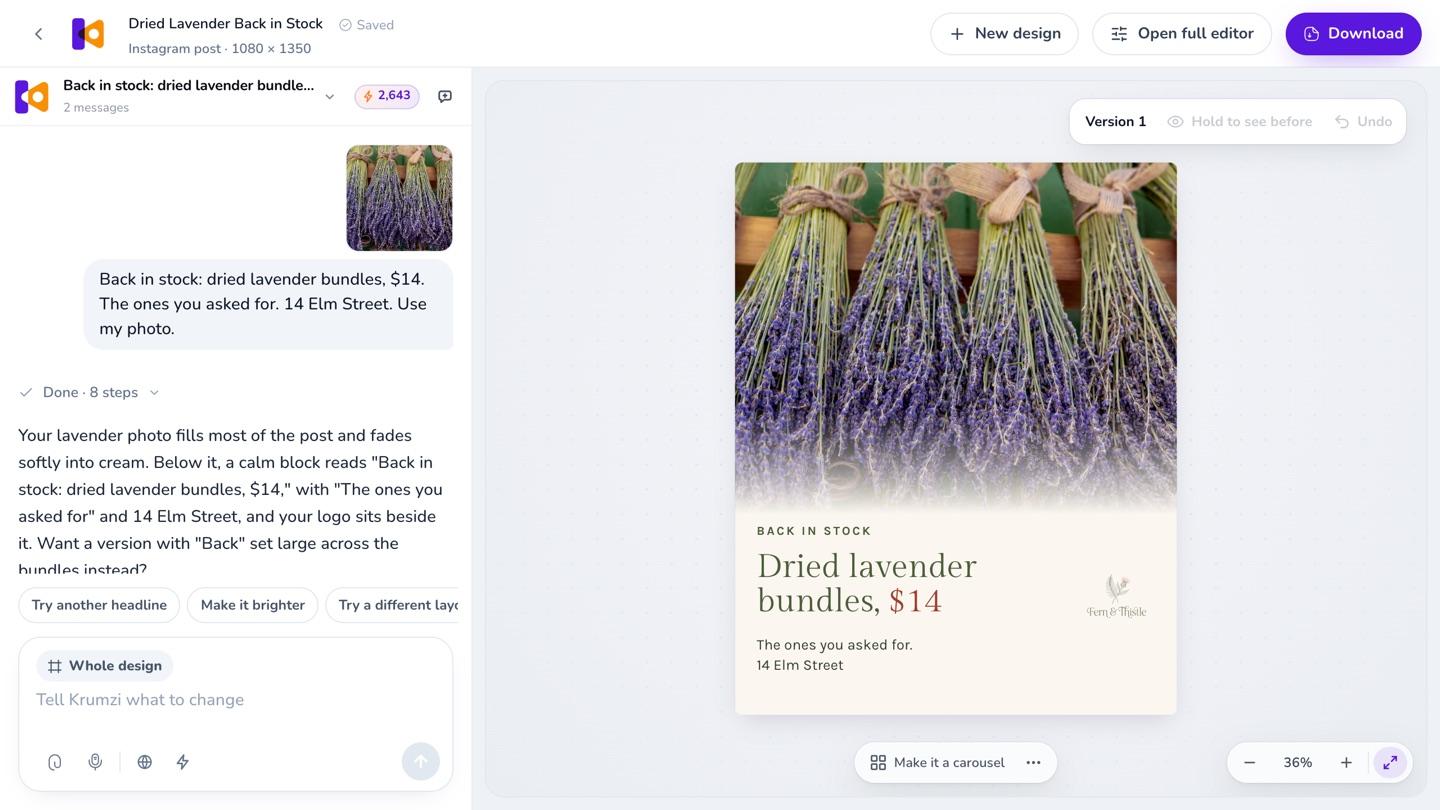
Attach a photo of your product, your space or your team and say "use my photo." Krumzi builds the design around it. Got a plain product shot? Ask for a nicer background, and Krumzi places it in a styled scene without changing the product.
A link to your page
Paste a link to an article, a product page or your website. Krumzi reads the page and can put its real pictures on the post, so people see the real thing. We made this one from a link to our own captions page.
Your draft, made to look professional
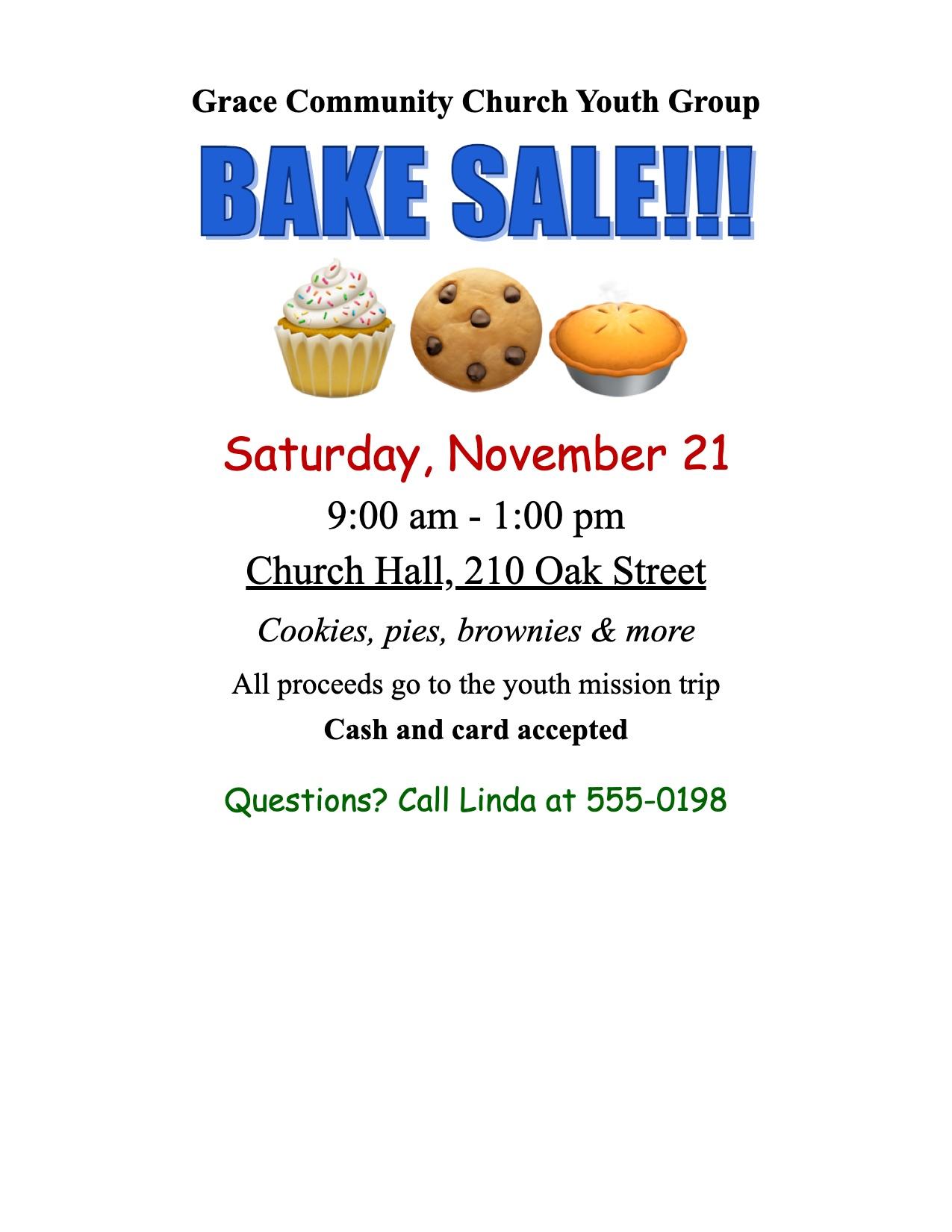
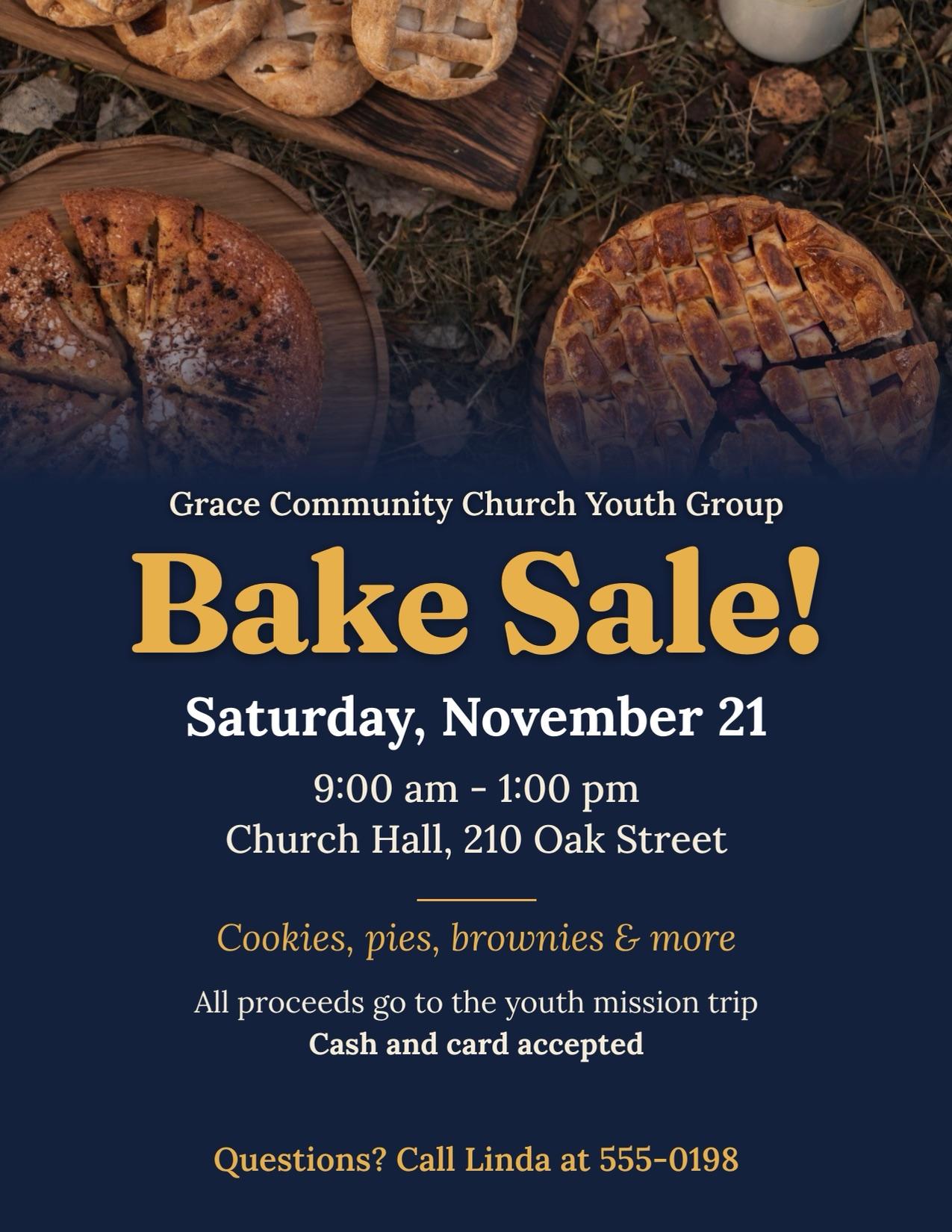
Attach a flyer you made in Word or Canva, or a photo of last year's, and say "make this look professional." Krumzi keeps your words and details and redesigns the rest. See how a redesign works.
Point at it and say what to change
Click the date and type "bigger date." Krumzi changes that and keeps everything you didn't mention. Vague is fine too: say "make it pop" or "cleaner," and Krumzi works out what to change.
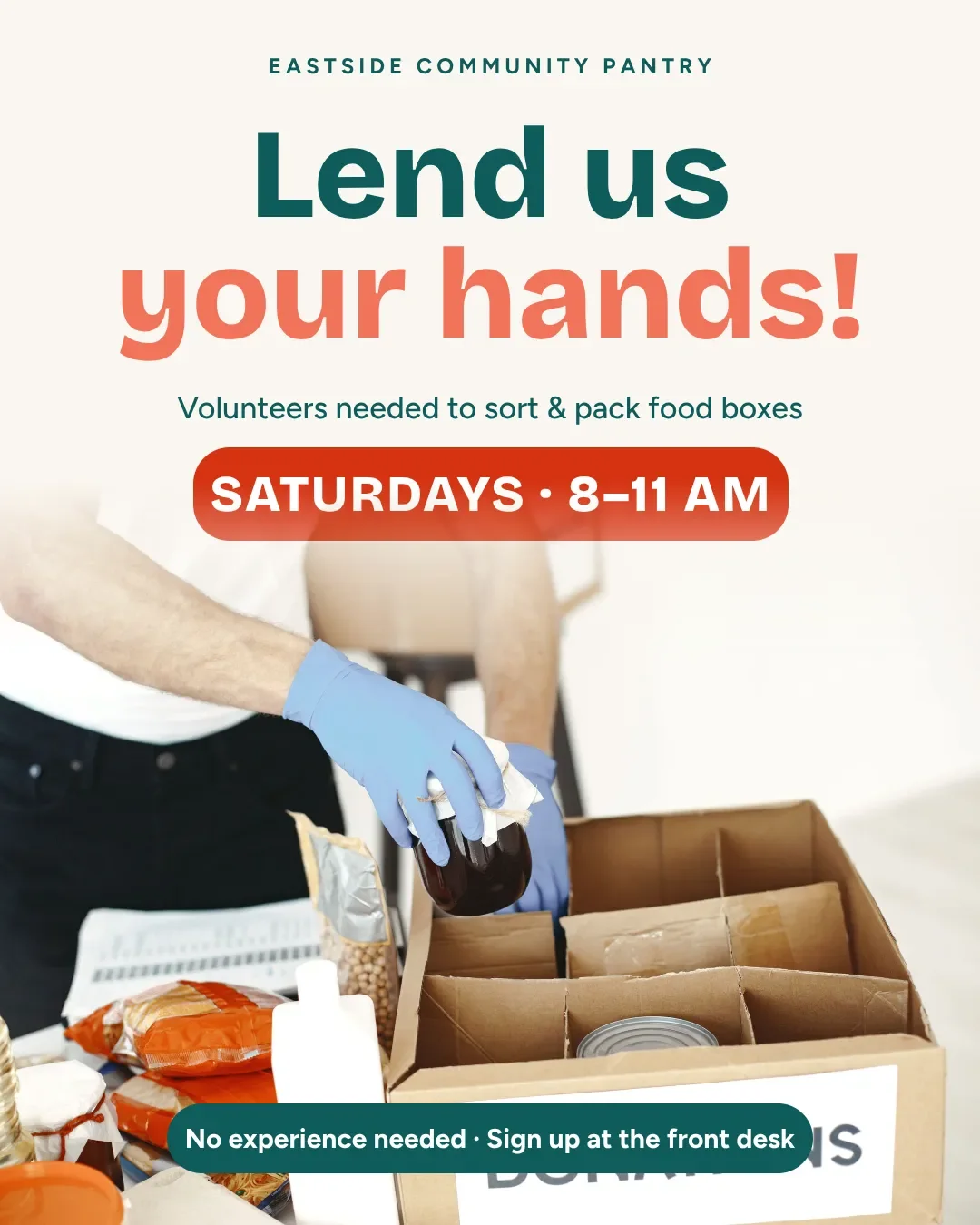
YouBigger date.
Or ask for something completely different
Not feeling it? Ask for something completely different and get a new design with the same words. Every version is saved. Look at any one, or go back to it, and nothing gets deleted.
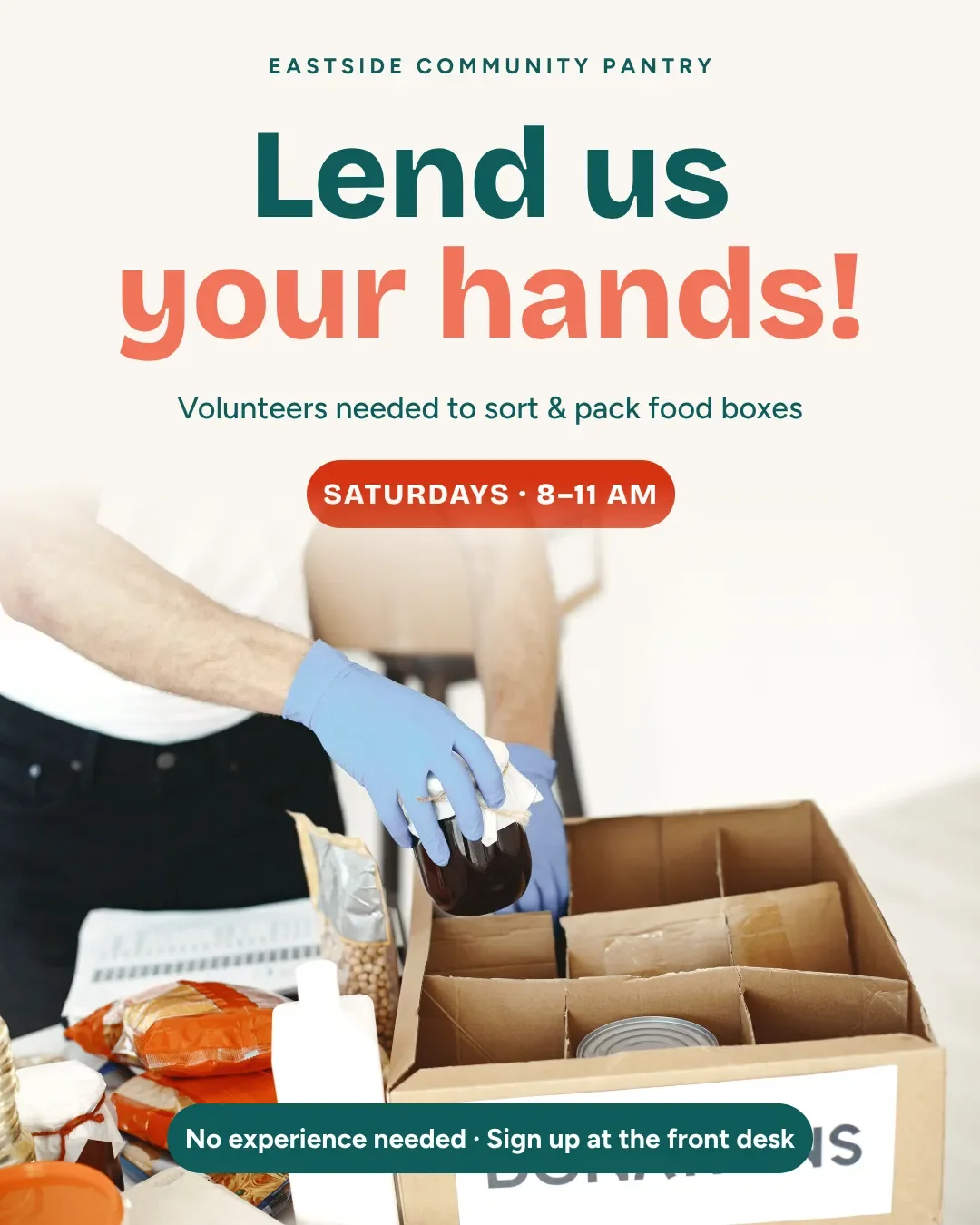
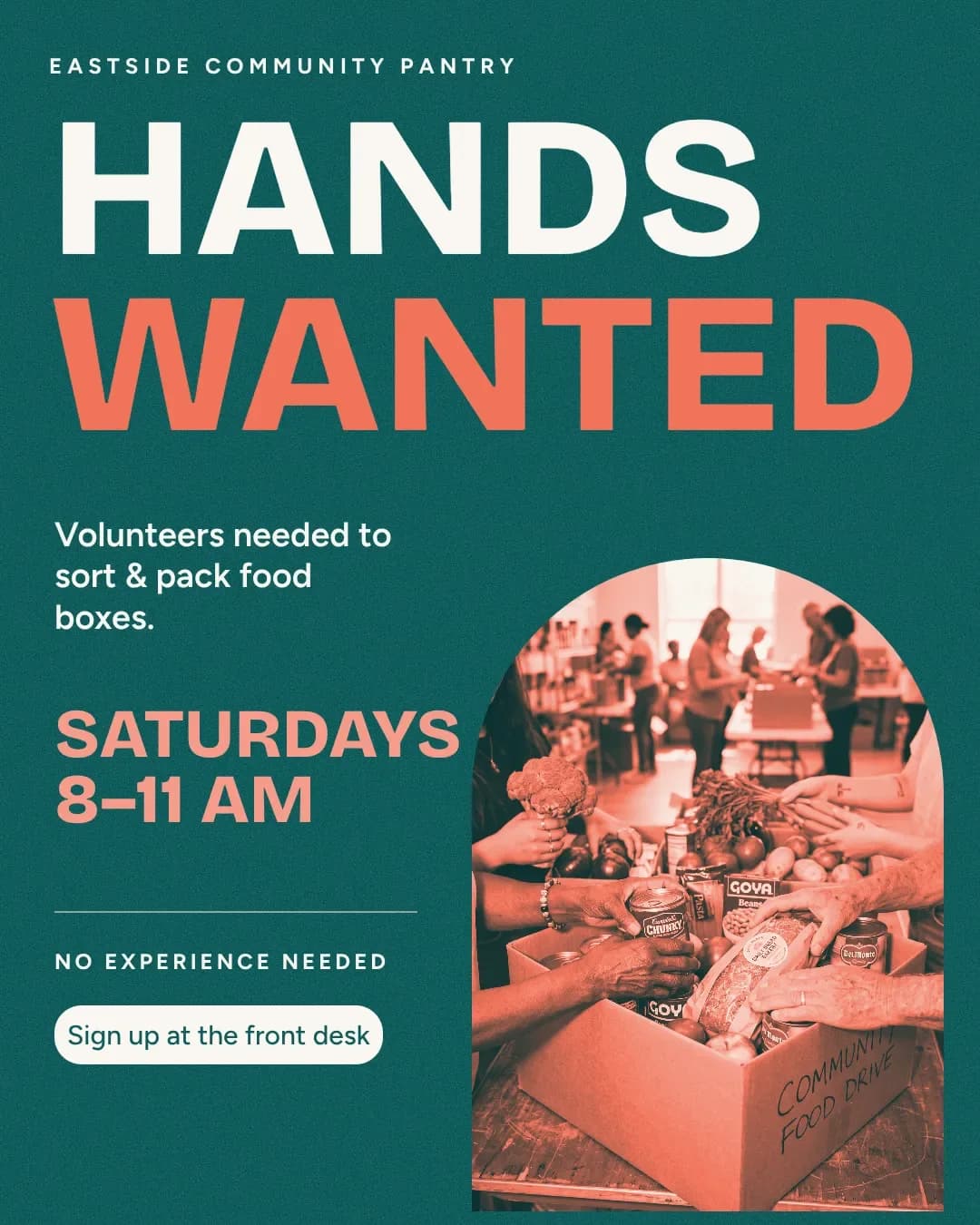
Then the rest of the week
Most posts come back. Make next week's version from this one: same layout, new words, your photos kept. Or brief a week of posts at once, and schedule them to Instagram and Facebook from the same place. See a week of posts from one brief, planning and scheduling.
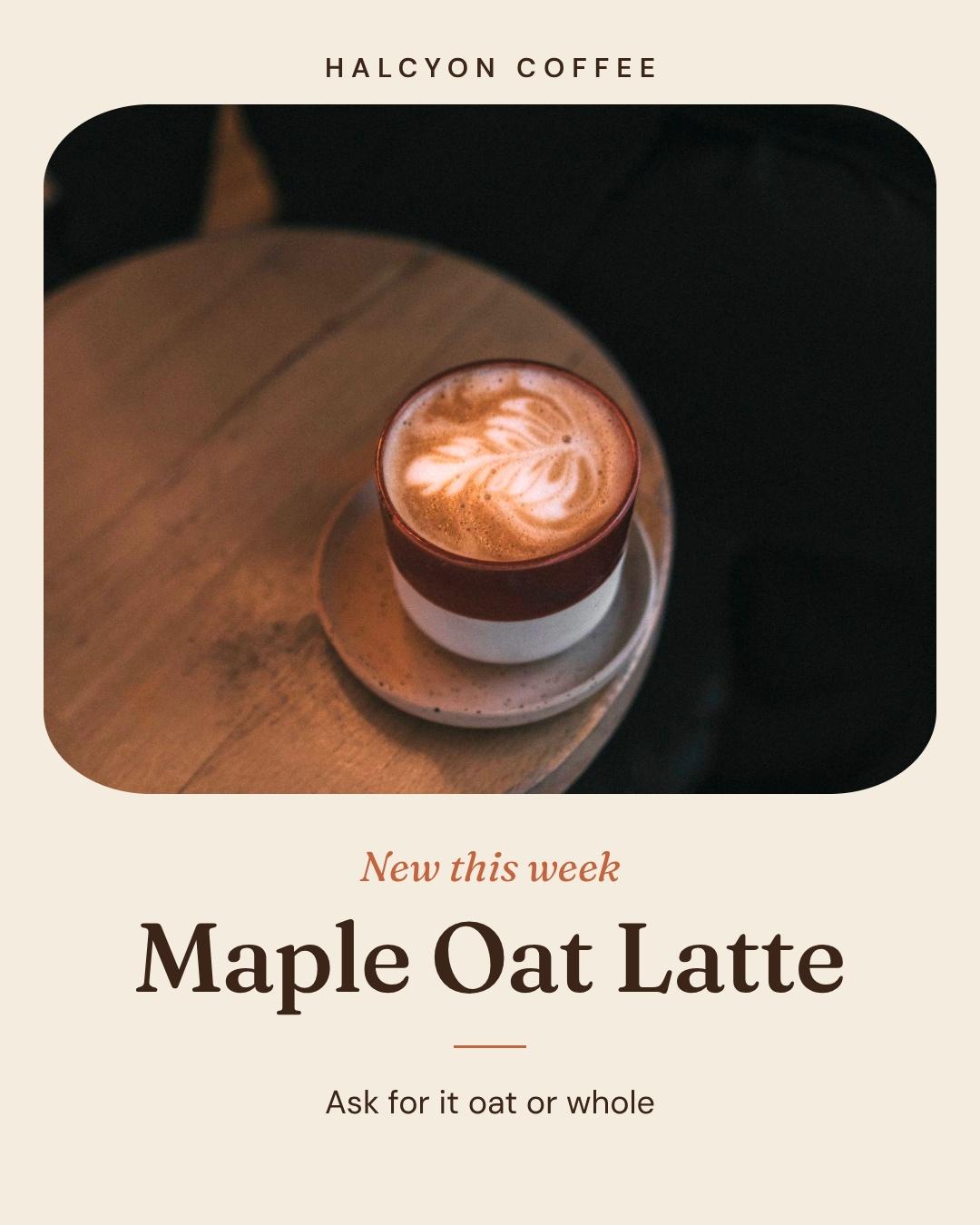
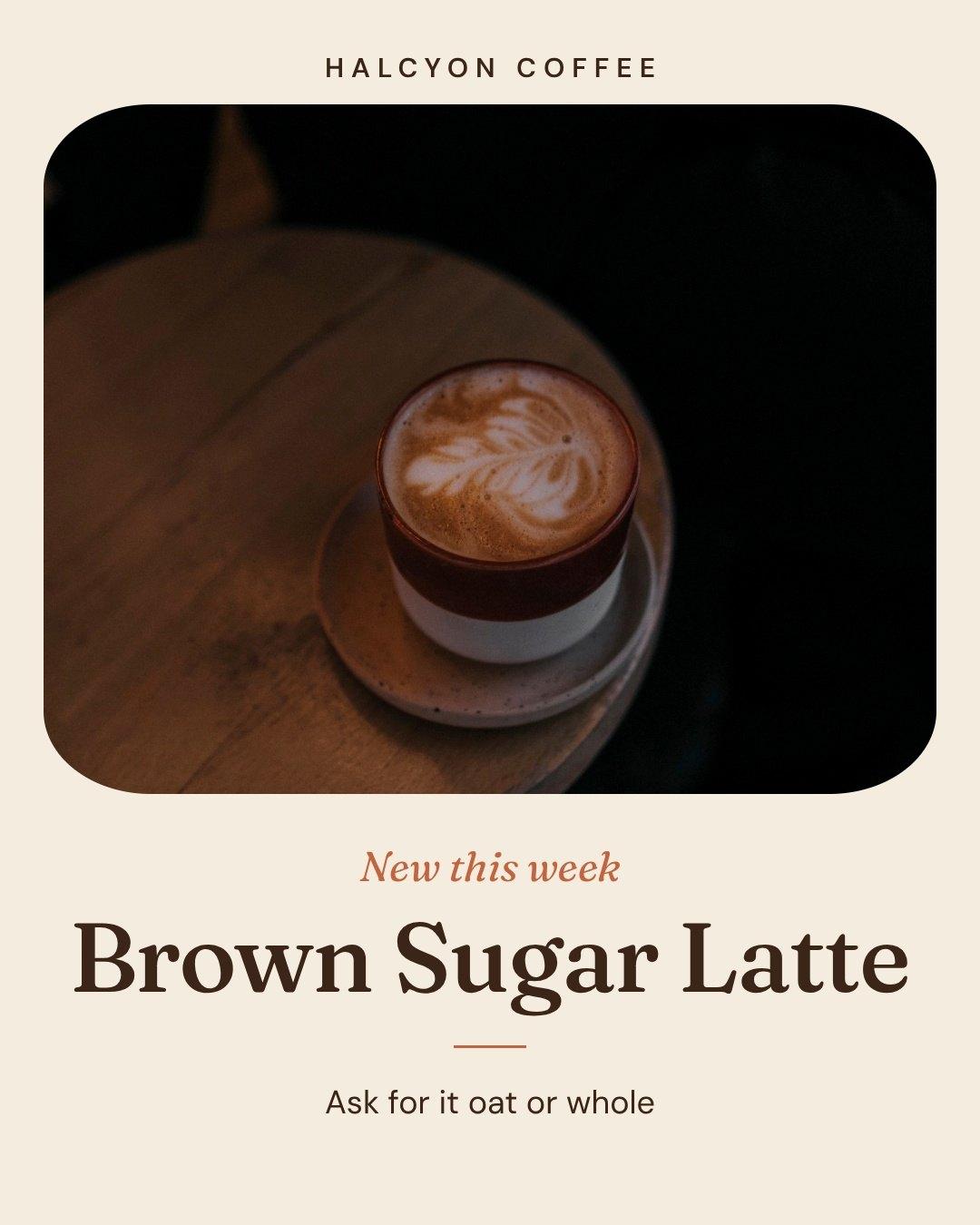
Questions

No. Each design is made from scratch for what you wrote: the layout, the type, the colors and where the photo goes. Nothing is filled into a ready-made layout, and every part stays editable.
Posts, stories, carousels, flyers, posters, and documents of 2 to 12 pages like brochures, menus and newsletters, on every plan. Video is on Pro and up. For a single post, pick one of 44 sizes across 10 platforms, a print size, or any width and height you need.
Yes, all of it. Click any part and say what to change, like "bigger date" or "use our teal," or drag, resize and retype it yourself. Every change Krumzi makes is saved as a version, so you can go back to any one. On a laptop, open the full editor for layers and panels.
Yes. Brand Mind learns your brand from your website and from what you keep, change and rate, and it steers every design on every plan. On Pro and up, add your logo, colors and fonts once in the Brand Kit and they go on every design.
Yes. Attach the image or a PDF of it and say what you want, like "make this look professional" or "completely redo it." Krumzi keeps your details and redesigns the rest. A PDF of up to 4 pages keeps its look; longer ones are read as text. Microsoft Publisher files open too.
Yes. Tap the mic in the message box, or press Cmd or Ctrl + Shift + Space, and talk. Your words appear in the box, so you can fix them before you send. It works in any modern browser and costs nothing.
Yes. Paste the link into your brief. Krumzi reads the page and can put the page's real photos on your post instead of making new ones.
Yes. It can make a picture for the design, use a stock photo, or use your own. Attach a plain photo of something you sell or made and ask for a nicer background: Krumzi places it in a styled scene without changing it. Rather have no made-up pictures? Turn generated images off for your brand.
An image tool hands you one flat picture. To fix a date, you make a new one and hope the rest comes out the same. Krumzi makes a design with the words, photos and shapes as separate parts, in your brand. Change the date and the rest stays as it was, then turn it into a story or a flyer.
Ask in the chat ("make this a story"), or right-click the design in Designs and pick Turn this into. Krumzi resizes it and lays it out again for the new shape, with the same words and look. Turn this into makes a copy, so your post stays as it is. During the trial, downloads carry a watermark and come out smaller until your plan starts.
The free flyer, poster and story makers give you one design a week, free with no signup, downloaded with a watermark. The full app starts with a 3-day free trial, card needed, no charge until day 4. Trial downloads carry a watermark and come out smaller until your plan starts.
There are four plans, Starter, Pro, Studio and Agency, billed monthly or yearly, and yearly gets two months free. Every plan comes with AI credits each month, and Pro and up add video, Brand Kit and more brands. Starter, Pro and Studio start with a 3-day free trial: you add a card, pay nothing today, and your plan starts on day 4 unless you cancel. Agency starts paid, with no trial. Current prices are at krumzi.com/pricing.
This week's posts, designed from what you write
Designed from scratch in your brand, not filled into a template. Change anything by asking.
3-day free trial, card needed.No charge until day 4.Cancel online anytime.