A content calendar with the posts already designed.
Plan the week, design every post in your colors, and schedule it to Instagram and Facebook from one place. Not an empty grid you still have to fill.
3-day free trial, card needed.No charge until day 4.Cancel online anytime.
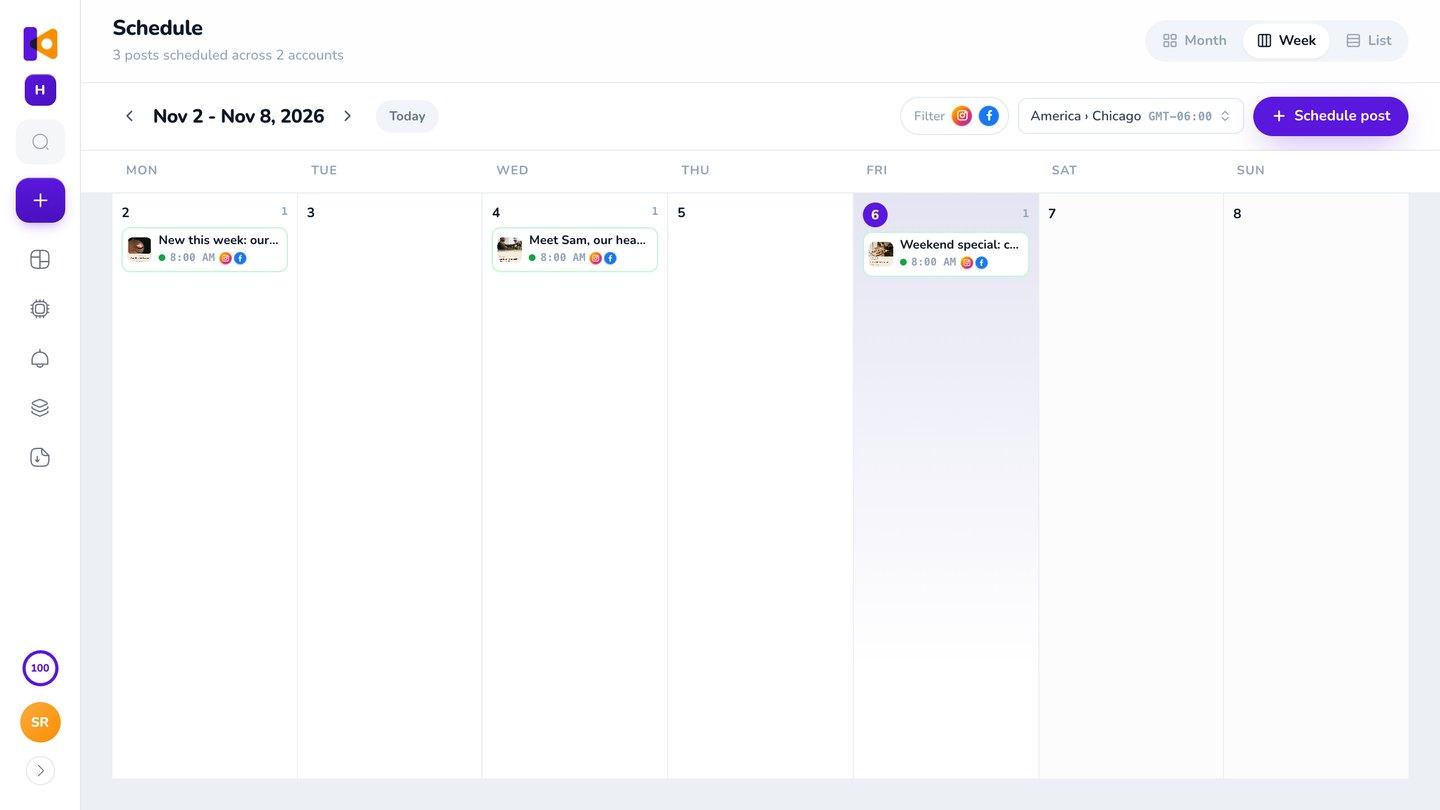
Example week, made in Krumzi. Every post designed from scratch.
What is a content calendar?
A content calendar is your plan for what you'll post, when and where. Most are a spreadsheet: a grid of dates you still have to fill, design and post yourself. In Krumzi, the calendar holds the finished posts, and they go out to Instagram and Facebook at the time you set. To make one, choose how often you'll post (once a week is a good start for most small businesses), pick three or four themes to rotate, fill the week with ideas, make the posts, then schedule them. Krumzi does the ideas, the posts and the scheduling with you.
From an idea to a post that's live
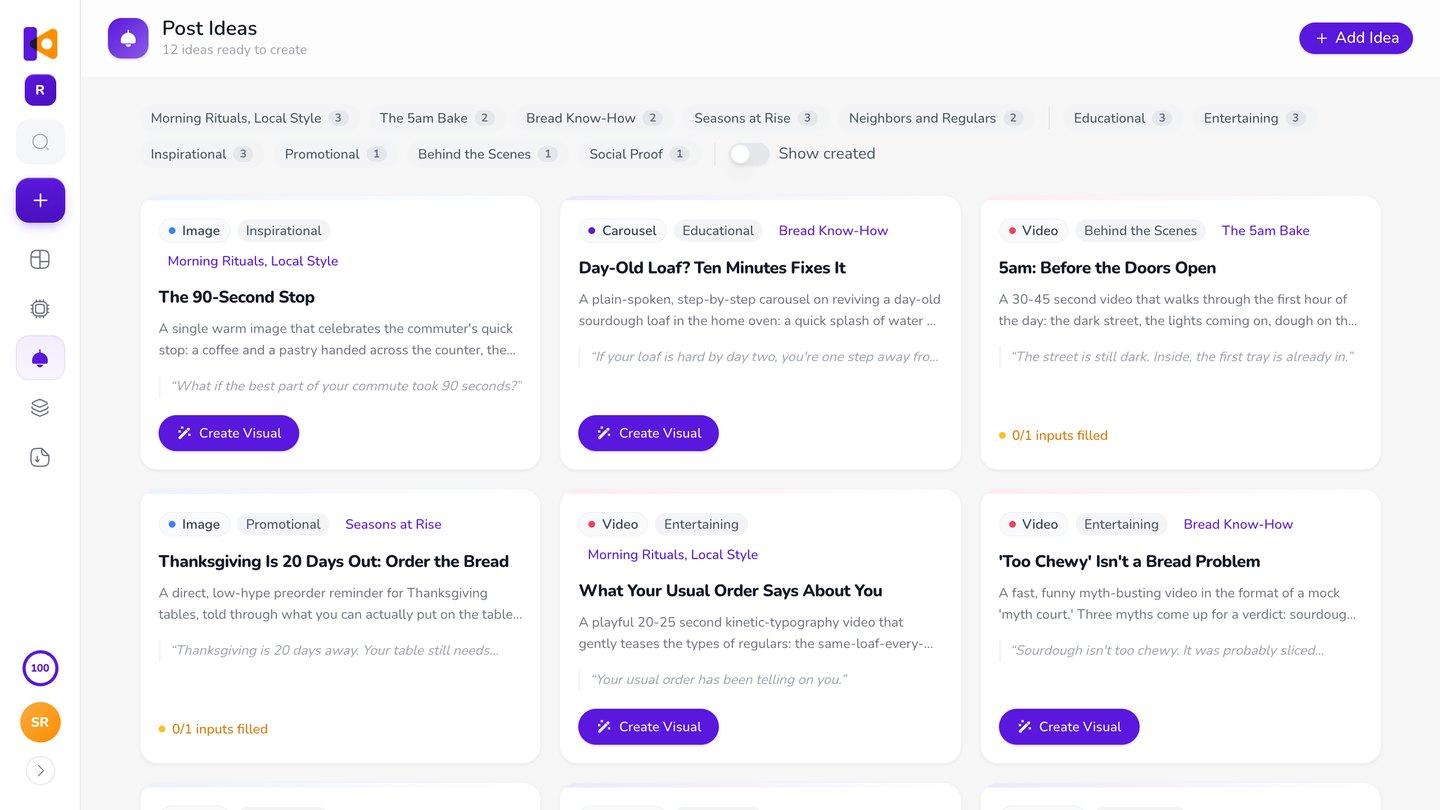
Get ideas that fit you.
Krumzi suggests post ideas from what it knows about your brand, sorted by your themes. Keep the ones you like.
Make the week in one go.
Turn an idea into a design with one click, or describe the week once and get up to ten different posts.
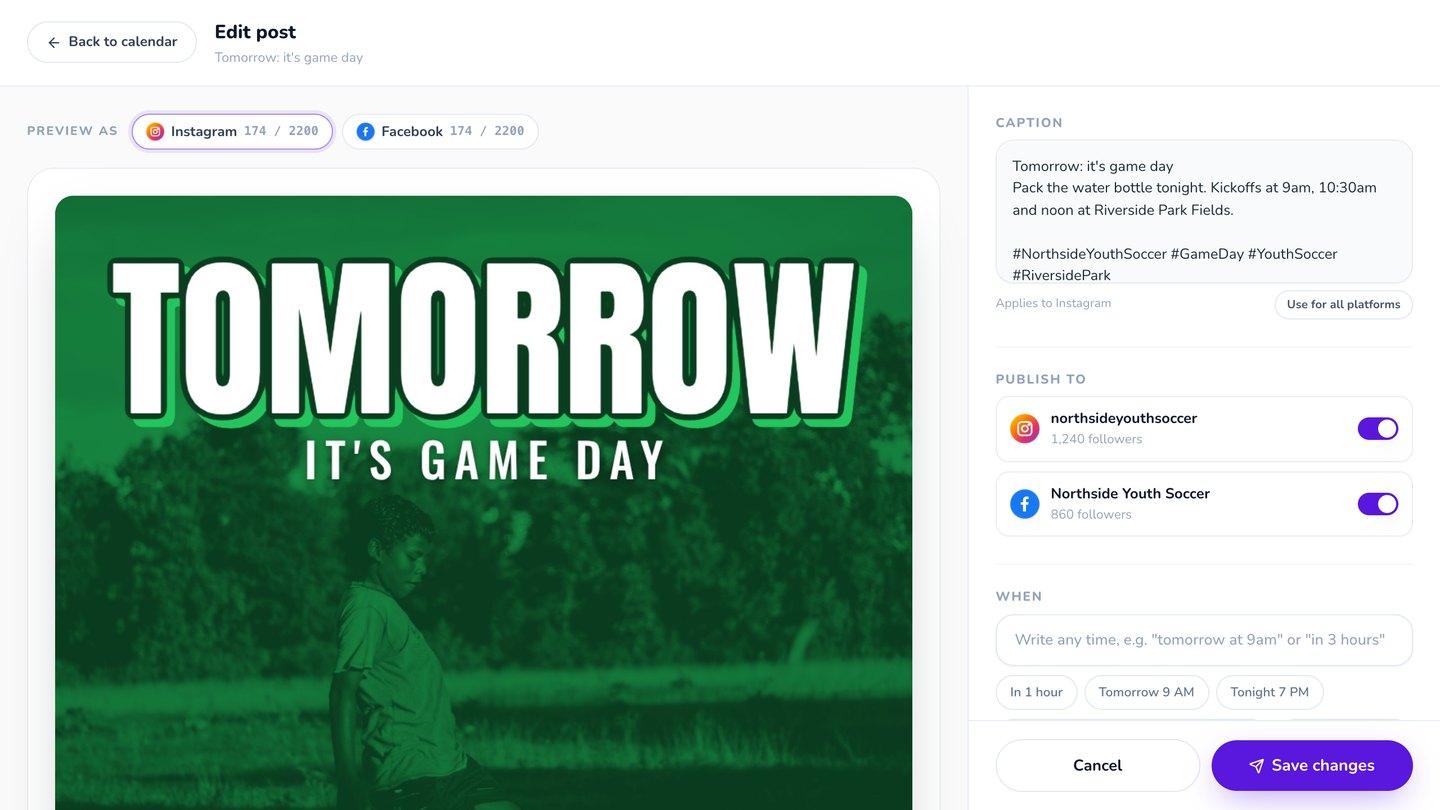
Put it on the calendar.
Click a day, pick the post, and Krumzi writes the caption and hashtags from the post itself. Save it as a draft or schedule it.
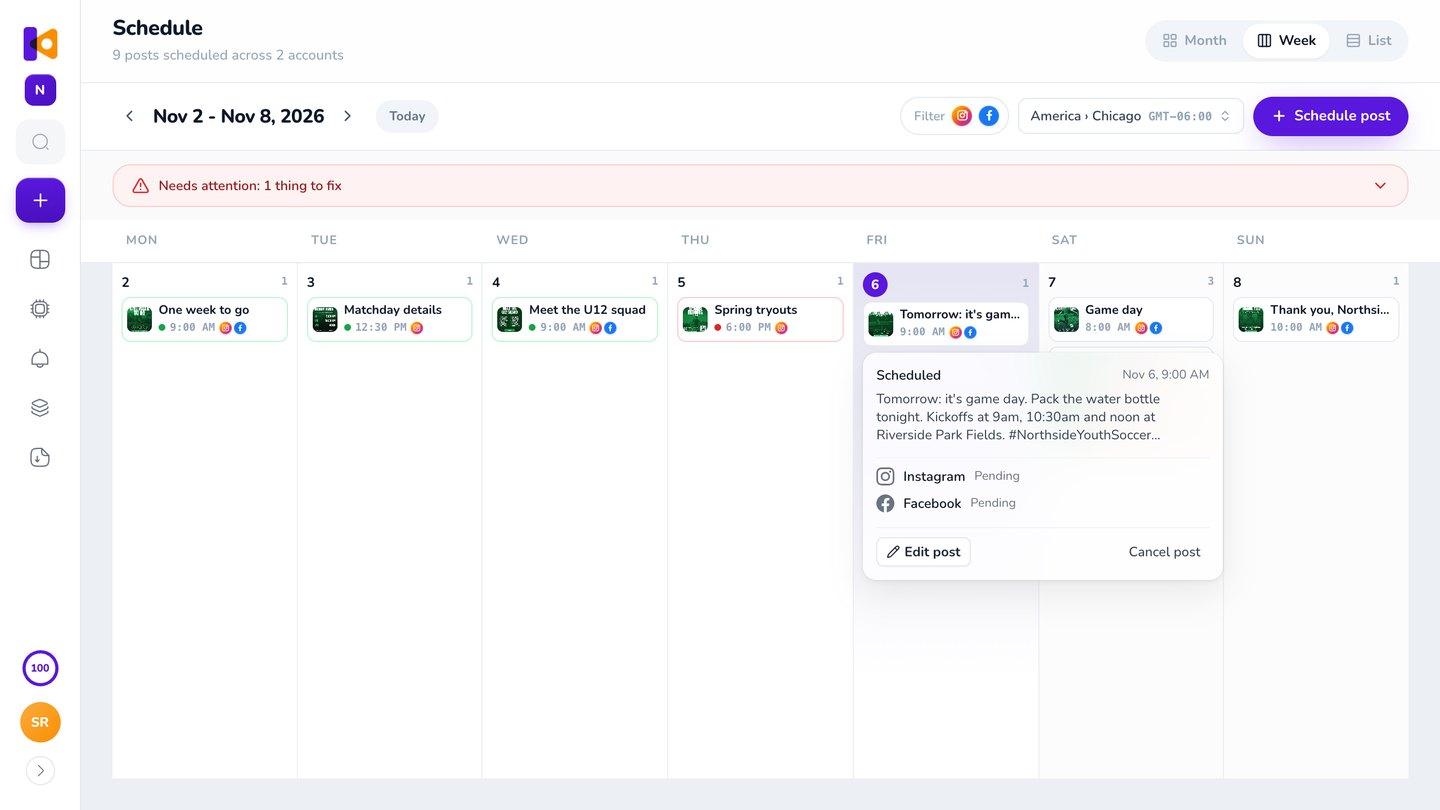
It goes out on time.
Each post publishes to Instagram, Facebook or both at the time you set, while you get on with your day.
3-day free trial, card needed.No charge until day 4.Cancel online anytime.
Know what's going out, and what still needs doing
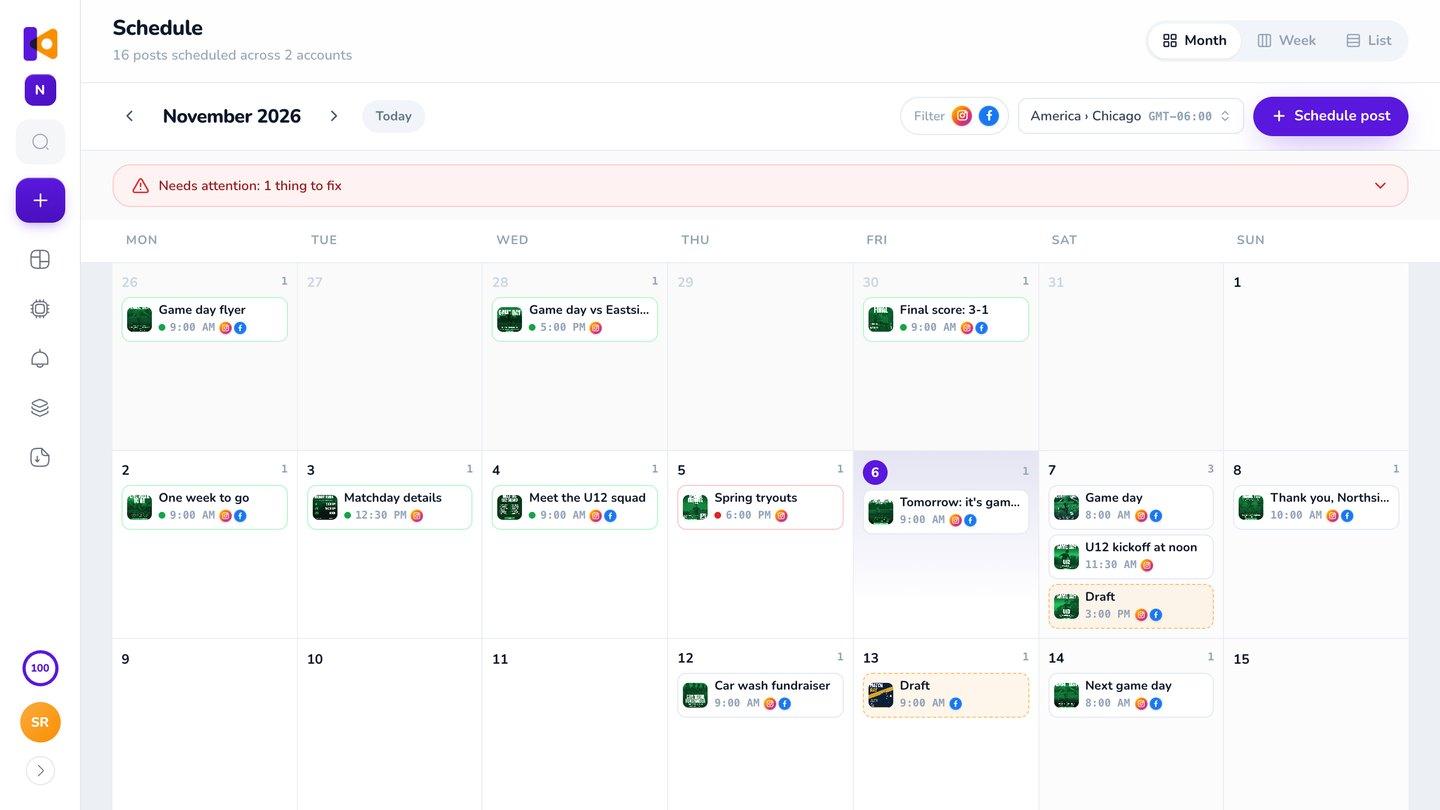
Month, Week and List views, in your brand's time zone. Drafts, scheduled and published posts each have their own color, and anything that failed shows in red. Changed your mind? Drag a post to another day.
Why not a free template and the tools you already have?
A free spreadsheet template is fine if you only need an empty grid. You still make every post somewhere else, then post it from another app.
Krumzi keeps the ideas, the designs and the posting in one place, so what's on your calendar is ready to go.
- Spreadsheet template
- Design app
- Download
- Scheduler
- Get ideas
- Make the posts
- Schedule them
Posts go out on time, or you hear about it
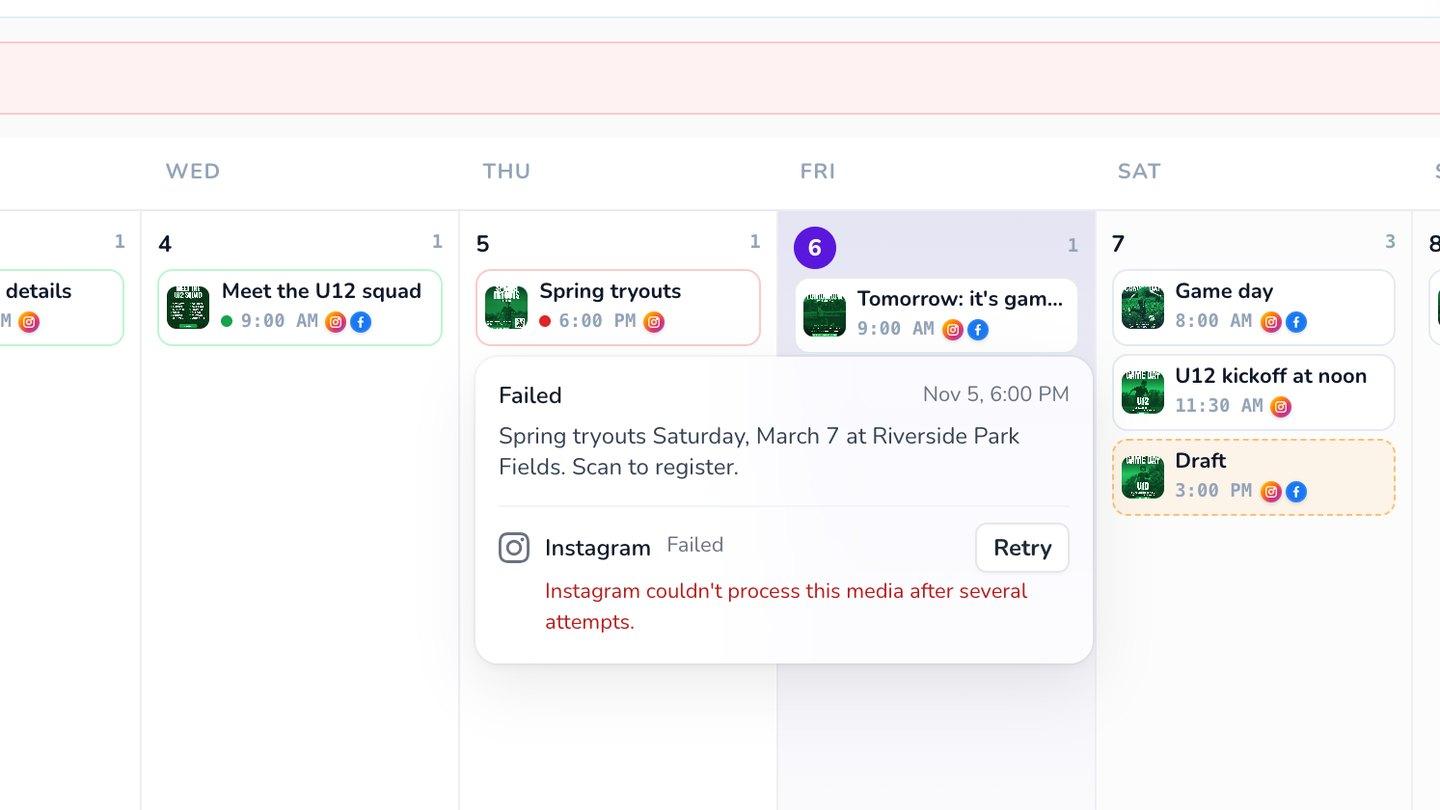
Each post publishes at the time you set. Change a design after you've scheduled it, and one click refreshes the waiting post. If something goes wrong, like an expired connection, the post turns red with the reason in plain words, a retry button and an email.
Looks like you, every week
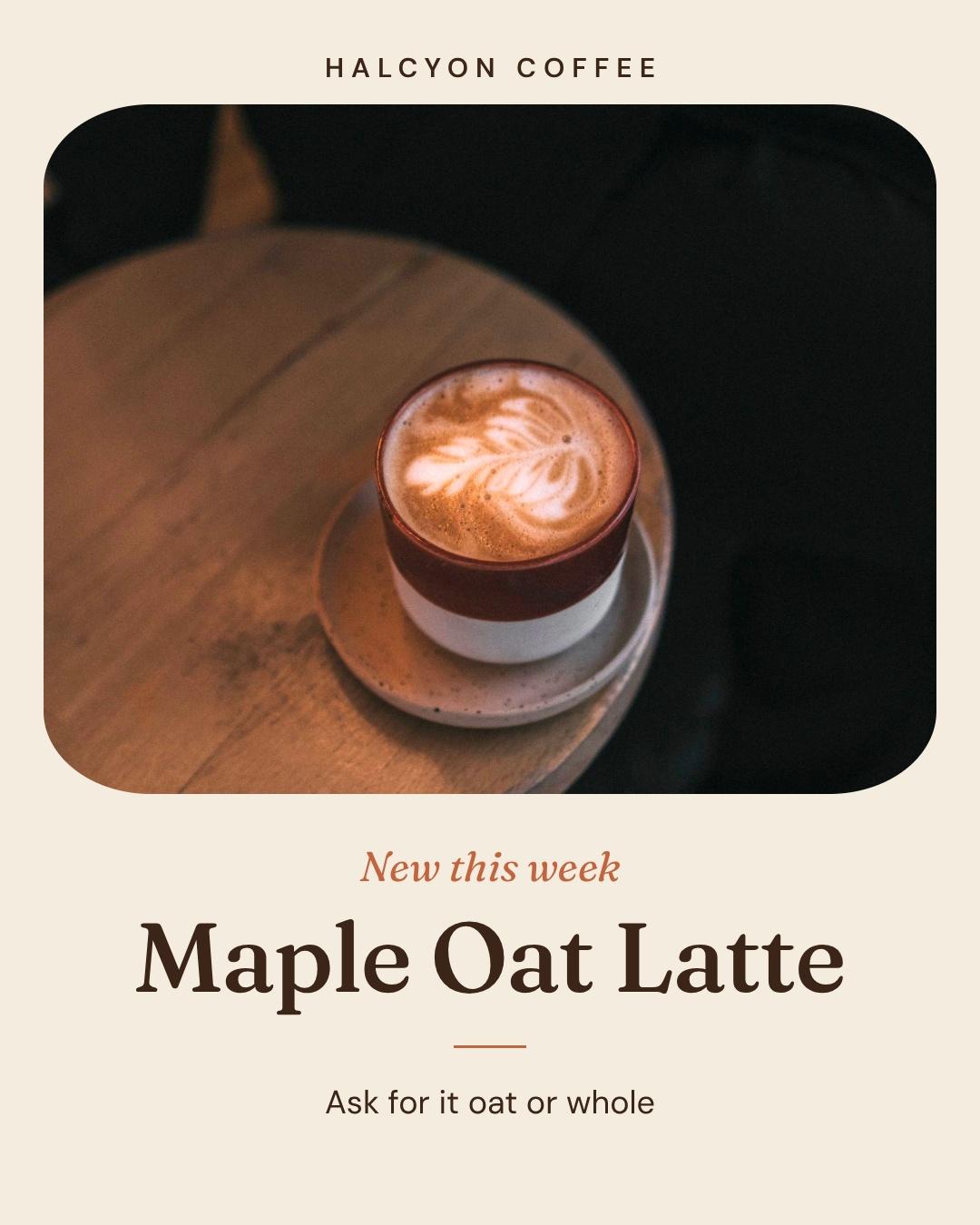
Add your logo, colors and fonts once, and they go on every post (Brand Kit, Pro and up). Brand Mind learns your look from your website and from what you keep, so week ten looks like week one.
How it works
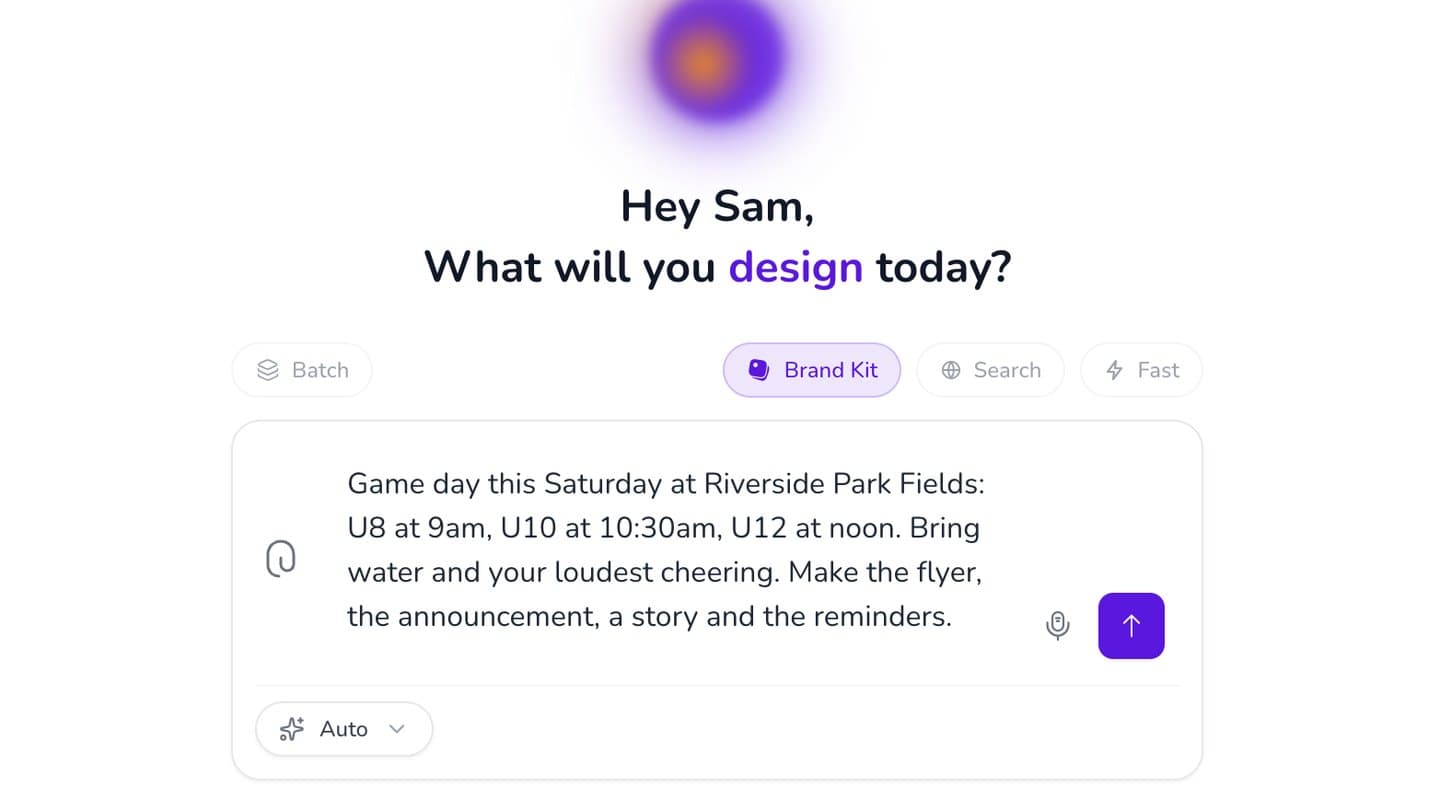
Pick an idea or describe the post.
Type it, or say it.
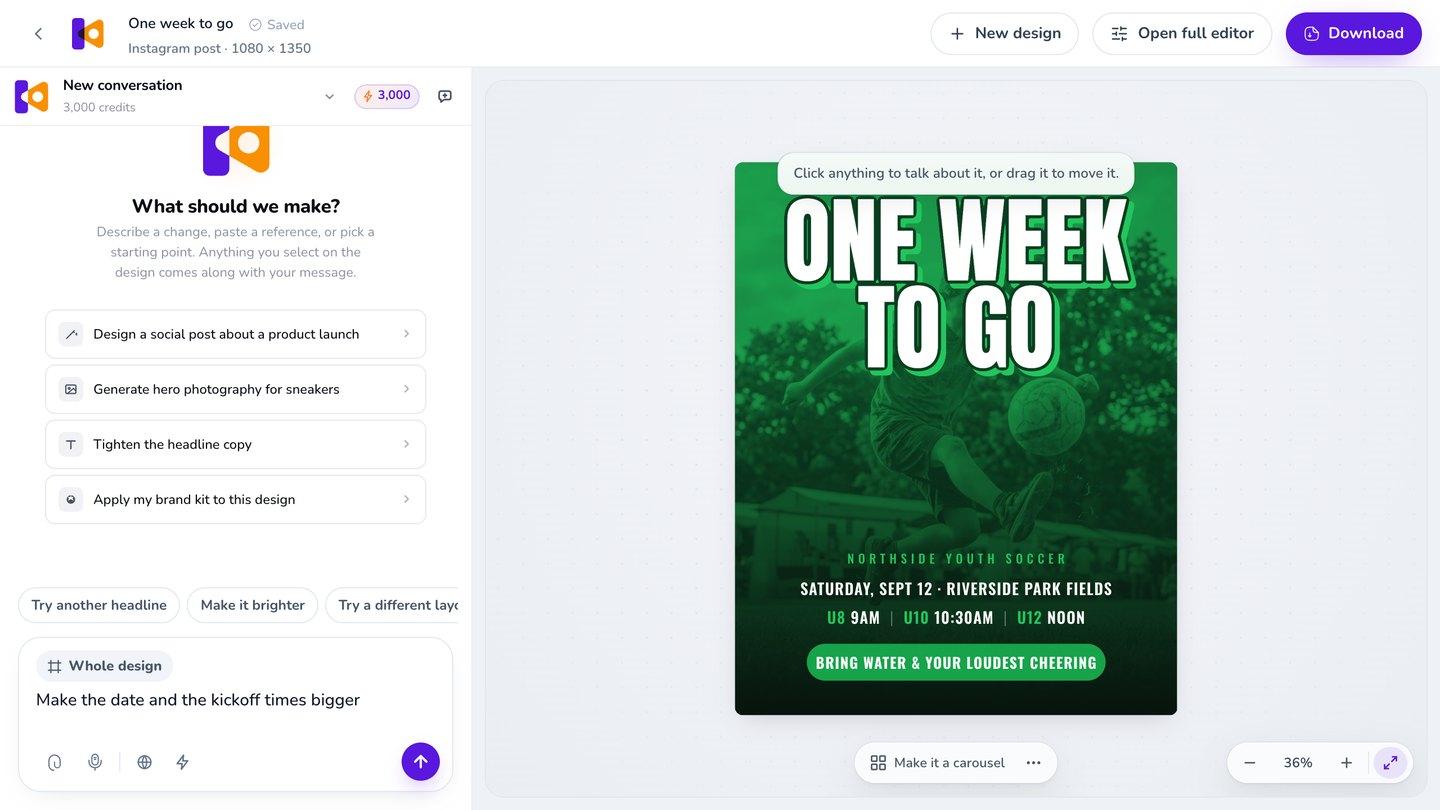
Make it yours.
Click any part and say what to change, or move it by hand.
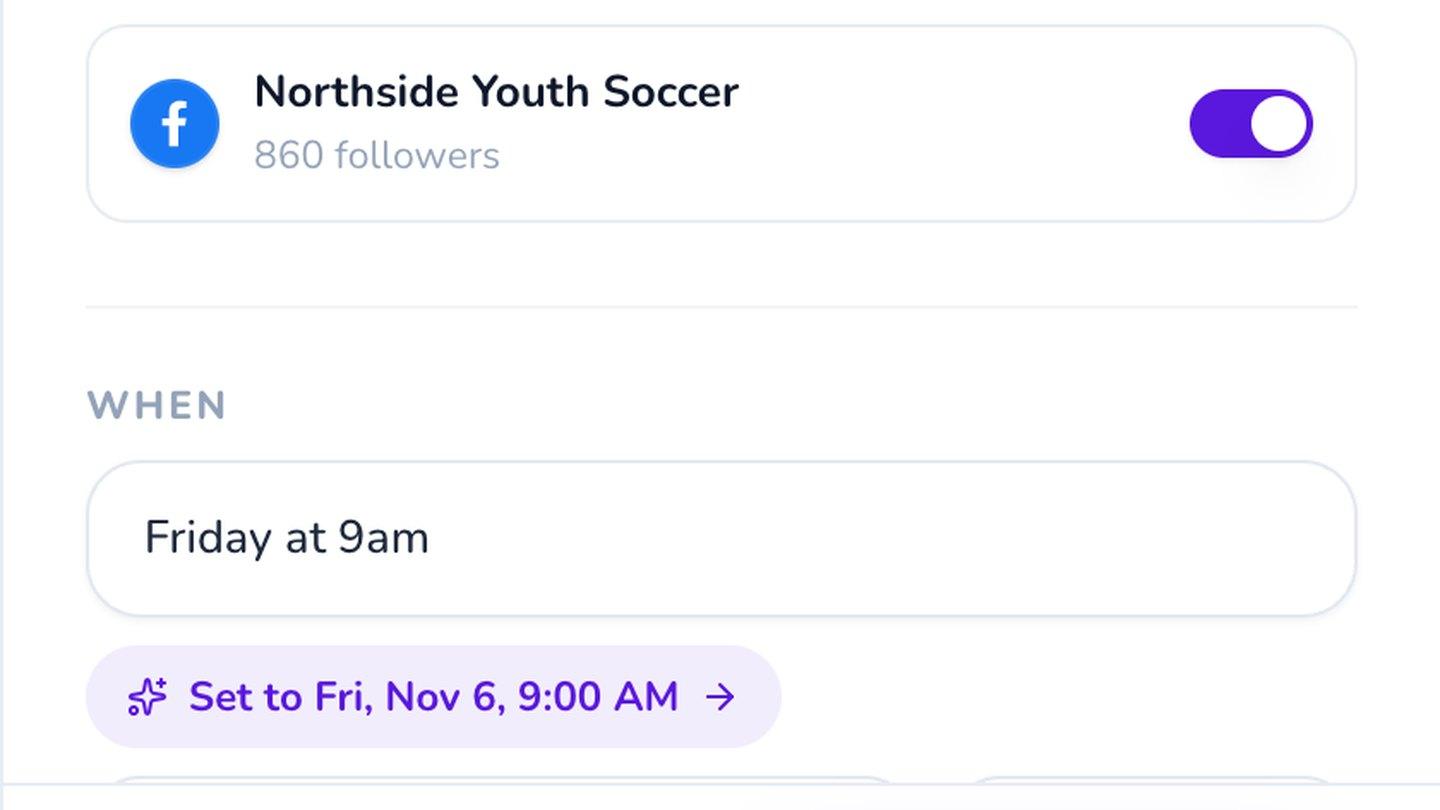
Schedule it.
Pick the day and time, or download it for anywhere else.
3-day free trial, card needed.No charge until day 4.Cancel online anytime.
One week, planned and posted
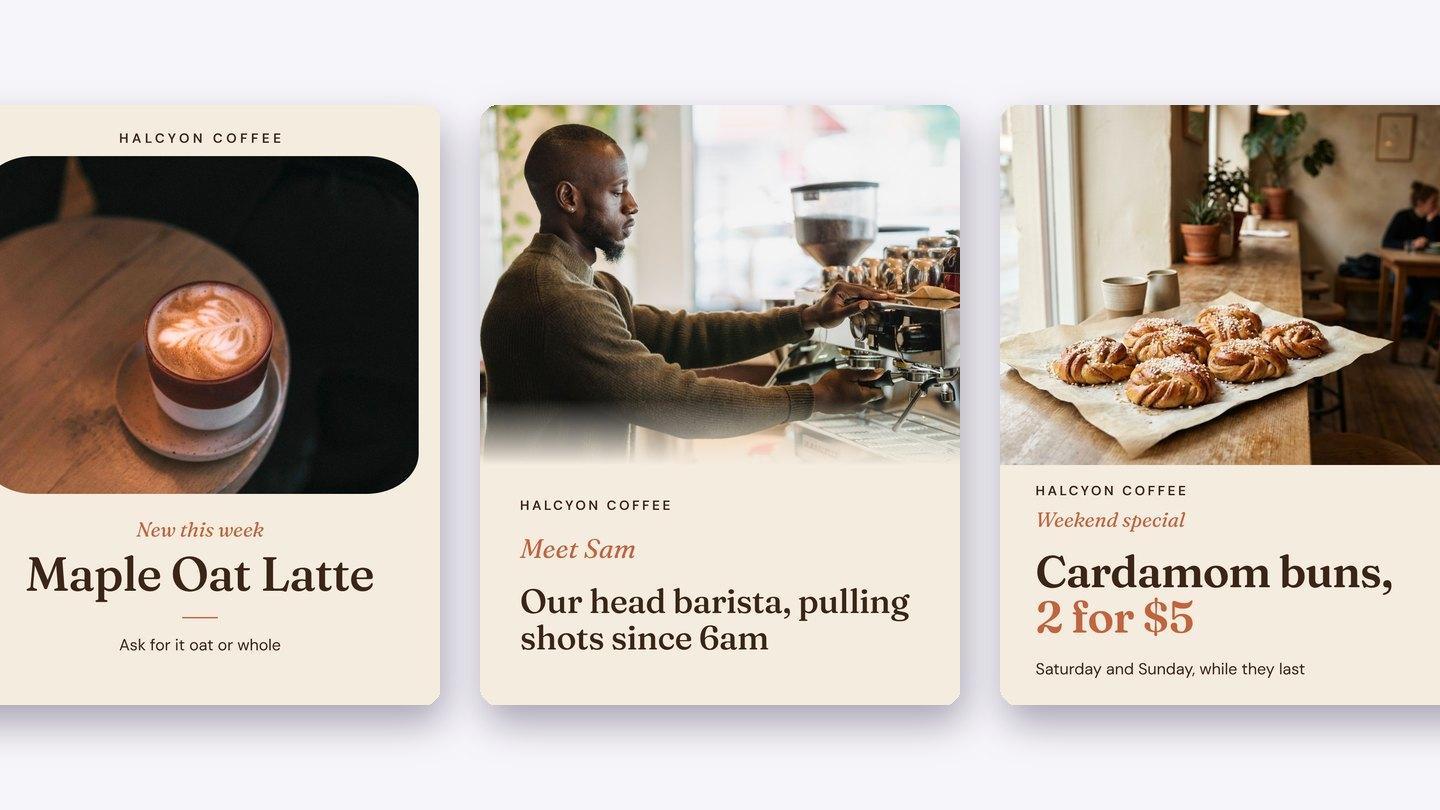
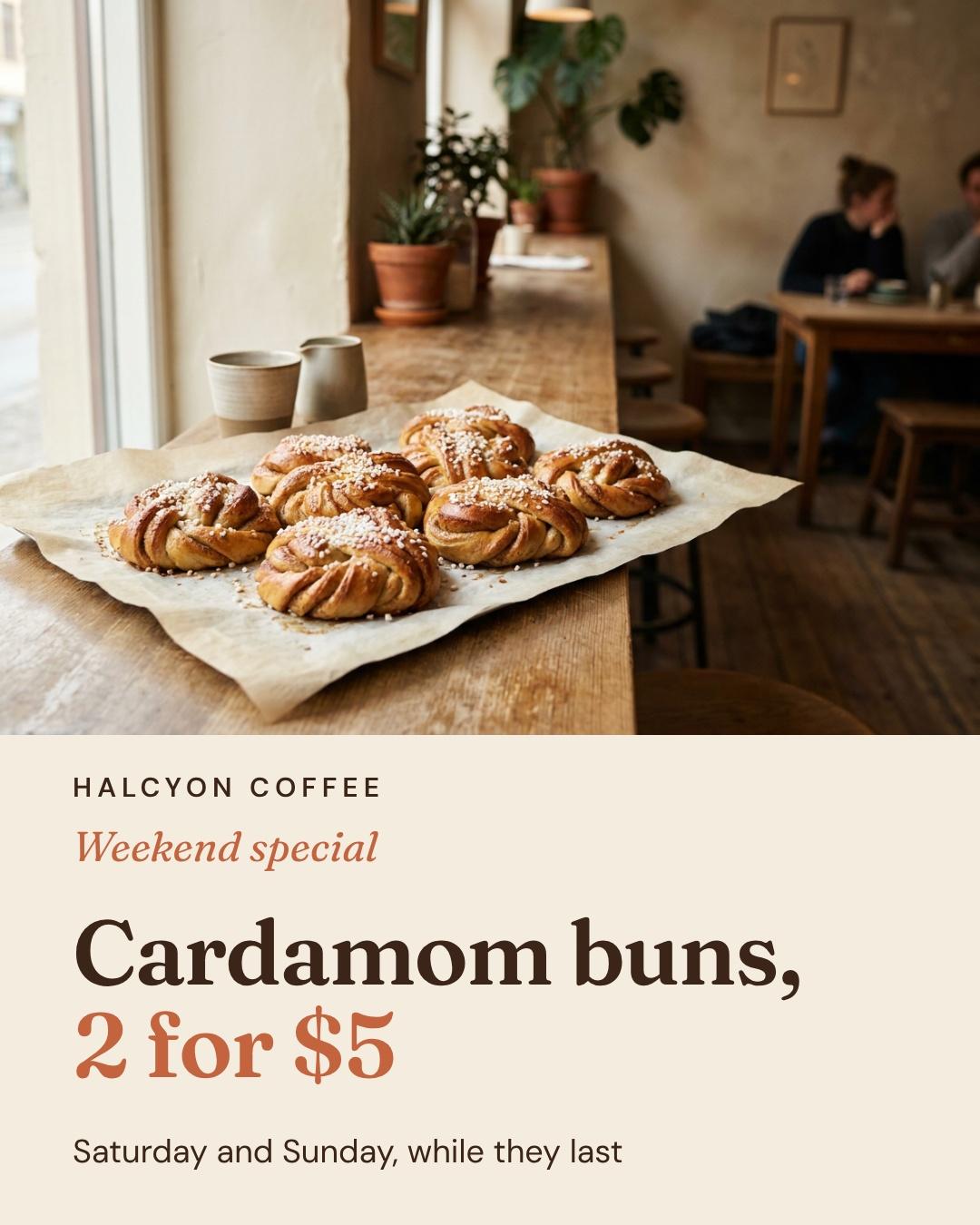
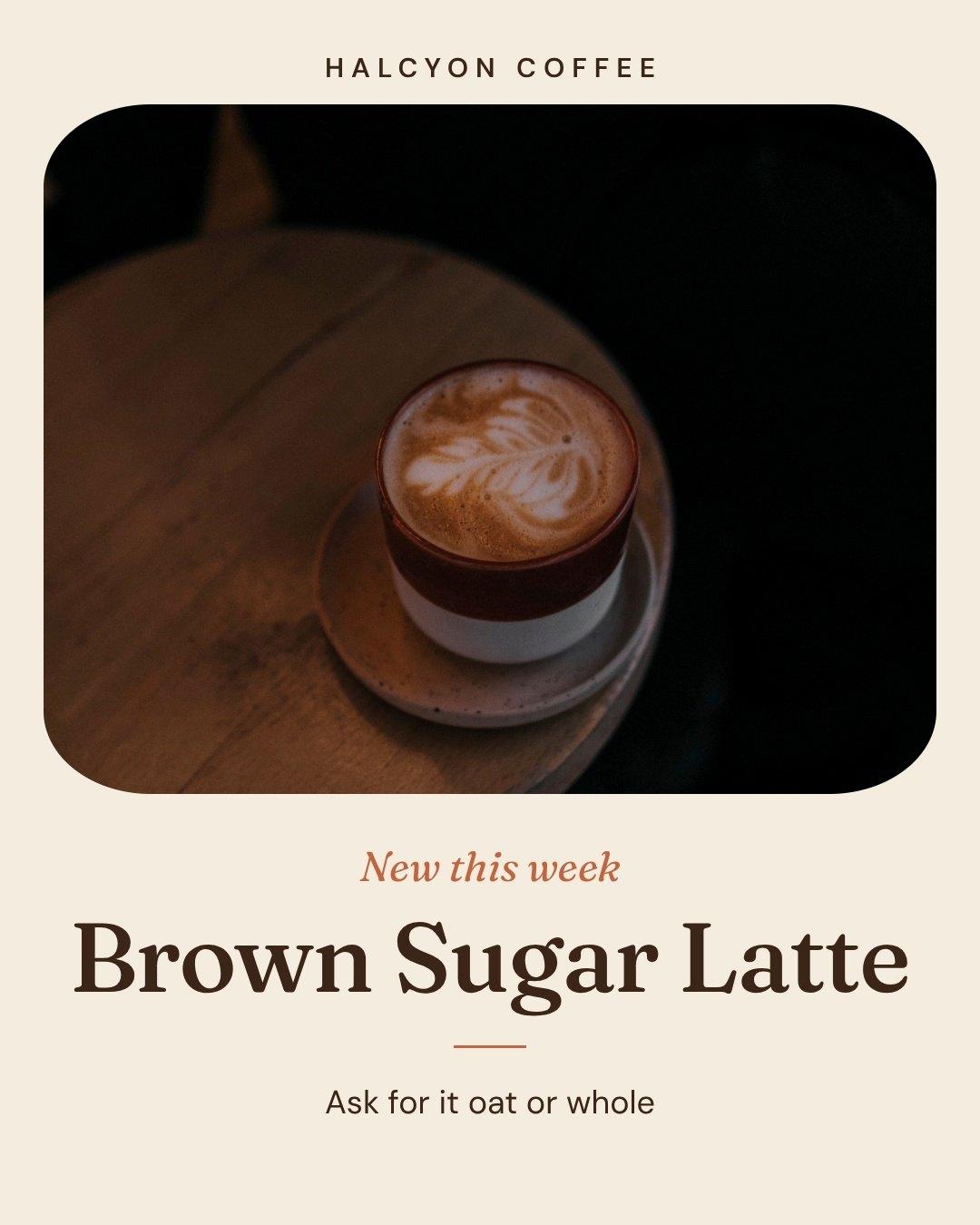
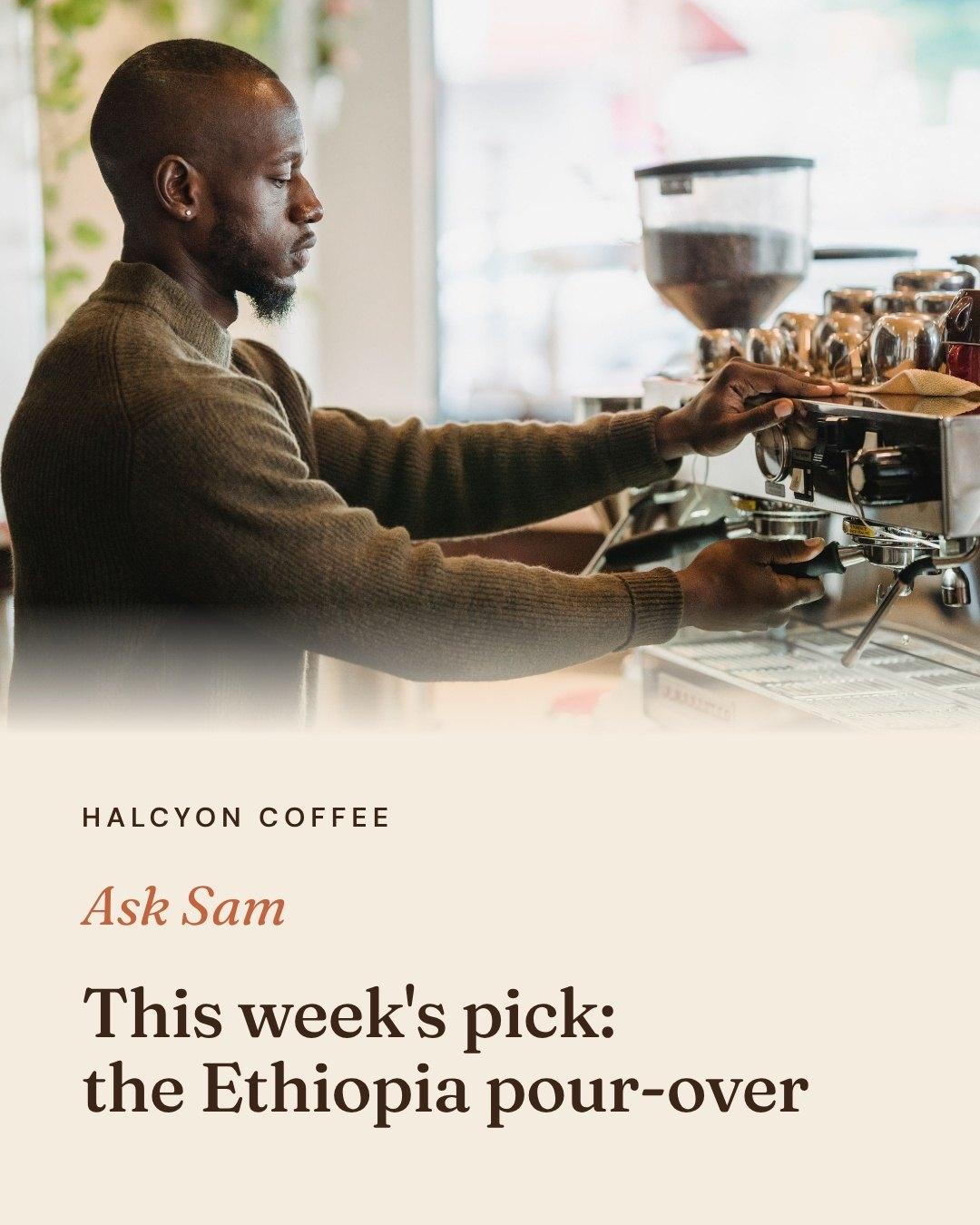
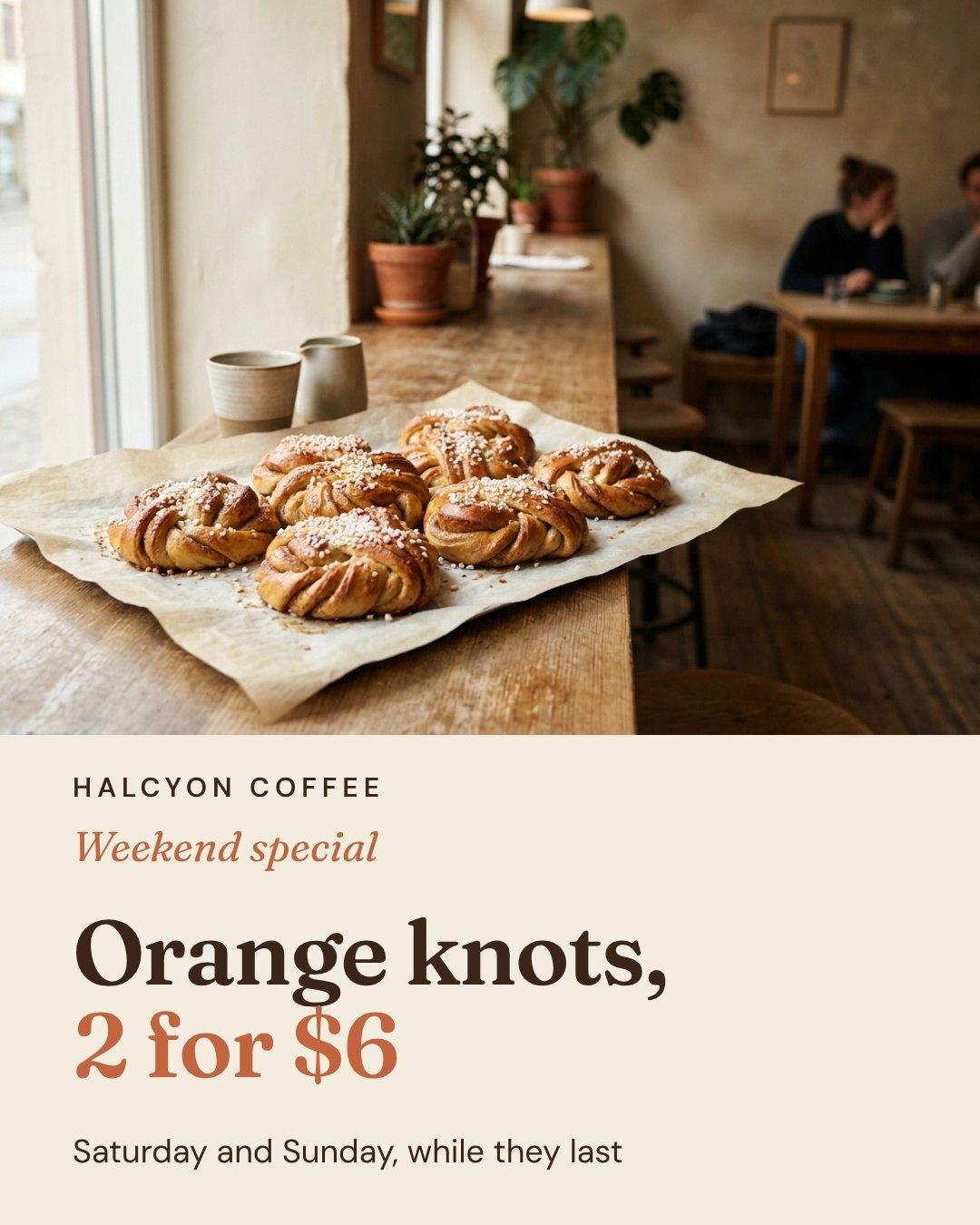
A cafe's week: Monday's new drink, Wednesday's behind-the-counter post, Friday's weekend special, each with its caption. One look, every day.
Example made in Krumzi.

Next week starts from this one
Make next week's version of each post without starting over: same layout and photo, new words. Your Monday post stays your Monday post.
This week
Next week
Questions

The date and time, the platform, the post and its caption, and whether it's a draft, scheduled or published. In Krumzi, each entry is the finished design.
Choose how often to post, pick a few themes, fill a week with ideas, make the posts, then schedule them. Krumzi helps with the ideas, the designs and the scheduling.
Yes, there are plenty of free spreadsheet templates, and they give you the grid. Krumzi's calendar comes with every plan and holds the finished posts. Every plan starts with a 3-day free trial, card needed. Posts made during the trial carry the trial watermark until your plan starts.
The one that takes away the part that slows you down. If that's deciding what to post and making the designs, use one that does both, like Krumzi. If you only need a grid, a free template is enough.
Instagram (professional accounts, no Facebook Page needed) and Facebook Pages. For other platforms, download the post and share it there.
Not yet. Download the designs, send them for sign-off, then schedule them.
No. Use Instagram's and Facebook's own insights.
Yes. Upload them in the same place you schedule.
Yes. Each brand connects its own Instagram account and Facebook Page, and Pro and up hold more brands.
There are four plans, Starter, Pro, Studio and Agency, billed monthly or yearly, and yearly gets two months free. Every plan comes with AI credits each month, and Pro and up add video, Brand Kit and more brands. Starter, Pro and Studio start with a 3-day free trial: you add a card, pay nothing today, and your plan starts on day 4 unless you cancel. Agency starts paid, with no trial. Current prices are at krumzi.com/pricing.
Yes, online, any time.
Next week, planned and designed before it starts
Every post designed from scratch in your brand. Change anything.
3-day free trial, card needed.No charge until day 4.Cancel online anytime.