On this page
You need posts, a flyer and maybe a story graphic, and you don't have a designer. A colleague says skip the Canva subscription and use Microsoft Designer instead. It's free, it lives next to Word and PowerPoint, and it generates a graphic from a sentence. So Microsoft Designer vs Canva looks like a coin toss. It isn't. Canva is the better tool for most people in 2026. Designer wins in one case: you only make personal cards, invitations and photo edits, you already have a Microsoft account, and you stay inside that personal-use license.
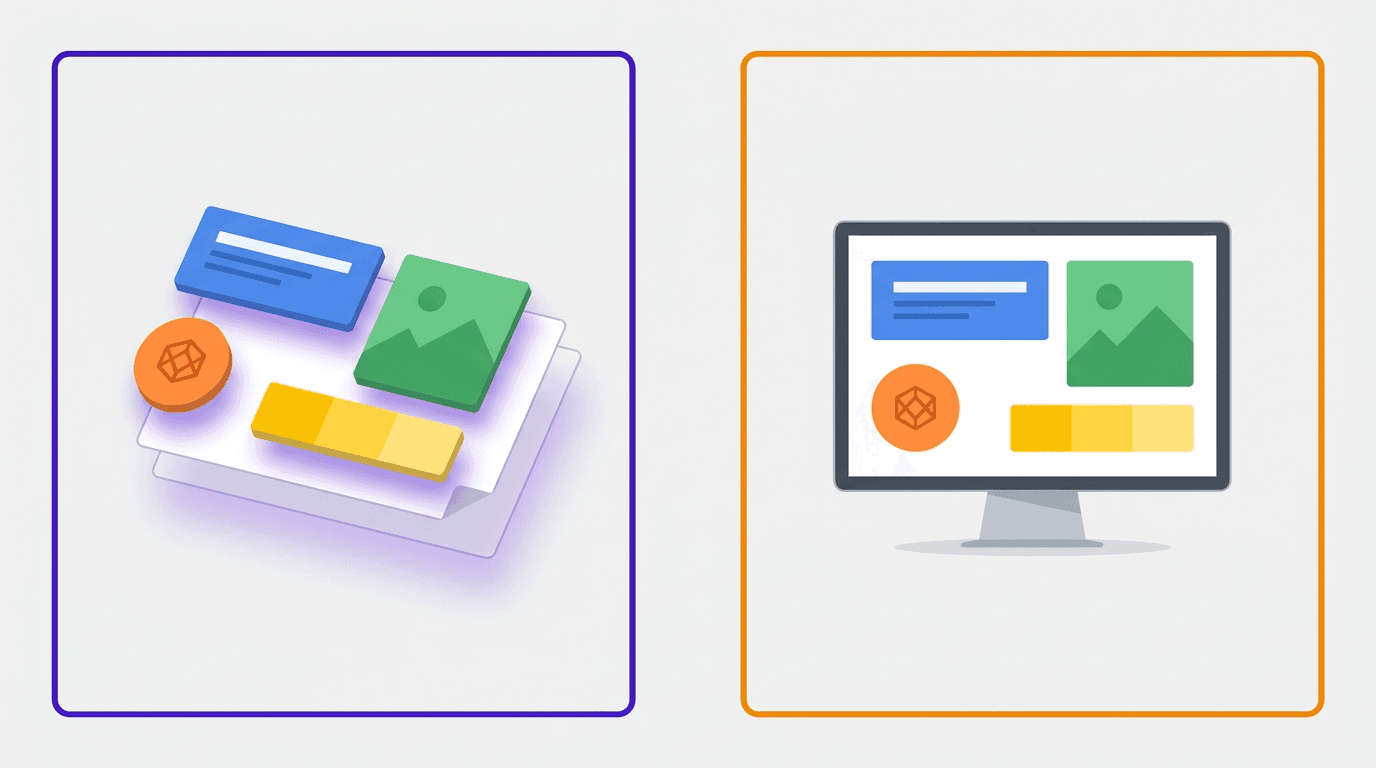
The two tools look similar in a screenshot. Both run in a browser, both generate from a prompt, and both give you a canvas to tweak the result. The useful question isn't which interface you prefer. It's what you're allowed to publish, and whether a template editor is what you want at all.
Below, you'll see where each tool wins, what each costs, and which of three typical buyers you are.
Microsoft Designer vs Canva: the short answer
Canva is the better choice in 2026 if you publish graphics for a business. You get more templates, a brand kit, team tools and a stronger video editor. Microsoft Designer wins for personal cards, invitations and photo edits if you already have a Microsoft account and you stay inside its personal-use license.
And if your real complaint is that everything you make looks like everyone else's feed, neither tool fixes that. More on that below.
What the two tools share
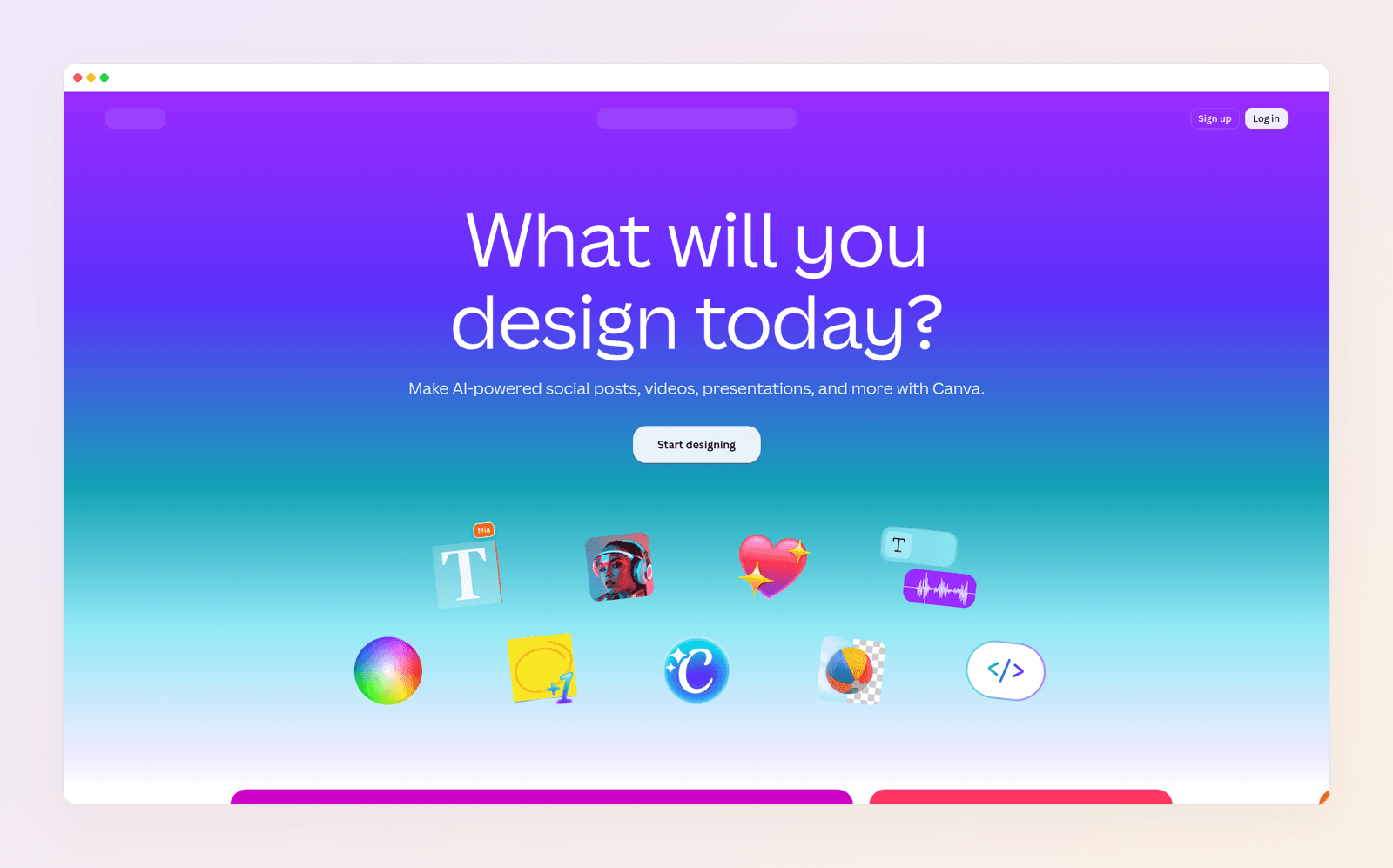
Both help non-designers make something decent without opening Photoshop. You describe what you want, or you pick a starting layout, then you swap in your words, colors and photos.
Both work on the web. Designer also has iPhone and Android apps, and its image tools show up inside Word, PowerPoint, Photos and the Microsoft 365 Copilot app. Canva has web, desktop and mobile apps, plus scheduling, docs, presentations and a short-video editor in the same account.
PCMag's Canva review treats Canva as an easy drag-and-drop web app for people who are not designers. Shotkit's Microsoft Designer review, updated in April 2026, says Designer can do much of what Canva does, but leans harder on AI generation and photo edits, while Canva stays the more complete editor.
That split is the whole comparison. Canva is a design platform with AI on top. Designer is an AI graphic tool that happens to include a canvas.

Where Canva wins
You can publish the work. This is the point most comparison pages skip. Microsoft's Designer FAQ says Designer is licensed for personal, non-commercial use with your Microsoft account. The examples it gives are a card for a friend, a holiday invitation and personal groups like a book club. If the graphic is for a shop, a client or an ad, that license is the first reason to pick Canva. WhatAIDoINeed's 2026 Designer review reports the same limit.
More of everything. Social posts, presentations, docs, whiteboards, print, websites and short video all live in Canva. Designer's feature list is greeting cards, invitations, stickers, collages, monograms, banners, photo frames and social posts. Fine for a Saturday invite. Thin if your week also includes a Reel and a flyer.
Templates and brand kits. Canva's free plan includes 1.6 million templates. Pro and Business raise that to 3.6 million. Free includes one Brand Kit with three colors, Pro holds 5, and Business holds 100. When Microsoft retired Designer's old editor on October 20, 2025, it said brand kits would go with it. Some Microsoft help pages still describe creating a kit, so do not pick Designer because you expect Canva-style brand control.
Teams. Canva Business includes shared brand assets, comments and approvals. Unvarnished Reviews' three-way comparison notes that Designer has no real-time co-editing, approval workflows or team role management.
Video and text you can fix. Canva handles Reels, Stories and simple voiceover, and Magic Resize turns one design into the next format. Designer upscales a still image as far as 4K. It is not a short-video studio. Canva headlines live in text boxes you can retype. Designer lets you add or rewrite text on the canvas, but Microsoft warns that text drawn into a generated image may be misspelled or in the wrong language. Fixing that headline means generating again or covering it with a new box.
Where Microsoft Designer wins
It's free, and you may already have it. Designer is free with a Microsoft account. A subscription is only required if you want to generate more often. The AI runs on monthly credits, shared with Copilot in other Microsoft apps. If you already pay for Microsoft 365 Personal or Premium, Designer costs you nothing extra.
Personal cards, invitations and photo edits. This is Designer's home turf. You describe a birthday card or a party invite and get options back in a minute. The photo tools are genuinely useful: erase an object, blur or remove a background, add a frame, or upscale an image up to 4K.
It sits inside Microsoft 365. Need a banner in Word or an image in a PowerPoint deck? Designer can generate it without you leaving the file. Microsoft's pages have also said the consumer Designer app is aimed at personal Microsoft accounts, not enterprise ones.
A calmer, prompt-first start. Type a sentence, pick a result, then open the canvas if you want to crop, add a text box or drop on a sticker. People who find Canva's menus noisy often like that narrower path.
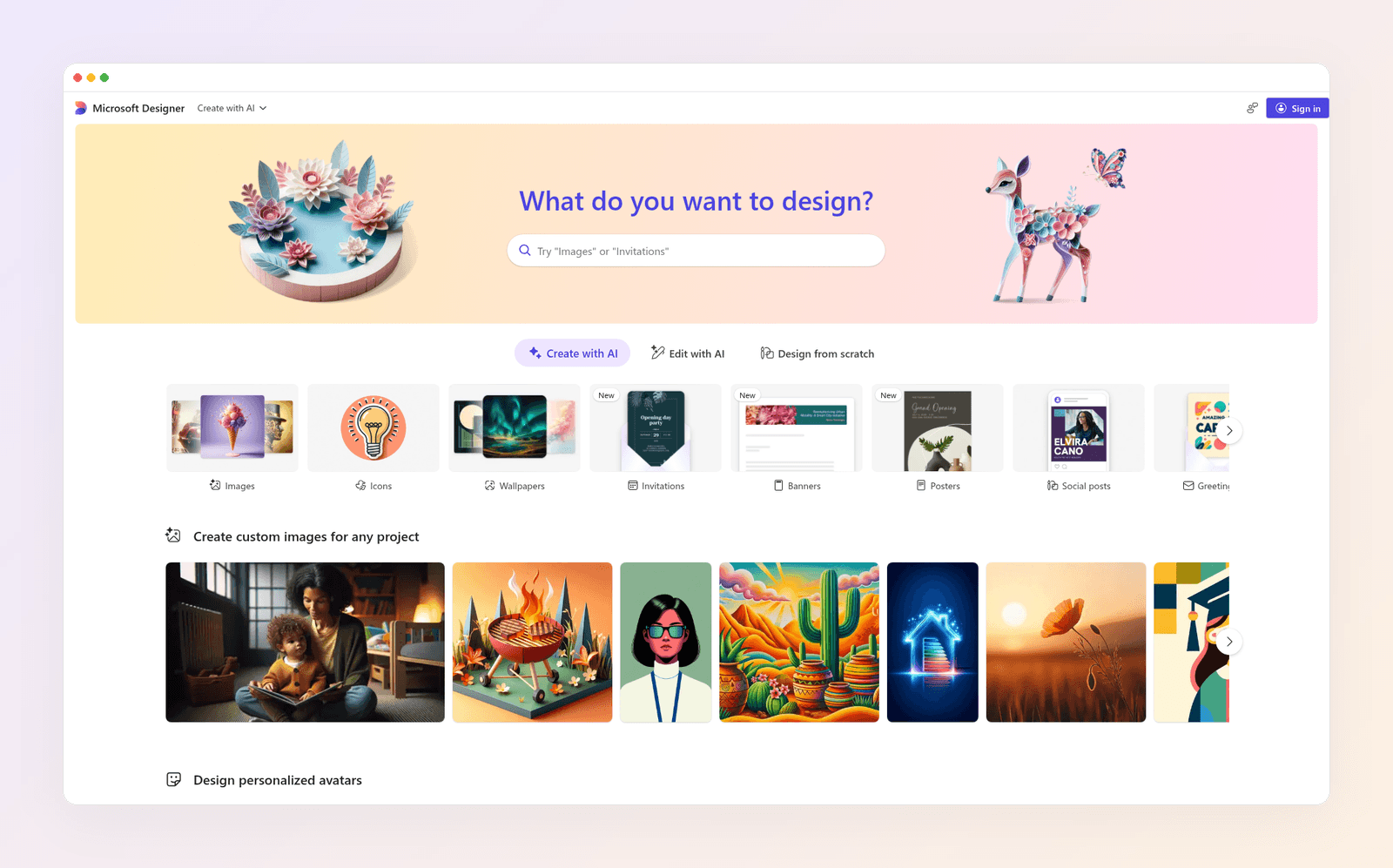
Designer does not replace Canva's scheduler, carousel workflow, client brand kits or short-video editor. And it does not open Microsoft Publisher .pub files. If that is the job you have after Publisher's October 2026 retirement, see Microsoft Designer vs Publisher and our Publisher alternatives guide.
Microsoft Designer vs Canva pricing in 2026
Both free plans are good enough for a proper test. Designer has no separate Designer fee. You pay, if you pay, for Microsoft 365. Canva charges for Canva.
| Canva | Microsoft Designer | |
|---|---|---|
| Best for | Business posts, teams, many formats | Personal cards, invites, quick photo edits |
| License | Commercial work on your Canva plan | Personal, non-commercial, per Microsoft's FAQ |
| Free plan | $0 | $0 with a Microsoft account |
| Paid, one person | Pro: $18 a month, or $144 a year | Microsoft 365 Personal: $9.99 a month, or $99.99 a year |
| Paid, more people | Business: $25 a month per person, or $250 a year | Microsoft 365 Premium: $19.99 a month, or $199.99 a year |
| Brand kit | 1 on Free (3 colors), 5 on Pro, 100 on Business | Microsoft said standalone kits left with the old editor in October 2025 |
| Video | Short-video editor | Not on its feature list |
| Text | Editable text boxes | Canvas text you add; generated image text can come out wrong |
Prices as of November 2026.
On paper, Designer looks cheaper because the app itself is free. If you need Canva Pro, you are comparing $18 a month (or $144 a year) against a Microsoft 365 plan you may already own. Buying Microsoft 365 only for extra Designer credits is not a saving. You are buying Word, Excel, PowerPoint and Outlook, with extra AI credits attached.
If you sign up for Canva, note where you're billed: web, Apple or Google. When you want out, here's how to cancel your Canva subscription on each path. On the free plan, read why the Canva watermark appears before it lands on a design you need today.
Three buyers, three picks
Here's how the choice plays out for three made-up but typical people.
Reza runs a two-person gym. He posts four times a week, updates a class timetable graphic and sometimes needs a street-pole flyer. He has no Microsoft 365 habit beyond email, and the posts are for a business. Canva is his pick: a template for every format, a brand kit so the logo stays consistent, and a helper who already knows the tool.
Chris pays for Microsoft 365 Personal for Word and OneDrive. She makes birthday cards, a summer barbecue invitation and the odd banner inside a newsletter. She does not sell from those graphics. Designer is her pick. It is already in the account she pays for, and the personal-use license matches the work.
Sofia manages social media for three local clients. She has used Canva for two years. Her clients keep asking for posts that "don't look like Canva," and she spends evenings hunting for a template that almost fits, then rebuilding half of it. Designer will not help her. The problem is not the missing Microsoft login. It's starting from a template, and publishing for businesses.
Most readers are Reza or Chris. If you're Sofia, read on.
When neither tool is the answer
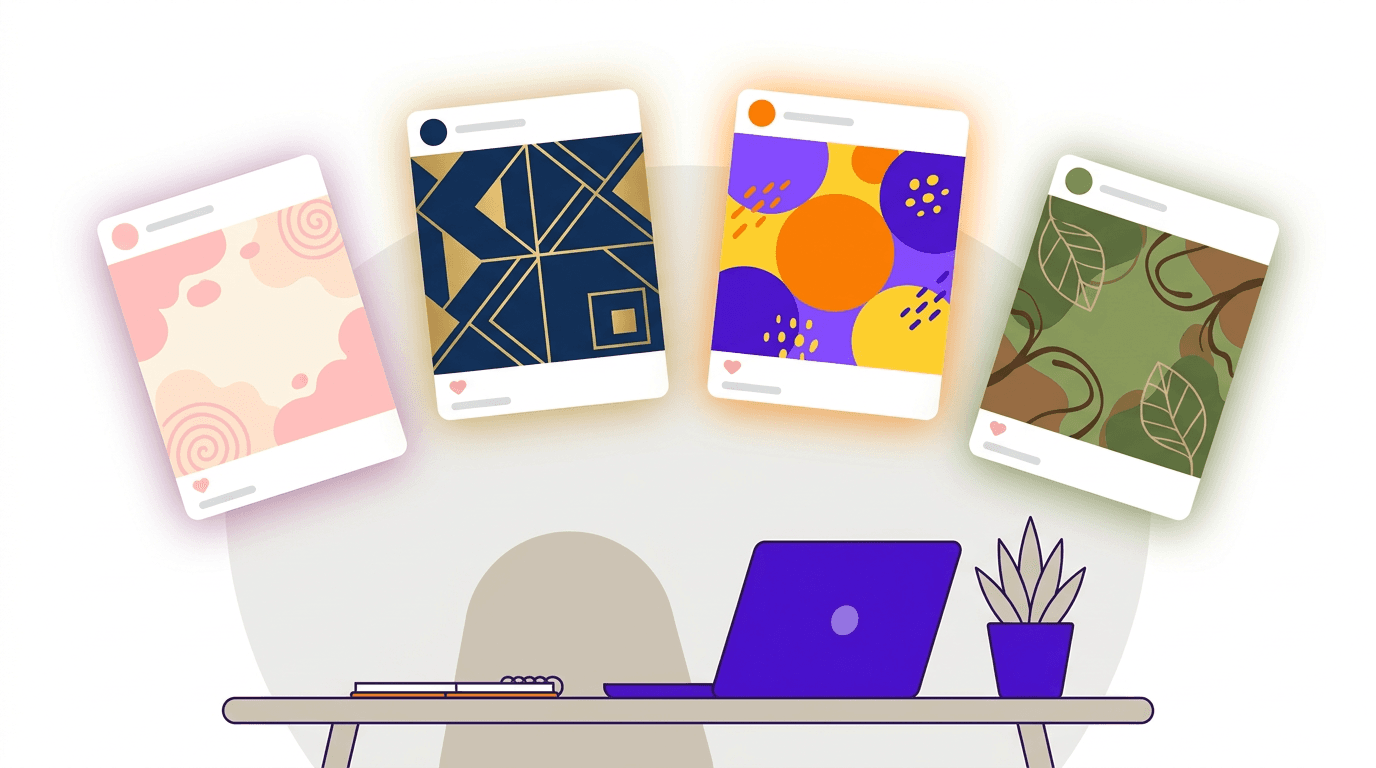
Templates are fast for one-off designs. They struggle with what most small businesses need now: a steady stream of posts that look like your brand, not like a layout thousands of other accounts picked this month. Scroll your niche on Instagram and you'll spot the same few templates in minutes. We break this down in AI vs template design tools.

Designer has a different hole. It is built for personal graphics, and Microsoft licenses it for personal, non-commercial use. Swapping Canva for Designer does not give a business a better publishing tool. It gives you a free personal one.
The fix, if your feed still looks borrowed, is a tool that designs from your brief. That's why we built Krumzi. You describe the post in one sentence, and the AI designs the layout, type, colors and imagery from scratch, with no template underneath. Your first design usually arrives in under 60 seconds, and every element stays editable.

For someone like Sofia, three things change:
- Every client looks like themselves. Brand Mind learns each brand through a short guided interview and steers every design toward it, on every plan. On Pro and up, each brand gets its own Brand Kit, so logos, colors and fonts apply automatically and never bleed across clients.
- You keep full control. Every design comes out in editable layers. A wrong date is a retype, not a reroll.
- One brief makes a week of posts. Batch mode turns one brief into up to 10 distinct designs, all in that client's brand.
Starter costs $19 a month. Pro, which adds video and Brand Kit, costs $39. To compare Krumzi with either tool directly, see Krumzi vs Canva and Krumzi vs Microsoft Designer. For a wider list, here are our 15 best Canva alternatives.
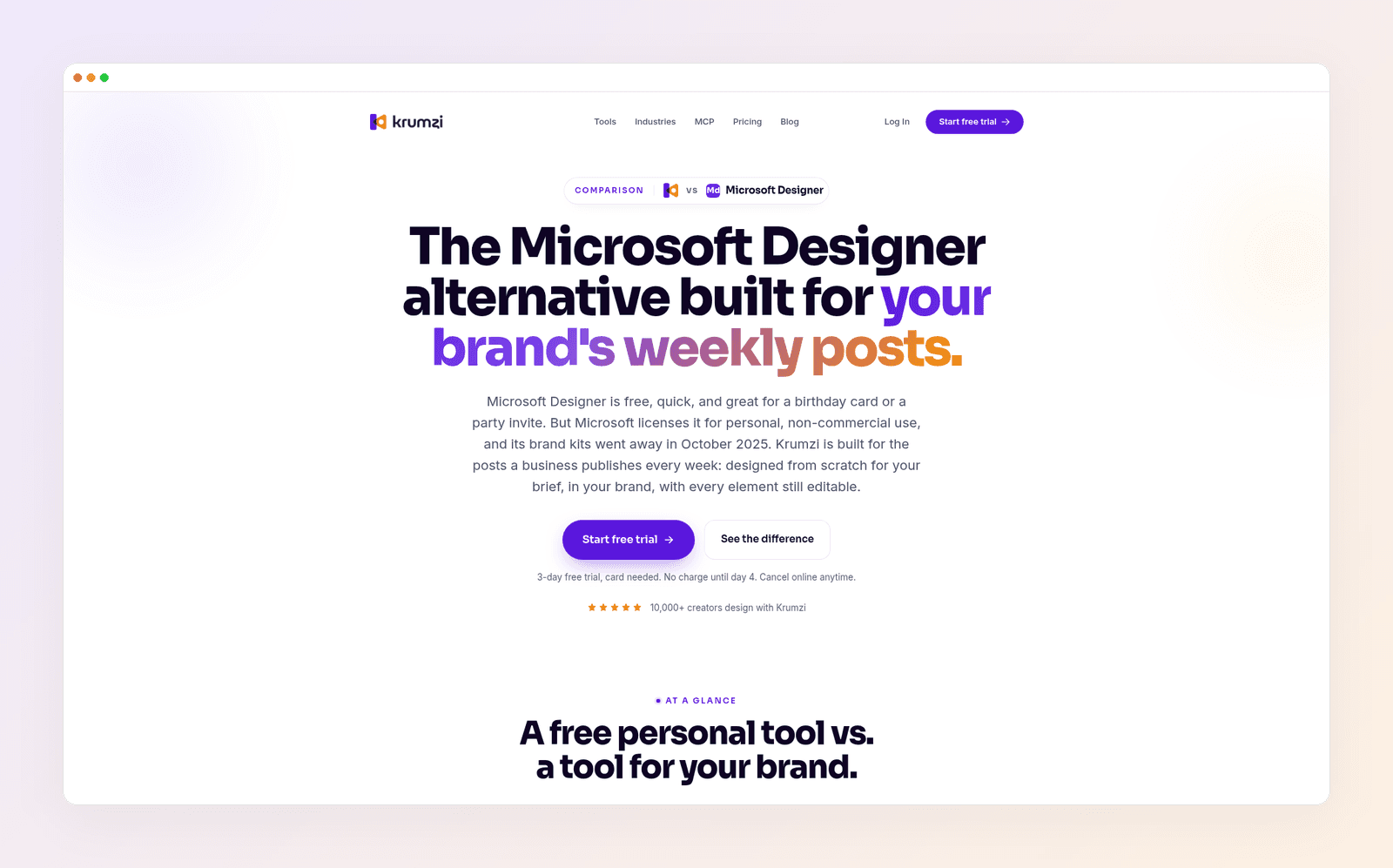
Krumzi isn't a docs, whiteboard or website tool, and it isn't a photo retoucher. Keep Canva for those jobs, and keep Designer for personal cards if you like it. Krumzi is built for the job most people open a design tool for every week: on-brand social posts and marketing graphics.
The verdict
Canva is the better tool for most people in 2026, and it is the clear pick if you publish graphics for a business, a client or an ad. You get more templates, a brand kit that still exists, team features and a stronger video editor. Microsoft Designer is the better pick in one case: you only make personal cards, invitations and photo edits, you already have a Microsoft account, and Microsoft's personal-use license covers what you're making. Both free plans are solid, so start with the one that fits that split and upgrade when you hit a limit.
If you've tried templates and your feed still looks like everyone else's, you need a different kind of tool, not a different editor. Want posts designed from scratch in your brand? Start free trial and describe your first post.
3-day free trial, card needed. No charge until day 4. Cancel online anytime.
Frequently Asked Questions
Is Microsoft Designer better than Canva?
For most people, no. Canva has more templates, a clearer brand-kit system, team features and a stronger video editor, and it is built for work you publish. Microsoft Designer is better if you only need personal cards, invitations and quick photo edits inside a Microsoft account.
Is Microsoft Designer free?
Yes. Designer is free with a Microsoft account. Microsoft says a subscription may be required if you want to create more often, because generative features run on monthly AI credits. Those credits go further on Microsoft 365 Personal and Premium.
Can I use Microsoft Designer for my business?
Microsoft's Designer FAQ says Designer is licensed for personal, non-commercial use with your Microsoft account. That is a real constraint if the graphic is for a shop, a client or an ad. Canva's plans are built for that kind of publishing. If you need a Designer alternative aimed at business posts, see Krumzi vs Microsoft Designer.
Does Microsoft Designer have a brand kit?
It used to, in the old editor. Microsoft said brand kits would no longer be available after it retired that editor on October 20, 2025. Some Microsoft help pages still describe creating a personal kit, so the docs and the product do not line up. Canva still documents Brand Kits on every plan: one limited kit on Free, 5 on Pro and 100 on Business.
Does Microsoft Designer replace Canva?
No. Shotkit's 2026 review calls Designer a capable, more AI-oriented option, not a full replacement for Canva's template library, collaboration or editing depth. Unvarnished Reviews reaches the same conclusion for teams. Treat Designer as a free personal graphic tool, not as Canva with a Microsoft logo.
Which tool should I pick for Instagram posts?
Canva, if the posts are for a business and you want templates, resizing and optional scheduling in one place. Designer can generate a social post from a description, and that is enough for a personal announcement. If the posts need to look like your brand instead of a shared template, a tool that designs from your brief is the better third path.
A month of posts, designed before your coffee cools
Describe the post. Krumzi designs it from scratch, on your brand, fully editable.
Start free trial3-day free trial, card needed. No charge until day 4. Cancel online anytime.