 vsMdMicrosoft Designer
The Microsoft Designer alternative built for your brand's weekly posts.
Microsoft Designer is free, quick, and great for a birthday card or a party invite. But Microsoft licenses it for personal, non-commercial use, and its brand kits went away in October 2025. Krumzi is built for the posts a business publishes every week: designed from scratch for your brief, in your brand, with every element still editable.
3-day free trial, card needed. No charge until day 4. Cancel online anytime.
A free personal tool vs. a tool for your brand.
KrumziMicrosoft Designer details verified from Microsoft's help pages, terms, and app store listings in November 2026. Spot something out of date? Tell us and we'll fix it.
If you're posting for a business, one of these probably sounds familiar.
Designer holds a 4.5 on the US App Store across 555 ratings and a 4.0 on Google Play across 8,900+ reviews. People like it for quick personal projects. The friction shows up when the posts are for a brand. Here's what we found in Microsoft's own pages and in recent reviews.
It's licensed for personal use
Microsoft's Designer FAQ says it's licensed for personal, non-commercial use, and its consumer terms say it isn't for use in the course of trade or commerce. Fine for a family reunion flyer. A real question for a client's promo post.
The brand kit is gone
When Microsoft retired Designer's old editor on October 20, 2025, brand kits went with it, per Microsoft's own help page. Your logo, colors, and fonts are now something you put back by hand on every design.
The AI runs on a monthly allowance
Free accounts get a small monthly allowance of AI credits, and Microsoft says a subscription may be needed to create more often. Reviewers say off-target results still cost credits, so a busy week can run dry.
Fewer options per prompt
Recent Google Play reviews and a May 2026 Microsoft Q&A thread report one result per prompt where there used to be four. Fewer options means more re-rolls, and every re-roll spends another credit.
Words drawn into the picture
Microsoft's FAQ warns that text in generated images may be misspelled or in the wrong language. When the headline is part of the image, fixing a typo means generating again or covering it with a new text box.
Made for cards, not a content calendar
Designer's feature list is greeting cards, invitations, stickers, emojis, monograms, coloring pages, banners, and social posts. Carousels, post scheduling, and separate client brands aren't on it.
To be fair: Designer is genuinely free with a Microsoft account, it's simple enough for anyone, and it sits inside Word, PowerPoint, Photos, and the Microsoft 365 Copilot app you may already pay for. Its photo tools (erase an object, blur a background, upscale) are handy. For a birthday card, a party invite, or a sticker for the group chat, it's hard to beat. This page is for people making posts for a business, every week.
Why people pick Krumzi over Microsoft Designer
Every post built for the brief, element by element.
Designer generates options and lets you tidy them up in its canvas. Krumzi designs the whole post for your brief: the layout, the type, the colors, the imagery, each one a separate element. Headline wrong? Retype it. Logo too big? Drag it. Nothing is baked into a picture.
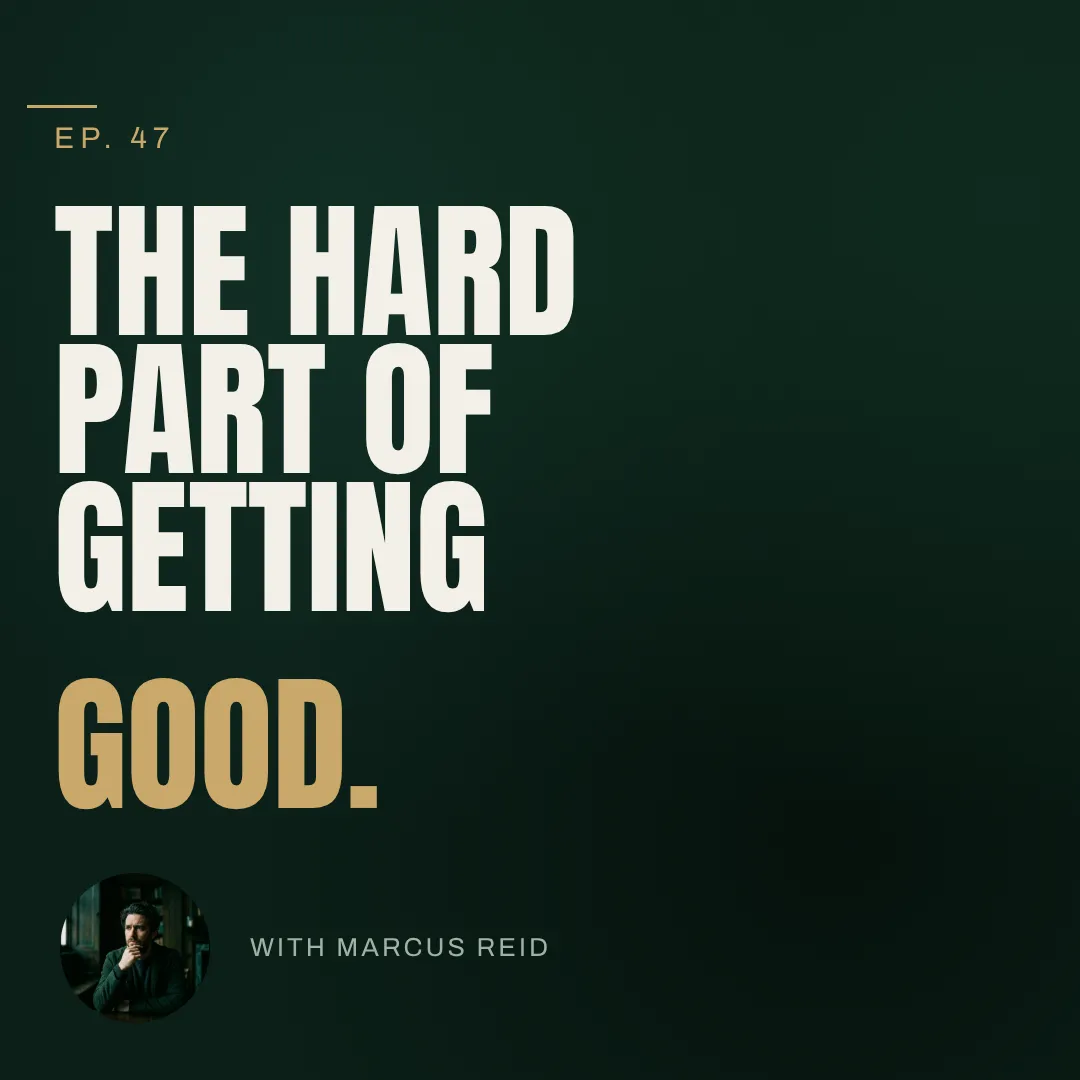
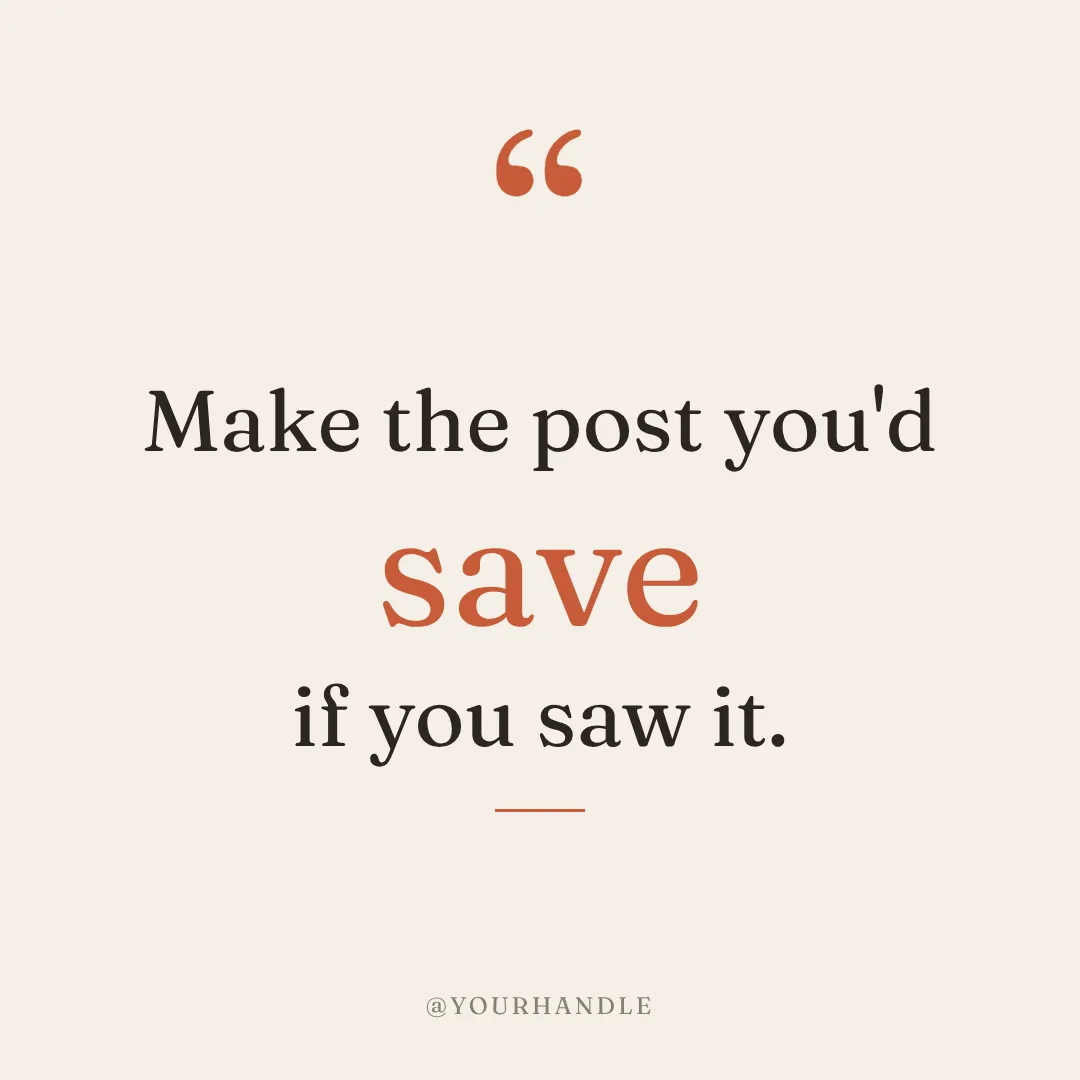

Describe the post. Keep chatting to fix it.
Type what you need and a finished design comes back in under 60 seconds. Then talk to it: bigger headline, darker background, use the orange from my logo. Every change is a version you can go back to, and Make variations turns one post into next week's.
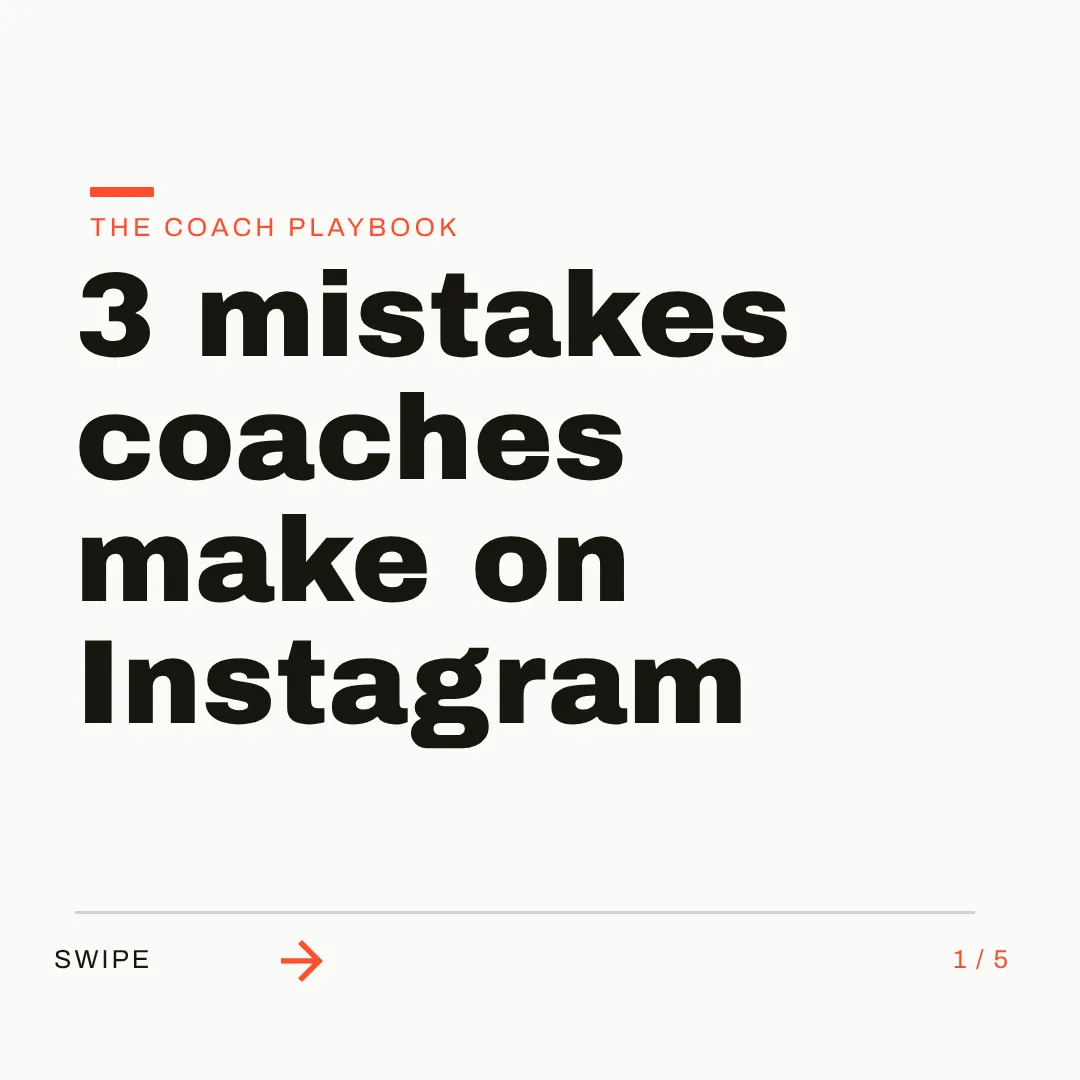
On brand by default. Built for the whole week.
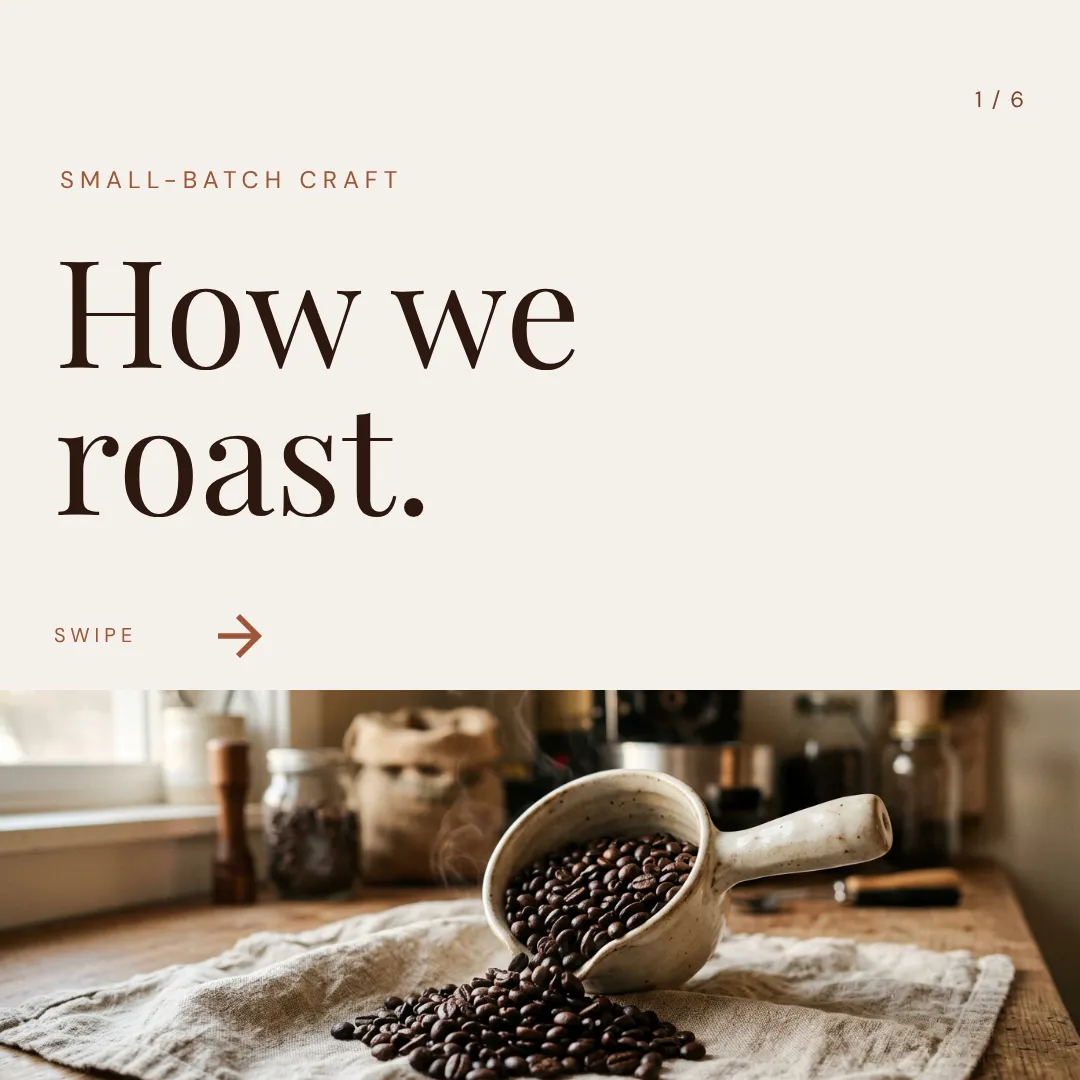
Save your logo, colors, and fonts once in your Brand Kit (Pro and up), and let Brand Mind learn your style. Then make the square post, the story, the carousel, and the video from the same brief, across 44 preset sizes or custom ones, and schedule them to Instagram and Facebook.


Which one should you actually use?
They're built for different jobs. Here's the honest split, including when Designer is the better call.
Switch to Krumzi if you...
- You post for a business, a client, or a brand, not a birthday party
- You want your logo, colors, and fonts applied without redoing them each time
- You're spending credits re-rolling to get one usable post
- You need headlines that are real text, spelled right and easy to change
- You need carousels, video, or scheduling, not only single images
- You run several client brands and need each one kept separate
Stay with Microsoft Designer if you...
- You make personal things: cards, invitations, stickers, wallpapers
- You need it free, and a few designs a month is plenty
- You already live in Word, PowerPoint, and the Microsoft 365 Copilot app
- You mostly edit photos: erase objects, blur backgrounds, upscale
- You want a quick AI image, not a finished branded post
What each one costs.
Designer is free, and Microsoft 365 plans raise its AI limits. That's a real advantage and we won't pretend otherwise. Krumzi is a paid tool built for business posts. Here's the honest math.
Free
$0/month
- Designer with a free Microsoft account
- A small monthly allowance of AI credits
- Licensed for personal, non-commercial use
- 5 GB of Microsoft cloud storage
Microsoft 365 Personal
$9.99/month
- Or $99.99 a year
- Higher AI image limits than free
- Word, Excel, PowerPoint, Outlook, and 1 TB storage
- AI benefits for one person
Microsoft 365 Premium
$19.99/month
- Or $199.99 a year
- Extensive usage for AI image creation
- Everything in Family, for up to 6 people
- AI features for the subscription owner only
KrumziStarter
$19/month
- 1,000 AI credits / month
- 1 brand
- AI Image Maker
- AI Carousel Maker
Pro
$39/month
- 2,500 AI credits / month
- 3 brands, each with its own Brand Kit
- Everything in Starter
- Unlimited Video Exports
Studio
$89/month
- 6,000 AI credits / month
- 10 brands, each with its own Brand Kit
- Everything in Pro
- Claude Opus access
Agency
$249/month
- 20,000 AI credits / month
- 25 brands, each with its own Brand Kit
- Everything in Studio
- Lowest price per credit
Microsoft prices are US prices from microsoft.com in November 2026; AI usage levels from Microsoft's AI credits page, updated October 2026. Microsoft's Designer FAQ describes Designer as licensed for personal, non-commercial use. Krumzi's prices come live from krumzi.com/pricing. Starter, Pro and Studio start with a 3-day free trial, card needed, with no charge until day 4. See full Krumzi pricing.
Keep Designer for the cards. Move the posts.
There's nothing to export and nothing to learn. If you can prompt Designer, you can use Krumzi. Your first design takes about a minute.
Bring your brand
Add your logo, colors, and fonts once. If you downloaded your Designer brand kit before October 2025, everything you need is in it. Or let Brand Mind learn your brand through a quick, tappable interview.
Describe what you need
Type one sentence, the same way you'd prompt Designer. Krumzi designs the post from scratch, on your brand, in under 60 seconds. Attach your own photos and Krumzi works them into the design.
Edit, export, schedule
Every element is editable. Export PNG, JPG, PDF, or video up to 4K, or schedule straight to Instagram and Facebook. Your Designer projects stay right where they are.
Switching from Microsoft Designer, answered.
That's the job it's built for. Microsoft Designer is a free, prompt-first tool for personal projects like cards, invitations, and stickers, and Microsoft licenses it for personal, non-commercial use. Krumzi designs social posts, carousels, and videos for a brand: you describe the post, it designs it from scratch in your brand in under 60 seconds, and every element stays editable.
No. As of November 2026, Microsoft Designer is live at designer.microsoft.com, and its iPhone and Android apps were updated in October 2026. Two things did end: Microsoft retired Designer's old editor on October 20, 2025, removing brand kits and stock videos, and it retired Designer inside Microsoft Teams in early 2026, pointing Teams users to Copilot instead.
Both start from a sentence. Designer generates options, often an AI image with the words drawn into it, which you can then adjust in its canvas. Krumzi designs the post as separate elements: real text in your fonts, your colors, your logo, a layout made for the brief. You can retype a headline or move your logo without generating anything again.
Yes, everything. Click any part of the design and tell Krumzi what to change, or drag, resize, and retype it yourself. Every change is saved as a version you can go back to, and your work autosaves as you go.
Microsoft's Designer FAQ says it's licensed for personal, non-commercial use with your Microsoft account, and its consumer terms say it isn't for use in the course of trade or commerce. Check Microsoft's current terms for your situation. Krumzi is built for business posting, with plans that hold several client brands, each with its own brand settings.
Yes. Save your logo, colors, and fonts once in your Brand Kit (Pro and up) and Krumzi applies them to every design automatically. Brand Mind, on every plan, learns your style and steers every design to look and sound like you. Microsoft removed Designer's brand kits in October 2025, so this is the part most Designer users notice first.
Krumzi is a paid subscription, and Starter, Pro and Studio start with a 3-day free trial. You add a card, pay nothing today, and make your first designs with the plan you picked. Downloads carry a watermark until your plan starts on day 4, unless you cancel before then. Microsoft Designer is free with a Microsoft account, so if a few personal designs a month is all you need, it may suit you better.
No. Plenty of people keep Designer for personal things like cards, invitations, and quick photo fixes, and use Krumzi for the posts their business publishes every week. They solve different problems.
Compare more alternatives
Microsoft Designer isn't the only tool on your shortlist. Here's how Krumzi stacks up against the rest.
PiKrumzi vs PippitCapCut's video-first marketing AI, with avatars. Krumzi designs your weekly posts from scratch in your brand, every element editable.BlKrumzi vs BlazeAn AI marketer that plans, writes and auto-posts. Krumzi designs each post from scratch for your brief, fully editable, in your brand.AcKrumzi vs AdCreative.aiAd variations, scored and sent to your ad accounts. Krumzi designs your weekly posts from scratch, in your brand, with every element editable.AiKrumzi vs aiCarouselsAI-written carousels laid out from a theme library. Krumzi designs each post from scratch, in each client's brand, and schedules it.CdKrumzi vs ContentdripsLinkedIn writing, templates and publishing in one toolkit. Krumzi designs every post from scratch instead of filling a template, in each client's brand. Krumzi vs Predis.aiBuilt around post scheduling. Krumzi is built around design.
 Krumzi vs SimplifiedAn all-in-one marketing suite. Krumzi does one thing well: design.
 Krumzi vs OcoyaScheduling with quick AI graphics. Krumzi puts the craft in the post. Your scheduler keeps the calendar.
This week's posts are one sentence away.
Keep Designer for cards and invitations. Let Krumzi design the posts your brand publishes every week, on brand and fully editable.