 vsAiaiCarousels
The aiCarousels alternative that designs your whole week of posts.
aiCarousels is quick and genuinely good with words: a ghostwriter drafts your slides, then one of its themes and layouts lays them out. Krumzi designs each post from scratch for your brief and your brand, from carousels to single posts and video, then schedules them to Instagram and Facebook.
3-day free trial, card needed. No charge until day 4. Cancel online anytime.
 In Krumzi1 sentence
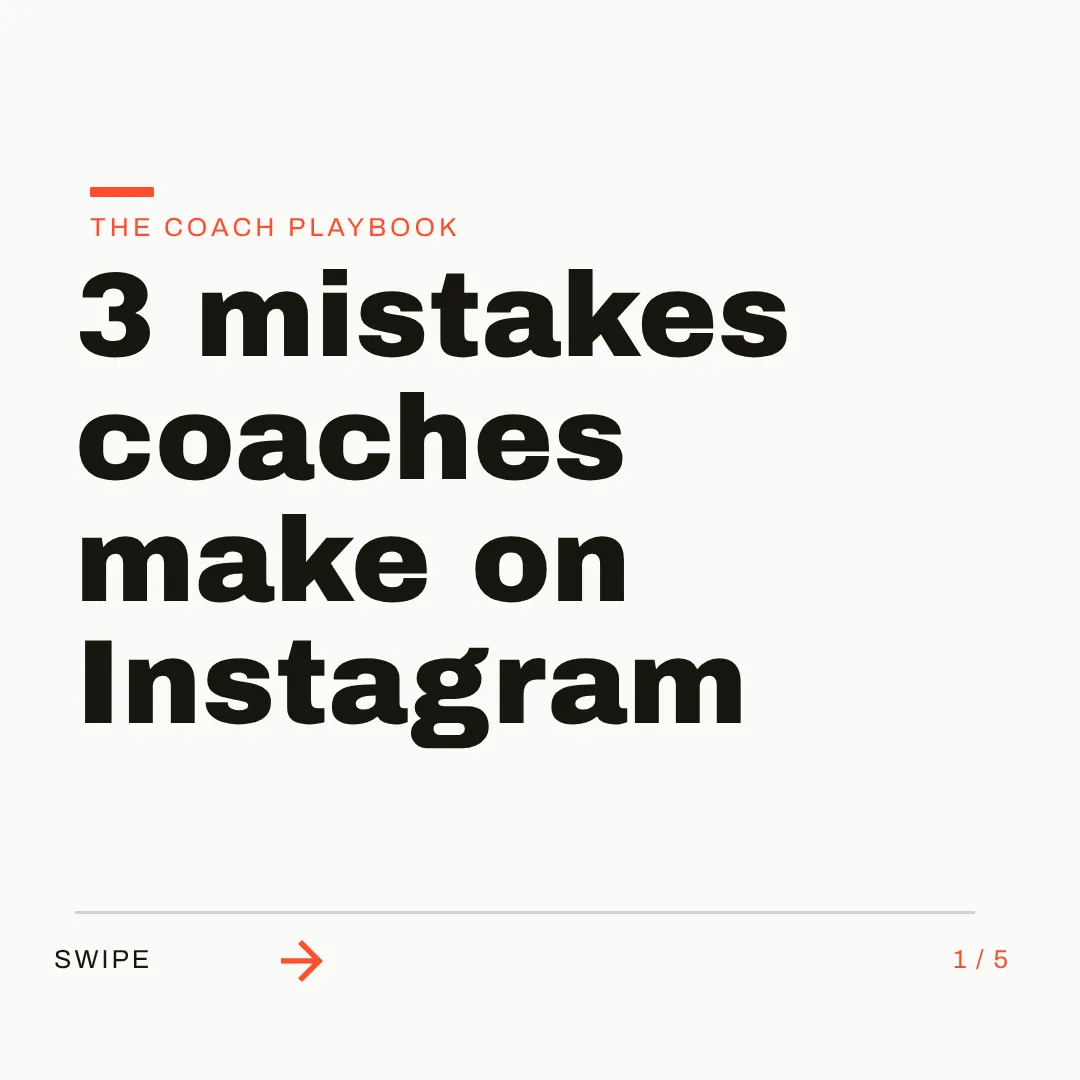
Two ways to make this week's carousel.
KrumziaiCarousels details verified from aicarousels.com and published reviews in November 2026. Spot something out of date? Tell us and we'll fix it.
If you're comparing, here's what actually differs.
aiCarousels is well liked: it holds a 3.8 on Trustpilot from 46 reviews, 91% of them five stars, and its Product Hunt reviews average 5.0. Public complaints are few. The reasons to look elsewhere are mostly about how it builds a carousel and what your week needs.
The look comes from a library
Every carousel wears one of 95 themes over layouts from a library of 304, or starts from one of 73 templates. You can describe a slide and have the AI build a new layout, but the usual path is a look any other user can pick too.
Want another box? Switch the layout.
Its own help page says slides are built from layouts that already hold the text, pictures, lists and charts. For more boxes, you switch the slide to a layout that has more of them. Moving and resizing is easy; adding your own shape or text box means a different layout.
A brand kit dresses a theme
A brand kit saves your logo, colors, fonts and a writer, and the Chrome extension can lift colors and fonts from a post you like. That keeps every carousel on palette. The layout underneath still comes from the library.
Posting stops at your own LinkedIn profile
aiCarousels posts and schedules to personal LinkedIn profiles, not company pages, in its own words. For Instagram, TikTok, Threads and X, you download the files and upload them yourself, one client at a time.
Carousels first, by its own description
It makes image posts and video too, but its features page says it plainly: carousels first. If your week is mostly single posts, stories and announcements for several brands, you're working in a carousel tool.
Video is a clip with words on top
Its video post maker describes a video post as one design with your words over a moving clip, trimmed to 60 seconds, or a carousel exported as a swipe video. Krumzi has a full video editor with a timeline and captions in 10 languages, on Pro and up.
To be fair: aiCarousels does the writing better than most. Nineteen ghostwriters in 27 languages, one-click posting and scheduling to your LinkedIn profile, pictures that run across slides, and a lower price than Krumzi's. If your own LinkedIn carousels are most of what you post, it's a strong pick. This page is for people whose week is wider than that.
Why people pick Krumzi over aiCarousels
No theme shelf. A design for this brief.
aiCarousels lays your slides out with its themes and layouts, and does it tidily. Krumzi has no layout library at all. It decides the layout, palette, type, and composition for each brief, across one connected canvas, so a coach's carousel and a café's don't share the same bones.
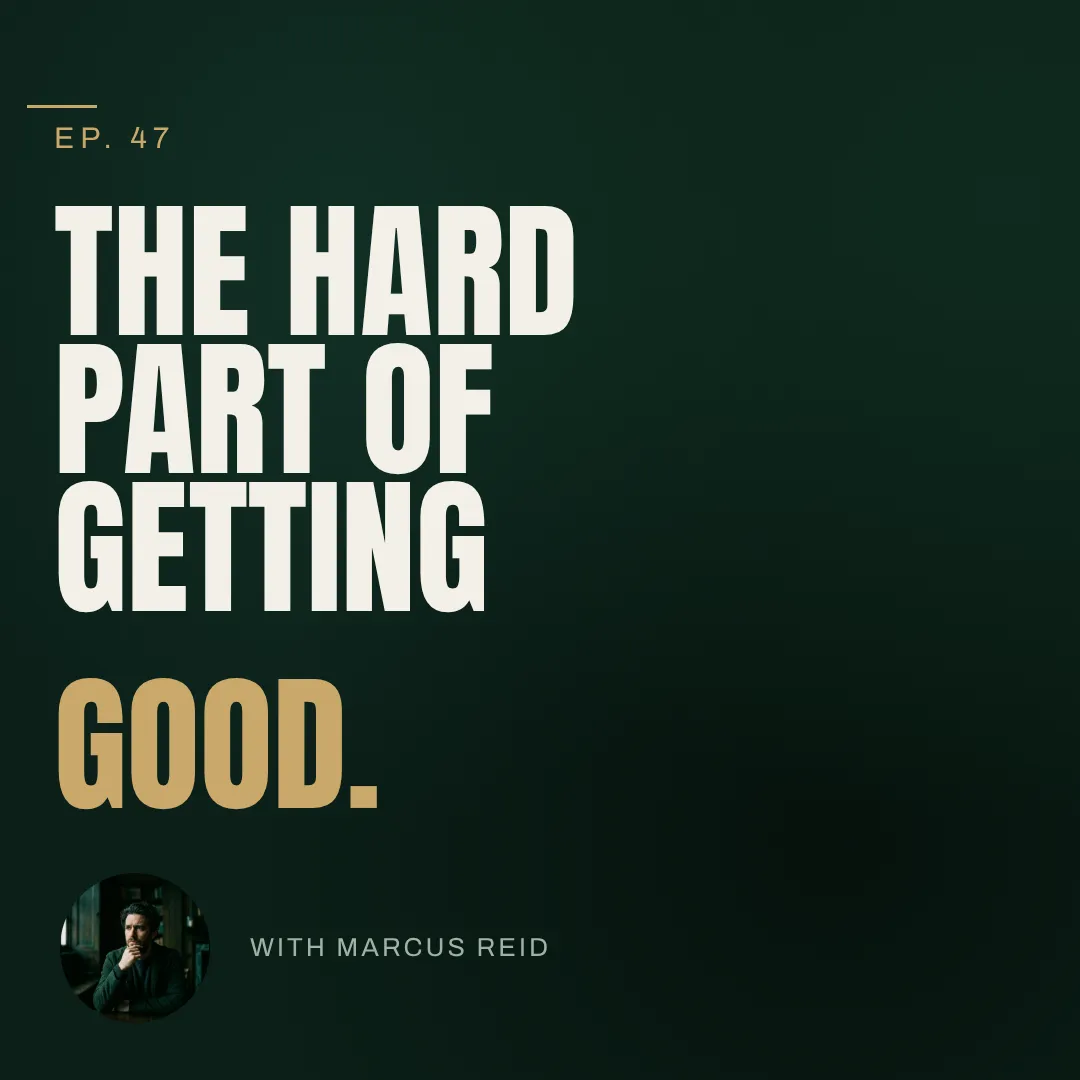

Say what's wrong. Krumzi fixes it.
Paste an article link or type one sentence, and Krumzi reads it and designs the carousel. Then click any slide or element and say what to change: a sharper hook, a darker cover, the client's orange. Every change is saved as a version you can go back to.
Carousels, posts, and video, in each client's brand.
A client's week is more than carousels. Krumzi designs the carousel, the single post, the story, and the video from the same brief, each in that client's brand. Batch turns one brief into up to ten different designs, and Make variations gives next week's post the same look with new words.

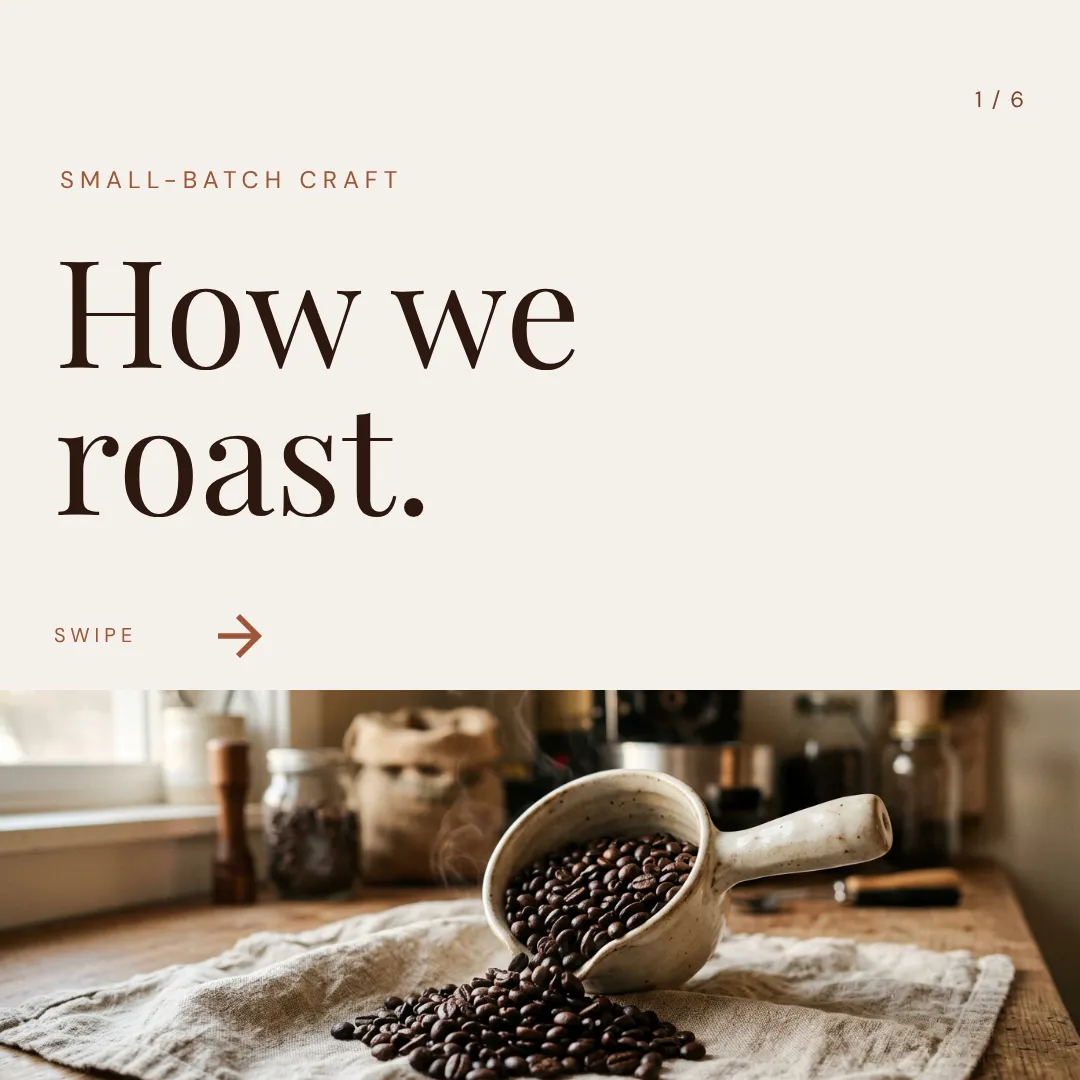

Which one should you actually use?
Different jobs, different tools. Here's the honest split, including where aiCarousels is the better call.
Switch to Krumzi if you...
- You post for several brands and want each one's carousels to look like that brand
- Your week needs single posts, stories, and video, not mostly carousels
- Your clients live on Instagram and Facebook, and you want to schedule from one place
- You want to add a shape or a photo without switching layouts
- You'd rather say what's wrong than pick another theme
- You want each brand learned, not just its colors saved
Stay with aiCarousels if you...
- Carousels for your own LinkedIn profile are most of what you post
- The writing is the hard part, and 19 voices help
- You want the lowest price, or one payment with your own OpenAI key
- You like starting from a theme and tweaking from there
- You want to try it on one idea without making an account
What each one costs.
aiCarousels is cheaper, and its lifetime plan is a real option if you already pay for OpenAI. Krumzi charges for the design work, in every format and every brand you run. Here's the honest math.
Pro
$15/month ($10 billed yearly)
- 60 AI carousels and 100 AI pictures a month
- Up to 20 slides, no watermark
- 10 brand kits, all 19 ghostwriters
- Post and schedule to your LinkedIn profile
Team
$59/month for 5 people ($39 billed yearly)
- 300 AI carousels and 400 AI pictures a month, shared
- Up to 50 brand kits
- A writer and brand kit per client
Pro Lifetime
$99once
- Every Pro feature, for one person
- AI runs on your own OpenAI key
- You pay OpenAI for the AI you use
KrumziStarter
$19/month
- 1,000 AI credits / month
- 1 brand
- AI Image Maker
- AI Carousel Maker
Pro
$39/month
- 2,500 AI credits / month
- 3 brands, each with its own Brand Kit
- Everything in Starter
- Unlimited Video Exports
Studio
$89/month
- 6,000 AI credits / month
- 10 brands, each with its own Brand Kit
- Everything in Pro
- Claude Opus access
Agency
$249/month
- 20,000 AI credits / month
- 25 brands, each with its own Brand Kit
- Everything in Studio
- Lowest price per credit
aiCarousels prices are from aicarousels.com in November 2026, in US dollars; its plan cards show yearly prices and its FAQ the monthly ones. Krumzi's prices come live from krumzi.com/pricing. Starter, Pro and Studio start with a 3-day free trial, card needed, with no charge until day 4. See full Krumzi pricing.
Keep your ideas. Change how they get designed.
Nothing to convert, and what you made in aiCarousels stays yours. Keep it for LinkedIn if you like. Your first Krumzi carousel takes one sentence.
Bring each brand
Add each client's logo, colors, and fonts once (Brand Kit is on Pro and up), or let Brand Mind learn the brand through a quick, tappable interview. Your aiCarousels themes don't carry over, and you won't need them.
Paste the link, or say the idea
Drop in an article link or type one sentence. Krumzi reads it and designs the carousel from scratch, in that client's brand, on one connected canvas.
Edit, export, schedule
Change anything by hand or by asking. Export the slides as images or a multi-page PDF for LinkedIn, or schedule them to Instagram and Facebook from Krumzi.
Switching from aiCarousels, answered.
For Instagram, yes: Krumzi designs the carousel from scratch in your brand and schedules it to Instagram and Facebook. For LinkedIn, Krumzi designs the carousel and exports the multi-page PDF LinkedIn takes, but you post it yourself, while aiCarousels posts to your LinkedIn profile directly. If you make posts for several brands every week, Krumzi is built for that job.
aiCarousels writes your slides with one of 19 ghostwriters, then lays them out with its themes and layouts; its own help page says slides are built from layouts, so more boxes means switching to a layout with more of them. Krumzi has no layout library. It designs each carousel from scratch for your brief, on one connected canvas, and you can add text, shapes, icons, and images anywhere.
Yes, every element. Drag, resize, and restyle anything, retype text, swap photos, and add or delete slides. Or click a part of the design and tell Krumzi what to change. Every change Krumzi makes is saved as a version, so you can always go back.
Save each brand's logo, colors, and fonts once and Krumzi applies them to every design (Brand Kit is on Pro and up). Brand Mind, on every plan, learns how each brand looks and sounds, steers every design, and keeps learning from what you change and export.
To Instagram and Facebook, yes. Connect an Instagram Professional account and a Facebook Page for each brand and schedule from Krumzi on any paid plan, with an AI-written caption if you want one. Krumzi doesn't post to LinkedIn or TikTok, so you export those carousels and post them yourself.
Krumzi is a paid subscription, and Starter, Pro and Studio start with a 3-day free trial. You add a card, pay nothing today, and make your first carousels with the plan you picked. Downloads carry a watermark until your plan starts on day 4, unless you cancel before then. Want to see one first? The free Instagram carousel maker designs a 5-slide carousel with no signup, downloaded with a watermark.
No. If aiCarousels' ghostwriters and LinkedIn posting suit your own profile, keep them, and use Krumzi for the posts that need to look like each brand: Instagram, Facebook, stories, and video. They do different jobs.
Compare more alternatives
aiCarousels isn't the only tool on your shortlist. Here's how Krumzi stacks up against the rest.
CdKrumzi vs ContentdripsLinkedIn writing, templates and publishing in one toolkit. Krumzi designs every post from scratch instead of filling a template, in each client's brand. Krumzi vs Predis.aiBuilt around post scheduling. Krumzi is built around design.
 Krumzi vs SimplifiedAn all-in-one marketing suite. Krumzi does one thing well: design.
 Krumzi vs OcoyaScheduling with quick AI graphics. Krumzi puts the craft in the post. Your scheduler keeps the calendar.PnKrumzi vs PostNitroAI carousels from preset layouts. Krumzi designs carousels from scratch on one connected canvas.LvKrumzi vs LovartAn AI design agent running 30+ image and video models. Krumzi builds posts from real text and shapes, in each client's brand, then schedules them.PoKrumzi vs PomelliGoogle's free campaign maker, built from your website. Krumzi designs every post from scratch, keeps every element editable, and runs several brands.MdKrumzi vs Microsoft DesignerA free Microsoft design app for personal projects. Krumzi designs your business posts in your brand, every element editable.
Next week's posts, in every client's brand.
Keep aiCarousels for your LinkedIn profile if it suits you. Let Krumzi design the rest of the week. Describe it, and watch it design.