 vsPnPostNitro
The PostNitro alternative that designs from scratch.
PostNitro turns a topic or article into a carousel fast: the AI writes the slides, then pours them into one of its templates. Krumzi designs the carousel itself: layout, type, and colors decided for your brief, built on one connected canvas, every element editable.
3-day free trial, card needed. No charge until day 4. Cancel online anytime.
 In Krumzi0:58 done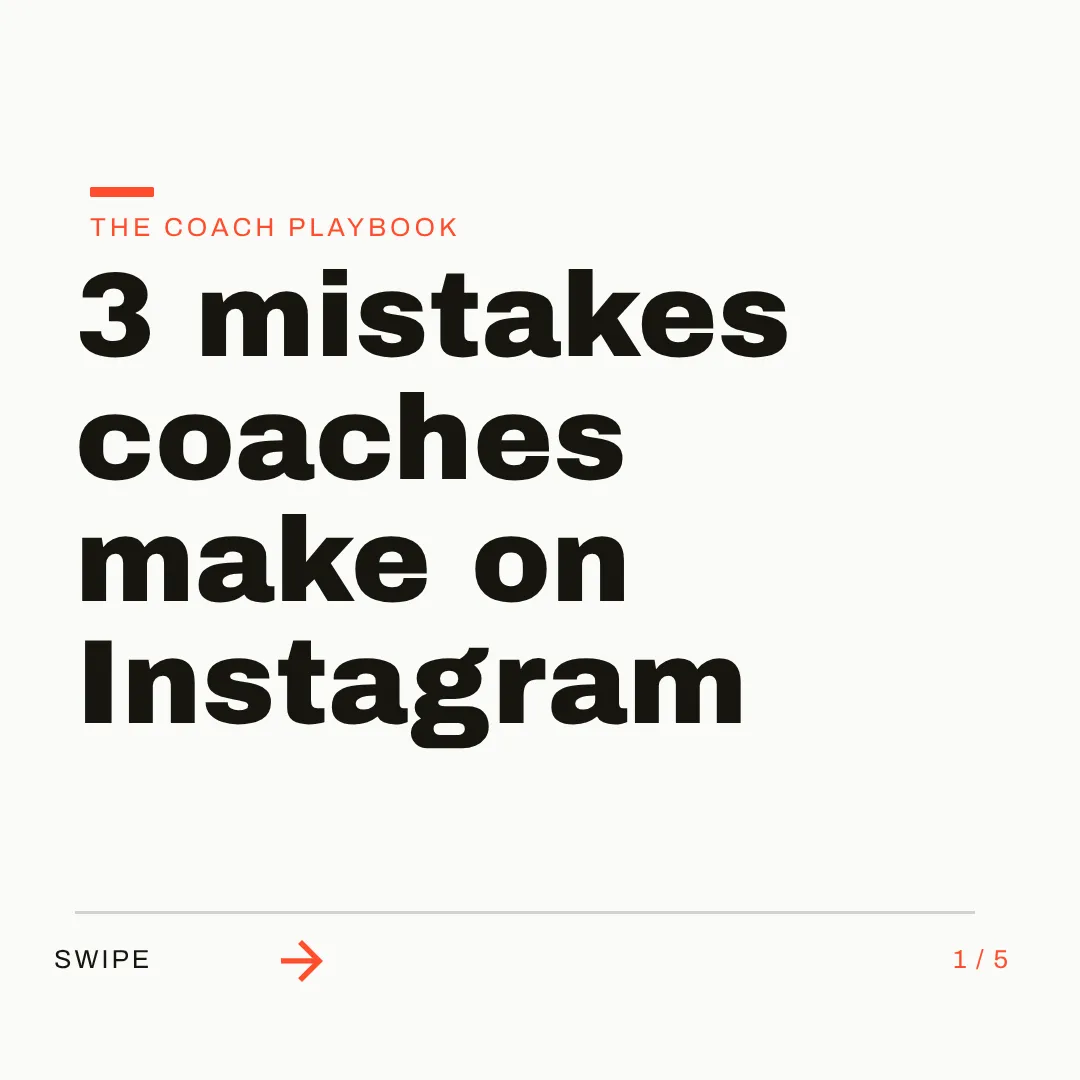
Two ways to make a carousel.
KrumziPostNitro details verified from postnitro.ai and published reviews in August 2026. Spot something out of date? Tell us and we'll fix it.
If you're here, one of these probably sounds familiar.
PostNitro is well-liked for what it does: its Product Hunt reviews average 4.9, and the article-to-carousel workflow is genuinely slick. The reasons people look elsewhere are mostly structural. Here's the honest list.
The design comes from a template
PostNitro's AI writes your slide copy, then applies it to one of about a hundred templates. The words are yours; the design is a preset. Every carousel you make shares its bones with everyone else who picked that template.
Slides, not a canvas
Each slide is an independent template frame. There's no connected canvas where a background flows across slides or an element bridges two frames, the tricks that make the best carousels feel designed rather than assembled.
Caps meet you early
The free tier watermarks exports and allows five downloads a month, and the one critical review that exists calls out opaque credit counts with upgrade prompts arriving after a couple of generations. Paid tiers meter downloads, slides, and AI images per month.
Carousels are the whole menu
PostNitro does one format. The single image announcing the carousel, the story version, the video cut, all happen in another tool. Your feed needs more shapes than one.
Brand kits color a template
Your fonts, colors, and logo get applied to the preset layouts. That keeps templates on-palette; it doesn't produce a design decided around your brand.
Volume over craft, by design
The product optimizes for throughput: article in, carousel out, scheduled. That's a legitimate choice. It's just the opposite trade from a feed that looks unmistakably yours.
To be fair: PostNitro is fast, cheap, and pleasant, the article-and-thread import is genuinely clever, and Creator plans include direct scheduling to LinkedIn, Instagram, TikTok, and Threads, which Krumzi doesn't do. If filling a calendar with acceptable carousels is the job, it's a fine pick. This page is for the people who want carousels that look designed.
Why people pick Krumzi over PostNitro
Designed from scratch. Not poured into a preset.
PostNitro's carousels inherit their look from its template library. Krumzi has no templates at all. It decides the layout, palette, type, and composition fresh for every brief, and designs the carousel across one connected wide canvas, so slides belong together instead of matching a preset.
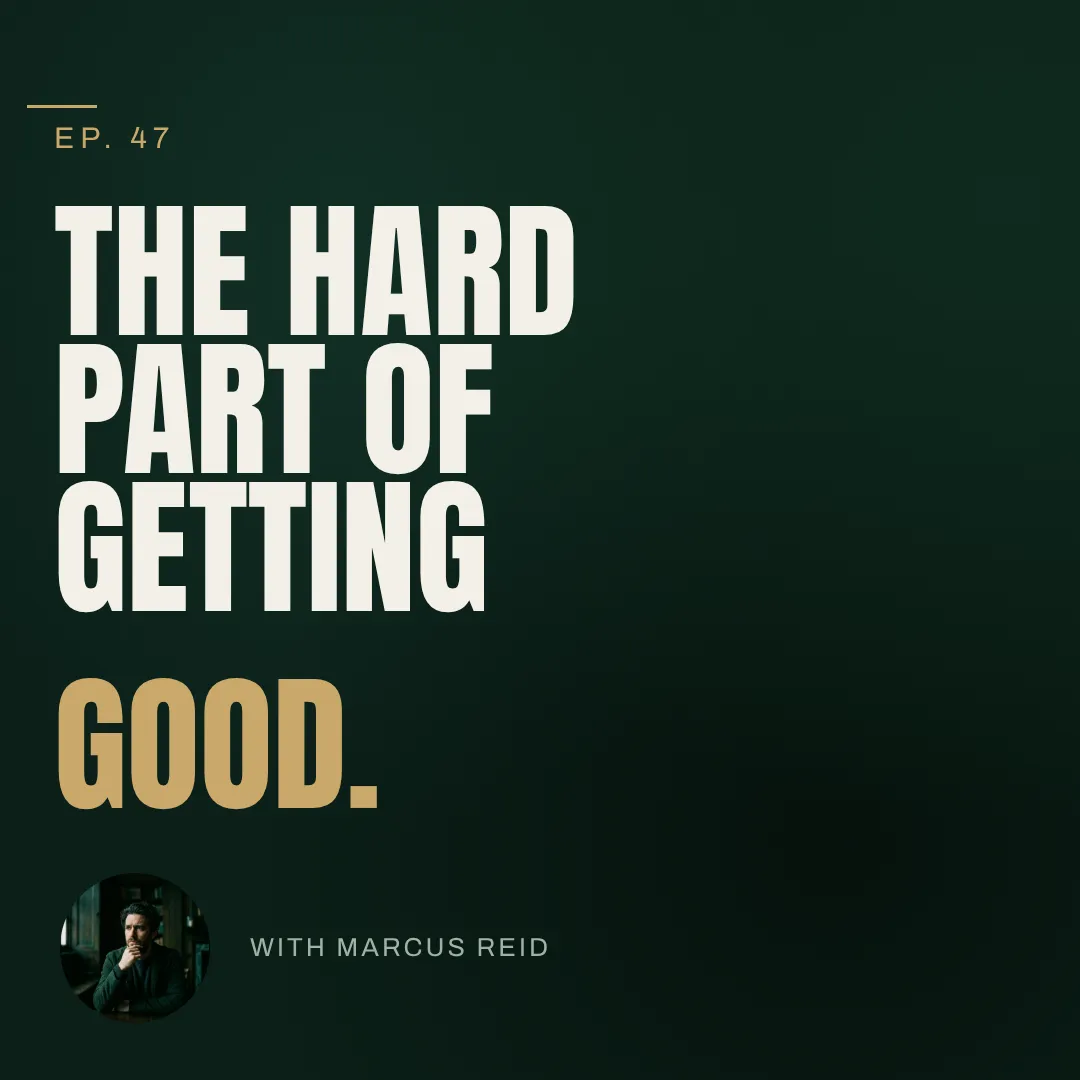


You describe it. Krumzi designs it.
Paste an article URL or type one sentence, and Krumzi reads it, structures the narrative, and designs the carousel in under a minute, real images from the page included when you want them. Not happy with a slide? Keep chatting. Bolder cover, tighter hook, use my brand orange.
The carousel, the post, and the video.
A content piece rarely stays one shape. Krumzi designs the carousel, the single-image announcement, and the video cut from the same brief, all on your brand, all in one tool. Batch mode turns one idea into up to ten distinct designs in parallel.



Which one should you actually use?
Different trades. Here's the honest split, including where PostNitro is the better call.
Switch to Krumzi if you...
- Your carousels are starting to look like everyone's carousels
- You want the design decided for your content, not picked from presets
- You need single posts and video, not just carousels
- Slides-that-connect matters to how your carousels read
- You want ten posts that look like one brand
- Watermarks and download caps keep interrupting
Stay with PostNitro if you...
- Volume is the goal: a month of carousels in a sitting
- Direct scheduling to LinkedIn and Instagram is your must-have
- Template looks are genuinely fine for your audience
- Budget favors $15 to $25 a month
- You're an SMM platform using their Embed API
What each one costs.
PostNitro is cheaper and includes scheduling. Krumzi charges for the design work itself, across every format. Here's the honest math.
Free
$0/month
- 5 downloads a month, watermarked
- 5 AI slides per carousel
- 1 brand
- No scheduling
Starter
$15/month ($12.50 billed annually)
- 30 downloads a month
- 8 slides, 5 AI images a month
- 2 brands, 1 custom template
- No scheduling
Creator
$25/month ($20.83 billed annually)
- Unlimited downloads
- 15 slides, 50 AI images a month
- Scheduling to 10 social accounts
- Premium AI models
KrumziStarter
$19/month
- 1,000 AI credits / month
- 1 brand
- AI Image Maker
- AI Carousel Maker
Pro
$39/month
- 2,500 AI credits / month
- 3 brands, each with its own Brand Kit
- Everything in Starter
- Unlimited Video Exports
Studio
$89/month
- 6,000 AI credits / month
- 10 brands, each with its own Brand Kit
- Everything in Pro
- Claude Opus access
Agency
$249/month
- 20,000 AI credits / month
- 25 brands, each with its own Brand Kit
- Everything in Studio
- Lowest price per credit
PostNitro prices are US pricing from postnitro.ai in August 2026. Krumzi's prices come live from krumzi.com/pricing. Starter, Pro and Studio start with a 3-day free trial, card needed, with no charge until day 4. See full Krumzi pricing.
Keep the calendar. Upgrade the carousels.
Nothing to migrate. Keep your scheduler if you rely on it. Your first Krumzi carousel takes about a minute.
Bring your brand
Add your logo, colors, and fonts once. Or let Brand Mind learn your brand through a quick, tappable interview. It works even if you don't have a website.
Paste the article, or describe it
Drop in a URL or type one sentence. Krumzi reads the content, structures the story, and designs the carousel from scratch on one connected canvas, on your brand.
Edit and export anywhere
Edit any slide or element, then export as separate images or a multi-page PDF, picking exactly which slides to include. Post directly or through any scheduler.
Switching from PostNitro, answered.
PostNitro's AI writes your slide copy and applies it to one of its preset templates. Krumzi's AI designs the carousel itself: layout, typography, colors, and composition built from scratch for your content, on one connected canvas. Both are fast; only one is designing.
Yes. Paste the article URL into your brief and Krumzi reads the page, structures a hook-to-CTA narrative, and designs the carousel, pulling the article's real images onto slides when that beats generating new ones.
No. Krumzi doesn't schedule or publish. You export finished carousels and post them yourself or through any scheduler. If direct publishing is your must-have, PostNitro or a dedicated scheduler covers that step.
Carousels live on one connected wide canvas: add, delete, and reorder slides, design elements that span slides, and edit anything the way you would in a real design editor. Export as separate images or a multi-page PDF, choosing which slides to include.
Save your logo, colors, and fonts once and Krumzi applies them to every design automatically. Brand Mind goes further: it learns your style and steers every carousel to look and sound like you, on every plan.
Yes: single images in 44 platform sizes, carousels, and video with a full timeline editor and auto-captions in 10 languages. One brief can become all three.
Krumzi is a paid subscription, and Starter, Pro and Studio start with a 3-day free trial. You add a card, pay nothing today, and make your first designs with the plan you picked. Downloads carry a watermark until your plan starts on day 4, unless you cancel before then. Once your plan starts, every download is watermark-free.
Compare more alternatives
PostNitro isn't the only tool on your shortlist. Here's how Krumzi stacks up against the rest.
Krumzi vs CanvaTemplates you customize. Krumzi designs the whole thing for you. Krumzi vs Adobe ExpressTemplates plus Adobe stock. Krumzi designs the layout for you.
 Krumzi vs VismeDecks and infographics first. Krumzi is social first.
 Krumzi vs VistaCreateA big template shelf. Krumzi starts from your sentence instead.
 Krumzi vs KittlPrint and merch craft. Krumzi handles the weekly feed.
 Krumzi vs SnappaQuick graphics from templates. Krumzi skips the template step.
 Krumzi vs SimplifiedAn all-in-one marketing suite. Krumzi does one thing well: design.
 Krumzi vs Predis.aiBuilt around post scheduling. Krumzi is built around design.
Your next carousel is one sentence away.
Keep the scheduler if you need it. Let Krumzi design what it posts. Describe it, and watch it design.