 vs
vs Adobe Express
The Adobe Express alternative that designs from scratch.
Adobe Express gives you templates, stock, and an editor inside the Adobe ecosystem. The design work is still yours. Krumzi reads one sentence and makes every decision itself: layout, type, colors, composition. A finished post in under 60 seconds, still fully editable.
Free to make, no card. Only pay if you download it.
In Adobe Express 13:05 in In Krumzi0:48 done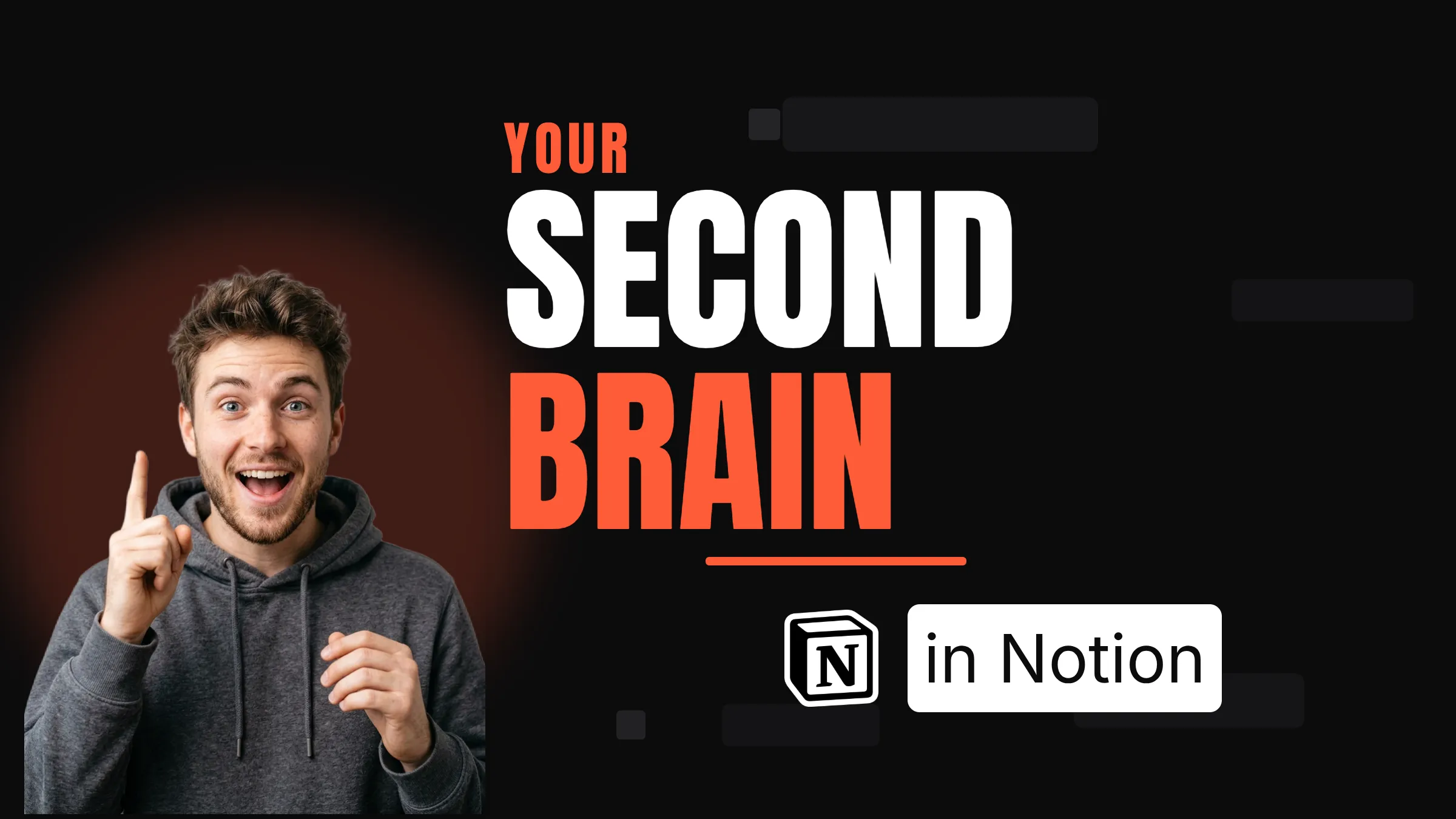
The same job, two very different days.
Adobe ExpressKrumziAdobe Express details verified from Adobe's published pricing, help pages, and community forums in August 2026. Spot something out of date? Tell us and we'll fix it.
If you're here, one of these probably sounds familiar.
Adobe Express reviews well: 4.6 on Capterra, and the mobile app holds a 4.8. But a few patterns keep pushing people to look elsewhere, and most of them are documented on Adobe's own forums. Here's what people actually complain about.
The editor lags. People lose work.
The most consistent complaint on Adobe's own community forums, from 2023 through 2026: slow loading, laggy editing, projects that hang, and exports that never finish. Some users describe reloading and finding their work gone.
AI that stops mid-project
Every AI action draws from a monthly Firefly credit pool shared across Adobe's AI tools: 25 credits on the free plan, 250 on Premium. Run out and the AI features lock until next month. Users also report credits disappearing in ways they can't explain.
Adobe's billing fine print
In 2024 the FTC sued Adobe for hiding a cancellation fee worth 50% of the remaining annual contract and making cancellation deliberately hard. Adobe agreed to a $150 million settlement in 2026. It applies to annual plans, and it made a lot of people read their Adobe contracts twice.
The AI generates templates. You still assemble.
Express's text-to-template turns your prompt into editable template options, and reviewers call the results hit-or-miss. Picking, editing, and brand-checking the output is still your job.
Everyday editor basics are missing
Users publicly request things Canva veterans take for granted: rulers and guides, stroke outlines on graphics, spell check. Some features lost in the 2023 redesign never fully came back.
Template-shopping, with a smaller shelf
Reviewers estimate Express has roughly a third of Canva's template count. The templates are polished, but if your workflow is hunting templates, you're hunting in a smaller library. Krumzi's answer: skip the hunt entirely.
To be fair: Adobe Express is genuinely easy to use, the free tier is real, Firefly images are trained on licensed content so they're safe for commercial work, and nothing else syncs with Photoshop and Illustrator files. If you live inside the Adobe ecosystem and it's working, keep it. This page is for the people who nodded at least twice.
Why people pick Krumzi over Adobe Express
Designed from scratch. Not generated from templates.
Express's text-to-template assembles editable templates from a library of fonts, images, and design elements. That's Adobe's own description, not ours. Krumzi has no template library at all. It decides the layout, palette, type, and composition fresh for every brief, and generating finished designs is the whole product, not a metered add-on.
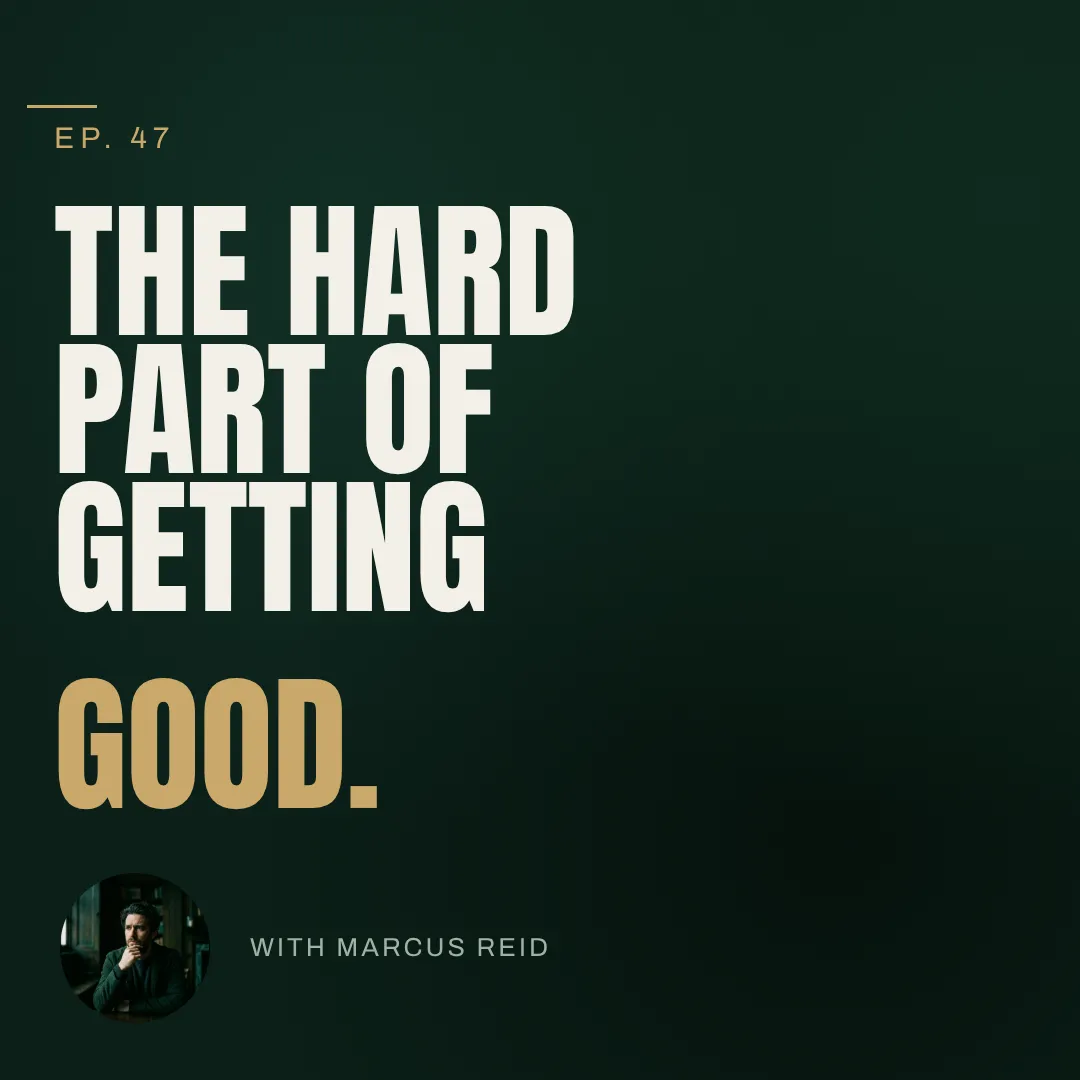
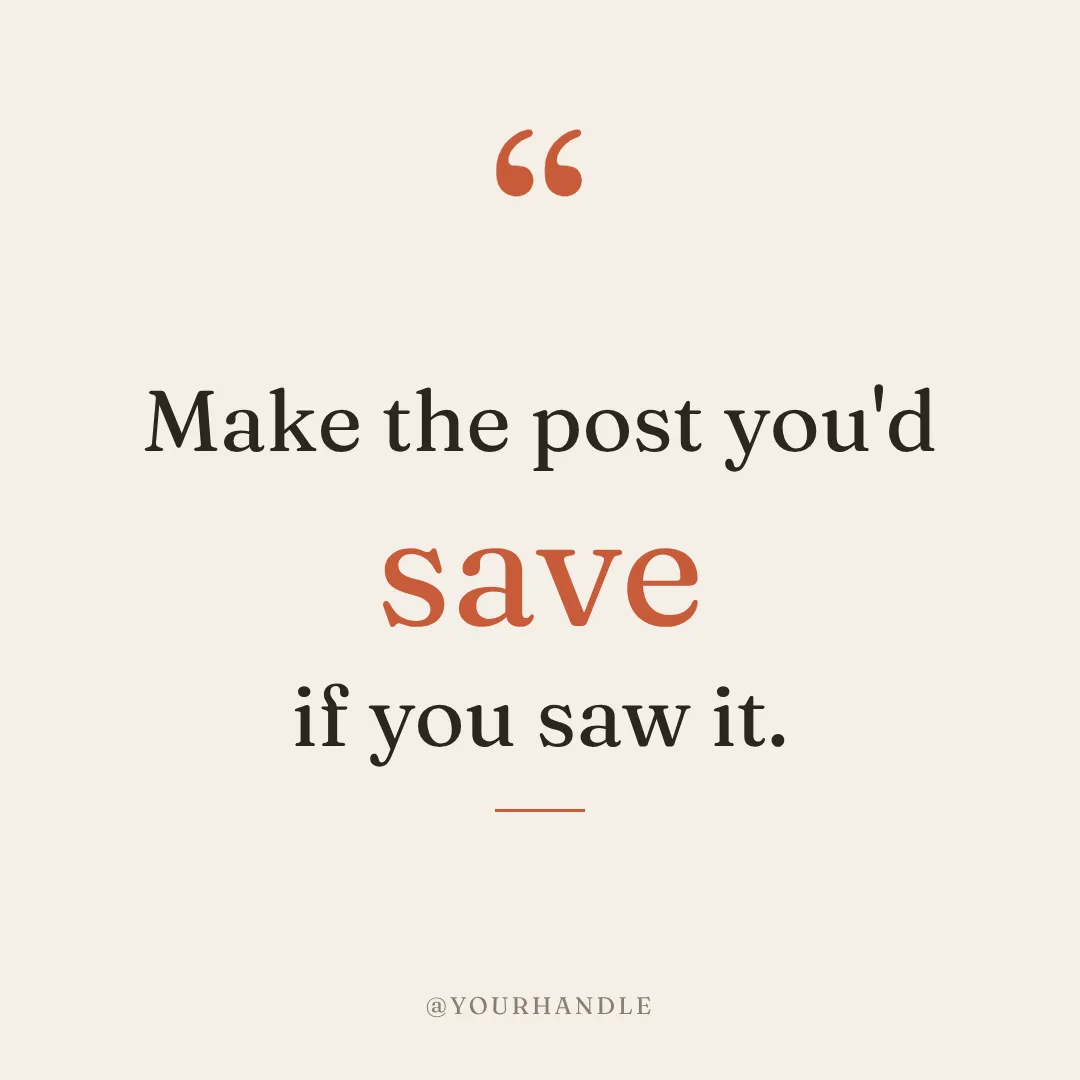

You describe it. Krumzi designs it.
Open Express and the next stretch of your day goes to browsing, picking, and waiting on the editor. In Krumzi you type one sentence and a finished, on-brand design comes back in under 60 seconds. Not happy with it? Keep chatting. Bigger headline, darker background, use the orange from my logo.
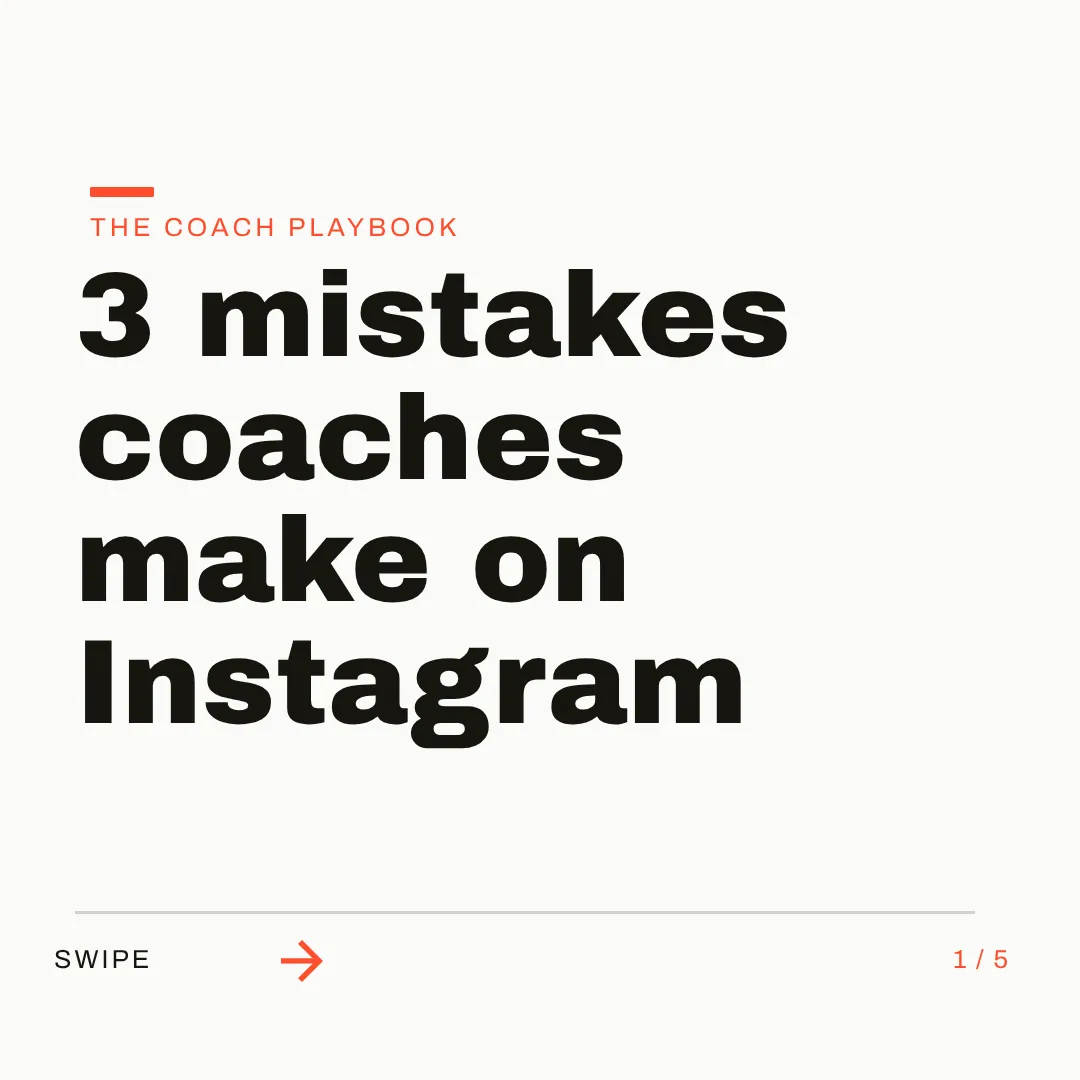
On brand by default. Every single time.
Set up your logo, colors, and fonts once, or let Brand Mind learn your style through a quick tap-through interview. Krumzi applies your brand to every design without a click, on any of 44 preset sizes or your own custom dimensions. No credit meter deciding when the AI is allowed to help.


Which one should you actually use?
Different tools fit different people. Here's the honest split, including the cases where Adobe Express is the better call.
Switch to Krumzi if you...
- You make social content and the editor's lag is costing you sessions
- You've hit the Firefly credit wall mid-project
- You'd rather describe a design than assemble one from templates
- You want your feed to stop looking like a template
- You're a solo creator, coach, or small business without a designer
- You want images, carousels, and video to come from one brief
Stay with Adobe Express if you...
- You're deep in Creative Cloud and need Photoshop or Illustrator file sync
- You need Adobe Stock's 200M+ professional assets
- Commercially safe AI images are a legal requirement for you
- Your team already runs on Adobe accounts and admin controls
- A permanent free plan is a hard requirement
What each one costs.
Adobe Express is cheaper if what you need is templates and Adobe stock. Krumzi charges for finished design work: the AI doing the designing for you. Here's the honest math.
Adobe ExpressFree
$0/month
- 100,000+ templates, 1M+ stock assets
- 25 Firefly AI credits a month
- 5 GB storage
- Premium content watermarked
Premium
$9.99/month
- 200M+ Adobe Stock assets, 30,000+ fonts
- 250 Firefly AI credits a month
- Brand kits and one-click resize
- 100 GB storage
Firefly Pro
$19.99/month
- Bundles Express Premium
- 4,000 AI credits a month
- Photoshop on web and mobile
- Premium video and audio generation
KrumziSubscription
$19/month and up
- Credits refill every month
- Annual billing, two months free
- Change your amount any time
- Every feature at every amount
Month pass
$23once, and up
- A month of credits, nothing renews
- Good for a one-off campaign or event
- Every feature at every amount
Just this design
$9once
- Download one design for good
- No credits needed
Adobe prices are US pricing from Adobe's published plans in August 2026 and can change by region. Krumzi's prices come live from krumzi.com/pricing. Your first design is free to make, no card, and you only pay if you download it. See full Krumzi pricing.
Keep what works. Lose the busywork.
There's nothing to migrate and nothing to learn. Keep Adobe Express for as long as you want. Your first Krumzi design takes about a minute.
Bring your brand
Add your logo, colors, and fonts once. Or let Brand Mind learn your brand through a quick, tappable interview. It works even if you don't have a website.
Describe what you need
Type one sentence. Krumzi designs the first version from scratch, on your brand, in under 60 seconds. Keep chatting to refine anything.
Edit and export anywhere
Every element is editable in an editor you already know how to use. Export PNG, JPG, PDF, or video up to 4K. Nothing locked in.
Switching from Adobe Express, answered.
Express's text-to-template assembles editable template options from a library of design elements, and its AI Assistant (rolling out since late 2025, initially for Premium subscribers on desktop) edits layers on an existing design. Both draw from a monthly Firefly credit pool: 25 credits free, 250 on Premium. Krumzi builds the layout, typography, colors, and composition from scratch for every brief. Designing from scratch is the entire product, on every plan.
That's exactly who it's built for. You describe what you want and the AI makes every design decision: layout, fonts, colors, spacing, composition. You never face a template gallery, and you don't need to know what kerning is to get a professional result.
Yes, everything. Drag, resize, and restyle any element, change text, swap images, adjust colors. It works like the editor you're used to, except you start from a finished design instead of a template.
Save your logo, colors, and fonts once and Krumzi applies them to every design automatically. Brand Mind goes further: it learns your style and steers every design to look and sound like you, on every plan.
Yes. Krumzi has a full video editor with a timeline, scenes, animations, and auto-generated captions in 10 languages. Videos export up to 4K, watermark-free on paid plans.
Your first design is free to make, no card needed. Describe it, edit anything, make it yours. You only pay if you download it, with a subscription, a month pass, or just that one design. There's no early-termination fee, ever.
No. Krumzi is a standalone tool. Sign up with your email or Google account, and everything you need for social content lives in one place.
Compare more alternatives
Adobe Express isn't the only tool on your shortlist. Here's how Krumzi stacks up against the rest.
Krumzi vs CanvaTemplates you customize. Krumzi designs the whole thing for you. Krumzi vs VismeDecks and infographics first. Krumzi is social first.
 Krumzi vs VistaCreateA big template shelf. Krumzi starts from your sentence instead.
 Krumzi vs KittlPrint and merch craft. Krumzi handles the weekly feed.
 Krumzi vs SnappaQuick graphics from templates. Krumzi skips the template step.
 Krumzi vs SimplifiedAn all-in-one marketing suite. Krumzi does one thing well: design.
 Krumzi vs Predis.aiBuilt around post scheduling. Krumzi is built around design.
 Krumzi vs PiktochartInfographics and reports. Krumzi is built for the feed.
Your next post is one sentence away.
Keep Adobe Express for whatever it still does best for you. Let Krumzi handle the daily posts. Describe it, and watch it design.