 vsLvLovart
The Lovart alternative that builds posts you can actually edit.
Lovart is an impressive design agent: it sends your brief to 30+ image and video models and puts the result on a canvas. For a social post, that means the headline comes back drawn into a picture. Krumzi builds the post from real text, shapes and photos in your brand, so changing a word means typing it.
3-day free trial, card needed. No charge until day 4. Cancel online anytime.
A picture of a post vs. a post you can edit.
KrumziLovart details verified from lovart.ai, its docs and published reviews in November 2026. Spot something out of date? Tell us and we'll fix it.
If you're posting with Lovart, one of these probably sounds familiar.
Lovart's early reviewers love it: 4.9 on Product Hunt from 12 reviews. Trustpilot tells a different story, 1.5 from 82 reviews, and nearly all of it is about billing, not the designs. Here's what actually pushes people to look elsewhere.
The post arrives as a picture
For a poster or post, Lovart's agent hands your brief to image models like GPT Image and Nano Banana, and the headline is part of the picture they render. Lovart's own guide says Edit Text makes the text inside an image editable again. That word again tells you how the post was made.
Layers come after, not first
Edit Elements splits a finished image into layers you can move. Lovart's docs say it works best on images with clear subjects, text and backgrounds, and one user's walkthrough notes some text won't separate or comes back in a different font.
Credits priced model by model
Every model has its own rate, from 2 credits for a Seedream image to 425 for five seconds of 1080p Seedance video. Plan credits reset every month and don't roll over, and Trustpilot reviewers report failed edits still being charged.
A new font takes a second tool
Lovart's docs say Edit Text changes the words, but changing a font, size or style means running Edit Elements to split the picture into layers first. Fine once. Slow when it's every post, every week.
The agent doesn't always listen
Trustpilot reviewers describe an agent that makes frequent mistakes and videos that have little to do with the prompt. When every attempt spends credits, a miss costs you twice: the time and the credits.
Posting happens somewhere else
Lovart doesn't publish to social. Its own guide for social media managers says to export the files and load them into Buffer, Later or Hootsuite. One more tool in a weekly routine that's already full.
To be fair: Lovart is impressive. One canvas with 30+ image and video models, Sora 2 and Veo video, mockups, vectorizing, PSD and SVG export, client comments on a shared canvas, and an agent that runs research and design tasks in the background on a schedule. For campaign art, product shots and generative video, it does things Krumzi doesn't. This page is for the person who needs this week's posts, in several clients' brands, with every word still editable.
Why people pick Krumzi over Lovart
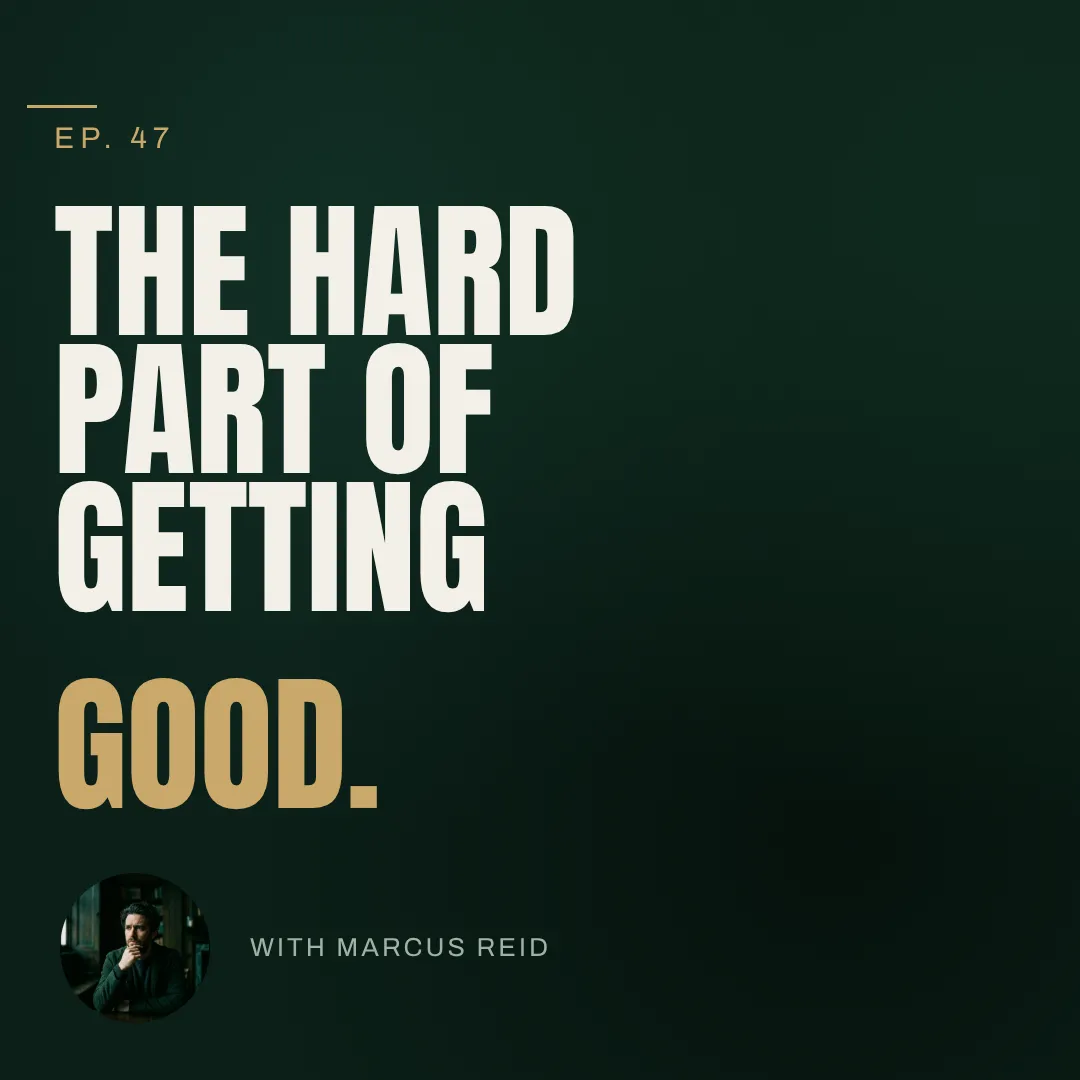
Lovart paints the post. Krumzi builds it.
A social post is a headline, a date, a photo, a logo and a call to action, placed with intent. Krumzi builds each one as its own element, named and movable, and decides the layout for your brief. Nothing has to be split back out of a picture later, because it was never flattened in the first place.
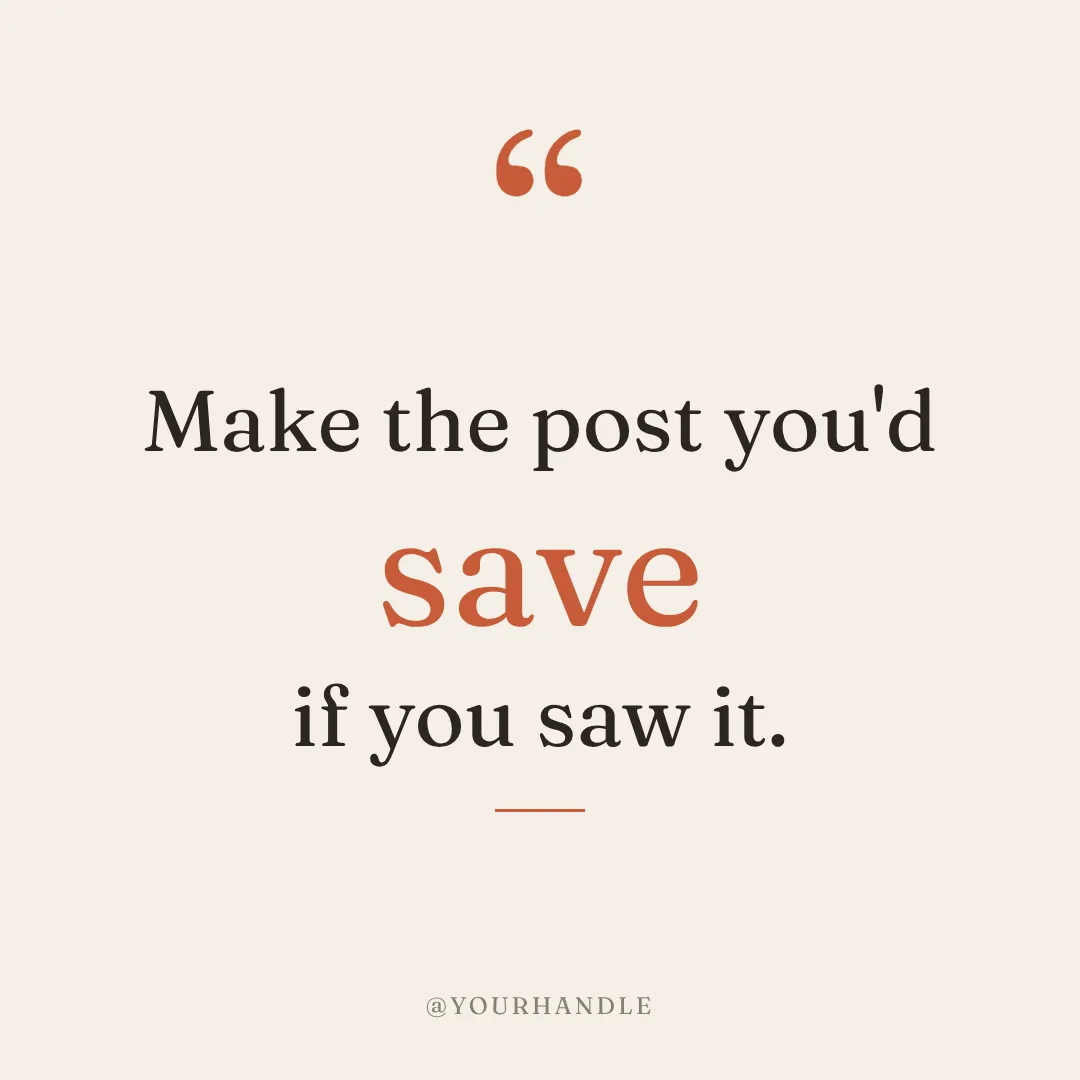

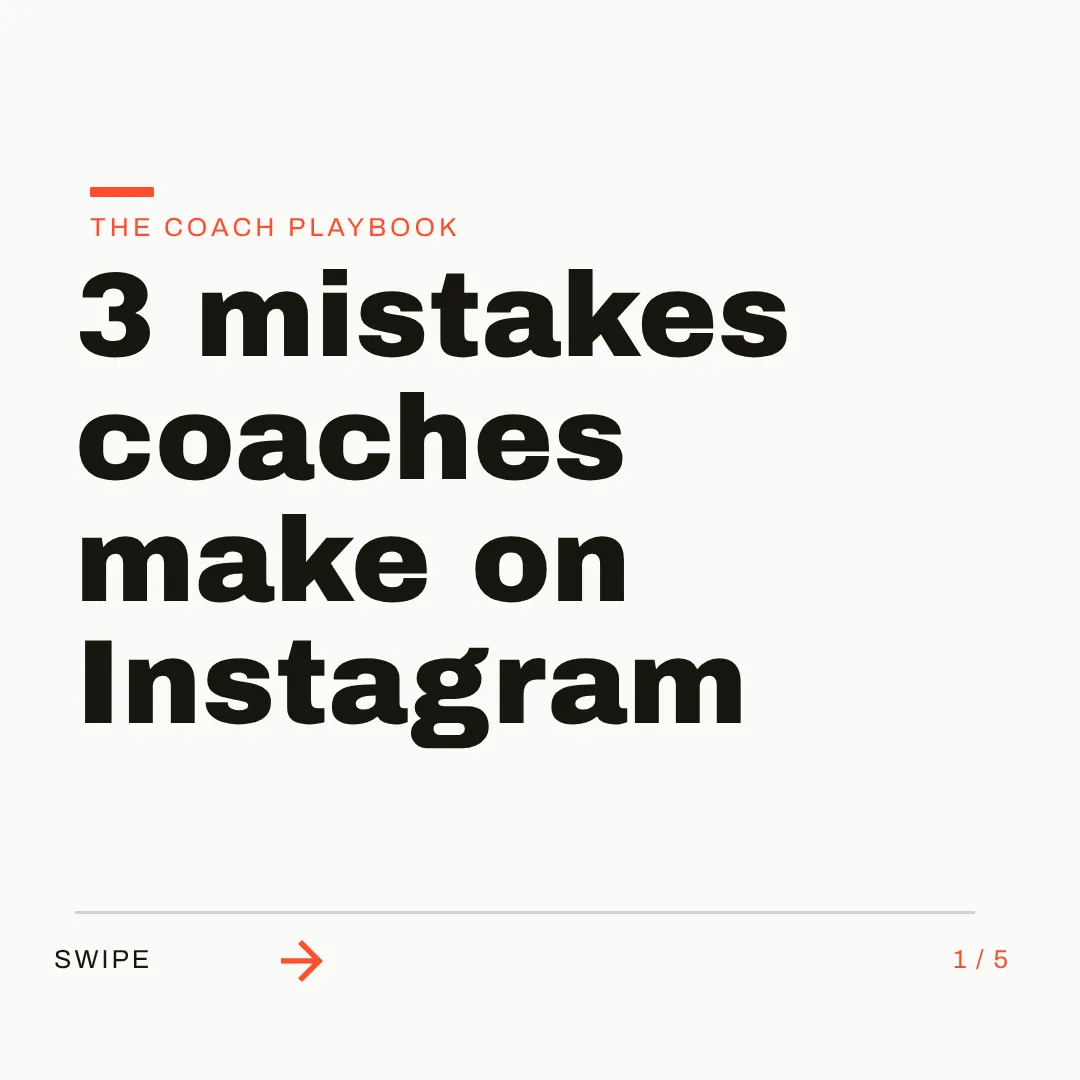
Next week's posts start from this week's.
Describe the post once. When next week comes, Make variations keeps the layout and swaps the words, batch mode designs up to 10 posts from one brief, and Post Ideas fills the week with on-brand ideas. Then schedule them to Instagram and Facebook without leaving Krumzi.
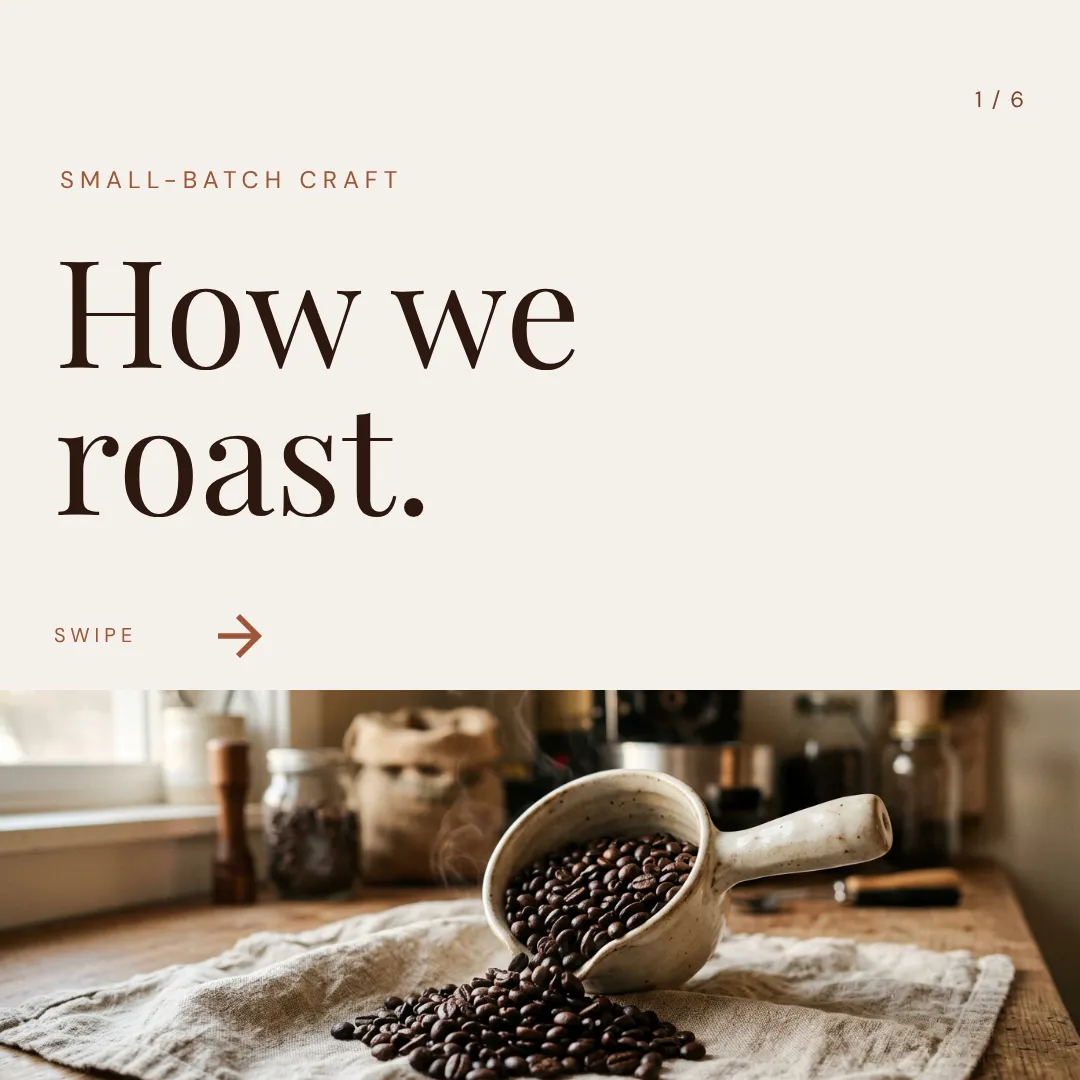
A Brand Mind for every client. Not one memory of you.
Lovart's Arti remembers you as a person. Krumzi's Brand Mind learns each brand on its own: what you export, change, rate and tell it, kept in a client file you can read and correct. Switch clients and the next post already looks like theirs, as a post, a carousel, a document or a video.


Which one should you actually use?
These tools are closer than most. Both design from a brief. Here's the honest split, including the cases where Lovart is the better call.
Switch to Krumzi if you...
- You make weekly social posts, carousels and stories, not campaign art
- You've re-run Edit Text or Touch Edit just to change one word
- You run several client brands and want each one learned on its own
- You'd rather not pick between 30 models for a Tuesday post
- You want next week's post to be this week's layout with new words
- You want posts scheduled to Instagram and Facebook from the same place
Stay with Lovart if you...
- The image is the deliverable: campaign art, product shots, concept work
- You need generative video from models like Sora 2, Veo or Kling
- Your printer or designer expects PSD, SVG or PPTX files
- Your brand runs on fonts you upload yourself
- Your team reviews work with comments on a shared canvas
What each one costs.
Lovart has a free tier and Krumzi doesn't. Both sell monthly AI credits. Lovart prices every image and video model separately; in Krumzi you describe the post and it picks the model. Here's the honest math.
Starter
$19/month
- 2,000 credits a month, plus 100 a day
- 5 Brand Kits
- Arti agent: 2 delegated tasks a day
- $16 a month billed annually
Basic
$32/month
- 3,500 credits a month, plus 100 a day
- 10 Brand Kits
- 4 tasks running at once
- $27 a month billed annually
Pro
$90/month
- 11,000 credits a month, plus 100 a day
- 30 Brand Kits
- 8 tasks running at once
- Annual: $45 a month in year one, then $74
KrumziStarter
$19/month
- 1,000 AI credits / month
- 1 brand
- AI Image Maker
- AI Carousel Maker
Pro
$39/month
- 2,500 AI credits / month
- 3 brands, each with its own Brand Kit
- Everything in Starter
- Unlimited Video Exports
Studio
$89/month
- 6,000 AI credits / month
- 10 brands, each with its own Brand Kit
- Everything in Pro
- Claude Opus access
Agency
$249/month
- 20,000 AI credits / month
- 25 brands, each with its own Brand Kit
- Everything in Studio
- Lowest price per credit
Lovart prices are US monthly prices from lovart.ai/pricing on November 5, 2026; annual prices are lower and the first-year discounts are promotional. Lovart's plan credits reset monthly and don't roll over, and a free tier gives 30 credits a day on limited models. Krumzi's prices come live from krumzi.com/pricing. Starter, Pro and Studio start with a 3-day free trial, card needed, with no charge until day 4. See full Krumzi pricing.
Keep the canvas for campaigns. Move the weekly posts.
There's nothing to export from Lovart first. Bring the same logo files and colors, paste the brief you'd give its agent, and your first Krumzi post takes about a minute.
Bring each brand
Add each client's logo, colors and fonts (Brand Kit is on Pro and up), or let Brand Mind learn each brand through a quick, tappable interview. Lovart Brand Kits don't import, but the same logo files and hex codes do, and fonts come from the full Google Fonts library.
Paste the brief
Type the same sentence you'd give Lovart's agent. Krumzi designs the post from scratch, on that brand, with real text. Attach an image you made in Lovart and the AI places it in the layout.
Edit, export or schedule
Click any element and change it, or ask in the chat. Export PNG, JPG, PDF or video up to 4K, or schedule it to Instagram and Facebook right from Krumzi.
Switching from Lovart, answered.
Yes, if your job is posting every week. Lovart is a design agent built around a canvas of image and video models, and it shines at campaign art, product imagery and generative video. Krumzi is built for weekly social posts, carousels and documents across one or several brands: each post designed from scratch with real, editable text, next week's version made from this week's layout, and scheduling to Instagram and Facebook.
How the design is made. Lovart's agent sends your brief to image models, so a poster or post comes back as one picture with the text painted in; tools like Edit Text and Edit Elements then make that text editable again or split the picture into layers. Krumzi builds the design as separate elements from the start: real text in real fonts, shapes, photos and layout, each one named and movable.
Yes, every part of it. Click or tap any element and tell Krumzi what to change, or drag, resize and retype it by hand. Every Krumzi change is saved as a version you can look at and go back to, and changing a word is just typing it. Nothing has to be regenerated or split out of an image.
Yes. Attach any image to your brief, including ones you generated in Lovart, and Krumzi's AI places it on the canvas as part of the design. A lot of people keep a generator for hero imagery and build the actual post around it in Krumzi.
Yes, and each client's brand separately. Save a logo, colors and fonts per brand with Brand Kit on Pro and up, and Brand Mind, on every plan, learns each brand from what you export, change, rate and tell it. Switch brands and the next design follows that brand, not the last one you worked on.
No. Krumzi exports PNG, JPG, PDF and WebP images, multi-page PDFs and video up to 4K. If your printer or designer needs PSD, SVG or PPTX files, Lovart covers that and Krumzi doesn't.
Krumzi is a paid subscription, and Starter, Pro and Studio start with a 3-day free trial. You add a card, pay nothing today, and make your first posts with the plan you picked. Downloads carry a watermark until your plan starts on day 4, unless you cancel before then. Lovart has a free tier and Krumzi doesn't, so the trial is how you test Krumzi on a real week of posts.
No. Plenty of people keep a generative canvas for campaign art and video and use Krumzi for the weekly posts. They solve different parts of the job, so use whichever fits the work in front of you.
Compare more alternatives
Lovart isn't the only tool on your shortlist. Here's how Krumzi stacks up against the rest.
PoKrumzi vs PomelliGoogle's free campaign maker, built from your website. Krumzi designs every post from scratch, keeps every element editable, and runs several brands.MdKrumzi vs Microsoft DesignerA free Microsoft design app for personal projects. Krumzi designs your business posts in your brand, every element editable.PiKrumzi vs PippitCapCut's video-first marketing AI, with avatars. Krumzi designs your weekly posts from scratch in your brand, every element editable.BlKrumzi vs BlazeAn AI marketer that plans, writes and auto-posts. Krumzi designs each post from scratch for your brief, fully editable, in your brand.AcKrumzi vs AdCreative.aiAd variations, scored and sent to your ad accounts. Krumzi designs your weekly posts from scratch, in your brand, with every element editable.AiKrumzi vs aiCarouselsAI-written carousels laid out from a theme library. Krumzi designs each post from scratch, in each client's brand, and schedules it.CdKrumzi vs ContentdripsLinkedIn writing, templates and publishing in one toolkit. Krumzi designs every post from scratch instead of filling a template, in each client's brand. Krumzi vs Predis.aiBuilt around post scheduling. Krumzi is built around design.
This week's posts, built so every word stays editable.
Keep Lovart for campaign art and video if you love it. Let Krumzi design the weekly posts in each client's brand, and schedule them when they're ready.