 vsPiPippit
The Pippit alternative for this week's posts, in your brand.
Pippit, from the CapCut team, is built for video: product links turned into ads, avatars that present your product, clips from the big video models. Krumzi is built for the posts you publish every week. Describe one and it designs it from scratch in your brand, with every headline, photo and color still yours to change.
3-day free trial, card needed. No charge until day 4. Cancel online anytime.
A video studio vs. a post designer.
KrumziPippit details verified from pippit.ai, its app store listings and published reviews in November 2026. Spot something out of date? Tell us and we'll fix it.
If you're making posts with it, one of these probably sounds familiar.
Pippit's public ratings are low and still thin: 1.7 on Trustpilot from 55 reviews, and 2.3 to 2.9 on Google Play depending on the country. Most complaints are about credits, results and support, not the idea. Here's what pushes people to look elsewhere.
It's a video studio first
Pippit's center is the Video Agent: paste a product link, get ad-style videos, add an avatar to present them. Its AI Design tool returns four images per prompt from image models like Seedream. If your week is posts, carousels and stories, you're using a video-ad tool for a design job.
Credits you can't plan around
Videos, images and avatars all draw on one credit balance, and Pippit publishes no per-model rate card. One review says a short video on an advanced model can use several hundred credits, and Trustpilot reviewers report losing credits when a generation fails.
Results are a gamble
A common complaint on Trustpilot is output that ignores the brief. One reviewer called it a gamble whether you get the video you described. Another said it can't follow basic, explicit instructions.
Your brand comes along one brief at a time
Pippit's app listing has you upload product shots and brand assets with each brief. Its pricing page lists avatars, storage and publishing, but no saved brand kit that steers every design.
Support is hard to reach
Trustpilot reviewers describe replies taking five or more business days. Pippit answers every negative review there, usually weeks later and usually with a form to fill in.
Things change under you
Reviewers report AI models removed without notice, and one lost clips and prompts from a saved project after reloading it. When you post every week, you need the tool and your work to stay put.
To be fair: Pippit does things Krumzi doesn't. Avatars that present your product in 30+ languages, videos from a single product link, Sora 2, Veo 3.1 and Seedance on one bill, TikTok posting with analytics, and a free plan with daily credits. If your content is short product video and talking avatars, Pippit fits that job. This page is for people whose week is posts, carousels and stories in their brand.
Why people pick Krumzi over Pippit
Each post designed for its brief.
Pippit's image tools hand you options from image models. Krumzi decides the layout, type, colors and composition for your brief and builds each part as its own element, so the post looks designed for you and not like a template.

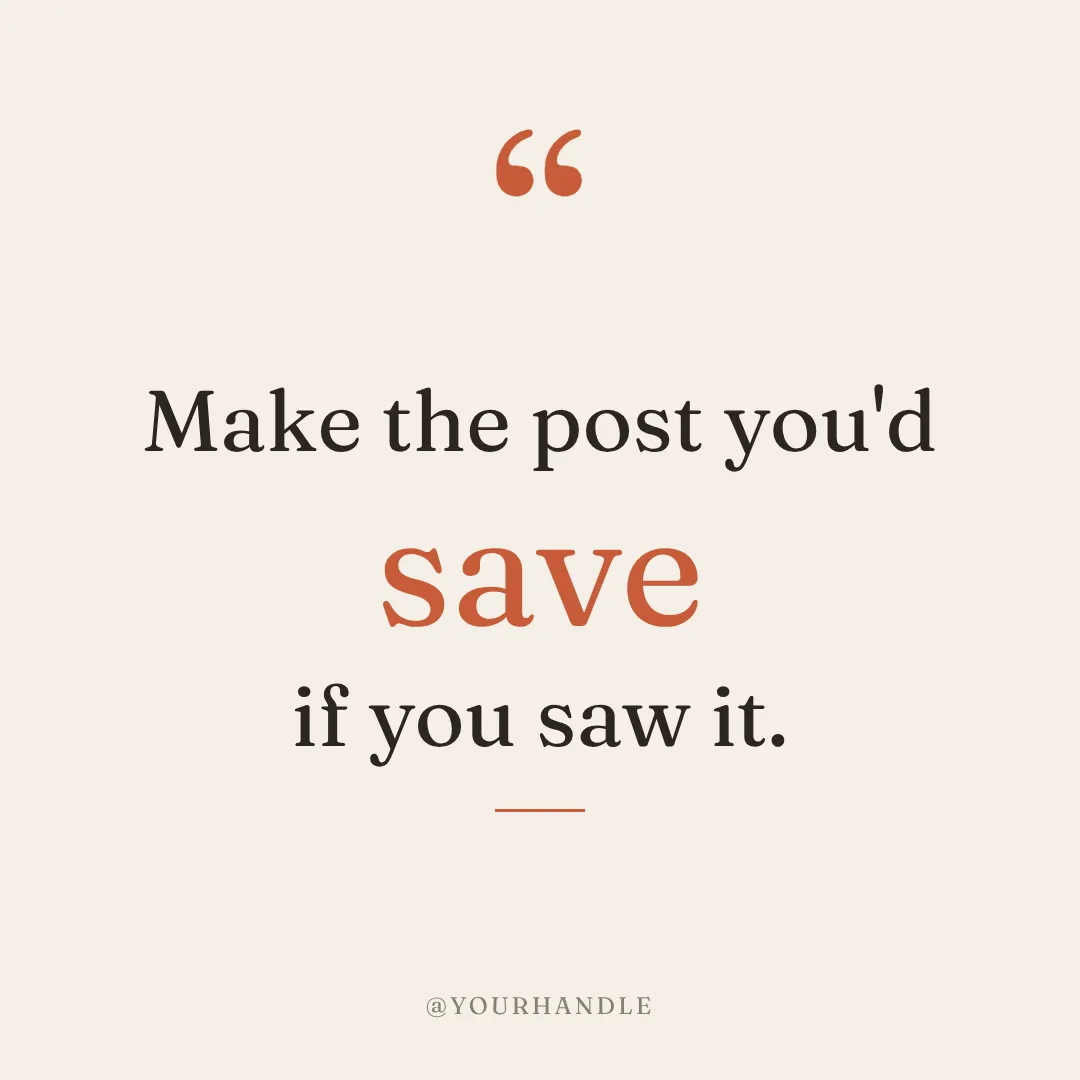

One sentence in. Then say what to change.
Type the post you need and Krumzi designs it in your brand. Then keep chatting: bigger headline, swap the photo, use the orange from the logo. Tap any part of the design to make the next message about it. Every change is saved as a version you can go back to.
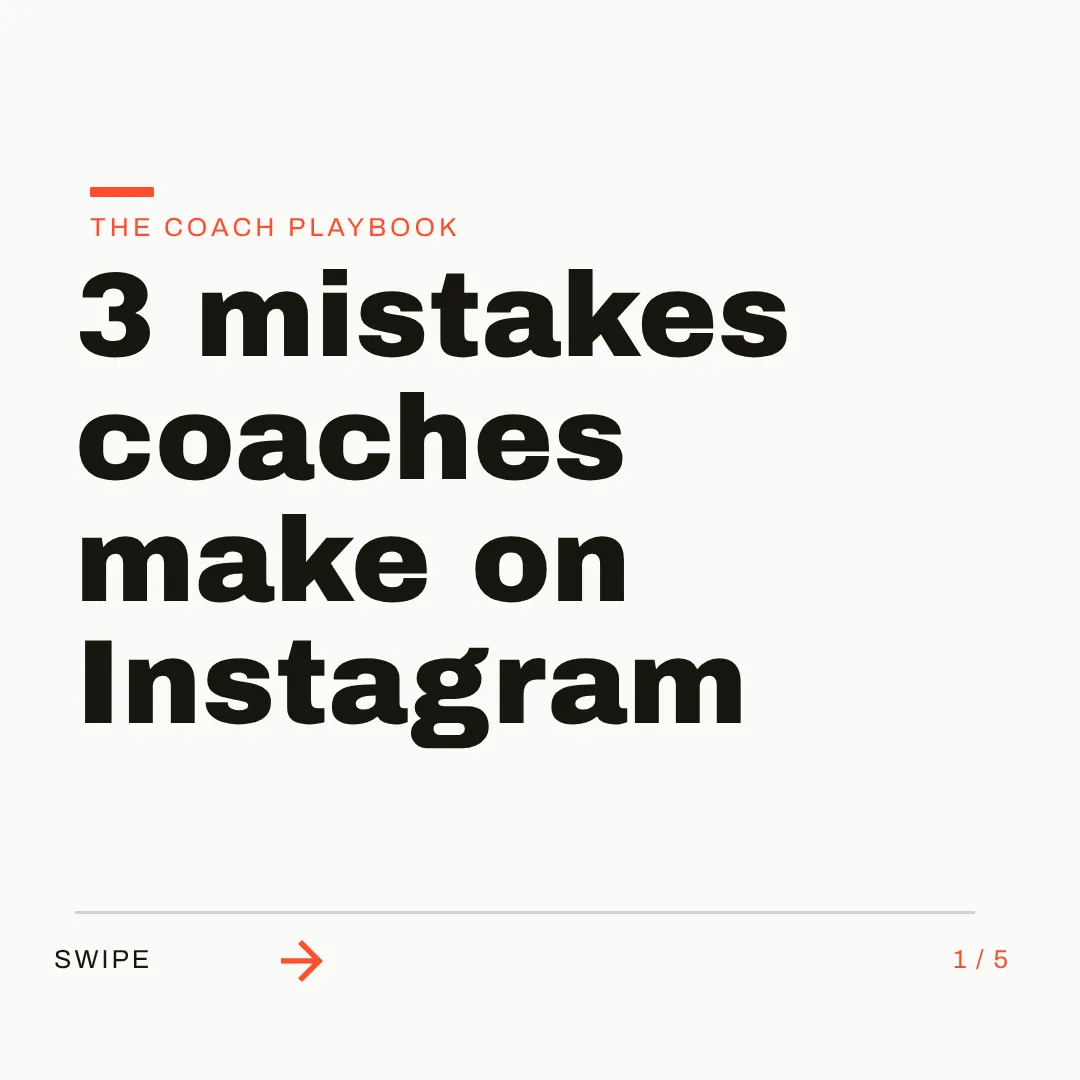
This week's posts, in every size you need.
Batch mode designs up to 10 different posts from one brief, Make variations turns last week's post into this week's, and Post Ideas fills the gaps. Each brand you run keeps its own Brand Mind. Pick from 44 preset sizes, then schedule straight to Instagram and Facebook.

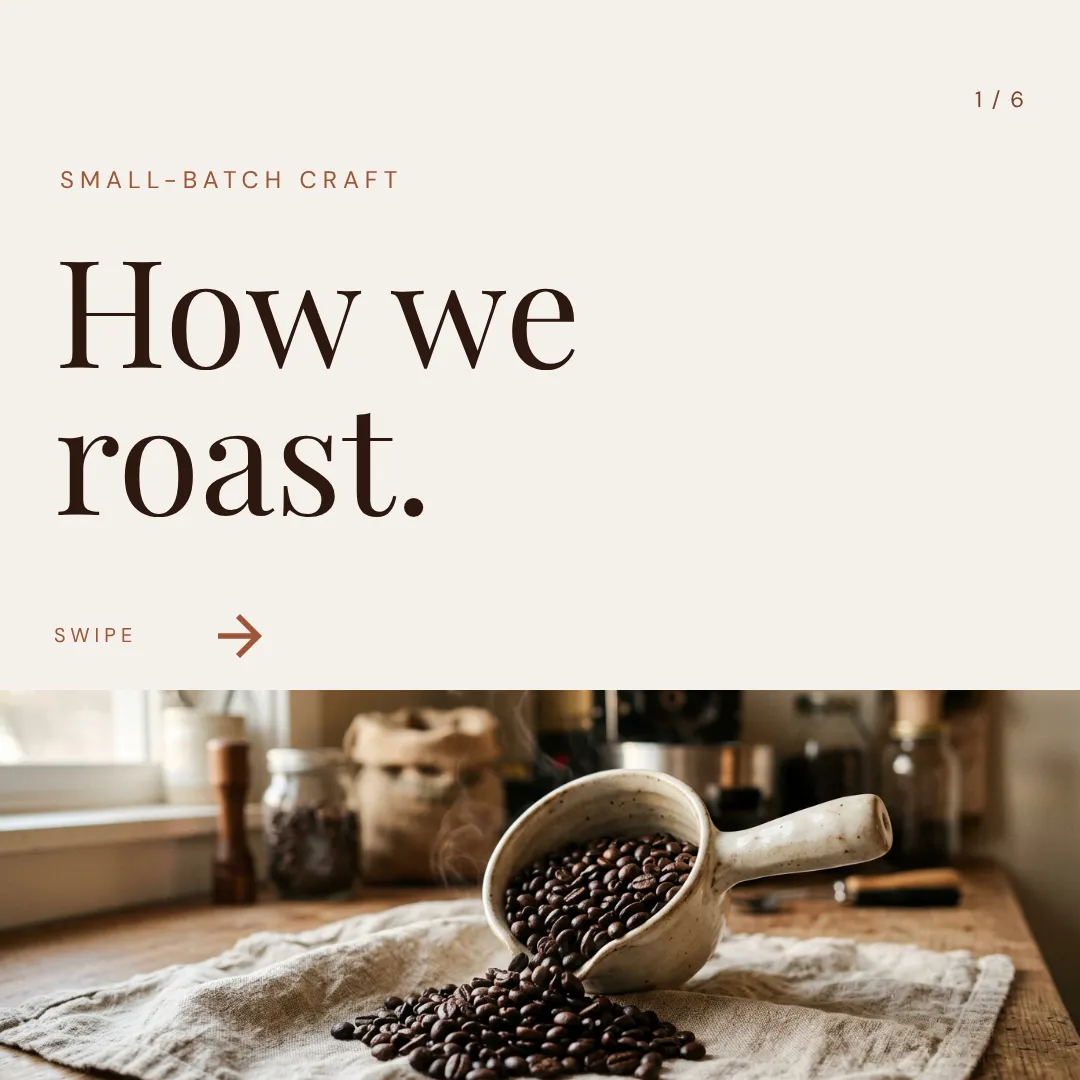

Which one should you actually use?
These tools do different jobs. Here's the honest split, including when Pippit is the better call.
Switch to Krumzi if you...
- Your week is posts, carousels and stories, not product videos
- You want to move, restyle or rewrite every part of the design
- Your brand should carry into every design without uploading it again
- You run several brands and need each one kept apart
- You want to design and schedule Instagram and Facebook posts in one place
- You want every change saved as a version you can go back to
Stay with Pippit if you...
- Your content is product video and talking-avatar ads
- You want finished videos from a product link
- You post to TikTok and want TikTok Shop links and analytics
- You want Sora, Veo and Seedance video models on one bill
- You need a free plan and watermarked exports are fine
What each one costs.
Pippit has a free plan and Krumzi doesn't. Pippit's paid plans buy credits for video, images and avatars; Krumzi's plans pay for designing your posts in your brand. Here's the honest math.
Free
$0/month
- Daily free credits (amount not published)
- Video Agent, Image Agent, 3 photo avatars
- Exports keep the watermark
- No credit top-ups or advanced models
Starter
$15/month
- 1,575 credits a month
- Watermark removed, upscale up to 4K
- 1 custom video avatar
- 500 GB of storage
Plus
$36/month
- 3,885 credits a month
- Faster generation
- 3 custom video avatars
- Pro plans start at $79 a month
KrumziStarter
$19/month
- 1,000 AI credits / month
- 1 brand
- AI Image Maker
- AI Carousel Maker
Pro
$39/month
- 2,500 AI credits / month
- 3 brands, each with its own Brand Kit
- Everything in Starter
- Unlimited Video Exports
Studio
$89/month
- 6,000 AI credits / month
- 10 brands, each with its own Brand Kit
- Everything in Pro
- Claude Opus access
Agency
$249/month
- 20,000 AI credits / month
- 25 brands, each with its own Brand Kit
- Everything in Studio
- Lowest price per credit
Pippit prices are US monthly list prices reported by dated reviews in October 2026; pippit.ai shows prices for your region, often with a 40% discount, and yearly plans cost less. Krumzi's prices come live from krumzi.com/pricing. Starter, Pro and Studio start with a 3-day free trial, card needed, with no charge until day 4. See full Krumzi pricing.
Keep the videos. Hand over the posts.
There's nothing to migrate. Keep Pippit for product videos if they work for you. Your first Krumzi post takes about a minute.
Bring your brand
Add your logo, colors and fonts once, or let Brand Mind learn your brand through a quick, tappable interview. It works even if you don't have a website.
Describe the post
Type one sentence, or attach a product photo or an image you made in Pippit. Krumzi designs the post from scratch around it, on your brand. Keep chatting to refine anything.
Edit, export or schedule
Every element is editable. Export PNG, JPG, PDF or video, or schedule the post to Instagram and Facebook. For TikTok, download the file and post it there.
Switching from Pippit, answered.
Yes, if your week is mostly posts. Pippit is a video-first marketing tool from the CapCut team: product videos from a link, AI avatars and clips from video models. Krumzi designs social posts, carousels, stories and documents from scratch in your brand, keeps every element editable, and schedules to Instagram and Facebook. If short product video is your main format, Pippit fits that job better.
Pippit's image tools run on image models like Seedream and Nano Banana, and its AI Design returns four images per prompt; its poster flow lets you change the text on a canvas. Krumzi builds the post as a design: separate text, shapes and photos laid out for your brief, in your fonts and colors, so you can move, restyle or rewrite any part of it.
Yes, everything. Click any part of the design and tell Krumzi what to change, or drag, resize and retype it by hand. Every change Krumzi makes is saved as a version you can go back to, and your work autosaves.
Brand Mind learns your brand from your website or a quick, tappable interview and steers every design, on every plan. On Pro and up, the Brand Kit applies your saved logos, colors and fonts automatically. If you run several brands, each one keeps its own.
No. Krumzi has no AI avatars, talking photos or videos made from a product link. Its video is a motion-design editor on Pro and up, used on a laptop: a timeline, animations, transitions, auto-captions in 10 languages and exports up to 4K. If avatar or product-video ads are the job, keep Pippit for that.
Yes, to Instagram and Facebook on every paid plan. Publish now or schedule from a calendar, with an AI caption written from the post itself. Pippit also posts to TikTok and shows post analytics, which Krumzi doesn't, so for TikTok you download the file and post it there.
Krumzi is a paid subscription, and Starter, Pro and Studio start with a 3-day free trial. You add a card, pay nothing today, and make your first posts with the plan you picked. Downloads carry a watermark until your plan starts on day 4, unless you cancel before then. Pippit has a free plan with daily credits and watermarked exports, so it costs nothing to try.
No. Keep Pippit for product videos and avatars if they work for you, and use Krumzi for the posts, carousels and stories you publish every week. They do different jobs.
Compare more alternatives
Pippit isn't the only tool on your shortlist. Here's how Krumzi stacks up against the rest.
BlKrumzi vs BlazeAn AI marketer that plans, writes and auto-posts. Krumzi designs each post from scratch for your brief, fully editable, in your brand.AcKrumzi vs AdCreative.aiAd variations, scored and sent to your ad accounts. Krumzi designs your weekly posts from scratch, in your brand, with every element editable.AiKrumzi vs aiCarouselsAI-written carousels laid out from a theme library. Krumzi designs each post from scratch, in each client's brand, and schedules it.CdKrumzi vs ContentdripsLinkedIn writing, templates and publishing in one toolkit. Krumzi designs every post from scratch instead of filling a template, in each client's brand. Krumzi vs Predis.aiBuilt around post scheduling. Krumzi is built around design.
 Krumzi vs SimplifiedAn all-in-one marketing suite. Krumzi does one thing well: design.
 Krumzi vs OcoyaScheduling with quick AI graphics. Krumzi puts the craft in the post. Your scheduler keeps the calendar.PnKrumzi vs PostNitroAI carousels from preset layouts. Krumzi designs carousels from scratch on one connected canvas.
This week's posts, designed in your brand.
Keep Pippit for the product videos. Let Krumzi design the posts, carousels and stories, then schedule them. Describe one, and watch it design.