On this page
You've got four clients, and each one wants "about 30 posts a month". So you make them the slow way: one evening, one post, one design decision at a time. If you're wondering how to make 30 social media posts a month without giving up every night, the answer is three sittings. Sitting 1 plans all 30 and writes the briefs. Sitting 2 makes the posts in three runs. Sitting 3 writes the captions, gets approval and schedules.
The idea underneath it is simple: 30 posts isn't 30 designs. Most of a month falls into a few groups that can be made together. This guide shows the split, the runs and a sample month you can copy for each client.
Is 30 posts a month realistic?
Thirty posts a month is about seven a week. That's one a day on a single platform, or four or five feed posts plus a couple of Stories. For most small brands it means one main platform, with the same posts adapted for the second.
Count only what you actually have to make. A post that goes to Instagram and Facebook with the same design is one post, not two. A Story that reshares a feed post is barely a post at all.
And agree the number with each client in writing before the month starts. Cadence is the first thing to slip, and the first thing a client notices. If you haven't set it yet, our guide to building a content calendar covers cadence per client.
Before you start: three things every client needs
Brand facts. Logo, colours, fonts, the brand voice, and the names, dates and prices that must never change. Keep them in one place you can copy from, so no post ever carries a typo'd price.
Three to five pillars. The recurring themes a brand talks about: teaching, behind the scenes, promo, community. If a client doesn't have them yet, start with our guide to content pillars.
This month's facts sheet. Offers, launches, events, closures, holidays. One short list per client, written before you plan a single post.
One rule for anyone with more than one client: one client per sitting. Never make two clients' posts in the same block of time. That's how a dentist's promo ends up with a dog groomer's colours. If you still need the big decisions (goal, platforms, what to say), our content plan guide covers them first.
How to make 30 social media posts a month, step by step
- Split the 30 by pillar, then by format
- Sort every post into one of three runs
- Write one brief per run
- Make the visuals, one run at a time
- Write the captions in one pass
- Send the month for approval, then schedule it
Steps 1 to 3 are Sitting 1. Step 4 is Sitting 2. Steps 5 and 6 are Sitting 3.
The time boxes below are suggested starting points, not promises. Your first month per client will run longer, and the second will be quicker.
Step 1: Split the 30 by pillar, then by format
Sitting 1. Turn the pillars into numbers. One example split for a 30-post month:
- 12 teaching posts (40%)
- 8 behind the scenes (27%)
- 6 promo (20%)
- 4 community (13%)
Our calendar guide uses 40/30/20/10 on a 20-post month. Any split works as long as it follows the client's goal, and a launch month can push promo up for a few weeks.
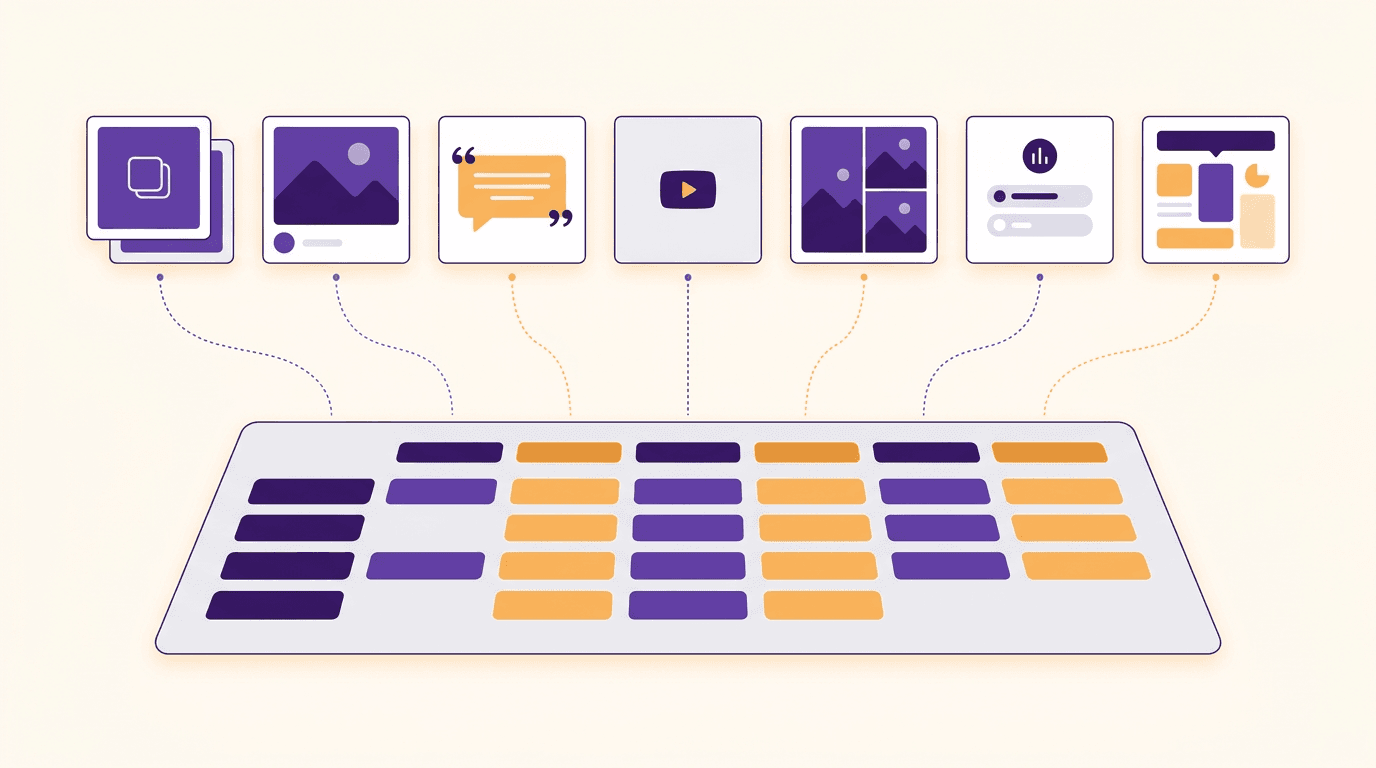
Then pick a format inside each pillar. Teaching splits well into carousels and single images. Behind the scenes is Reels and photos. Promo and community often work best as a recurring series. Suggested time: 20 minutes.
Step 2: Sort every post into one of three runs
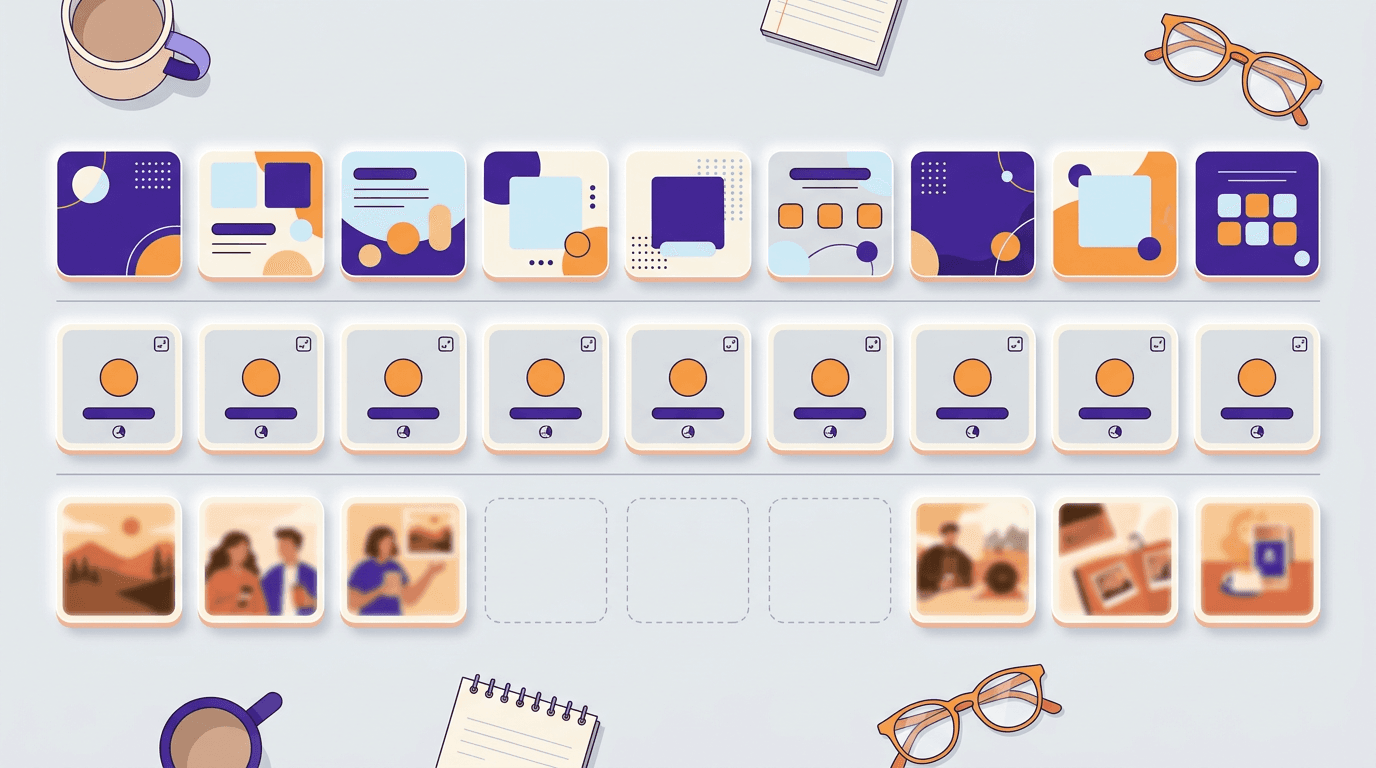
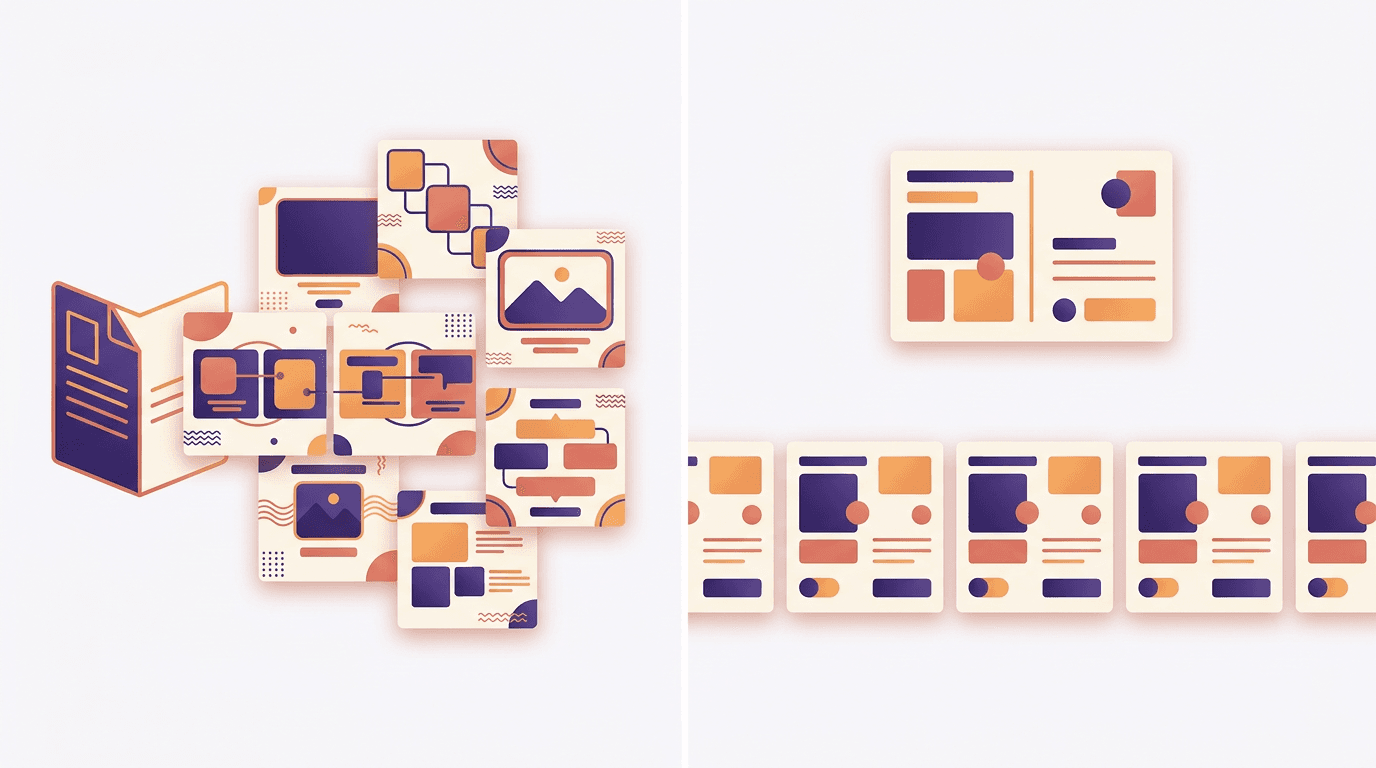
Sitting 1. This is the step most 30-day plans skip, and it decides how fast the month gets made. Every post goes into one of three runs:
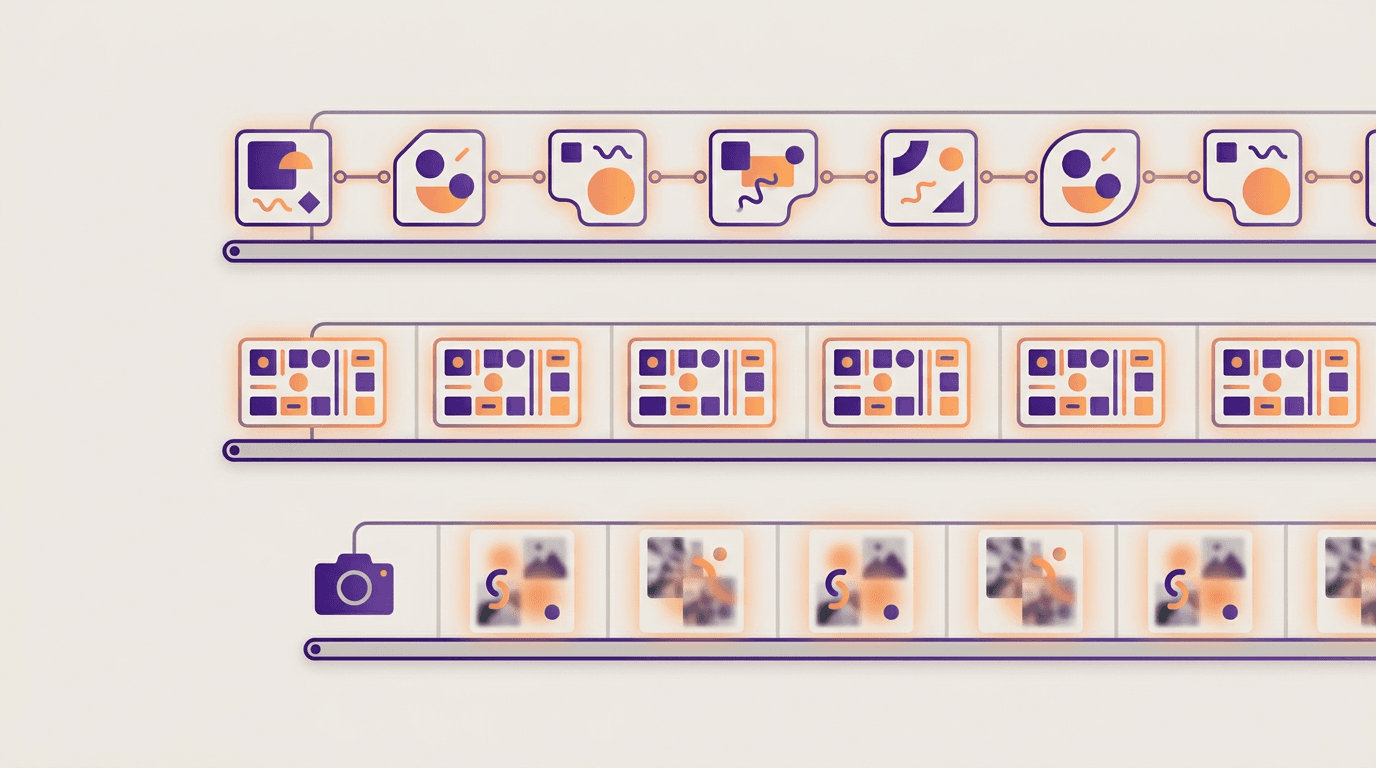
- Run A: posts that should look different (14 slots). Teaching tips and one-off promos. If twelve tip posts share a layout, the feed looks like a spreadsheet. These get one brief per format and come back as distinct designs.
- Run B: series that should look the same (8 slots). A weekly offer and a review of the week. Here a fixed look is the point, because followers recognise the series. The master is post 1 of each series, then 3 variations with new words: 1 master plus 3 variations is 4 posts, and two series make 8.
- Run C: your own photos and video (8 slots). Behind the scenes. Shoot, crop, add a line of text at most.
Here's the count, said once: 30 slots planned, 26 to 27 posts made now, and 3 to 4 Run C slots held open. That's the 10 to 15% you'll want when a customer sends a great photo or the shop closes for a day.
Step 3: Write one brief per run
Sitting 1. A run brief holds five things: the pillar, the format, the count, the exact facts copied from the facts sheet, and a one-line angle per post. Writing the angles is the real thinking. Do it here, once, instead of thirty times.
Here's a Run A brief for a fictional dog groomer, Fetch & Fluff:
6 Instagram carousels, 5 slides each, teaching pillar, for Fetch & Fluff (dog grooming, Leeds). Angles: 5 signs your dog needs a de-shed; how often to bath a double-coated dog; nail trims at home, what's safe; puppy's first groom, what to expect; summer coat myths; brushing tools by coat type. End each with "Book your groom, link in bio".
For Run B, the brief is the master design plus a list of each variation's words: this week's offer, its dates, its price. For Run C, it's a shot list. Suggested time: 30 minutes.
Step 4: Make the visuals, one run at a time
Sitting 2, the whole sitting. Work run by run, never post by post.
Run A, by format. Make the 6 carousels together, then the 8 single images together. Staying in one format keeps the size, safe zones and slide count in your head for the whole run.
Run B, master first. Make each series' master and get it signed off before anything else. Then make 3 variations of each. If a master changes later, every post in that series changes with it, so it's worth the extra look.
Run C, from the camera roll. Pick 4 to 5 photos or clips now, crop them for the format and leave the 3 to 4 open slots alone.
Suggested time: about 90 minutes for Run A, 40 for Run B and 30 for Run C. Your numbers will be different, and that's fine.
Step 5: Write the captions in one pass
Sitting 3. Write captions after the visuals exist, so each caption adds to what the post already says instead of repeating it. Hook in the first line, the point in the middle, one call to action at the end.
Do them in run order. Run B captions are the quickest, since they follow the same pattern every week. For a structure you can reuse, see how to write the captions that earn engagement. Suggested time: 45 minutes.
Step 6: Send the month for approval, then schedule it
Sitting 3. Send each client the whole month in one review, not 26 separate messages. Give a 2 to 3 working day deadline and ask for changes by post date.
When a post changes after approval, fix it in the source design. For a Run B post, fix the master too, so the series stays consistent. Re-check the facts, then re-send only that post.
Once it's approved, schedule the month in one go and leave the open slots empty on purpose. Scheduling to Instagram from most tools needs a professional account, so check the client has set up a professional Instagram account during onboarding, not the night before the first post. Our content calendar guide has the approval columns if you want a template.
A sample 30-post month
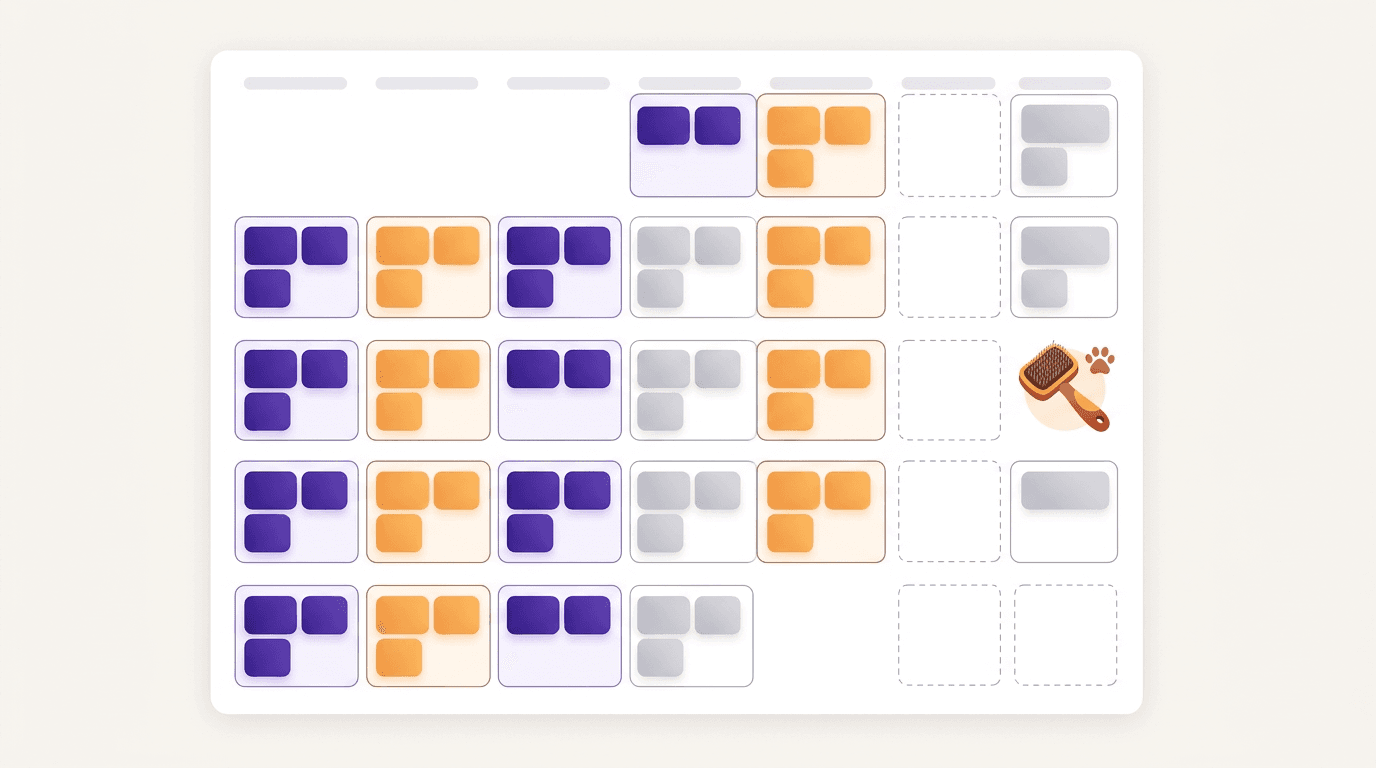
Here's the whole month for Fetch & Fluff, one Instagram feed mirrored to Facebook:
| Pillar | Slots | Format | Run | Example |
|---|---|---|---|---|
| Teaching | 12 | 6 carousels, 6 single images | A | "5 signs your dog needs a de-shed" |
| Promo | 6 | 2 one-off singles, 4 weekly offer singles | A (2), B (4: master + 3 variations) | "This week: nail trim with any bath" |
| Behind the scenes | 8 | Reels and photos: 4 to 5 now, 3 to 4 held open | C | "Before and after: Biscuit the spaniel" |
| Community | 4 | Review quote cards | B (4: master + 3 variations) | "Review of the week" |
| Total | 30 | 26 to 27 made now, 3 to 4 held open | A 14, B 8, C 8 | One client, one month |
Run A is 6 carousels and 8 single images. Run B is two series, each a master plus 3 variations. Run C is your own camera roll.
For a second client the shape changes. A dental practice might run 15 teaching posts, 4 promo and a weekly "myth or fact" series, with fewer behind-the-scenes slots because most patients don't want to be filmed. Same three runs, different numbers.
Which tool does which run
No single tool does all three runs well, so match the tool to the run.
Spreadsheet and Canva Bulk Create
Canva's Bulk Create links the columns of a spreadsheet to text and image placeholders in one design, and each row becomes its own design from that layout. That makes it a good fit for Run B: one row per weekly offer, one layout for the whole series. Every row shares the layout, though, so it's the wrong tool for Run A. It isn't on Canva's free plan, so check yours.
Your phone and a simple editor
For Run C, your phone's camera and editor are enough. Crop for the format, fix the light, add a line of text if the post needs it.
Krumzi
Krumzi handles Run A and Run B for each client, in that client's brand. Each client is its own brand with its own Brand Mind, so one client's month never borrows another's look (Brand Kit is on Pro and up). How many brands you can keep active depends on your plan, so check the pricing page before you plan a fourth client. If a client's ideas run dry in Step 1, Post Ideas suggests post ideas sorted by pillar.
For Run A, turn on Batch, write one brief and get 2 to 10 distinct designs back. Names, dates and prices stay word for word. Each batch is one type, so this month's Run A is two batches: 6 carousels, then 8 single images. Edit any one, or download the batch as a zip.
For Run B, make each master with a normal brief, then use Make variations to turn it into new versions with the same layout and new words. Paste the text or attach a PDF or text file. It's same-layout on purpose, like Bulk Create, and photos stay as they are, so use it once per series: a master plus 3 variations.
In Sitting 3, AI captions read the words on each design, and on paid plans Schedule publishes to a connected Instagram Professional account and Facebook Page.
Start free trial. A card is needed to start, the first charge comes on day 4, and downloads carry a watermark until the first payment. Want to test one post first? Try the social media post maker.
Running 30-post months for several clients
The three sittings scale, as long as clients never share one. Stagger them: client A's sittings in week 1, client B's in week 2, and so on. Each client gets its own facts sheet, its own brand and its own Run B masters. Never reuse one client's series design for another, even if it worked well.
Keep the sitting order the same for every client. You'll learn which step runs long for which client, and that tells you where next month's time goes. If you're managing several client brands in one place, set each one up as its own brand before the first sitting.
Frequently Asked Questions
Is 30 posts a month too many?
It depends on the platform and how much you can keep up. Thirty a month suits a brand posting daily on one platform. For many small brands 12 to 16 good posts a month works better than 30 rushed ones, because consistency matters more than count.
How long does batching a month take?
Using the suggested time boxes above, Sitting 1 and Sitting 3 each take under an hour and Sitting 2 takes the longest, about two and a half hours. Steps 2 and 6 aren't timed. Treat that as a starting point, not a promise. By the second month your briefs and Run B masters are already written, so it gets quicker.
Can I use Canva Bulk Create for this?
Yes, for recurring series. Bulk Create turns each spreadsheet row into a design from one template, so every post shares the same layout. Use it for Run B and pair it with something else for the posts that should look different.
What if a post needs changing after approval?
Change it in the source design, re-check the facts and re-send just that post for a quick yes. If it's part of a series, change the master too so the next variations match. Note the change in your calendar so nobody schedules the old version.
Can I make 30 social media posts a month for free?
You can plan for free with a spreadsheet and shoot Run C on your phone. Many design tools have free tiers, so check each one's limits before you build a month on it. Krumzi starts with a free trial, but a card is needed and the first charge comes on day 4.
A month of posts, designed before your coffee cools
Describe the post. Krumzi designs it from scratch, on your brand, fully editable.
Start free trial3-day free trial, card needed. No charge until day 4. Cancel online anytime.