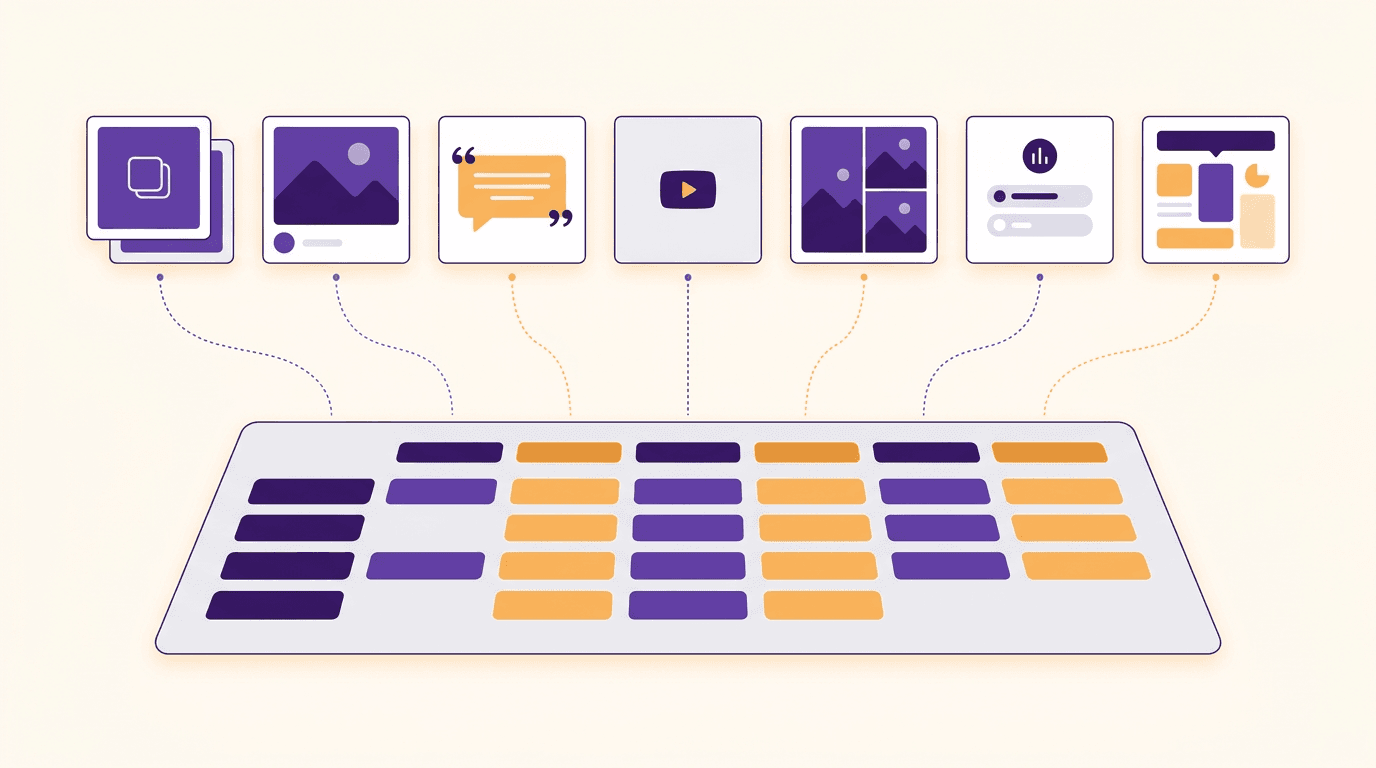
On this page
- Social media manager tools at a glance: the best tools for social media managers by job
- What a social media management tool does (and what it doesn't)
- 1. Plan the content: a calendar each client can see
- 2. Create the visuals: the job most tool lists skip
- 3. Schedule and publish: social media scheduling tools
- 4. Reply to comments and DMs: the community inbox
- 5. Report on results: social media analytics for clients
- 6. Get client approval without the email chain
- 7. All-in-one social media manager software: when one platform beats a stack
- How to choose your social media tools by number of clients
- Frequently Asked Questions
It's Monday. You have five clients, a scheduler, a design app, a spreadsheet calendar, a WhatsApp thread for approvals and a report due Friday. The scheduler isn't what eats your week. Making every client's posts look like that client, and getting them signed off, is.
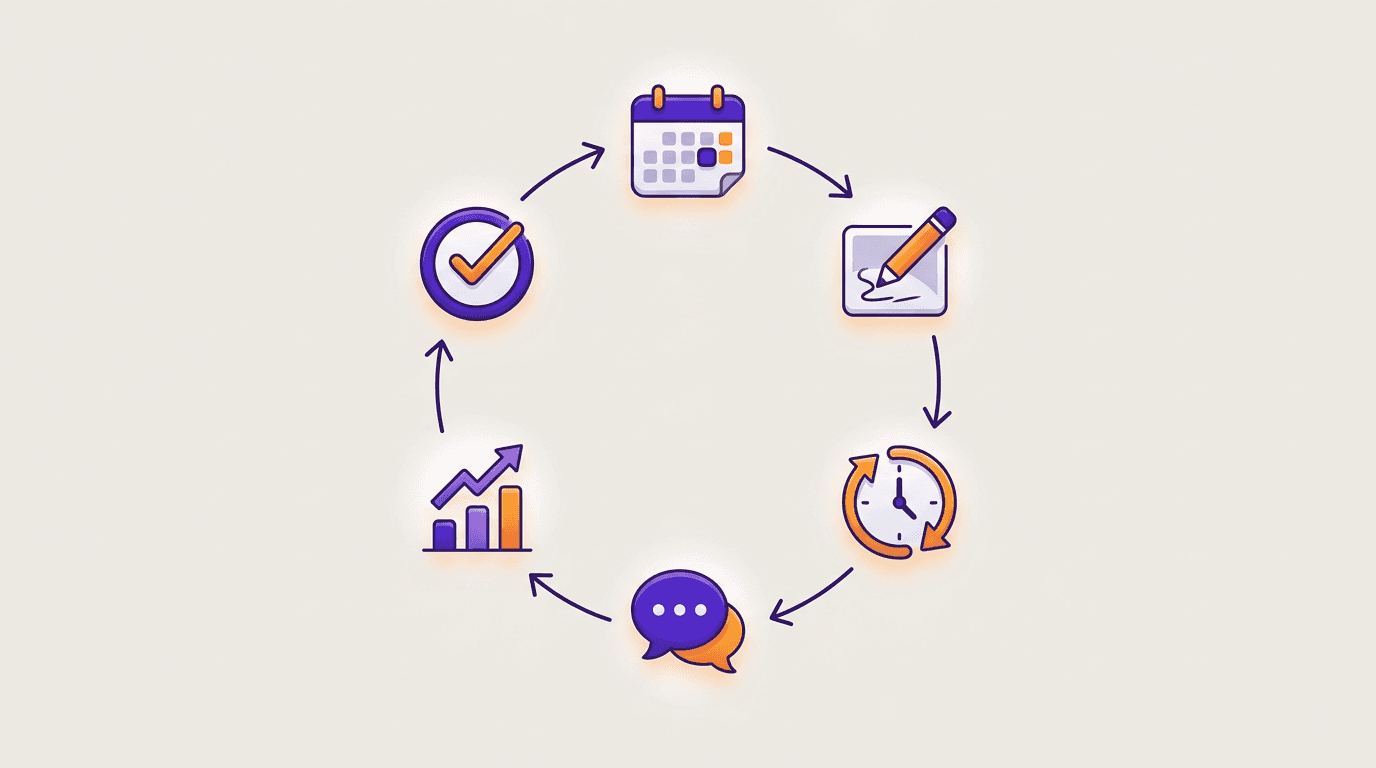
This guide sorts the best social media manager tools by the six jobs in that week: plan, create, schedule, reply, report and get approval. You get a one-screen table, the best-fit tool for each job, where one tool covers two jobs, and what to run at 3 clients versus 10.
A quick disclosure: Krumzi is our product. It covers one job on this list (designing the posts) plus scheduling to Instagram and Facebook. It isn't a replacement for a full management platform, and we say where it stops. Every free-tier detail below was checked on each tool's own site in November 2026.
Social media manager tools at a glance: the best tools for social media managers by job
| Job | Tool | Best for | Free tier |
|---|---|---|---|
| Plan | Planable | A calendar each client reviews in place | Free to try (first 50 posts) |
| Create | Krumzi (ours) | A week of on-brand posts per client | No, trial only |
| Schedule | Buffer | Simple scheduling across networks | Yes (3 channels, 10 scheduled posts each) |
| Schedule | Later | Visual planning for Instagram, TikTok and Pinterest | No, 14-day trial |
| Reply | Agorapulse | One inbox for comments, DMs and reviews | Yes, a free plan after the 30-day trial |
| Reply | Sprout Social | Bigger teams that also need listening | No, 30-day trial |
| Report | Metricool | Client reports on a small budget | Yes (1 brand, 20 posts a month) |
| Approve | Planable | Required and multi-level approvals | Free to try (first 50 posts) |
| All-in-one | Hootsuite | Inbox, analytics and listening in one login | No, 14-day trial |
| All-in-one | Sendible | Agencies keeping each client in its own workspace | No, 14-day trial |
Most managers need two or three of these, not ten. The rest of this guide helps you pick which.
What a social media management tool does (and what it doesn't)
A social media management tool lets you plan, schedule and publish posts to several accounts from one place, reply to comments and messages in one inbox, and report on how the posts did. Most of them don't make the posts. You bring the visuals, and the tool moves them around.
That last part is why a "best social media management tools" list can feel incomplete when you're doing client work. The tool that publishes the post is rarely the slow part.
The six jobs in a social media manager's week
- Plan: decide what each client posts and when, usually by content pillar. A calendar per client does this.
- Create: make the actual images, carousels and short videos, in each client's brand. A design tool does this.
- Schedule and publish: get the right post to the right account at the right time. Every scheduler does this.
- Reply: answer comments, DMs and reviews before they go stale. A shared inbox does this.
- Report: show the client what worked, in numbers they understand. An analytics tool does this.
- Get approval: get a yes from the client before anything goes live. An approval tool does this.
Some tools cover three or four of these jobs. None covers all six well, and almost none covers job 2.
Free plan or free trial: what "free" means on this list
"Free" means two different things here. A free tier keeps working after you sign up, with limits: Buffer, Metricool and Zoho Social have one, and Agorapulse drops you to one after its trial. A trial runs out: Hootsuite, Later, Sprout Social and Sendible work this way. Planable sits in between: your first 50 posts are free with no time limit and no card.
We left prices out on purpose. They change too often to print, so check each tool's pricing page before you commit.
1. Plan the content: a calendar each client can see
Planning a single brand is easy. Planning six is where it breaks. You need one calendar per client, posts tagged by pillar so no client gets three promos in a row, a place to park ideas, and a view the client can open without asking you for a screenshot.
Planable: best for a calendar clients review in place
Planable gives each client a workspace with its own calendar, team, pages and approval flow, so nothing mixes between brands. Posts show as feed-style previews, so a client sees roughly what the post will look like rather than a row in a spreadsheet. Comments sit on the post itself.
It's free to try for your first 50 posts, with no time limit and no card, which is enough to run one client through a real month before deciding. Planable also has strong approvals, covered in section 6.
The calendar inside your scheduler
If you manage one to three clients, you may not need a separate planning tool. Buffer, Later and Metricool all include a calendar view, and a shared sheet for ideas covers the rest. Add Planable when clients start asking to see the month before it's scheduled.
The tool matters less than the habit. If you haven't set one up yet, here's how to build a content calendar per client, pillars and all.
2. Create the visuals: the job most tool lists skip
Schedulers assume the post already exists. For a manager with ten clients, it doesn't. Somebody has to make ten weeks of posts, and each week has to look like that client, not like the template every other account on the feed is using.
There's a reach reason too. On 30 April 2026, Instagram extended its originality rules to photos and carousels. Accounts that mainly re-upload other people's work are no longer shown in recommendations, and just adding a border, a watermark or a credit in the caption doesn't make a post original. For a manager, that means an account that mostly reposts other people's graphics or trending images as-is is now a reach risk, and designing each client's posts from their own brief is the safe side.
What to look for in a design tool for client work:
- Separate brands that don't bleed into each other: logo, colors, fonts and tone per client.
- Editable output, so fixing a date or a price takes seconds, not a redo.
- Versions of one post: the same layout with new words for next week, or for another client.
- Every format you post: single images, carousels and short video.
- The right sizes for each network without resizing by hand.
Krumzi: best for a week of on-brand posts per client
Krumzi is our product, so judge this section with that in mind.
Here's the problem it's built for. You have ten clients, and each needs a week of posts in its own look by Friday. In Krumzi, you describe a post in plain words ("Thursday's offer: two coffees for the price of one, warm and friendly") and get a design made from scratch for that brief. It doesn't fill in a template. Every element stays editable afterwards, so you can change a word, swap a photo or move the logo yourself, or just ask for the change.
How it handles many clients:
- A brand per client. Brand Mind, on every plan, learns how each client looks and sounds and steers every design toward it. The Brand Kit (logo, colors, fonts) comes with Pro and up. Plans hold 1, 3, 10 or 25 active brands (Starter, Pro, Studio and Agency). Archive a finished client and the slot comes back, with their designs kept.
- Make variations. Turn one finished post into versions with new text: next week's offer, a different event, or the same idea for each client. The layout and look stay; only the words change.
- A week from one brief. Post Ideas suggests on-brand ideas sorted by content pillar, and you turn the ones you like into designs.
- Carousels and short video in the same place. Images, carousels and multi-page documents are on every plan; video is on Pro and up. If carousels are a big part of your week, there's a dedicated Instagram carousel maker.
- Schedule from the design. Connect one Instagram Professional account and one Facebook Page per brand, write the caption (or let Krumzi draft one from the post itself) and schedule it to the calendar.
Where it stops, honestly:
- Scheduling covers Instagram and Facebook only. TikTok, LinkedIn, X, YouTube, Threads and Pinterest aren't supported yet, so you keep a general scheduler for those.
- There's no shared inbox and no analytics.
- There's no client approval step, so approvals happen in another tool or over chat.
If you just want to try one post, start with the social media post maker. For the full client setup, see Krumzi for social media managers.
Canva: best if your clients' brand assets already live there
Many clients already have a Canva account with their logo and colors in it, and that alone can decide the tool. It's familiar, the template library is huge and handing files back and forth is easy. The tradeoff for client work is that you start from a template and adjust it per client, which is how ten different brands end up with the same layout.
Whichever tool you use, the process matters more than the software. Here's a step-by-step on how to create social media graphics fast, even if you don't call yourself a designer.

3. Schedule and publish: social media scheduling tools
This is the job every list covers, so we'll keep it tight. A scheduler for client work needs every network your clients use, direct publishing (not a reminder on your phone), per-network captions, bulk scheduling and a separate queue per client.
Buffer: best for simple scheduling across networks
Buffer is the easiest scheduler to start with. The free plan connects up to 3 channels with 10 scheduled posts per channel at a time, and the queue refills as posts go out. Paid plans come with a 14-day trial. It's a good first scheduler for one or two clients, and it stays simple as you grow. It's lighter on inbox and approvals than the all-in-ones in section 7.
Later: best for visual planning on Instagram, TikTok and Pinterest
Later started as an Instagram planner and still feels like one: you drag posts onto a visual calendar and see the grid before it goes live. It supports Instagram, Facebook, TikTok, Threads, YouTube, Pinterest, LinkedIn and Snapchat. There's no free plan; paid plans start with a 14-day trial. Its Growth plan and up add internal and external approvals and a social inbox, which makes it a decent two-job tool.
Krumzi, for Instagram and Facebook clients
If a client is only on Instagram and Facebook, Krumzi can schedule the post from the design itself, as covered in section 2. For anything else, pair it with one of the schedulers above.
4. Reply to comments and DMs: the community inbox
Once you manage more than a few accounts, replies get missed. Checking six Instagram accounts by hand doesn't scale. What you want is one inbox for comments, DMs and reviews across every client, with a way to assign a message to a teammate and mark it done.
Agorapulse: best for a shared inbox at a small agency
Agorapulse is built around its inbox: comments, DMs and reviews from every connected network in one place, with assignments so two people don't answer the same message. It also exports branded reports and offers one-step approvals for teammates or clients, with multi-step approval chains higher up.
The trial runs 30 days with no card, and afterwards you can keep using a limited free plan instead of being charged. That makes it a low-risk way to find out whether you need an inbox tool at all.
Sprout Social: best for bigger teams that also need listening
Sprout Social is the premium pick. Its plans include a consolidated inbox, collaboration tools, keyword and location monitoring and review management. It's priced per seat, so it suits an in-house team or a larger agency more than a freelancer. There's no free plan; you get a 30-day free trial with no card.
5. Report on results: social media analytics for clients
Clients rarely read dashboards. They read a short report that says what went up, what went down and what you'll do next. For client work, a reporting tool needs per-client reports, your branding on them, a schedule that sends them for you and numbers across every network.
Metricool: best for client reports on a small budget
Metricool covers analytics, a planner and reports in one place, and its free plan is real: 1 brand, up to 20 scheduled posts a month, 30 days of analytics, and every network except LinkedIn and X. Paid plans add more brands and longer history, a post approval system on its Advanced plan, and white-label options on its top tier.
It's a good fit for a freelancer who needs reports for two or three clients and doesn't want to pay for a full platform yet.
Agorapulse (section 4) and Sendible (section 7) also do branded client reports, so if you already use one of them for another job, check its reports before adding a separate tool.
6. Get client approval without the email chain
The most expensive mistake in client work is a post that went live without a yes. The second is a week lost to "can you resend the PDF?". An approval tool fixes both: the client approves on the post itself, nothing publishes without sign-off, and there's a record of who approved what.
Planable: best for required and multi-level approvals
Approvals are where Planable is strongest. Its entry plan offers optional approvals. The next plan up adds required approvals, so a post can't publish until it's approved. The Enterprise plan stacks approval steps in order: team lead, then client, then legal. Each client workspace can have its own approval flow, which matters when one client wants to see everything and another trusts you with the routine posts.
Other tools on this list cover approvals on higher plans: Later (internal and external approvals from Growth), Agorapulse (one-step approvals, multi-step higher up), Metricool (its Advanced plan) and Hootsuite (its Advanced plan).
7. All-in-one social media manager software: when one platform beats a stack
At some point, five tools and five logins cost more time than they save. That point usually comes with a team, 10 or more clients, and someone in finance asking why there are so many subscriptions. That's when one platform for scheduling, inbox, reports and approvals starts to make sense.
Hootsuite: best for inbox, analytics and listening in one login
Hootsuite's Standard plan covers up to 10 social accounts from one calendar, an inbox for messages and monitoring. Higher plans add more accounts, automated inbox workflows, custom reports and, on Advanced, team review and approval of content. There's no free plan; each plan starts with a free 14-day trial.
Sendible: best for agencies keeping each client in its own workspace
Sendible gives every client, location or brand its own workspace with a content calendar, 6 social profiles, an inbox, reports and publishing queues. Client Connect lets a client link their accounts without handing you a password, reports can be emailed to clients on a schedule, and there's a white-label option. It starts with a 14-day free trial, no card required.
The tradeoff with every all-in-one: none of them designs the post. You'll still need a design tool on top, and that's the job that grows fastest as you add clients.
Zoho Social is worth a look if you already use Zoho's other apps: it has a 15-day trial, then drops to a free plan with limited features.
How to choose your social media tools by number of clients
Pick by how many brands you run, whether you work alone or with a team, and whether clients must sign off. Here's where we'd start:
1-3 clients, solo: a free scheduler (Buffer, or Metricool if you also want reports), one design tool that keeps each brand separate, and a shared calendar. In Krumzi, Pro holds 3 active brands; Starter holds 1 and doesn't include the Brand Kit.
4-10 clients, solo or two people: add approvals (Planable) and reporting (Metricool, or Agorapulse if you also need an inbox). Pick a design tool that holds that many brands; Krumzi's Studio holds 10 active brands.
10+ clients, a team: an all-in-one (Hootsuite or Sendible) or Agorapulse for inbox and reports, plus a design tool on a plan that holds 10 or more active brands. Agency holds 25.
Then check four things before you buy:
- Networks: list every network your clients use. TikTok and LinkedIn rule some tools out, Krumzi's scheduling included.
- Sign-off: if any client must approve before posting, you need required approvals, not optional ones.
- Reports: if reports must carry your agency's logo, check for white-label or branded exports.
- Free tier vs trial: a free tier lets you test with one client for as long as you like; a trial gives you the full tool for a set number of days.

If design is the slow part of your week, see how Krumzi for social media managers handles a week of posts per client. Start free trial: Starter, Pro and Studio start with a 3-day free trial: a card is needed, nothing is charged for 3 days, and the plan is charged on day 4 unless you cancel.
Frequently Asked Questions
What is a social media management tool?
A social media management tool lets you plan, schedule and publish posts to several accounts from one place, reply to comments and messages, and report on results. Buffer, Hootsuite, Agorapulse and Metricool are common examples. Most don't make the posts themselves, so you pair them with a design tool.
What tools do social media managers use?
Most social media managers run a small stack: a scheduler, a design tool, an inbox, an analytics tool and, for client work, an approval tool. Two or three tools usually cover all six jobs, for example Buffer or Later, a design tool, and Planable or Agorapulse.
Do I need a paid social media management tool?
Not at first. With one to three clients, the free tiers of Buffer and Metricool cover scheduling and basic reports. Pay when you need required client approvals, a shared inbox, branded reports or more channels than a free tier allows.
What are the best free tools for social media managers?
Buffer's free plan (3 channels), Metricool's free plan (1 brand, 20 posts a month), Zoho Social's free plan after its trial and Agorapulse's free plan after its 30-day trial are the best free options in 2026. Planable lets you try your first 50 posts free. At Krumzi, Starter, Pro and Studio start with a 3-day free trial: a card is needed, nothing is charged for 3 days, and the plan is charged on day 4 unless you cancel.
What tools do social media agencies use?
Agencies usually pair an approval and inbox tool (Planable, Agorapulse) or an all-in-one (Hootsuite, Sendible) with a design tool that keeps every client's brand separate. The deciding factors are client workspaces, required approvals and white-label reports.
A month of posts, designed before your coffee cools
Describe the post. Krumzi designs it from scratch, on your brand, fully editable.
Start free trial3-day free trial, card needed. No charge until day 4. Cancel online anytime.