On this page
You need posts, a flyer and maybe a short video, and you don't have a designer. One friend swears by Canva. Another says Adobe Express is cleaner and cheaper. Both are free to start and both promise AI, so Adobe Express vs Canva looks like a coin toss. It isn't. Canva is the better tool for most people. Adobe Express wins in two cases: you already pay for Creative Cloud, or your files go to a designer or printer who works in Illustrator.
The two tools are more alike than their marketing suggests. Both are template editors with AI on top. So the useful question isn't which one is "better." It's which one fits your week, and whether a template editor is what you need at all.
Below, you'll see where each tool wins, what each costs, and which of three typical buyers you are.
Adobe Express vs Canva: the short answer
Canva is the better choice for most people in 2026. It has far more templates, more AI tools, a stronger video editor and better team features. Adobe Express is the better choice in two cases: you already pay for Creative Cloud, or your files go to a designer or printer who works in Illustrator.
And if your real complaint is that everything you make looks like a template, neither tool fixes that. More on that below.
What the two tools share
Both work the same way. You pick a layout someone else designed, then swap in your words, colors and photos. The AI in both speeds that up. Canva AI and Adobe's AI Assistant can build or edit a design from a prompt. But you still end up customizing a template, not getting a design built around your message.
Both run in a browser and have phone apps. Both use drag-and-drop editors you can learn in an afternoon. Both have free plans, brand kits for your logo, colors and fonts on paid plans, social media scheduling, and basic video editing for Reels and Stories.
PCMag's Canva review calls both easy-to-use, drag-and-drop web apps, so if you've used one, you can use the other. The differences are breadth, polish and where your files go next. Users rate both highly: Canva scores 4.7 out of 5 on G2's Adobe Express vs Canva comparison, and Adobe Express scores 4.5.
Where Canva wins
More of everything. Social graphics, presentations, docs, whiteboards, mockups, print orders and websites of up to 45 pages all live in Canva. If you'd otherwise juggle three apps, that settles it.
Templates. In Style Factory's hands-on review, Canva's paid plans include 3.6 million templates to Adobe Express's 730,000. For Instagram Reels alone, that's 20,000 video templates to Adobe's 7,000. Whatever you're making, from a bakery menu to a webinar slide, you'll find a close starting point.
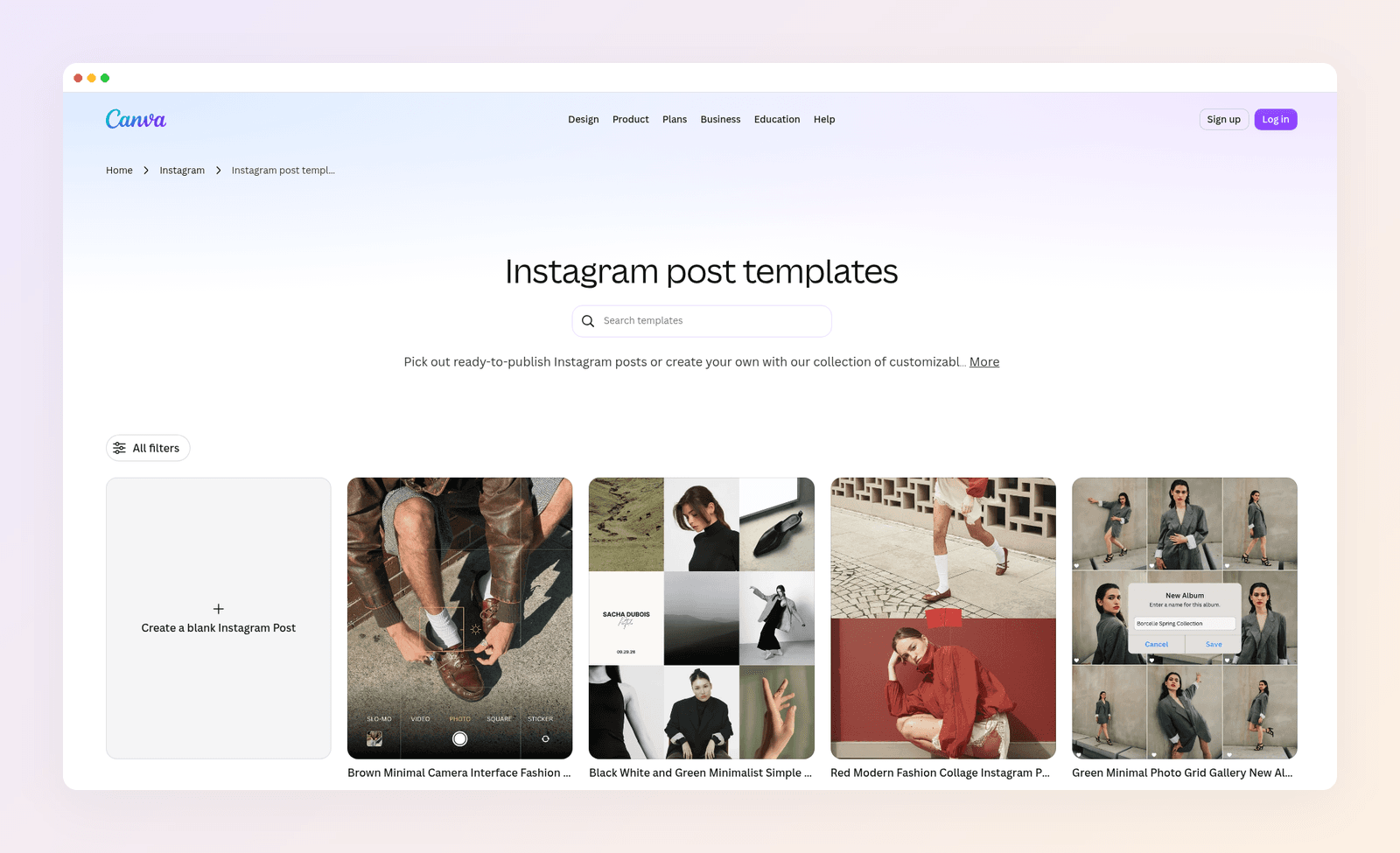
AI tools. Canva's Magic Studio covers more jobs in one editor: Magic Write for copy, Magic Eraser for removing objects, Magic Resize for new formats, and Dream Lab for images and video. Magic Layers splits a flat AI image into editable pieces, so you can fix one word without starting over.
Video. Canva's editor has more transitions (9 to Adobe's 6), far more video templates, and easier voiceover recording. If short video is a big part of your week, pick Canva.
Teams. Shared brand assets, design approvals and team workspaces are more mature in Canva. Pro holds 5 brand kits and Business holds 100, so you can keep clients apart. New hires usually know Canva on day one, too.
Where Adobe Express wins
You already pay for Creative Cloud. Express Premium comes with Creative Cloud Pro, so it costs you nothing extra. Your Creative Cloud Libraries come along, so logos and artwork from Photoshop and Illustrator sit right in the editor.
Your files go to a designer. Adobe Express exports PDFs that keep their layers. Open one in Illustrator and every element is still editable. Canva's PDFs are flattened. If a designer or print shop touches your work, this matters more than any template count.
A calmer editor. Express has fewer menus and fewer panels. Its Quick edits tab gives you one-click resizing, background removal and file conversion. The trade-off: in Style Factory's testing, Express loaded templates and saved designs more slowly than Canva.
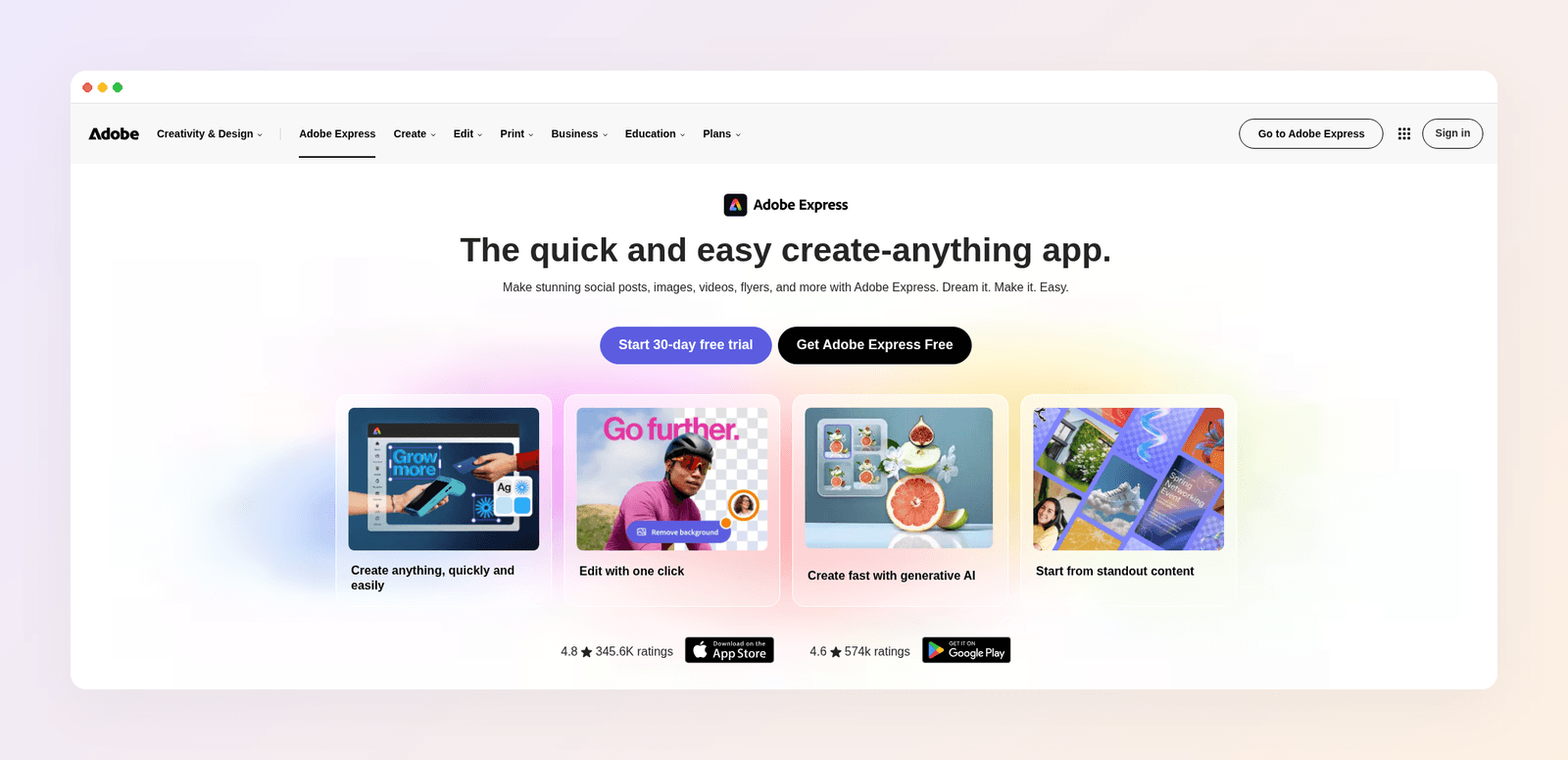
More fonts and more AI models. Premium includes over 30,000 Adobe Fonts, against roughly 3,000 in Canva. For images, you choose between Adobe Firefly and models from Google, OpenAI and Black Forest Labs. Adobe markets Firefly as commercially safe because it trained the model on Adobe Stock and public domain content. That matters if AI images go into your ads.
Cheaper seats. A team seat costs $7.99 a month, against $25 for Canva Business. For five people, that's about $40 a month instead of $125.
Adobe Express vs Canva pricing in 2026
Both free plans are good enough for a proper test. Here's what the paid plans cost:
| Plan | Canva | Adobe Express |
|---|---|---|
| Free | $0 | $0, no card needed |
| One person | Pro: $18 a month, or $144 a year | Premium: $9.99 a month |
| Teams | Business: $25 a month per person, or $250 a year | Teams: $7.99 a month per seat, 2 seats minimum |
| Heavy AI use | Included in your plan's AI allowance | Firefly Pro: $19.99 a month |
| Bundled with | Nothing | Creative Cloud Pro |
Prices as of November 2026.
On one seat, Adobe Express is cheaper: $9.99 a month against Canva's $18. Pay Canva yearly and the gap shrinks to $144 against about $120. For teams, Adobe Express costs about a third as much per seat.
If you sign up for Canva, note where you're billed: web, Apple or Google. When you want out, here's how to cancel your Canva subscription on each path. On the free plan, read why the Canva watermark appears before it lands on a design you need today.
Three buyers, three picks
Here's how the choice plays out for three made-up but typical people.
Maya runs a two-person bakery. She posts four times a week, updates a seasonal menu and sometimes needs a market-stall poster. She has no Adobe plan and no designer. Canva is her pick: a template for every job, one place for all of it, and a part-time helper who already knows it.
Dan is a freelance photographer. He pays for Creative Cloud for Lightroom and Photoshop. He wants quick social posts and a promo flyer now and then, and he sends files to a print shop. Adobe Express is his pick. It's likely in his plan already, his photos sit in his Libraries, and layered PDFs keep the printer happy.
Ioana manages social media for four local clients. She's used Canva for two years. Her clients keep asking for posts that "don't look like Canva," and she spends evenings hunting for a template that almost fits, then rebuilding half of it. Adobe Express won't help her. The problem isn't the editor. It's starting from a template.
Most readers are Maya or Dan. If you're Ioana, read on.
When neither tool is the answer
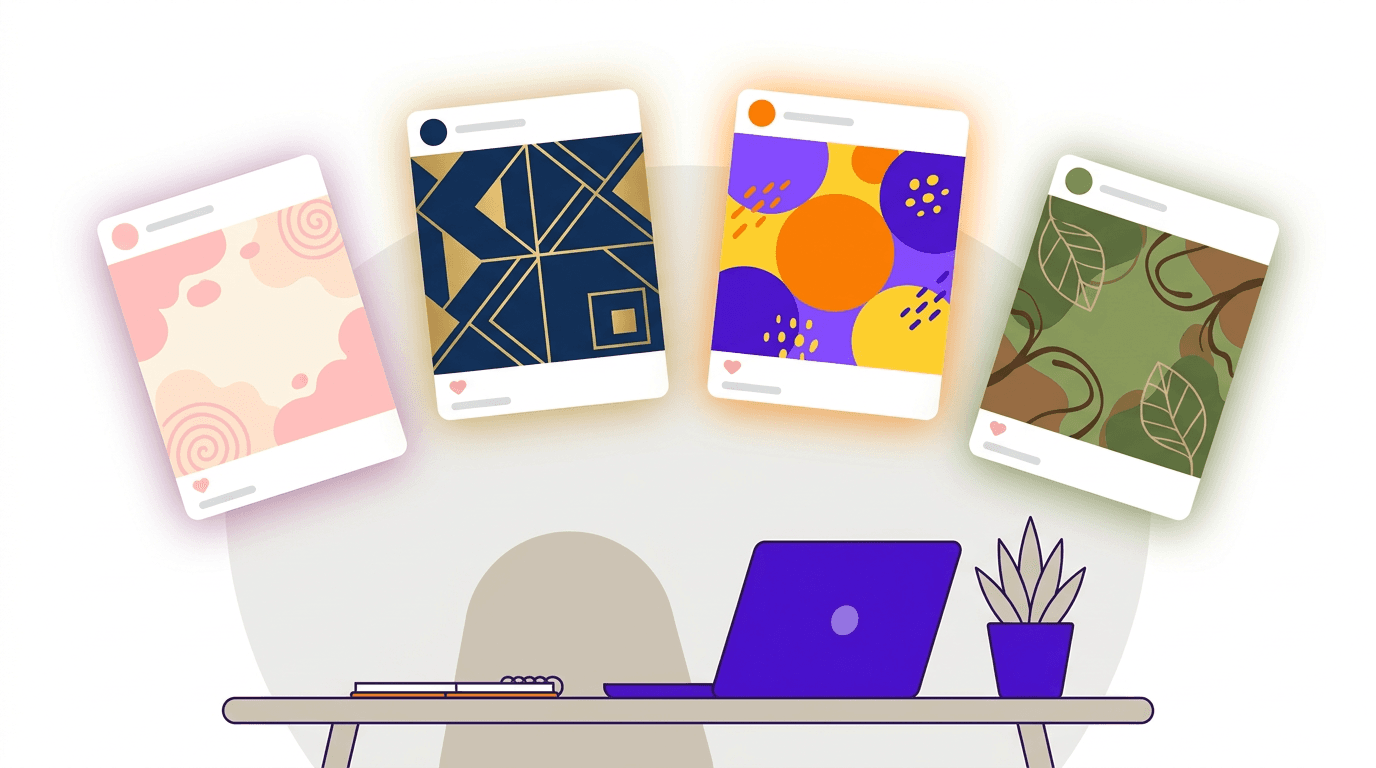
Templates are fast for one-off designs. They struggle with what most small businesses need now: a steady stream of posts that look like your brand, not like a layout thousands of other accounts picked this month. Scroll your niche on Instagram and you'll spot the same few templates in minutes. We break this down in AI vs template design tools.

Canva and Adobe Express can't fix that, because both are built on templates. The fix is a tool that designs from your brief. That's why we built Krumzi. You describe the post in one sentence, and the AI designs the layout, type, colors and imagery from scratch, with no template underneath. Your first design usually arrives in under 60 seconds.
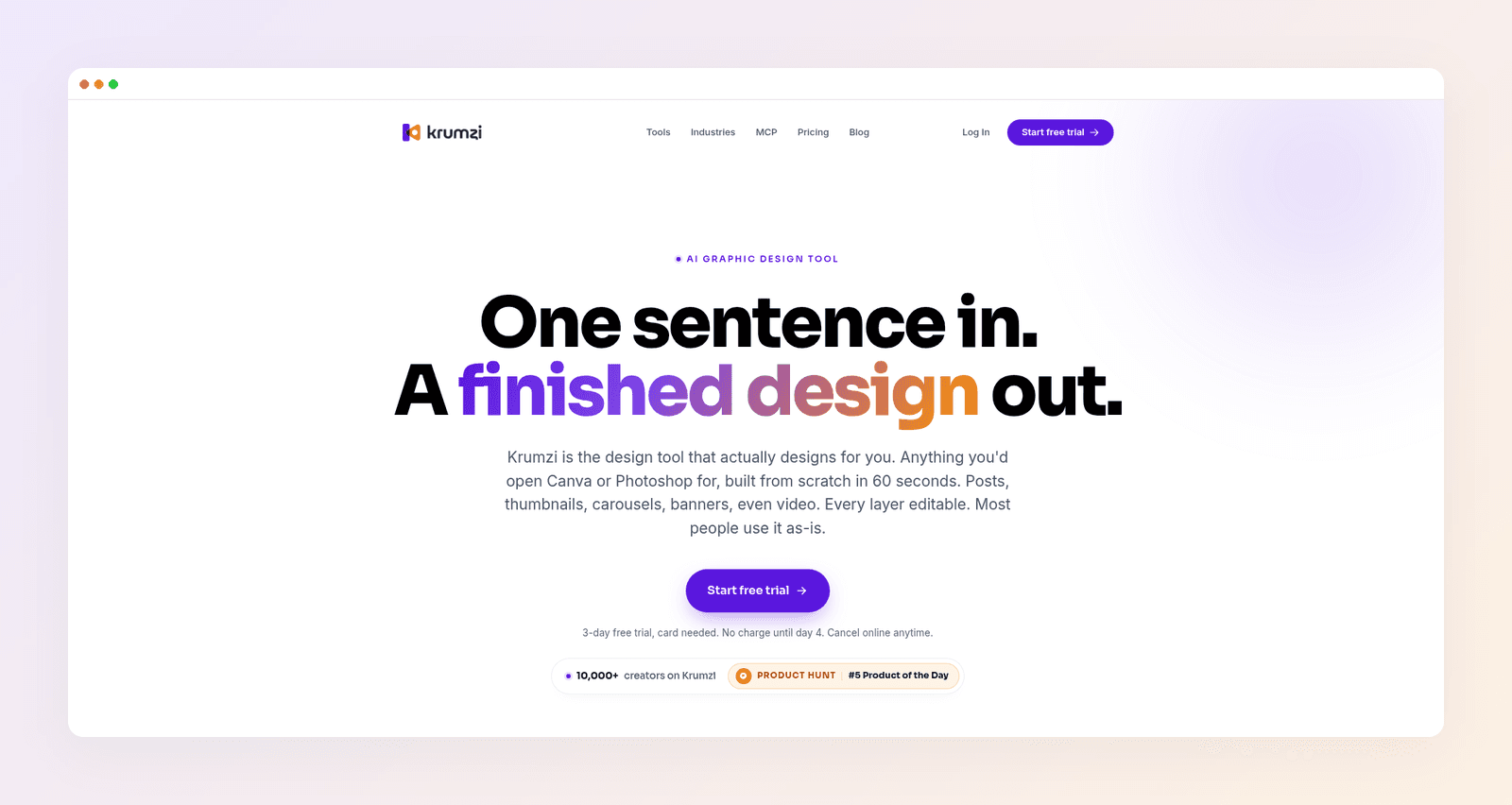
For someone like Ioana, three things change:
- Every client looks like themselves. Brand Mind learns each brand through a short guided interview and steers every design toward it, on every plan. On Pro and up, each brand gets its own Brand Kit, so logos, colors and fonts apply automatically and never bleed across clients.
- You keep full control. Every design comes out in editable layers. Fix a typo, move the logo or swap a photo in seconds, without regenerating anything.
- One brief makes a week of posts. Batch mode turns one brief into up to 10 distinct designs, all in that client's brand.
Starter costs $19 a month. Pro, which adds video and Brand Kit, costs $39. To compare Krumzi with either tool directly, see Krumzi vs Canva and Krumzi vs Adobe Express.
Krumzi isn't a docs, whiteboard or website tool, and it isn't a photo retoucher. Keep Canva or Adobe for those. It's built for the job most people open a design tool for every week: on-brand social posts and marketing graphics.
The verdict
Canva is the better all-round tool for most people in 2026. You get more templates, more AI tools, a stronger video editor and better teamwork. Adobe Express is the better buy if you already pay for Creative Cloud or hand layered files to a designer, and it's much cheaper for teams. Both free plans are solid, so start with the one that fits you and upgrade when you hit a limit.
If you've tried templates and your feed still looks like everyone else's, you need a different kind of tool, not a different editor. Want posts designed from scratch in your brand? Start free trial and describe your first post.
3-day free trial, card needed. No charge until day 4. Cancel online anytime.
Frequently Asked Questions
Is Adobe Express better than Canva?
For most people, no. Canva has more templates, more AI tools, a stronger video editor and better team features. Adobe Express is better if you already pay for Creative Cloud, want a simpler editor, or send layered PDFs to designers who work in Illustrator.
Is Adobe Express free?
Yes. Adobe Express has a free plan that doesn't need a card. Premium costs $9.99 a month, adds more templates, stock, brand tools and 250 AI generative credits a month, and comes included with Creative Cloud Pro.
How much does Canva Pro cost?
Canva Pro costs $18 a month, or $144 a year for one person. Canva Business costs $25 a month per person, or $250 a year, and adds team and brand features. The free plan stays available if you don't upgrade.
Can I use Canva and Adobe Express together?
Yes, and plenty of people do. A common split is Canva for presentations, docs and quick social posts, and Adobe Express for files headed to Photoshop or Illustrator. Keep your brand colors and fonts identical in both, or your designs will drift apart.
Which is better for Instagram posts and Reels?
Canva, for most accounts. It has nearly three times as many Reels templates and a stronger video editor. If your posts all start to look alike, a tool that designs from a brief gives you more variety while staying on brand. For more options, see our 15 best Canva alternatives.
Should I just use ChatGPT instead?
Only for rough ideas. ChatGPT makes flat images, so fixing one word usually means generating the whole image again. Canva, Adobe Express and Krumzi all keep text editable. Here's what to expect if you design in ChatGPT.
A month of posts, designed before your coffee cools
Describe the post. Krumzi designs it from scratch, on your brand, fully editable.
Start free trial3-day free trial, card needed. No charge until day 4. Cancel online anytime.