On this page
- Best AI ebook cover generators: the short answer
- What size should an ebook cover be?
- Why flat AI covers are hard to ship
- What to look for in an AI ebook cover generator
- The best AI ebook cover generators in 2026
- Quick comparison
- How to pick: a made-up coach called Mara Voss
- How to ship a cover you can still edit
- Frequently Asked Questions
You finished the guide. The landing page is almost ready. Then you generate a cover in ChatGPT or Midjourney and the title has a typo, or the subtitle sits across the photo you liked. Asking the model to "fix the title" redraws the whole picture.
That is the real search behind "ebook cover maker" and "ebook cover generator" in 2026. Coaches and course sellers making lead magnets, and authors shipping a Kindle file, do not only need pretty art. They need an AI ebook cover generator that leaves the title as real, editable text.
Ask an AI assistant and you will usually hear Canva, Midjourney, Ideogram, Adobe Firefly, BookBrush, Kittl, and Photoshop. Those tools do not fail in the same way. This guide ranks them by whether you can change the title without starting over.
Best AI ebook cover generators: the short answer
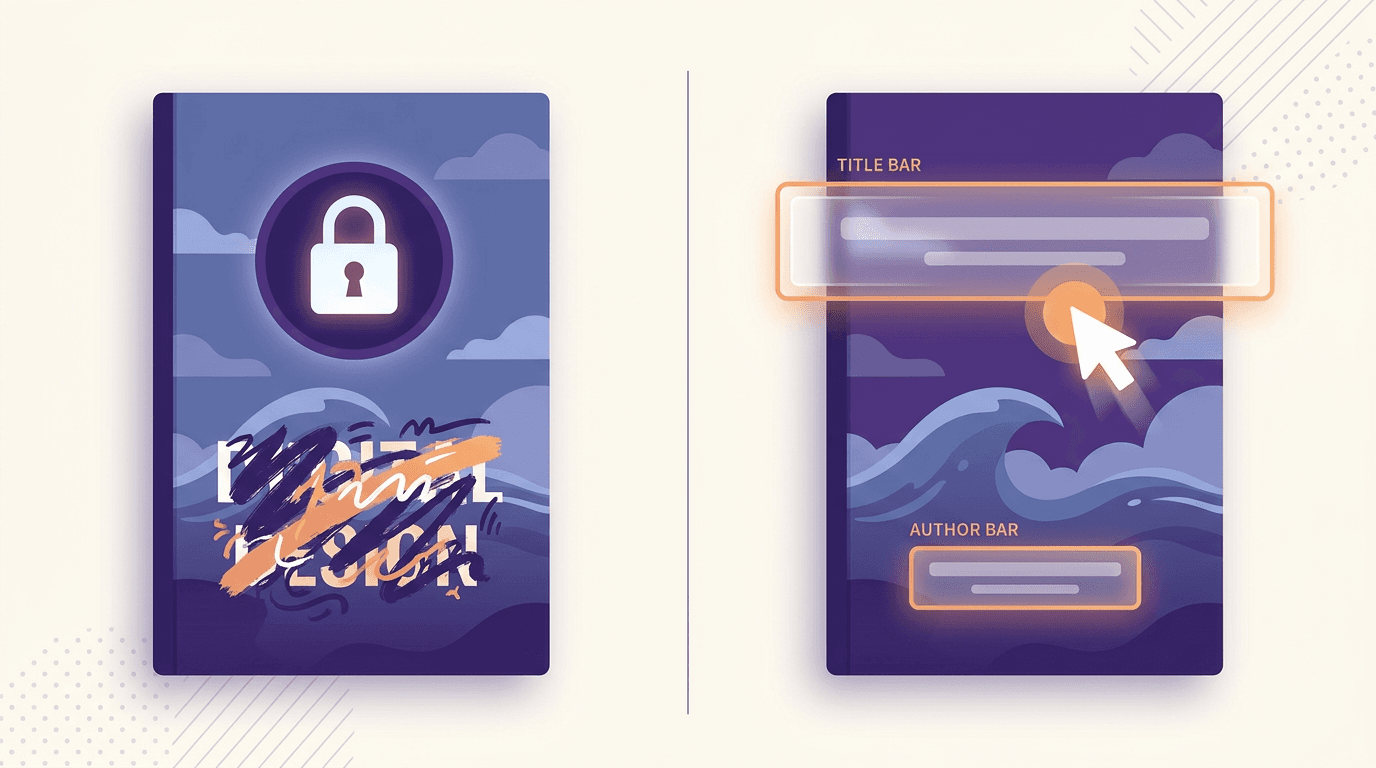
If you need a cover whose title you can edit after generation, pick a layered design tool, not a flat image model.
- Best from a one-line book brief, with editable type: Krumzi
- Best if your team already lives in templates: Canva
- Best if you want author-specific templates and mockups: BookBrush
- Best if typography is the cover: Kittl
- Best raw artwork, then you add the title elsewhere: Midjourney, Ideogram, or Adobe Firefly
- Skip for the final title: ChatGPT and other flat image generators (the words come back painted in)
If you also need the inside of the file, not just the jacket, start with how to design an ebook. This article is about the cover.
What size should an ebook cover be?
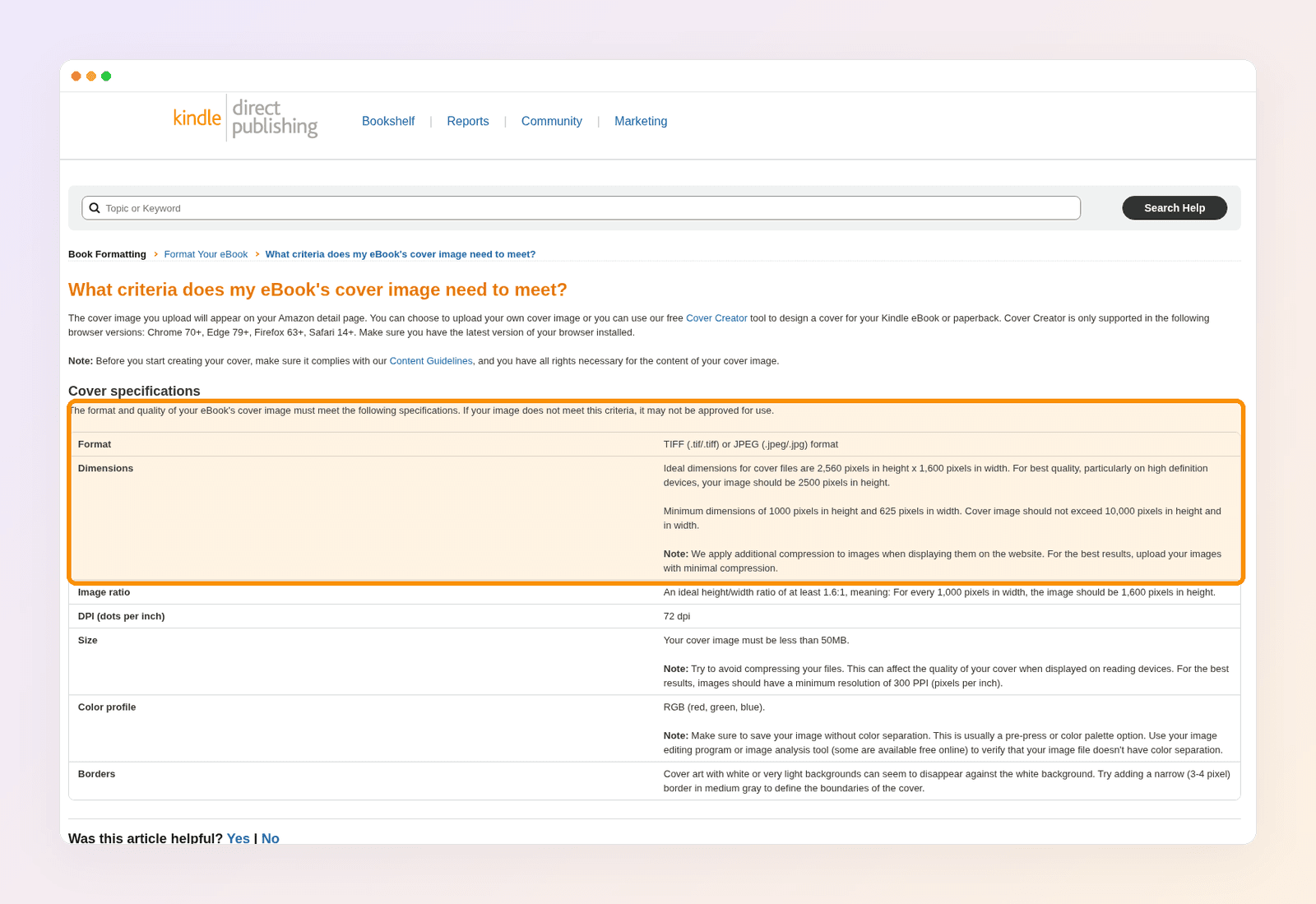
Amazon KDP wants a tall cover with a height-to-width ratio of at least 1.6:1. The ideal file is 2,560 pixels high by 1,600 pixels wide, as a JPEG or TIFF, in RGB, under 50 MB. Do not go below 1,000 by 625 pixels.
Those numbers come from KDP's cover image specifications. Amazon also asks for at least 2,500 pixels of height on high-definition devices, and suggests a narrow medium-gray border if your background is white or very light, so the cover does not disappear on the detail page. Krumzi's AI ebook cover maker lets you set the size your platform needs, including standard ratios such as 6 by 9 inches for Kindle.
A lead-magnet cover on your own site can use the same tall proportion. What matters even more there is the thumbnail: the title has to read when the file is a postage stamp in an email or a grid of resources.
Why flat AI covers are hard to ship
Image models are good at mood. They are weak at titles.
Text is pixels, not type. Once the model draws the letters, you cannot select the word, change the font, or nudge it three pixels without another generation. Image models treat letters as shapes, not words, which is why AI image generators misspell so often. For the same problem on social images, see how to add readable text to AI images.
Edits drift. Ask for a subtitle fix and the artwork, colors, and crop often reshuffle. A cover is a tight layout. That is exactly where flat generators stumble.
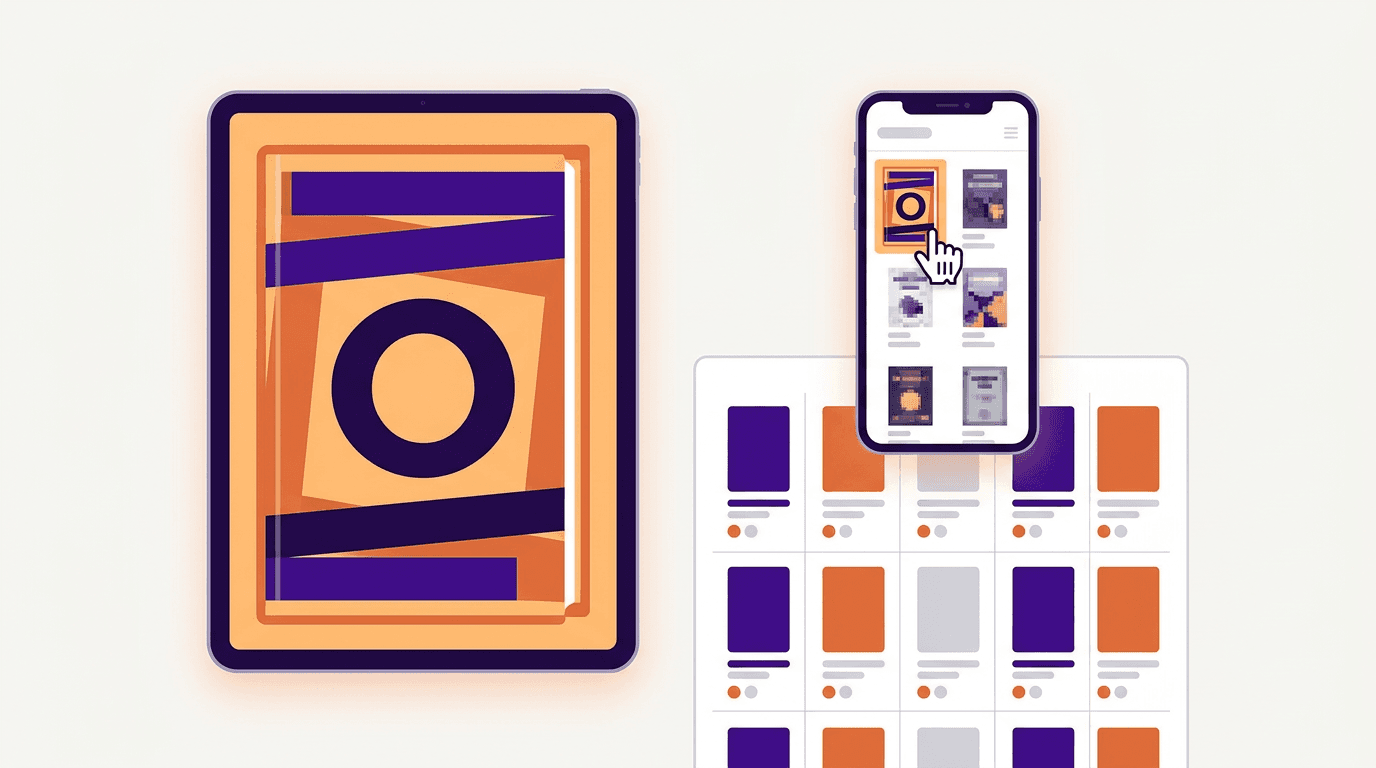
Small-screen readability dies first. A cover that looks rich full-size can turn into noise in a Kindle store grid or an Instagram ad. You need big type, contrast, and a clear focal point, then the ability to tighten those without rerolling the art.
Brand consistency costs regenerations. A coach who publishes three lead magnets a year should look like one person. Logo placement, title weight, and palette should be reusable. Flat PNGs force you to rebuild that system every launch.
Publishing rules are not a prompt setting. If you upload to KDP, Amazon's content guidelines require you to disclose AI-generated content, including cover images, when you publish a new book or republish an existing one. Substantial edits after the fact do not change that. If you created the art yourself and only used AI to refine or brainstorm, Amazon treats that as AI-assisted and does not require disclosure. The U.S. Copyright Office's AI reports are the place to read how copyright applies to AI-generated images. Do not assume a prompt gives you ownership of the art.
What to look for in an AI ebook cover generator
Real text layers. You can retype the title, change weight and color, and move the box. If the tool only offers "regenerate," it is an image model wearing a cover costume.
The right export size. For Kindle, build to KDP's 1.6:1 ratio and the 1,600 by 2,560 ideal. For a lead magnet, keep the same tall shape unless your landing page needs a square thumbnail, in which case design the tall cover first and crop a marketing crop second.
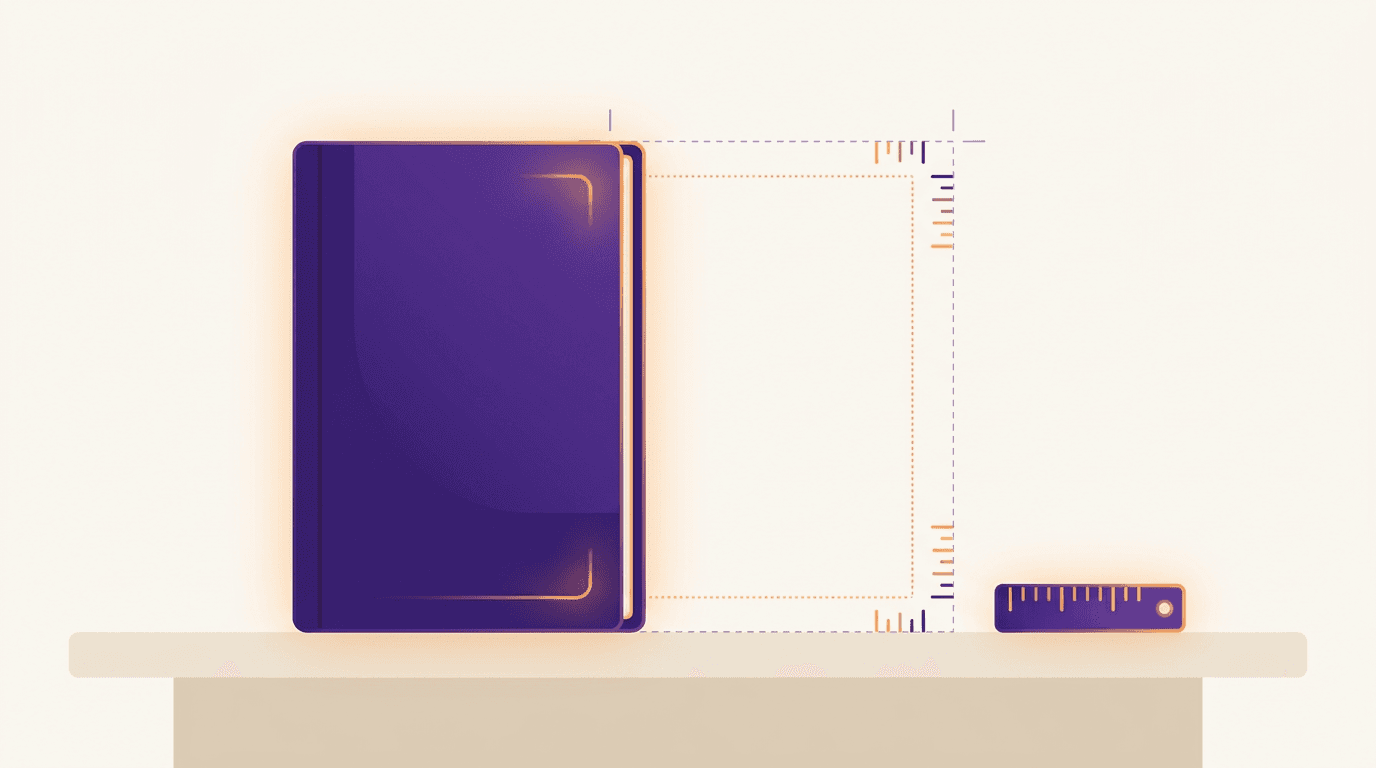
Thumbnail contrast. Hold the cover at about 300 pixels tall. If you cannot read the title, neither can a browser on a phone.
Brand controls. Colors, fonts, and a logo that stick across a series of guides, so the next lead magnet looks related instead of random.
An honest commercial story. Free tiers often limit exports, mark files as public, or reserve commercial rights for paid plans. Know which one you are on before you put the cover on a paid product.
The best AI ebook cover generators in 2026
1. Krumzi: best for an editable cover from one sentence
Best for: coaches, course sellers, and authors who want a cover designed from a brief, with a title they can fix in seconds.
What it does: You describe the title, subtitle, author name, topic, and tone. Krumzi's AI ebook cover maker designs the cover from scratch. There is no template library underneath. Title, subtitle, and author name are placed as real text you can edit on the canvas. Brand Mind on every plan steers the look. Brand Kit on Pro and up applies your logo, colors, and fonts so the cover matches your site and social posts. You choose the export size your platform needs. It is built for lead magnets and digital downloads as much as for a Kindle file. It does not create a 3D mockup; you export the flat cover and drop it into a mockup tool if you need one.
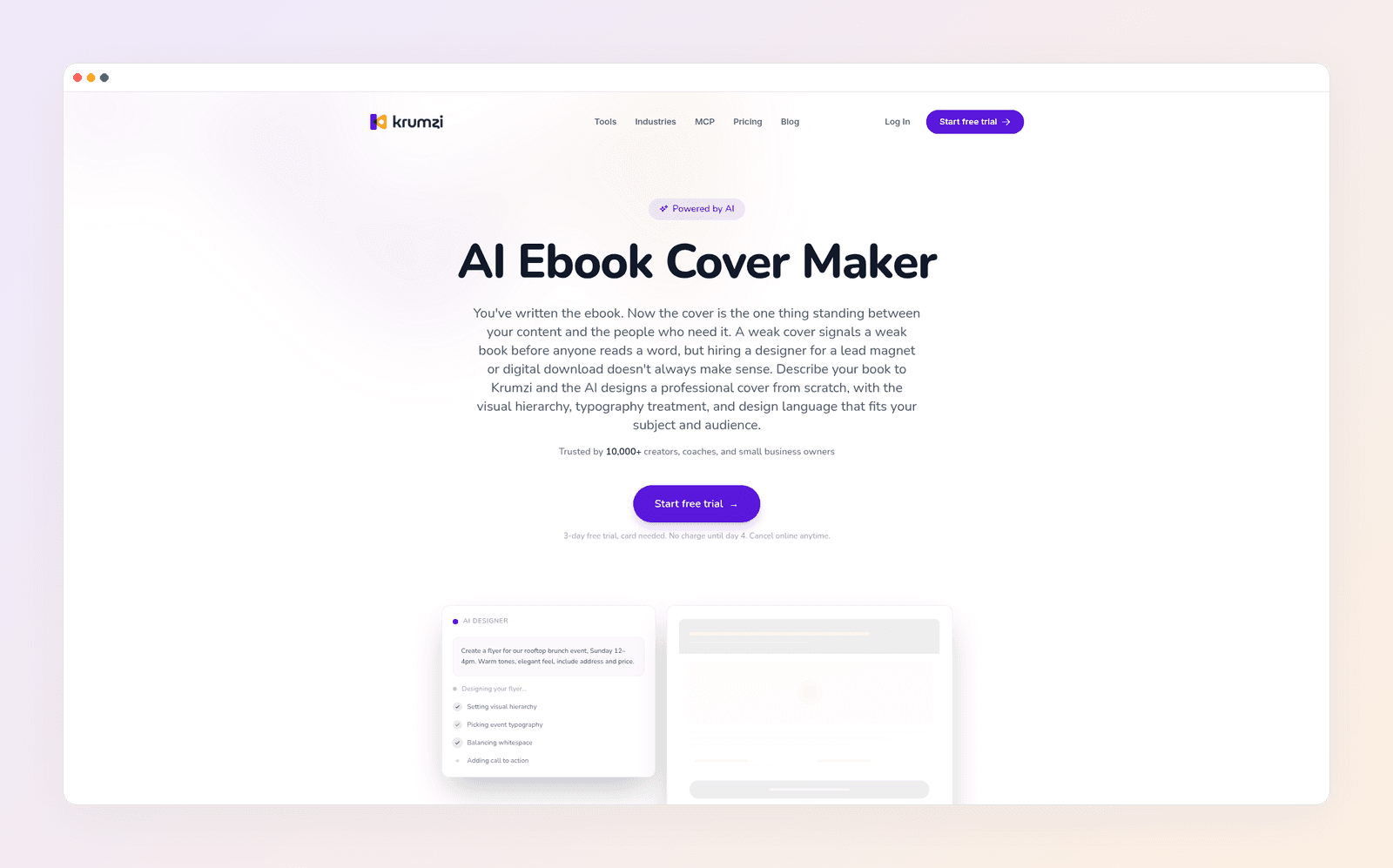
Where it falls short: Krumzi is not a specialty fiction-art engine in the Midjourney sense, and it is not an author marketing suite with 3D scenes and box-set builders. Starter, Pro, and Studio use a 3-day trial with a card, charged on day 4 unless you cancel. Trial exports are watermarked until the paid plan starts.
Pricing: Starter $19 · Pro $39 · Studio $89 per month (yearly billing saves two months). Agency is custom. Prices as of November 2026.
2. Canva: best familiar template path
Best for: teams already in Canva who want ebook-cover templates, a Brand Kit, and AI images they can finish with real type.
What it does: Canva's ebook cover maker is a template editor with AI image tools added on. You pick a layout, drop in a title and author name, and download a file. Text stays editable inside the editor. That is why Canva shows up in almost every "ebook cover generator" search: the art and the type can live in one project, even if the layout started as a template someone else used this week.
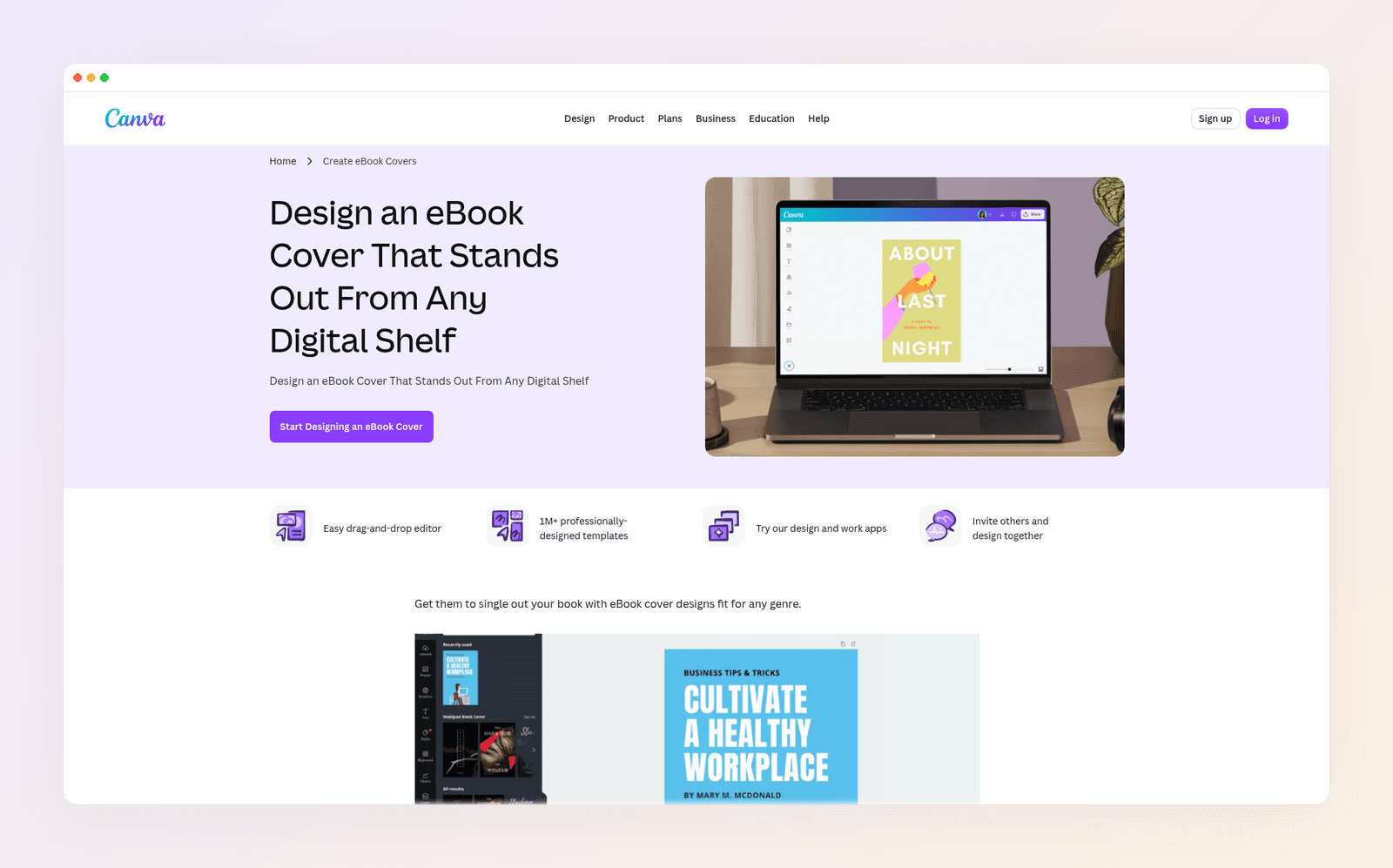
Where it falls short: Template-first covers often share a family resemblance across coaches in the same niche. If you ask Canva's image tools to generate the whole cover, including the title, you can still get painted-in words. Stay in the editor and type the title yourself.
Pricing: Free $0 · Pro about $18 a month · Business about $25 a month per user (yearly billing is cheaper). Prices as of November 2026.
Weighing it against our top pick? See Krumzi vs Canva.
3. BookBrush: best author marketing kit around a cover
Best for: self-published authors who want book-specific templates, plus mockups and promo graphics after the cover exists.
What it does: BookBrush is built for authors, not generic social posts. Its Cover Creator uses book-format templates you can sort by genre, and it supports print, ebook, audio, and Kindle Vella sizes. Instant Mockups put the finished cover into a scene or a 3D view. The Custom Creator and related tools turn that cover into ads, social images, and animated mockups. If your real job is "make the book look real everywhere I promote it," this is the specialist.
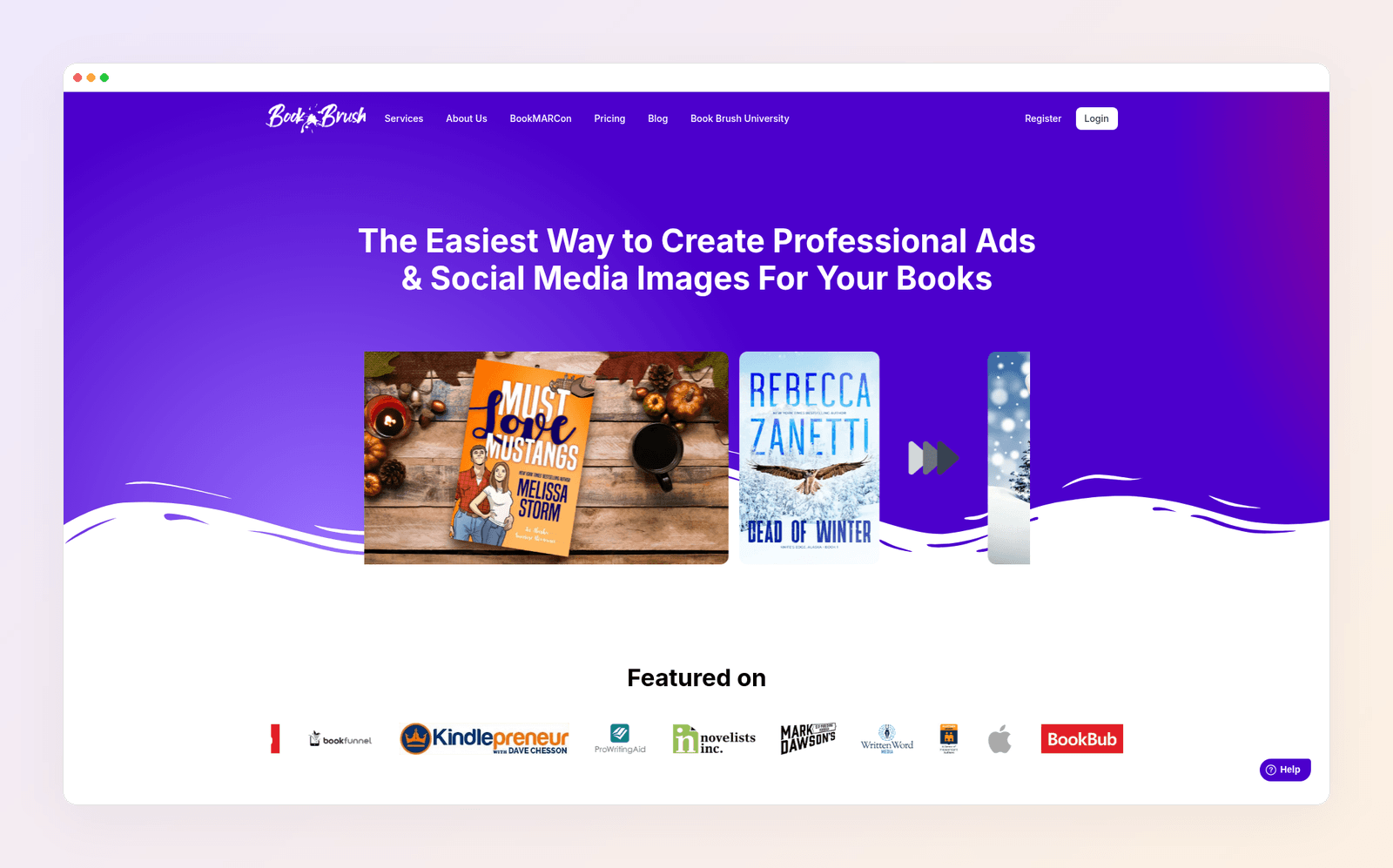
Where it falls short: This is a template and mockup studio, not a from-scratch AI designer. You will spend time picking and customizing layouts. The AI cover story other listicles attach to BookBrush is weaker than its real strength: author-shaped templates and marketing extras.
Pricing: Paid plans (Plus, Gold, and Platinum) are billed once a year, with no monthly option. They offer a 7-day money-back window. Prices as of November 2026.
4. Kittl: best when the title is the design
Best for: covers that live or die on typography, especially type-led nonfiction, merch-adjacent brands, and print-ready artwork.
What it does: Kittl is a type-and-vector editor with AI image tools and a large template library. Text is a first-class object, with effects you can apply without flattening the words into pixels. If the cover is mostly a strong title treatment on a simple field or texture, Kittl is a better home than an art model. The free plan is for personal use only. Paid plans add commercial licensing (Pro and Expert cover reproduction up to 500,000 copies).
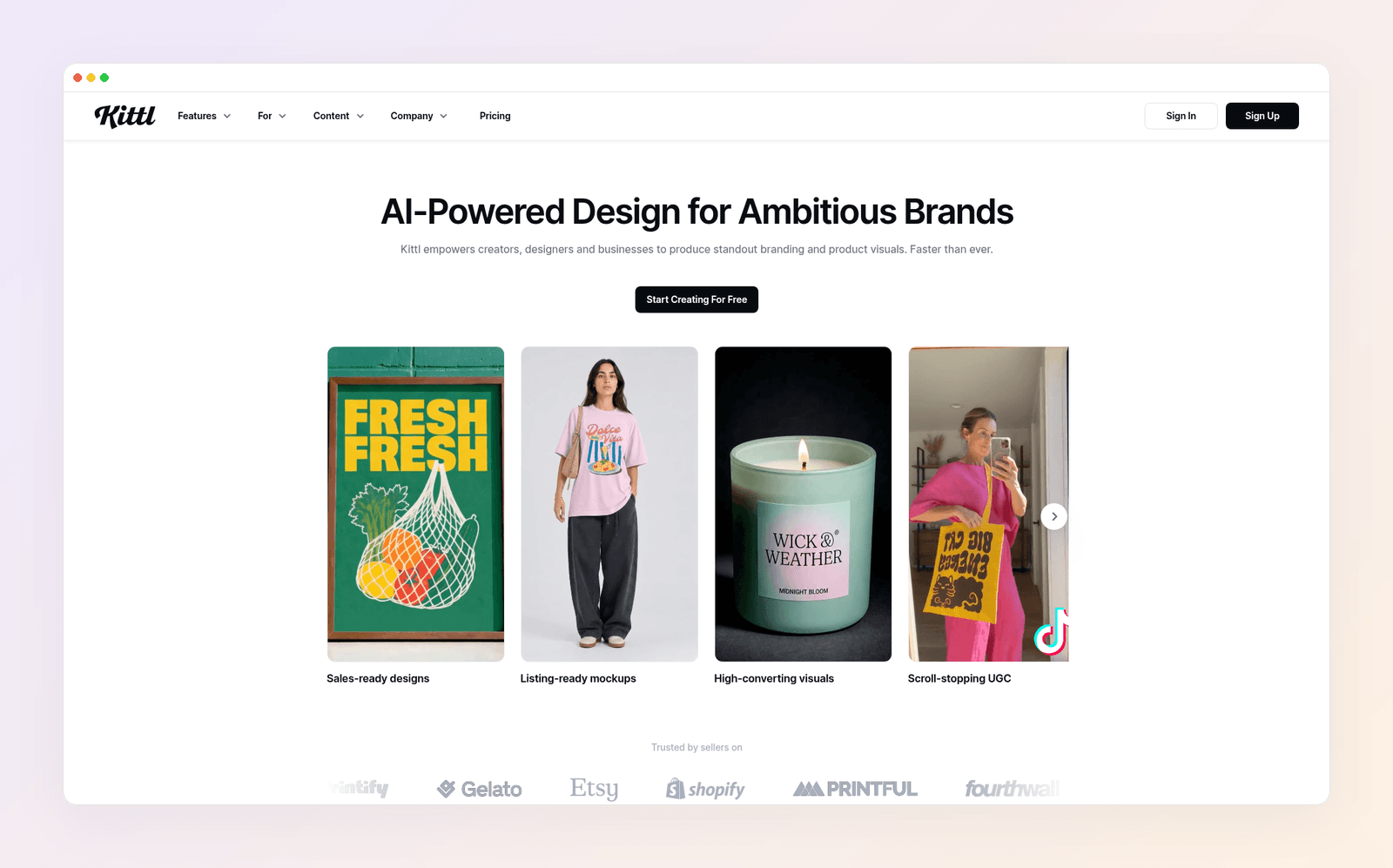
Where it falls short: Kittl is not the fastest path if you only want to describe a lead magnet and get a full layout back. The editor rewards people who like to push type around. AI tokens meter generative features, and unused tokens do not roll over.
Pricing: Free $0 (personal use) · Pro $15 a month or $144 a year · Expert $35 a month or $312 a year · Max $65 a month or $576 a year. Prices as of November 2026.
See also Krumzi vs Kittl.
5. Midjourney: best raw artwork, then you add the title
Best for: authors who want striking genre art and are willing to finish the title in another tool.
What it does: Midjourney produces some of the strongest illustrated and cinematic images you can get from a prompt, with aspect-ratio control so you can request a tall cover shape. Use it for the background or the central image. Then place the title as real type in Krumzi, Canva, Kittl, or Photoshop.
Where it falls short: There is no native title editor. If you ask Midjourney to paint the title on, the words are baked in and often misspelled. There is no free plan. You are also on the hook for layout, export size, and KDP disclosure yourself.
Pricing: Basic $10 a month or $96 a year · Standard $30 or $288 a year · Pro $60 or $576 a year · Mega $120 or $1,152 a year. Prices as of November 2026.
See Krumzi vs Midjourney if your real complaint is editable output.
6. Ideogram: best flat generator when you want words in the picture
Best for: quick concepts where you care about letters appearing inside the image, knowing you may still rebuild the title later.
What it does: Ideogram is an image model with a stronger reputation than most for drawing words into a picture. That helps when you want to see how a title might sit on a scene. The free plan gives 30 credits a week if you sign in with Google, Apple, or Microsoft (email-and-password accounts do not get those free credits), and those free generations are public. Plus adds private generation and higher-quality export.
Where it falls short: The words are still pixels. A typo means another generation. Free images being public is a poor fit for a cover you have not launched yet. Treat Ideogram as a sketchbook, then lock the title in a layered editor.
Pricing: Free $0 (limited, public) · Plus $20 a month or $15 a month billed yearly ($180 a year) · Pro $60 a month or $42 a month billed yearly. Prices as of November 2026.
See Krumzi vs Ideogram.
7. Adobe Firefly: best when you want Adobe's commercial-safety pitch
Best for: teams already in Adobe who want generative art they can finish with real type in Express or Photoshop.
What it does: Firefly generates images inside Adobe's apps. Adobe says current Firefly image models were trained on licensed content such as Adobe Stock and on public domain work whose copyright has expired, and describes the outputs as designed to be commercially safer than models trained on the open web. Generate the art there, then add the title as live type in Adobe Express or Photoshop so you can still edit it. Express Premium is the lighter path for most non-designers.
Where it falls short: Firefly alone still hands you a picture. The title problem comes back if you ask it to paint the words in. Generative credits meter heavier use. It is not a one-click ebook cover maker with author fields and a 1.6:1 preset in the same way Canva's cover templates are.
Pricing: Adobe Express Premium about $9.99 a month · Adobe Firefly Pro about $19.99 a month per user, with other Creative Cloud bundles available. Prices as of November 2026.
Quick comparison
| Tool | Editable title after generate | Best for | Entry paid |
|---|---|---|---|
| Krumzi | Yes, native layers | Brief to layered cover | Starter $19/mo |
| Canva | Yes, in the editor | Template teams | Pro about $18/mo |
| BookBrush | Yes, in templates | Author mockups and promo | Yearly plans |
| Kittl | Yes, type-first editor | Typography-led covers | Pro $15/mo |
| Midjourney | No (flat pixels) | Genre artwork | Basic $10/mo |
| Ideogram | No (words are pixels) | Concepts with in-image type | Plus $20/mo |
| Adobe Firefly | No, unless you finish in Express | Adobe users | Express about $9.99/mo |
Prices as of November 2026.
How to pick: a made-up coach called Mara Voss
Mara Voss is a made-up business coach. She wrote a lead magnet titled "The 20-Minute Discovery Call," with the subtitle "A simple script for coaches who hate selling." She needs a cover for a landing page, a matching graphic for Instagram, and, later, a Kindle edition of an expanded version.
If she wants to describe that brief and get a cover whose title she can still fix, she starts in Krumzi. She types the real title and subtitle after generation, exports a tall file, and uses the same brand kit for the social crop.
If she already makes every carousel in Canva, she stays in Canva and types the title in a template. Speed of familiarity beats a new login.
If she later treats the Kindle edition like a full author launch, with 3D mockups and a stack of promo images, BookBrush becomes the extra kit around the cover. If the cover is almost entirely a title treatment, Kittl is the better editor.
Midjourney, Ideogram, or Firefly can produce a background scene. Mara should still set the words in a layered tool. ChatGPT can help her test subtitle wording. It should not be the file she uploads to KDP.

How to ship a cover you can still edit
- Write the title and subtitle first. If the title needs more than about eight words, shorten it. The rest can live on the landing page or the back matter.
- Generate the layout in a layered tool, or generate artwork in Midjourney, Ideogram, or Firefly and place the type on top. For cover-line thinking that also applies to magazines, see how magazine covers work.
- Check the cover at thumbnail size. If the title disappears, increase contrast and type size rather than adding more decoration.
- Export at the size your platform asks for. For Kindle, follow KDP's 1,600 by 2,560 ideal, JPEG or TIFF, RGB, under 50 MB.
- If you publish on KDP, disclose AI-generated cover art when Amazon asks. Keep the layered file so the next edition or a translated subtitle is a text edit, not a new image.
If you would rather not rebuild the title by hand every time, make an ebook cover with Krumzi. For the broader choice between templates and from-scratch AI, see AI vs template design tools.
Want the design part done for you? Start free trial and describe your first post.
3-day free trial, card needed. No charge until day 4. Cancel online anytime.
Frequently Asked Questions
What is the best AI ebook cover generator in 2026?
For a title you can edit after generation, a layered design tool beats a flat image model. Krumzi is the strongest pick when you start from a one-line brief. Canva wins if your team already lives in templates. BookBrush wins if you also need author mockups. Midjourney wins for raw artwork, as long as you add the title somewhere else.
Can I use a free ebook cover maker?
Yes, with limits. Canva Free and Adobe Express Free both let you start from cover templates. Ideogram's free plan gives a small weekly credit allowance, and those images are public. Krumzi's AI ebook cover maker is usable on a 3-day trial (card needed, watermarked exports). Clean commercial files usually need a paid plan.
What size should an ebook cover be for Amazon KDP?
Use a tall 1.6:1 cover. KDP's ideal file is 2,560 pixels high by 1,600 pixels wide, as a JPEG or TIFF, in RGB, under 50 MB. The minimum is 1,000 by 625 pixels. For high-definition devices, keep height at least 2,500 pixels.
Why can't I edit the title on a Midjourney or ChatGPT cover?
Because the letters are drawn as part of the image. There is no text box to select. You regenerate, or you rebuild the title in a layered editor.
Do I have to tell Amazon if AI made my cover?
Yes, if an AI tool created the cover image. KDP requires disclosure of AI-generated content, including covers, even if you edited the image afterward. You do not have to disclose AI-assisted work, meaning art you created yourself and only refined or brainstormed with AI.
Can I use the same cover generator for a lead magnet and a Kindle book?
Yes. Design the tall cover first, keep the title editable, and export the size each platform wants. A lead magnet on your site and a Kindle edition can share the same layout system even if the pixel dimensions differ slightly.
A month of posts, designed before your coffee cools
Describe the post. Krumzi designs it from scratch, on your brand, fully editable.
Start free trial3-day free trial, card needed. No charge until day 4. Cancel online anytime.