 vsFfAdobe Firefly
The Adobe Firefly alternative that designs the whole post.
Adobe Firefly generates images, video, and audio, with Adobe's own models and partner models from Google and OpenAI in one app. What you get back is an ingredient, and the post still gets built somewhere else. Krumzi designs the post itself: real text in your fonts, your brand, a layout you can edit element by element.
3-day free trial, card needed. No charge until day 4. Cancel online anytime.
Generated assets vs. a finished post.
KrumziAdobe Firefly details verified from Adobe's published plans, help pages, and dated reviews in November 2026. Spot something out of date? Tell us and we'll fix it.
If you're posting with it, one of these probably sounds familiar.
Firefly reviews well: 4.7 on the App Store across 11,000+ ratings, and 4.4 on G2. The models aren't the problem. The friction starts when a generated image has to become this week's post, and much of it is written up on Adobe's own forums.
You get the image. The post is still your job.
Firefly's generators hand back images, clips, and audio. The headline, the layout, and your brand get added in another app, which is why Adobe bundles Adobe Express Premium and Photoshop on web and mobile into Firefly Pro. That's two more apps between the image and the post.
Text in the image is still a gamble
Some partner models render text well now. Others don't: App Store reviewers describe jumbled letters, and a reply on Adobe's own forum suggests adding text afterward in Express. Even when the spelling is right, it's baked into the pixels. A typo means another generation.
Credits spent on prompts it ignores
Reviewers on the App Store and Adobe's forums describe the same loop: Firefly does something they asked it not to, they generate again, and the credits go with every try.
Failed generations still cost credits
A run of 2026 threads on Adobe's community forum report an error, no image, and the credits gone anyway. The reply people get there: credits are charged when you press Generate.
Unlimited, with fine print
Paid plans include unlimited standard image features. Video, audio, and partner models from Google and OpenAI draw from a monthly allowance that doesn't roll over: 2,000 credits on the $9.99 Standard plan. Temporary unlimited promotions in early 2026 left forum posters asking why credits still came off.
Filters that flag ordinary words
Adobe's forums hold years of threads about prompts blocked over words like “brownie” or “ominous”, with no hint which word tripped the filter. Adobe staff have acknowledged the filters can feel too strict for some users.
To be fair: Firefly is the broadest generative studio Adobe has built. Images, video, sound effects, music, a video editor, Boards for moodboards, and partner models from Google, OpenAI, and FLUX, all in one subscription. Adobe says outputs from its own Firefly models are safe for commercial use, which matters to brands. If generated footage or campaign imagery is the job, keep it. This page is for people who need the finished post.
Why people pick Krumzi over Adobe Firefly
A post has structure. Krumzi builds it.
A social post is a headline, a hierarchy, brand colors, a call to action, and imagery, arranged with intent. Firefly generates one piece of that. Krumzi builds every element separately, decides the layout for your brief, and hands you a design where everything is still an object you can change.
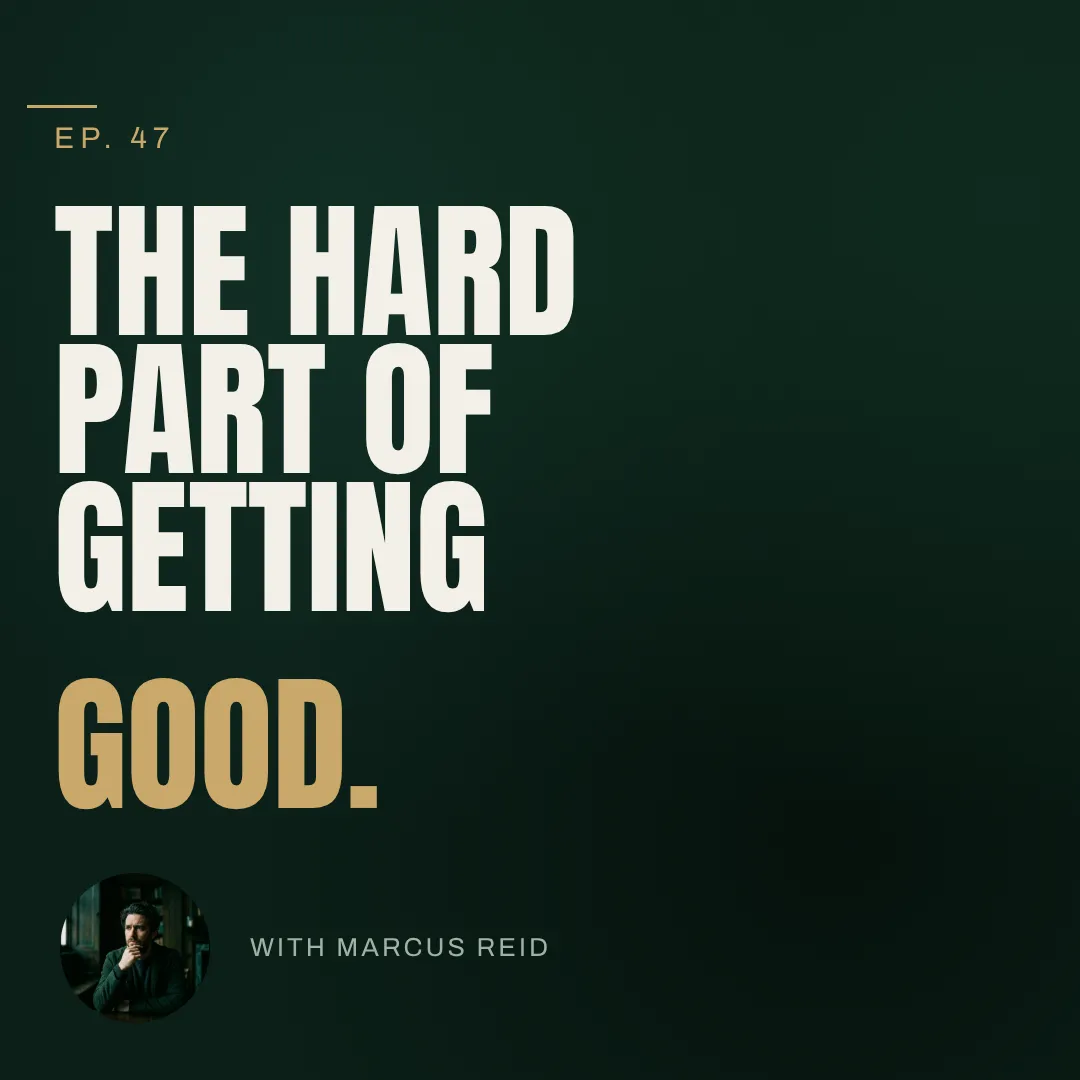
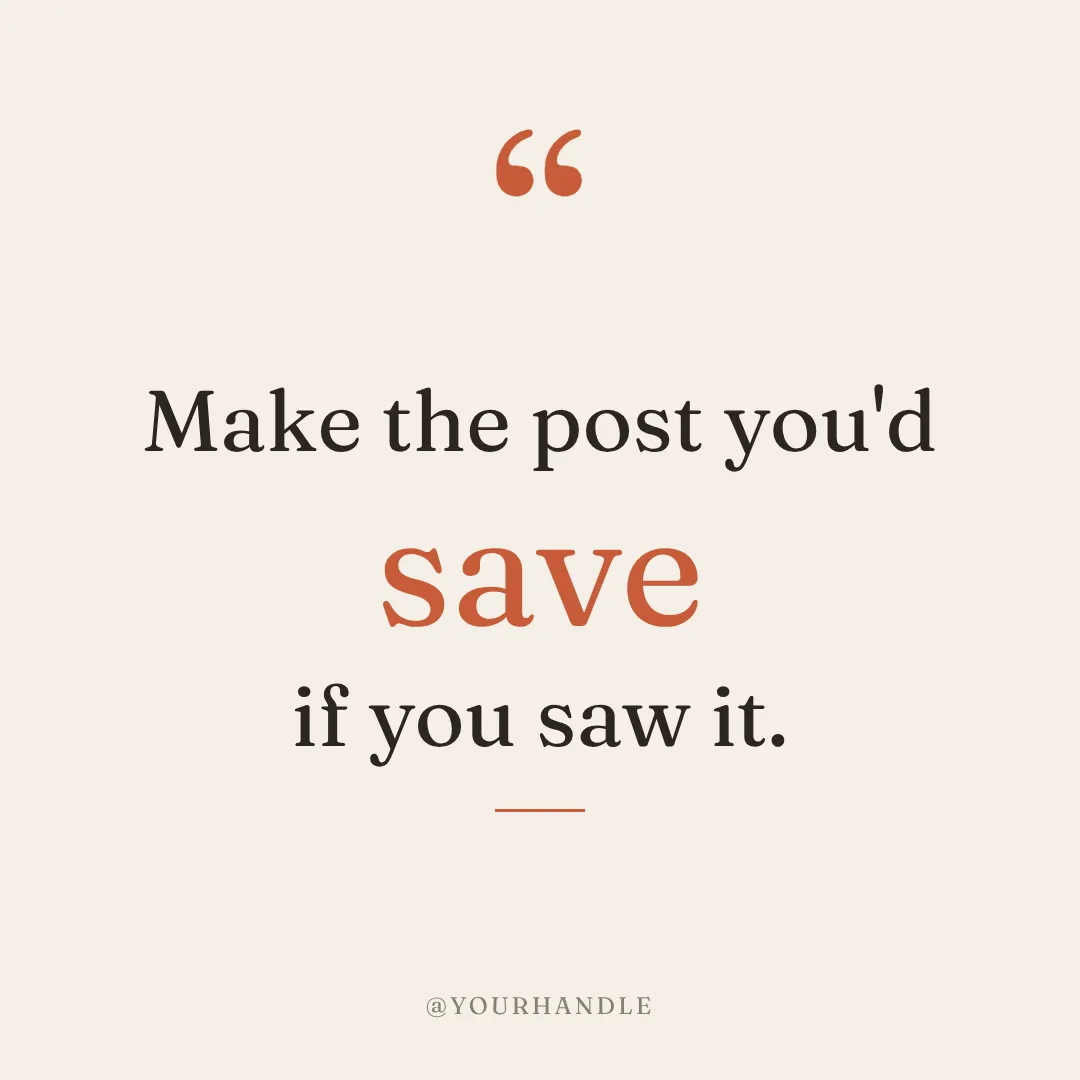

You describe the post. Krumzi designs it.
No model to pick, no files to move between apps. Type one sentence and a finished, on-brand design comes back in under 60 seconds. Not happy with it? Keep chatting: bigger headline, darker background, use the orange from my logo. Changing a word never regenerates the rest.
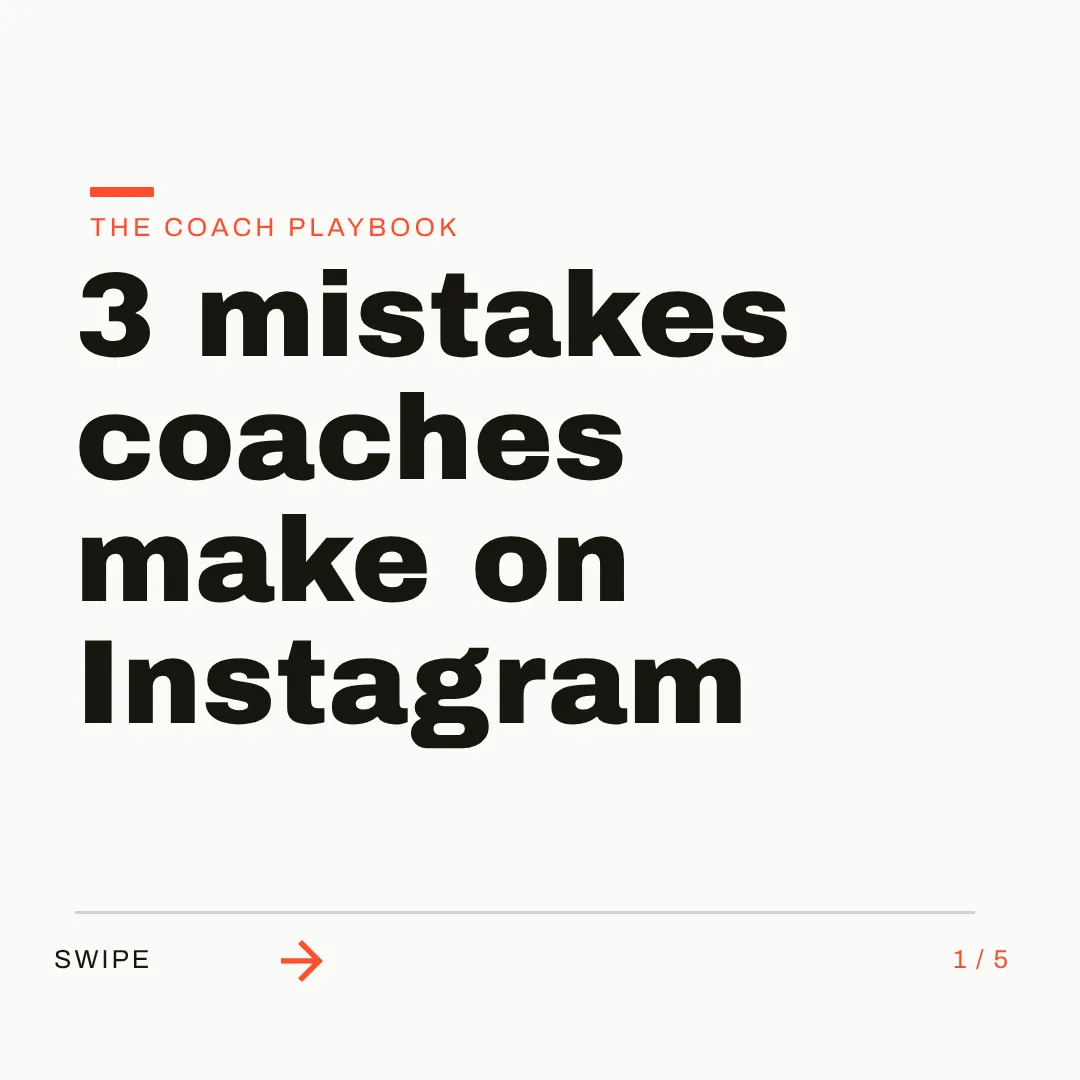
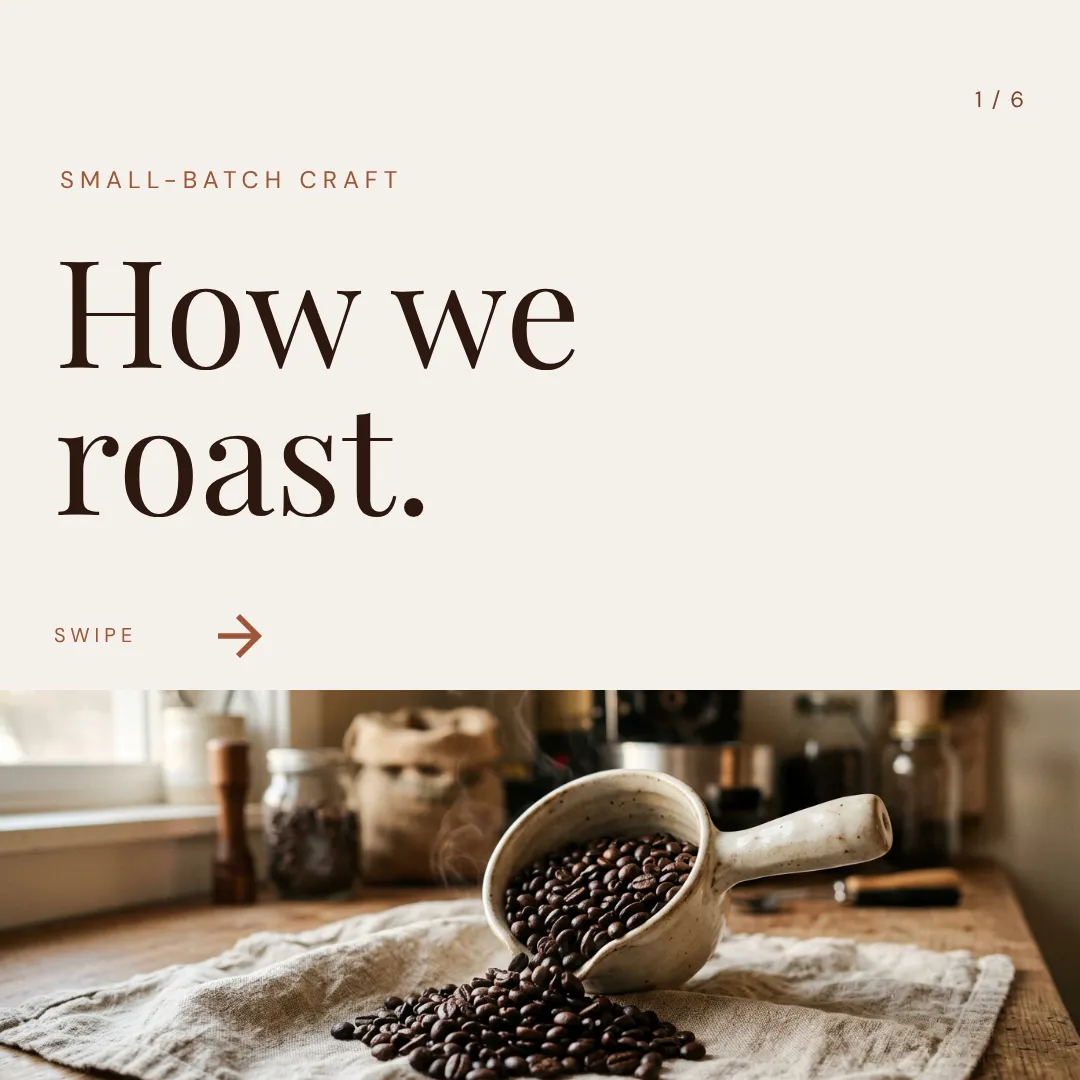
On brand by default. In every size you post.
Save your logo, colors, and fonts once, or let Brand Mind learn your style. Krumzi applies your actual hex codes and typefaces to every design. Then ask for a square post, a story, and a carousel, each one designed for its canvas.


Which one should you actually use?
Plenty of people should use both. Here's the honest split.
Switch to Krumzi if you...
- Your deliverable is a post, not an image or a clip
- You keep moving Firefly images into Express or Photoshop to add text
- You need real text on the design, in your fonts, spelled right
- You want your brand applied to every design without describing it again
- You post every week, for your own brand or for clients
- You need carousels and platform sizes, not just aspect ratios
Stay with Adobe Firefly if you...
- You need generated footage, sound effects, or music
- Your legal team wants Adobe's commercial-safety story for AI imagery
- You live in Creative Cloud and Firefly feeds Photoshop and Premiere
- You want models from Google, OpenAI, and FLUX under one subscription
- You use Boards to explore ideas before anything gets designed
What each one costs.
Firefly sells generation: images, video, and audio, metered by credits. Krumzi sells finished design work. Here's the honest math.
Firefly Standard
$9.99/month
- Unlimited standard image features
- 2,000 credits a month for video, audio, and partner models
- Up to 20 five-second videos a month
- Credits don't roll over
Firefly Pro
$19.99/month
- 4,000 credits a month
- Adobe Express Premium included
- Photoshop on web and mobile, not desktop
- Annual plans charge a fee to cancel after 14 days
Firefly Pro Plus
$49.99/month
- 10,000 credits a month
- Up to 100 five-second videos a month
- Same apps as Pro
- Premium tier: $199.99 for 50,000 credits
KrumziStarter
$19/month
- 1,000 AI credits / month
- 1 brand
- AI Image Maker
- AI Carousel Maker
Pro
$39/month
- 2,500 AI credits / month
- 3 brands, each with its own Brand Kit
- Everything in Starter
- Unlimited Video Exports
Studio
$89/month
- 6,000 AI credits / month
- 10 brands, each with its own Brand Kit
- Everything in Pro
- Claude Opus access
Agency
$249/month
- 20,000 AI credits / month
- 25 brands, each with its own Brand Kit
- Everything in Studio
- Lowest price per credit
Adobe prices are US list prices from Adobe's published plans and October 2026 pricing trackers. A free Firefly plan gives daily generations, with no published daily limit. Krumzi's prices come live from krumzi.com/pricing. Starter, Pro and Studio start with a 3-day free trial, card needed, with no charge until day 4. See full Krumzi pricing.
Keep Firefly. Finish the post in Krumzi.
Nothing to migrate. Your Firefly images drop straight into Krumzi designs, and your first design takes about a minute.
Bring your brand
Add your logo, colors, and fonts once, or let Brand Mind learn your brand through a quick, tappable interview. Adobe Fonts don't carry over: Krumzi uses the full Google Fonts library, so pick the closest match.
Describe the post
Type one sentence. Krumzi designs the layout, type, and composition from scratch, on your brand, in under 60 seconds. Attach a Firefly image and Krumzi places it in the design.
Edit and export anywhere
Every element stays editable. Export PNG, JPG, PDF, or video in any platform size, or schedule the post to Instagram and Facebook. Nothing locked in.
Switching from Adobe Firefly, answered.
For the post itself, yes. Firefly generates images, video, and audio, and the headline, layout, and brand get added in another app like Adobe Express or Photoshop. Krumzi designs the whole post from one sentence: real text in your fonts, your colors, a layout made for your brief. If you need generated footage or campaign imagery, Firefly does that and Krumzi doesn't.
Firefly generates pictures, clips, and sound. Krumzi designs layouts: a post built from real text, shapes, and images that stay separate objects after the design is made. You can retype a headline, swap a color, or move the photo without generating anything again.
Yes, everything. Drag, resize, and restyle any element, change the text, swap images, adjust colors. Or ask in plain words: bigger headline, darker background. Every change Krumzi makes is saved as a version you can go back to.
Yes. Attach any image to your brief and Krumzi places it on the canvas as part of the design. Plenty of people keep that flow: the imagery from Firefly, the post designed in Krumzi.
Firefly is Adobe's generator: images, video, and audio from a prompt. Express is Adobe's template editor, where you lay out posts from templates. Krumzi skips both steps and designs the post from scratch for your brief. If Express is the tool you're weighing, see our Adobe Express alternative comparison.
Save your logo, colors, and fonts once (Brand Kit, on Pro and up) and Krumzi applies them to every design automatically. Brand Mind, on every plan, learns your style and steers every design to look and sound like you. No re-describing your brand in each prompt.
Krumzi is a paid subscription, and Starter, Pro and Studio start with a 3-day free trial. You add a card, pay nothing today, and make your first designs with the plan you picked. Downloads carry a watermark until your plan starts on day 4, unless you cancel before then. Firefly has a free plan with daily image generations. If occasional free images are all you need, that honestly covers it.
No. Plenty of people keep Firefly for footage, sound, and campaign imagery, and use Krumzi for their weekly posts. They do different jobs. Use whichever fits the work in front of you.
Compare more alternatives
Adobe Firefly isn't the only tool on your shortlist. Here's how Krumzi stacks up against the rest.
LeKrumzi vs Leonardo.AiA model-rich AI image and video studio, owned by Canva. Krumzi designs the whole post: real text in your fonts, your brand, every element editable. Krumzi vs RecraftAI images and vectors for designers. Krumzi outputs a design with editable text and layout, not an asset.DfKrumzi vs DesignifyFolded into Canva in December 2025. Krumzi designs the full post around the product, not just the cutout.MjKrumzi vs MidjourneyMakes a beautiful picture. Krumzi makes a design. Real text layers, real shapes, still editable.DeKrumzi vs DALL·EOne prompt, one image, inside ChatGPT. Krumzi returns a layout with structure, so you can change a word without regenerating.IdKrumzi vs IdeogramThe image generator that can spell. Krumzi's text is born editable, in your own fonts, on a real canvas.Krumzi vs CanvaTemplates you customize. Krumzi designs the whole thing for you.
 Krumzi vs Adobe ExpressTemplates plus Adobe stock. Krumzi designs the layout for you.
Your next post is one sentence away.
Keep Firefly for footage and imagery. Let Krumzi design the posts around them. Describe it, and watch it design.