
On this page
- Why people leave PosterMyWall in 2026
- What to look for in a PosterMyWall alternative
- The 6 best PosterMyWall alternatives
- PosterMyWall alternatives compared
- Is PosterMyWall free?
- PosterMyWall pricing in 2026
- PosterMyWall review: what it does well
- When you should use something else
- How to switch from PosterMyWall without losing work
- Your next flyer
- Frequently Asked Questions
The short version: PosterMyWall's free plan got better in October 2026, so leave for the right reason. If you want each flyer or poster designed for you from one sentence and exported as a 300 dpi print PDF, pick Krumzi. If you want the biggest template library, pick Canva. If you want the closest free swap, pick VistaCreate. Kittl and Microsoft Designer only fit business work on the right plan.
You've got a flyer due Friday. You open PosterMyWall, scroll the same event templates you scrolled last month, and start swapping text into someone else's layout again. Then you hit the download screen and remember the print-quality file costs extra.
That's when people start looking for PosterMyWall alternatives. Some of the reasons still hold. One of the biggest doesn't anymore, because PosterMyWall stopped watermarking free standard downloads on October 15, 2026, and most "alternatives" lists haven't caught up.
This guide fixes that. You'll get the six tools worth switching to, what each one costs as of November 2026, which ones you can legally use for a business flyer on the free plan, and the one job each tool does better than PosterMyWall.
Why people leave PosterMyWall in 2026
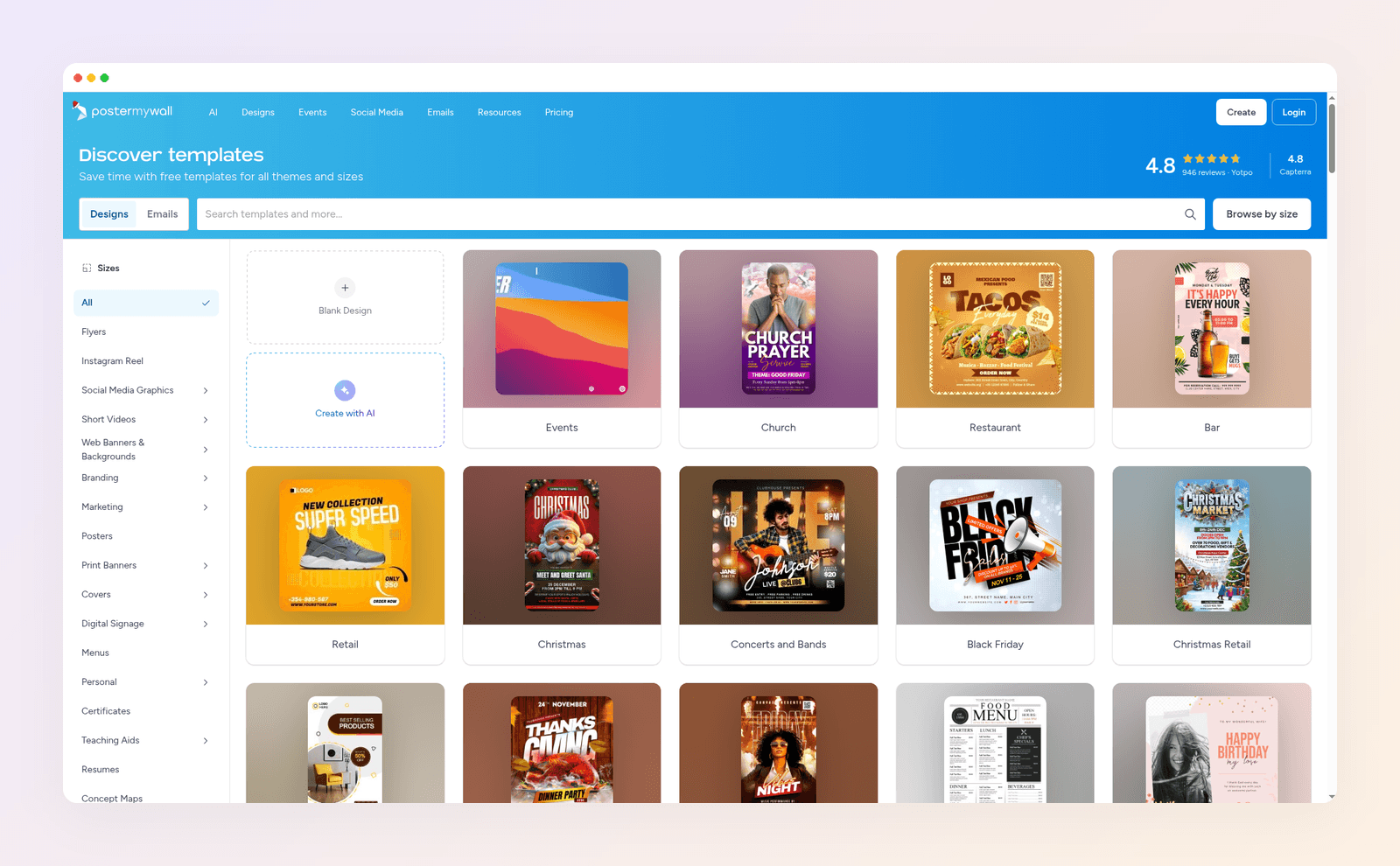
PosterMyWall is easy, well liked and cheap. It says over 30 million people use it, and the free plan gives you more than 4 million templates. So the reasons to leave are specific, not "it's bad".
- Your flyers look like other people's flyers. Every design starts from the same shared template shelf. The one that catches your eye is open to every bar, church and gym in your town too.
- Print quality is the paid part. Free standard downloads are a slightly lower resolution, and PosterMyWall's own help center doesn't recommend them for print. A high-quality 300 dpi download costs $5.99 per design (up to 9 pages) on the free plan.
- The AI is a Premium feature with a credit cap. Creating and editing with AI prompts starts on Premium, which includes 100 credits a month. Premium Plus includes 250.
- You only need print, not the marketing suite. Premium bundles email sends, event pages, ticketing and scheduling. If all you make is a flyer and a poster a month, you're paying for tools you don't open.
If none of those bother you, stay. PosterMyWall is still a strong pick for one-off event flyers, and we'll say exactly when it wins further down.
What to look for in a PosterMyWall alternative
Before you compare logos and price tags, check the four things that decide whether a flyer tool actually works for a business.
- A real print file. You want a PDF at 300 dpi with bleed, not just a JPG. Without bleed, the print shop's trim leaves a thin white line at the edge.
- Business use on the plan you'll actually use. Some free plans are licensed for personal use only. That rules them out for a shop flyer, no matter how good they look.
- How the design gets made. Template tools hand you a layout to rework. AI design tools build one from your brief. Pick based on whether you enjoy the swapping or just want it done.
- What you pay per finished flyer. A monthly plan is cheap if you make ten designs a month and expensive if you make one.
The 6 best PosterMyWall alternatives
1. Krumzi
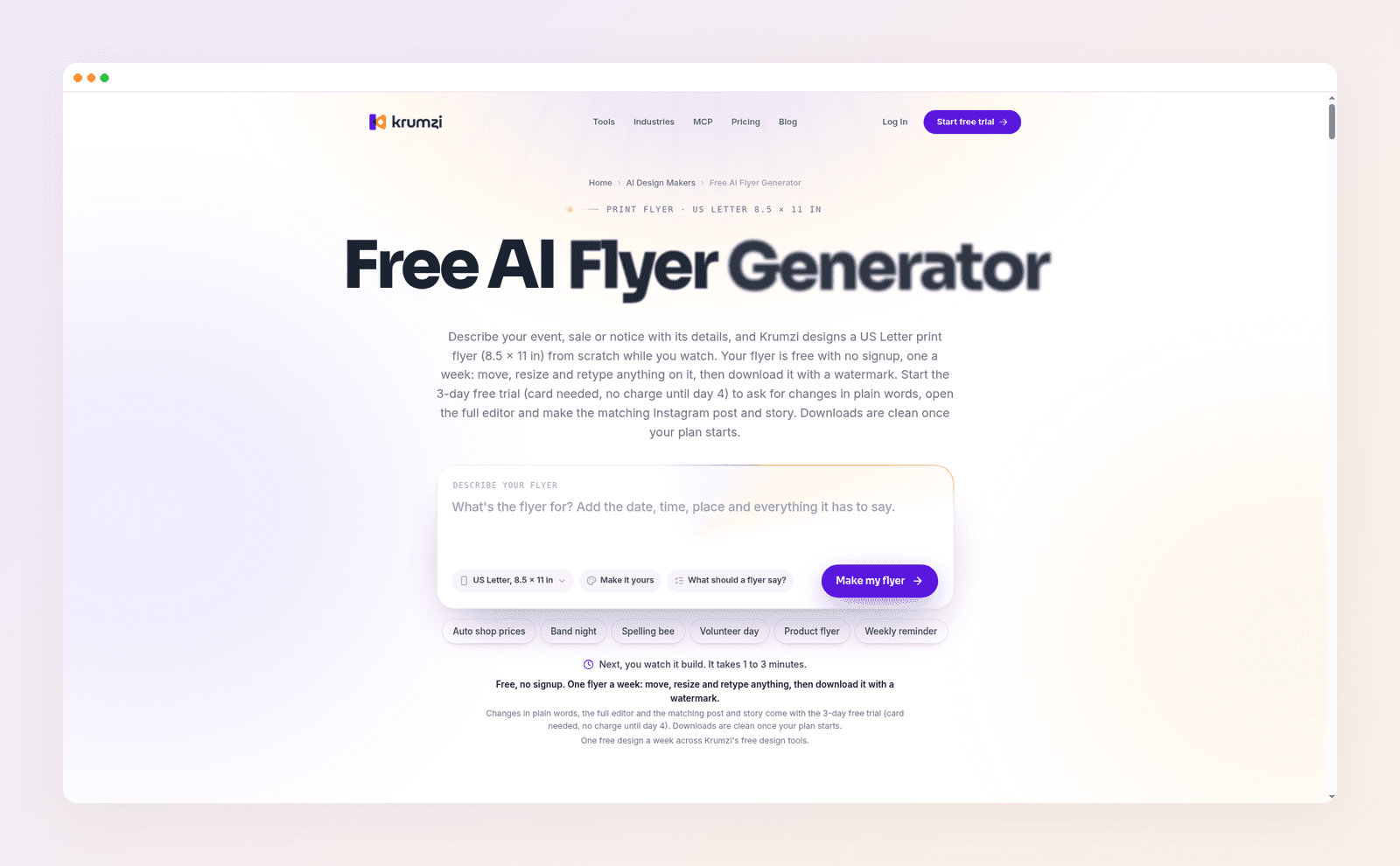
Krumzi is the pick if you're tired of reworking templates. You type one sentence, like "grand opening flyer for a bakery, Saturday March 6, free coffee with any pastry", and it designs the flyer from scratch in your brand. There's no template library to scroll. Every headline, shape and photo stays its own element, so you can drag, retype or recolor anything by hand or just ask for the change.
It's built for print as well as social. Flyers and posters come out at real page sizes like US Letter, A4 and A5, up to 12 pages, and export as a PDF at 300 dpi with 0.125 inch bleed added by default. When the flyer is done, ask for the matching Instagram post and story in the same look. If you mostly post after you print, that's the part PosterMyWall makes you redo by hand. Weighing the two head to head? Our Krumzi vs PosterMyWall comparison goes deeper on that one swap.
Here's an example. We typed one brief for a made-up neighborhood bar, Harbor Lane Taproom, and Krumzi built this US Letter poster.

Best for: small businesses and marketers who make flyers and posters every week and want them designed for their brand, then turned into posts.
Key features:
- One sentence to a finished design. Krumzi lays out the type, colors and art for your brief instead of filling a template.
- Print-ready PDF. 300 dpi at the real page size, with 0.125 inch bleed on by default.
- Brand Mind on every plan. It learns your style and steers every design. Brand Kit (logo, colors, fonts) is on Pro and up.
- Free flyer generator. The AI flyer generator makes one US Letter flyer a week with no signup, downloaded as a watermarked PNG.
Pricing: Starter $19/month, Pro $39/month, Studio $89/month, each with a 3-day free trial (card needed, 1,000 AI credits, watermarked exports until your plan starts). A $49 month pass gives you Pro for 30 days with nothing to renew.
2. Canva
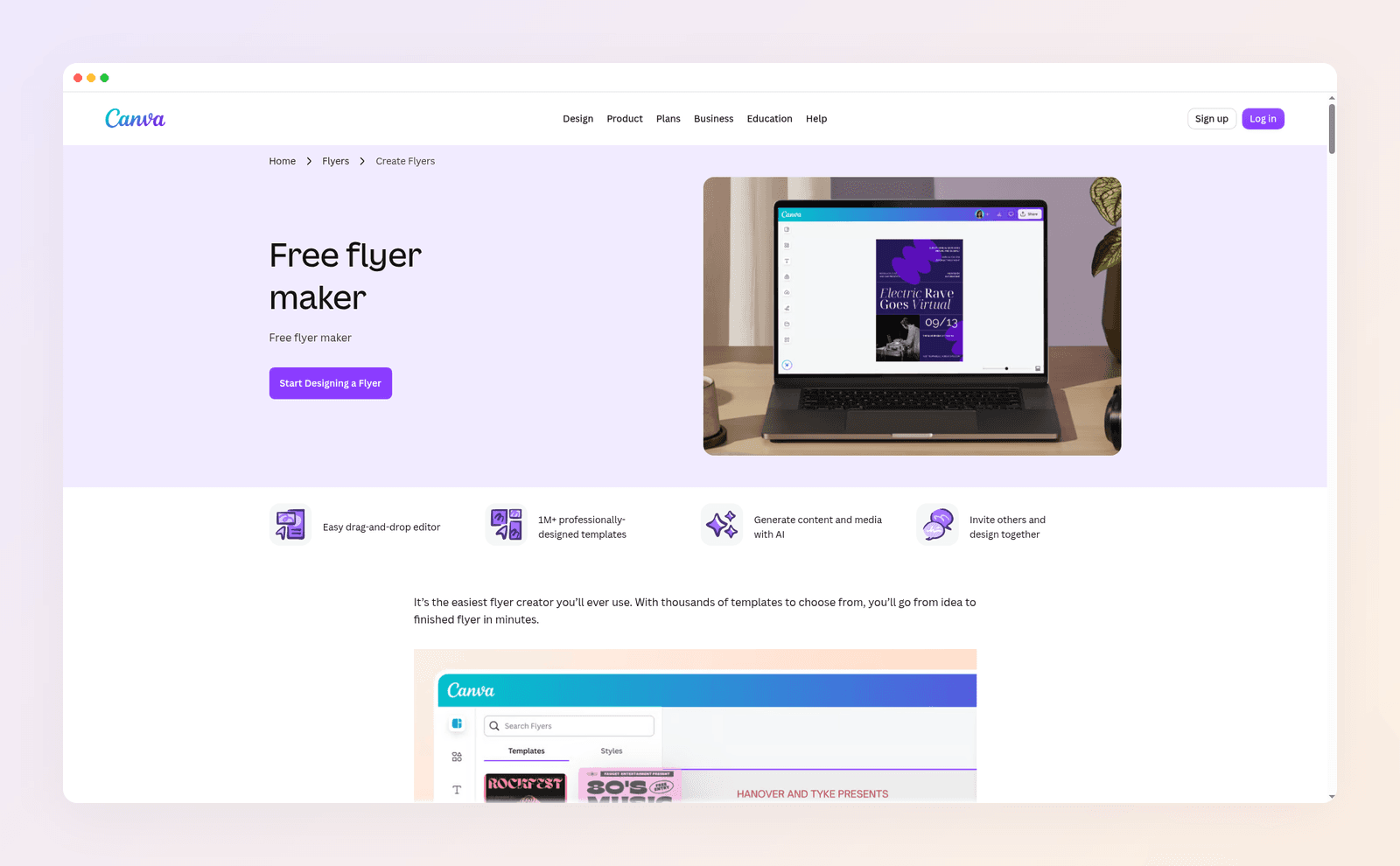
Canva is the default answer for a reason. Its free plan is huge, the editor is easy, and you can search a template for almost any event and have something presentable in minutes. If PosterMyWall's library feels thin for your niche, Canva's won't.
The trade-off is the same one you're leaving behind, only bigger. You still start from a template millions of other people can pick, and on the free plan any premium element in it carries a watermark until you buy it or upgrade. Canva Free does offer a PDF Print download, but a CMYK PDF needs a paid plan. If you're weighing Canva against our top pick, see Krumzi vs Canva.
Best for: anyone who wants the largest template library and is happy to customize.
Key features:
- Huge template and element library, with free and premium items clearly marked.
- PDF Print on the free plan, with CMYK PDFs on paid plans.
- Commercial use allowed under Canva's content license for designs you make, with limits on standalone stock.
Pricing: Free plan available. Pro is $144 a year for one person.
3. VistaCreate
VistaCreate is the closest like-for-like swap. It's template-first like PosterMyWall, the Starter plan is free with no time limit, and its help center says free templates and assets can be used for marketing, client work and ads. Free downloads carry no watermark and include PDF Print for flyers and posters.
The catch is resolution and AI. Starter downloads JPG and PNG at standard quality, and HD downloads, the background remover and every AI tool are Pro features. For a print shop, use the PDF Print option rather than a standard PNG. If you're comparing it with Krumzi, here's Krumzi vs VistaCreate.
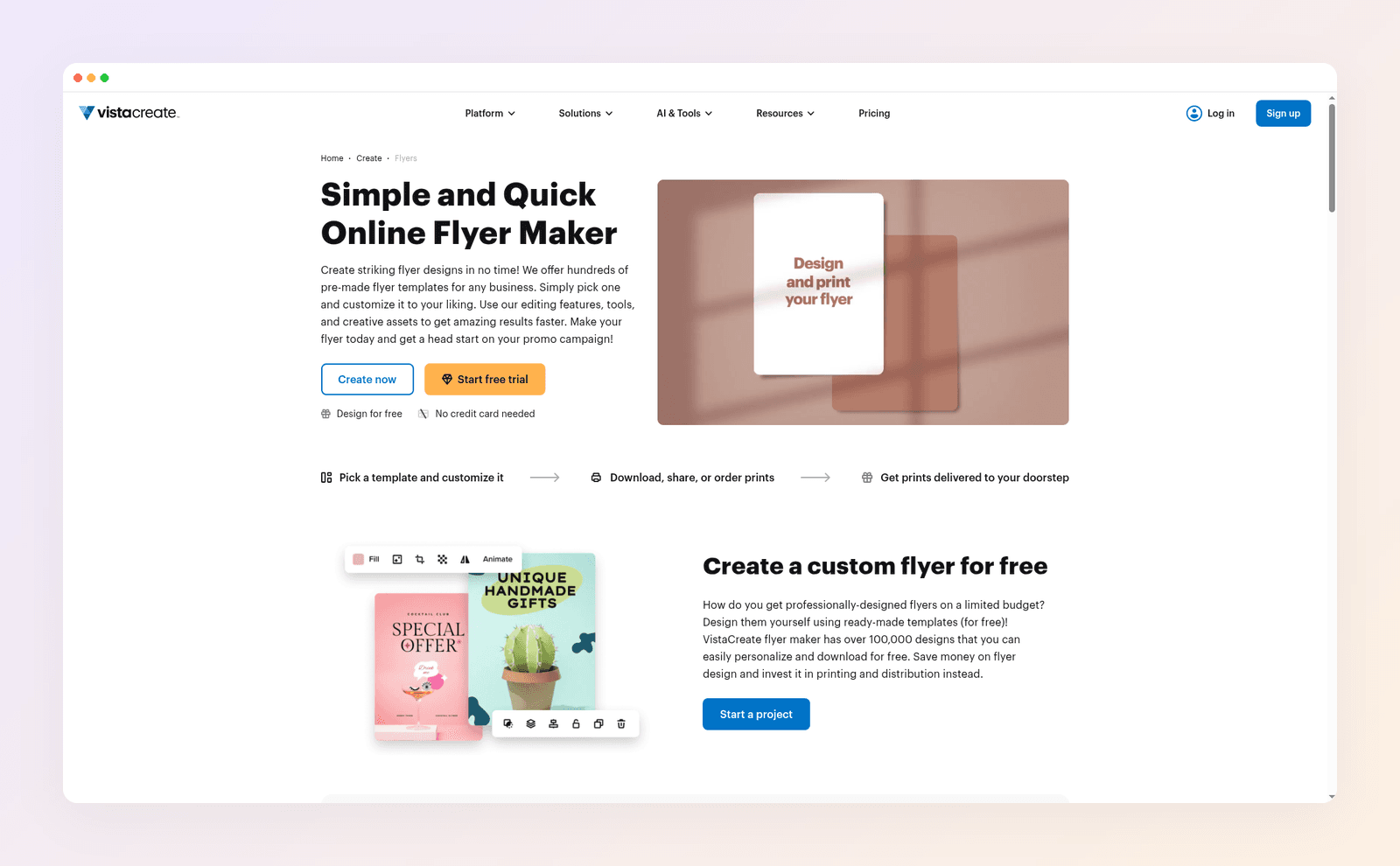
Best for: PosterMyWall users who want the same template workflow with a generous free plan.
Key features:
- 100K+ templates and 1M+ assets on the free Starter plan.
- PDF, JPG, PNG, MP4 and GIF downloads on free, with no watermark.
- Free scheduling to Facebook, Instagram and Pinterest.
Pricing: Starter is free. Pro is $10/month billed yearly ($120 a year) for up to 10 seats, with a 14-day free trial.
4. Adobe Express
Adobe Express is the pick when typography matters. Its defaults look clean with very little effort: a short headline and one photo often look finished. The free plan includes more than 100,000 templates, over 4,000 Adobe Fonts and more than a million royalty-free Adobe Stock assets.
It also handles print properly. You can set bleed and margins in the editor and download a print PDF. Premium unlocks premium templates and assets, background removal and bulk resizing. Premium assets need a paid plan, so use the Free filter when you search on the free plan. Our Krumzi vs Adobe Express page covers the differences.
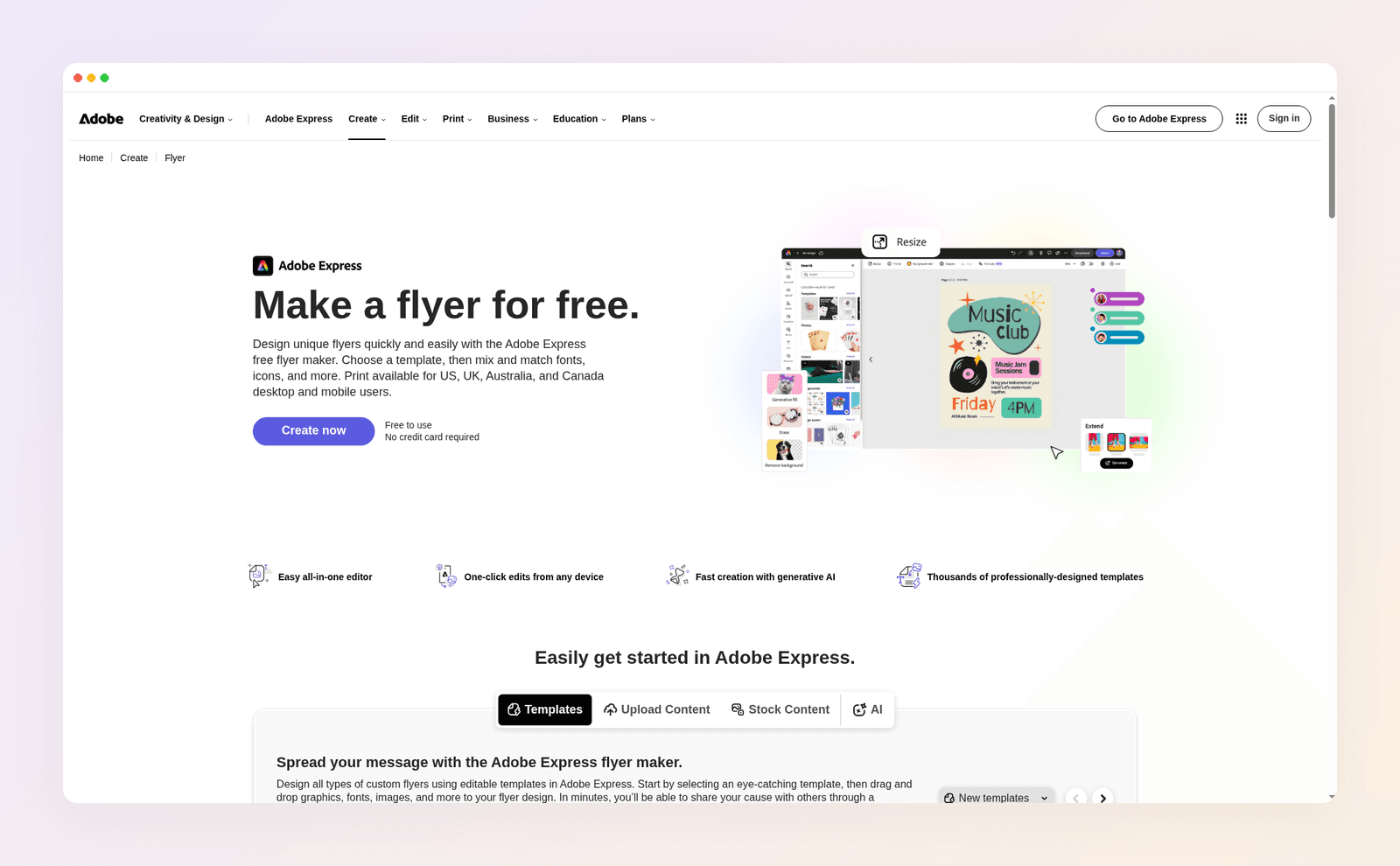
Best for: people who want polished type and already live in Adobe's world.
Key features:
- Bleed and margin settings for print, plus PDF download.
- Adobe Fonts and Adobe Stock built in on the free plan.
- Firefly AI for images and text effects, which Adobe says is designed to be commercially safe.
Pricing: Free plan available. Premium is $9.99/month with a 30-day free trial.
5. Kittl
Kittl is a design tool for bold type, illustration and merch. If your posters lean on lettering, vintage badges or T-shirt-style art, it gives you more creative range than PosterMyWall's event templates. It pairs a template library with AI image and vector generators.
Read the license before you print, though. Kittl's own pricing FAQ says the Free plan is for personal use only, with no commercial rights. Pro and Expert include a commercial license covering up to 500,000 copies, and high-resolution and vector exports are paid features. Here's Krumzi vs Kittl if you want the side-by-side.
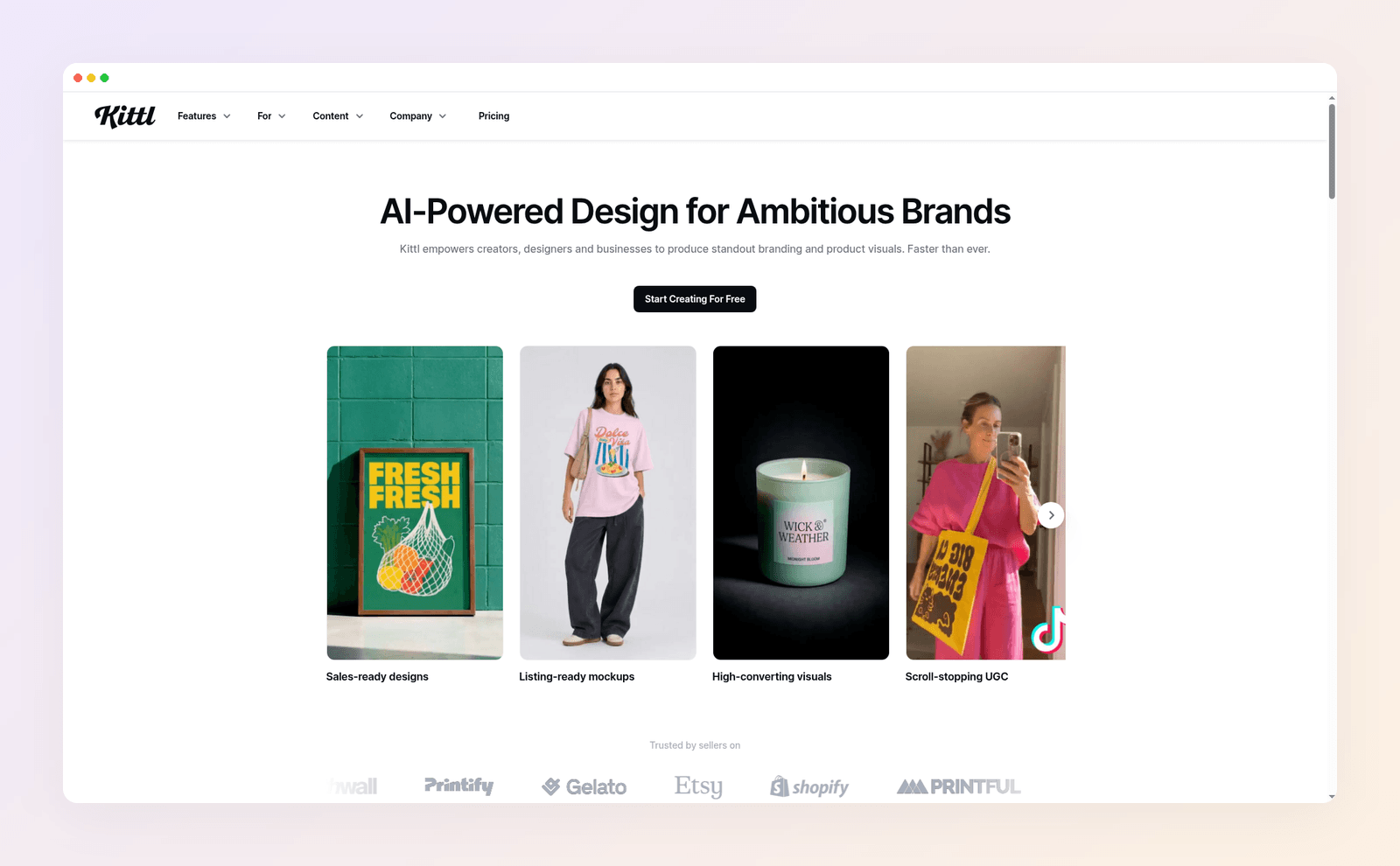
Best for: typography-heavy posters, merch and brands with a strong illustrated look.
Key features:
- AI vector generator for clean, editable vector artwork.
- AI image and vector generators alongside templates.
- Commercial license on paid plans for up to 500,000 copies.
Pricing: Free plan for personal use. Pro is $15/month or $144 a year.
6. Microsoft Designer
Microsoft Designer turns a prompt into an image or a layout, and it's free with a Microsoft account. It's quick for a party invitation or a book club poster, and it lives next to the Word and PowerPoint you already know.
It isn't a business tool, by Microsoft's own terms. The Designer FAQ says it's licensed for personal, non-commercial use with your Microsoft account. That makes it a fine pick for the family reunion and the wrong pick for your shop's sale flyer. Coming from Microsoft Publisher, which retired in October 2026? Look at the tools above instead.
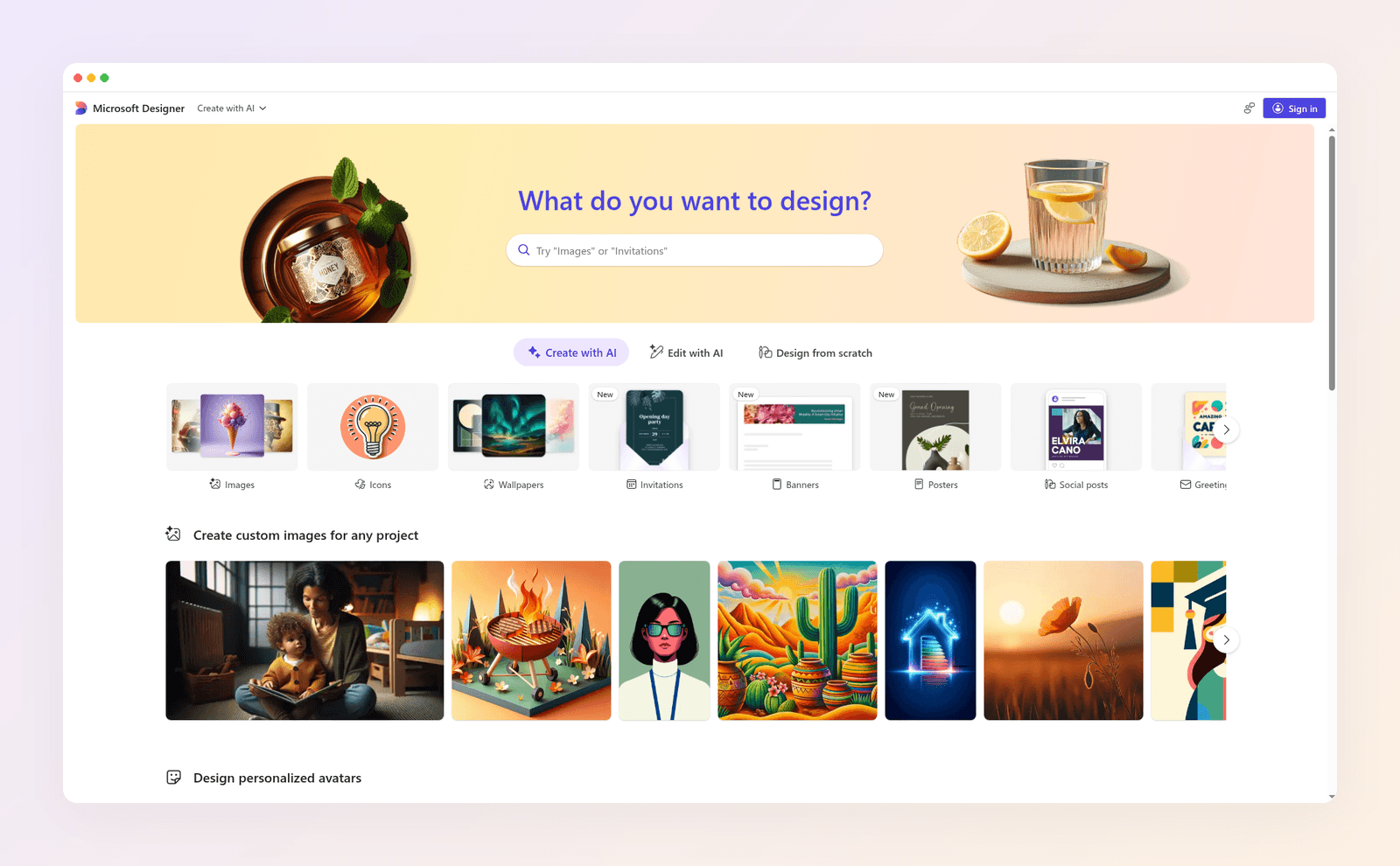
Best for: personal projects like invitations, birthdays and club posters.
Key features:
- Prompt-to-design for images, invitations, banners, posters and social posts.
- Edit with AI, like erasing objects and removing backgrounds.
- Works with your Microsoft account and Microsoft 365 apps.
Pricing: Free to use. Microsoft says a subscription may be needed if you create often.
PosterMyWall alternatives compared
| Tool | Free plan | Business use on free | Print PDF | Paid from |
|---|---|---|---|---|
| PosterMyWall | Yes, 4M+ templates | Not spelled out | 300 dpi file $5.99 each | $13/month |
| Krumzi | Free flyer maker only | Watermarked PNG | 300 dpi, 0.125 in bleed | $19/month |
| Canva | Yes | Yes | Yes, CMYK on Pro | $144/year |
| VistaCreate | Yes | Yes | Yes | $120/year |
| Adobe Express | Yes | Yes, free assets | Yes, with bleed | $9.99/month |
| Kittl | Yes | No, personal only | Paid | $15/month |
| Microsoft Designer | Yes | No, personal only | Image only | Free |
Prices as of November 2026.
Is PosterMyWall free?
Yes. PosterMyWall's free plan lets you design with its templates and download Standard images and videos with no PosterMyWall watermark, within a monthly limit. Its help center lists 5 free downloads a month, or 10 if you've bought something in the last 12 months. Designs that use Getty Images stock still carry a watermark until you buy the download.
What the free plan doesn't give you is a print-quality file. The free standard download is a lower resolution, and a 300 dpi high-quality download costs $5.99 for up to 9 pages, or $14.95 for 10 pages or more.
You might spot "Remove watermark from pages" listed only under Premium Plus on the pricing page. That line sits in the event marketing section and refers to PosterMyWall's hosted event pages, not your downloaded flyers.
Is $5.99 a lot? Put it next to the rest of the job. In Krumzi's November 2026 flyer cost study, which compared published prices from 12 online and national printers, the median price for 500 US Letter flyers was $147.50 before shipping. The median starting price for a flyer design gig on Fiverr was $35 across 75 listings. The file is the cheap part. A flyer that doesn't work is the expensive part.
PosterMyWall pricing in 2026
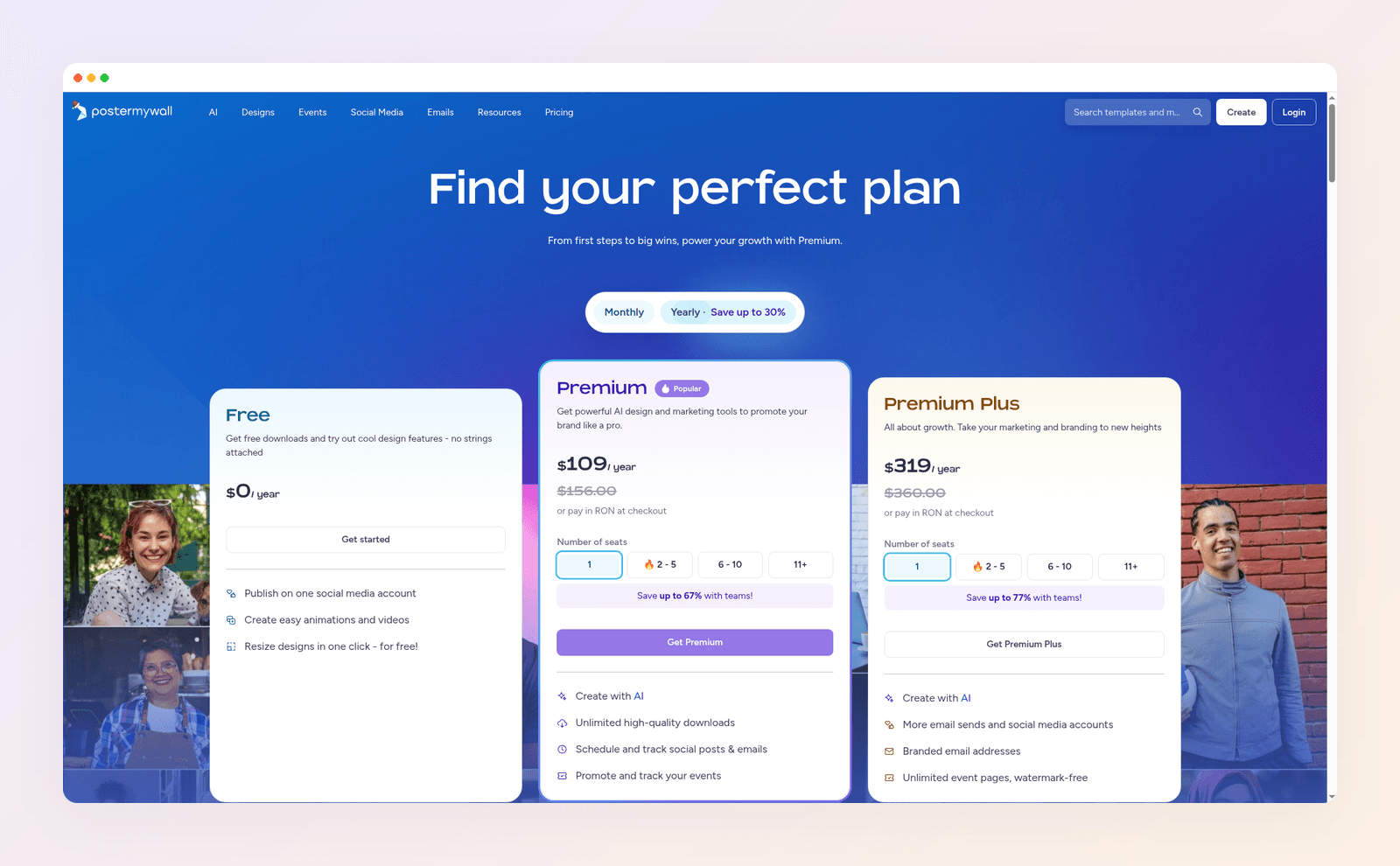
PosterMyWall has three plans for one person. Prices below are the US prices on its pricing page in November 2026.
- Free, $0. 4M+ templates, limited Standard downloads, high-quality downloads from $5.99 each, 10 free pages per file, 1 connected social account.
- Premium, $13/month or $109/year. Unlimited high-quality downloads, AI design and editing with 100 credits a month, 1 Brand Kit, custom fonts, scheduling to 3 social accounts, 3,000 email sends a month.
- Premium Plus, $30/month or $319/year. Everything in Premium, 250 credits a month, unlimited Brand Kits and social accounts, 10,000 email sends a month and watermark-free event pages.
Premium comes with a 14-day free trial.
PosterMyWall review: what it does well
PosterMyWall earns its reputation. Templates are easy to customize, the free plan is generous, and it does several things the tools above don't: event pages with registrations and ticket sales, email campaigns, digital signage and scheduling to platforms from Instagram to Google Business Profile.
Its weak spots are the ones in the first section. Designs start from a shared library, print-quality files cost extra on free, and the AI sits behind a monthly credit cap on paid plans.
When you should use something else
Every tool on this list loses to something for a certain job. Here's the honest version.
- Stay on PosterMyWall if you sell tickets or run event pages. None of the alternatives above bundle event pages, registrations and ticketing with flyer design.
- Use Canva if your team already shares a Canva workspace. Moving brand assets and habits costs more than the template overlap saves.
- Use VistaCreate if you need a free plan with business use and no watermark today. It's the least disruptive switch.
- Use Adobe Express if polished type matters more than speed. Its font library and defaults make a simple layout look finished with little effort.
- Use Kittl on a paid plan for merch. Its lettering and vector tools fit T-shirts and packaging better than any flyer tool here.
- Skip Krumzi if you need a permanent free plan. Krumzi is a paid subscription. The free flyer generator makes one US Letter flyer a week as a watermarked PNG, which is enough to try it, not to run a business on. It also doesn't add crop marks to its PDFs, so ask your printer whether they need them.
How to switch from PosterMyWall without losing work
You don't need to migrate anything to start. Here's the simplest path.
- Download what you'll reuse. Grab your best flyers as images so you have them as references.
- Save your brand basics. Write down your hex colors and font names, and keep your logo file handy.
- Rebuild your most-used flyer first. In Krumzi, attach your old flyer as a reference and describe what changes. In a template tool, search for the closest layout.
- Do one test print. Export the PDF, print one copy at home, and check that text sits inside the safe margin before you order 500. Mailing them? USPS Every Door Direct Mail has a size checker for flyers sent as marketing mail.
Need the exact dimensions? Our flyer size guide lists every common size with bleed, and the best AI flyer makers roundup compares the AI-first tools in more depth. If you design posters more than flyers, our AI poster maker guide is the better next read.
Your next flyer
If the template hunt is what sent you looking, skip it entirely. Describe your next flyer in one sentence and let the design come to you.
Want the design part done for you? Start free trial and describe your first flyer.
3-day free trial, card needed. No charge until day 4. Cancel online anytime.
Frequently Asked Questions
What is better than PosterMyWall?
It depends on the job. Krumzi is better if you want each flyer designed for you from one sentence with a 300 dpi print PDF, Canva is better for the sheer size of its template library, and VistaCreate is the closest free swap with business use allowed. PosterMyWall is still the better pick if you need event pages and ticket sales.
Is PosterMyWall really free?
Yes. Since October 15, 2026, free Standard downloads carry no PosterMyWall watermark, within a monthly download limit. Designs with Getty Images stock still carry a watermark, and a print-quality 300 dpi download costs $5.99 on the free plan.
Is Canva better than PosterMyWall?
For most people making general designs, Canva is the stronger tool because its library and editor are bigger. PosterMyWall wins for local event promotion, with event pages, ticketing and digital signage built in. Canva Pro is $144 a year, while PosterMyWall Premium is $109 a year.
How much does PosterMyWall cost?
PosterMyWall Premium is $13 a month or $109 a year, and Premium Plus is $30 a month or $319 a year, in US pricing as of November 2026. The free plan costs nothing, and single high-quality downloads start at $5.99.
Can I use a free PosterMyWall alternative for my business?
Yes, but check the license. Canva, VistaCreate and Adobe Express allow business use of their free templates and assets, with limits on standalone stock. Kittl's free plan and Microsoft Designer are licensed for personal use only, so they're not the right pick for a business flyer.
Who owns a flyer made with AI?
You generally own what you make, under each tool's terms, but copyright protection for purely AI-generated material is limited. The US Copyright Office explains where human authorship matters in its guidance on AI and copyright. For a business flyer, your own text, photos and logo are what protect it.
A month of posts, designed before your coffee cools
Describe the post. Krumzi designs it from scratch, on your brand, fully editable.
Start free trial3-day free trial, card needed. No charge until day 4. Cancel online anytime.


