On this page
You need a design tool, and the shortlist keeps shrinking to two names. One friend says Canva is fine for everything. Another says Kittl makes better type and merch files. Both have free plans and both talk about AI, so Kittl vs Canva looks like a style preference. It isn't. Canva is the better tool for most weekly content. Kittl is the better tool when the design itself is the product: shirts, stickers, labels, posters and print-ready artwork.
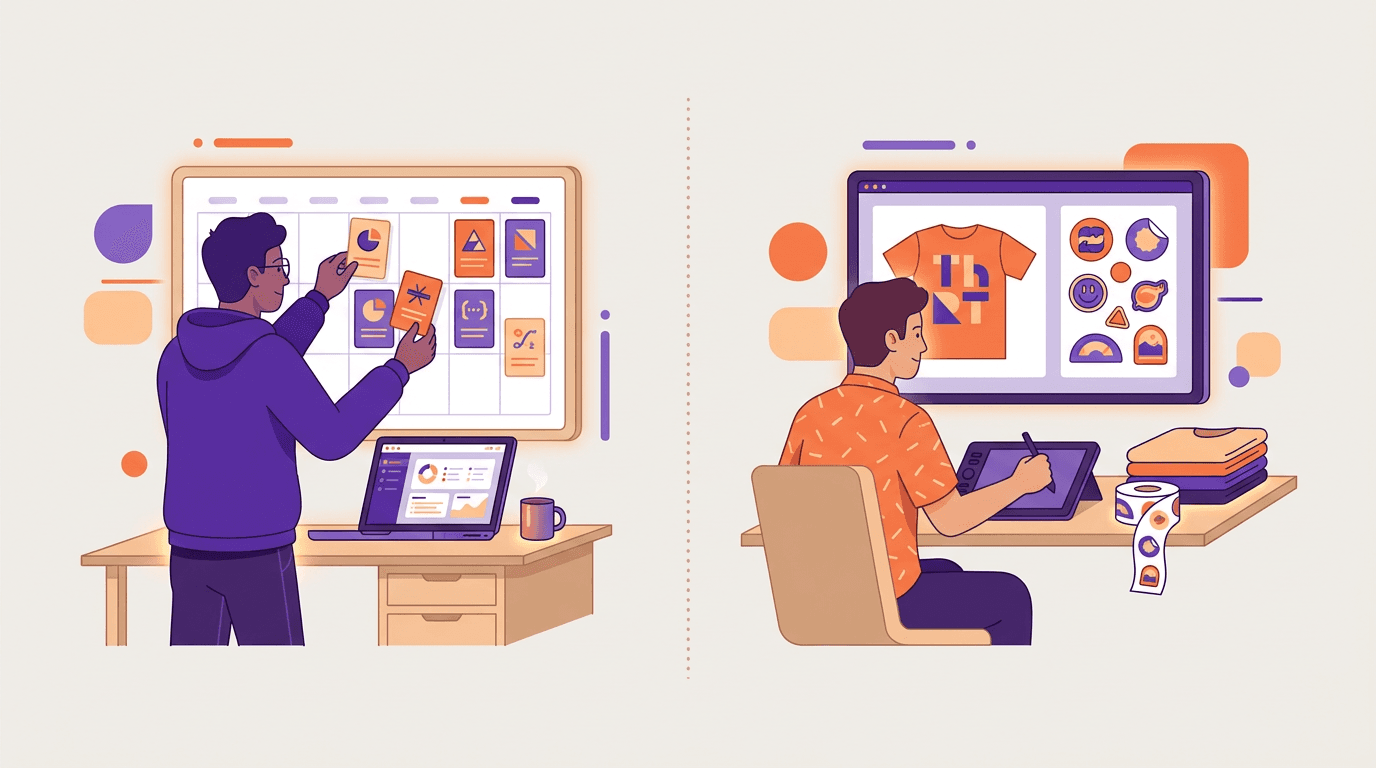
The two tools solve different jobs. Canva is a template editor built for social posts, decks, docs and light video. Kittl is a type-and-vector editor built for artwork you sell or print. Pick by the work you ship most weeks, not by which logo looks cooler.
Below, you'll see where each wins, what each costs, and which of three typical buyers you are.
Kittl vs Canva: the short answer
Canva is the better choice for most people in 2026. It covers social, presentations, documents, video and team workflows in one place, with a shallower learning curve and a free plan you can actually use for everyday graphics. Kittl is the better choice when typography, vectors, mockups and print-on-demand files are the center of the job, and you need paid commercial rights to sell what you make.
If your real complaint is that every post looks like a template someone else used this week, neither tool fixes that. More on that below.
What the two tools share
Both run in a browser. Both start from templates or a blank canvas. Both let you upload your own photos, drag elements around and export PNG or PDF. Both have free plans and paid upgrades that unlock premium assets, higher-resolution exports and more AI uses.
Both also sit on the same basic idea: you customize a layout more than you invent one. Kittl's templates lean designer-made and type-heavy. Canva's lean everyday marketing formats. The AI in both speeds filling and editing. It does not change the fact that you're still working inside a template or artboard system.
Independent reviews land in the same place. Style Factory's Kittl vs Canva comparison calls Canva the better all-round tool and Kittl the stronger option for typography, vectors and merchandise. That split matches how most buyers actually use them.
Where Canva wins
Breadth. Social graphics, presentations, docs, whiteboards, websites, print orders and a usable video editor all live in Canva. If your week jumps from an Instagram post to a pitch deck to a flyer, one account covers it.
Templates and stock. Paid Canva plans include millions of templates and a huge stock library. Whatever the brief, you'll find a close starting point fast. Kittl's library is smaller and more niche by design.
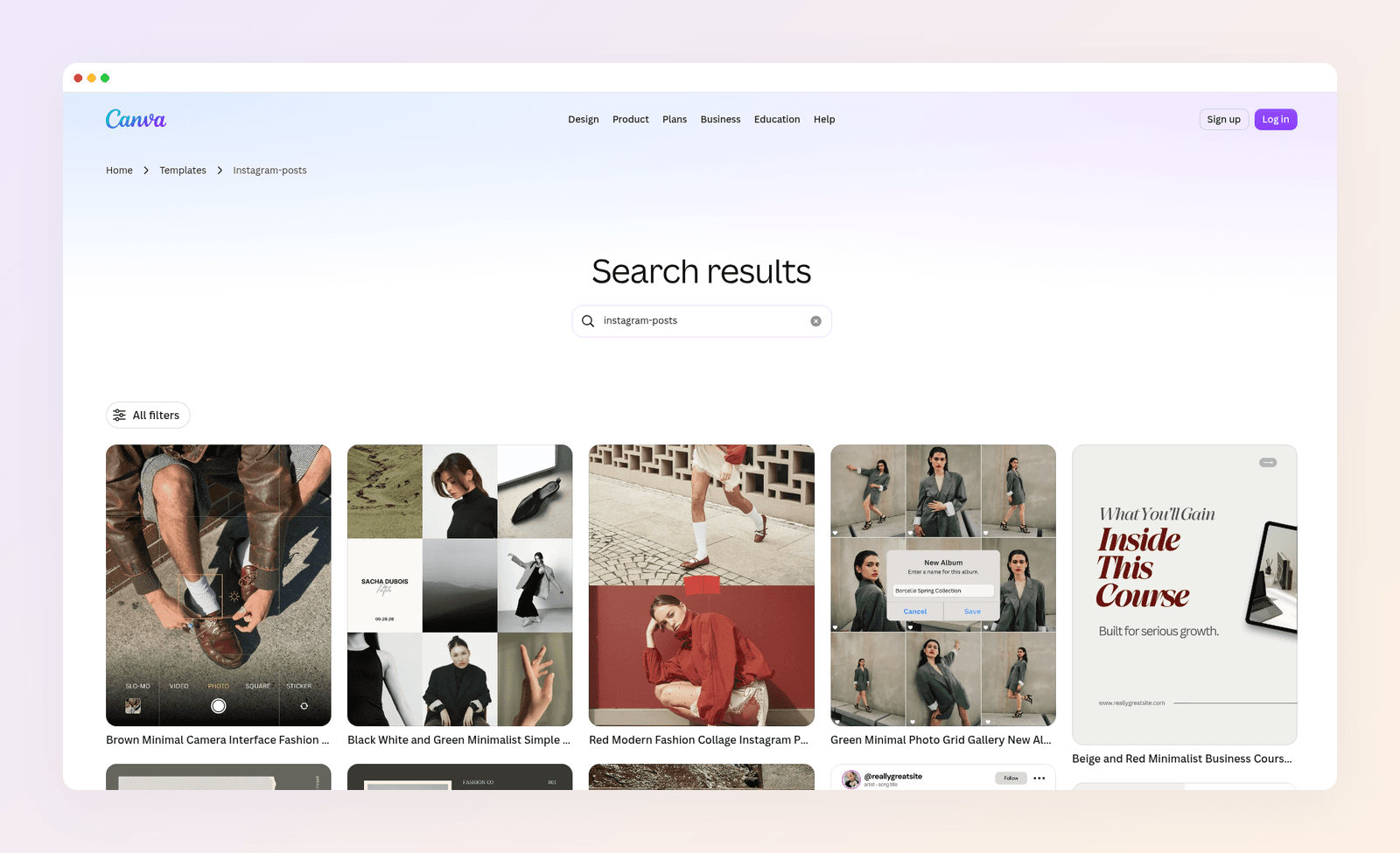
Ease for non-designers. Canva's controls stay plain-language. Kittl exposes blend modes, artboards and type transforms that reward design instinct. Beginners ship faster in Canva. PCMag's Canva review lists "doesn't require a design background" among its pros.
Teams and brand kits. Shared Brand Kits, approvals and workspaces are more mature in Canva. Pro holds multiple brand kits. Business holds far more. New hires usually know Canva on day one.
Video and mobile. Canva's timeline video editor and full mobile apps matter if Reels and Stories are part of the job. Kittl's video side is generative and lighter on hands-on editing. Kittl also has no official iPhone or Android app, so on a phone you work in the browser.
Where Kittl wins
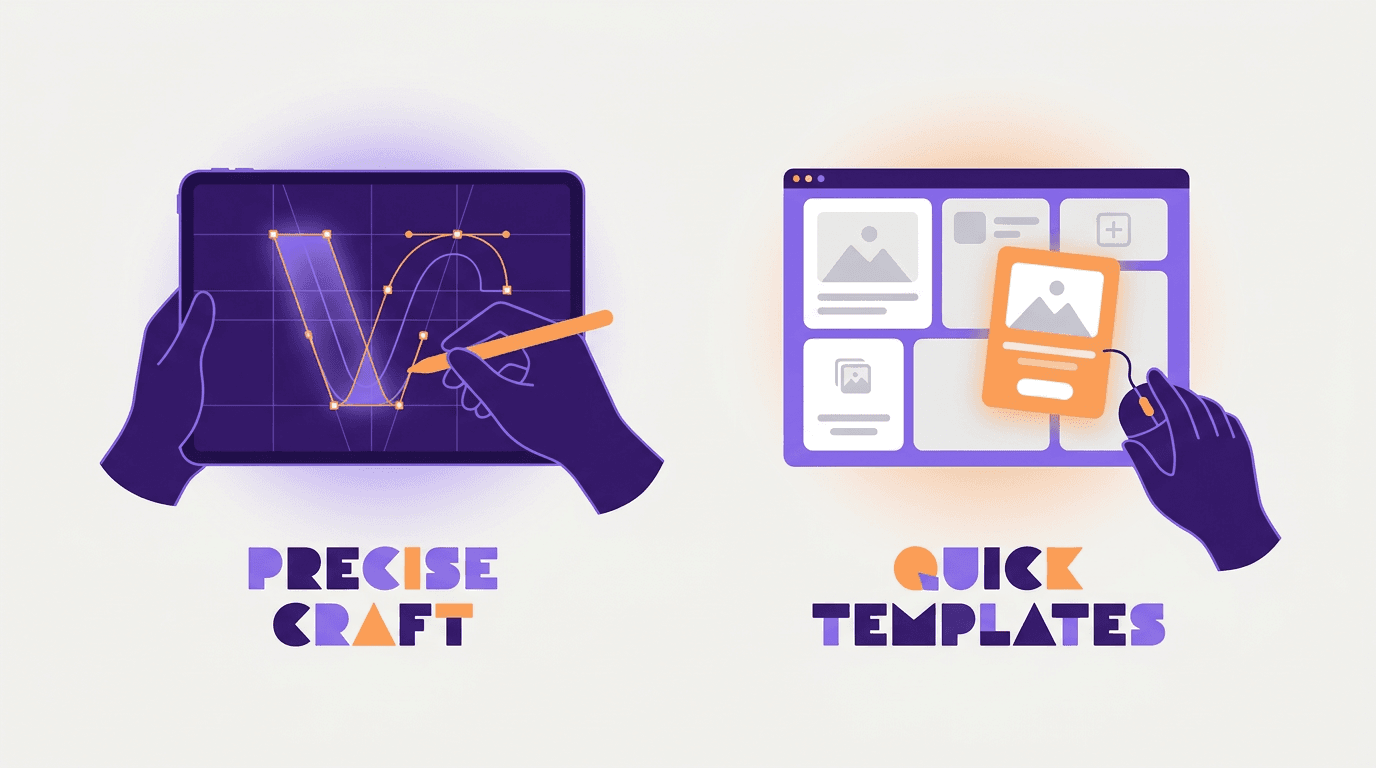
Typography. Kittl lets you mix transforms, shadows and decorations on the same text, with on-canvas control closer to Illustrator than to a social editor. Canva's text effects are simpler, and its TypeCraft add-on is clunkier for precise lettering. Type sits at the core of Kittl, which added 135 Monotype fonts such as Futura and Helvetica in 2024.
Vectors and print files. Pen tools, node editing, Shape Builder, SVG export and an AI vectorizer matter when the file has to scale for print or a POD platform. Canva can export SVG on paid plans, but path-level editing is not its strength.
Mockups and merch workflows. Kittl is built around product mockups, POD artboard presets and commercial licenses on paid plans. Free Kittl is personal use only. If you sell what you design, that license line is the whole decision.
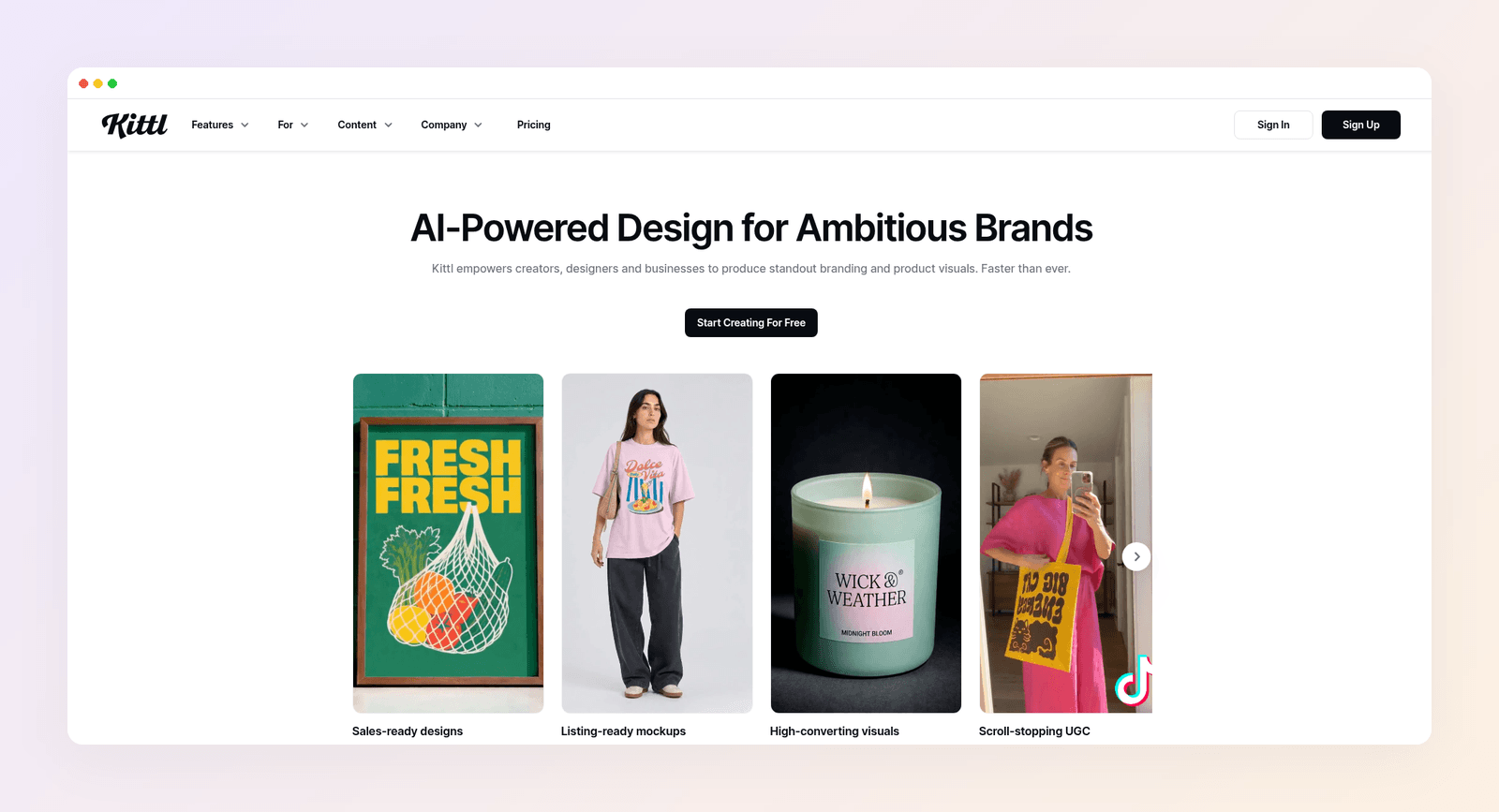
AI model choice. Kittl lets you pick among multiple image and video models. Canva keeps more of that behind the curtain. If you care which model draws the graphic, Kittl gives you the dial.
Kittl vs Canva pricing in 2026
Both free plans are good enough for a proper test. Here's what the paid plans cost:
| Plan | Canva | Kittl |
|---|---|---|
| Free | $0 | $0, personal use only |
| Core paid | Pro: $18 a month, or $144 a year | Pro: $15 a month, or $144 a year |
| Mid | Business: $25 a month per person, or $250 a year | Expert: $35 a month, or $312 a year |
| Top listed | Enterprise: custom | Max: $65 a month, or $576 a year |
Prices as of November 2026.
On one seat, the entry paid plans land near each other if you pay yearly. Kittl gets expensive if you need Expert or Max for AI tokens, storage and higher commercial limits. Canva Business is the team seat to watch: every person pays the same rate.
If you sign up for Canva, note where you're billed: web, Apple or Google. When you want out, here's how to cancel your Canva subscription on each path.
Three buyers, three picks
Here's how the choice plays out for three made-up but typical people.
Sam runs a print-on-demand shop. She sells type-heavy shirt designs and needs SVG and high-res print files, plus mockups for listings, which Etsy allows for print-on-demand items when the mockup's owner has authorized its use. Kittl is her pick. Canva's free plan won't cover commercial merch the way she needs, and path control matters more to her than a million social templates.
Leo manages social for a local gym. He posts five times a week, needs Stories and a monthly flyer, and has a part-time helper who already knows Canva. Canva is his pick: templates for every format, one place for the calendar, and no artboard learning curve.
Priya brands three client Instagram accounts. She's tired of feeds that look like the same Canva layout with different logos. Kittl won't fix that either, because she still starts from templates or artboards. Her problem is the starting point, not the missing pen tool.
Most readers are Sam or Leo. If you're Priya, read on.
When neither tool is the answer
Templates are fast for one-off designs. They struggle with a steady stream of posts that should look like your brand, not like a layout thousands of other accounts picked this month. We break that pattern down in AI vs template design tools.

Canva and Kittl can't fix that on their own, because both still lean on templates or shared starting layouts. The fix is a tool that designs from your brief. That's why we built Krumzi. You describe the post in one sentence, and the AI designs the layout, type, colors and imagery from scratch, with no template underneath. Your first design usually arrives in under 60 seconds, and every layer stays editable.
For someone like Priya, three things change:
- Each client looks like themselves. Brand Mind learns each brand and steers every design toward it, on every plan. On Pro and up, each brand gets its own Brand Kit, so logos, colors and fonts apply automatically.
- You keep control. Fix a typo, move the logo or swap a photo without regenerating the whole post.
- One brief can fill a week. Batch mode turns one brief into up to 10 distinct designs in that client's brand.
Starter costs $19 a month. Pro, which adds video and Brand Kit, costs $39. To compare Krumzi with either tool directly, see Krumzi vs Canva and Krumzi vs Kittl.
Krumzi isn't a merch vector suite, a docs tool or a photo retoucher. Keep Kittl for product artwork and Canva for decks and docs if you need them. Krumzi is built for the job most people open a design tool for every week: on-brand social posts and marketing graphics.
The verdict
Canva is the better all-round tool for most people in 2026. You get more formats, an easier editor, stronger team features and a free plan that goes further for everyday content. Kittl is the better buy if you sell or print artwork and need real type, vectors and commercial rights. Both free plans are solid, so start with the one that matches your main job and upgrade when you hit a limit.
If you've tried templates and your feed still looks like everyone else's, you need a different kind of tool, not a different template library. Want posts designed from scratch in your brand? Start free trial and describe your first post.
3-day free trial, card needed. No charge until day 4. Cancel online anytime.
Frequently Asked Questions
Is Kittl better than Canva?
For typography, vectors, merch and print-ready artwork, yes. For social posts, presentations, documents, video and teams, no. Canva is the better all-round tool. Pick by the work you ship most weeks.
Is Kittl free for commercial use?
No. Kittl's free plan is for personal use only. Commercial rights come with paid plans. Pro and Expert cite commercial use up to 500,000 copies. Read the current license before you sell.
How much does Kittl Pro cost?
Kittl Pro costs $15 a month, or $144 a year. Expert costs $35 a month, or $312 a year. Max costs $65 a month, or $576 a year. Prices as of November 2026.
How much does Canva Pro cost?
Canva Pro costs $18 a month, or $144 a year for one person. Canva Business costs $25 a month per person, or $250 a year. The free plan stays available if you don't upgrade.
Can I use Kittl and Canva together?
Yes. A common split is Kittl for the hero artwork and Canva for Stories, carousels and decks. Keep one master logo file, or the brand will drift between tools.
Which is better for Instagram posts?
Canva, for most accounts. It has far more social templates, a stronger video editor and a mobile app. If every post starts to look alike, a tool that designs from a brief gives you more variety while staying on brand. For more options, see our 15 best Canva alternatives.
A month of posts, designed before your coffee cools
Describe the post. Krumzi designs it from scratch, on your brand, fully editable.
Start free trial3-day free trial, card needed. No charge until day 4. Cancel online anytime.