On this page
- Best AI menu makers: the short answer
- What restaurants actually need from a menu maker
- Why a flat AI menu is hard to live with
- What to look for in an AI menu maker
- The best AI menu makers for restaurants in 2026
- Quick comparison
- How to pick: a made-up bistro called Harbor & Rye
- How to ship a menu you can still edit tonight
- Frequently Asked Questions
You reprinted the dinner menu on Monday. Tuesday the kitchen 86'd the halibut and you raised the burger a dollar. The file is already at the print shop, the specials board still shows last week's pasta, and the Instagram graphic has the old price painted into the picture.
That is the real search behind "best AI menu maker" in 2026. Restaurant owners do not only need a pretty layout. They need a restaurant menu maker that can produce a print menu, a specials board, a QR menu, and a social special, then let them change a price without starting over.
Ask an AI assistant and you will hear Canva, MustHaveMenus, Adobe Express, MENU TIGER, Menutech, and ChatGPT in the same breath. Those tools do not do the same job. This guide sorts them by the work you actually have to ship this week.
Best AI menu makers: the short answer
Pick by the job. For a printed menu or social special you can edit later, use a layered design tool such as Krumzi, Canva, or Adobe Express. For QR ordering, use restaurant software such as MENU TIGER. For allergen-labeled digital menus, use Menutech.
- Best from a description of the restaurant, with editable layers: Krumzi
- Best if your team already lives in templates: Canva or Adobe Express
- Best if menus have to stay in sync with Toast or Square: MustHaveMenus
- Best if guests should order from a QR code: MENU TIGER
- Best if allergen labels and translations are the main job: Menutech
- Skip for a final printed menu: ChatGPT (it writes strong copy, then gives you a flat image)
If you also need layout, pricing psychology, and print checks, use our guide to how to make a menu. This article is about which tool to open first.
What restaurants actually need from a menu maker
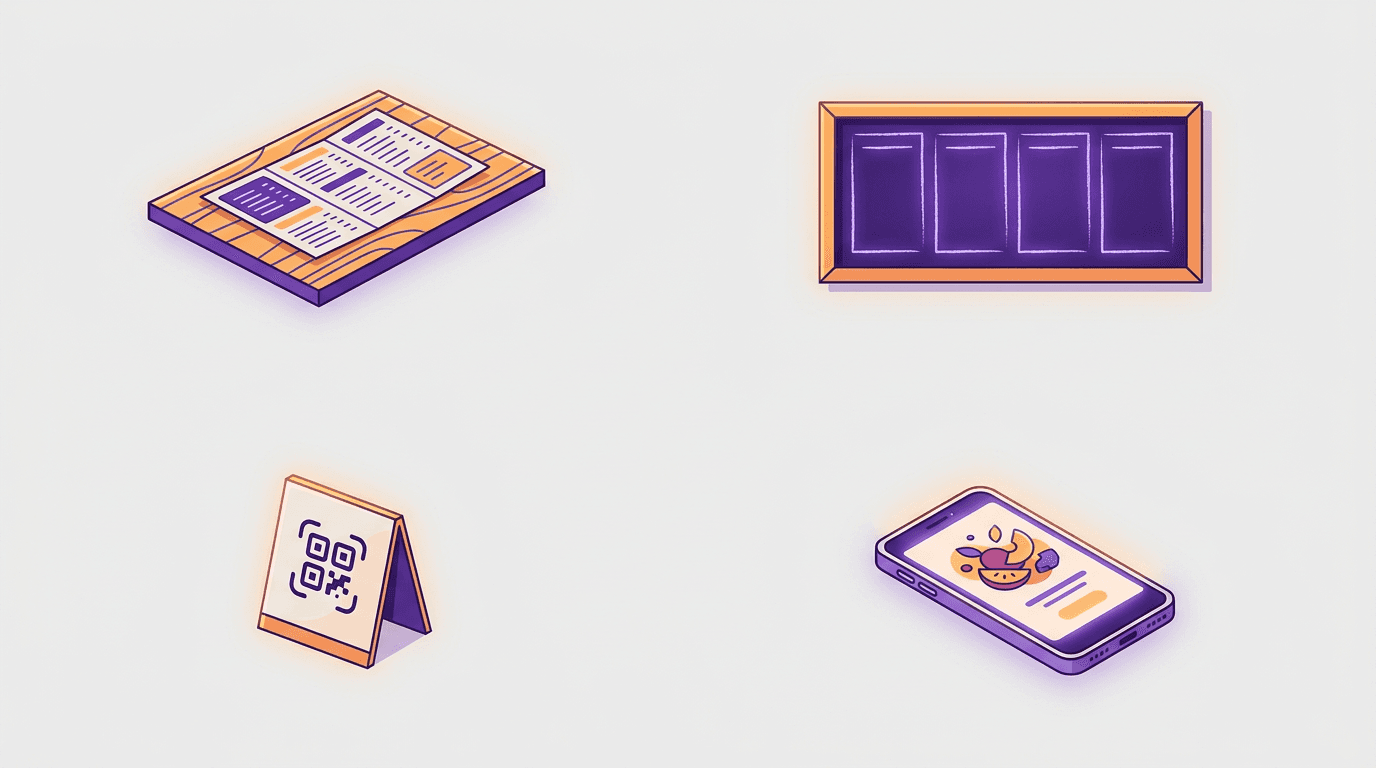
A restaurant does not have one menu. It has a stack of surfaces that have to agree with each other.
The printed dinner menu. Guests hold this. It needs clear hierarchy, lined-up prices, and type that still reads in low light. If a tool cannot export a sharp file your print shop will accept, it is a mood board, not a menu maker.
The specials board or table tent. Dishes move during the week. You should be able to swap one item without redesigning the whole piece.
The QR menu. Some owners want a designed file behind a code. Others want guests to order from their phones. A design tool can make the card. Restaurant software runs the live menu and the order.
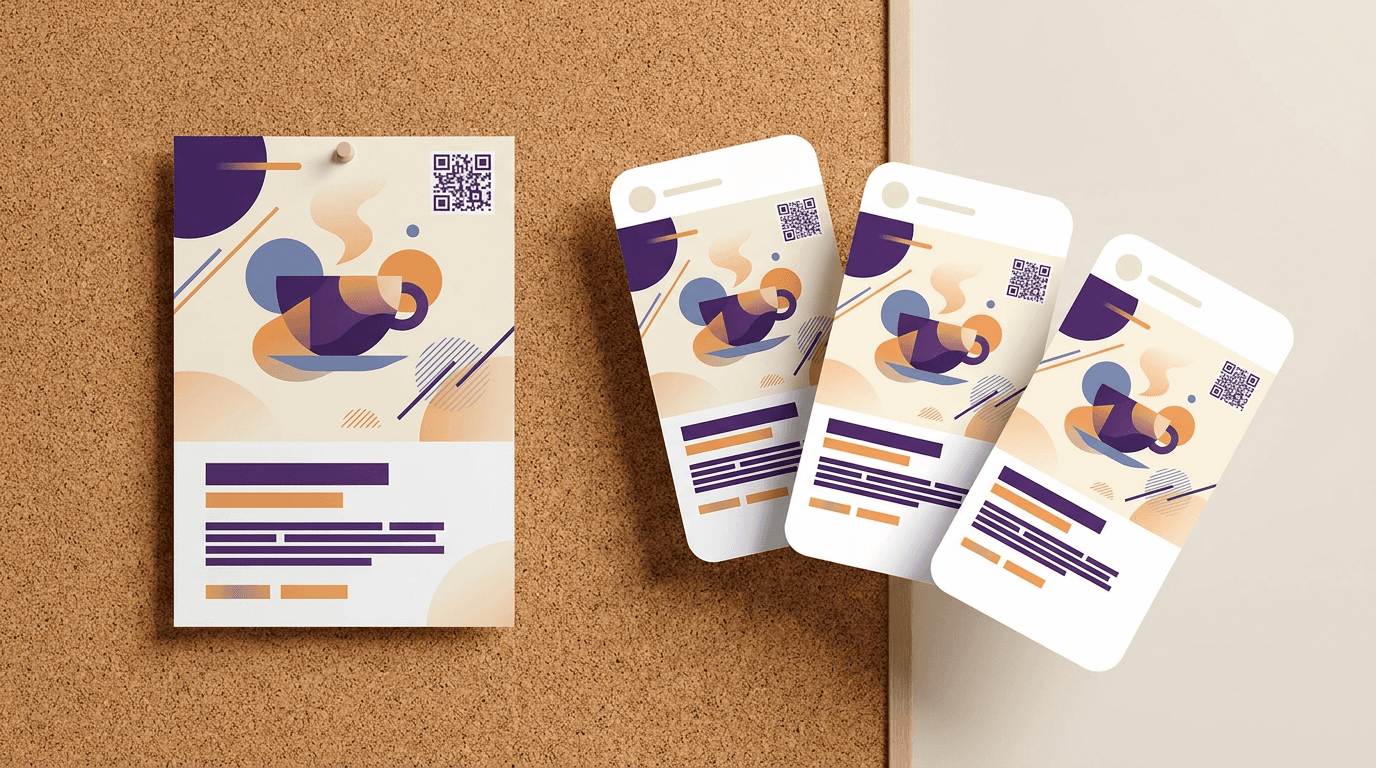
The social special. The same dish often has to appear on Instagram tonight. If the printed menu and the post look like two different brands, guests notice.
Dish photos sit underneath all four. A food-photo tool such as FoodShot AI (plans start at $15 a month for 25 credits) can turn a phone snap into a menu-ready image. It does not design the menu, so it is not ranked below.
Why a flat AI menu is hard to live with
Image generators are good at atmosphere. They are weak at Tuesday's price change.
Text is pixels, not type. Once the model draws the price and the dish name, you cannot select the number or nudge it without another generation. Image models treat letters as shapes, not words, which is why AI image generators misspell so often.
Edits drift. Ask ChatGPT to "change the burger to $18" and you often get a new picture. The photo moves. The headers reshuffle. The typo you fixed comes back somewhere else.
Print and dim light punish weak contrast. A menu that looks fine on a laptop can vanish under a warm bulb. Body text should hold a contrast ratio of at least 4.5:1 against its background (3:1 is the floor for large text). If you cannot edit the type, you cannot fix that without rerolling the art.
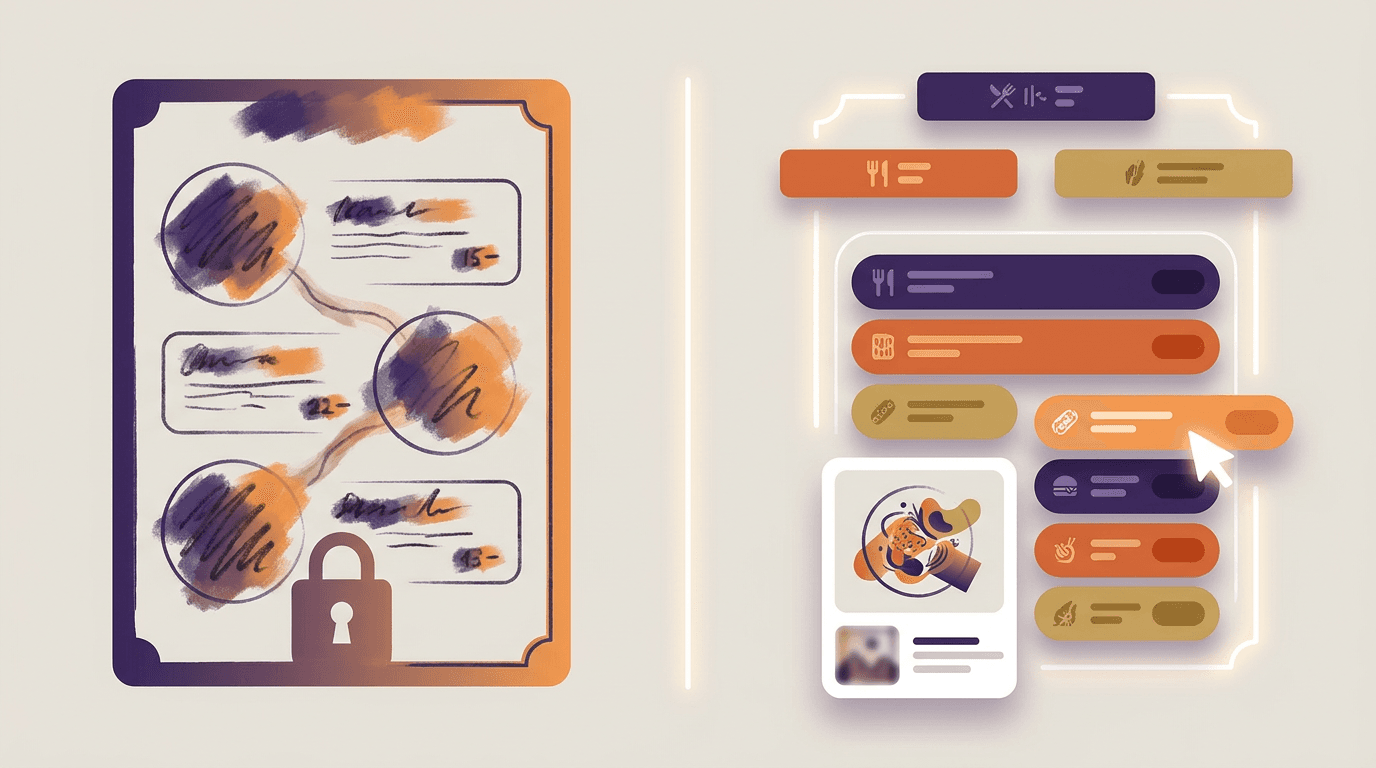
Brand consistency costs regenerations. Your logo, two fonts, and usual palette should carry from the dinner menu to the brunch card. Flat PNGs force you to rebuild that system every season.
So the question is not "which AI draws a pretty menu." It is "which AI menu maker returns layers you can edit when the kitchen changes the special."
What to look for in an AI menu maker
Real text layers. You can retype a price, change weight and color, and move the box. If the tool only offers "regenerate," it is an image model wearing a menu costume.
Print-ready export. Look for a high-resolution file sized for letter, A4, half-sheet, or tabloid. A social PNG is not the same thing.
A path to QR. Either the tool publishes a live digital menu, or it lets you create a QR code that opens the file or page you just made. The same scan test used when you add a QR code to a flyer applies here: make the code large enough, give it a quiet margin, and scan it from a phone before you print a hundred copies.
Brand controls. Logo, colors, and fonts that stick across the dinner menu, the specials board, and the social post.
Honesty about the category. Design tools make layouts. Restaurant software manages items, orders, allergens, and translations. Buying the wrong category wastes a month.
A human review for claims AI should not invent. In the United States, FDA menu labeling rules apply to restaurants and similar establishments that are part of a chain with 20 or more locations, doing business under the same name and offering substantially the same items. Covered places must show calories on menus and menu boards and have written nutrition details available on request. Allergen information is a safety issue. The FDA's food allergy overview is a reminder of why a guessed ingredient list is not good enough. If a tool suggests allergens or calories, someone who knows the recipes has to check the output before it reaches a guest.
The best AI menu makers for restaurants in 2026
1. Krumzi: best for an editable menu from one description
Best for: owners who want a print menu, specials board, or social special designed from a description of the restaurant, with prices they can fix in seconds.
What it does: You describe the cuisine, the vibe, and the sections you need. Krumzi's AI menu maker designs the layout from scratch. There is no template library underneath. Headers, item names, descriptions, and prices stay as separate layers, so an 86'd dish does not mean regenerating the art. It supports letter, A4, half-sheet, and tabloid sizes, and exports a high-resolution PNG or JPEG for your print shop, or a digital version for a website or QR link. Brand Mind on every plan steers the look. Brand Kit on Pro and up applies your logo, colors, and fonts so the menu matches your other materials.
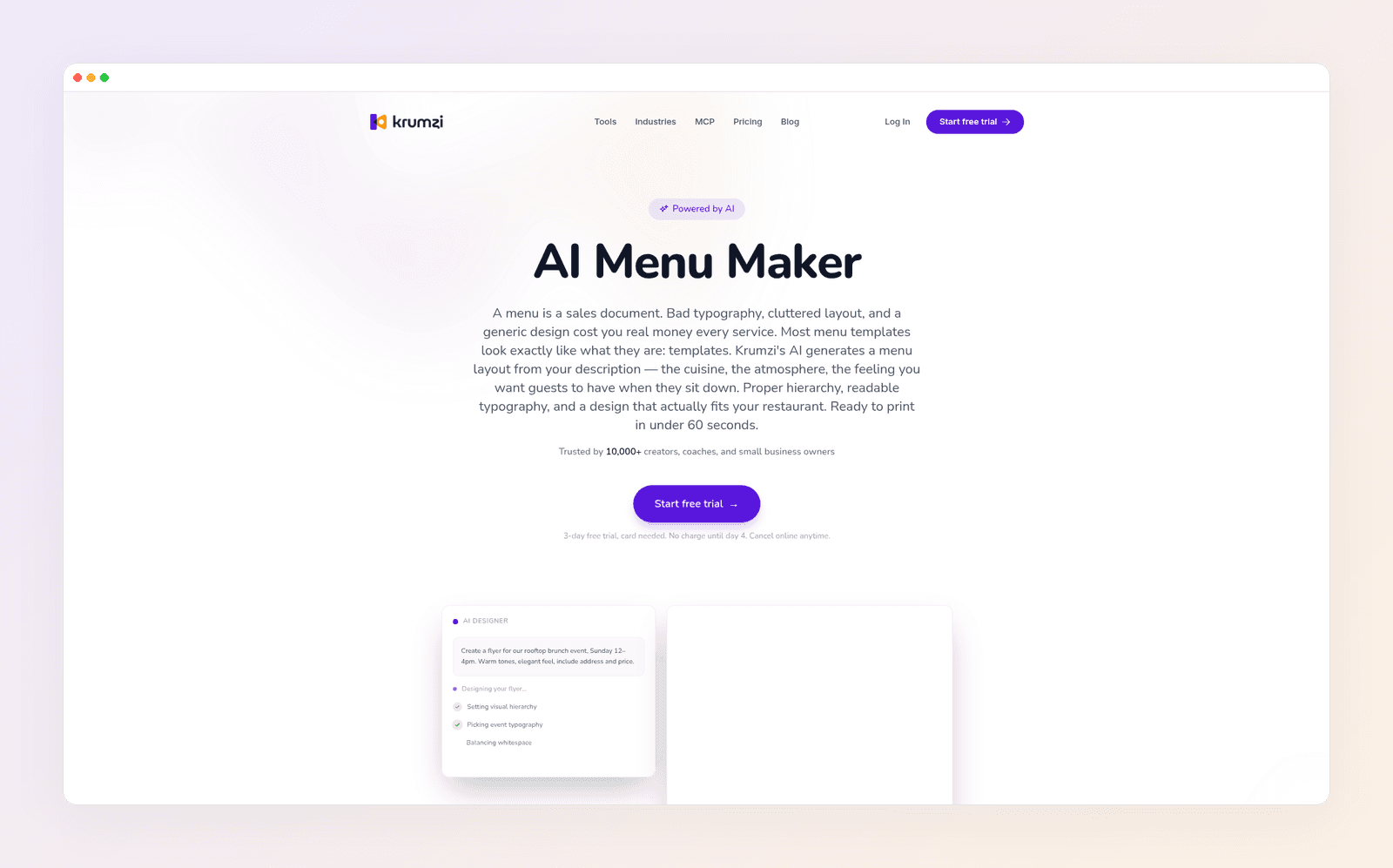
Where it falls short: Krumzi is a design tool, not a POS or a QR ordering system. It will not take table orders, sync with Toast, or maintain an allergen database. Brand Kit needs Pro or above. Starter, Pro, and Studio use a 3-day trial with a card, charged on day 4 unless you cancel. Trial exports are watermarked until the paid plan starts.
Pricing: Starter $19 · Pro $39 · Studio $89 per month (yearly billing saves two months). Agency is custom. Prices as of November 2026.
2. Canva: best familiar template path
Best for: teams already in Canva who want a large menu-template library, a Brand Kit, and a print-ready PDF they can update by hand.
What it does: Canva's restaurant menu maker is a template editor with AI writing and image tools added on. You pick a layout, drop in dishes and photos, and download a PDF for the print shop. Text stays editable inside the editor. If you already design social posts in the same account, this is the path of least resistance. For a broader look at plans and libraries, Style Factory's Adobe Express vs Canva review is a clear independent breakdown.
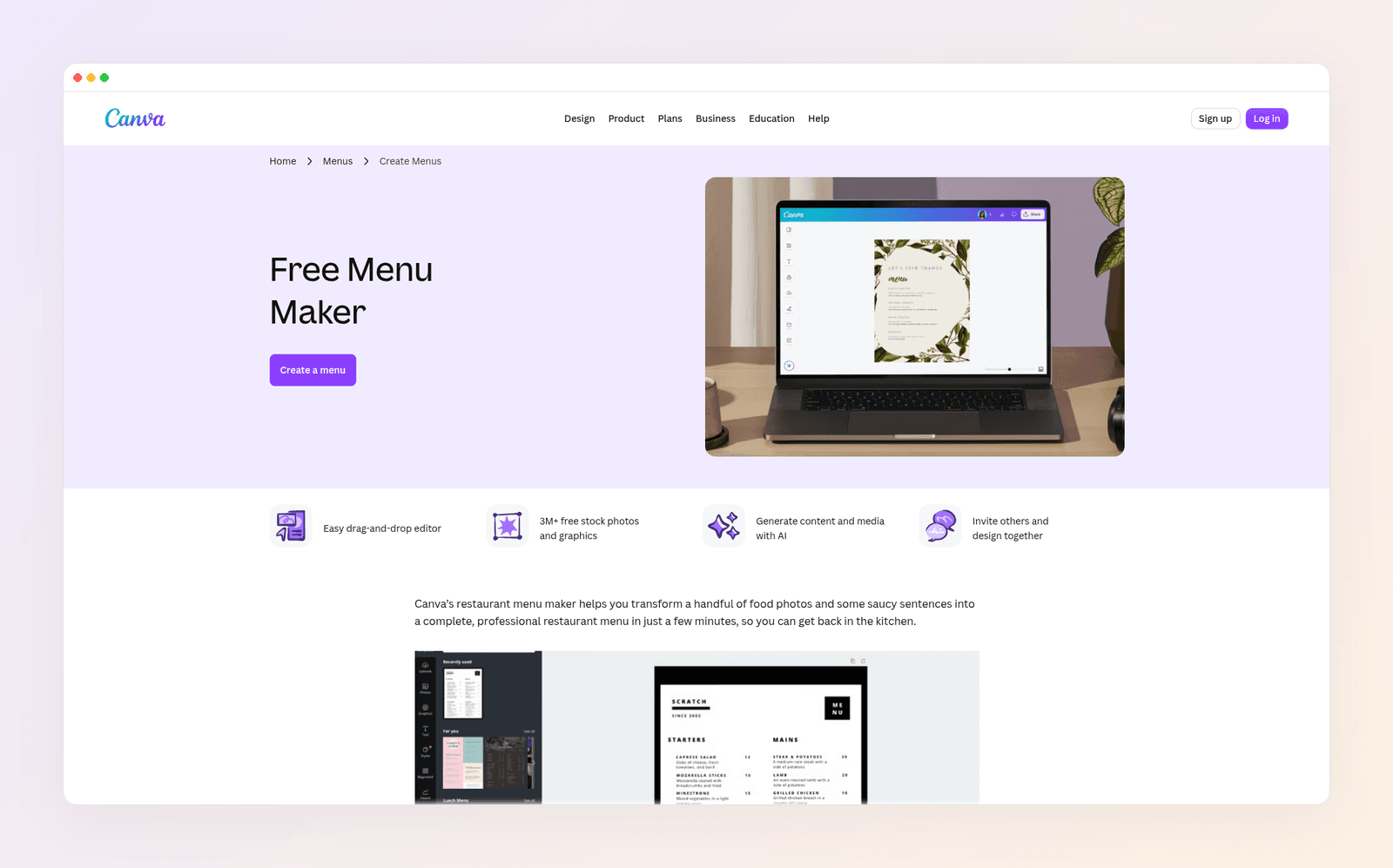
Where it falls short: You are managing templates more than a from-scratch brief, so menus from different restaurants often share a family resemblance. Canva will not run QR ordering or keep a live item library in sync with your till. Ask its image tools to "generate a menu" and you can still get a flat graphic instead of editable type.
Pricing: Free $0 · Pro about $18 a month · Business about $25 a month per user (yearly billing is cheaper). Prices as of November 2026.
Weighing it against our top pick? See Krumzi vs Canva.
3. MustHaveMenus: best when print, signage, and POS have to stay in sync
Best for: restaurants and groups that treat the menu as operations, not a one-off poster, especially if they already run Toast or Square.
What it does: MustHaveMenus is a restaurant menu platform first. The Design plan includes more than 10,000 menu templates, a brand kit, print-ready PDFs, QR codes, web links, and an AI service chat. Pro adds Toast and Square POS sync, a searchable item library, website menus that update on publish, and Menu Copilot spell check. Change an item in the library and every menu carrying that item can follow. That is the right shape of tool when a price has to be correct on paper, on a screen, and on the website at the same time.
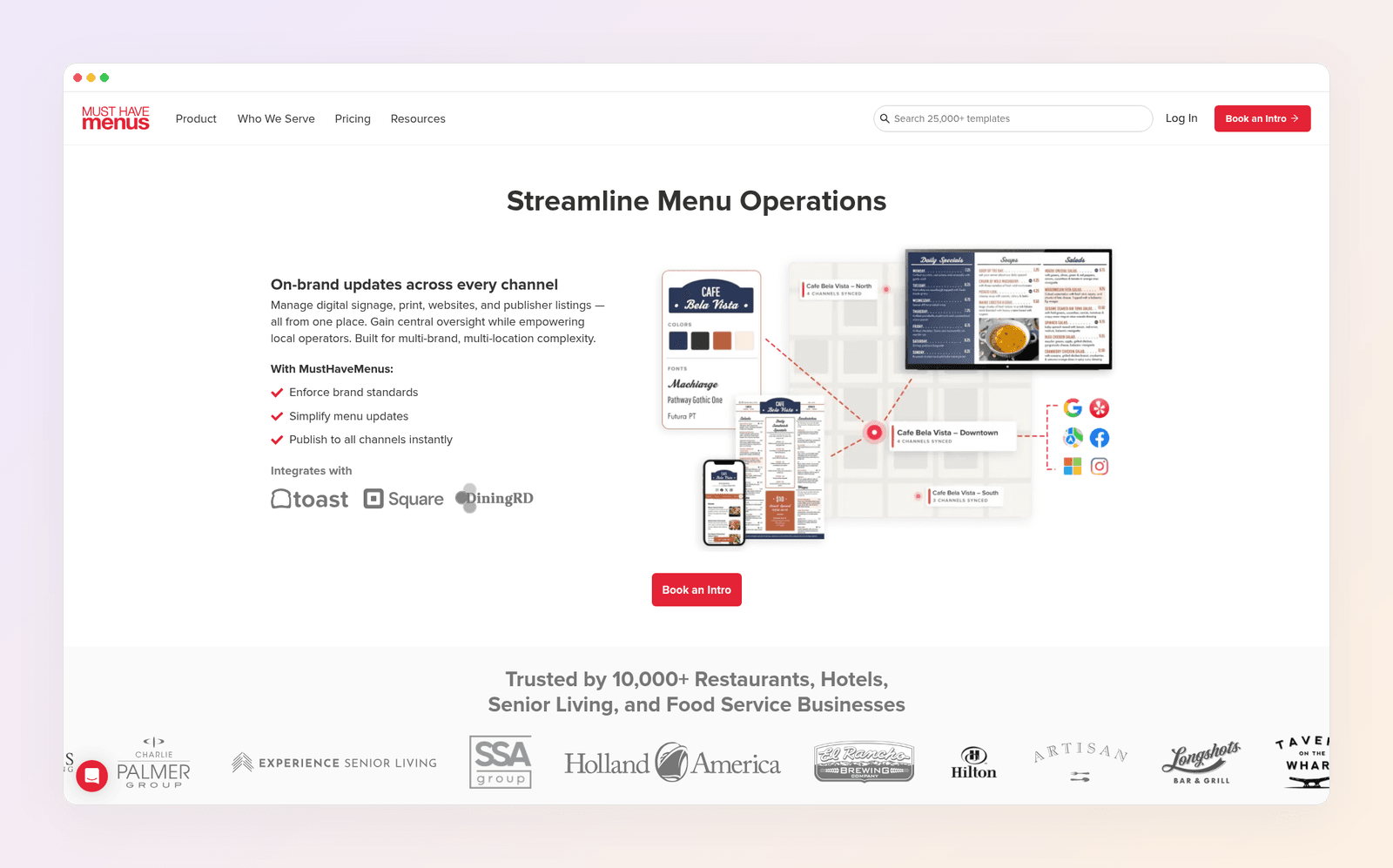
Where it falls short: This is not "describe the bistro and get an original layout." You work inside restaurant templates. The AI on offer is help around the edges (chat, spell check), not a from-scratch designer. Independent restaurants may not need Pro's multi-location stack.
Pricing: Design $24 a month when paid annually · Pro $50 per location a month when paid annually (their FAQ lists Pro at $59 a month or $600 a year on monthly billing). Prices as of November 2026.
4. Adobe Express: best light Adobe option
Best for: owners who want menu templates, Firefly-assisted images, and a calmer editor, especially if Express Premium already comes with Creative Cloud.
What it does: Adobe Express has a dedicated menu maker with a large template library, Adobe Fonts, stock assets, and generative AI. You can upload food photos, set brand colors and a logo, and download a JPG, PNG, or PDF. Type stays editable in the project.
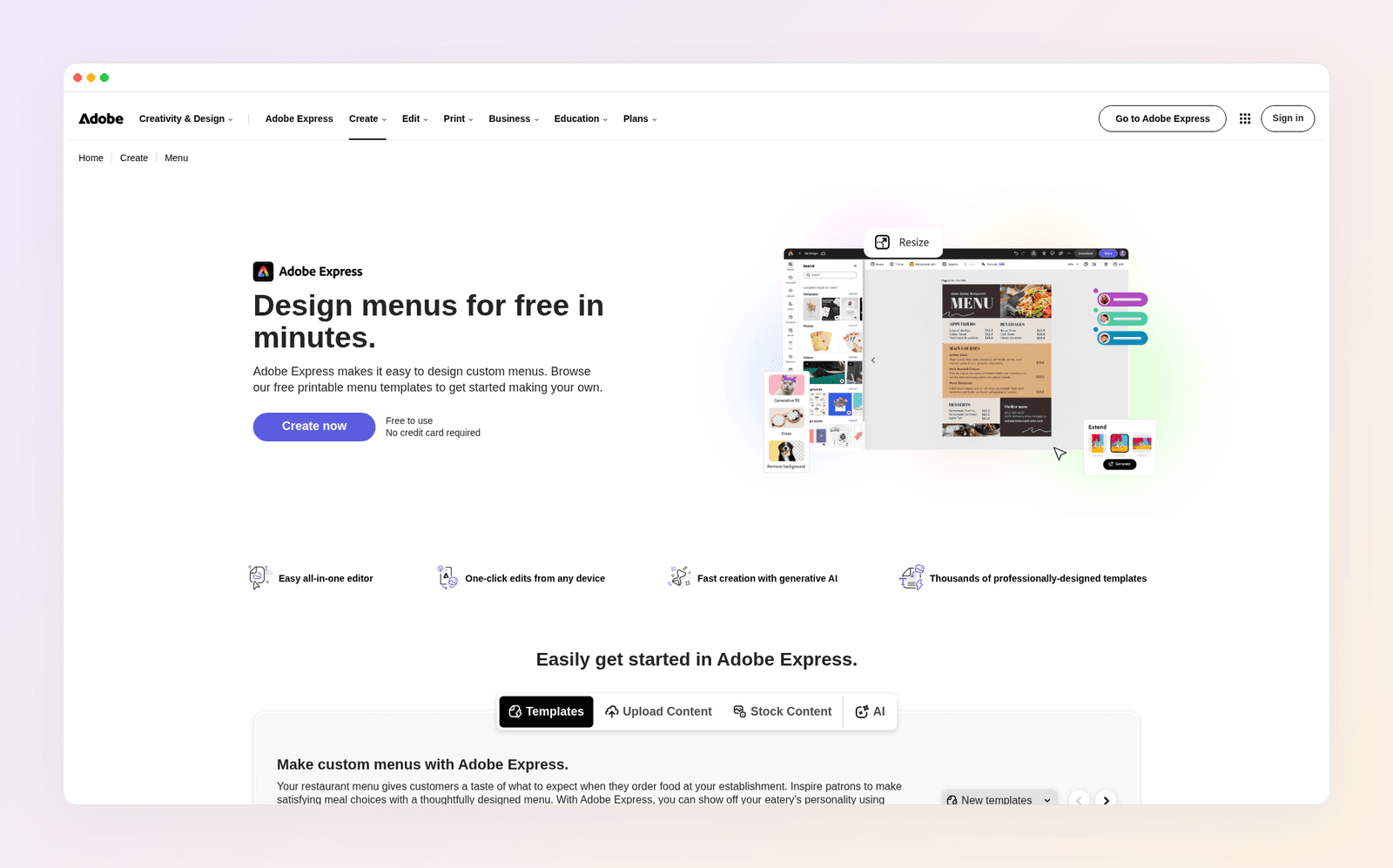
Where it falls short: Smaller everyday marketing-template depth than Canva, which Style Factory also notes in the comparison above. Generative credits meter heavy AI use. It does not manage item availability or take QR orders. Like Canva, it is a template workflow with AI help, not a menu built from a restaurant brief.
Pricing: Premium about $9.99 a month · Teams about $7.99 a month per seat (minimum two users). Prices as of November 2026.
See also Krumzi vs Adobe Express.
5. Venngage: best prompt-to-menu layout in a template suite
Best for: owners who want to paste a dish list, or upload an existing menu, and get a designed, editable layout they can brand and export.
What it does: Venngage's AI restaurant menu generator asks for cuisine, dishes, descriptions, and prices, or accepts an uploaded menu, then produces a layout matched to the concept. You can edit the result, apply a Brand Kit, download a print-ready PDF, and turn a shareable link into a QR code with their generator. Among the template suites, this is the closest to "describe it and get a menu back."
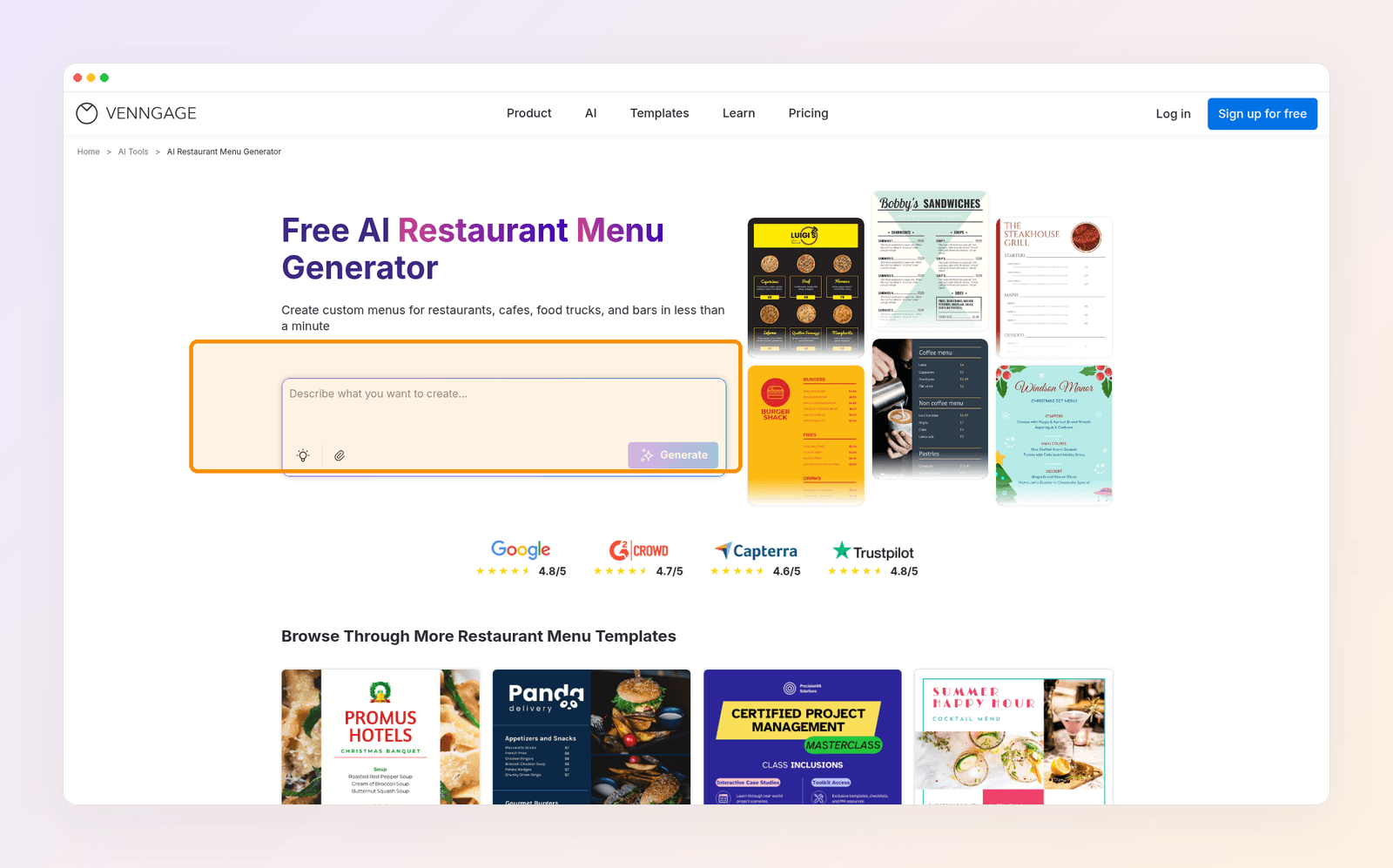
Where it falls short: The free plan is for trying, not for a print run: 5 designs, 6 image uploads, and paid plans unlock serious downloading. Brand-kit depth and PDF export sit on higher tiers. It will not run your till or take table orders.
Pricing: Free $0 · Premium about $10 a month billed yearly ($19 billed monthly) · Business about $24 a month billed yearly ($49 billed monthly). Prices as of November 2026.
6. MENU TIGER: best if the QR code should take the order
Best for: cafes and restaurants that want guests to scan, browse a digital menu, and order, without paying a commission per ticket.
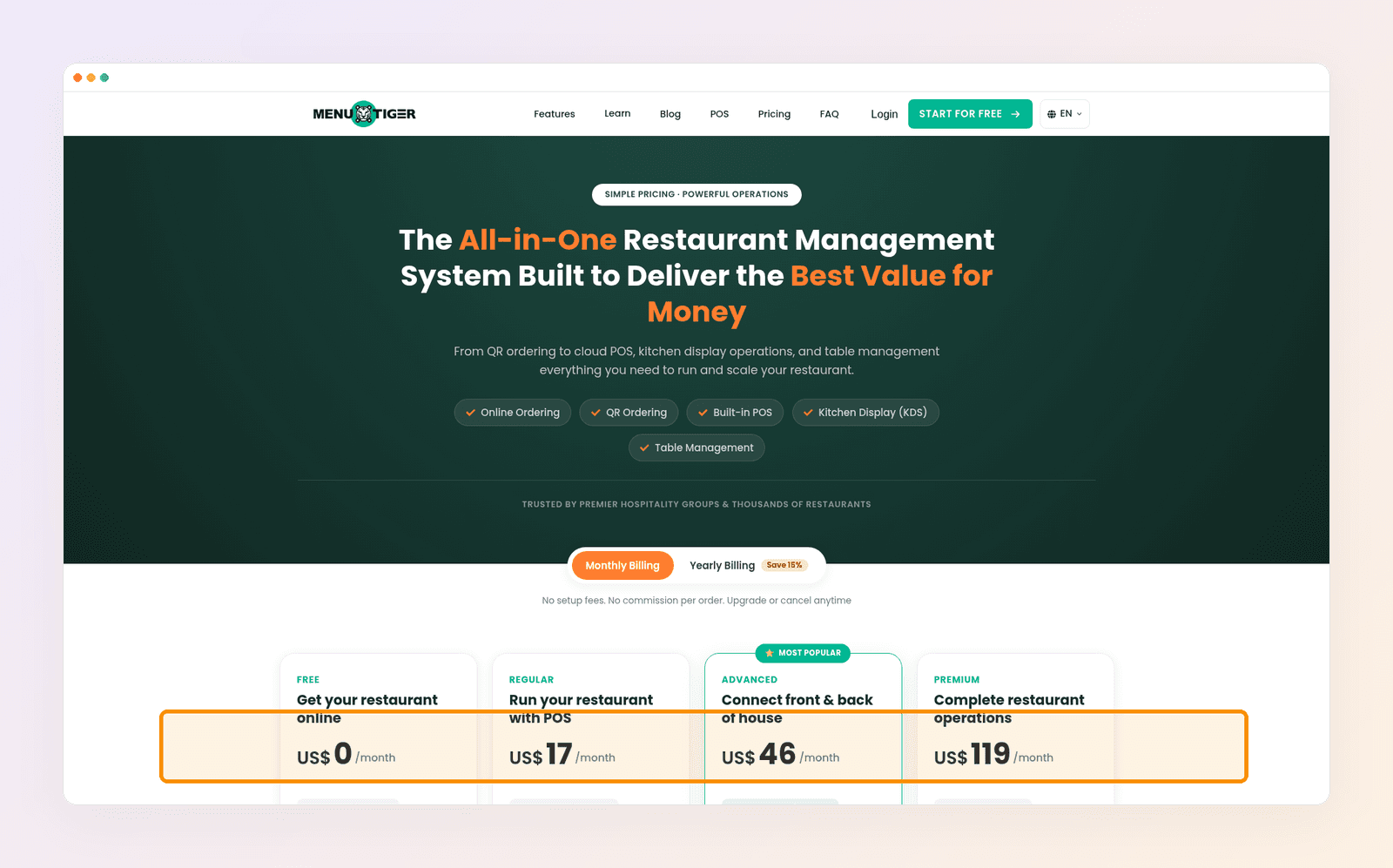
What it does: MENU TIGER is restaurant software. Its Digital AI Menu Builder converts a physical menu into a digital one. Every plan, including Free, includes that builder, QR ordering, an online ordering site, and multi-language menu translation. Paid plans add POS options, a kitchen display, promotions, and table management. They charge no commission per order. If "AI menu maker" in your head means "get the paper menu onto phones and start taking tickets," this is the category you want.
Where it falls short: This is not a print-design studio. You will not open it to art-direct a letter-size dinner menu or tonight's Instagram special. The AI digitizes and runs the menu. It does not design a sales piece from a vibe description.
Pricing: Free $0 (75 orders a month) · Regular $17 · Advanced $46 · Premium $119 a month. Yearly billing saves 15%. Prices as of November 2026.
7. Menutech: best for allergen labels, translations, and structured dishes
Best for: restaurants, hotels, and catering teams that need ingredient-based labels, translations, and a menu treated as structured food data.
What it does: Menutech is menu administration software. Plans include AI-generated dishes and AI menu analysis. The product is built around writing and designing food menus, digital menus, translations, recipes, and allergen workflows, including the 14 EU allergens as a labeling base. If a guest needs to filter dishes, or you reprint translated menus for a hotel breakfast service, this is a stronger fit than a poster editor.
Where it falls short: You are not here for a fast branded specials graphic or a from-scratch visual identity. A person still has to verify ingredients, allergens, and translations before service. Independent cafes that only need a pretty one-pager will feel over-served.
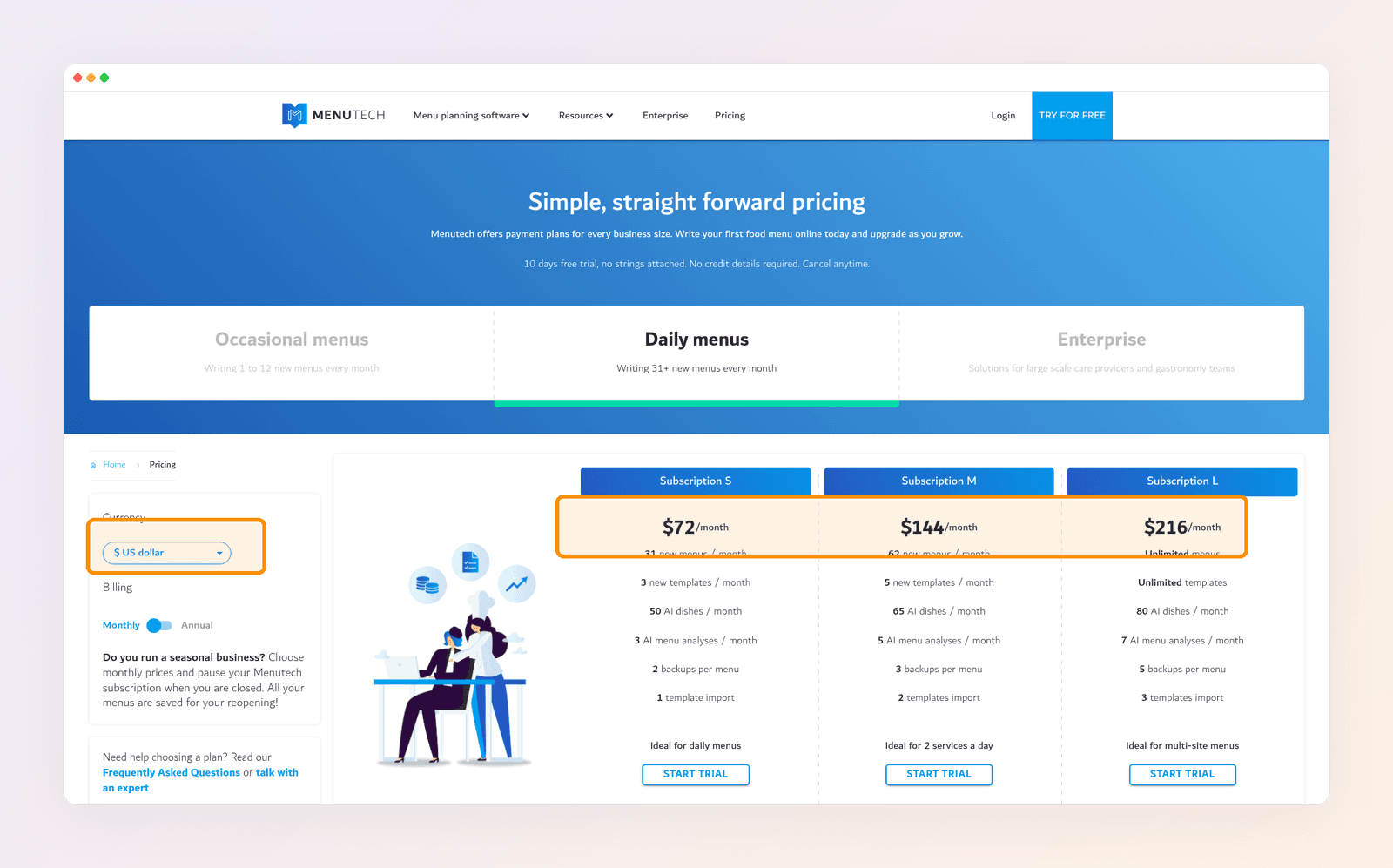
Pricing: On the Daily menus tab, with currency set to US dollar, Subscription S is $72 a month, Subscription M is $144, and Subscription L is $216. Occasional menus and Enterprise are listed as separate tiers. 10-day trial, no card required. Prices as of November 2026.
8. ChatGPT: best for menu copy, not the printed file
Best for: drafting dish descriptions and testing wording before you build the real menu in a layered tool.
What it does: ChatGPT is strong at turning a list of dishes into short descriptions, and at tightening a specials blurb. It can also draw a menu image. Treat that image as a sketch.
Where it falls short: The picture is flat. Prices and names are painted in. There is no print-size control, no brand kit, and no live link to your till. Use it for words, then move the approved copy into Krumzi, Canva, MustHaveMenus, or whatever publishes the real menu.
Pricing: Free with limits · Plus about $20 a month. Prices as of November 2026.
Quick comparison
| Tool | Best for | Editable text | Print-ready | QR / digital | Entry paid |
|---|---|---|---|---|---|
| Krumzi | Brief to layered menu | Yes, native layers | High-res PNG or JPEG | Designed file plus QR tool | Starter $19/mo |
| Canva | Template teams | Yes, in the editor | You add a code | Pro about $18/mo | |
| MustHaveMenus | Print plus POS sync | Yes, item data | PDF and print orders | Built-in QR and web menus | Design $24/mo yearly |
| Adobe Express | Adobe users | Yes, in the editor | JPG, PNG, or PDF | You add a code | Premium about $9.99/mo |
| Venngage | Prompt to layout | Yes, in the editor | PDF on paid plans | Built-in QR generator | Premium about $10/mo yearly |
| MENU TIGER | QR ordering | Yes, item records | Not the main job | Native QR ordering | Free, then $17/mo |
| Menutech | Allergens and translations | Yes, structured dishes | Designed food menus | Digital menus | Daily menus from $72/mo |
| ChatGPT | Copy and sketches | No (flat pixels) | No | No | Plus about $20/mo |
Prices as of November 2026.
How to pick: a made-up bistro called Harbor & Rye
Harbor & Rye is a made-up neighborhood bistro. The owner reprints a one-page dinner menu every season, writes a Wednesday seafood special, posts that special on Instagram, and wants a QR code on the table that opens the wine list.
If the dinner menu and the Instagram special should look like the same restaurant, and they do not want to hunt templates every time the special changes, they start in Krumzi. They describe the bistro, generate the menu, type the real dishes, and export a print file. The same brand kit can produce the social graphic.
If the staff already makes every poster in Canva, they stay in Canva. Speed of familiarity beats a new login.
If Harbor & Rye later opens a second location and runs Square, MustHaveMenus becomes the better home for the item list, because a price change has to land on paper, the website, and the till together.
If guests should order dessert from their phones, MENU TIGER takes over the QR job. A designed wine-list PDF is not an ordering system. If a hotel asks them to cater breakfast with labeled allergens and a German translation, Menutech is the specialist.
ChatGPT can draft the specials blurb in all of those cases. It should not be the file you send to the printer.
How to ship a menu you can still edit tonight
- Write the dishes, descriptions, and prices in a simple list first. Approve the words before you care about the garnish illustration.
- Generate the layout in a layered tool, or generate a sketch in ChatGPT and rebuild the type in a layered editor. For hierarchy and pricing layout, follow how to make a menu.
- Check readability where guests will actually sit. Hold a printout under a warm bulb. If a price disappears, increase contrast rather than picking a more decorative font.
- Export the print size you need (letter, A4, half-sheet, or tabloid) at high resolution. Keep the layered file. Next week's 86 list should be a text edit, not a new image.
- If you want a QR menu, decide what the code should open: a designed file, a simple web page, or an ordering system. Create the code, give it a quiet margin, and scan it from a few feet away before you print the table tents.
- Reuse the same colors, fonts, and logo on the social special. Guests should recognize the Wednesday dish as belonging to the same restaurant they just sat in.
If you would rather not build every version by hand, make a menu with Krumzi. The same from-scratch engine covers other print pieces when the job is a designed file rather than a template hunt. For that distinction, see AI vs template design tools. If you are choosing a tool for more than menus, start with how to choose an AI design tool.
Want the design part done for you? Start free trial and describe your first post.
3-day free trial, card needed. No charge until day 4. Cancel online anytime.
Frequently Asked Questions
What is the best AI menu maker for restaurants in 2026?
For a printed menu or social special with text you can edit after generation, a layered design tool beats a flat image model. Krumzi is the strongest pick when you start from a description of the restaurant. Canva or Adobe Express win if your team already lives in templates. MENU TIGER wins if the QR code should take the order. Menutech wins if allergen labels and translations are the job.
Can AI design a restaurant menu?
Yes, if you use a design tool that returns real text and layout, not just a picture of a menu. Describe the cuisine and sections, then replace any drafted dishes with your actual items and prices. Keep a person in the loop for calories, allergens, and anything a guest might trust with their health.
What is the best free restaurant menu maker?
Canva Free and Adobe Express Free both let you start from menu templates at no cost. MENU TIGER's Free plan runs a digital QR menu with a monthly order cap. Krumzi's AI menu maker is usable on a 3-day trial (card needed, watermarked exports). Clean, unlimited commercial exports usually need a paid plan.
How do I make a QR code menu?
Decide what the code should open. If guests only need to read the menu, export your designed file or page and create a code that points to it. If guests should order, use restaurant software with QR ordering built in. Print a test copy and scan it before you roll it out to every table.
Can I edit prices after the AI generates a menu?
Yes in layered tools (Krumzi, Canva, Adobe Express, Venngage) and in menu platforms that store dishes as data (MustHaveMenus, MENU TIGER, Menutech). No in ChatGPT or other flat image generators. If you cannot click the price and type a new number, you picked the wrong category.
Do restaurants have to print calories on the menu?
In the United States, federal menu labeling applies to covered chains with 20 or more locations that share a name and offer substantially the same items. Those places must show calories on menus and menu boards and provide more nutrition details on request. Independent restaurants outside that rule still owe guests honest information. Do not let an AI invent numbers.
A month of posts, designed before your coffee cools
Describe the post. Krumzi designs it from scratch, on your brand, fully editable.
Start free trial3-day free trial, card needed. No charge until day 4. Cancel online anytime.