On this page
Why am I not getting likes on Instagram when I post every week? You've tried the hashtags. You've moved your posting time to the evening. The likes keep sliding anyway, and you don't know what to fix first.
If you're wondering why your Instagram posts aren't getting likes, start here: from your grid, two very different problems look the same. Either fewer people are seeing the post, or they see it and fewer of them tap like. Instagram's Insights can help you decide what to investigate first: how many people saw the post, who they were, and how they responded. This guide walks you through a 5-minute check, the reasons behind each problem, and a one-week plan.
The short answer: a likes drop usually starts in one of two places. Fewer people are seeing your posts (a reach problem), or a lower share of the people who see them tap like (a content problem). In a post's insights, fewer viewers and a smaller share of views from non-followers point to reach. Steady viewers but fewer likes per viewer point to the content, or to a different mix of followers and non-followers.
What changed on Instagram in 2025 and 2026
Instagram still counts likes, but they're one signal among several, and your followers now see more posts from accounts they don't follow. Here are the changes that matter for your like count.
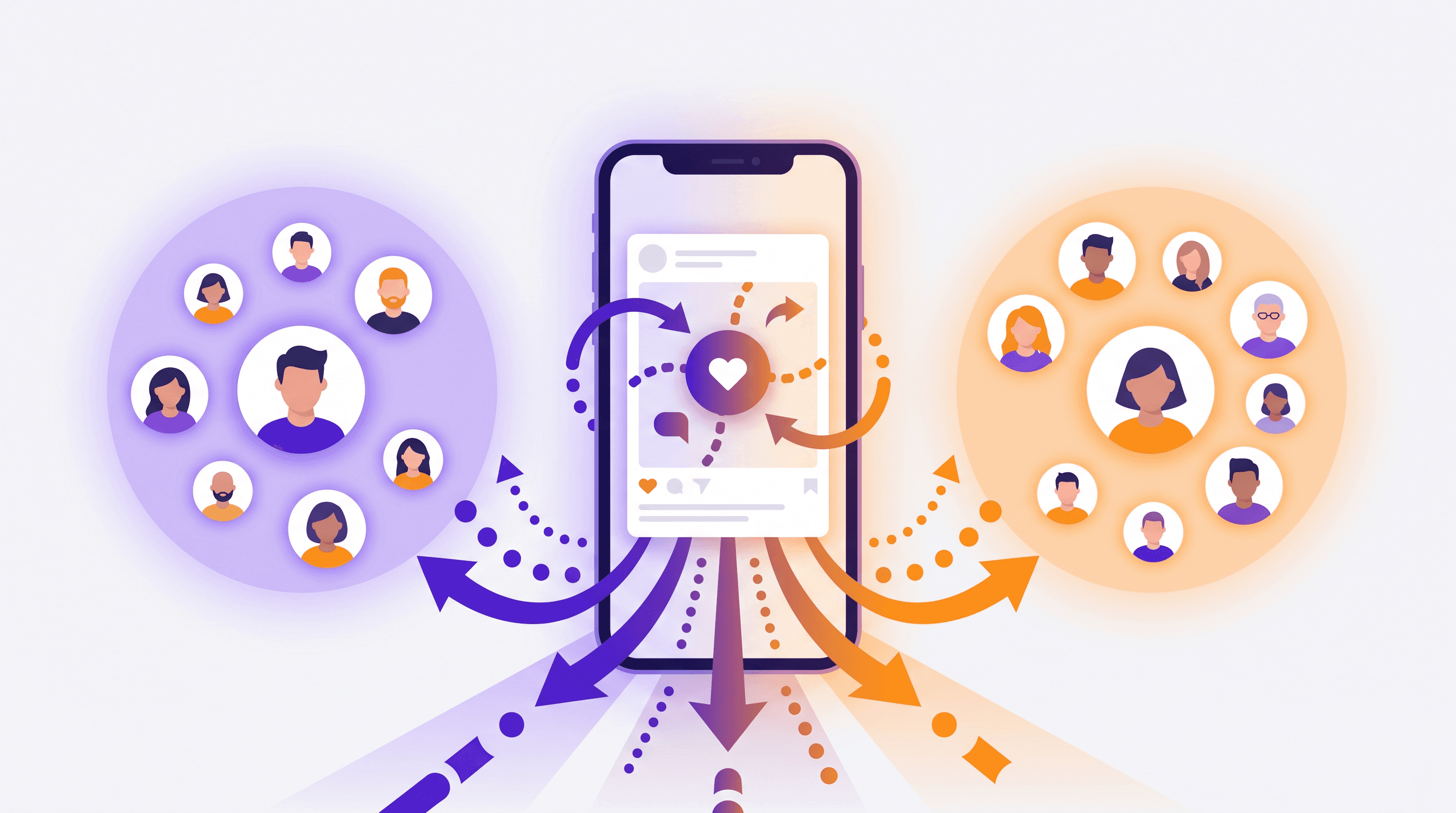
More of every feed is recommended. When you post a Reel, Instagram shows it to your followers and to a small group of people who don't follow you, then widens that group if they respond. Instagram expects creators who lean into formats like Reels to get more of their reach from non-followers (Instagram for Creators).
Sends count most with strangers, likes with followers. In January 2025, Instagram head Adam Mosseri named watch time, likes and sends as the three signals that matter most for ranking (Social Media Today). In May 2026 he put it plainly: "like rates matter more for your followers, and send rates matter more for those who don't follow you" (Social Media Today).
Original posts get priority. Since April 30, 2026, accounts that mostly repost other people's photos and carousels can't be recommended, the same rule Reels got in 2024 (Instagram for Creators).
Hashtags are capped at five. Mosseri says they help with search but "don't increase your reach" (The Verge).
In his September 2026 ranking series, Mosseri told creators to judge posts by engagement rates, not total views or likes (Social Media Today). So if you're asking why your Instagram engagement is so low, a smaller like count on its own doesn't prove the post was worse. That's why you check before you change anything.
The 5-minute check: why your Instagram posts aren't getting likes
Are fewer people seeing your posts, or are fewer of the people who see them tapping like? Here's how to find where to start.
Post insights work on any public account, personal or professional (Instagram Help). The recommendation check in step 5 needs a professional account, which is free to switch to. Everything happens in Instagram's own Insights.
- Pick your last 6 posts. Open each one and tap View insights under it. Compare posts of the same format at a similar age. A new post hasn't had as long to collect views as one published days ago.
- Write down Viewers for each. Viewers is how many accounts saw the post. Views counts every time it was shown, repeats included (Instagram Help). Some app versions still call Viewers "Accounts reached".
- Check the share of views from non-followers. Keep this separate from Viewers, which counts unique accounts. Insights splits your views between followers and non-followers (Instagram for Creators). Mosseri calls this connected and unconnected reach, and says to look at both (Social Media Today).
- Work out likes per viewer. Divide likes by viewers. A post with 40 likes and 800 viewers scores 5%. Then find two medians: one for Viewers and one for likes per viewer. For each, sort the six numbers and average the middle two. Compare each post with your own medians, not with someone else's account.
- Open Account Status. Go to your profile, tap the menu in the top right, then Account Status. On a professional account it shows whether your content can be recommended to people who don't follow you (Instagram Help).
Now read your results:
| What you see | What it means | Where to go |
|---|---|---|
| Viewers well below your median, and a smaller share of views from non-followers | Fewer people saw it | Reach reasons 1–4 |
| Account Status says your content can't be recommended | Instagram won't recommend your content to non-followers | Reason 5 |
| Viewers steady, likes per viewer below your median | A lower share of viewers liked it | Content reasons 6–9 |
| Both down | Two problems at once | Fix reach first, then content |
Instagram doesn't publish thresholds. Our rule of thumb: under half your median counts as well below. And if just one Instagram post isn't getting likes, compare it with the other five before you change anything. One weak post is normal. This is a quick snapshot of your recent posts, so it can't prove your whole account has declined compared with an earlier period.
Reach problems: 5 reasons fewer people see your posts
If your check pointed here, the post itself might be fine. Too few people are seeing it.
1. You only post formats that rarely get recommended
If your photos get few non-follower views, test a Reel alongside them. Instagram calls Reels "recommendation-friendly" and expects creators who post them to get more of their reach from people who don't follow them (Instagram for Creators).
The fix: add one Reel a week, built from a post that already did well. Trial Reels go to non-followers first, so you can test one before your followers see it.
2. You post when your followers aren't on Instagram
Mosseri says recency "matters a lot" and the feed is "roughly in chronological order" (Social Media Today). Post at 6 a.m. to followers who open the app at 8 p.m., and a day's worth of newer posts gets there first.
The fix: once you have 100 followers, Insights shows the times they're most active, under Total followers (Instagram Help). Post in your top window for two weeks, then compare Viewers.
3. You post in bursts, then disappear
Five posts one week and none the next means fewer chances for any post to find its audience. Mosseri's advice is to post as much as you can while avoiding burnout, and to keep experimenting (Social Media Today).
The fix: pick a weekly number you can keep for a month, even if it's two posts, and plan them as a batch.
4. Your hashtags are doing a job they no longer do
Instagram caps hashtags at five, and Mosseri says they help people find a post but don't increase reach (The Verge).
The fix: use 3 to 5 specific hashtags that describe the post, then spend the time you saved on the post itself.
5. Your posts can't be recommended right now
This is what people call a shadowban. Instagram calls it recommendation eligibility. Followers can still see your posts. Account Status shows whether Instagram can recommend your content to non-followers. Its Recommendations Guidelines list what can make content ineligible: content reposted from elsewhere with only minor edits, long captions unrelated to the post, comment networks built to fake engagement, and buying likes.
The fix: open Account Status. Edit or remove what it flags, or tap Disagree with decision. Then keep your recent posts original. A post you designed yourself counts. Someone else's post with your border, watermark or a credit in the caption doesn't. For accounts affected by the originality rule, recommendation eligibility returns once most posts over a rolling 30 days are original (Instagram for Creators).
Content problems: 4 reasons fewer viewers like your posts
If viewers are steady but likes per viewer fall, check the content and whether it reached a different mix of followers and non-followers. That's low engagement on Instagram in the narrow sense, and these four reasons are where to look first.
6. The visual doesn't stop the scroll
On a phone, a post gets a glance. If there's no clear subject, the text is small or low-contrast, or every post looks different, people scroll past before they know what it's about.
The fix: one idea per post. A headline you can read at thumbnail size. The same colours and fonts every time, so followers know it's you before they read your name.
7. The idea needs slides, and you posted one image
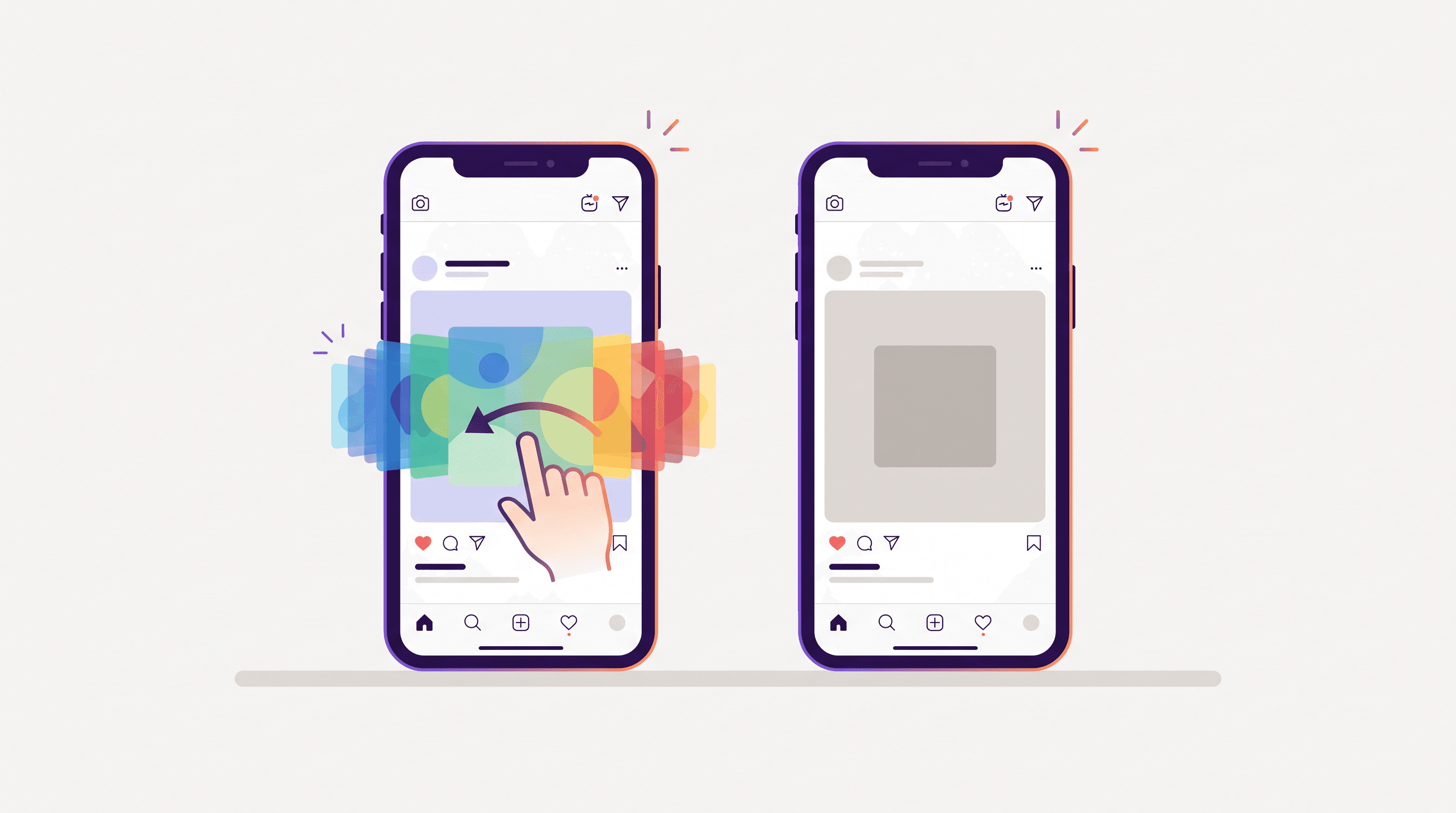
A tip, a list or a before-and-after squeezed into one image gives people nothing to swipe and little to save. Mosseri says a carousel someone doesn't swipe often gets a second chance with its next slide, and that carousels "often get more reach than photos" (Mashable).
The fix: turn your best single post into 5 to 7 slides, with the payoff on the last one. Need a starting point? Try these Instagram carousel ideas.
8. The first line of the caption doesn't earn the tap on "more"
Only the start of your caption shows under the post. "Happy Monday everyone! So this week we've been…" spends it on nothing.
The fix: put the point first. "3 things we stopped doing that doubled our bookings" earns the tap. So does "The 10-minute prep we do every Sunday".
9. The caption doesn't ask for a reply
"Thoughts?" is easy to ignore. A specific question people can answer in a few words gives them an easier way to reply.
The fix: end with one question, like "Which one would you try first?" or "Morning or evening class?" Then reply to every comment, so the conversation keeps going.
Where Krumzi fits
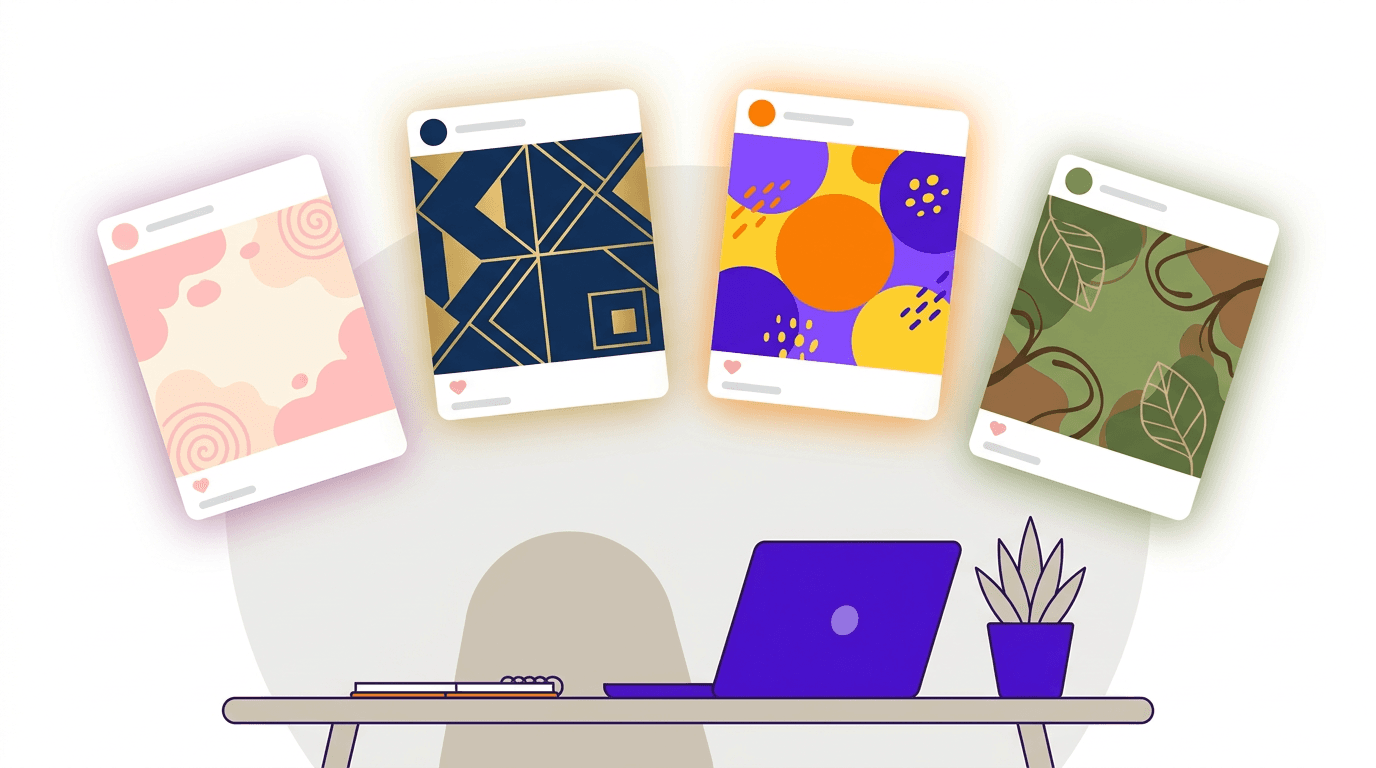
If the visual is your bottleneck, that's the part Krumzi does. Describe the post in a sentence and the AI Instagram post maker designs a single image, or the AI Instagram carousel maker builds a full multi-slide carousel from the same prompt, on brand and fully editable. Post Ideas sorts on-brand ideas by your content pillars and turns the one you pick into a design. AI captions write an on-brand caption plus 3 to 5 hashtags from the design itself, and you can schedule the post to a connected Instagram Professional account.
Krumzi doesn't do analytics, so the check above still happens in Instagram. Krumzi makes the next post faster to design. Try Krumzi free for 3 days. A verified email and card are required. Your chosen plan starts charging on day 4 unless you cancel before the trial ends. Trial exports are watermarked. Or start with the free Instagram carousel maker: one design a week, no signup.
How to get more likes on Instagram: a one-week fix plan
There's no setting that adds likes. What you can do this week is fix the problem your check found, then measure again. Follow the column that matches your result.
| Day | If it's reach | If it's content |
|---|---|---|
| 1 | Run the check on your last 6 posts | Run the check on your last 6 posts |
| 2 | Open Account Status. Fix or appeal anything flagged | Rewrite the first line of your next 3 captions |
| 3 | Find your followers' most active times and schedule the week in that window | Turn your best single post into a 5–7 slide carousel |
| 4 | Make one Reel from your best-performing post | Redesign one post: one idea, a headline readable at thumbnail size |
| 5 | Cut hashtags to 3–5 specific ones | End each caption with one specific question |
| 6 | Post on schedule and reply to every comment | Post on schedule and reply to every comment |
| 7 | Run the check on this week's posts and compare with your median | Run the check on this week's posts and compare with your median |
One week is a small sample, so run the check again next week before you decide what worked. For the longer game, see how to increase social media engagement across every platform.
Frequently Asked Questions
Why are my Instagram posts not getting likes?
Usually either fewer people are seeing them, or a lower share of viewers likes them. Fewer viewers and a smaller share of views from non-followers point to reach. Steady viewers with fewer likes per viewer point to the posts. The 5-minute check above shows where to start.
Why am I suddenly getting fewer likes on Instagram?
Check Account Status first. Content that goes against the Recommendations Guidelines can stop Instagram recommending your posts to non-followers. If that's clear, run the check on your last 6 posts. A smaller share of non-follower views points to reach. Steady viewers with fewer likes per viewer point to the posts.
Does Instagram hide likes?
Only if someone chooses to. You can hide like counts on your own posts, and anyone can hide counts on posts they see. You still see the total likes on your own posts (Instagram Help).
How many likes is good on Instagram?
There's no universal number. Mosseri says to judge posts by engagement rates, not totals, so work out likes per viewer and compare each post with your own median. A post above your median did well for your account.
Do hashtags still help you get likes on Instagram?
Not much. Instagram caps them at five, and Mosseri says they help people find a post but don't increase reach. Use 3 to 5 specific tags and put the effort into the post itself (see reason 4).
A month of posts, designed before your coffee cools
Describe the post. Krumzi designs it from scratch, on your brand, fully editable.
Start free trial3-day free trial, card needed. No charge until day 4. Cancel online anytime.