
On this page
The short version: For a business flyer you'll print, the best free flyer makers are Canva, Adobe Express and VistaCreate, because all three let you download a print PDF and use free templates commercially. Krumzi is the pick when you'd rather describe the flyer than build it: its free generator makes one US Letter flyer a week with no signup, and the 3-day trial unlocks the full editor and a 300 dpi print PDF. Two popular "free" tools fail a business on the fine print: Visme's free plan has no downloads, and Microsoft Designer is licensed for personal use only.
You need a flyer for Saturday's sale, and you don't want to pay a designer for one page. So you search for a free flyer maker, pick the first one, spend an hour on it, and then find the catch at the download button. A watermark. A blurry file. A "personal use only" line in the terms.
Every free flyer maker is free in a different way. Some watermark only the premium photos. Some give you a low-resolution file and charge for the print version. A couple don't let you download at all, or don't let a business use what you make.
This guide lays out exactly what each free plan gets you as of November 2026: watermark, export resolution, print PDF and commercial use, checked on each tool's own pricing and help pages. Then you'll see which one to pick for a grand opening, a sale, an event or a hiring flyer, and how to get it printed without wasting a run.
What "free" means on a flyer maker
Four things decide whether a free flyer is usable for a business. Check all four before you design anything.
- Watermark. Some tools stamp the whole design. Others only mark premium photos and graphics, which you can swap for free ones.
- Export resolution. A flyer printed at 8.5 x 11 inches needs about 2550 x 3300 pixels to hit 300 dpi. A "standard" download built for phones won't look sharp on paper.
- Print PDF. Print shops want a PDF with bleed, the extra 0.125 inch of background they trim off. Without it, you risk a thin white line at the edge.
- Commercial use. Your flyer sells something, so the license has to allow business use. Some free plans don't.
The 7 best free flyer makers for small business
1. Krumzi
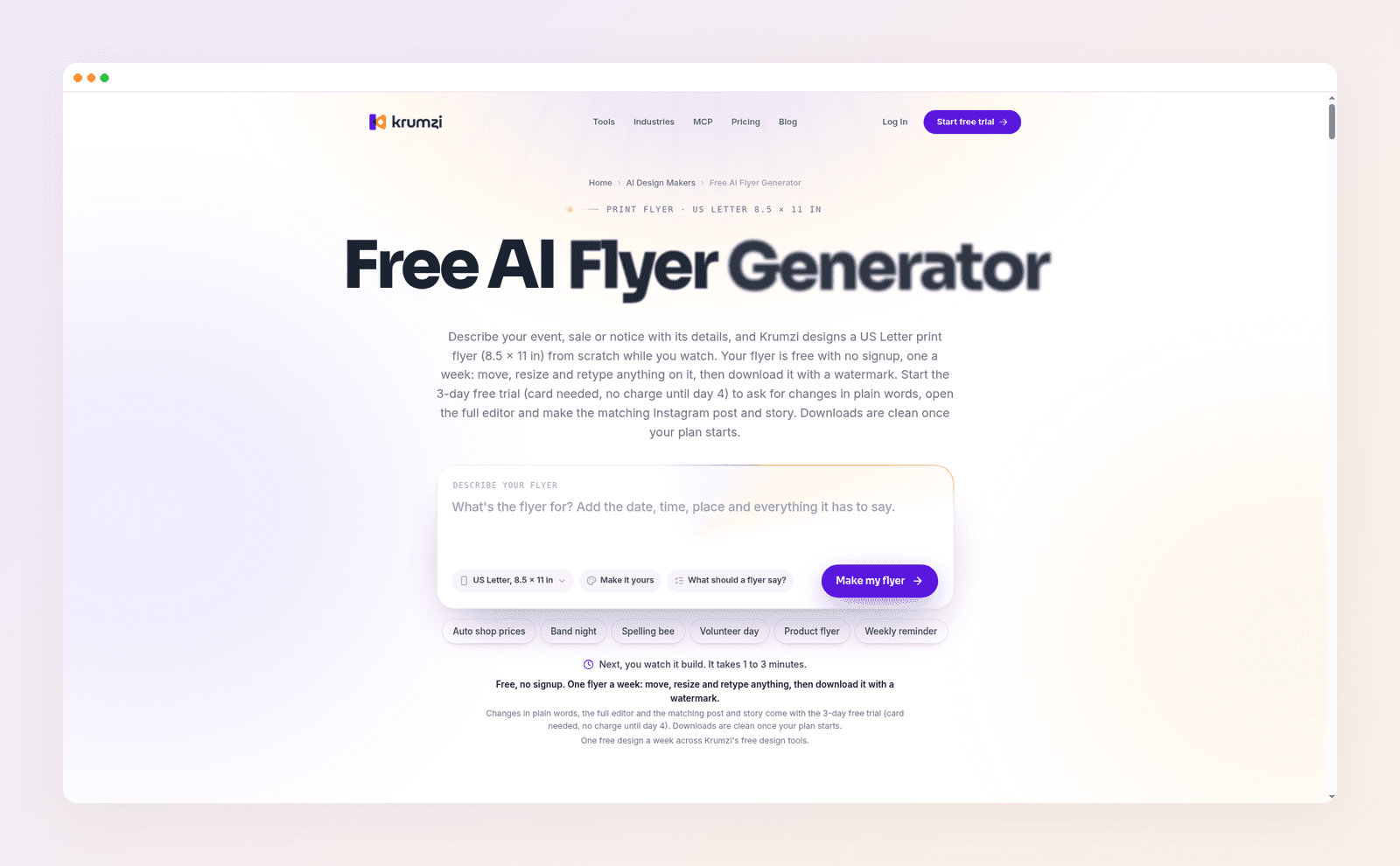
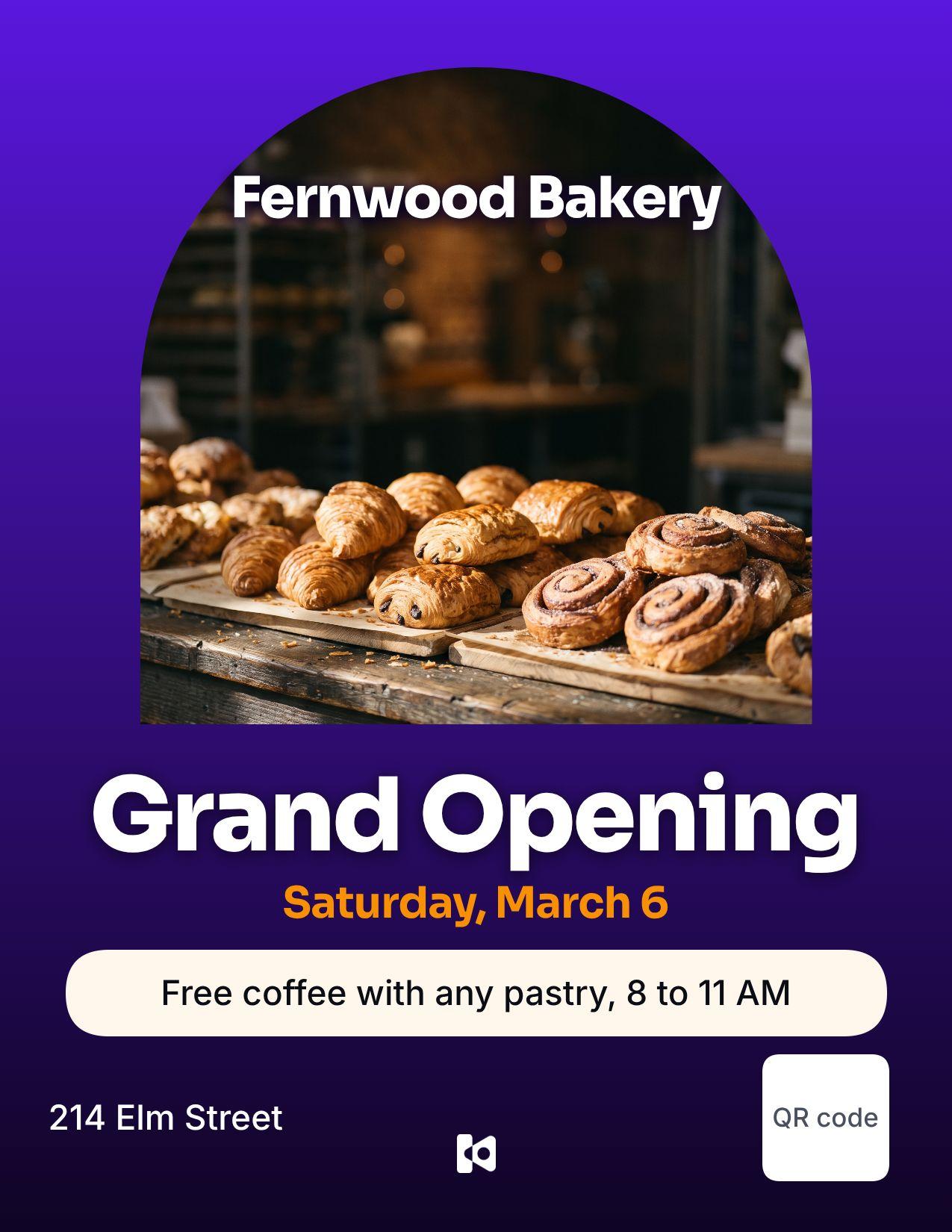
Krumzi skips the template step. You describe the flyer, like "grand opening for a bakery, Saturday March 6, free coffee with any pastry from 8 to 11", and it designs a US Letter flyer from scratch: headline, details, art and call to action. It takes 1 to 3 minutes. Every part stays editable, so you can move, resize or retype anything before you download.
Here's how the free part works, plainly. The free AI flyer generator needs no signup and makes one flyer a week, downloaded as a full-size PNG with a small "Made with Krumzi" mark. The 3-day free trial adds changes in plain words, the full editor, and the matching Instagram post and story. Once your plan starts, files come out clean as a PDF at 300 dpi with 0.125 inch bleed, or as PNG, JPG or WebP.
We gave it one sentence for a made-up bakery, Fernwood Bakery, and this is the flyer it designed, with a spot left for a QR code.
Best for: owners who don't want to design at all, and anyone who wants the flyer and the posts that promote it in one look.
Key features:
- Designed from your brief, not filled into a template.
- 300 dpi print PDF with bleed once your plan starts, at US Letter, A4, Half Letter or A5.
- Brand Mind on every plan, so later flyers match the first one.
Pricing: Free generator (one watermarked US Letter flyer a week, no signup). Paid plans from $19/month, with a 3-day free trial (card needed, 1,000 AI credits, no charge until day 4).
2. Canva
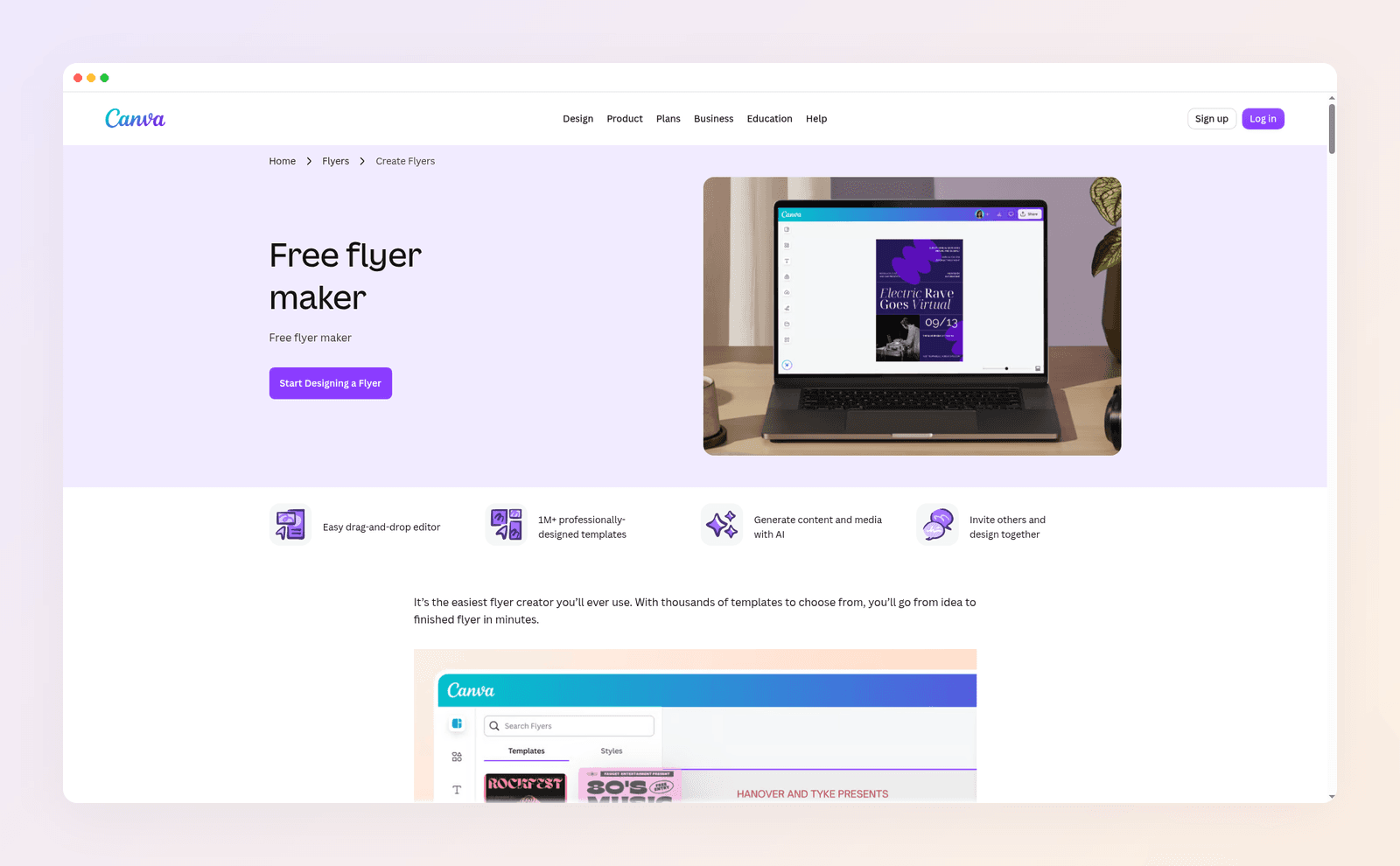
Canva has the biggest free template library, and that's why it tops most lists. Search "grand opening" or "yard sale" and you'll get pages of layouts you can edit in the browser or on your phone. For a no-budget first flyer, it's the safe start.
The free plan's limits are specific. Premium photos and graphics show a watermark until you buy them or upgrade, so filter for free elements. You can download a PDF Print file on Free, but a CMYK PDF needs a paid plan, which matters if your print shop asks for CMYK. Canva's content license allows designs for marketing and commercial use, with restrictions on standalone stock. Curious about the watermark rules in detail? See Canva's watermark explained.
Best for: anyone who likes picking from a huge template library.
Key features:
- Over a million templates, with free and premium items marked.
- PDF Print on free, CMYK PDF on paid plans.
- Commercial use allowed for designs made with Canva content.
Pricing: Free plan. Pro is $144 a year for one person.
3. Adobe Express
Adobe Express makes simple flyers look polished. The type defaults are strong, so a headline, a photo and three lines of detail often look finished with almost no fiddling. The free plan includes 100,000+ templates, 4,000+ Adobe Fonts and over a million royalty-free Adobe Stock assets.
It's also the most print-aware free option here. The download screen offers PDF Print with bleed and crop marks, and a CMYK color mode set by default. Premium assets are marked with a crown and need a paid plan, so use the Free filter. Adobe can also print and ship flyers for you in the US and UK through its Print feature, which is open to free users.
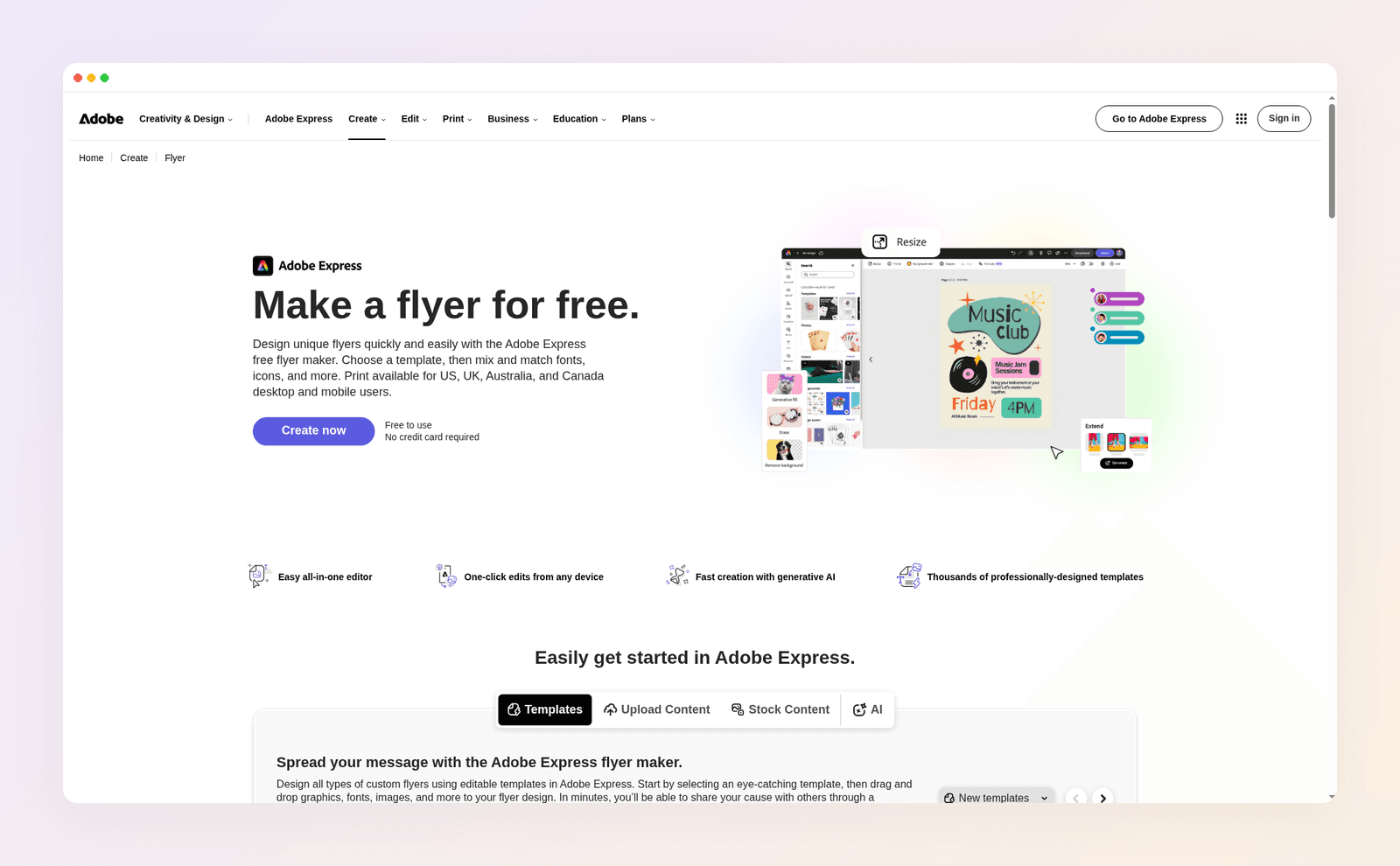
Best for: clean, professional-looking flyers you'll send to a print shop.
Key features:
- PDF Print with bleed, crop marks and CMYK.
- Adobe Fonts and Adobe Stock on the free plan.
- Free assets cleared for commercial use, with premium ones on paid plans.
Pricing: Free plan. Premium is $9.99/month with a 30-day free trial.
4. VistaCreate
VistaCreate is the most generous free plan for a small business. Starter is free with no time limit, downloads carry no watermark, and VistaCreate's help center says free templates and assets can be used for marketing campaigns, ads, promotions and client work. It also lets you send a design to print straight from the editor.
The limit is resolution. Starter downloads JPG and PNG at standard quality, and HD downloads are Pro only. For print, choose PDF Print, which VistaCreate calls its highest-quality format for flyers, brochures and posters.
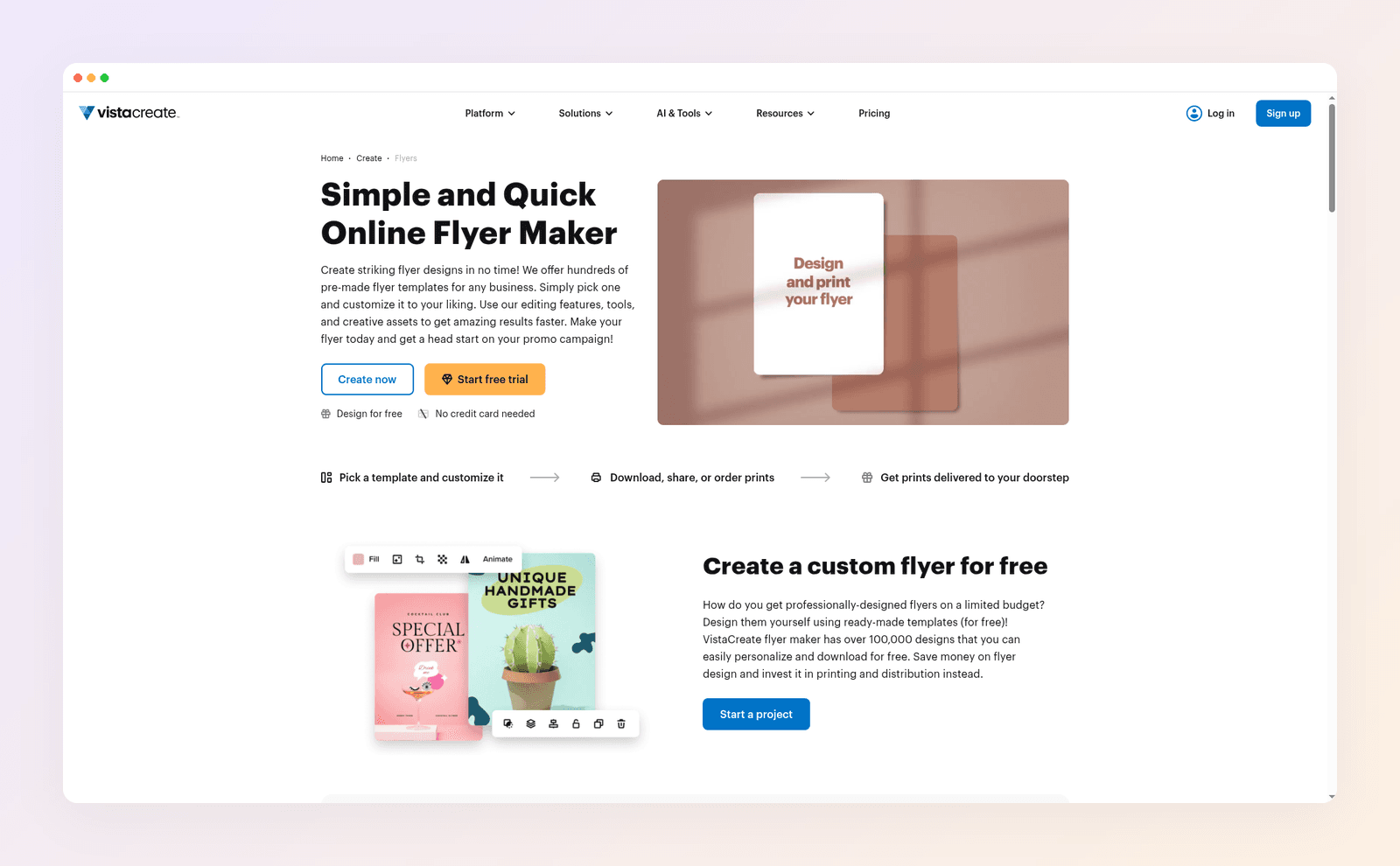
Best for: businesses that want a no-watermark, business-safe free plan and don't need AI.
Key features:
- 100K+ templates and 1M+ assets free.
- PDF Print on the free plan, no watermark.
- Free scheduling to Facebook, Instagram and Pinterest.
Pricing: Starter is free. Pro is $120 a year for up to 10 seats, with a 14-day free trial.
5. PosterMyWall
PosterMyWall is built for local promotion. Its 4 million+ templates lean hard into events, bars, churches and restaurants, and since October 15, 2026 its free Standard downloads carry no PosterMyWall watermark. Designs with Getty Images stock are the exception and keep Getty's watermark until you buy them.
Free has two catches for print. Standard downloads are a lower resolution that PosterMyWall itself doesn't recommend for printing, and you get 5 free downloads a month. A 300 dpi high-quality file costs $5.99 per design. Thinking of switching? Our Krumzi vs PosterMyWall comparison lays out the differences.
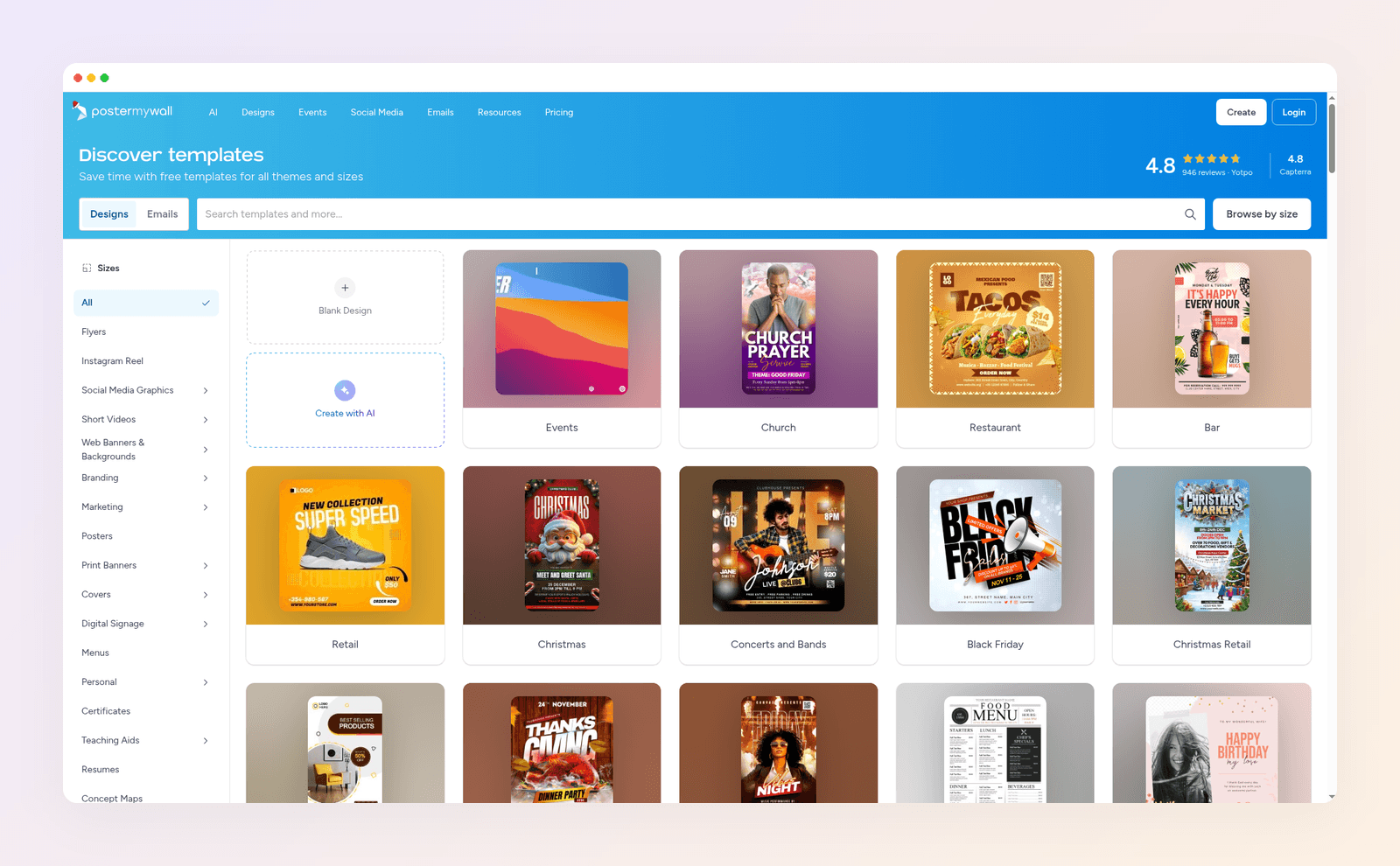
Best for: event and nightlife flyers where you'll also want an event page or ticket sales.
Key features:
- Event-focused templates for local businesses.
- No PosterMyWall watermark on free Standard downloads.
- Event pages and ticketing in the same tool.
Pricing: Free plan. Premium is $13/month or $109 a year.
6. Visme
Visme often shows up in "free flyer maker" lists, and it does have a free plan with a drag-and-drop editor and flyer templates. It's strong for data-heavy designs with charts and infographics.
Here's the catch most lists miss. Visme's help center says the Basic plan doesn't allow downloads in any format. JPG, PNG and PDF start on Starter. You can publish a link for free, but you can't hand a print shop a file.
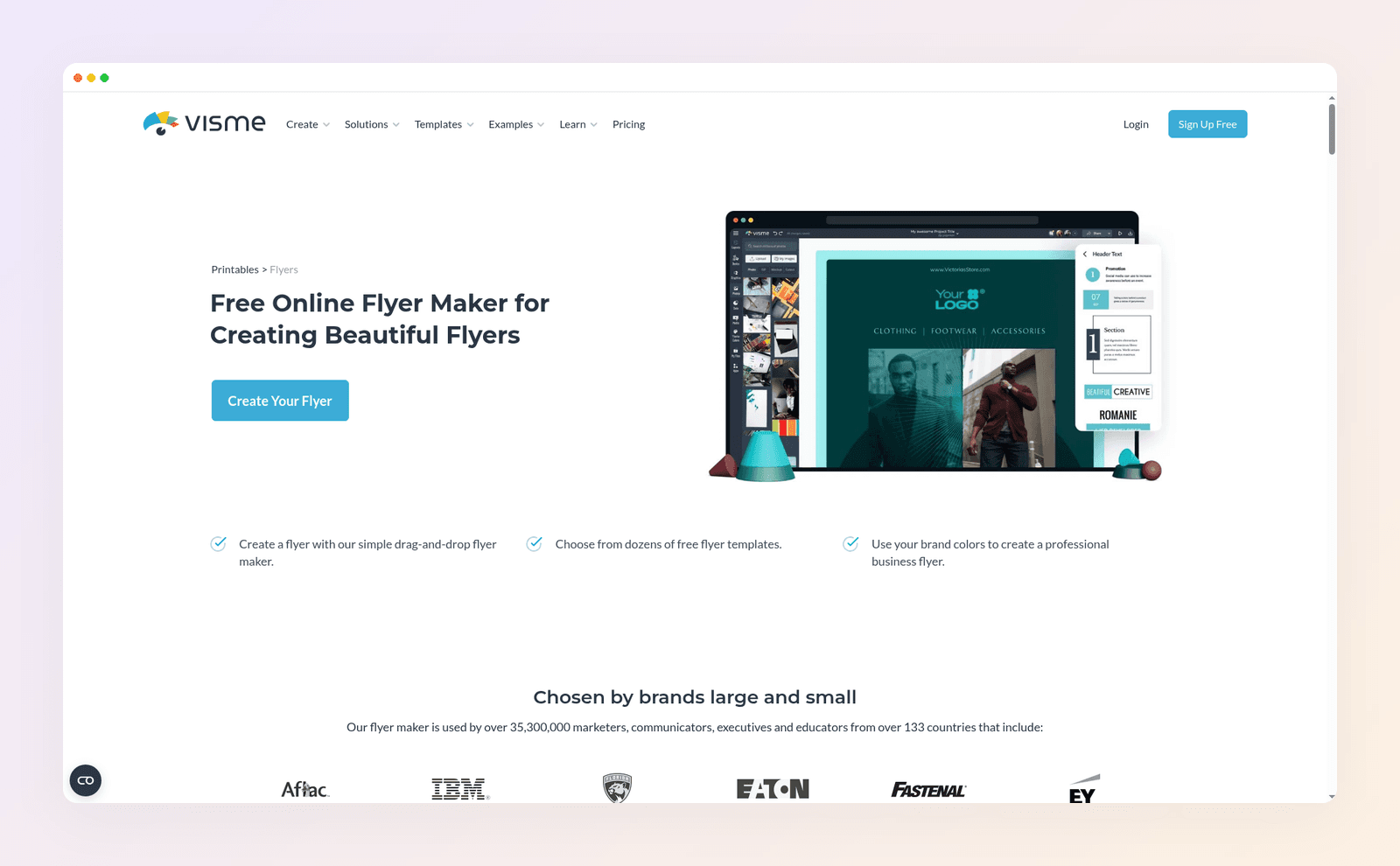
Best for: flyers with charts or data, once you're on a paid plan.
Key features:
- Charts and data widgets built into the editor.
- Brand Kit on paid plans.
- Publish online for free, with downloads on paid plans.
Pricing: Basic is free with no downloads. Starter is $12.25/month billed yearly ($147 a year).
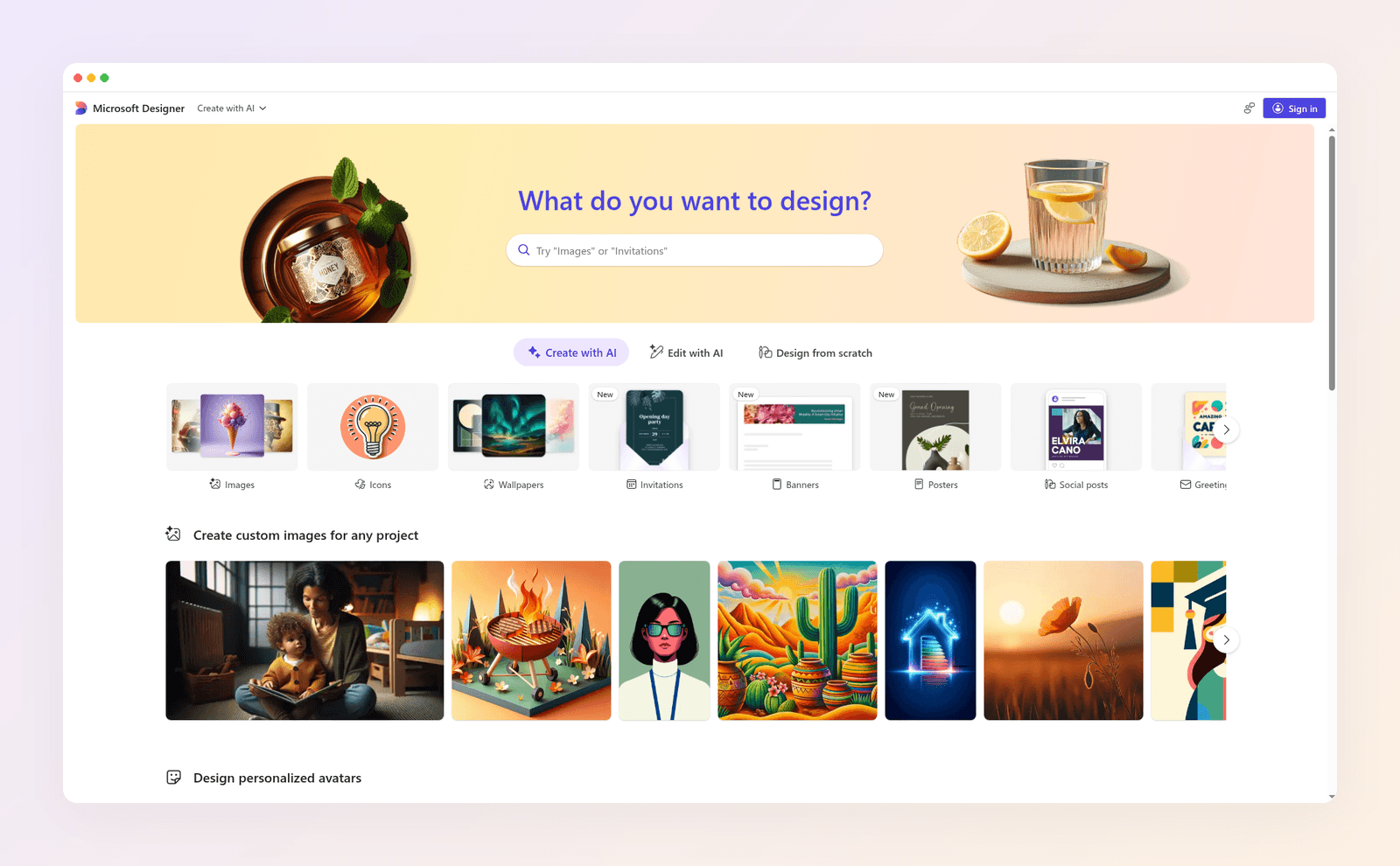
7. Microsoft Designer
Microsoft Designer turns a short prompt into a design and is free with a Microsoft account. It's quick, and its AI tools can upscale images up to 4K.
It's the wrong pick for a business flyer, though, by Microsoft's own terms. Its FAQ says Designer is licensed for personal, non-commercial use. Use it for the family reunion, not for your shop's sale.
Best for: personal flyers, invitations and club posters.
Key features:
- Prompt-to-design for posters, invitations and social posts.
- AI image editing, including upscaling and background removal.
- Content credentials attached to AI-generated images.
Pricing: Free. Microsoft says a subscription may be needed if you create often.
Free flyer makers compared
| Tool | Watermark on free | Free export resolution | Print PDF on free | Commercial use on free |
|---|---|---|---|---|
| Krumzi (free generator) | Small Krumzi mark | Full-size PNG | No, paid plans (300 dpi) | Yes |
| Canva | Premium elements only | Up to 8000 x 3125 px | Yes, CMYK on Pro | Yes |
| Adobe Express | Premium content only | No cap listed | Yes, bleed and CMYK | Yes, free assets |
| VistaCreate | None | Standard, HD on Pro | Yes | Yes |
| PosterMyWall | Getty stock only | Standard, 300 dpi $5.99 | Paid file | Not spelled out |
| Visme | Visme logo on published links | No downloads | No | No downloads |
| Microsoft Designer | Content credentials metadata | Image download | Image only | No, personal only |
Checked on each tool's pricing and help pages, November 2026.
Which free flyer maker to pick for the job
The best free flyer maker depends on what the flyer has to do. Here's how we'd choose.
- Grand opening. You need one strong image, the date and an offer, and you want it to look like your shop. Use Krumzi's free generator if you'd rather describe it, or Adobe Express if you want to build it from a clean template.
- Sale or promotion. The offer is the headline, and you'll probably reuse the design every month. Canva's library has a layout for almost every kind of sale, and Krumzi's trial makes the matching posts for social.
- Event. A band night or a fundraiser lives or dies on date, time and place. PosterMyWall's event templates fit, and its event pages handle sign-ups.
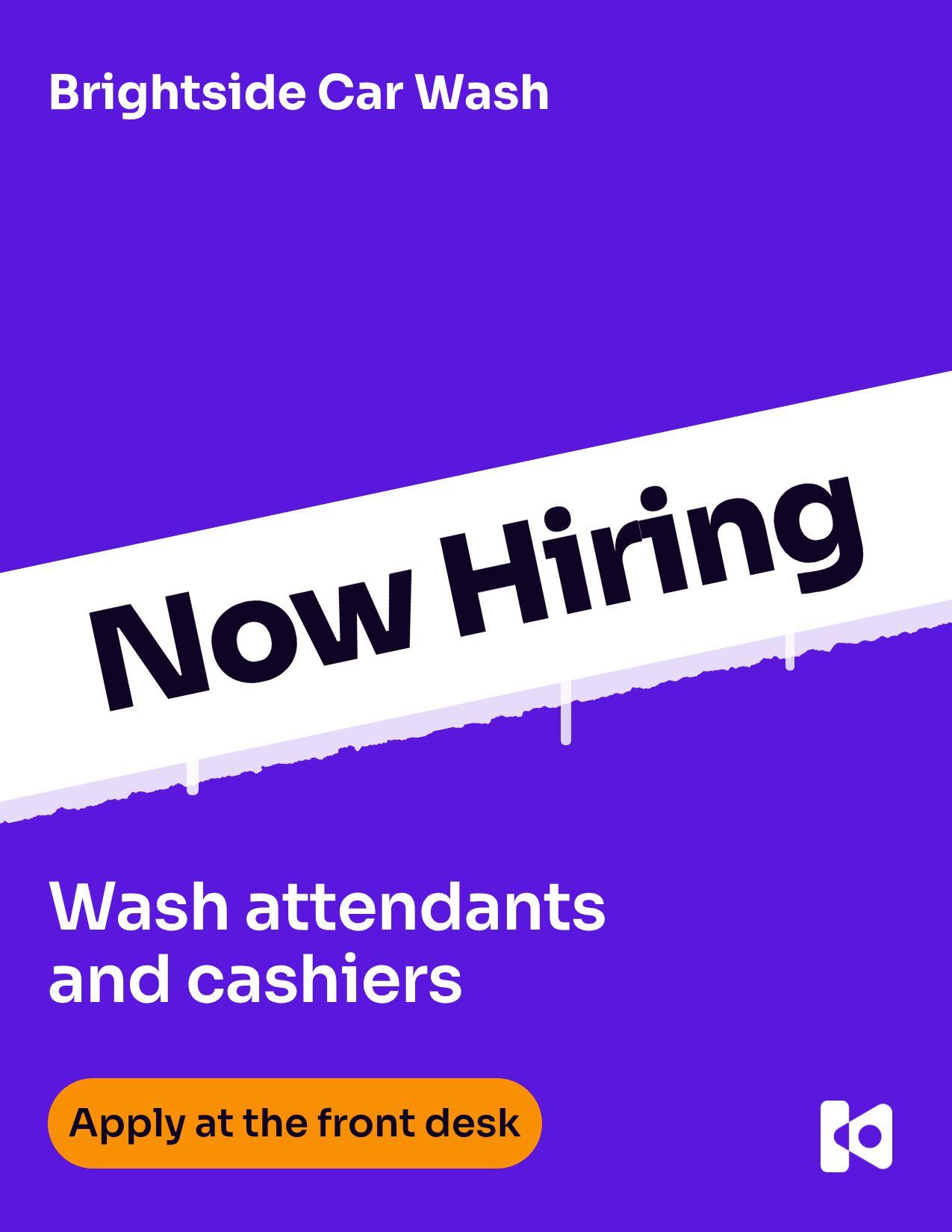
- Hiring. It has to read from across a counter: big headline, the roles, how to apply. A one-sentence brief in Krumzi gets you there fast. Here's what it made for a made-up car wash.
Whatever the job, keep the copy short: a headline, the details, and one thing to do. The SBA's marketing guide is a good place to plan the offer before you design it.
How to print your flyer
A great design on the wrong file still prints badly. Here's the checklist.
Pick the size
US Letter (8.5 x 11 inches) is the standard flyer in the US. Half Letter (5.5 x 8.5) costs less and works for handouts. Our flyer size guide has every common size with pixels and bleed.
Add bleed and keep a safe margin
Add 0.125 inch of bleed on every side, so a US Letter flyer becomes 8.75 x 11.25 inches before trimming. Keep words, logos and QR codes inside the safe margin, because trimming can shift slightly. Adding a code? Here's how to add a QR code to a flyer so it actually scans.
Choose paper and quantity
Most online printers default to 100 lb gloss text paper for flyers. Quantity changes the price per flyer more than anything else. In Krumzi's November 2026 flyer cost study, which compared published prices from 12 online and national printers, the median order for US Letter flyers was:
| Quantity | Median price | Per flyer |
|---|---|---|
| 100 | $59.00 | $0.59 |
| 250 | $110.00 | $0.44 |
| 500 | $147.50 | about $0.30 |
| 1,000 | $170.00 | $0.17 |
Prices before shipping, published by the printers in November 2026.
Put that next to design. The same study found a median starting price of $35 for a flyer design gig on Fiverr, across 75 listings. A free flyer maker saves you the $35. Printing 500 copies of a flyer that doesn't work wastes $147.50.
Do a test print
Print one copy at home at 100 percent scale. Read it from three feet away. If the date isn't obvious, fix it before you order.
Decide how it gets out
Counter stacks and community boards are free. To reach every home on a route, USPS Every Door Direct Mail delivers flyers as marketing mail from $0.26 a piece at retail, with a minimum of 200 pieces. Use its Mailpiece Size Checker before you print.
When you should use something else
A free flyer maker isn't always the right call. Here's when to pick something else.
- Ask your printer for a proof when the order is big. One proof from the people running the press costs less than a reprint of 1,000 flyers.
- Hire a designer for a brand-new identity. A free tool won't invent your logo and your look from nothing. That's a designer's job.
- Use VistaCreate or Canva if you need free, clean and commercial today. They're the safest free plans for a business that won't pay anything.
- Skip Krumzi if a permanent free plan is a must. Krumzi is a paid subscription. The free generator makes one US Letter flyer a week as a watermarked PNG, which is enough to try it, not to run your marketing on. Its PDFs also don't include crop marks, so check whether your printer needs them.
- Don't use Visme Basic or Microsoft Designer for a business flyer. One won't let you download and the other is licensed for personal use only.
If you're choosing between AI tools specifically, our roundup of the best AI flyer makers tests the AI-first options in depth, and our guide on how to make a flyer with AI walks through one from brief to post.
Your next flyer
Pick the tool that matches the job, check the four free-plan limits, and do one test print before you order. That's the whole system.
Want the design part done for you? Start free trial and describe your first flyer.
3-day free trial, card needed. No charge until day 4. Cancel online anytime.
Frequently Asked Questions
Which free flyer maker has no watermark?
VistaCreate's free plan has no watermark on downloads, and PosterMyWall dropped its watermark from free Standard downloads in October 2026, except for designs with Getty Images stock. Canva and Adobe Express only watermark premium elements, so you can avoid it by using free ones.
Is Canva's flyer maker free?
Yes. Canva's free plan lets you design and download flyers, including as a PDF Print file. Premium photos and graphics carry a watermark until you buy them or upgrade, and CMYK PDFs need a paid plan. Canva Pro is $144 a year for one person.
Can ChatGPT create a flyer for free?
It can write the copy, and when you're signed in it can generate a flyer image. The result is a flat picture, so changing the date or fixing a typo means generating it again. Our guide to the ChatGPT flyer maker covers the prompts and the limits.
Can I use a free flyer maker for my business?
Yes, with the right tool. Canva, Adobe Express and VistaCreate allow commercial use of their free templates and assets, with limits on standalone stock. Microsoft Designer is licensed for personal use only, and Kittl's free plan has no commercial rights.
What is the best paper for flyers?
For most flyers, 100 lb gloss text is the common default at online printers. Go heavier if the flyer will be handled a lot, like a menu or a price list.
How much does it cost to print 500 flyers?
About $147.50 before shipping, as the median across 12 online and national printers for US Letter flyers in November 2026. The range in that comparison ran from $110 to $210. Half Letter flyers cost less.
A month of posts, designed before your coffee cools
Describe the post. Krumzi designs it from scratch, on your brand, fully editable.
Start free trial3-day free trial, card needed. No charge until day 4. Cancel online anytime.


