 vsPmPicMonkey
The PicMonkey alternative that designs your posts for you.
PicMonkey is great at touching up photos and dressing them up with templates, but its own help center now says it won't get new updates. Krumzi works differently: describe the post in one sentence and it designs the whole thing from scratch, in your brand. Every element stays editable.
3-day free trial, card needed. No charge until day 4. Cancel online anytime.
 In Krumzi0:48 done
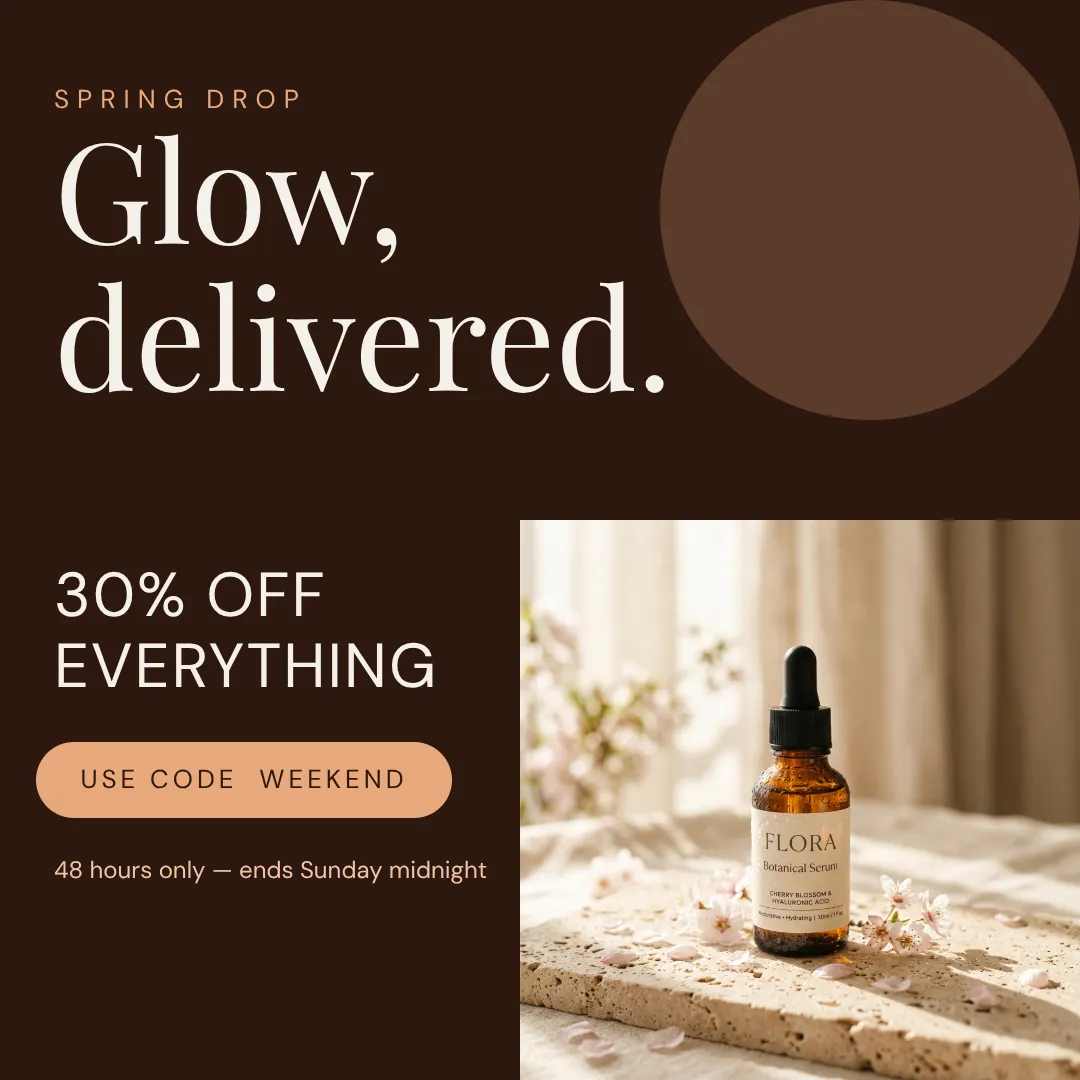
A photo editor vs. a post designer.
KrumziPicMonkey details verified from picmonkey.com and PicMonkey's help center in November 2026. Spot something out of date? Tell us and we'll fix it.
If you're here, one of these probably sounds familiar.
PicMonkey is well liked: 4.5 on Capterra across 1,142 reviews and 4.8 on the App Store. Most of the friction isn't the editor itself. It's what changed around it after Shutterstock bought it in 2021. Here's where things stand in November 2026.
The editor is frozen, officially
PicMonkey's own help center says there will be no updates to its templates, graphics or tools while Shutterstock builds Creative Flow+, and that PicMonkey “will likely be sunset at some point.” It still works and is still sold. No end date has been announced.
Small bugs may stay bugs
The same help center says that, due to staffing transitions, small problems or bugs are unlikely to be fixed, and suggests using the website when the phone apps misbehave. It also notes that since February 2025 the iPhone app isn't available to new customers in the EU.
Every post starts with a template hunt
PicMonkey gives you templates or a blank canvas. From there you swap the photo, retype the text and recolor it to your brand yourself. Fine for one graphic. Slow when you need a whole week of posts.
The AI went to a different product
PicMonkey's help center calls Shutterstock's Creative Flow+ the AI-powered evolution of PicMonkey. Those tools aren't included with a PicMonkey plan, and moving to Shutterstock Create means signing up for a new plan.
Several clients means the top plan
PicMonkey Pro holds one Brand Kit. More than one, plus team folders and co-editing, sits on the Business plan, which has no free trial. If you post for several clients, that's the plan you end up on.
Leaving takes some packing
Cancel and your designs stay in PicMonkey's Hub, but you can't download or share them anymore. Moving to Shutterstock Create means downloading flattened files and uploading them by hand. Export what you want to keep while your plan is active.
To be fair: PicMonkey is still a good photo editor. Touch Up, the effects, the collage maker and the phone apps are genuinely handy, and Basic starts at $7.99 a month. If retouching photos is your main job and the freeze doesn't bother you, keep it. This page is for people who mostly need this week's posts designed in their brand.
Why people pick Krumzi over PicMonkey
Designed from scratch. Not picked from a template.
In PicMonkey a post starts as a template or a blank canvas, and the design decisions are yours. Krumzi has no template library to pull from. It decides the layout, type, colors and composition fresh for every brief, so the post reads as yours.
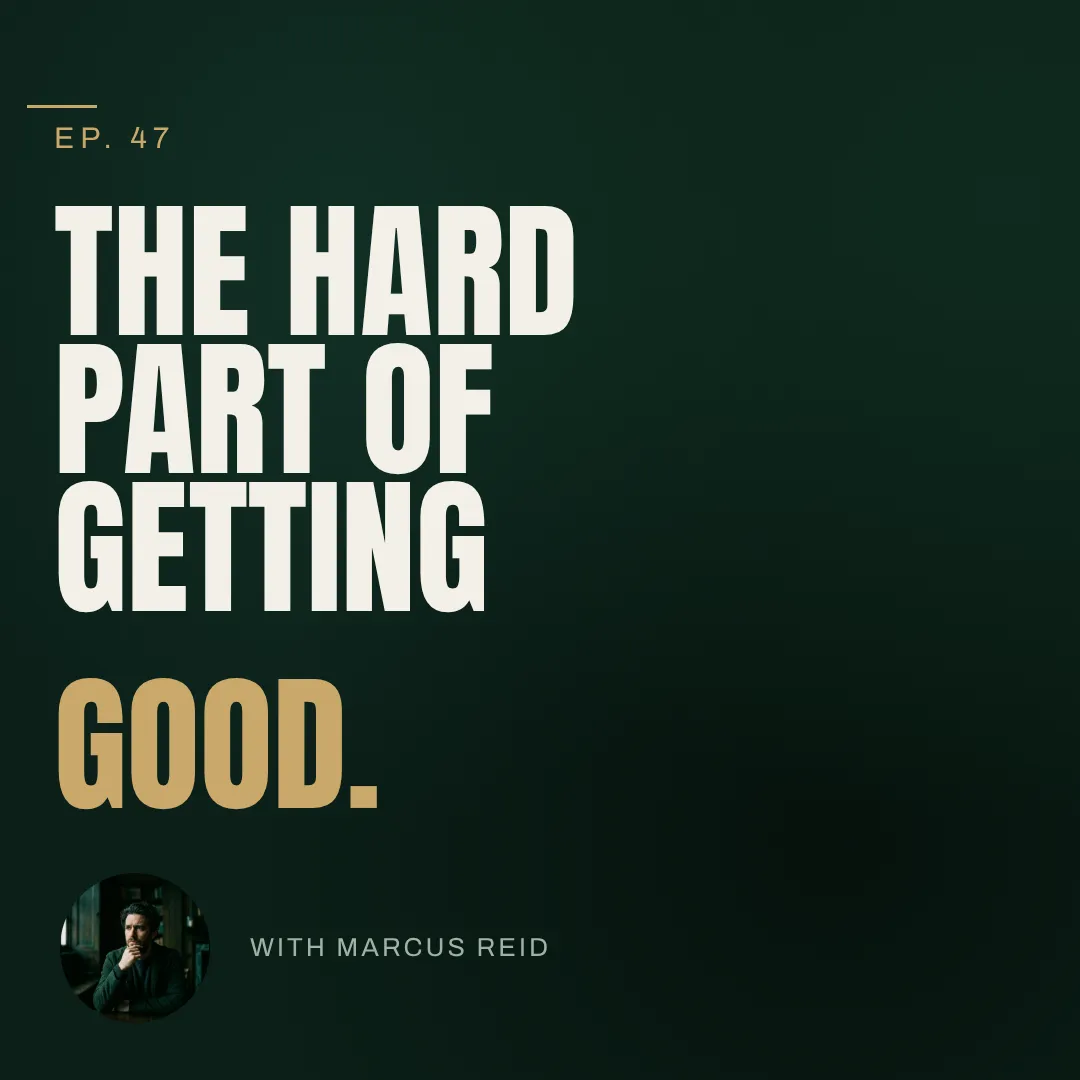
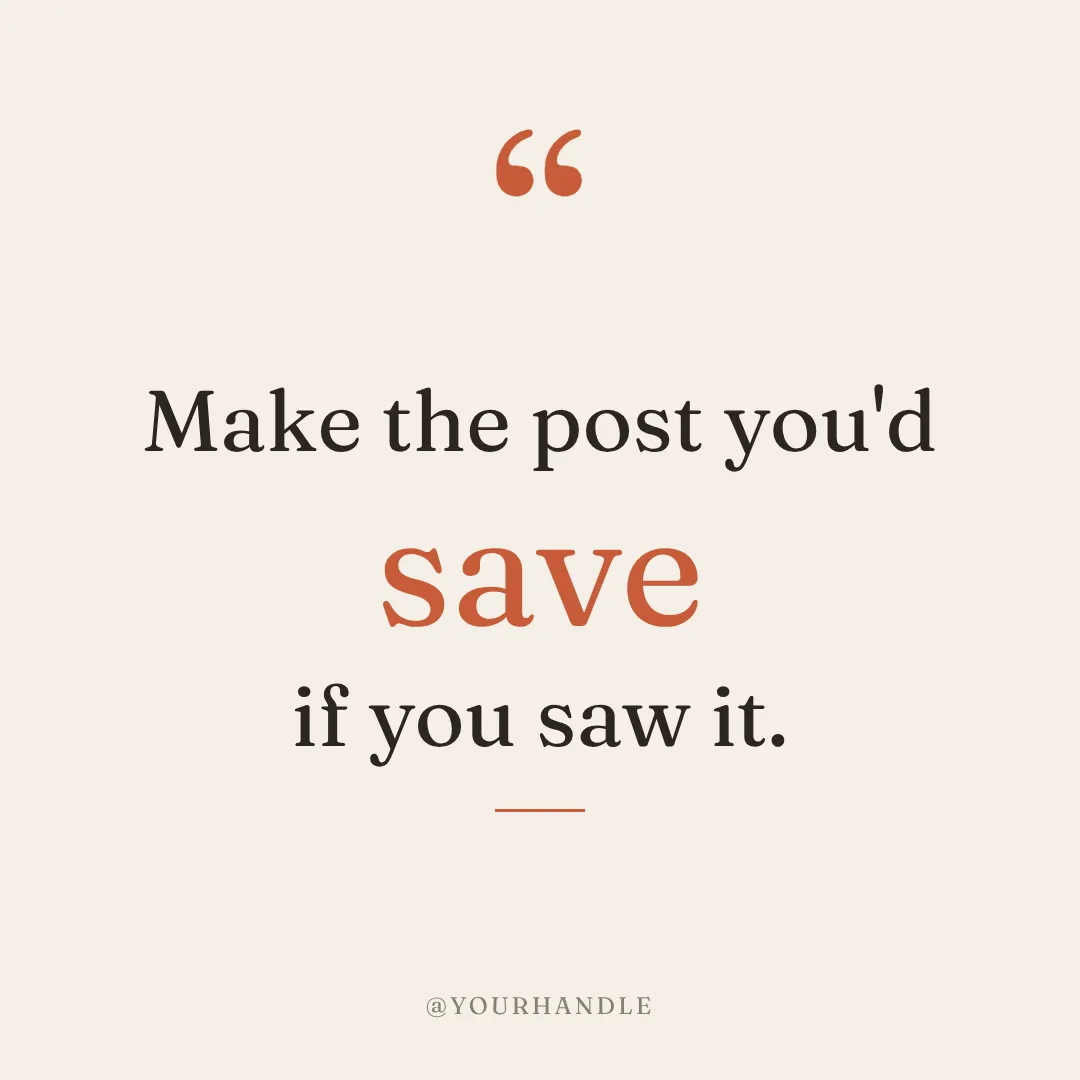

You describe it. Krumzi designs it.
Tell Krumzi what the post is for and a finished, on-brand design comes back in about a minute. Not quite right? Keep chatting: bigger headline, darker background, use the orange from my logo. Need next week's version? Make variations keeps the look and changes the words.
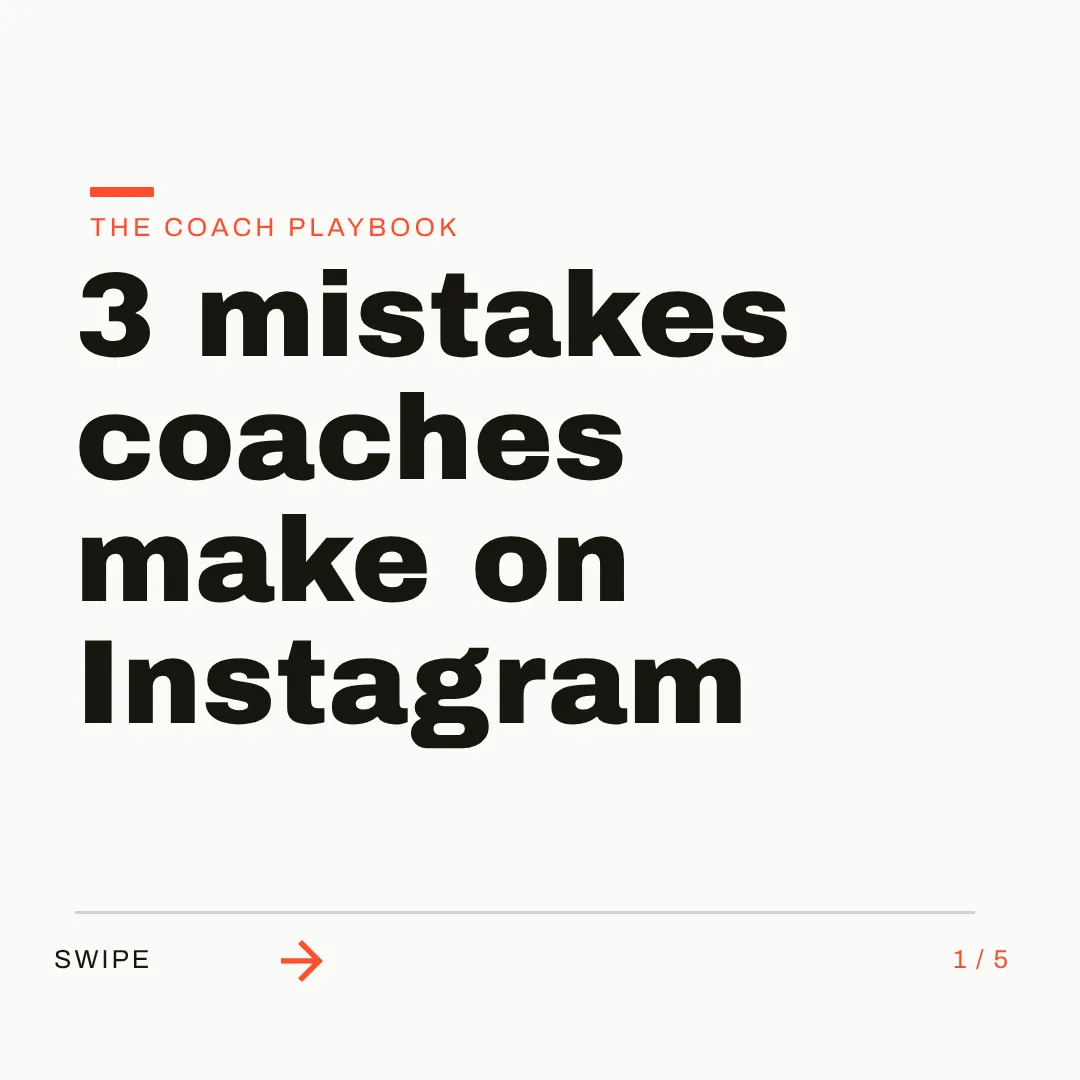
On brand by default. Any size you ask for.
Set up your logo, colors and fonts once, or let Brand Mind learn your style through a quick tap-through interview. Then ask for a square post, a story, a carousel or a flyer: each one is designed to its canvas, across 44 preset sizes or any custom size.

Which one should you actually use?
Different tools fit different people. Here's the honest split, including the cases where PicMonkey, or its official successor, is the better call.
Switch to Krumzi if you...
- You mostly make social posts, not retouched photos
- You'd rather describe a post than rework a template every week
- PicMonkey's no-updates notice has you looking for your next tool anyway
- You want your brand applied without picking colors and fonts each time
- You post every week, for yourself or for clients, and want carousels and video too
- You want to schedule posts to Instagram and Facebook from the same place
Stay with PicMonkey if you...
- Retouching photos (blemishes, teeth, curves, clone) is your main job
- You rely on PicMonkey's iPhone or Android app
- You need to upload your own brand font files
- The lowest monthly price matters more than the design work
- You want the closest thing to PicMonkey: by its own help center, that's Shutterstock Create
What each one costs.
PicMonkey is cheaper, and if a photo editor with templates covers what you need, that's a fair reason to stay. Krumzi charges for the design work itself: each post designed for you, in your brand. Here's the honest math.
Basic
$7.99/month
- $72 a year if you pay annually
- 1 GB storage, JPG and PNG export
- Templates, effects and Touch Up tools
- 7-day free trial, then it renews as a paid plan
Pro
$12.99/month
- $120 a year if you pay annually
- Brand Kit, Smart Resize, background remover
- PDF export and your own fonts (web)
- Premium Shutterstock stock photos
Business
$23/month
- $228 a year if you pay annually
- Multiple brand kits
- Co-editing and comments for teams of 2+
- No free trial
KrumziStarter
$19/month
- 1,000 AI credits / month
- 1 brand
- AI Image Maker
- AI Carousel Maker
Pro
$39/month
- 2,500 AI credits / month
- 3 brands, each with its own Brand Kit
- Everything in Starter
- Unlimited Video Exports
Studio
$89/month
- 6,000 AI credits / month
- 10 brands, each with its own Brand Kit
- Everything in Pro
- Claude Opus access
Agency
$249/month
- 20,000 AI credits / month
- 25 brands, each with its own Brand Kit
- Everything in Studio
- Lowest price per credit
PicMonkey prices are US pricing from picmonkey.com in November 2026; a free PicMonkey account can edit but can't download or share. Krumzi's prices come live from krumzi.com/pricing. Starter, Pro and Studio start with a 3-day free trial, card needed, with no charge until day 4. See full Krumzi pricing.
Keep what works. Bring what you need.
PicMonkey projects don't open in Krumzi, and you won't need your old templates. Download the designs you want to keep while your PicMonkey plan is active. Your first Krumzi design takes about a minute.
Bring your brand
Add your logo, colors and fonts once, or let Brand Mind learn your brand through a quick, tappable interview. Your PicMonkey Brand Kit doesn't transfer, but your logo files and hex codes do. Uploaded fonts need a Google Fonts match.
Describe what you need
Type one sentence. Krumzi designs the first version from scratch, on your brand. Attach an old favorite as a reference image if you want the same feel, and keep chatting to refine anything.
Edit and export anywhere
Every element is editable: text, photos, colors, layout. Export PNG, JPG, PDF or video up to 4K, or schedule straight to Instagram and Facebook. Nothing locked in.
Switching from PicMonkey, answered.
Not as of November 2026. PicMonkey is still sold and still works, but its help center says it won't get updates to templates, graphics or tools while Shutterstock develops Creative Flow+, and that PicMonkey “will likely be sunset at some point.” No date has been announced. If you rely on it, download the designs you want to keep while your plan is active, because a cancelled account can't download from Hub.
That's the job it's built for. PicMonkey is a photo editor with templates: you pick a starting point and do the design work yourself. Krumzi designs the post for you from one sentence, in your brand, and keeps every element editable. If you mostly retouch photos, PicMonkey is the better fit. If you need this week's posts, Krumzi is.
PicMonkey gives you a photo editor, templates and a blank canvas, and the design decisions are yours. Its AI-backed tools went to Shutterstock's Creative Flow+, which PicMonkey's help center says isn't included with a PicMonkey plan. Krumzi designs the whole post from your sentence: layout, type, colors and composition, made fresh for every brief, with your brand applied.
Yes, everything. Drag, resize and restyle any element, rewrite text, swap photos, change colors, or just tell Krumzi what to change in the chat. It's a simple editor you'll understand in your first minute, and you start from a finished design instead of a template.
Save your logo, colors and fonts once and Krumzi applies them to every design; the Brand Kit is on Pro and up. Brand Mind goes further on every plan: it learns your style and steers each design to look and sound like you. Fonts come from the full Google Fonts library, so you can't upload your own font files.
Not as editable projects. PicMonkey downloads come out flattened as PNG, JPG or PDF, and Krumzi doesn't open PicMonkey files. You can upload old exports as images, or attach one as a reference so Krumzi designs in the same feel. Download what you want to keep before you cancel PicMonkey: after that, Hub keeps your files but won't let you download them.
Krumzi is a paid subscription, and Starter, Pro and Studio start with a 3-day free trial. You add a card, pay nothing today, and make your first posts with the plan you picked. Downloads carry a watermark until your plan starts on day 4, unless you cancel before then.
No. Plenty of people keep a photo editor for touch-ups and use Krumzi for their weekly posts. For as long as PicMonkey keeps running and works for you, use whichever fits the job.
Compare more alternatives
PicMonkey isn't the only tool on your shortlist. Here's how Krumzi stacks up against the rest.
BfKrumzi vs BeFunkyA photo editor first, with templates for the design part. Krumzi designs each post from one sentence, in your brand, every element still editable.PlKrumzi vs PlaceitMockups, logos and a big template library. Krumzi designs each social post from scratch for your brief, in your brand.Krumzi vs CanvaTemplates you customize. Krumzi designs the whole thing for you. Krumzi vs Adobe ExpressTemplates plus Adobe stock. Krumzi designs the layout for you.
 Krumzi vs VistaCreateA big template shelf. Krumzi starts from your sentence instead.
 Krumzi vs SnappaQuick graphics from templates. Krumzi skips the template step.
 Krumzi vs FotorA photo editor with design templates. Krumzi builds the post around your photo, from scratch.
 Krumzi vs PixeliedTemplates with a photo editor attached. Krumzi designs the whole post, not just the picture in it.
Your next post is one sentence away.
Keep PicMonkey for photo touch-ups for as long as it works for you. Let Krumzi design this week's posts in your brand. Describe it, and watch it design.