 vsBfBeFunky
The BeFunky alternative that designs your posts from scratch.
BeFunky is a well-liked photo editor with a collage maker and a template designer built around it. For this week's posts, you still pick a template, swap the photo and retype it. Krumzi reads one sentence and designs the post from scratch in your brand, and you can still change every part.
3-day free trial, card needed. No charge until day 4. Cancel online anytime.
 In Krumzi0:48 done
A photo editor with templates vs. a post designer.
KrumziBeFunky details verified from befunky.com, its help center, and published reviews in November 2026. Spot something out of date? Tell us and we'll fix it.
If you're here, one of these probably sounds familiar.
BeFunky is well liked: 4.7 on the App Store across about 11,000 ratings, 4.6 on Capterra, 4.3 on G2 and 3.7 on Google Play. People love the photo tools. The complaints cluster around the limits of the free version, resizing, and how much of a social post is still left to you.
Every new size is a manual fix
Smart Resize changes the canvas in one click, but BeFunky's own tutorial warns you may need to rearrange your design elements by hand, depending on the size you pick. A post, a story and a thumbnail means three rounds of nudging.
You still start from a template
The Graphic Designer opens on templates or a blank canvas. Smart Templates go further, but they're portrait and pet layouts: drop in your photo and the effects apply. Picking the layout, swapping the photo and retyping the offer is still your job.
The AI works on the photo, not the post
Smart Edit changes a photo when you describe it, and the new Image Generator makes pictures from a prompt. Both are good at pictures. The headline, the offer, the layout and where your logo goes are still yours to arrange.
Staying on brand is a manual check
You can save favorite colors to your Library and upload your own fonts, which is handy. But BeFunky's plans don't list a brand kit, so nothing steers a design toward your brand. Every post is on you to check.
The free version is a preview
The free plan covers basic edits and a limited set of templates. Premium effects show a BeFunky watermark until you subscribe, and reviewers on G2 and Capterra name the limited free version as a top drawback.
It stops at the download
BeFunky's lineup is a photo editor, a collage maker and a graphic designer. Video and post scheduling aren't part of it, and G2's own review summary lists publishing and scheduling among what users would value next.
To be fair: BeFunky is a genuinely good photo editor, built since 2007, with one-click fixes, background removal, Artsy effects like the Cartoonizer, and a Collage Wizard that lays out a stack of photos without cropping them. It costs less than Krumzi and has a free plan. If photo editing or collages are the job, keep it. This page is for people using its templates to fill a weekly feed.
Why people pick Krumzi over BeFunky
Designed from scratch. Not dropped into a template.
BeFunky's design side starts with a template and your photo. Krumzi has no template library at all. It decides the layout, palette, type and composition fresh for every brief, so this week's post doesn't look like last week's, or like anyone else's.
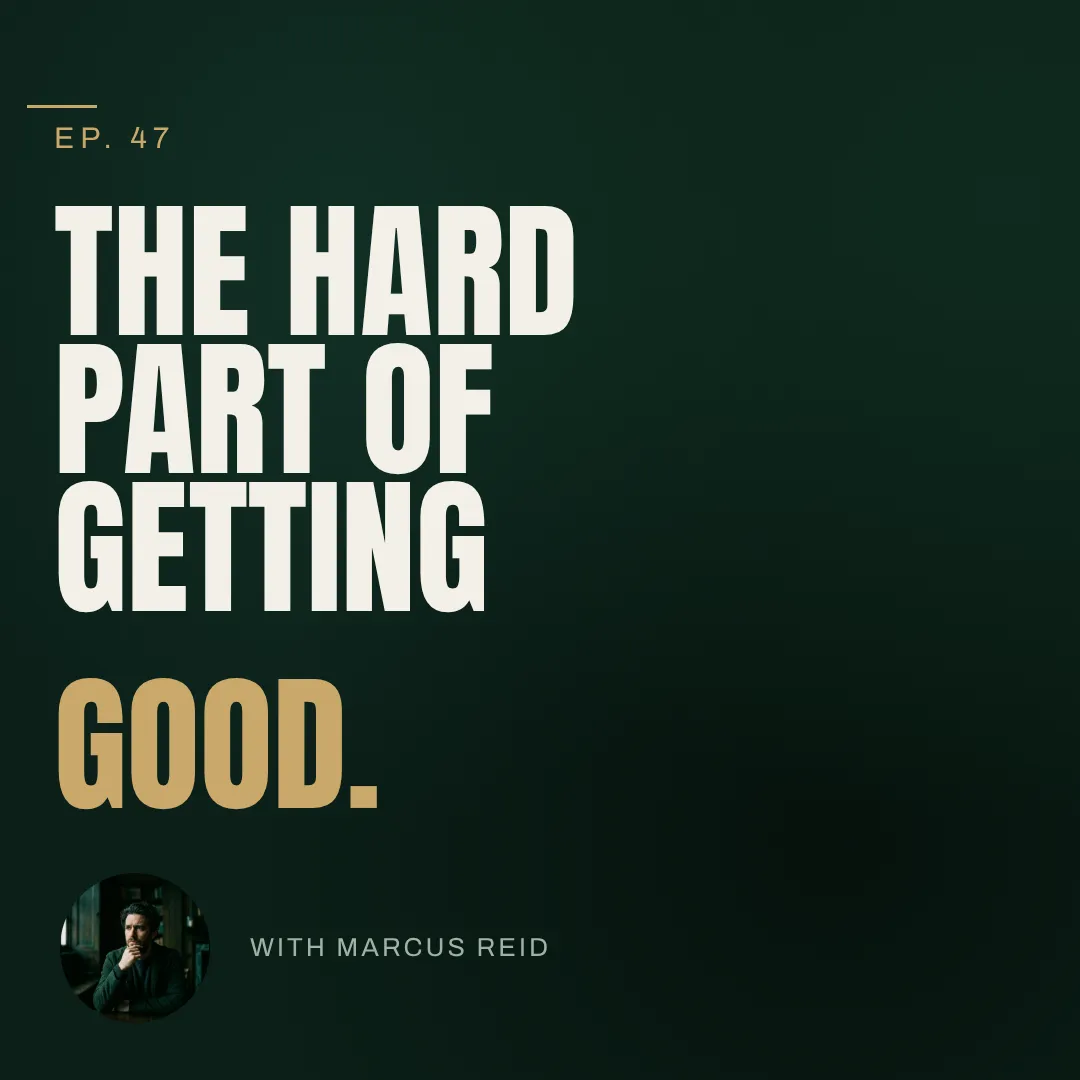
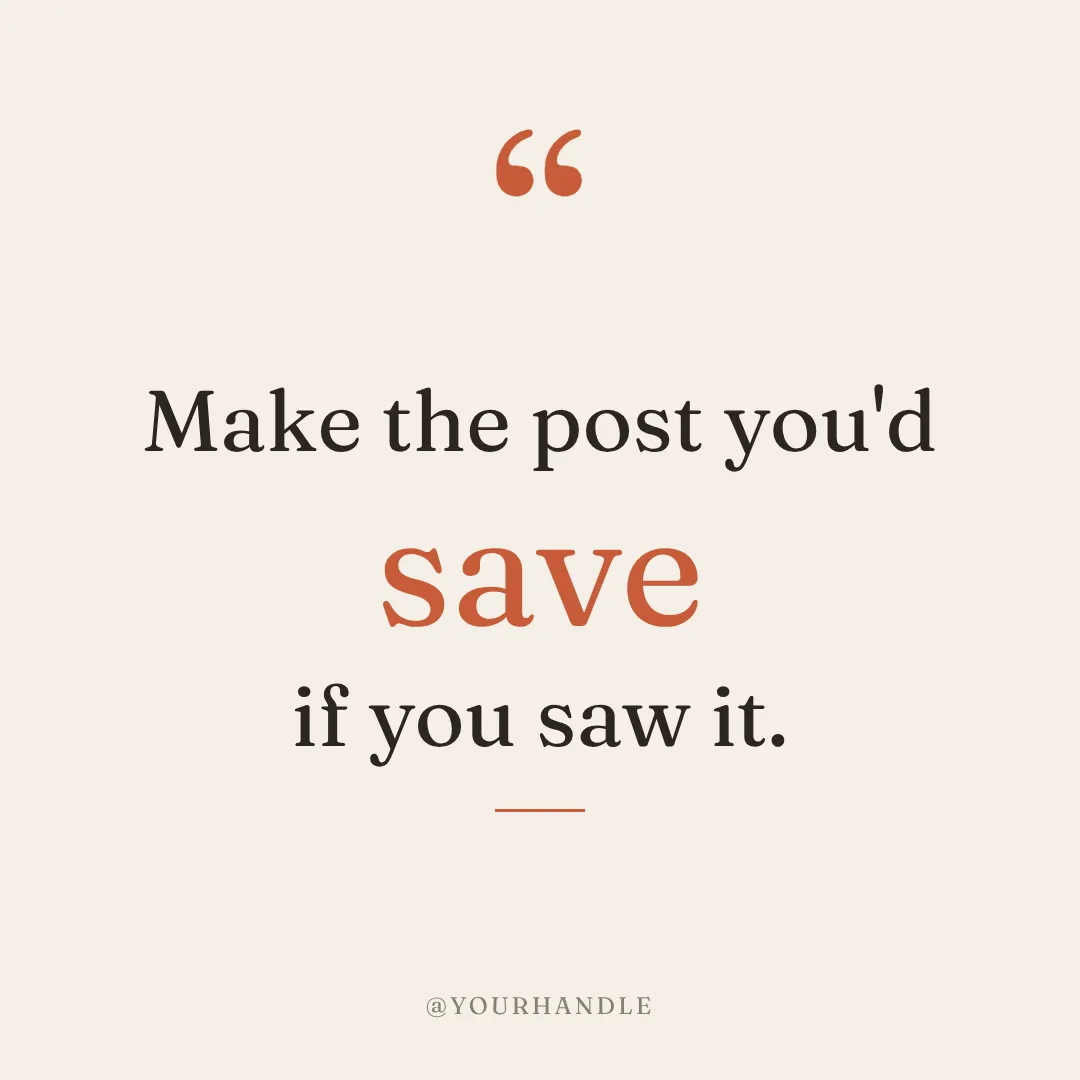

You describe it. Krumzi designs it.
Type what the post is for and attach the product photo you already polished in BeFunky. Krumzi builds the design around it, with the copy as real, editable text. Not happy with it? Keep chatting: bigger headline, darker background, move the code under the price.
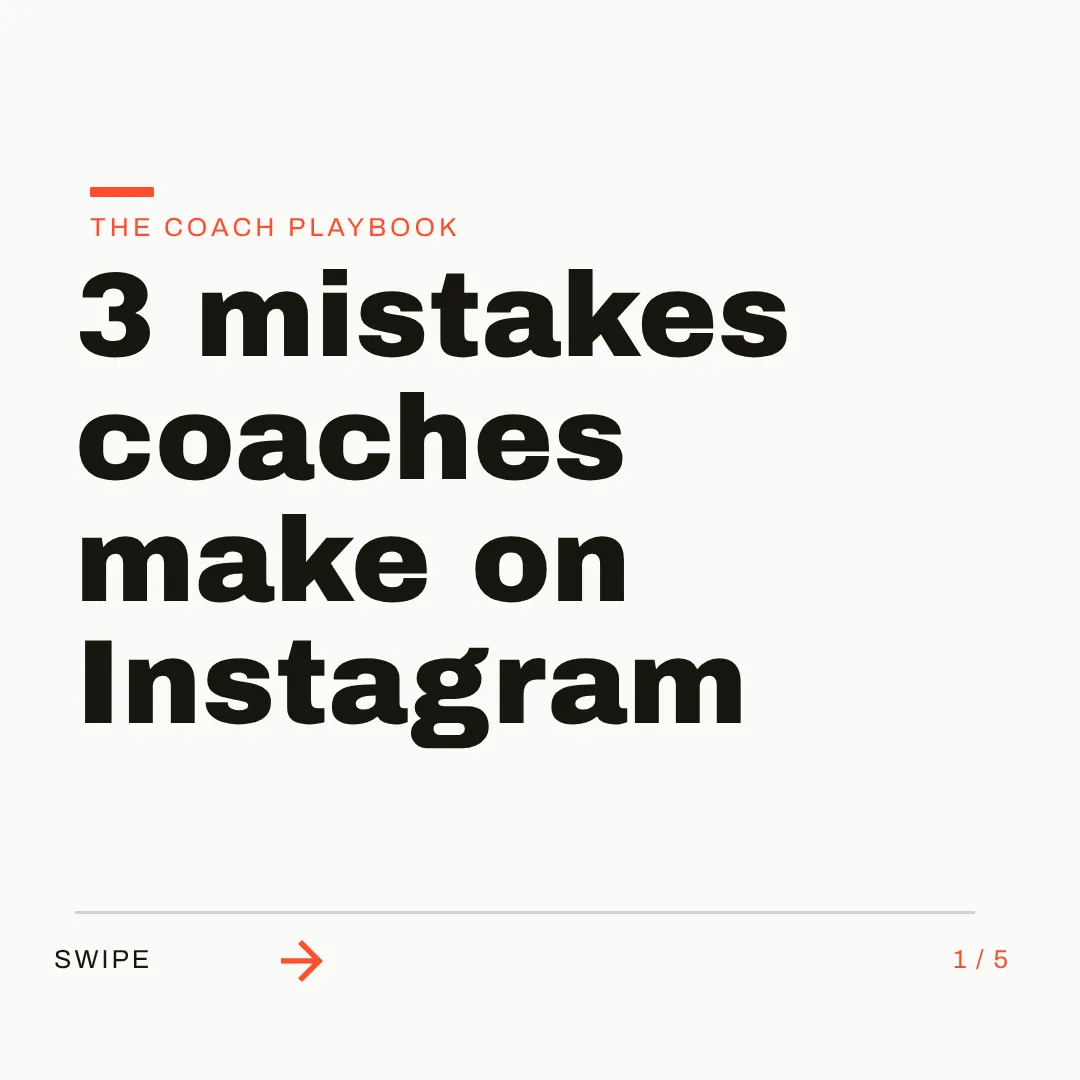
On brand by default. Any size you ask for.
Brand Mind learns your brand through a quick tap-through interview and steers every design, on every plan. On Pro and up, the Brand Kit adds your logo, colors and fonts automatically. Then ask for a post, a story or a carousel: each one designed to its canvas, across 44 preset sizes or any custom size.
Which one should you actually use?
Different tools for different jobs. Here's the honest split, including the cases where BeFunky is the better call.
Switch to Krumzi if you...
- You use BeFunky's templates to make your weekly social posts
- You'd rather describe a post than rework a template
- You want every post on brand without checking it by hand
- You need carousels or social video, not just single images
- You want to schedule posts to Instagram and Facebook from the same place
- You post for several brands or clients every week
Stay with BeFunky if you...
- Photo editing, retouching or Artsy effects are the main job
- You make photo collages and love the Collage Wizard
- You process big batches of photos at once
- Your brand depends on a custom font you upload
- You need a free plan or the lowest monthly price
What each one costs.
BeFunky costs less, and it has a free plan. That's real. You're paying for different work: BeFunky sells photo tools and templates, and Krumzi charges for designing the post itself. Here's the honest math.
Free
$0/month
- Basic photo editing tools
- A limited set of templates and assets
- Up to 20 AI images
- Premium effects carry a watermark
Plus
$6.99/month billed yearly
- $14.99 a month on monthly billing
- Premium photo, collage and design tools
- Smart Templates and Smart Edit
- 1,000 AI credits a month, for the Image Generator only
Pro
$12.49/month billed yearly
- $24.99 a month on monthly billing
- Everything in Plus
- Batch AI editing and batch background removal
- 5,000 AI credits a month
KrumziStarter
$19/month
- 1,000 AI credits / month
- 1 brand
- AI Image Maker
- AI Carousel Maker
Pro
$39/month
- 2,500 AI credits / month
- 3 brands, each with its own Brand Kit
- Everything in Starter
- Unlimited Video Exports
Studio
$89/month
- 6,000 AI credits / month
- 10 brands, each with its own Brand Kit
- Everything in Pro
- Claude Opus access
Agency
$249/month
- 20,000 AI credits / month
- 25 brands, each with its own Brand Kit
- Everything in Studio
- Lowest price per credit
BeFunky prices are US pricing from befunky.com in November 2026. Monthly AI credits don't roll over, and BeFunky's policy is that subscriptions are non-refundable. Krumzi's prices come live from krumzi.com/pricing. Starter, Pro and Studio start with a 3-day free trial, card needed, with no charge until day 4. See full Krumzi pricing.
Keep the photo editor. Gain the designer.
Nothing to migrate. Keep BeFunky for photo edits and collages, and start your first Krumzi post with one sentence.
Bring your brand
Add your logo and colors, and pick your fonts from the full Google Fonts library. Or let Brand Mind learn your brand through a quick, tappable interview. It works even if you don't have a website.
Describe what you need
Type one sentence and attach the photos you already edited in BeFunky. Krumzi designs the post around them, from scratch, on your brand. Keep chatting to refine anything.
Edit, export or schedule
Every element stays editable. Export PNG, JPG or PDF, or schedule the post straight to Instagram and Facebook. Nothing locked in.
Switching from BeFunky, answered.
Yes, that's the job it's built for. BeFunky is a photo editor first, with a collage maker and a template designer. Krumzi is a social post designer: you describe the post, and it decides the layout, typography and colors for that brief, in your brand. If your BeFunky time goes into reworking templates for this week's posts, Krumzi does that part for you. If it goes into editing photos, BeFunky is still the better tool.
Smart Templates are portrait and pet layouts with effects built in: you drop in a photo and the template styles it. BeFunky's Image Generator makes a picture from a prompt. Both start or end with a picture. Krumzi designs the whole post from your sentence: the layout, real text in your fonts, your colors, and an image if the design needs one, with every piece editable.
Yes, everything. Drag, resize and restyle any element, retype any text, swap images and change colors by hand, or just tell Krumzi what to change in the chat. Every change Krumzi makes is saved as a version you can go back to.
Yes. Brand Mind learns your brand through a short, tappable interview and steers every design to look and sound like you, on every plan. On Pro and up, the Brand Kit adds your logo, brand colors and fonts to every design automatically, so you're not checking each post by hand.
Photos, yes: upload them or attach them to your brief and Krumzi designs the post around them, with one-click background removal when you need it. Fonts come from the full Google Fonts library. Krumzi doesn't support uploading your own font files, so if your brand depends on a custom font, BeFunky handles that better today.
Krumzi is a paid subscription, and Starter, Pro and Studio start with a 3-day free trial. You add a card, pay nothing today, and make your first designs with the plan you picked. Downloads carry a watermark until your plan starts on day 4, unless you cancel before then.
No. Plenty of people keep a photo editor for retouching, background swaps and collages, and use Krumzi to design the posts those photos go into. They solve different problems. Use whichever fits the job.
Compare more alternatives
BeFunky isn't the only tool on your shortlist. Here's how Krumzi stacks up against the rest.
PlKrumzi vs PlaceitMockups, logos and a big template library. Krumzi designs each social post from scratch for your brief, in your brand.Krumzi vs CanvaTemplates you customize. Krumzi designs the whole thing for you. Krumzi vs Adobe ExpressTemplates plus Adobe stock. Krumzi designs the layout for you.
 Krumzi vs VistaCreateA big template shelf. Krumzi starts from your sentence instead.
 Krumzi vs SnappaQuick graphics from templates. Krumzi skips the template step.
 Krumzi vs FotorA photo editor with design templates. Krumzi builds the post around your photo, from scratch.
 Krumzi vs PixeliedTemplates with a photo editor attached. Krumzi designs the whole post, not just the picture in it.
 Krumzi vs StencilShut down by Namecheap in July 2026. Krumzi is the modern version of its speed promise: describe it, done.
Your next post is one sentence away.
Keep BeFunky for the photo edits and collages. Let Krumzi design this week's posts. Describe it, and watch it design.