 vs
vs Fotor
FotorThe Fotor alternative that designs from scratch.
Fotor is a photo editor first: one-tap fixes, background removal, and a pile of AI tools, with template design on the side. Krumzi is a designer: it reads one sentence and builds your post from scratch, layout, type, and colors decided for you, everything still editable.
In Fotor 11:20 in In Krumzi0:48 done
The same job, two very different days.
FotorKrumziFotor details verified from fotor.com, its support docs, and published reviews in August 2026. Fotor's pricing rotates promotions constantly, so treat exact numbers as moving. Spot something out of date? Tell us and we'll fix it.
If you're here, one of these probably sounds familiar.
Fotor's quick photo fixes genuinely satisfy casual users: 4.5 on Capterra across a thousand reviews. But for social media design work, a few patterns push people out, and the loudest one is on the receipt. Here's what users actually report.
The billing reviews are brutal
Recent one-star Trustpilot reviews are dominated by billing: charges after cancellation, monthly prices displayed but a full year charged, and a default policy of no refunds, stated in Fotor's own help center. The product reviews fine; the checkout doesn't.
Free means ads, watermarks, and walls
The free tier watermarks exports and reviewers describe upsell pop-ups appearing mid-work, including features advertised as free that require starting a trial to save. Getting anything out of Fotor free takes patience.
Credit walls, even when you pay
Paid tiers cap AI use at 100 to 1,000 credits a month, and reviewers vent about earning daily credits on a paid plan. One Capterra review put it plainly: what am I paying for if I have to earn credits to use the program.
Design is templates with AI paint
Fotor markets an AI design generator, but the mechanism is image generation plus template overlays: you get a picture wearing a layout, not a designed post with decisions made for your brief. The design workflow underneath is classic template assembly.
AI results are a coin flip
Reviewers testing Fotor's image generation report text rendered correctly in a small fraction of attempts and video generation that consumes credits regardless of output quality. Trial and error, with a meter.
It's a photo editor at heart
No brand system steering designs, no carousels, no design-first workflow. The editor is built for fixing photos, and it shows the moment the job becomes designing a feed.
To be fair: for one-tap photo fixes on your phone, Fotor is quick, cheap, and liked, its AI headshots are a genuinely good one-time deal, and the mobile apps are its real home. If photo editing is the job, it's a fine tool. This page is for the people who've been using its templates to fake a design workflow.
Why people pick Krumzi over Fotor
Designed from scratch. Not templated over a photo.
Fotor's design side dresses images in template layouts. Krumzi has no templates at all. It decides the layout, palette, type, and composition fresh for every brief, builds each element separately, and hands you a design where everything is still an object you can change.
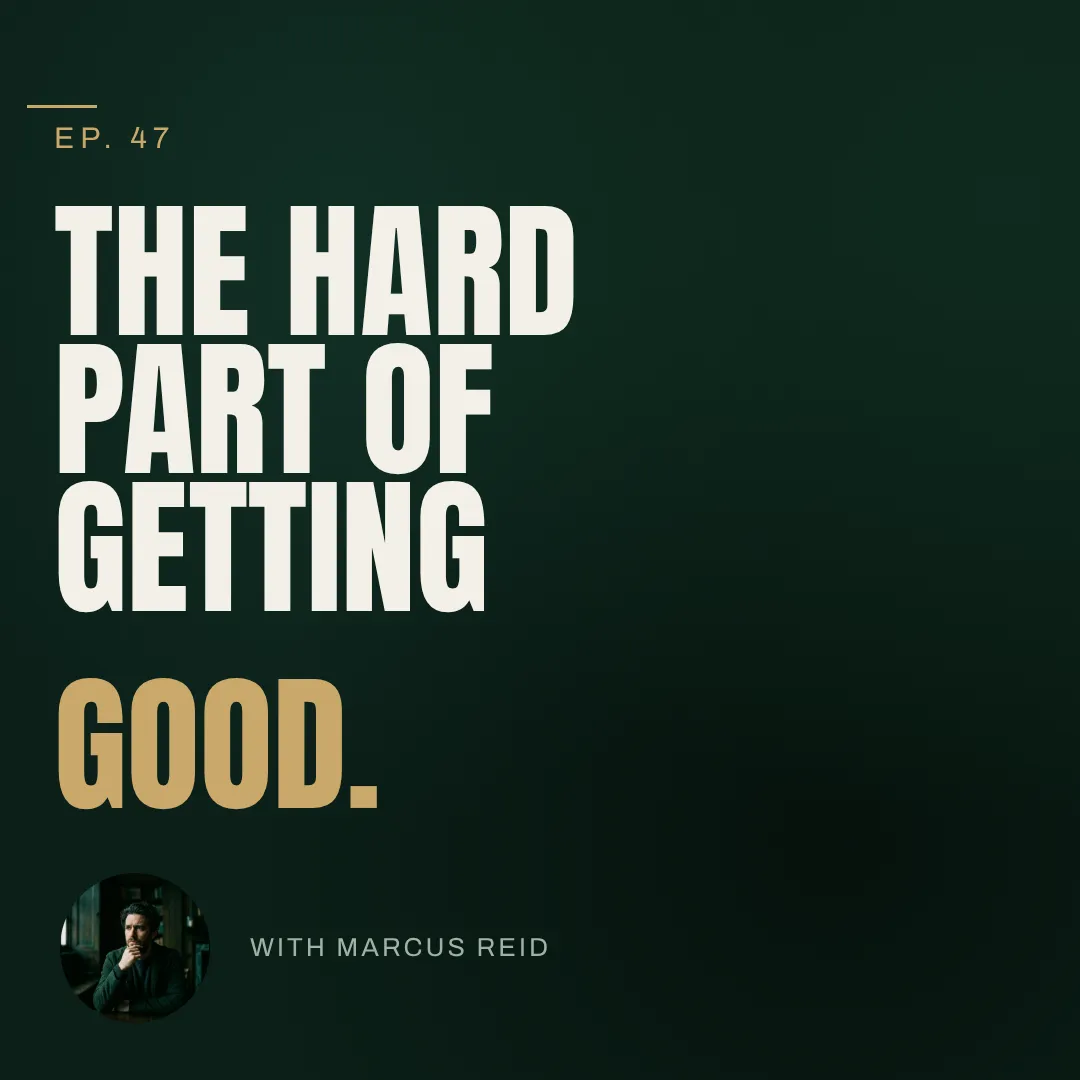
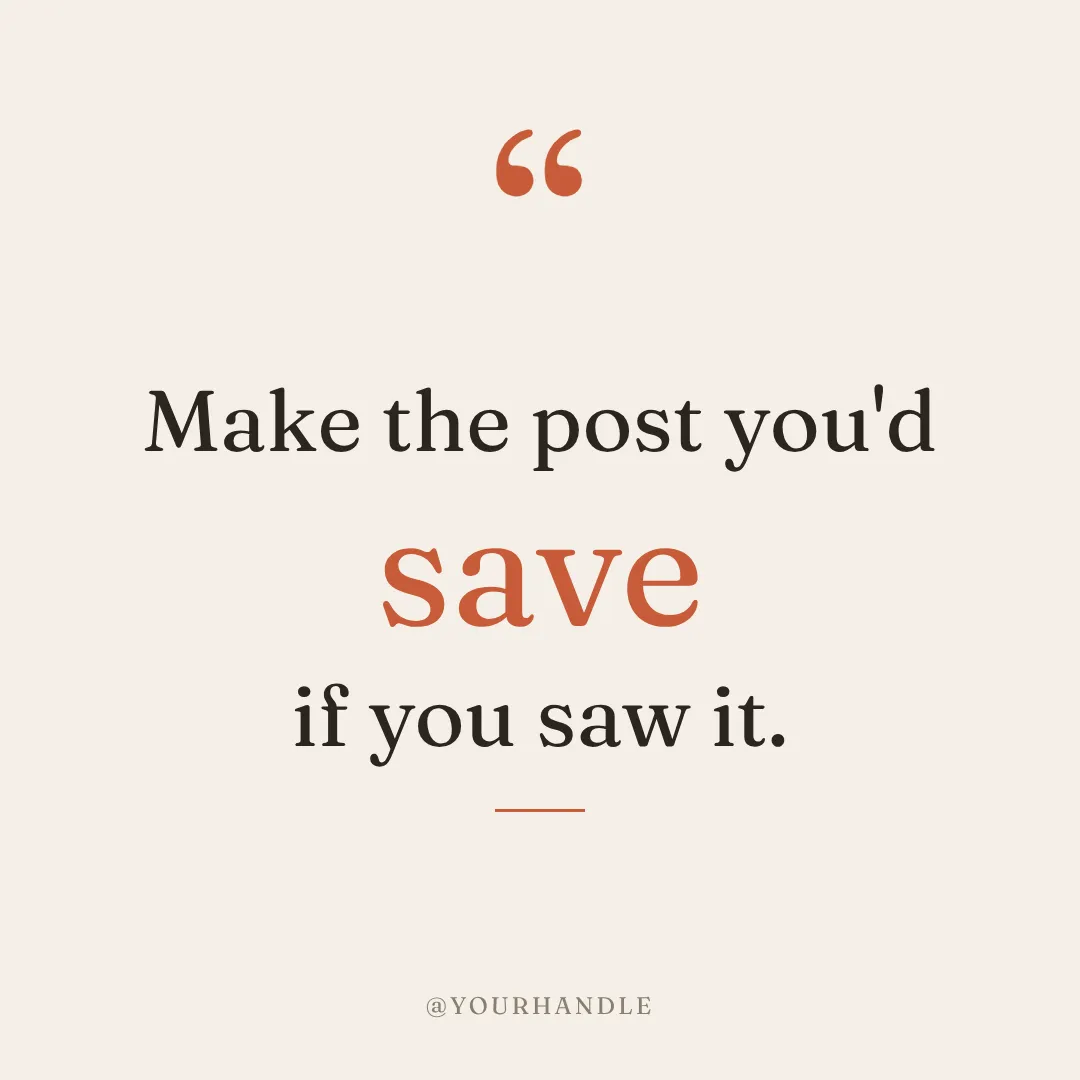

You describe it. Krumzi designs it.
No pop-ups mid-work, no credit-earning chores, no coin-flip generations. Type one sentence and a finished, on-brand design comes back in under 60 seconds, with the copy typed as real text, spelled right. Not happy with it? Keep chatting.
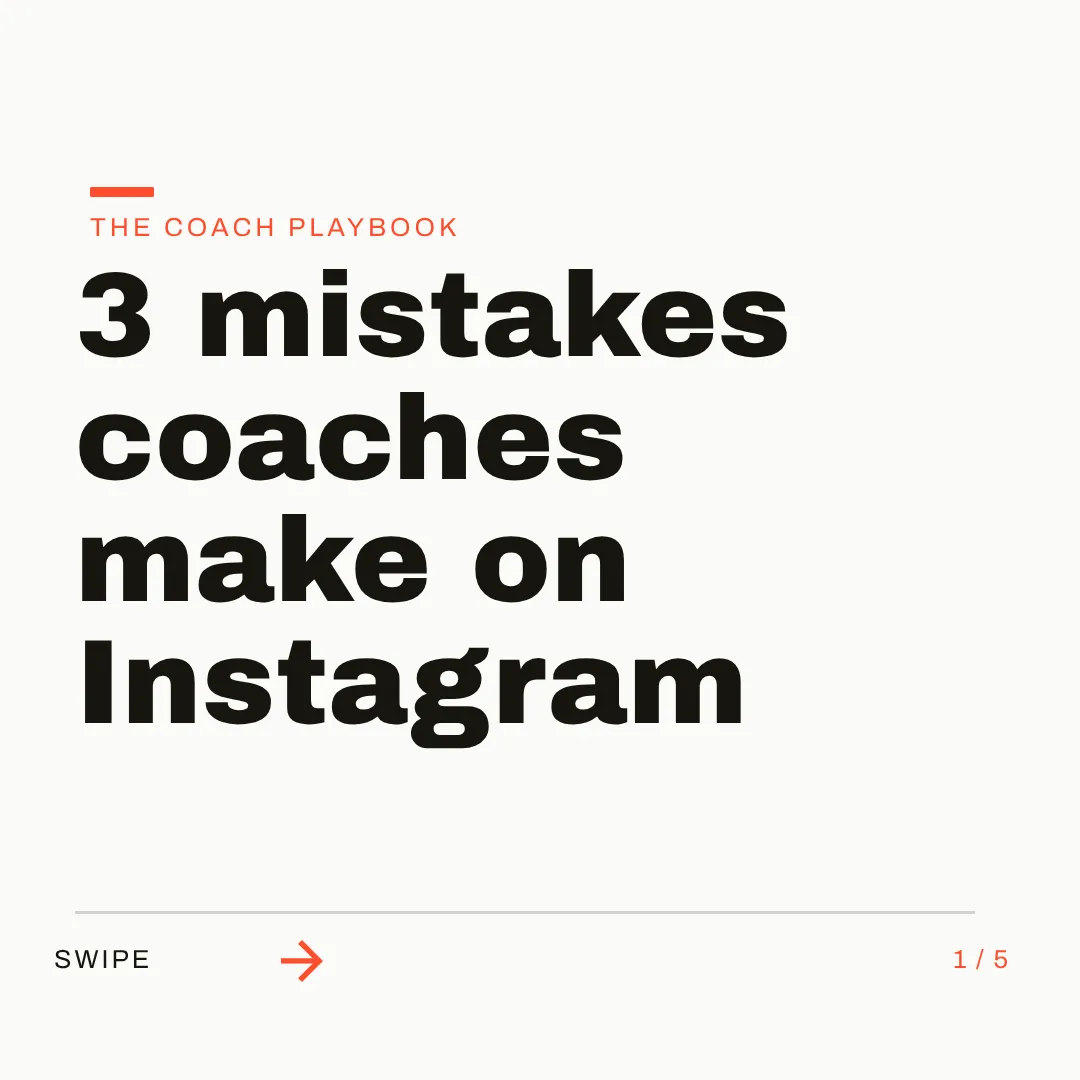
On brand by default. Every single time.
Set up your logo, colors, and fonts once, or let Brand Mind learn your style through a quick tap-through interview. Krumzi applies your brand to every design without a click, so your feed looks like a brand instead of a template folder.

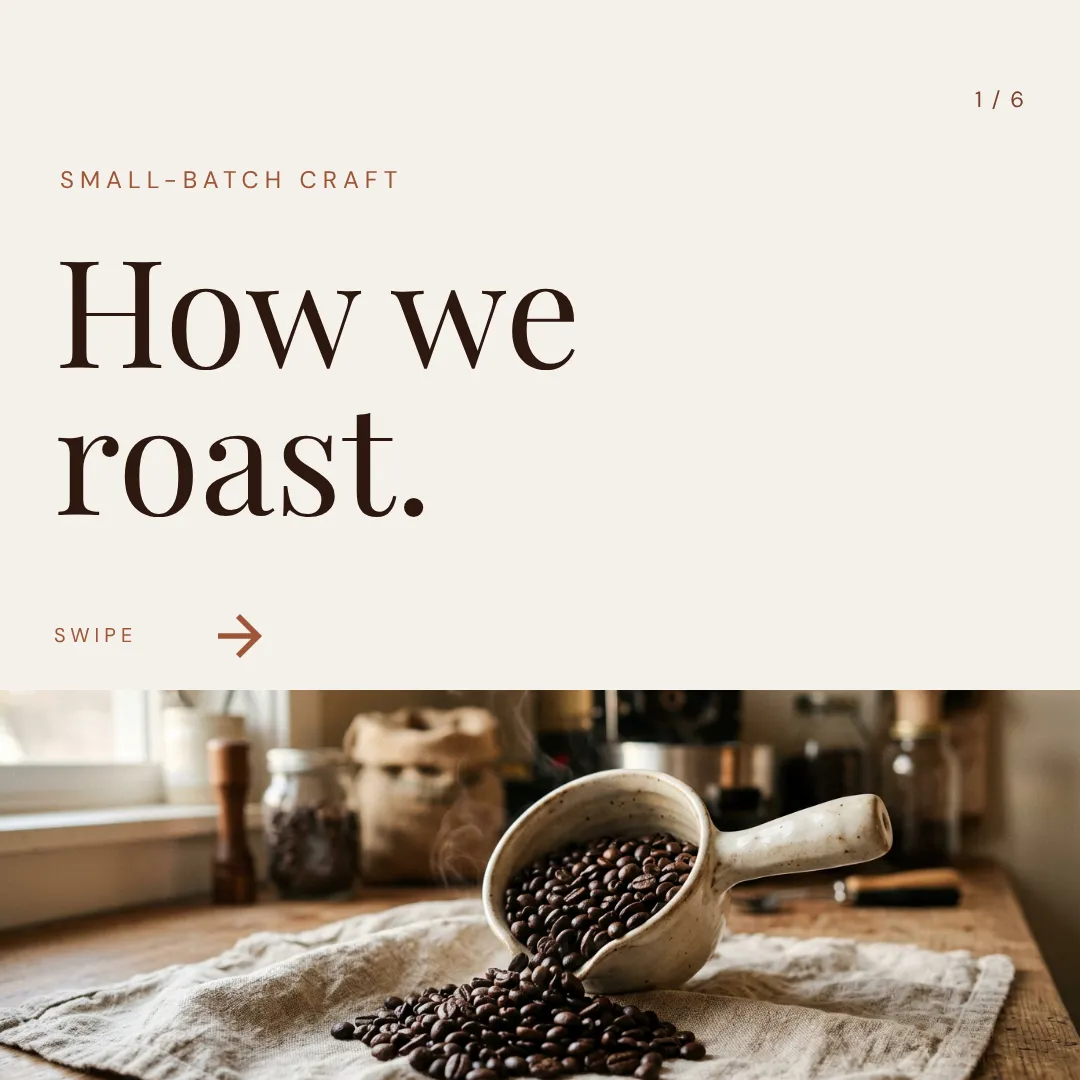

Which one should you actually use?
Different tools for different jobs. Here's the honest split, including the cases where Fotor is the better call.
Switch to Krumzi if you...
- You've been bending a photo editor into a design tool
- You want AI that designs the post, not decorates a picture
- The free tier's ads and watermarks wore you down
- You've hit credit walls on a plan you're paying for
- You need carousels and social video, not just images
- Billing surprises ended your trust
Stay with Fotor if you...
- Photo editing is your main job: enhance, retouch, collage
- You live on mobile and want quick fixes on your phone
- The one-time AI headshot packs are what you actually need
- Budget rules and promo pricing near $4 a month wins
- Template graphics are genuinely enough for your feed
What each one costs.
Fotor is cheaper, with an asterisk: pricing rotates promotions, pushes annual billing hard, and its loudest reviews are about the receipt. Krumzi charges a flat, honest rate for finished design work.
FotorBasic
$0/month
- Limited credits, watermarked exports
- Ads and upsell prompts
- 512 MB storage
- 2 AI Agent chats
Pro
~$4/month billed annually (promo)
- 100 AI credits a month
- 100,000+ templates
- Watermark-free HD export
- 2 GB storage
Pro+
~$6/month billed annually (promo)
- 300 AI credits a month
- Batch background removal
- Multiple brand kits
- 100 GB storage
KrumziStarter
$19/month
- 1,000 AI credits / month
- 1 brand
- AI Image Maker
- AI Carousel Maker
Pro
$39/month
- 2,500 AI credits / month
- 3 brands, each with its own Brand Kit
- Everything in Starter
- Unlimited Video Exports
Studio
$89/month
- 6,000 AI credits / month
- 10 brands, each with its own Brand Kit
- Everything in Pro
- Claude Opus access
Agency
$249/month
- 20,000 AI credits / month
- 25 brands, each with its own Brand Kit
- Everything in Studio
- Lowest price per credit
Fotor prices reflect fotor.com's promotional annual rates in August 2026 and change often; monthly billing costs several times more. Try Krumzi for 7 days with 1,000 AI credits and watermarked exports. $1 to start your trial, credited toward your first subscription payment. Plus applicable tax. A verified email and card are required. Your selected monthly or yearly plan renews automatically after 7 days unless you cancel. Clean exports and the full allowance unlock after your first subscription payment. See full Krumzi pricing.
Keep the photo editor. Gain the designer.
Nothing to migrate. Keep Fotor for photo fixes if you like it. Your first Krumzi design takes about a minute.
Bring your brand
Add your logo, colors, and fonts once. Or let Brand Mind learn your brand through a quick, tappable interview. It works even if you don't have a website.
Describe what you need
Type one sentence. Krumzi designs the first version from scratch, on your brand, in under 60 seconds. Attach your photos and the AI builds the design around them.
Edit and export anywhere
Every element is editable, then export PNG, JPG, PDF, or video up to 4K. No watermarks, no trial walls between you and your file.
Switching from Fotor, answered.
Fotor's design generation produces images dressed in template layouts, one output among its many photo-editing AI tools. Krumzi builds the design itself: layout, typography, colors, and composition decided for your brief, with every element remaining editable. A designed post, not a decorated picture.
Not for pure photo editing. Krumzi includes filters, adjustments, background removal, and image masks inside its design editor, but it's not a dedicated retouching tool. If enhancing photos is the whole job, Fotor or a photo editor serves you better.
Yes. Upload or attach photos to your brief and the AI designs the post around them, with one-click background removal when you need it. Your product shots become designed posts, not photos with text slapped on.
Image exports are watermark-free on every plan, including the trial. Video exports are watermark-free on paid plans. There are no ads and no upsell pop-ups mid-design.
Save your logo, colors, and fonts once and Krumzi applies them to every design automatically, on every plan. Brand Mind goes further: it learns your style and steers every design to look and sound like you.
Try Krumzi for 7 days with 1,000 AI credits and watermarked exports. $1 to start your trial, credited toward your first subscription payment. Plus applicable tax. A verified email and card are required. Your selected monthly or yearly plan renews automatically after 7 days unless you cancel. Clean exports and the full allowance unlock after your first subscription payment.
Try Krumzi for 7 days with 1,000 AI credits and watermarked exports. $1 to start your trial, credited toward your first subscription payment. Plus applicable tax. A verified email and card are required. Your selected monthly or yearly plan renews automatically after 7 days unless you cancel. Clean exports and the full allowance unlock after your first subscription payment.
Compare more alternatives
Fotor isn't the only tool on your shortlist. Here's how Krumzi stacks up against the rest.
Krumzi vs CanvaTemplates you customize. Krumzi designs the whole thing for you. Krumzi vs Adobe ExpressTemplates plus Adobe stock. Krumzi designs the layout for you.
 Krumzi vs VismeDecks and infographics first. Krumzi is social first.
 Krumzi vs VistaCreateA big template shelf. Krumzi starts from your sentence instead.
 Krumzi vs KittlPrint and merch craft. Krumzi handles the weekly feed.
 Krumzi vs SnappaQuick graphics from templates. Krumzi skips the template step.
 Krumzi vs SimplifiedAn all-in-one marketing suite. Krumzi does one thing well: design.
 Krumzi vs Predis.aiBuilt around post scheduling. Krumzi is built around design.
Your next post is one sentence away.
Keep Fotor for the photo fixes. Let Krumzi design the feed. Describe it, and watch it design.