 vsPxPixlr
The Pixlr alternative that designs the whole post.
Pixlr is a quick, cheap photo editor with a big shelf of AI generators. For a social post, you still generate a picture, then fix the words and layout by hand. Krumzi reads one sentence and designs the whole post in your brand: layout, type, and colors decided for you, every element still editable.
3-day free trial, card needed. No charge until day 4. Cancel online anytime.
Editing a picture vs. designing a post.
KrumziPixlr details verified from pixlr.com, its pricing FAQ, and public reviews in November 2026. Spot something out of date? Tell us and we'll fix it.
If you're here, one of these probably sounds familiar.
Pixlr holds a 4.3 on the App Store and a 4.4 on Capterra. Google Play is harder on it: 3.4 across more than a million reviews. Its Trustpilot page, which covers the whole company, sits at 2.0. Here's what keeps coming up.
Free keeps getting smaller
Pixlr's cheapest paid plan leads with “Ad-Free” and “Unlimited saves”, which tells you what free comes with: ads and a daily save limit. Recent app reviews from people who've used Pixlr for years say tools they once had for free moved behind a plan or a credit cost.
The template app is gone
Pixlr Designer, the app with templates, presets, and animation, is no longer on Pixlr's site, and its old address has sent you to the homepage since mid-2026. Templates survive as one line on the Premium plan.
A picture with words in it
Pixlr's own guide to making a graphic: generate a few images from a prompt, pick one, then open it in the Editor to fix details and adjust the text. The words start life as part of the picture, and the layout is whatever the image came with.
Your brand lives in your prompts
Nothing on Pixlr's plans mentions a brand kit. Its guide suggests reusing the same color and style words in every prompt to keep a campaign looking consistent. That works until someone forgets a word.
Credits that reset
Plus includes 80 AI credits a month. Pixlr's FAQ says subscription credits top back up to your plan amount at each renewal instead of stacking, and drop to zero if you cancel.
A layer editor for a weekly job
Pixlr Editor is a real layer editor: masks, blend modes, liquify, generative fill. Great for a photo. But laying out a post there means placing the text, picking the fonts and lining everything up yourself, for every post, every week.
To be fair: Pixlr is one of the best ways to edit a photo in a browser tab, and it's been doing it for over 15 years. Layers, masks, and generative fill with a free tier to start is a genuinely good deal, and the paid plans are cheap. If photo editing is the job, keep it. This page is for people using a photo editor to make this week's posts.
Why people pick Krumzi over Pixlr
Pixlr edits the picture. Krumzi designs the post.
Pixlr's tools are built around an image: fix it, extend it, generate it. Krumzi starts from what the post has to say. It decides the layout, palette, type, and composition fresh for every brief, builds each element separately, and hands you a design where every part is still an object you can change.
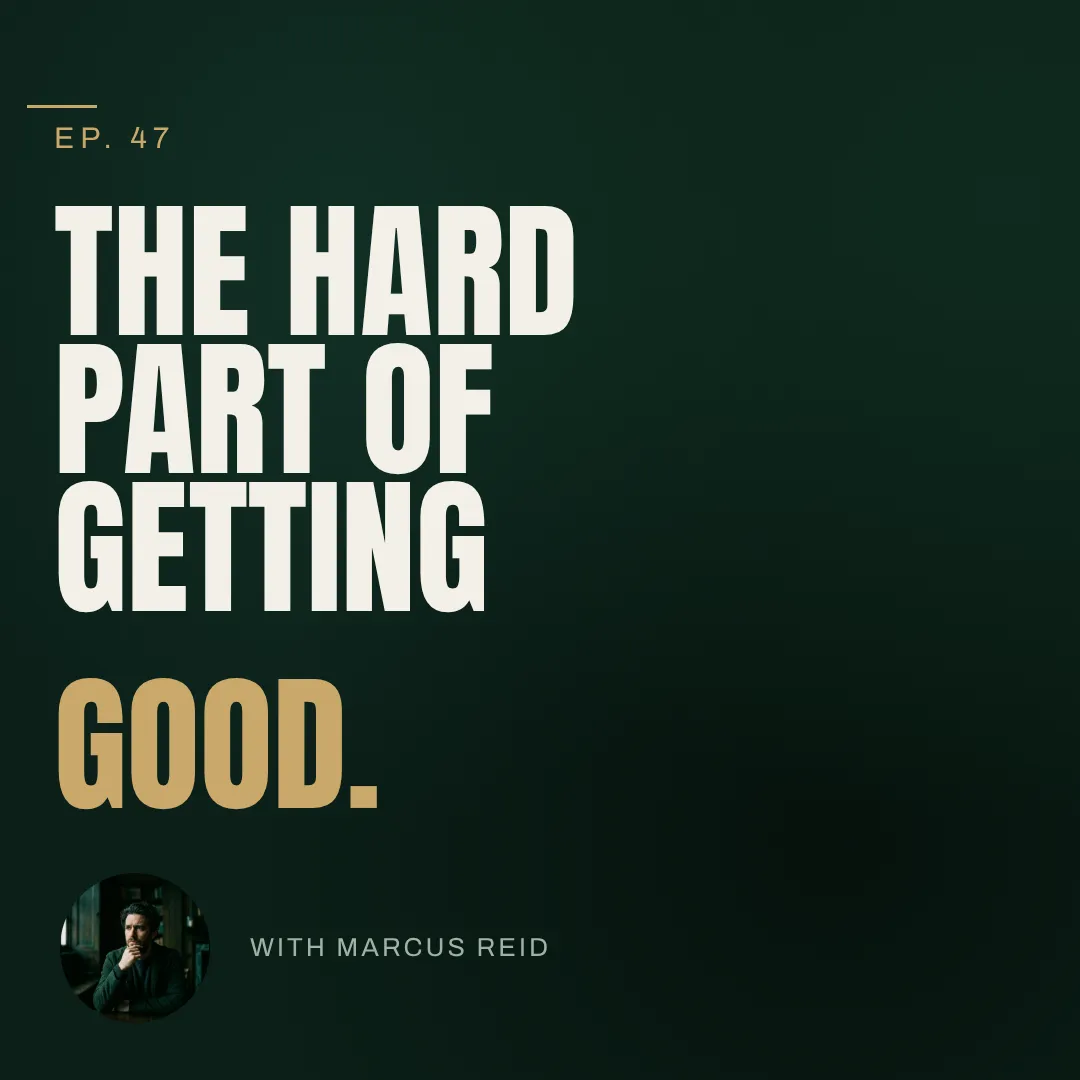
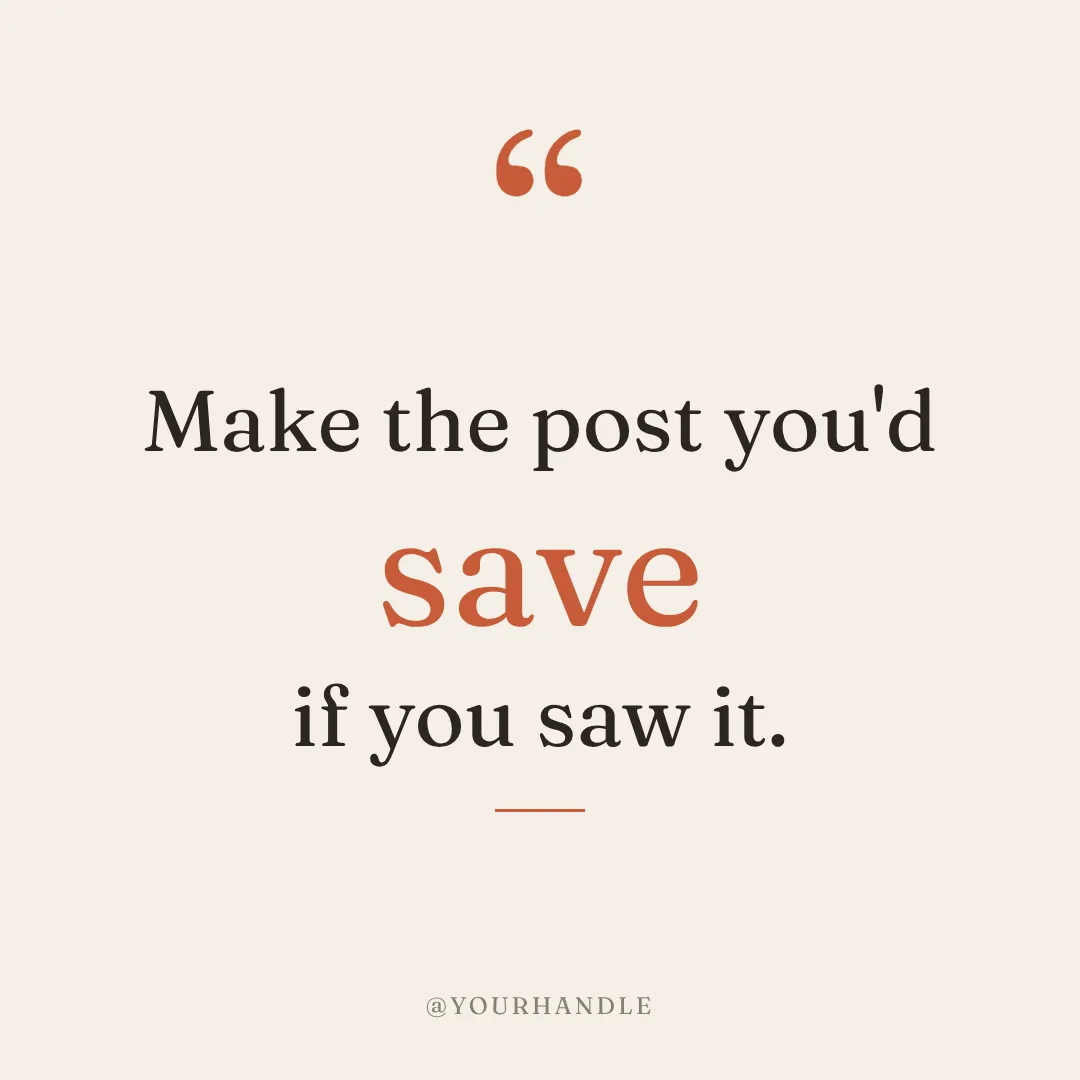

You describe it. Krumzi designs it.
No generating four pictures and fixing the words afterwards. Type one sentence and a finished, on-brand post comes back in under 60 seconds, with the copy set as real text. Not happy with it? Keep chatting. Bigger headline, darker background, use the orange from my logo.
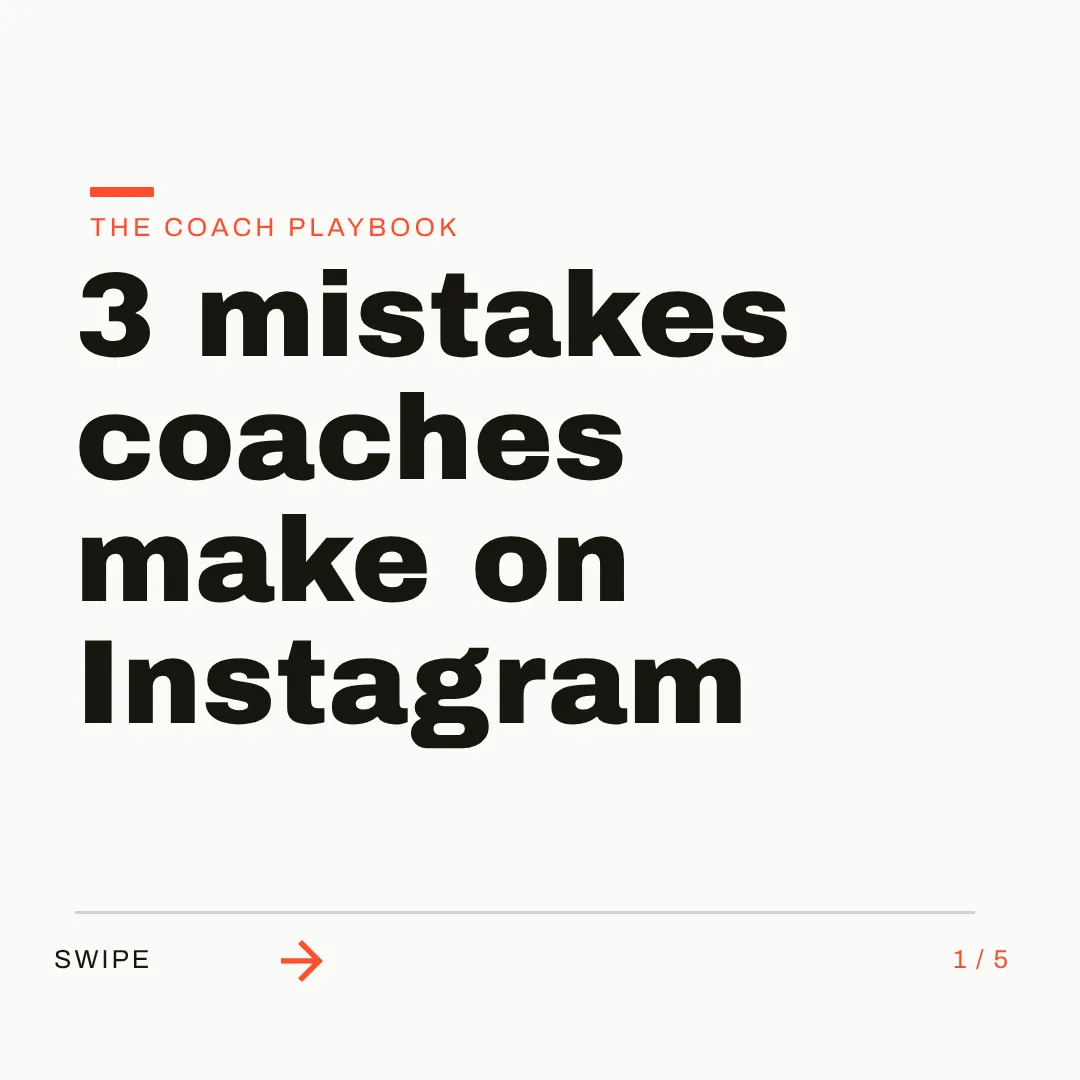
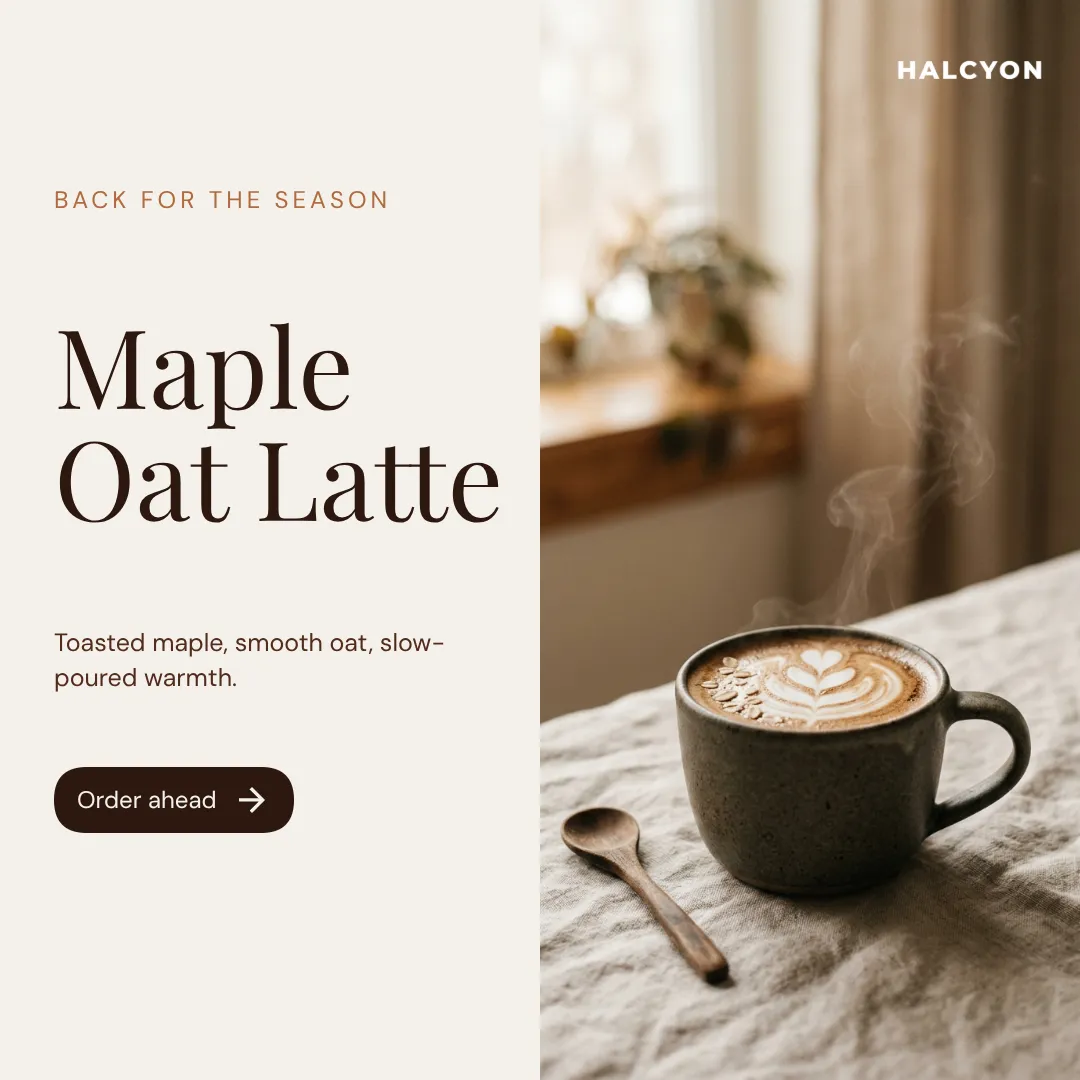
On brand by default. Any size you ask for.
Set up your logo, colors, and fonts once, or let Brand Mind learn your style through a quick tap-through interview. Krumzi applies your brand to every design without a click. Then fill the week: Post Ideas for what to say, Make variations for next week's version, across 44 preset sizes or any custom size.
Which one should you actually use?
Different tools fit different people. Here's the honest split, including the cases where Pixlr is the better call.
Switch to Krumzi if you...
- You use Pixlr to make social posts, not to edit photos
- You generate images with words in them, then spend time fixing the words
- You made posts in Pixlr Designer and need a new place to make them
- Your brand colors live in your head or in a prompt you paste every time
- You post every week, for your own brand or for clients
- You want posts, carousels, and documents from one brief, scheduled to Instagram and Facebook
Stay with Pixlr if you...
- You mostly edit and retouch photos
- You want a free editor and can live with ads and a daily save limit
- You generate AI video, music, or voiceovers
- You want native phone and desktop apps
- A couple of dollars a month is your whole budget
What each one costs.
Pixlr is cheaper, and its free tier is real. Krumzi costs more because it does the design work: the whole post, in your brand, from one sentence. Here's the honest math.
Free
$0/month
- Pixlr Editor and Express
- Ads in the editor
- A daily limit on saves
Plus
$2.49/month ($1.99 billed annually)
- No ads, unlimited saves
- 80 AI credits a month
- Credits reset each renewal
Premium
$9.99/month ($7.99 billed annually)
- 1,000 AI credits a month
- All image, video, and audio models
- Fonts, templates, and elements library
KrumziStarter
$19/month
- 1,000 AI credits / month
- 1 brand
- AI Image Maker
- AI Carousel Maker
Pro
$39/month
- 2,500 AI credits / month
- 3 brands, each with its own Brand Kit
- Everything in Starter
- Unlimited Video Exports
Studio
$89/month
- 6,000 AI credits / month
- 10 brands, each with its own Brand Kit
- Everything in Pro
- Claude Opus access
Agency
$249/month
- 20,000 AI credits / month
- 25 brands, each with its own Brand Kit
- Everything in Studio
- Lowest price per credit
Pixlr prices are from pixlr.com/pricing in November 2026. Ultra plans start at $24.99/month, and Pixlr's FAQ says it can't refund a subscription once payment is processed. Krumzi's prices come live from krumzi.com/pricing. Starter, Pro and Studio start with a 3-day free trial, card needed, with no charge until day 4. See full Krumzi pricing.
Keep what works. Lose the busywork.
There's nothing to migrate and nothing to learn. Keep Pixlr for your photo edits. Your first Krumzi design takes about a minute.
Bring your brand
Pixlr has no brand kit to export, so start fresh: add your logo, colors, and fonts once, or let Brand Mind learn your brand through a quick, tappable interview. It works even if you don't have a website.
Describe what you need
Type one sentence. Krumzi designs the first version from scratch, on your brand, in under 60 seconds. Got a photo you already edited in Pixlr? Upload it and ask Krumzi to build the post around it.
Edit and export anywhere
Every element is editable right on the canvas. Export PNG, JPG, PDF, or video up to 4K. Pixlr's .PXZ files stay in Pixlr.
Switching from Pixlr, answered.
Yes, if posts are the job. Pixlr is a photo editor with AI generators: it's great at fixing and generating images, and you still build the post around them by hand. Krumzi designs the post itself from one sentence: layout, typography, colors, and your brand, with every element editable. If you mostly retouch photos, Pixlr is the better fit.
Pixlr's AI Image Generator makes a picture, and any words in it are part of that picture. Pixlr's own guide has you generate a few options, pick one, then fix the text in its Editor. Krumzi makes a design: the headline, the date, and the price are real text elements in your fonts, placed in a layout you can rearrange. When a design needs a fresh image, Krumzi generates that too, right inside the design.
As of November 2026, Pixlr's site no longer lists Designer among its apps, and its old address has redirected to the Pixlr homepage since mid-2026. We couldn't find an announcement from Pixlr about it. Pixlr's Premium plan still lists a library of fonts, templates, and elements, and its current apps are Pixlr Editor, Pixlr Express, and Pixlr Agent.
Yes, everything. Drag, resize, and restyle any element, retype any text, swap images, and change colors. You can also click a part of the design and tell Krumzi what to change about it. Every change Krumzi makes is saved as a version you can go back to.
Save your logo, colors, and fonts once and Krumzi applies them to every design automatically (Brand Kit comes with Pro and up). Brand Mind goes further on every plan: it learns your style and steers every design to look and sound like you, so you never retype style words into a prompt.
Krumzi is a paid subscription, and Starter, Pro and Studio start with a 3-day free trial. You add a card, pay nothing today, and make your first designs with the plan you picked. Downloads carry a watermark until your plan starts on day 4, unless you cancel before then. If what you need is occasional free photo edits, Pixlr's free tier is the better fit.
It depends on what you use Pixlr for. For photo editing in a browser, the usual picks are Photopea or GIMP. For social media posts, Krumzi is built for that job: you describe the post and it designs it in your brand, ready to edit and schedule to Instagram and Facebook.
No. Plenty of people keep a photo editor for retouching and use Krumzi for their weekly posts. Edit the photo in Pixlr, upload it to Krumzi, and ask for the post. Use whichever fits the job.
Compare more alternatives
Pixlr isn't the only tool on your shortlist. Here's how Krumzi stacks up against the rest.
PpKrumzi vs PhotopeaA free Photoshop-style editor in your browser. Krumzi skips the layers and designs the social post from one sentence.VgKrumzi vs VenngageInfographics, reports and accessible docs. Krumzi designs this week's posts from scratch, in your brand, and schedules them. Krumzi vs VismeDecks and infographics first. Krumzi is social first.
 Krumzi vs KittlPrint and merch craft. Krumzi handles the weekly feed.
 Krumzi vs PiktochartInfographics and reports. Krumzi is built for the feed.
 Krumzi vs GlorifyProduct images for e-commerce. Krumzi designs the whole campaign post, product and copy included.
 Krumzi vs DesignstripeShut down in early 2025. Krumzi picks up its brand-from-URL promise, designing from scratch.CfKrumzi vs Creative FabricaFonts, graphics, and craft assets. Krumzi turns a sentence into the finished design, assets included.
This week's posts are one sentence away.
Keep Pixlr for the photo edits it does well. Let Krumzi design the posts. Describe one, and watch it come together.