 vsVgVenngage
The Venngage alternative that designs this week's posts.
Venngage is built for infographics, reports, and presentations, and it's genuinely good at them. Social posts are one template category among many. Krumzi does one job: describe this week's post in a sentence and it designs it from scratch, in your brand, with every element still editable.
3-day free trial, card needed. No charge until day 4. Cancel online anytime.
 In Krumzi0:48 done

The same week of posts, two very different tools.
KrumziVenngage details verified from venngage.com and Venngage's help center in November 2026. Spot something out of date? Tell us and we'll fix it.
If you're here, one of these probably sounds familiar.
Venngage reviews well: 4.7 on G2, 4.6 on Capterra, 4.6 on Trustpilot, and its support team gets praised again and again. The friction shows up when the job is a steady stream of social posts. Here's what Venngage's own plans and guides say.
Built for the report, not the feed
Venngage's own template guide lists brochures, resumes, proposals, white papers, infographics, and presentations before it gets to social media graphics. Documents and data are the center of the product. Your weekly posts are one category among many.
You start from a template
Venngage's first-design steps are: choose a template, customize it with your text, images, and branding, then download. Its AI generator makes what Venngage calls a starting point before editing. The design work after that is still yours.
Your brand kit is a Business feature
Per Venngage's help center, Business users create and manage Brand Kits, and only Business admins can upload custom fonts. On Premium you can set a kit up to see how it looks. Business is $49 a month per user, or $24 billed yearly.
Downloads start on paid plans
Free accounts can't download at all. They hold up to 5 designs and share them by link. Premium downloads PNG only, and PDF and PowerPoint need Business. One October 2026 reviewer followed an ad for free book covers and hit the paywall at download.
The video editor is gone
Venngage removed its Video Editor and asked users to download their videos before December 11, 2025. Today it exports images, PDFs, PowerPoint, and HTML. A Reel or a short promo video needs another tool.
Posting happens somewhere else
Venngage's own Instagram guide ends at the download: save a PNG, then upload it from your desktop, by email, or from cloud storage. Scheduling the week's posts happens in another app.
To be fair: Venngage is excellent at what it focuses on. Infographics and charts built from your own data, reports, proposals, and accessible designs backed by published WCAG and Section 508 reports are things Krumzi doesn't do. Its support is praised in review after review, and it's cheaper to start. If documents and data are your job, stay. This page is for the people whose job is the feed.
Why people pick Krumzi over Venngage
Designed for your brief. Not picked from a library.
Venngage's own first-design steps start with choosing a template, and it describes its AI generator as a starting point before editing. Krumzi starts from your sentence. It decides the layout, palette, type, and composition fresh for each post, so this week's posts don't look like a template.
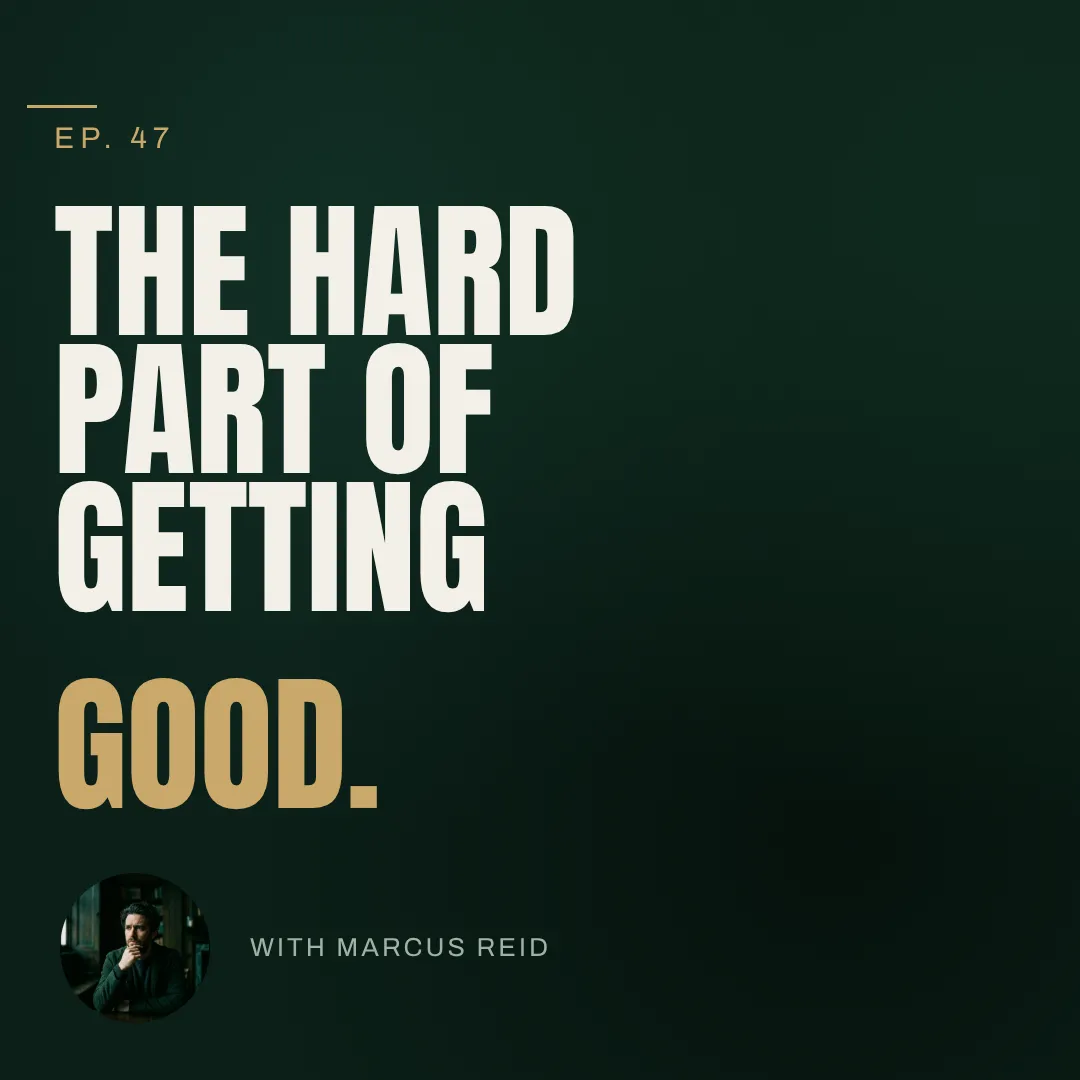
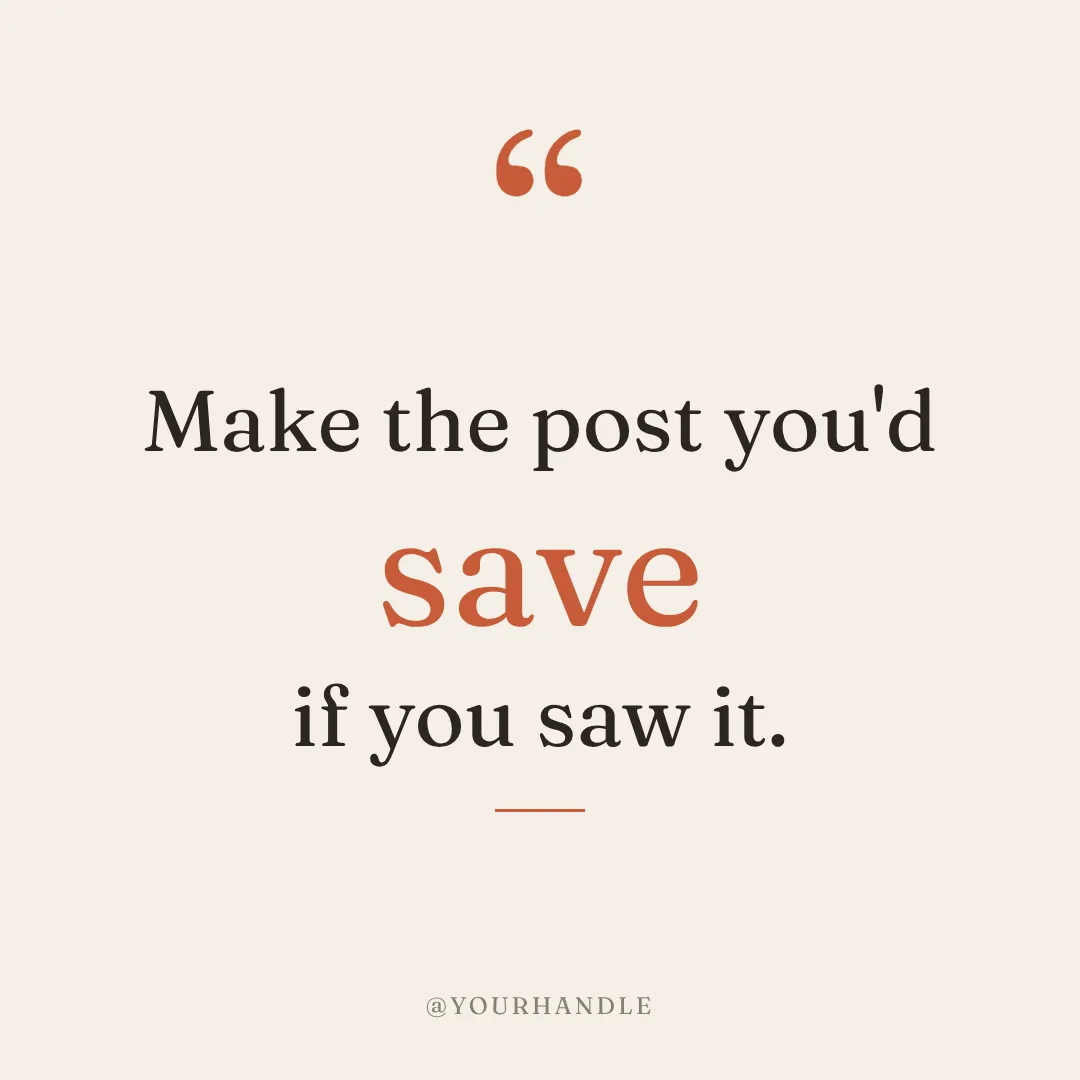

This week's posts, not one big document.
Venngage shines on the one big piece: a report, an infographic, a proposal. Krumzi is built for the weekly rhythm. Describe a post and refine it by chatting, turn a finished design into next week's version with Make variations, generate a batch from one brief, or start from Post Ideas. Then schedule it to Instagram and Facebook without leaving Krumzi.
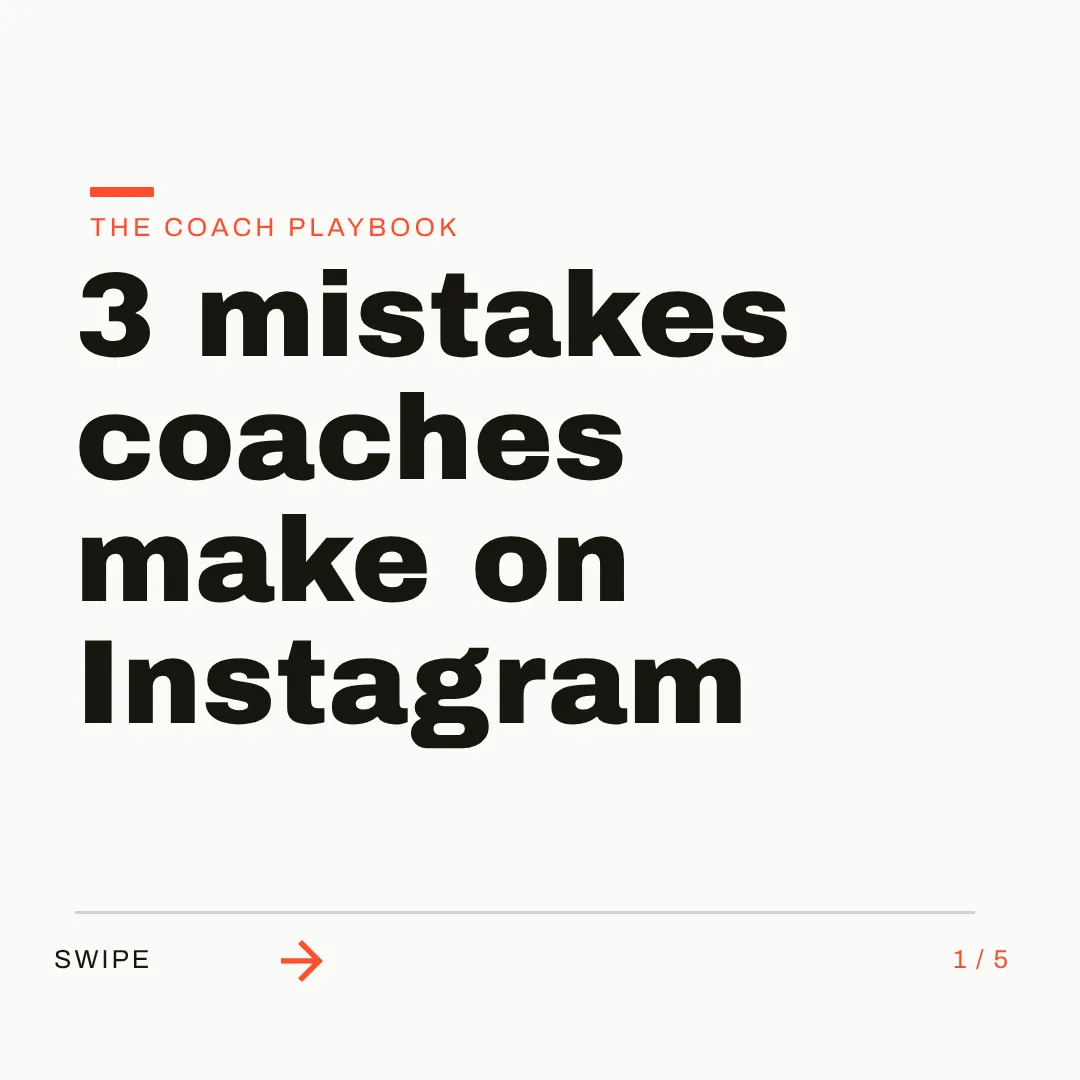
On brand by default. In every format.
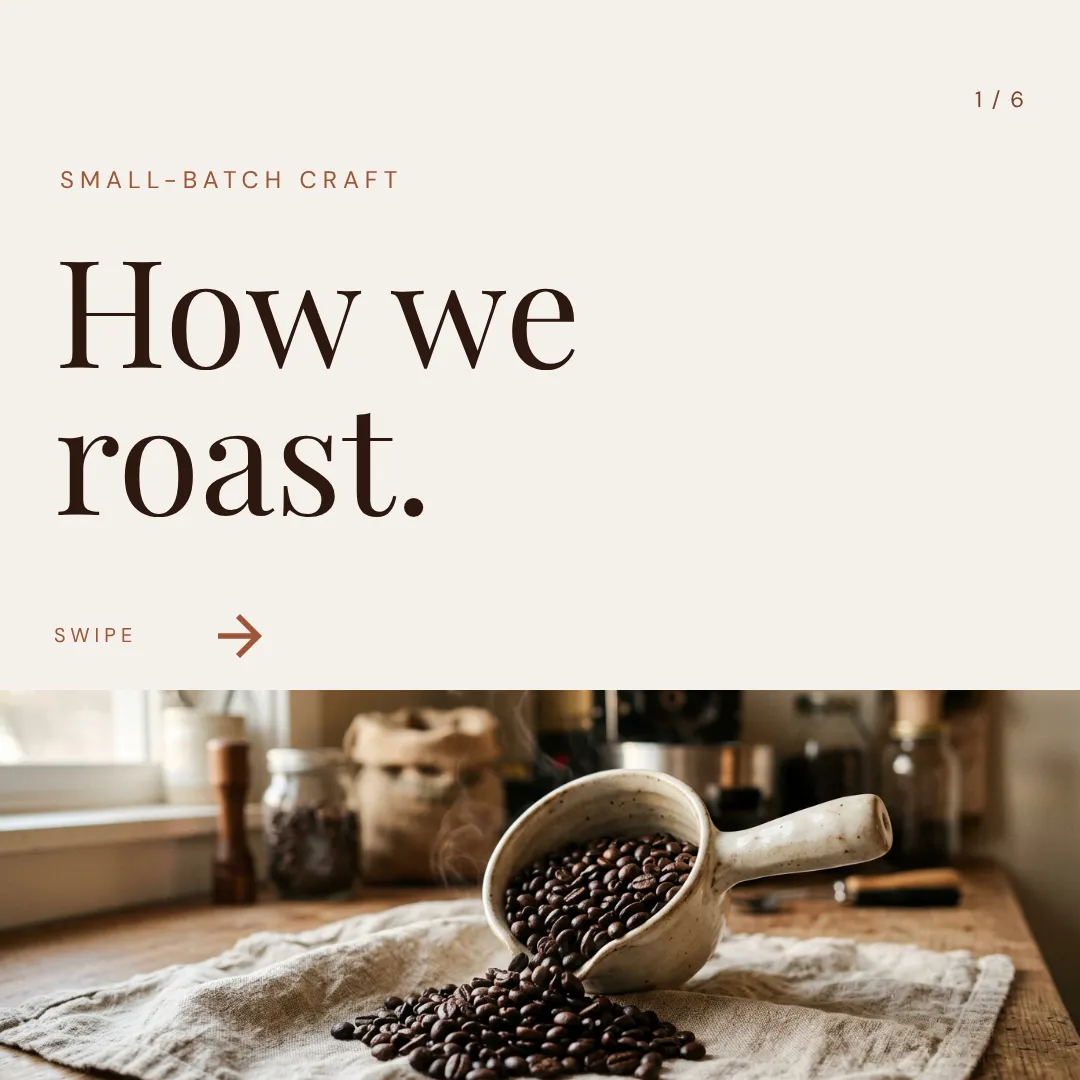
Brand Mind learns your style through a quick tap-through interview, keeps learning from what you change and export, and steers every design on every plan. From Pro up, Brand Kit adds your logos, colors, and fonts, one kit per client brand. Then ask for a square post, a story, or a carousel, each designed to its canvas across 44 preset sizes or any custom size.


Which one should you actually use?
Different tools fit different jobs. Here's the honest split, including the cases where Venngage is the better call.
Switch to Krumzi if you...
- Your main output is social posts, not reports and infographics
- You're reworking templates into this week's posts by hand
- You want the post designed for your brief, not a starting point to edit
- You post for several clients and want each brand remembered separately
- You want carousels and short video from the same tool
- You'd rather schedule to Instagram and Facebook where you design
Stay with Venngage if you...
- Infographics, charts, and data reports are your main deliverables
- You need accessible PDFs and published WCAG and Section 508 reports
- You present in PowerPoint or publish designs as HTML
- Your team shares designs, folders, and uploaded brand fonts on one account
- A free plan or a lower entry price matters most
What each one costs.
Venngage is the cheaper way in, honestly: a free plan to try it, and Premium at $10 a month billed yearly. You're paying it for document and infographic formats. Krumzi charges for finished social design work, in your brand. Here's the math.
Free
$0/month
- Up to 5 designs, shared by public link
- No downloads
- Free templates only
- 80 AI credits a day
Premium
$19/month ($10 billed yearly)
- No design limit
- PNG and PNG HD downloads
- Premium templates, private sharing
- 160 AI credits a day, no rollover
Business
$49/user/month ($24 billed yearly)
- PDF, PowerPoint, and HTML export
- Brand Kits and custom font uploads
- Team sharing and folders
- 1,600 AI credits a day per user
KrumziStarter
$19/month
- 1,000 AI credits / month
- 1 brand
- AI Image Maker
- AI Carousel Maker
Pro
$39/month
- 2,500 AI credits / month
- 3 brands, each with its own Brand Kit
- Everything in Starter
- Unlimited Video Exports
Studio
$89/month
- 6,000 AI credits / month
- 10 brands, each with its own Brand Kit
- Everything in Pro
- Claude Opus access
Agency
$249/month
- 20,000 AI credits / month
- 25 brands, each with its own Brand Kit
- Everything in Studio
- Lowest price per credit
Venngage prices are US pricing from venngage.com in November 2026; Venngage doesn't offer free trials of its paid plans. Krumzi's prices come live from krumzi.com/pricing. Starter, Pro and Studio start with a 3-day free trial, card needed, with no charge until day 4. See full Krumzi pricing.
Keep what works. Lose the busywork.
There's no import to run. Keep Venngage for the reports if you like, and start your posts fresh. Your first Krumzi design takes about a minute.
Bring your brand
Add the logo and colors from your Venngage Brand Kit, and pick your fonts from the full Google Fonts library (custom font files don't upload). Or let Brand Mind learn your brand through a quick, tappable interview.
Describe what you need
Type one sentence, or attach a past post as a reference image. Krumzi designs the first version from scratch, on your brand, in under 60 seconds. Keep chatting to refine anything.
Edit, export, schedule
Every element is editable. Export PNG, JPG, PDF, or WebP, or schedule the post straight to Instagram and Facebook. Nothing locked in.
Switching from Venngage, answered.
Yes, that's the exact trade. Venngage is built for infographics, reports, and presentations, with social graphics as one template category. Krumzi is built for the weekly feed: it designs each post, carousel, or video from one sentence, in your brand, and schedules it to Instagram and Facebook. For data-heavy documents, Venngage is still the better pick.
Venngage's Universal Generator turns a prompt or a file into a design you then edit, and Venngage itself calls it a starting point before editing. Its AI Designer chat then edits what's on the canvas, one AI credit per command. Krumzi's whole product is the finished post: it designs the layout, type, colors, and composition for your brief, in your brand, and you keep chatting until it's right.
Not the data-driven kind. Krumzi designs social posts that can include stats, animated counters, and icons, but it has no chart builder, no data import, and no accessibility reports. If infographics and reports are your main deliverable, Venngage is honestly the better tool for that job.
Yes, everything. Drag, resize, and restyle any element, change text, swap images, adjust colors, or ask for changes in plain words. You start from a finished post instead of a template, so there's far less to rework.
Brand Mind learns your style and steers every Krumzi design to look and sound like you, on every plan. From Pro up, Brand Kit stores your logos, colors, and fonts and applies them automatically, and each client brand keeps its own kit. Fonts come from the full Google Fonts library; custom font files can't be uploaded.
It depends on the job. If you make infographics and reports, the closest matches are other document tools like Piktochart and Visme. If you used Venngage for social posts, Krumzi is built for that: it designs each post from scratch, in your brand, and every element stays editable.
Krumzi is a paid subscription, and Starter, Pro and Studio start with a 3-day free trial. You add a card, pay nothing today, and make your first posts with the plan you picked. Downloads carry a watermark until your plan starts on day 4, unless you cancel before then. Venngage does have a free plan; it holds up to 5 designs, shared by link, with no downloads.
No. Plenty of teams keep Venngage for reports, infographics, and accessible documents, and use Krumzi for the weekly posts. They solve different problems. Use whichever fits the job.
Compare more alternatives
Venngage isn't the only tool on your shortlist. Here's how Krumzi stacks up against the rest.
 Krumzi vs VismeDecks and infographics first. Krumzi is social first.
 Krumzi vs KittlPrint and merch craft. Krumzi handles the weekly feed.
 Krumzi vs PiktochartInfographics and reports. Krumzi is built for the feed.
 Krumzi vs GlorifyProduct images for e-commerce. Krumzi designs the whole campaign post, product and copy included.
 Krumzi vs DesignstripeShut down in early 2025. Krumzi picks up its brand-from-URL promise, designing from scratch.CfKrumzi vs Creative FabricaFonts, graphics, and craft assets. Krumzi turns a sentence into the finished design, assets included.PsKrumzi vs PhotoshopThe pro pixel editor everything is measured against. Krumzi skips the pixel work and designs the post for you.PxKrumzi vs PixlrA cheap photo editor whose template app retired. Pixlr edits a picture you build posts around. Krumzi designs the whole post, in your brand.
Your next post is one sentence away.
Keep Venngage for the reports and infographics. Let Krumzi handle this week's posts. Describe it, and watch it design.