 vsPpPhotopea
The Photopea alternative that designs the post for you.
Photopea puts a Photoshop-style editor in your browser for free, and it's impressive. But every post still starts on a blank canvas, and every layout, font and color is your call. Krumzi reads one sentence and makes those calls itself, in your brand. A finished post in under 60 seconds, still fully editable.
3-day free trial, card needed. No charge until day 4. Cancel online anytime.
A free editor vs. a finished post.
KrumziPhotopea details verified from photopea.com, its tutorials and dated reviews in November 2026. Spot something out of date? Tell us and we'll fix it.
If you make posts in Photopea, one of these probably sounds familiar.
Photopea holds a 4.5 on Capterra across 100+ reviews, and reviewers there often compare it favorably to paid Photoshop. On Trustpilot it's split: 2.5 from 117 reviews, almost all five stars or one star. The complaints are about ads, a browser tab straining under the work, and how much Photoshop you need to know to make one post.
Photoshop's interface, Photoshop's learning curve
Photopea copies Photoshop's layout, panels and shortcuts on purpose. That's great if you already know Photoshop. If you don't, you're learning layers, masks and blend modes to make an Instagram post, and one-star reviews call the interface confusing.
Free, paid for with ads
Photopea makes its money mainly from ads, which sit beside your canvas. Turn on an ad blocker and Photopea fills those spots with its own images instead. Reviewers on Trustpilot say the ads slow their computer down or freeze the page. Premium removes them.
Your browser does the heavy lifting
Everything runs in a browser tab on your own computer's memory. Reviewers describe lag, stutters and crashes before they finish, worse with big files and big brushes. One said the screen froze and undo didn't bring the lost work back.
Every post starts from zero
Photopea is a toolbox, not a designer. Layout, type, colors and spacing are yours to decide on every post, every week. Its templates are free PSD files, and making one fit your brand is still your job.
Your brand lives in your head
Nothing in Photopea applies your brand for you. You remember the hex codes, pick the fonts and place the logo each time. A story version of a post means another canvas and another export, and posting it happens in a different app.
The AI edits pixels, not posts
Photopea's AI is real: one-click background removal, and Magic Replace, which swaps part of a photo from a text description. It edits the image you're already building. Free accounts get about one generative use a day, and the layout, headline and fonts are still on you.
To be fair: Photopea is a remarkable piece of software. It's mostly the work of one developer, it opens PSD, AI, XD, Sketch and dozens of other formats right in a browser, and the full editor costs nothing. If you edit photos or open designers' files, keep it. This page is for the people using a free Photoshop clone to make this week's posts.
Why people pick Krumzi over Photopea
Photopea gives you the tools. Krumzi gives you the design.
Photopea assumes you know what to build and hands you Photoshop's toolbox to build it. Krumzi assumes you know what you want to post, not how to lay it out. It decides the layout, palette, type and composition fresh for every brief, so the design work is done before you touch anything.
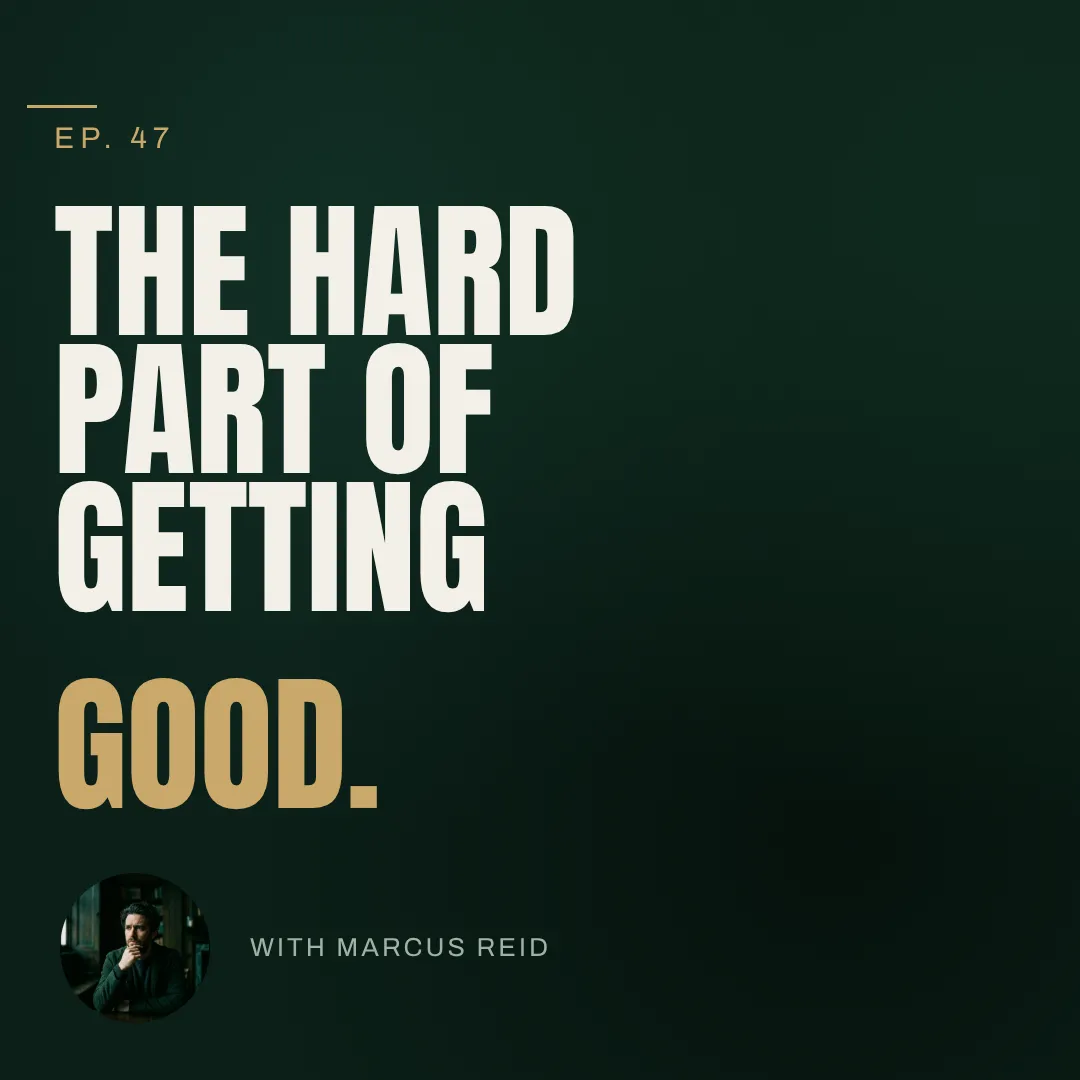
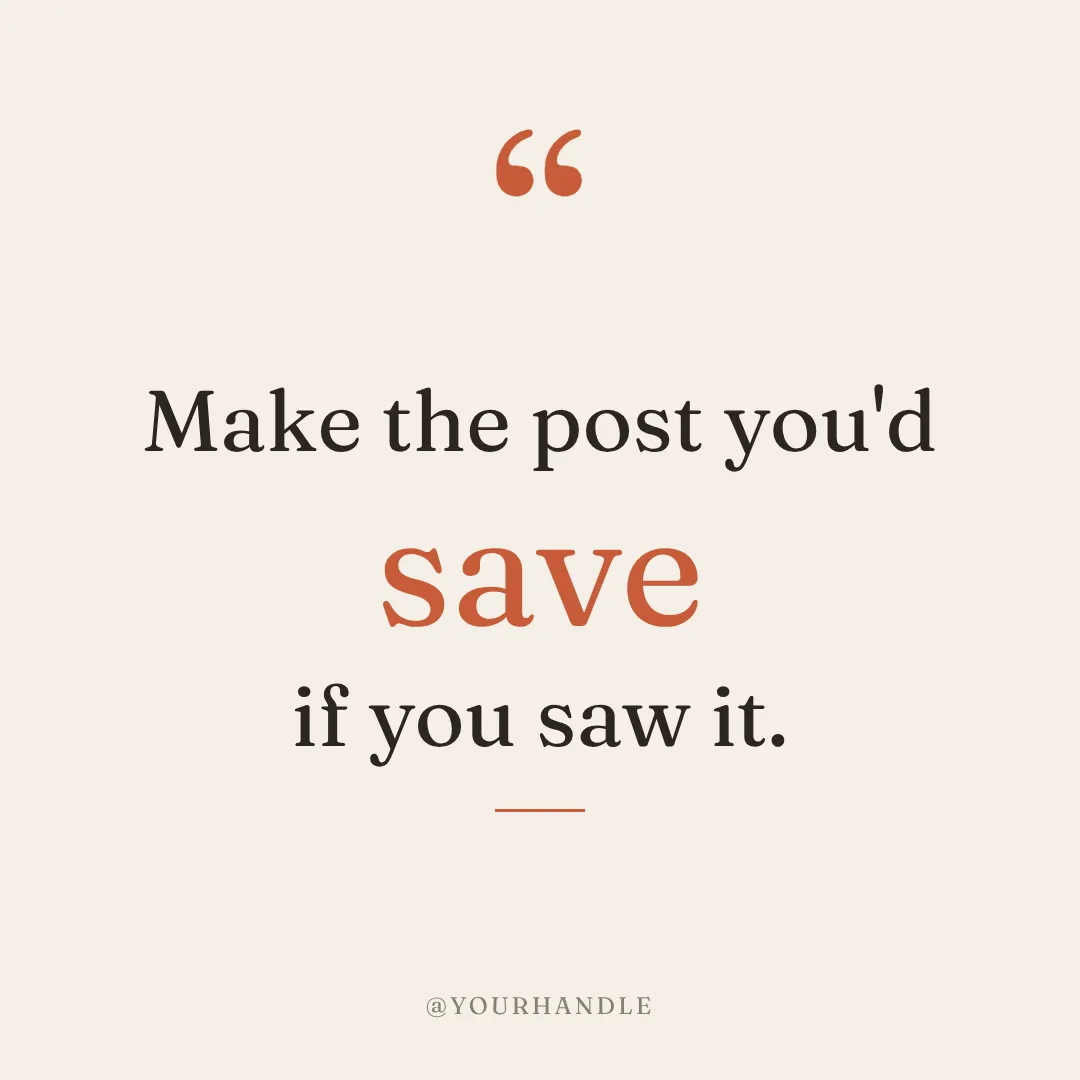
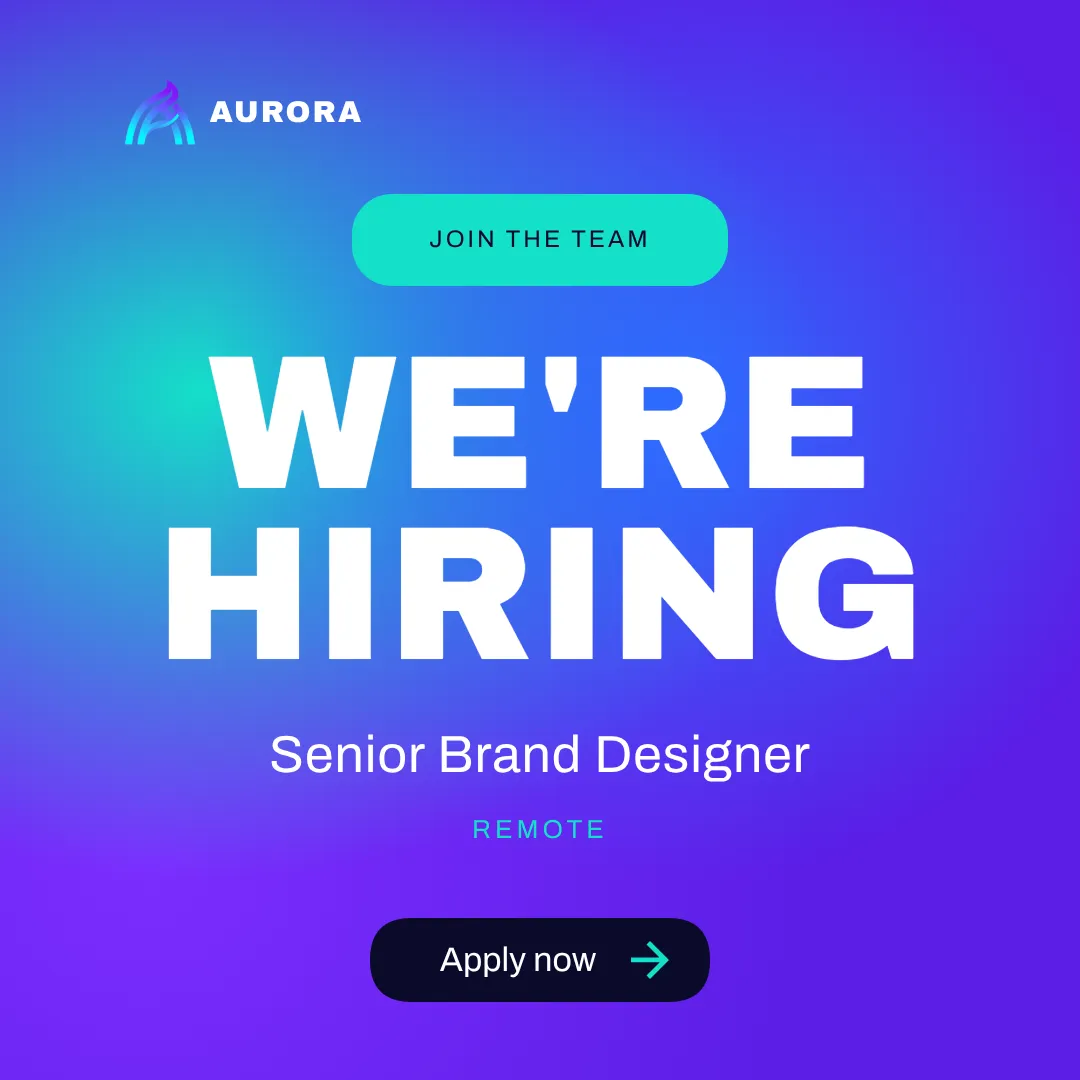
You describe it. Krumzi designs it.
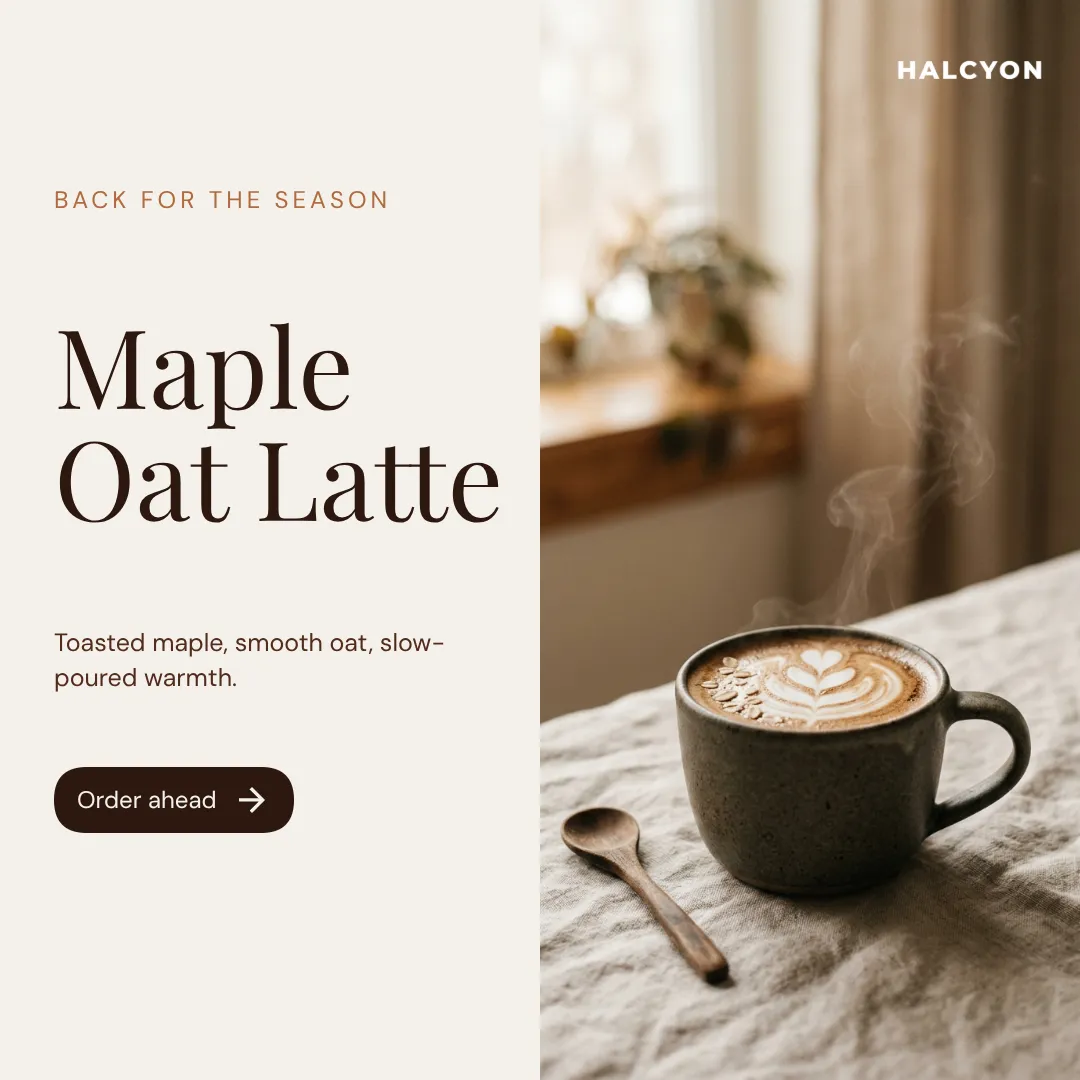
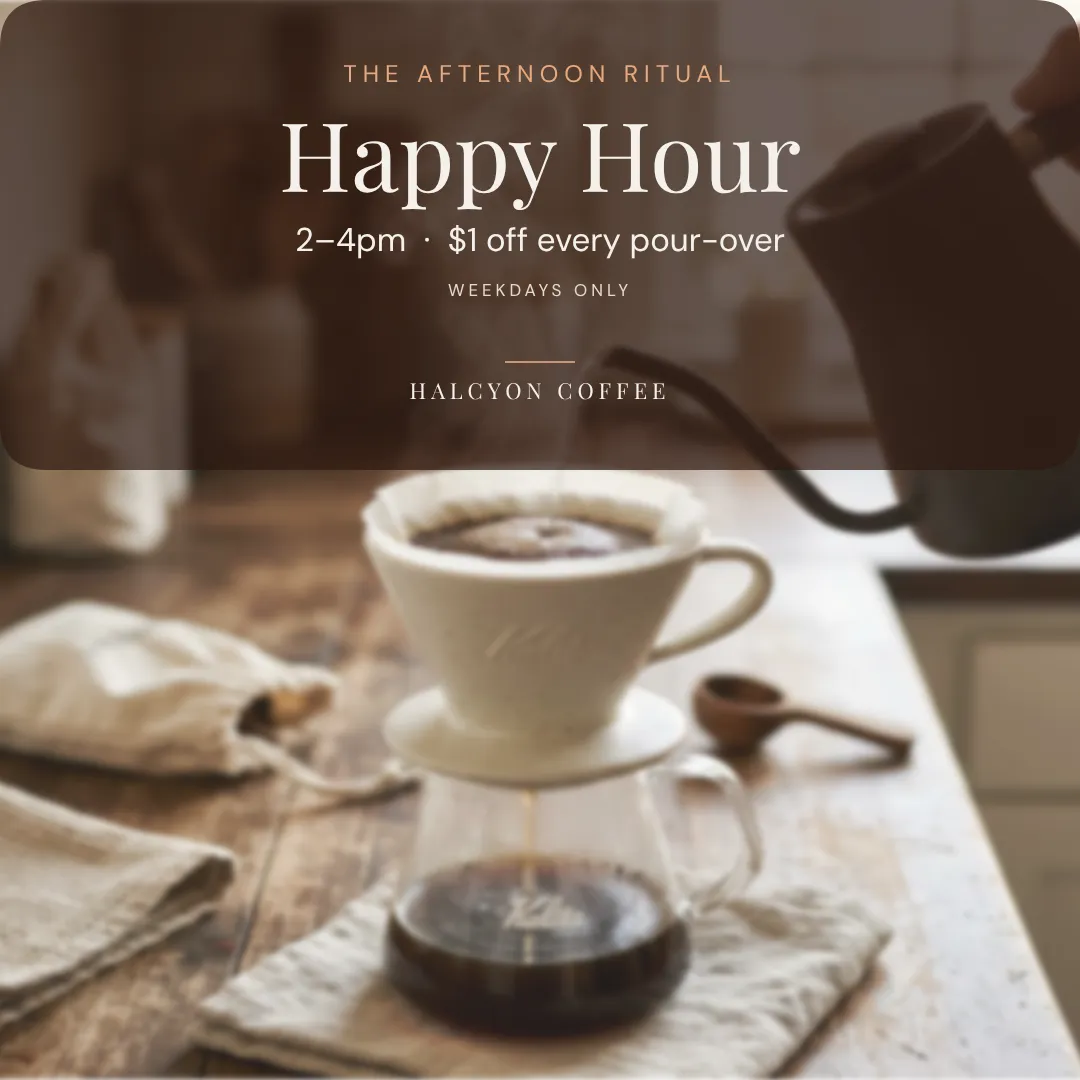
In Photopea, a thumbnail means layers, a font hunt and a tutorial open in another tab. In Krumzi you type one sentence and a finished design comes back in under 60 seconds. Want changes? Keep chatting. Bigger headline, darker background, use the orange from my logo.
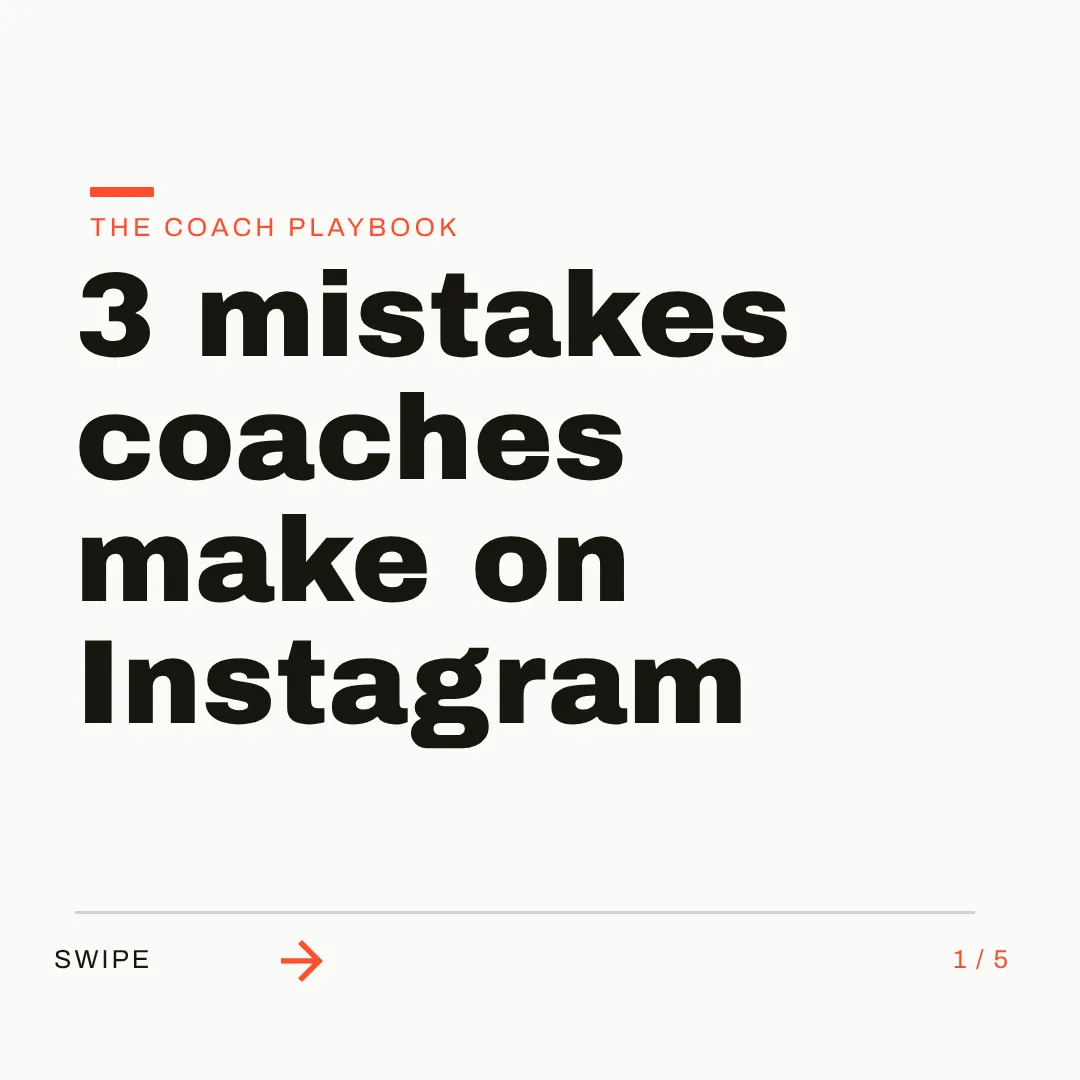
On brand by default. Every format you post.
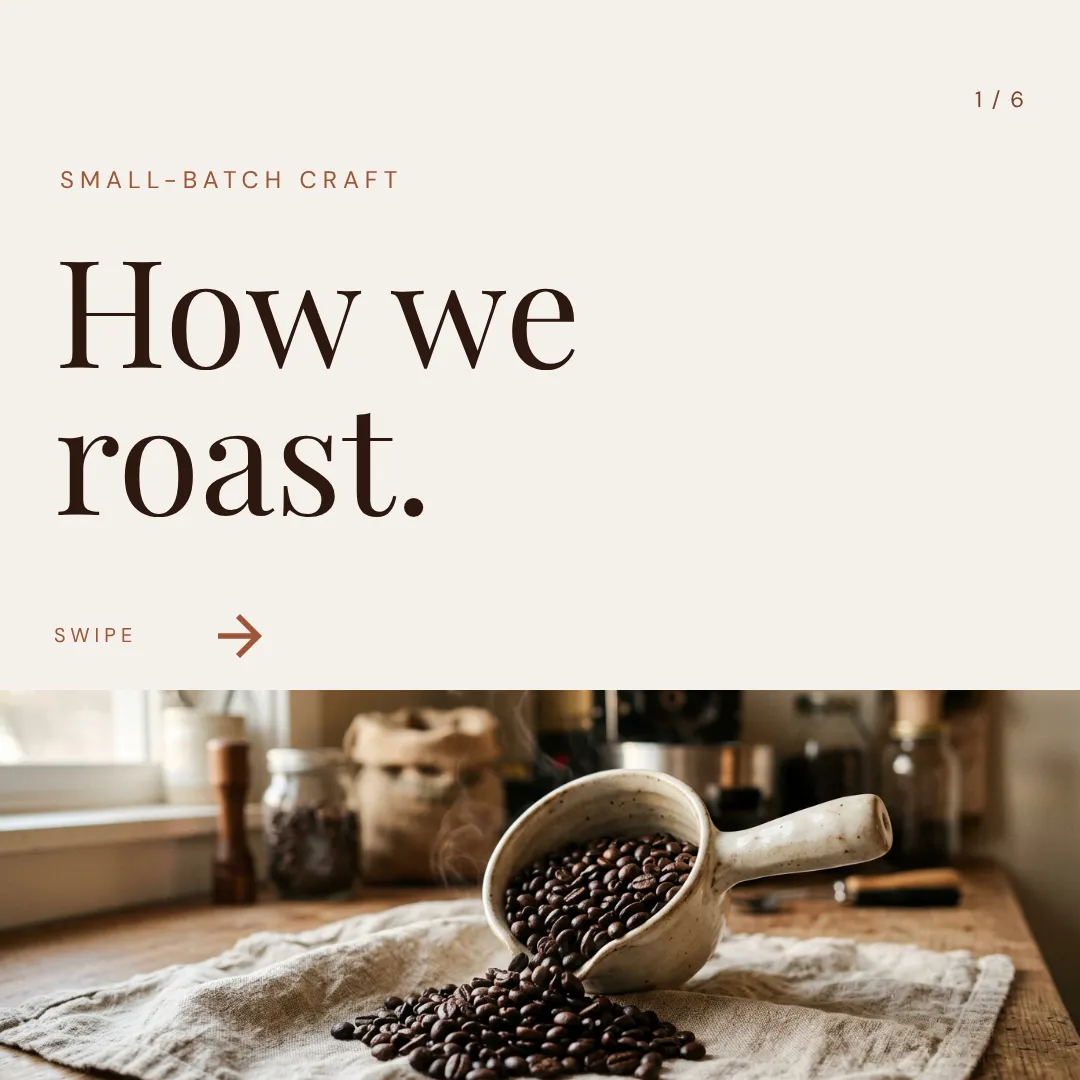
Set up your logo, colors and fonts once, or let Brand Mind learn your style through a quick tap-through interview. Krumzi applies it to every design. Then ask for a post, a carousel, a story or a video (Pro and up), plan the week with Post Ideas, and schedule straight to Instagram and Facebook.
Which one should you actually use?
Different tools fit different jobs. Here's the honest split, including when Photopea is the better call.
Switch to Krumzi if you...
- You use Photopea to make social posts and thumbnails, not to retouch photos
- You'd rather describe a post than build it layer by layer
- You've watched a tutorial just to make one graphic
- Keeping every post on brand depends on you remembering hex codes
- Ads and a lagging browser tab slow down your week
- You want posts, carousels and video from one brief, scheduled to Instagram and Facebook
Stay with Photopea if you...
- You open PSD, AI, XD or Sketch files from clients or designers
- You retouch, composite or edit photos at the pixel level
- You know Photoshop and want it free in a browser
- You need a free editor and don't mind the ads
- You edit PSD mockups or templates someone else built
What each one costs.
Photopea's editor is free, and that's hard to beat. Krumzi is a paid subscription because it does the design work for you. Here's the honest math.
Free
$0/month
- The full editor in your browser
- Ads beside the canvas
- 0.5 GB of PeaDrive cloud storage
- AI features about once a day
Premium, 90 days
$15/90 days
- One-time payment, no ads
- 5 GB of PeaDrive storage
- Monthly AI credits for Remove BG and Magic Replace
- Longer undo history
Premium, 1 year
$50/year
- One-time payment for 365 days
- The same Premium perks
- Team Premium available for groups
KrumziStarter
$19/month
- 1,000 AI credits / month
- 1 brand
- AI Image Maker
- AI Carousel Maker
Pro
$39/month
- 2,500 AI credits / month
- 3 brands, each with its own Brand Kit
- Everything in Starter
- Unlimited Video Exports
Studio
$89/month
- 6,000 AI credits / month
- 10 brands, each with its own Brand Kit
- Everything in Pro
- Claude Opus access
Agency
$249/month
- 20,000 AI credits / month
- 25 brands, each with its own Brand Kit
- Everything in Studio
- Lowest price per credit
Photopea shows its prices only inside its Account window, so these come from dated reviews (April to October 2026). Photopea's terms describe Premium as a one-time payment that switches back to a free account when it ends. Krumzi's prices come live from krumzi.com/pricing. Starter, Pro and Studio start with a 3-day free trial, card needed, with no charge until day 4. See full Krumzi pricing.
Keep Photopea for the pixels. Hand Krumzi the posts.
There's nothing to migrate and nothing to learn. Krumzi doesn't open PSDs, so keep Photopea for those. Your first Krumzi design takes about a minute.
Bring your brand
Export your logo from Photopea as a PNG, add it with your colors, and pick your fonts once. Or let Brand Mind learn your brand through a quick, tappable interview. It works even if you don't have a website.
Describe what you need
Type one sentence. Krumzi designs the first version from scratch, on your brand, in under 60 seconds. Attach a photo you edited in Photopea and Krumzi places it in the design.
Edit, export and schedule
Every element is editable, no layers panel to master. Export PNG, JPG, PDF or WebP, or video up to 4K, and schedule straight to Instagram and Facebook.
Switching from Photopea, answered.
That's the exact job it's built for. Photopea is a free, Photoshop-style editor: you build every post by hand, layer by layer. Krumzi designs the post for you. Describe it in one sentence and it decides the layout, typography and colors itself in under 60 seconds, and everything stays editable. If you use Photopea to make posts and thumbnails rather than to edit photos, Krumzi fits that job better.
Photopea's AI edits pixels inside an image you're building: it removes backgrounds, and Magic Replace swaps part of a photo from a text description. The layout, headline and fonts are still your job. Krumzi designs the whole post from your sentence: real text elements, layout, colors and your brand, all editable afterward.
Yes, everything. Click any part of the design and tell Krumzi what to change, or drag, resize and retype it yourself. There's no layers panel to learn first, and every change Krumzi makes is saved as a version you can go back to.
No. Krumzi doesn't open or export PSD, AI, XD or Sketch files, and that's where Photopea genuinely shines. You can attach images and PDFs to a brief, and export finished designs as PNG, JPG, PDF, WebP, or video on Pro and up. If your work depends on opening designers' files, keep Photopea for that.
Save your logo, colors and fonts once and Krumzi applies them to every design automatically (Brand Kit comes with Pro and up). Brand Mind goes further on every plan: it learns your style and steers every design to look and sound like you. No hex codes to remember.
No. Krumzi is a paid subscription, and Starter, Pro and Studio start with a 3-day free trial. You add a card, pay nothing today, and make your first designs with the plan you picked. Downloads carry a watermark until your plan starts on day 4, unless you cancel before then. Photopea's editor is free, and if free is what you need most, it's a great pick.
No. Plenty of people keep Photopea for photo edits and opening PSDs, and use Krumzi for their weekly social posts. They solve different problems, so use whichever fits the job.
It depends on the job. If you want another free pixel editor, GIMP, Pixlr and Affinity are the names most roundups recommend. If you use Photopea to make social posts and would rather describe them than build them, that's what Krumzi is for: it designs the post from one sentence, in your brand, fully editable.
Compare more alternatives
Photopea isn't the only tool on your shortlist. Here's how Krumzi stacks up against the rest.
VgKrumzi vs VenngageInfographics, reports and accessible docs. Krumzi designs this week's posts from scratch, in your brand, and schedules them. Krumzi vs VismeDecks and infographics first. Krumzi is social first.
 Krumzi vs KittlPrint and merch craft. Krumzi handles the weekly feed.
 Krumzi vs PiktochartInfographics and reports. Krumzi is built for the feed.
 Krumzi vs GlorifyProduct images for e-commerce. Krumzi designs the whole campaign post, product and copy included.
 Krumzi vs DesignstripeShut down in early 2025. Krumzi picks up its brand-from-URL promise, designing from scratch.CfKrumzi vs Creative FabricaFonts, graphics, and craft assets. Krumzi turns a sentence into the finished design, assets included.PsKrumzi vs PhotoshopThe pro pixel editor everything is measured against. Krumzi skips the pixel work and designs the post for you.
Your next post is one sentence away.
Keep Photopea for photo edits and PSDs. Let Krumzi design this week's posts. Describe it, and watch it design.