
YouTube Shorts are the fastest way to get in front of new viewers right now. They live in their own feed, they get pushed to people who have never heard of you, and a single Short can rack up more views in a day than a long video does in a month. If you have been meaning to start, this is the format to start with.
This guide walks you through how to make a YouTube Short from a blank idea to a published video. No fancy gear, no editing degree, just a clear step-by-step process you can follow today.
What Counts as a YouTube Short?

A YouTube Short is a vertical video up to 3 minutes long that appears in the Shorts feed. YouTube automatically treats a video as a Short when it is vertical (9:16) and within the length limit. That is the whole definition, which means the format is wide open for how you use it.
Shorts are designed for quick, mobile-first viewing. People scroll fast, so the first second matters more than anything else in the video.
What You Need Before You Start
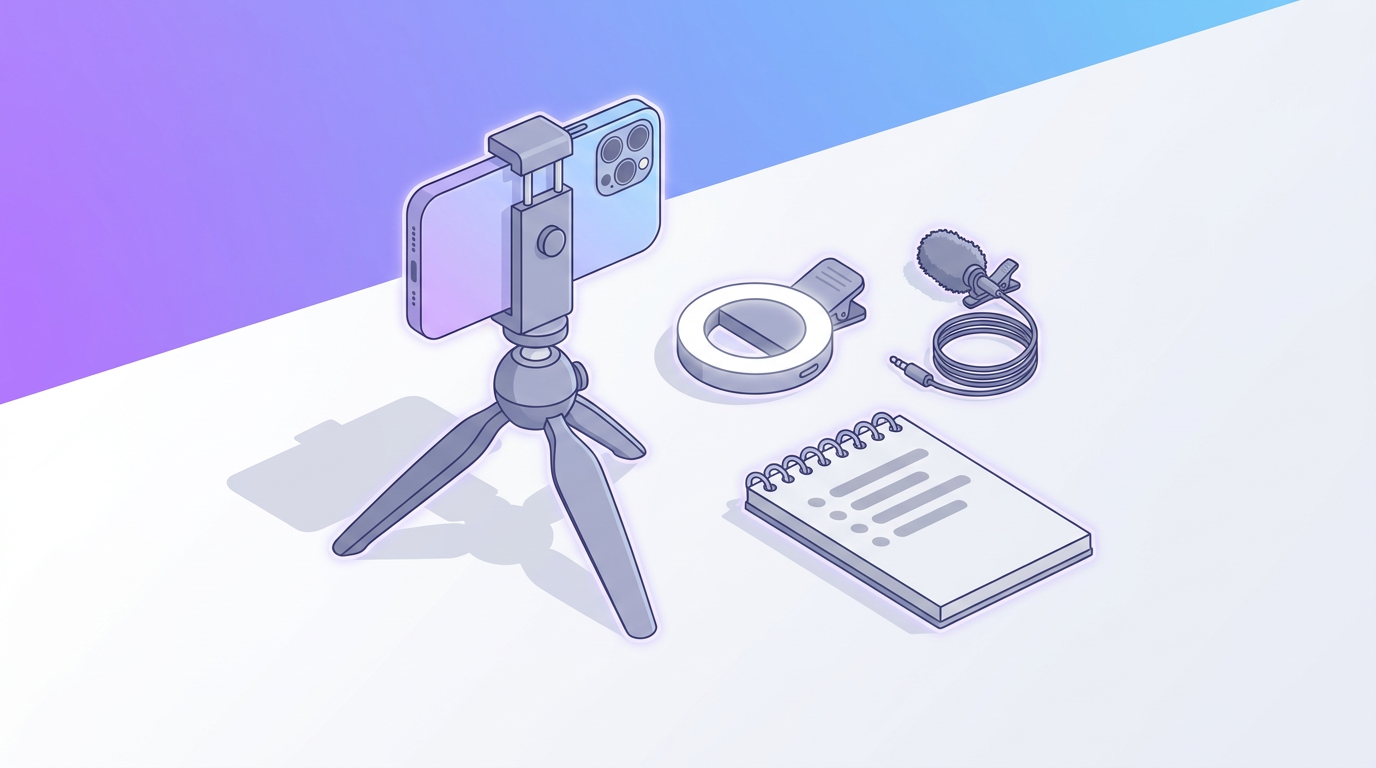
You can make a Short with nothing but your phone. Here is the short list:
- A smartphone with a decent camera (any phone from the last few years works)
- Good lighting, even if it is just a window
- A quiet spot so your audio is clean
- One clear idea per video
That last point is the one people skip. A Short that tries to say five things says nothing. Pick a single idea and build the whole video around it.
How to Make a YouTube Short in 6 Steps

Step 1: Pick One Idea and Write the Hook
Start with a single, specific idea: one tip, one story, one reveal. Then write your hook, the first line viewers hear or read. A strong hook creates curiosity or promises a payoff. "Here is the fastest way to edit a Short" beats "Today I want to talk about editing."
Stuck for angles? Our list of social media video ideas is a good place to mine hooks that already work.
Step 2: Plan a Quick Script or Outline
Even a 30-second Short benefits from a plan. Jot down your hook, two or three beats in the middle, and a closing line or call to action. Keeping it tight stops you from rambling and makes editing far easier. If you want a repeatable structure, our guide on writing a video script that holds attention breaks down the framework.
Step 3: Record Vertically (9:16)
Shoot in vertical so the video fills the phone screen. You can record right inside the YouTube app by tapping the plus icon and choosing Create a Short, or film with your phone camera and edit later. Filming separately usually gives you more control.
Keep clips short and shoot a little extra at the start and end of each take so you have room to trim. Vertical, well-lit, and steady is all you need.
Step 4: Edit for Pace and Captions
Editing is where most Shorts win or lose attention. Cut every pause and dead moment so the video moves quickly. Add captions, because a large share of people watch without sound and captions keep them following along.
You can also add a title card or a branded intro frame to make your Short feel polished. Design tools like Krumzi let you create title cards, end screens, and animated graphics just by describing what you want, so your Shorts look consistent without hiring anyone.
Step 5: Add a Title and Details
Write a clear, curiosity-driven title and add a few relevant keywords in the description. You do not need hashtags stuffed everywhere; one or two focused ones are plenty. Choose whether comments are on (they usually should be, since comments boost engagement signals).
Step 6: Upload and Post at a Consistent Time
Upload from the app or from YouTube.com by clicking Create, then Upload video. As long as the file is vertical and within the length limit, YouTube recognizes it as a Short. Post consistently rather than perfectly. Creators who publish Shorts regularly train the algorithm to keep testing their content with new audiences.
Specs and Settings Cheat Sheet

| Setting | Recommended |
|---|---|
| Aspect ratio | 9:16 (vertical) |
| Resolution | 1080 x 1920 px |
| Length | Up to 3 minutes (15 to 60 seconds performs best) |
| File type | MP4 or MOV |
| Captions | Always on |
Tips to Get More Views on Your Shorts

- Front-load the value. Deliver or tease the payoff in the first second. If people swipe away early, YouTube stops showing the Short.
- Loop it. Ending on a line that connects back to the opening makes viewers watch twice, which boosts your view count.
- Keep it vertical and full-screen. Black bars or letterboxing make a Short look off and hurt retention.
- Post series. Turning one idea into a recurring format gives returning viewers a reason to subscribe.
If you also create for other platforms, the same clips can fuel Reels and TikToks. Our best AI Reels makers roundup and our TikTok growth playbook help you repurpose without extra filming. Pairing Shorts with a strong thumbnail on your regular videos also helps, which is where our YouTube thumbnail guide comes in.
Frequently Asked Questions
How long can a YouTube Short be?
A YouTube Short can be up to 3 minutes long. That said, 15 to 60 seconds tends to perform best because shorter videos hold attention and get rewatched more often.
Do I need special equipment to make a YouTube Short?
No. A recent smartphone, decent lighting, and clean audio are enough. Many top Shorts are filmed entirely on a phone with no extra gear.
What size should a YouTube Short be?
Shorts should be vertical at a 9:16 aspect ratio, ideally 1080 x 1920 pixels. Upload as MP4 or MOV for the best playback quality.
How do I make my YouTube Shorts get more views?
Hook viewers in the first second, keep the pace tight, add captions, and post consistently. Ideas that loop or tease a payoff early tend to hold attention, which prompts YouTube to show them to more people.
Can I make YouTube Shorts without showing my face?
Yes. Plenty of Shorts use screen recordings, text on screen, b-roll, product shots, or animated graphics instead of a talking head. A design tool can help you build faceless Shorts with title cards and motion graphics.
Ready to make your first one? Sketch the idea, film it vertically, and use Krumzi to add the graphics that make it look pro. Then hit upload and let the Shorts feed do the rest.

 Facebook
 X
X LinkedIn


