On this page
Your Reel can be brilliant, but if the cover looks messy on your profile grid, people scroll right past it. The Reels cover is the thumbnail that decides two things at once: whether someone taps play, and whether your profile looks polished or chaotic when a new visitor lands on it.
Most creators either forget the cover entirely or upload one that gets awkwardly cropped. This guide shows you how to make an Instagram Reels cover that fits perfectly in 2026, looks consistent across your grid, and actually earns the tap.
What Is a Reels Cover (and Why It Matters)
A Reels cover is the still image that represents your Reel in three places: on the Reels tab of your profile, on your main profile grid, and sometimes in the feed. It is your Reel's thumbnail and your first impression.
Here is why it is worth the extra two minutes. Reels are one of the most-reached content formats on Instagram, and a strong cover does double duty: it lifts taps on the individual Reel and keeps your whole profile looking intentional. A grid of clean, on-brand covers signals "worth following" before anyone reads a word.
Instagram Reels Cover Size in 2026

This is where most people slip up, because the cover is displayed at different crops in different spots. Design for all of them:
| Where it appears | Size / ratio |
|---|---|
| Full Reels cover (upload) | 1080 x 1920 px (9:16) |
| Profile Reels tab preview | Cropped to 1080 x 1350 px (4:5) |
| Main profile grid thumbnail | Center-cropped to a 1:1 square |
| Recommended safe zone | Center 1080 x 1080 px |
Upload the full vertical 1080 x 1920 px image, but design as if only the center square will be seen on your grid. That center-safe approach is the single trick that keeps your covers from getting their text chopped off.
The Safe Zone: Keep Text and Faces Centered
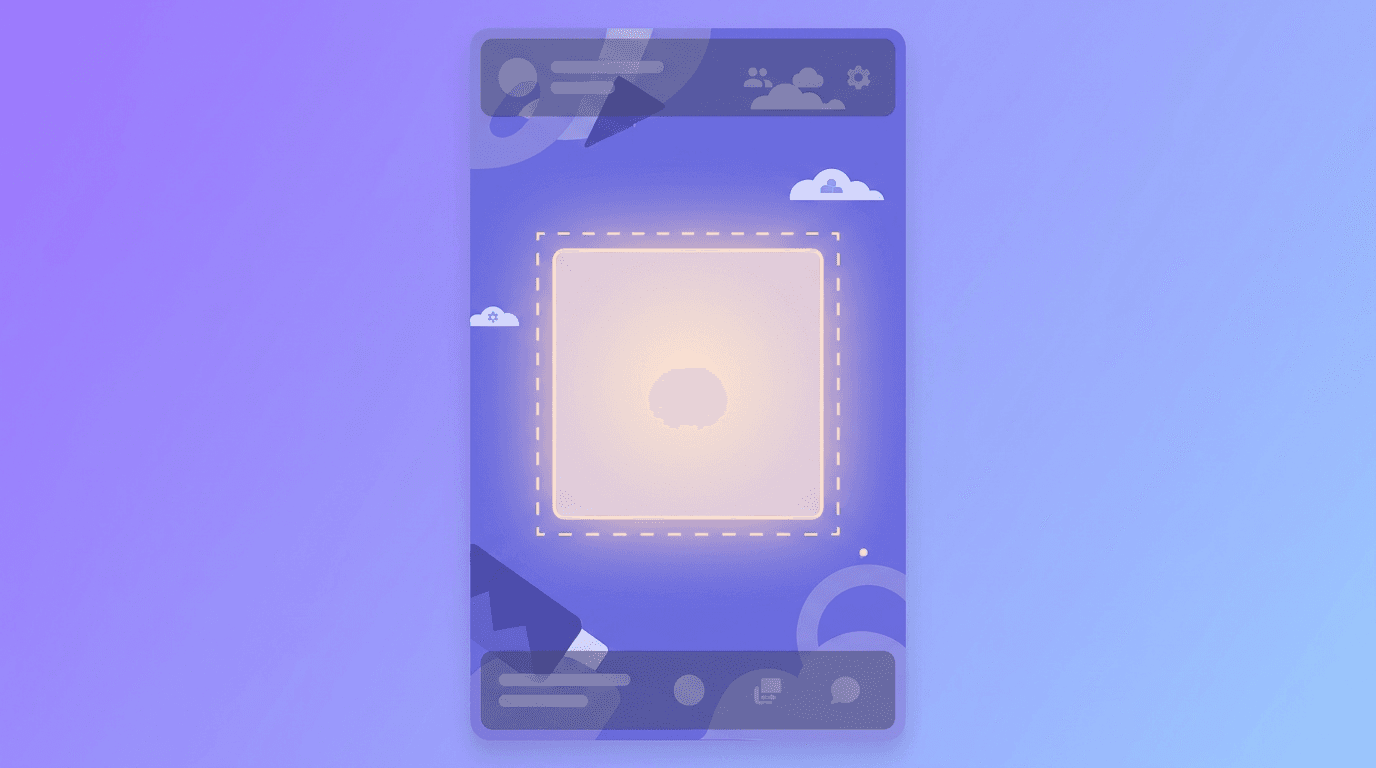
Because the grid crops your cover to a square, anything near the top or bottom can disappear. Keep your title text, your face, and any logo inside the central square area.
Also leave a little breathing room at the very bottom of the full 9:16 image. Instagram overlays your username and caption preview there in some views, so a busy bottom edge gets cluttered. Center your message and you are safe everywhere.
How to Make an Instagram Reels Cover: Step by Step
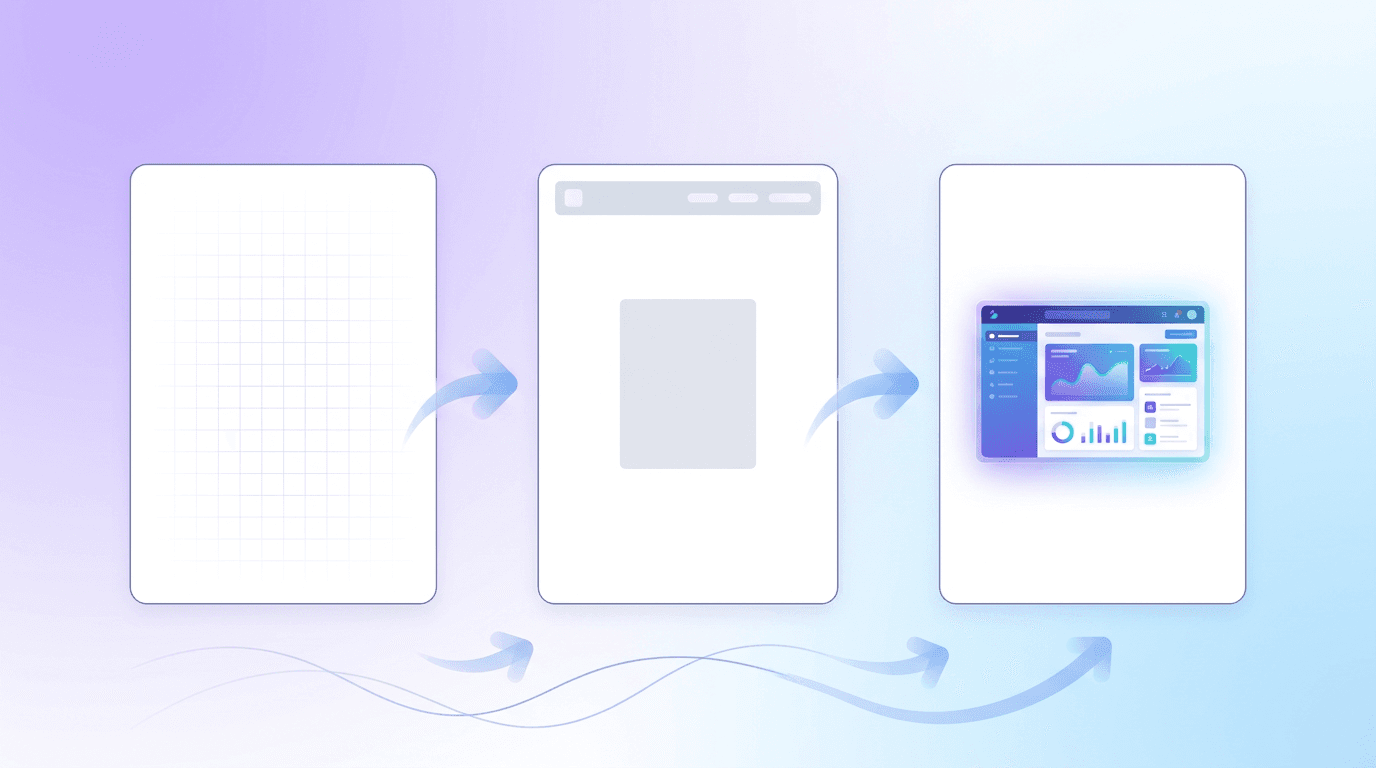
Step 1: Plan the Cover Before You Post
Decide what the cover needs to say. For most Reels, that is a short, curiosity-driving title (three to five words) plus a clean visual. Think "3 hooks that stop the scroll" rather than a full sentence.
Step 2: Start at the Right Size
Create your cover at 1080 x 1920 px so it is sharp and correctly proportioned. Starting at the right dimensions means no awkward resizing later.
Step 3: Add Readable Title Text
Use a bold, legible font and high contrast against the background. On a small phone thumbnail, thin or fancy fonts vanish. Keep the text large and inside the center safe zone. Our guide on adding readable text to AI images covers how to keep type crisp.
Step 4: Match Your Brand and Grid
Use consistent colors, fonts, and a similar layout across all your Reels covers. This is what turns a random grid into a branded one. Pick a template style and repeat it so every new cover slots in cleanly.
Step 5: Design It Fast With AI
Making a fresh, on-brand cover for every Reel gets tedious. With an AI design tool like Krumzi, you describe the cover you want ("a bold Reels cover, dark background, yellow title text that says 3 Editing Hacks, centered") and it designs a correctly sized, editable cover in seconds. Because everything stays editable, you can duplicate it and swap the title for your next ten Reels while keeping the look identical. That consistency is exactly what makes a grid look professional.
Step 6: Upload It as Your Cover
When you post your Reel, tap the cover option in the editing screen. You can either choose a frame from the video or upload your custom cover image. Select "Add from camera roll" (or the equivalent upload option) and pick the cover you designed. Preview how it looks as a grid square before you share.
Reels Cover Ideas That Perform
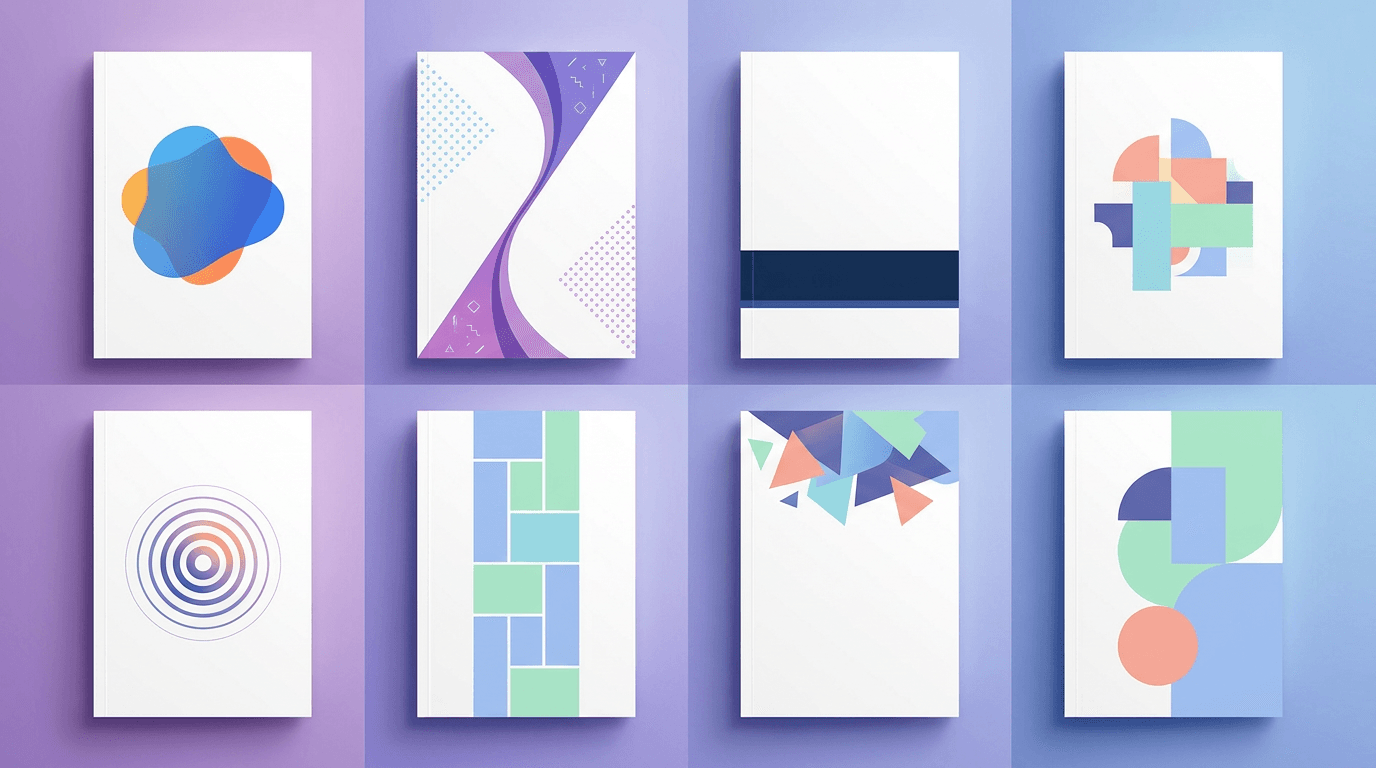
- The bold text title. A short, benefit-driven hook on a clean background. The workhorse of high-tap covers.
- The face plus caption. A clear shot of you with a few words of text. Faces build connection and trust.
- The before-and-after tease. Split the cover to hint at a transformation.
- The consistent series look. Same layout and color for every Reel in a series, so followers recognize it instantly.
- The clean product shot. For brands, a crisp product image with a short label.
Common Reels Cover Mistakes
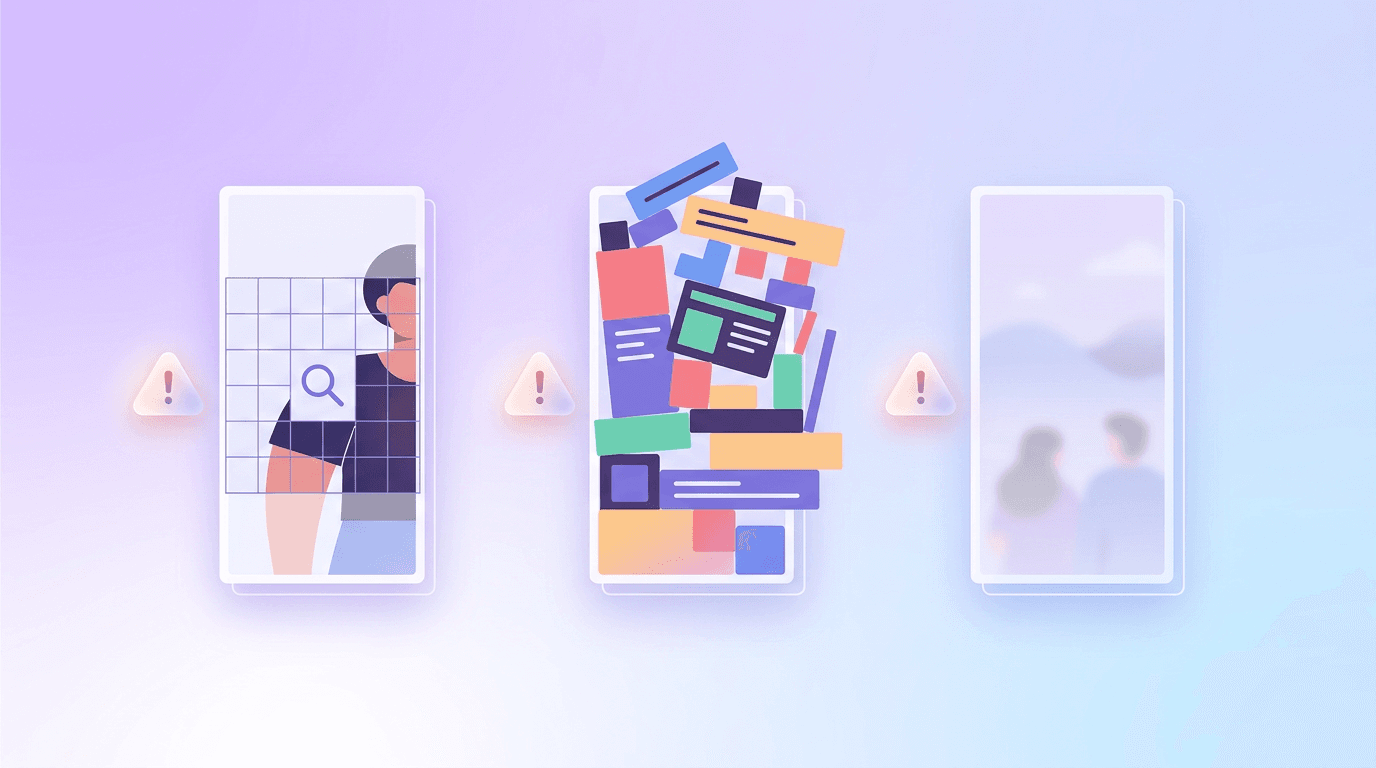
- Text too close to the edges. The grid crop eats it. Center everything important.
- Tiny or low-contrast fonts. If you cannot read it as a thumbnail, neither can anyone else.
- A different style every time. Inconsistent covers make even good content look scattered.
- Letting Instagram pick a random frame. A mid-motion blurry frame is not a cover. Always set one on purpose.
- Ignoring the square crop. Designing only for the full vertical view means your grid looks wrong.
Frequently Asked Questions
What size is an Instagram Reels cover in 2026?
Upload your Reels cover at 1080 x 1920 px (9:16). It is cropped to 1080 x 1350 px (4:5) on your Reels tab and to a 1:1 square on your main profile grid, so keep key elements in the center 1080 x 1080 px safe zone.
How do I add a custom cover to my Instagram Reel?
While posting, tap the cover option in the editing screen, then choose "Add from camera roll" to upload your own image instead of using a video frame. Preview the grid crop before you share.
Can I change a Reels cover after posting?
Yes. Open the Reel, tap the menu, choose Edit, and you can update the cover. Note that grid thumbnail updates can sometimes take a little time to refresh.
Why does my Reels cover look cut off on my profile?
Your profile grid crops the cover to a square, so anything near the top or bottom gets trimmed. Keep text, faces, and logos inside the central square area to avoid this.
Do Reels covers actually affect views?
A strong cover increases taps on your Reel and makes your overall profile look more polished, which helps convert visitors into followers. It will not fix weak content, but it helps good content get seen.
Give Every Reel a Cover Worth Tapping
A great Reels cover is correctly sized at 1080 x 1920 px, keeps its message inside the center square, and matches the rest of your grid. Do that consistently and your profile starts working as hard as your content.
When you are ready to design one, describe it and let Krumzi create an editable, on-brand cover in seconds. For more reach, pair this with our guides on making animated social media posts and getting more views on Instagram.
A month of posts, designed before your coffee cools
Describe the post. Krumzi designs it from scratch, on your brand, fully editable.
Make your first design freeFree to make, no card. Only pay if you download it.