
Need the Open Graph image size fast? The standard is 1200 x 630 pixels (a 1.91:1 ratio), and that single size covers link previews across Facebook, LinkedIn, and X. This cheat sheet gives you the exact dimensions for every major platform, why 1200x630 works, and the file rules that keep your preview from getting cropped or ignored.
The Short Answer: 1200 x 630 px
The recommended OG (Open Graph) image size in 2026 is 1200 x 630 pixels, saved as PNG or JPG, kept under 8 MB, at a 1.91:1 aspect ratio. Set it once with the og:image tag and most platforms will use it for link previews. If you only remember one number, remember 1200 x 630.
OG Image Size Cheat Sheet (Every Platform)
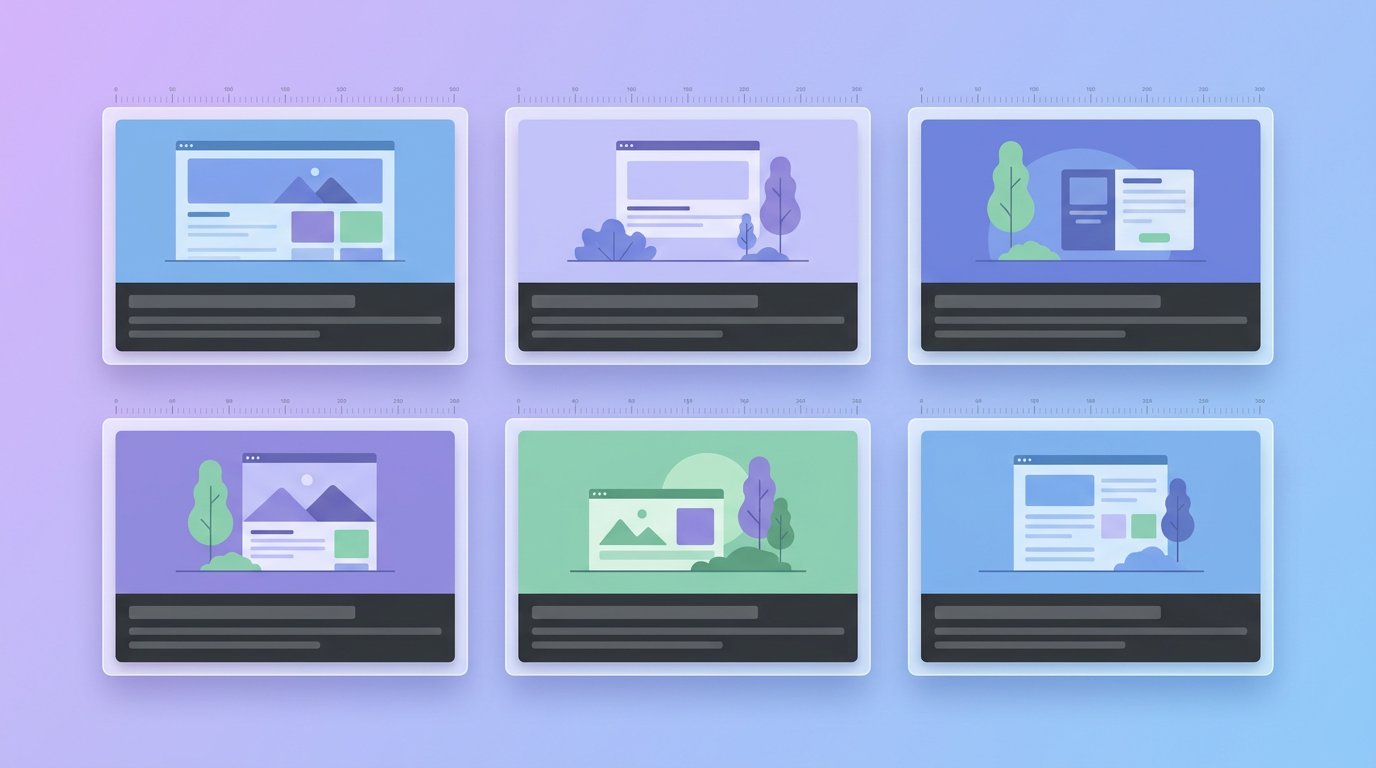
| Platform | Recommended Size | Aspect Ratio |
|---|---|---|
| Open Graph (default) | 1200 x 630 px | 1.91:1 |
| Facebook link preview | 1200 x 630 px | 1.91:1 |
| LinkedIn link preview | 1200 x 627 px | 1.91:1 |
| X (Twitter) large card | 1200 x 628 px | 1.91:1 |
| WhatsApp / iMessage | 1200 x 630 px | 1.91:1 |
| Discord embed | 1200 x 630 px | 1.91:1 |
| Slack unfurl | 1200 x 630 px | 1.91:1 |
| Pinterest Rich Pin | 1000 x 1500 px | 2:3 |
The absolute minimum is 600 x 315 px, but 1200 x 630 renders crisply on high-resolution screens and is the safest default across every platform above.
Why 1200 x 630 Is the Standard

The 1.91:1 ratio comes from Facebook's original large-format link preview, and the rest of the web standardized around it. At 1200 x 630, your image is large enough to stay sharp on retina and 4K displays while staying small enough to load fast.
Platforms like LinkedIn (1200 x 627) and X (1200 x 628) use dimensions that are one or two pixels off, but they all round to the same 1.91:1 shape. That is why one well-made 1200 x 630 image works everywhere without separate versions.
File Rules That Prevent Broken Previews
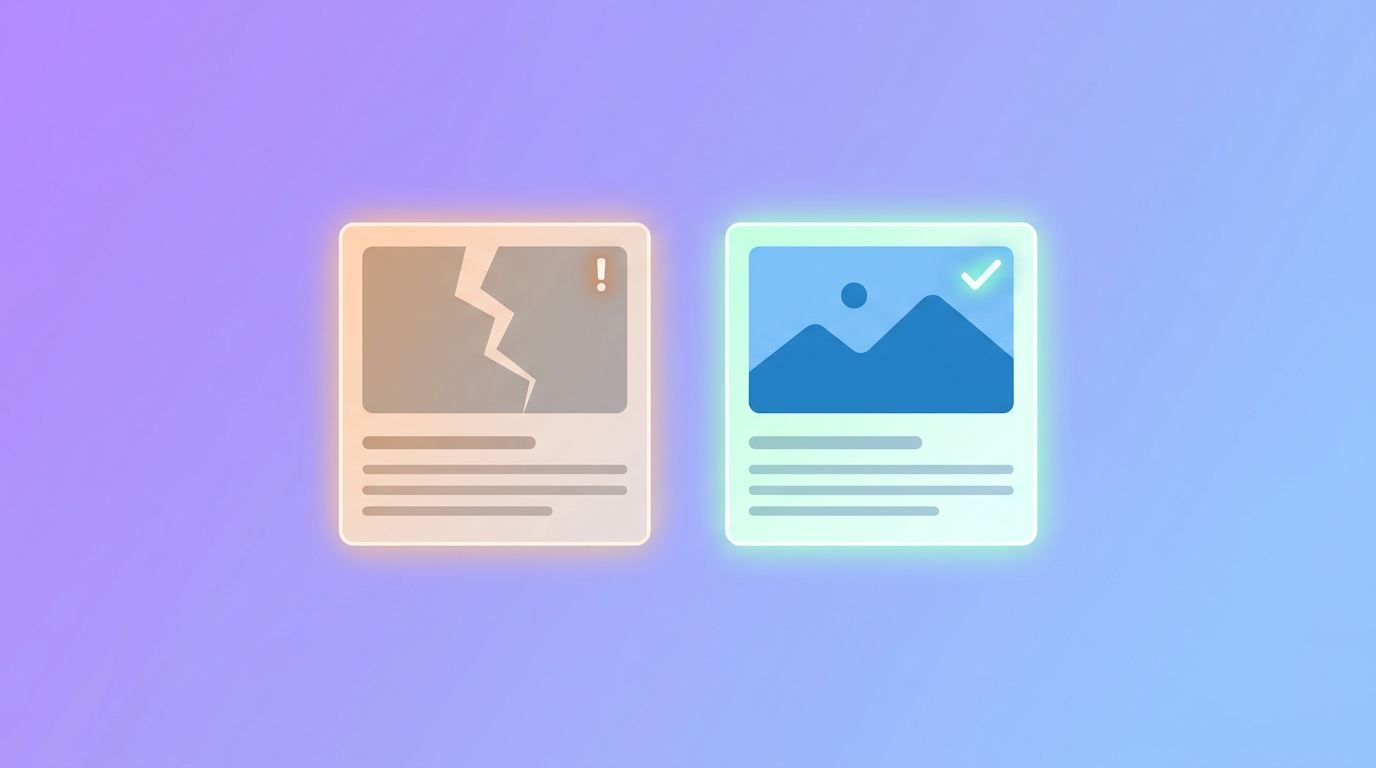
Getting the size right is only half the job. These rules stop the most common broken-preview problems:
- Format: Use PNG or JPG. Some link scrapers still fail to render WebP, so avoid it for OG images.
- File size: Stay under 8 MB (Facebook's hard limit). Under 1 MB is better for fast loading.
- Use an absolute URL in the
og:imagetag, not a relative path. - Keep text and logos in the center safe zone. Different apps crop the edges slightly, so keep anything important away from the borders.
- Declare width and height so scrapers render the preview instantly instead of guessing.
The Meta Tags You Need
Drop these into the <head> of your page:
<meta property="og:image" content="https://yoursite.com/og-image.png" />
<meta property="og:image:width" content="1200" />
<meta property="og:image:height" content="630" />
<meta name="twitter:card" content="summary_large_image" />
How to Make a 1200x630 OG Image in Minutes

You do not need a designer to create a clean link-preview image. Describe what you want to an AI design tool like Krumzi, set the canvas to 1200 x 630, and generate a branded image with your headline and logo already placed. Every element stays editable, so you can tweak the text or colors before you export.
For the full breakdown of every social image dimension, not just link previews, see our complete Open Graph and social media image sizes guide.
Frequently Asked Questions
What is the best OG image size?
1200 x 630 pixels at a 1.91:1 aspect ratio. It is the recommended Open Graph size and renders correctly on Facebook, LinkedIn, X, WhatsApp, Discord, and Slack.
Is the OG image size the same for Facebook and Twitter?
Almost exactly. Facebook uses 1200 x 630, X's large summary card uses 1200 x 628, and LinkedIn uses 1200 x 627. All three are effectively 1.91:1, so a single 1200 x 630 image works for all of them.
Why is my link preview image not showing?
The usual causes are a relative (not absolute) og:image URL, a file over 8 MB, an unsupported format like WebP, or a cached old version. Run your URL through the platform's sharing debugger to force a fresh scrape.
What is 1200 x 630 pixels in inches or cm?
At 96 DPI, 1200 x 630 px is roughly 12.5 x 6.56 inches (about 31.75 x 16.67 cm). For anything shown on screen, always design in pixels rather than physical units.

 Facebook
 X
X LinkedIn


