On this page
Most "best AI tools for creators" lists are twenty logos in a row with a paragraph each, and they leave you exactly where you started: unsure what to actually install.
This one is organized by the stage of your workflow where the bottleneck actually is. Because the honest truth is that you do not need sixteen tools. You need two or three, in the places where you personally lose the most hours.
So start by asking where your week actually goes. If you spend four hours editing video and forty minutes writing, an AI writing tool will not change your life. Find your bottleneck, then pick from that section.
How to Choose (Read This Before the List)

Three filters worth applying to every tool below:
Does it save you an hour a week or five minutes? A tool that saves five minutes is a toy. It will sit unused after week two.
Does the output need heavy fixing? AI output that takes 80 percent as long to fix as it would have taken to make yourself is a net loss. Test on real work before subscribing.
Does it lock up your files? Some tools make it hard to get your assets out in a usable format. Check the export options before you build a workflow on top of something.
And one broader caution: the tools change constantly, but audience trust does not. Whatever you automate, the thing your audience actually returns for is your judgment and your point of view. Automate production, not perspective.
Ideation and Research

1. ChatGPT
Still the default general-purpose assistant, and the best starting point for outlining, brainstorming angles, and pressure-testing an idea before you commit a week to it. Its weakness is that unprompted output tends toward the generic middle, so it works best when you feed it your own constraints, past work, and audience specifics.
Best for: Outlining, ideation, quick research synthesis
Watch out for: Confident inaccuracies on anything recent or niche
2. Claude
Strong at long-form work and at following detailed instructions without drifting. Creators tend to prefer it for editing and restructuring existing drafts, where staying faithful to the source matters more than generating something new.
Best for: Long-form drafting, editing, working across large documents
Watch out for: Same general caution on factual claims, verify anything specific
3. Perplexity
A research tool rather than a writing tool. It answers with live citations, which makes it genuinely useful for fact-checking and gathering sources fast. The citations are the product here.
Best for: Research with sources you can verify
Watch out for: It is not a drafting tool, do not use it as one
For a broader look at fitting AI into each content type rather than each tool, our guide on how to use AI for content creation walks through the process end to end.
Writing and Scripting
4. Jasper
Built specifically for marketing copy, with brand voice controls that keep output consistent across a team. That team angle is the real differentiator, and also why it is overkill for solo creators.
Best for: Marketing teams needing consistent voice at volume
Watch out for: Pricing that only makes sense above a certain output level
5. Copy.ai
Faster and lighter for short-form work: captions, hooks, ad variations, subject lines. Good at producing twenty options quickly so you can pick one.
Best for: Short-form copy and volume variations
Watch out for: Long-form output needs substantial editing
6. Surfer SEO
Not a writer, an optimizer. It analyzes what is ranking for your target keyword and tells you the terms and structure your draft is missing. Genuinely useful if search is a real channel for you, and pointless if it is not.
Best for: Blog content aimed at Google
Watch out for: Following its scores too literally produces stiff, keyword-stuffed writing
If video scripting is your bottleneck rather than blog writing, our guide on how to write a video script that holds attention covers the structure part that no tool solves for you.
Visuals and Design

This is where most creators lose the most time, because design is the one skill people are least likely to already have.
7. Krumzi
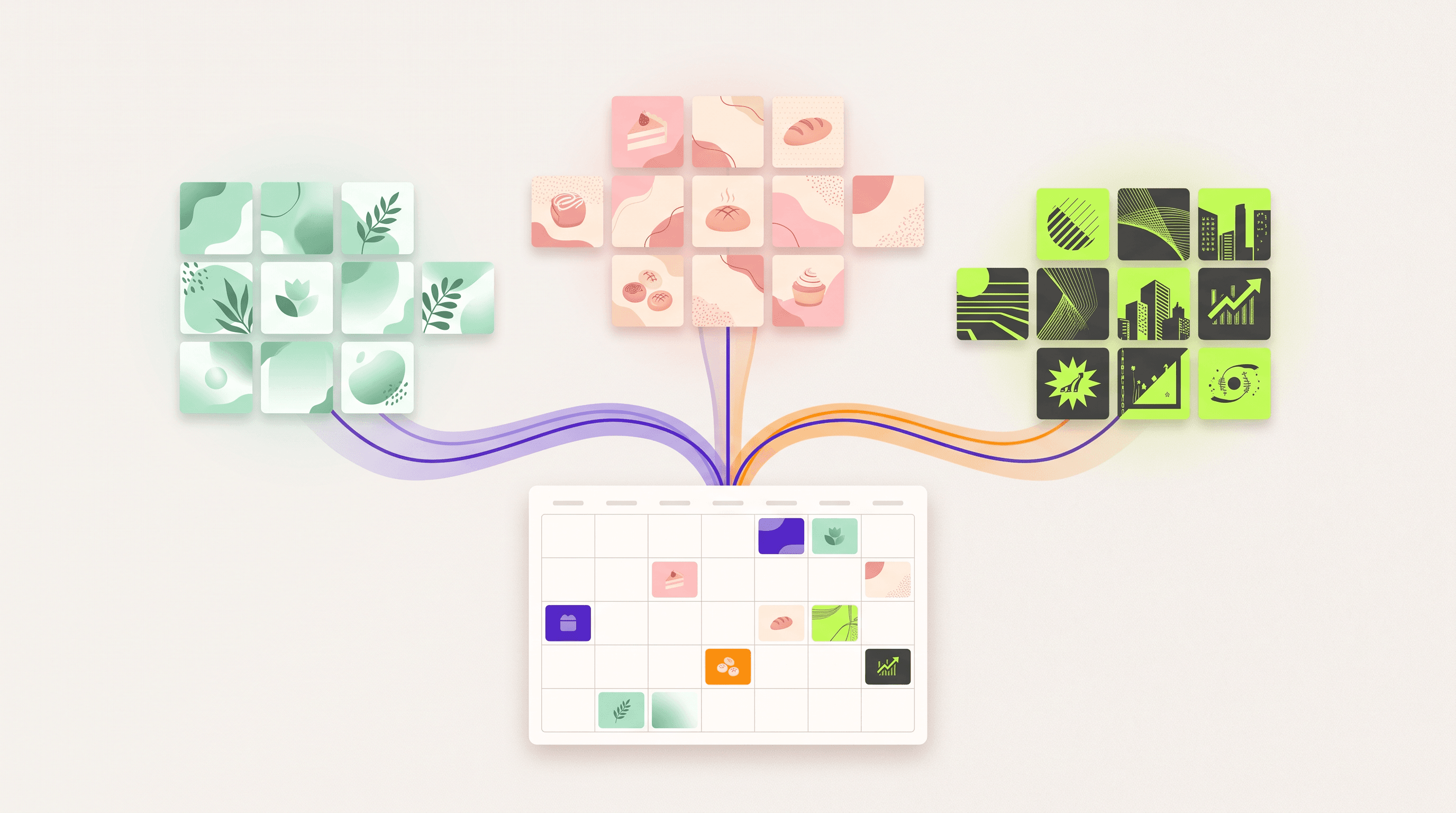
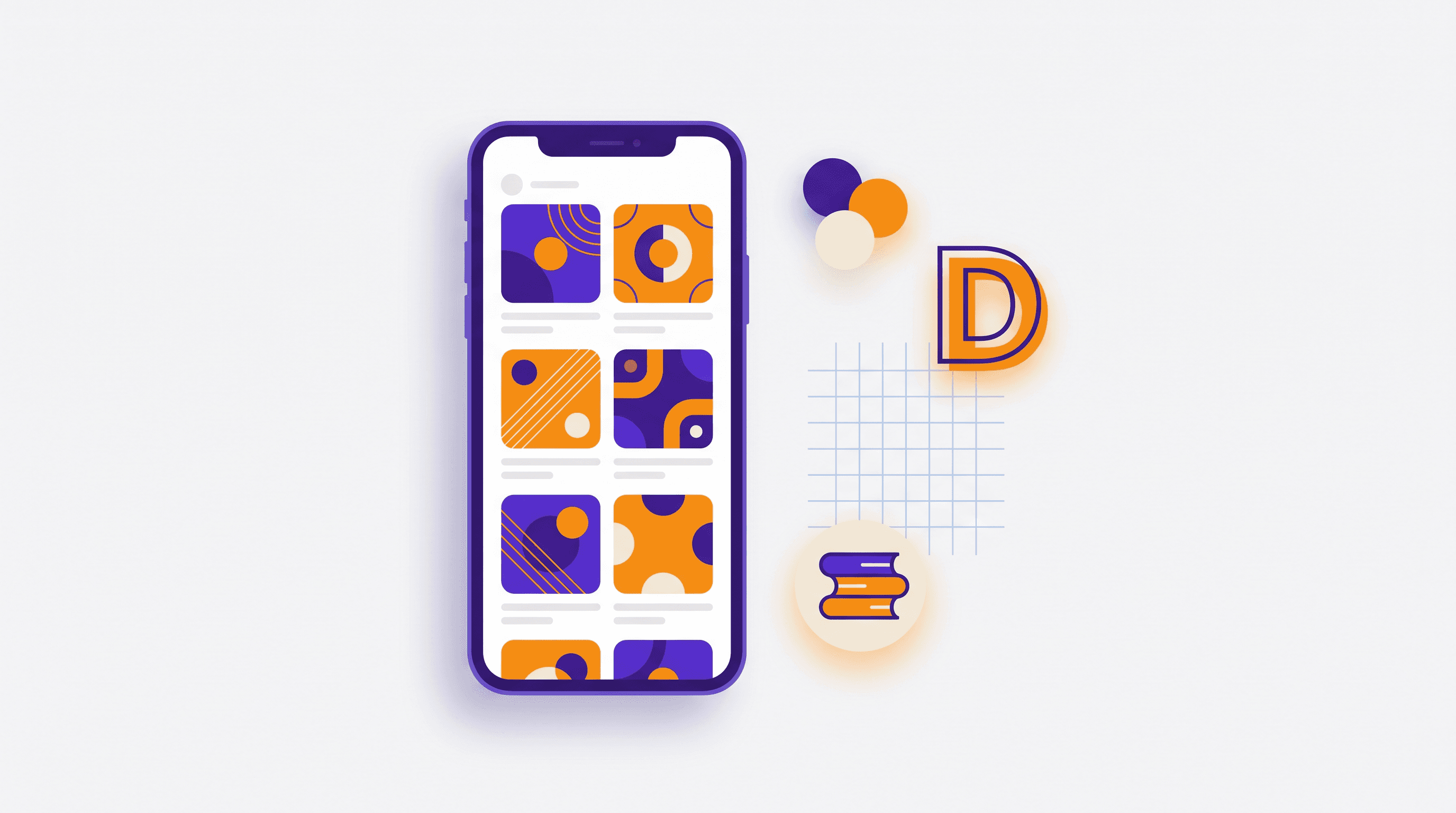
Krumzi takes a chat-based approach rather than a template-based one. You describe what you want, a carousel about three pricing mistakes in your brand colors, a thumbnail for a video about morning routines, and the AI designs it from scratch: layout, typography, color, spacing. Everything it produces stays fully editable, so you are not stuck with whatever it generated first.
The practical difference from template tools is that you are not browsing for a template that almost fits and then fighting it. You describe the thing and adjust from there. It handles carousels, social posts, thumbnails, flyers, posters, and animated posts, which covers most of what a creator actually needs to ship weekly.
Best for: Creators who need on-brand visuals fast without design skills
Watch out for: No free plan, only a 7-day free trial (card required)
8. Midjourney
The quality benchmark for generated imagery, especially anything stylized or illustrative. It is an image generator rather than a design tool, so you get a picture, not a laid-out post with text on it.
Best for: Distinctive illustration and stylized art
Watch out for: No layout or text handling, and a real learning curve on prompting
9. Adobe Firefly
Commercially safe generation trained on licensed content, which matters if you are producing for clients who care about provenance. Integrates with the wider Adobe ecosystem.
Best for: Commercial work with licensing sensitivity
Watch out for: Output is often more generic than the alternatives
Getting good results from any of these comes down to prompting, and it is a learnable skill. Our AI design prompts guide has 40 copy-paste examples worth adapting, and we compared the design tools specifically in 12 best AI design tools.
Video Editing

10. Descript
Edit video by editing a transcript. Delete a sentence in the text and it disappears from the video. For talking-head content, podcasts, and interviews, this is a genuine change in how fast you can work, not a marginal improvement.
Best for: Talking-head video, podcasts, interview content
Watch out for: Less suited to heavily visual or motion-driven editing
11. Opus Clip
Turns long videos into short vertical clips automatically, picking moments it predicts will perform and adding captions. Hit rate is decent rather than perfect, so treat it as a first pass that you curate.
Best for: Repurposing long video into Shorts, Reels, and TikToks
Watch out for: Clip selection needs human review, some picks are duds
12. Submagic
Focused narrowly on captions, emphasis styling, and the punchy caption look that performs on short-form. Narrow scope, executed well.
Best for: Short-form captions and styling
Watch out for: It does one job, so it is an addition to your stack, not a replacement
Audio
13. ElevenLabs
The current standard for synthetic voice. Useful for voiceovers, narration, and localizing content into other languages. If you use a cloned voice, disclose it, and be aware that FTC endorsement guidance applies to AI-generated endorsements the same way it applies to human ones.
Best for: Voiceover and multilingual narration
Watch out for: Cloning anyone's voice without explicit consent is both a legal and an ethical problem
14. Auphonic
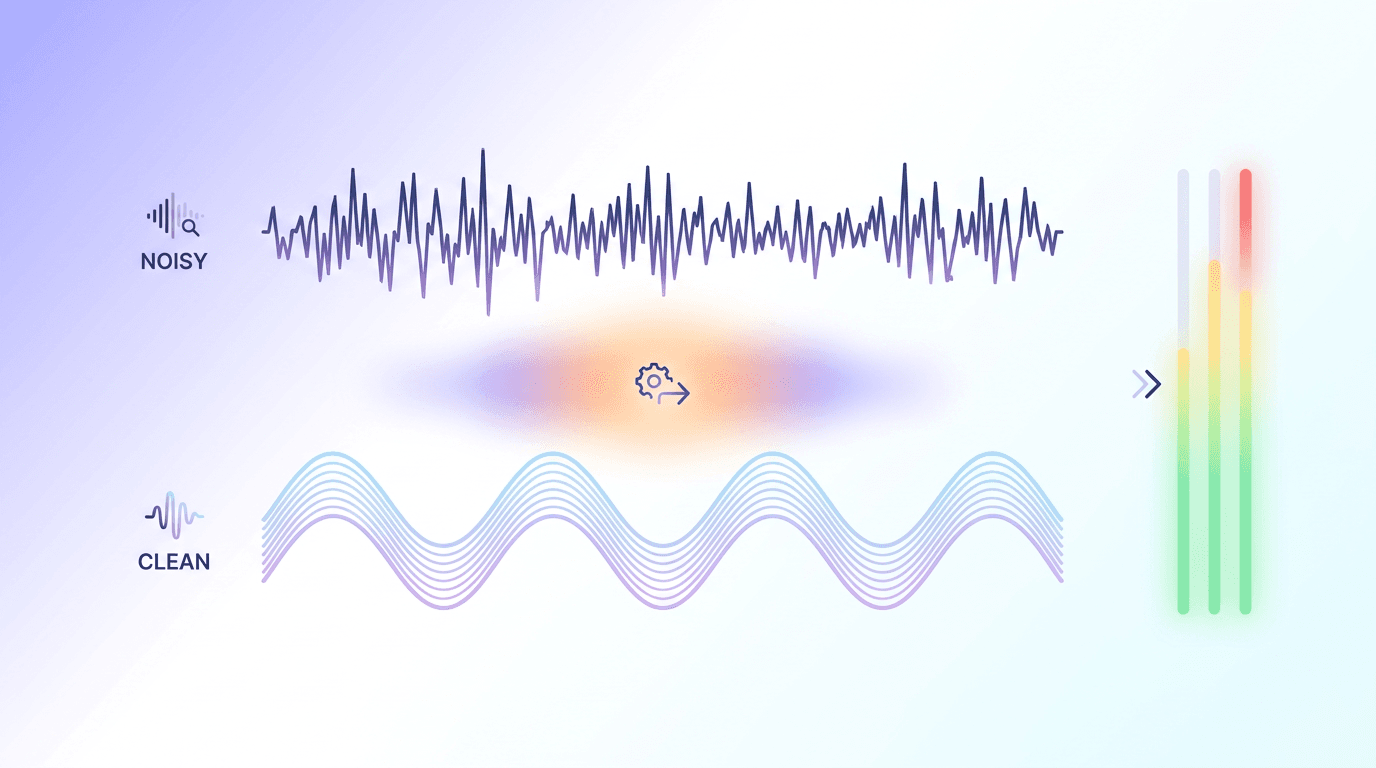
Unglamorous and genuinely useful. Automatic levelling, noise reduction, and loudness normalization to broadcast standards. Fixes the single biggest reason people click away from audio content, which is that it is hard to listen to.
Best for: Podcast and video audio cleanup
Watch out for: It fixes technical problems, not a bad recording environment
Publishing and Repurposing
15. Buffer
Scheduling with AI assistance for adapting one post across platforms. The AI features are modest, but the underlying scheduling is reliable, which matters more day to day.
Best for: Cross-platform scheduling on a consistent cadence
Watch out for: The AI rewriting is a convenience, not a strategy
16. Notion AI
Works best if your content calendar and notes already live in Notion. Summarizing research, drafting inside documents, and pulling structure out of messy notes are where it earns its place.
Best for: Teams already running their content ops in Notion
Watch out for: Little reason to adopt if you do not already use the platform
The Stacks That Actually Make Sense

Sixteen tools is a list, not a recommendation. Here is what a realistic setup looks like:
| Creator type | Minimum viable stack |
|---|---|
| Solo video creator | Descript, Opus Clip, Krumzi for thumbnails |
| Newsletter writer | Claude, Perplexity, Krumzi for headers |
| Social-first creator | Krumzi, Copy.ai, Buffer |
| Podcaster | Descript, Auphonic, ElevenLabs |
| SEO blogger | Claude, Surfer SEO, Perplexity |
| Small marketing team | Jasper, Krumzi, Buffer, Notion AI |
Three tools, chosen for your actual bottleneck, will do more for you than twelve subscriptions you use twice.
What AI Still Does Not Do Well

Worth saying plainly, because most roundups will not.
Original perspective. AI recombines what already exists. Your take on something, the thing people actually follow you for, is not in the training data.
Accurate specifics. Statistics, dates, quotes, and technical details still need verification. Every time.
Reading a room. Tone that lands with your particular audience is a judgment call, and AI defaults to a bland median.
Text inside images. Still unreliable across every generator. Layout tools that place real text on top of generated imagery handle this far better than pure image generation does.
Consistency without setup. Brand consistency requires you to define the brand first. Define it once, in a brand kit, and every tool downstream gets easier.
Frequently Asked Questions
Which AI tool is best for content creators?
There is no single best tool, because it depends on your bottleneck. If design slows you down, an AI design tool helps most. If video editing eats your week, a transcript-based editor like Descript will. Identify where your hours actually go, then pick one tool for that stage.
What are the best free AI tools for content creators?
Most tools in this list offer free tiers with usage caps. ChatGPT, Claude, Perplexity, and Buffer all have free entry points, and Krumzi has a 7-day free trial, which is enough to test whether a tool fits your workflow before paying for it.
Will AI-generated content hurt my SEO?
Google's guidance focuses on content quality and usefulness rather than how it was produced. Low-effort AI content published at scale does poorly. AI-assisted content that is accurate, original, and genuinely useful does not get penalized for being AI-assisted.
How many AI tools do I actually need?
Two or three. Pick the one that addresses your biggest bottleneck, add a second for your next biggest, and stop there. Tool sprawl costs more in subscriptions and context-switching than it saves in time.
Do I need to disclose that I used AI?
It depends on context. Using AI to draft or design generally does not require disclosure. Synthetic voices, AI-generated endorsements, and realistic depictions of people are a different matter, and advertising rules apply. When in doubt, disclose.
Start With One
The temptation with a list like this is to sign up for six things this week. Do not. Pick the single stage where you lose the most time, try one tool there for two weeks on real work, and only add another once that one is actually part of your routine.
If visuals are your bottleneck, which for most creators they are, try Krumzi free and describe the next thing you need to publish.
A month of posts, designed before your coffee cools
Describe the post. Krumzi designs it from scratch, on your brand, fully editable.
Make your first design freeFree to make, no card. Only pay if you download it.