
⚡ TL;DR
A promo video is a short, punchy video (usually 30 to 90 seconds) built to sell one product, event, or offer.
The process: define your goal and audience, write a tight script, gather visuals, edit with music and text, and end on one clear call to action.
Keep it short and lead with a hook in the first 3 seconds, because most viewers decide instantly whether to keep watching.
You no longer need a film crew or an editor. AI tools now generate a full promo video from a text description.
A great promo video can do more for your launch than a month of static posts. It grabs attention, shows your product in motion, and drives people to act, all in under a minute. The problem is that most people assume making one requires a camera crew, expensive software, and editing skills they do not have.
That is no longer true. This guide breaks down how to make a promo video step by step, from the first line of your script to the final export, plus the fastest way to make one in 2026 without any editing experience.
What Is a Promo Video?
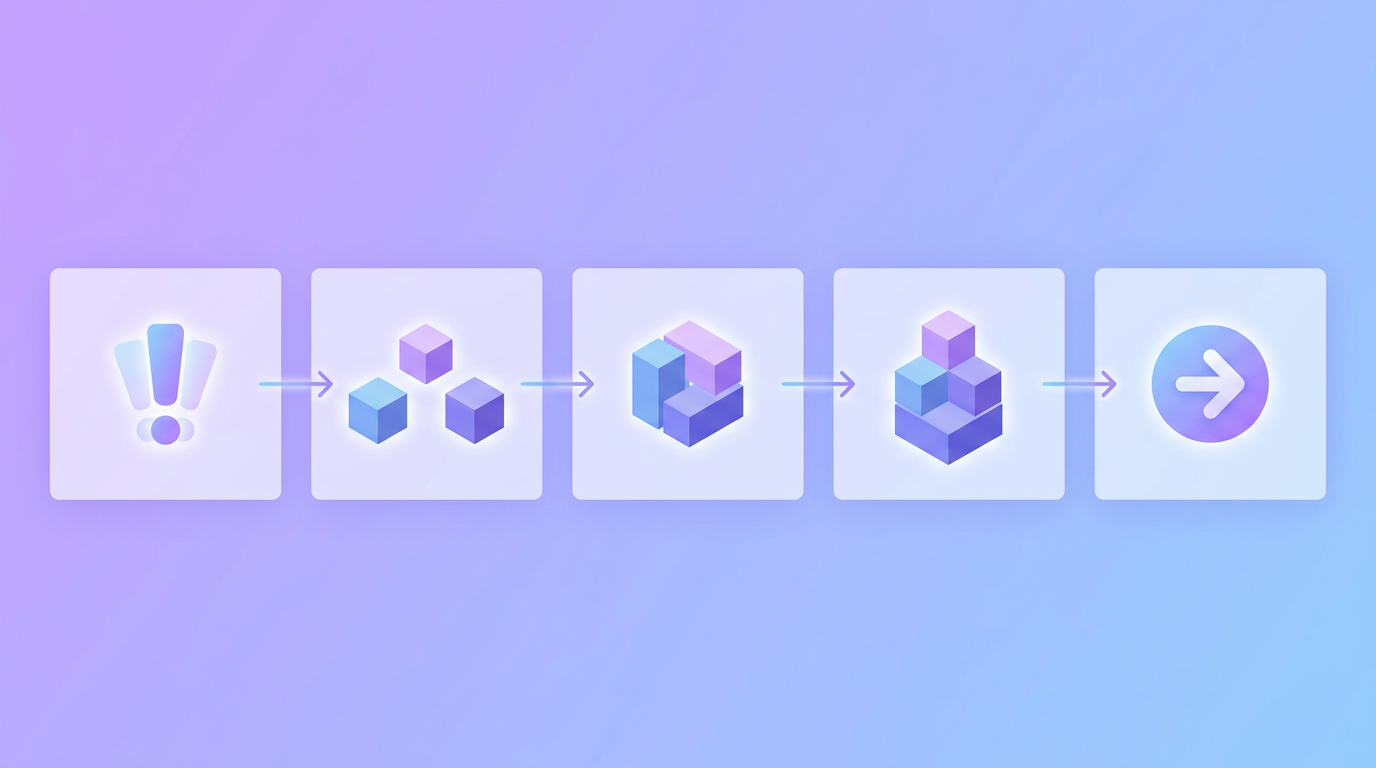
A promo video (short for promotional video) is a brief video designed to market a specific product, service, event, or offer. Unlike a long brand film or a tutorial, a promo video has one job: capture attention and drive a single action, whether that is visiting a page, buying a product, or signing up.
Most effective promo videos run between 15 and 90 seconds. They are punchy, benefit-focused, and built for social feeds where attention is scarce. Think of a promo video as a highlight reel for one thing you want people to care about right now.
Before You Start: Plan the Video
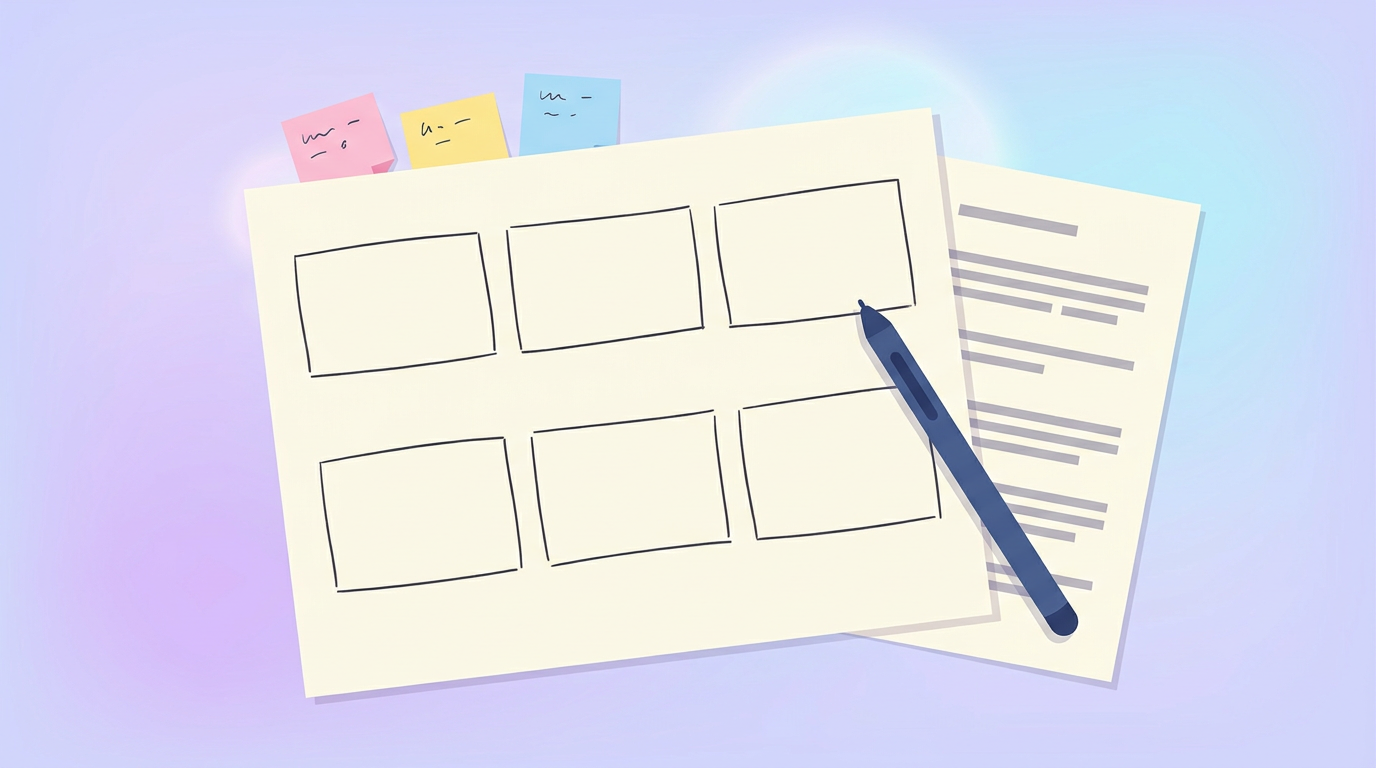
Planning is the backbone of a promo video that actually works. Skip it, and you end up with footage that does not add up to a clear message. Spend a few minutes on these three things first.
Define Your Goal
Every promo video should have one primary goal. Are you promoting a limited-time sale, launching a new product, or driving event signups? Your goal shapes everything: if it is urgency around an offer, the video should emphasize the deadline. If it is a product launch, the focus is on the key benefit.
Know Your Audience
If you try to speak to everyone, you connect with no one. Get specific about who this video is for and what they care about. A promo aimed at busy parents looks and sounds completely different from one aimed at Gen Z gamers. Match the tone, pacing, and visuals to your actual audience.
Pick Your Platform and Length
Decide where the video will live before you make it, because each platform has its own norms. A 15 to 30 second vertical cut suits TikTok, Reels, and Stories, while a 60 to 90 second version fits YouTube or a landing page. For a full breakdown, see our guide on how long a video ad should be by platform.
How to Make a Promo Video: Step by Step
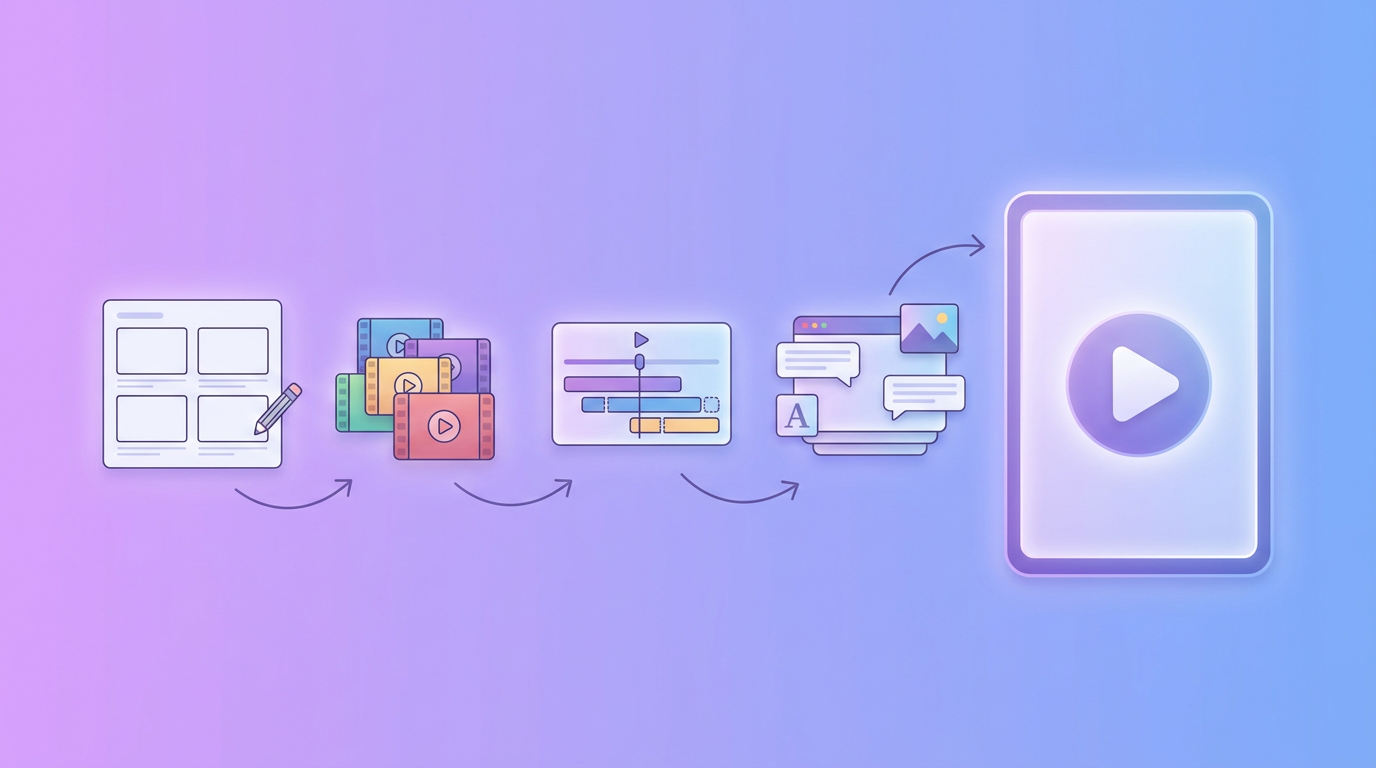
Here is the complete workflow, from blank page to finished video.
Step 1: Write a Tight Script
Your script is the spine of the video. Start by naming the one core message you want viewers to remember, then build around it. A simple, reliable structure is:
- Hook (0 to 3 seconds): Open with a bold question, a pain point, or a striking visual that stops the scroll.
- Problem (3 to 10 seconds): Name the problem your audience feels.
- Solution (10 to 40 seconds): Show your product solving it, focusing on benefits, not a feature list.
- Call to action (final 5 seconds): Tell viewers exactly what to do next.
Keep the whole script to roughly 2 words per second of video, so a 60-second promo is about 120 words. Write like you talk. If writing the script is the part you dread, an AI script writer can draft it from a short brief. Krumzi has a built-in AI Script Writer that turns a product description into a ready-to-edit script, and you can learn the fundamentals in our guide on how to write a video script.
Step 2: Choose Your Visual Style
Decide how the video will look before you gather anything. Common styles include live footage (real people or product shots), animated or motion-graphic (great when you have no footage), and a mix of the two. If you do not have a camera or actors, an animated or AI-generated style lets you produce a polished promo with zero filming.
Step 3: Gather Your Footage and Assets
Collect everything the video needs: product clips, b-roll, your logo, brand colors, and any photos. Phone footage is completely fine as long as it is well lit and stable. If you are short on visuals, stock clips or AI-generated scenes fill the gaps. Keep every asset consistent with your brand so the finished video looks intentional.
Step 4: Edit the Video
Editing is where the raw pieces become a promo. The essentials:
- Cut to the pace of the platform. Short, quick cuts keep energy high on social feeds.
- Add music. The right track sets the emotional tone. Cuts that land on the beat feel professionally edited.
- Add text overlays and captions. Most social video is watched on mute, so on-screen text carries your message. Captions are not optional.
- Keep your branding subtle but present. Colors and logo throughout, not a five-second logo intro nobody watches.
If beat-syncing and animation sound intimidating, this is exactly where AI tools save the most time, covered more in our guide on how to make animated social media posts.
Step 5: End With One Clear Call to Action
A promo video without a call to action is a missed opportunity. In the final few seconds, tell viewers exactly what to do: "Shop the sale," "Sign up free," "Link in bio." One action, stated plainly, with your brand on screen. Do not stack three competing asks.
Step 6: Export and Distribute
Export in the right format for each destination: vertical 9:16 for Reels, TikTok, and Stories, and 16:9 or square for YouTube and feeds. Then get it in front of people. A promo video only works if it is seen, so plan to share it across social, email, and your website. For more on turning video into traffic, see our guide on driving website traffic with video content.
The Fast Way: Make a Promo Video With AI

The traditional route (script, shoot, edit, revise) can eat a full day. AI design tools collapse that into minutes. With a chat-based tool like Krumzi, you describe the promo you want ("a 30-second promo video for my bakery's summer sale, warm and cheerful, with upbeat music and a 20% off message") and the AI builds the scenes, motion, text, and timing for you. Its automatic beat detection syncs the cuts to the music, and everything stays editable so you can adjust any scene.
That means a small business or solo creator can produce a professional promo without a camera, an editor, or design skills. For a broader look at the options, see our roundup of the best AI ad generators in 2026.
Promo Video Tips That Make a Difference
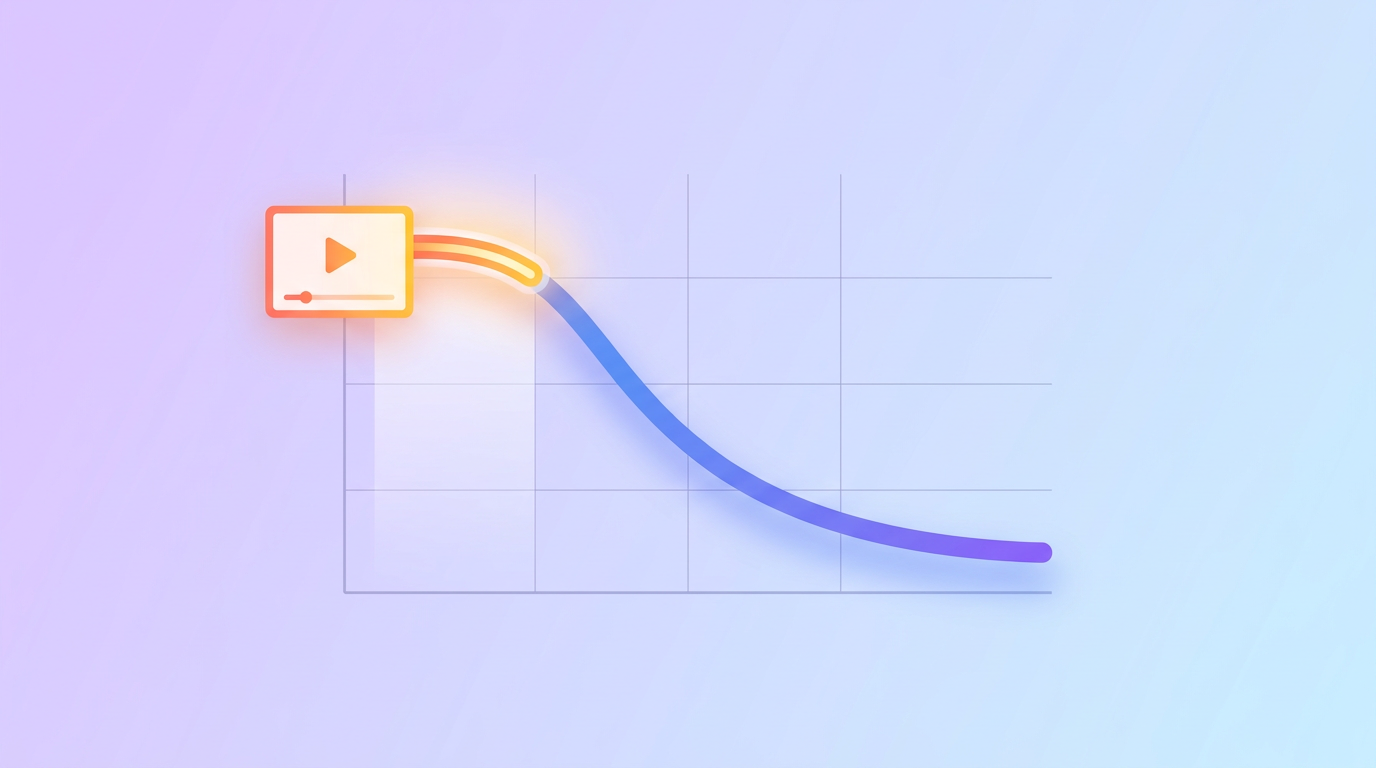
- Hook in 3 seconds. Your opening decides everything. Lead with your strongest visual or boldest claim.
- One message per video. Trying to say five things weakens all of them. Pick one.
- Front-load the value. Assume most people will not watch to the end, so deliver the core message early.
- Design for sound-off. Captions and text overlays keep the message intact on mute.
- Make several versions. Test a 15-second and a 60-second cut and let the data decide.
Frequently Asked Questions
How long should a promo video be?
Most promo videos perform best between 15 and 90 seconds. Use 15 to 30 seconds for social feeds like TikTok, Reels, and Stories, and 60 to 90 seconds for YouTube or a landing page where viewers expect more detail. When in doubt, go shorter and lead with your strongest point.
How do I make a promo video without any footage?
Use an animated or AI-generated style. AI design tools can build a full promo from a text description, generating scenes, motion, and text without a single filmed clip. This is the easiest route if you do not have a camera, actors, or existing footage.
How much does it cost to make a promo video?
It ranges from free to thousands of dollars. Hiring an agency can cost thousands, while making it yourself with an AI tool can be free or the cost of a low monthly subscription. For most small businesses, an AI tool produces a professional result at a fraction of agency pricing.
What should a promo video include?
A strong promo video includes a hook in the first 3 seconds, a clear problem, your product as the solution shown through benefits, on-screen text or captions, music, and one clear call to action at the end. Keep branding present throughout but subtle.
Can I make a promo video for free?
Yes. Several AI tools offer free plans that let you generate a promo video by describing it. You can create, edit, and export a professional-looking promo without paying for software or hiring an editor, though free tiers may add a watermark you remove on a paid plan.
Start Making Your Promo Video
A promo video is one of the highest-leverage pieces of content you can create: it shows your product in action and drives one clear action, all in under a minute. Plan the goal, write a tight script, gather your visuals, edit with music and captions, and finish on a single call to action.
If the editing part is what has held you back, describe your promo to an AI tool and let it assemble the video for you, then refine it to match your brand.
Related reading:

 Facebook
 X
X LinkedIn


