On this page
If you create content and want to work with brands, your media kit is the single most important document you own. It is your pitch, your resume, and your first impression rolled into one page. And the data backs it up: a large majority of brands now expect a media kit before they will even discuss a partnership, and creators with polished, data-backed kits tend to command noticeably higher rates.
The problem is that most creators either do not have a media kit or throw one together at the last minute. This guide shows you how to make a media kit that actually lands deals, including exactly what to include, how to lay it out, and how to make it look professional even if you are not a designer.
What Is a Media Kit?
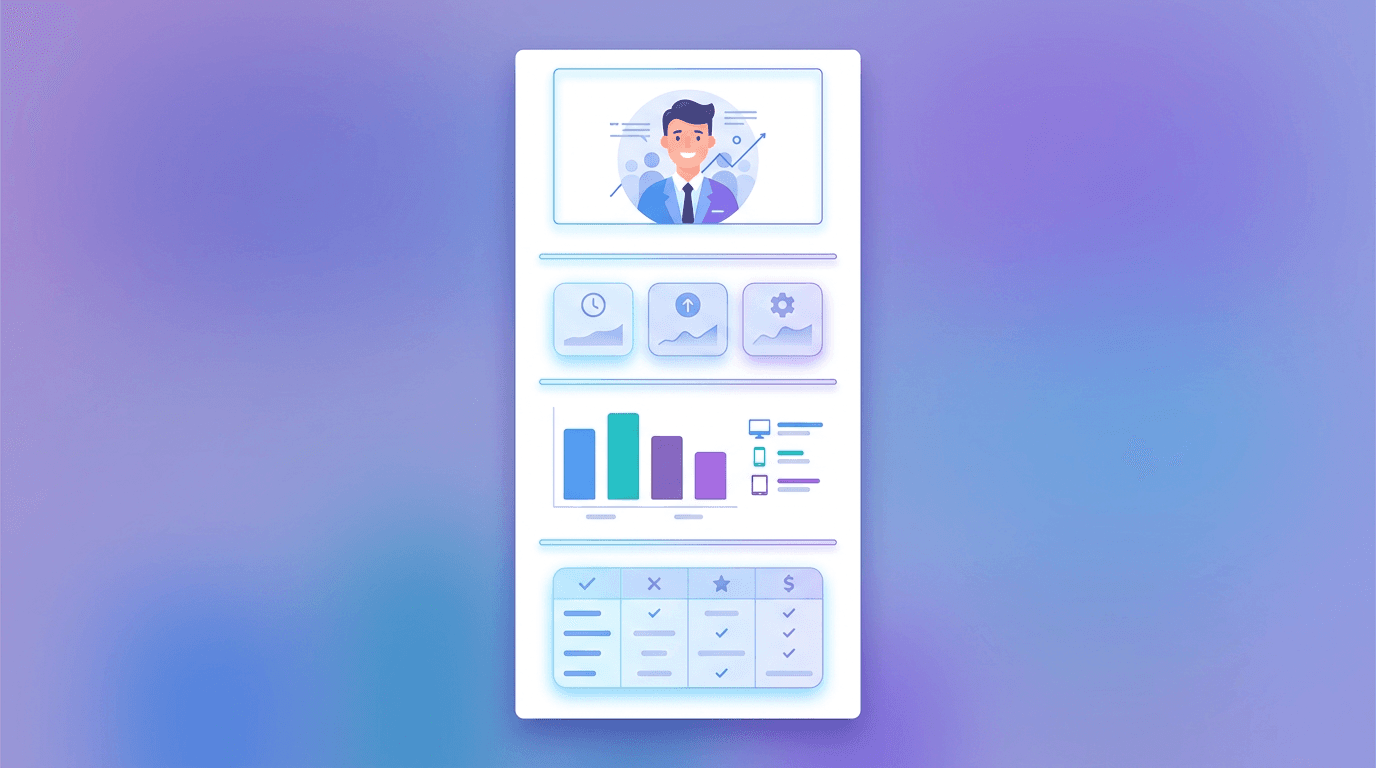
A media kit (sometimes called a press kit or creator kit) is a short document that summarizes who you are, who your audience is, and how brands can work with you. Think of it as a one to three page snapshot that a brand can skim in under a minute and immediately understand your value.
It is not a life story. It is a focused sales sheet designed to answer one question in a brand's mind: is this creator a fit for us, and are they worth the investment?
What to Include in a Media Kit
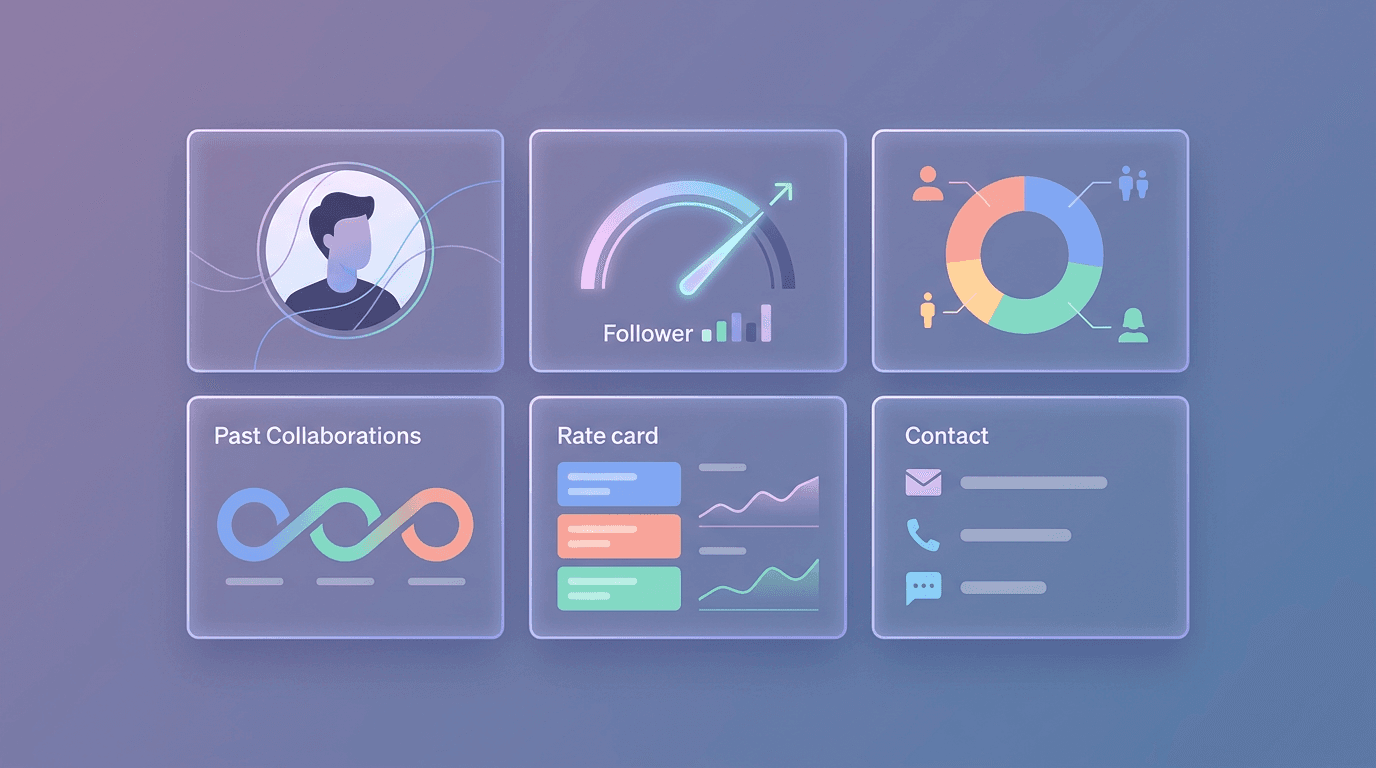
A strong media kit covers a few essential sections. Here is what belongs on it.
1. Header and Contact Info
Open with your name, a high-quality headshot or brand photo, and your main handle so brands recognize you instantly. Include a professional email and your location. Make it effortless to reach you.
2. Short Bio and Niche
Add two or three sentences on who you are, what you create, and what you stand for. Be specific about your niche. "I make budget travel content for solo women travelers" is far stronger than "I post lifestyle content."
3. Audience Demographics
Brands care more about who follows you than how many. Break down your audience by age, gender, and top locations, and add interests if you have them. This is often the section that decides a deal, because a brand needs your audience to match their customers.
4. Performance Metrics
Show the numbers that prove engagement, not just reach. Include follower counts per platform, engagement rate, average views, reach, and saves or shares. Engagement rate matters most, calculated as likes plus comments plus shares, divided by followers, times 100. Highlight which formats perform best for you, whether that is Reels, carousels, or Stories.
5. Services and Rates
List the ways brands can work with you: sponsored posts, Reels, UGC content, product photography, Stories, or a bundle. Some creators include rates, others invite brands to request them. Either way, spelling out your offerings shows professionalism and sparks ideas.
6. Past Partnerships and Social Proof
Name brands you have worked with, and include a short testimonial or two if you have them. If you have been featured anywhere notable, mention it. Social proof lowers a brand's perceived risk and makes them more comfortable saying yes.
| Section | Purpose |
|---|---|
| Header and contact | Instant recognition and easy outreach |
| Bio and niche | Positions who you are |
| Audience demographics | Proves audience fit |
| Performance metrics | Shows real engagement |
| Services and rates | Makes collaboration concrete |
| Social proof | Builds trust and lowers risk |
How to Make a Media Kit in 5 Steps
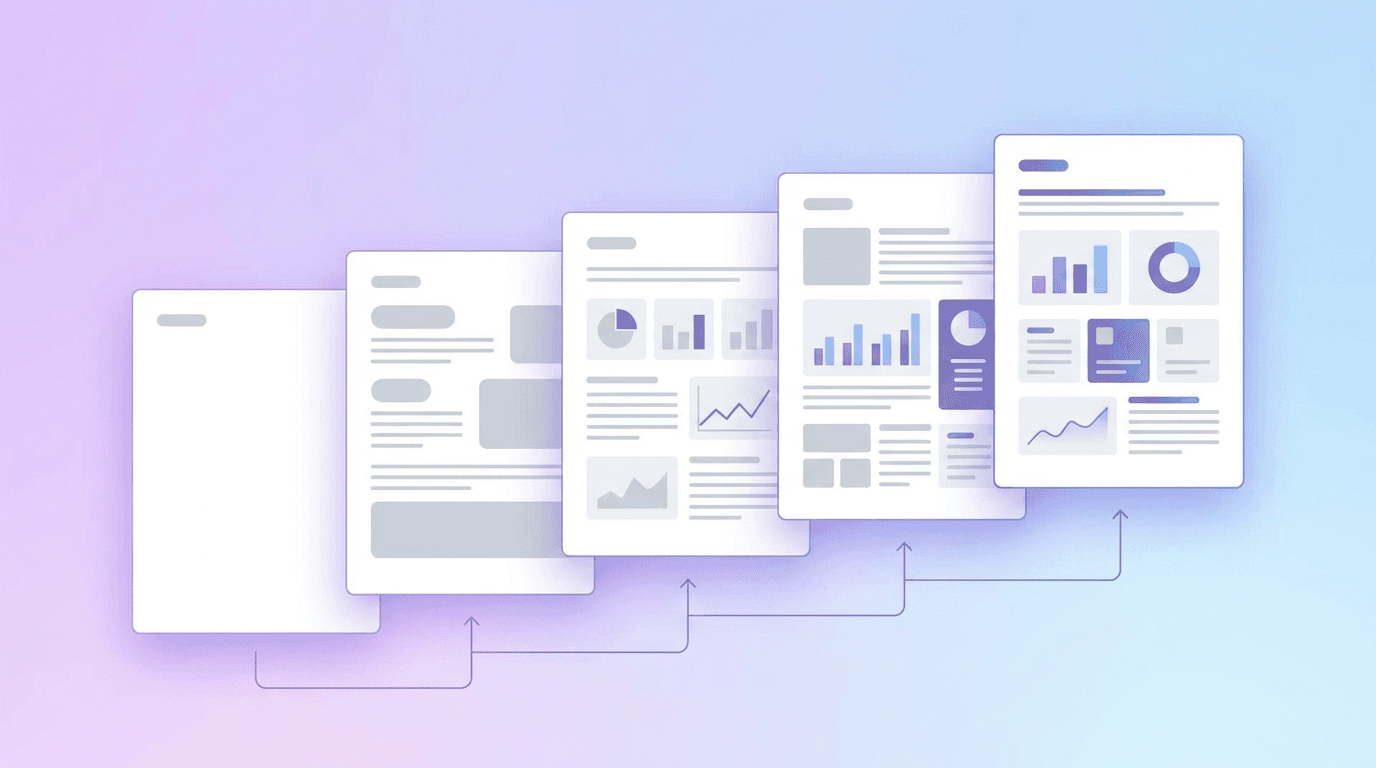
Step 1: Gather Your Numbers
Pull your latest stats from each platform's analytics: followers, engagement rate, average views, and audience demographics. Accurate, current numbers matter, because brands will notice if your kit says one thing and your profile says another.
Step 2: Write Your Bio and Pick Your Niche
Craft a tight bio that makes your specialty obvious. The clearer your niche, the easier it is for the right brands to see the fit. If writing is not your strength, our guide on social media captions has tips that carry over to bio writing.
Step 3: Choose a Clean Layout
Keep the design simple and scannable, like a well-organized resume. Use your brand colors and one or two fonts, plenty of white space, and clear section headings. A cluttered kit signals a cluttered creator.
Step 4: Design It (Even Without Design Skills)
You do not need to hire anyone. An AI design tool like Krumzi can build a branded media kit from a description, correctly laid out, then let you drop in your photo, numbers, and colors. Describe the look you want and edit from there. Pulling colors from your existing brand kit keeps everything consistent.
Step 5: Export and Keep It Updated
Export a clean PDF for email and consider a live link version you can update anytime. Refresh your numbers at least every quarter so your kit always reflects your current reach. Stale stats make you look inactive.
Design Tips That Make a Media Kit Stand Out
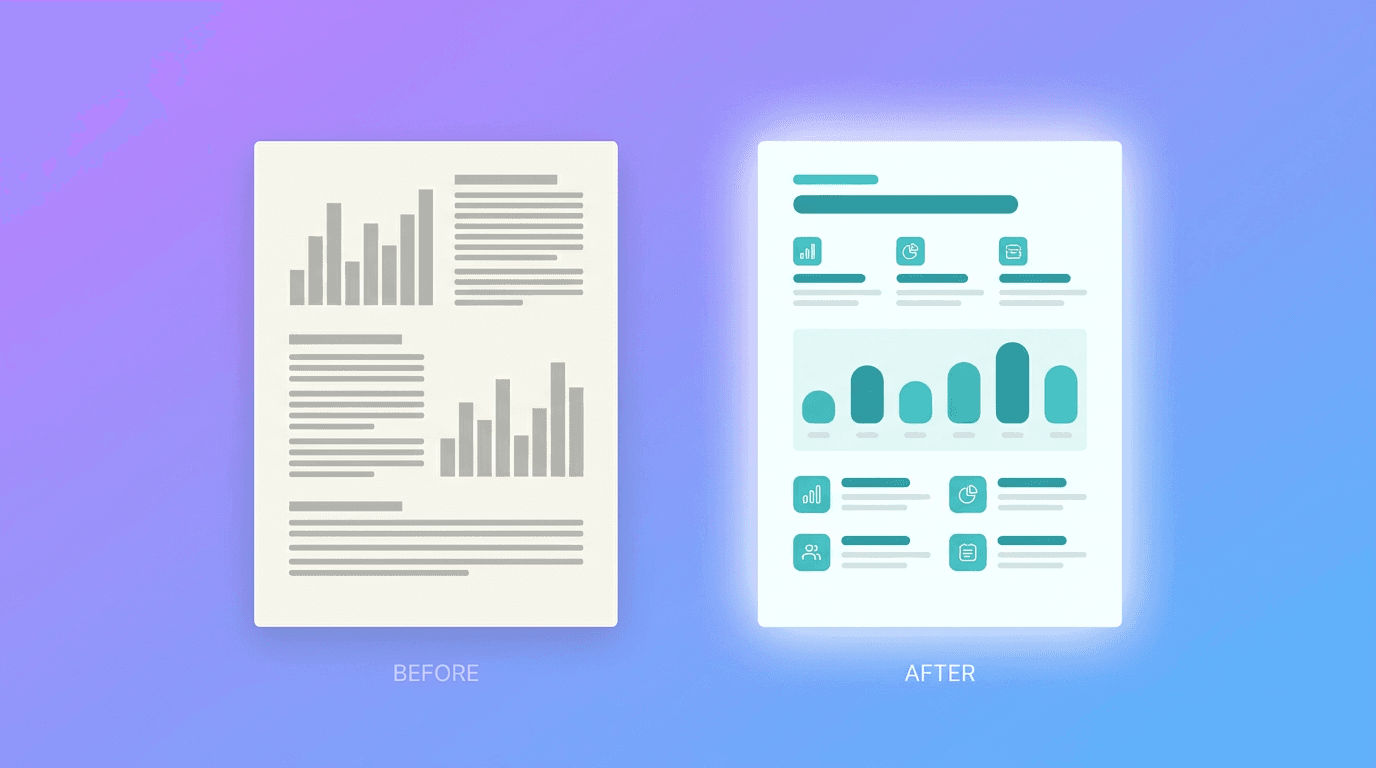
- Lead with your strongest metric. If your engagement rate is excellent, make it prominent. Put your best foot forward.
- Use real content samples. Show a few of your top-performing posts so brands see your style, not just your stats.
- Match your visual brand. Your kit should look like your feed. Consistency signals that you take your brand seriously.
- Keep it to one to three pages. Respect the brand's time. A tight kit gets read; a long one gets skimmed and forgotten.
A media kit works best alongside a content presence that clearly shows your value. If you create UGC-style content for brands, our complete guide to UGC is worth a read, and if you are still growing, our tips on increasing engagement organically will strengthen the numbers your kit shows off.
Frequently Asked Questions
What should be included in a media kit?
A media kit should include your name and contact info, a short bio and niche, audience demographics, performance metrics like engagement rate, your services or rates, and social proof such as past partnerships or testimonials.
How long should a media kit be?
One to three pages is ideal. A media kit is a quick snapshot, not a full portfolio. Keep it tight so a brand can understand your value in under a minute.
Do I need a lot of followers to have a media kit?
No. Micro and nano creators land brand deals all the time because they have engaged, targeted audiences. A media kit that highlights strong engagement and clear niche fit can matter more than raw follower count.
How do I make a media kit for free?
Gather your stats, write a clear bio, and use an AI design tool to build a branded layout by describing what you want. Add your photo, numbers, and colors, then export it as a PDF.
How often should I update my media kit?
Update it at least once a quarter, or whenever your numbers change meaningfully. Current metrics keep your kit accurate and show brands that you are active and growing.
Ready to pitch brands with confidence? Build a polished, on-brand media kit in Krumzi by describing what you want, then send it to your next dream partner.
A month of posts, designed before your coffee cools
Describe the post. Krumzi designs it from scratch, on your brand, fully editable.
Make your first design freeFree to make, no card. Only pay if you download it.