On this page
- First: Pick Your Route and Work Backward From the Deadline
- Route 1: Handmade Christmas Cards
- Route 2: Design and Print Your Christmas Card
- Route 3: Digital Christmas Cards
- Business Christmas Cards: Doing It Without the Cringe
- What to Actually Write Inside
- Frequently Asked Questions
- Start Now, Not in December
Every December the same thing happens. You mean to send Christmas cards, you think about it in early November, and then suddenly it is the 18th and the mail deadline has passed.
The fix is starting the design now and knowing which of the three routes you are taking: handmade, printed, or digital. Each has a different lead time, a different cost, and a different point at which it is too late.
This guide covers all three, plus the exact card sizes, the mailing deadlines you have to work backward from, and how to make a business holiday card that does not look like a corporate obligation.
First: Pick Your Route and Work Backward From the Deadline

| Route | Lead time needed | Cost per card | Best for |
|---|---|---|---|
| Handmade | 15 to 30 min each | $1 to $3 | Under 15 cards, personal warmth |
| Printed at home | 1 evening total | $0.50 to $1.50 | 15 to 50 cards |
| Professionally printed | 2 to 3 weeks | $1 to $4 | 50+ cards, business use |
| Digital or e-card | Same day | Free to $1 | Any volume, last minute |
The deadline that matters most: for domestic mail in the US, aim to have cards in the mail by around December 17 to 18 for First Class delivery before the 25th. International mail needs to go far earlier, typically the first week of December. Check the current year's USPS holiday shipping deadlines before you commit, since they shift slightly every year.
Now work backward. Professional printing needs 2 to 3 weeks including shipping, so a professionally printed card means your design should be finished by late November.
Route 1: Handmade Christmas Cards

Handmade wins on warmth and loses on scale. Fifteen cards is a pleasant evening. Sixty is a second job.
What you need:
- Blank card stock, ideally 200 to 300 gsm so the card stands up on a mantel
- Envelopes sized to match, bought before you cut anything
- Adhesive, either a glue stick or double-sided tape, since liquid glue warps paper
- Whatever decoration you are working with: watercolor, stamps, washi tape, dried foliage, pressed shapes
Four approaches that look good without being difficult:
Single motif on white. One well-placed shape, a tree, a star, a sprig of holly, on an otherwise blank card. Restraint reads as intentional. This is the easiest way to make handmade look designed rather than crafty.
Stamped repeat pattern. Cut a simple shape into a potato or a rubber eraser, ink it, and repeat it in a grid. Slight irregularity is the charm.
Torn paper collage. Layer two or three colors of torn paper into a tree or landscape shape. Forgiving, since torn edges are supposed to be uneven.
Photo card by hand. Print a 4 x 5 photo, mount it on a 5 x 7 card with a border, and hand-letter the greeting underneath.
The mistake to avoid: overloading the front. Glitter, three ribbons, and five stickers on one card reads as chaos. Pick one focal element and give it space.
Route 2: Design and Print Your Christmas Card
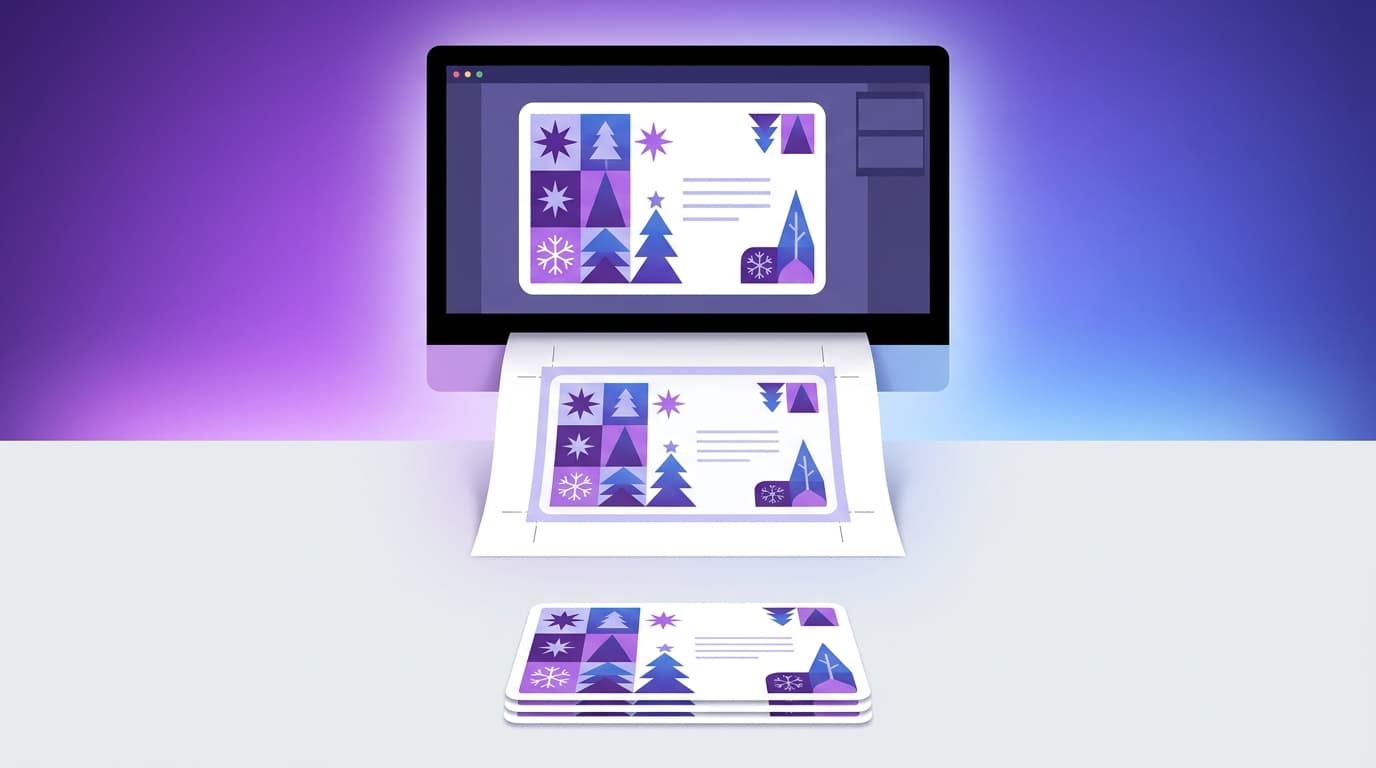
This is the sweet spot for most people. You get a polished result, you can produce fifty in an evening, and you keep the design file for next year.
Standard Christmas Card Sizes
| Size | Folded dimensions | Notes |
|---|---|---|
| A2 | 4.25 x 5.5 in | Small, cheap to mail |
| 5 x 7 in | 5 x 7 in | The most common photo card size |
| A7 | 5 x 7 in | Same as above, envelope naming |
| A6 | 4.5 x 6.25 in | Slightly smaller alternative |
| Square | 5.5 x 5.5 in | Distinctive, but often costs extra postage |
5 x 7 is the default for a reason. Envelopes are everywhere, postage is standard, and it fits a photo comfortably. Start there unless you have a reason not to.
If you are folding, remember your flat design file is double the folded width. A 5 x 7 folded card printed on a single sheet needs a 10 x 7 canvas, plus bleed.
Design Specs That Matter
- 300 DPI, always. Screen resolution prints badly.
- 3 mm bleed on every outer edge, so trimming does not leave white slivers.
- CMYK color mode for print. Bright RGB reds and greens shift noticeably when converted, and Christmas cards are almost entirely red and green.
- Safe margin of at least 5 mm inside the trim line. Keep text away from edges.
- Fold line marked as a guide layer if you are printing double-wide.
What Actually Makes a Christmas Card Look Good
Limit yourself to three colors. Traditional red and green with a cream or gold accent. Or skip tradition entirely: deep navy with warm brass, or sage with off-white, both read as festive without being obvious.
Use one typeface, maybe two. A script for the greeting and a clean sans for the rest is plenty. Three or more typefaces on a 5 x 7 card looks messy.
Give the front one job. Either a photo, or an illustration, or a typographic greeting. Not all three fighting for space.
Leave real whitespace. The most expensive-looking cards are the emptiest ones.
Put the personal message inside. The front is a poster, not a letter.
If you do not want to build the layout from scratch, Krumzi generates the card from a description. You say something like a minimal Christmas card with a single gold pine sprig on deep green, 5 by 7, and it produces the full layout with the type and spacing handled. Every element stays editable, so you can swap the greeting, change the palette, or drop in a family photo. That matters here because you will almost certainly want to tweak the wording after seeing it.
The same approach works for the rest of your seasonal set. Our guides on how to make an invitation and how to make a flyer with AI cover the neighboring formats if you are doing a holiday party too.
Printing at Home vs Professionally
Print at home when you are making under 50 cards, you want them today, and you have a printer that handles heavy card stock. Buy pre-scored blank cards so the fold is clean, and always run one test on plain paper first.
Print professionally when you need 50 or more, you want proper card stock and finishes like matte, gloss, or foil, or the cards represent a business. Order two to three weeks out and pay for a physical proof if the volume is large.
Route 3: Digital Christmas Cards

Digital gets unfairly dismissed. For a business list of 400 clients, or for family abroad, or for the December 22 realization that you never mailed anything, it is the correct answer.
Formats that work:
- Static image card sized 1080 x 1350 for social, or 1200 x 630 for email
- Animated card, a short loop with falling snow or a reveal, which stands out in an inbox
- Short video message, the most personal digital option
- PDF card that recipients can print themselves
Animation is where digital beats print outright. A card that moves gets attention that a static JPG does not. Our guide on how to make animated social media posts covers the mechanics, and the same file works as an email header or a social post.
Sizing for digital:
| Placement | Size |
|---|---|
| Email header | 1200 x 600 px |
| Instagram post | 1080 x 1350 px |
| Instagram story | 1080 x 1920 px |
| LinkedIn post | 1200 x 627 px |
| Printable PDF | 5 x 7 in at 300 DPI |
Business Christmas Cards: Doing It Without the Cringe
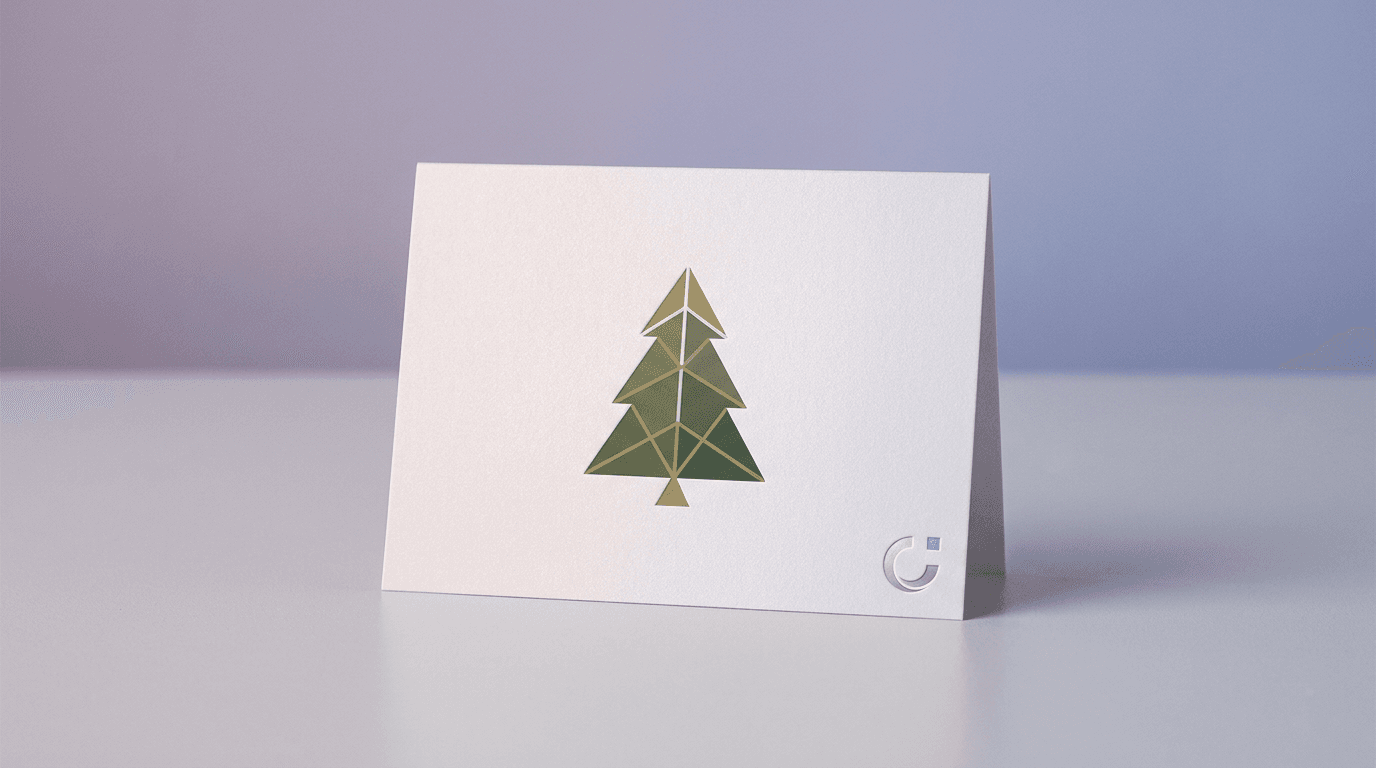
Corporate holiday cards fail in predictable ways. They are generic, they are transparently a marketing touchpoint, or they are so branded they feel like an ad.
What works:
Say thank you, sell nothing. No offers, no promo codes, no "book your Q1 strategy call." A holiday card that pitches is worse than no card.
Sign it from people, not the entity. "From everyone at Northfield" beats a logo lockup. Actual signatures beat both.
Keep branding light. Your colors and a small logo on the back. The front should look like a card, not a banner ad.
Be specific if you can. A line referencing something real from the year lands far harder than "wishing you a prosperous new year."
Send it early. Business cards arriving December 23 get lost in the pile. Aim for the first week of December, when the mail is quieter and yours is one of three rather than one of thirty.
If you send client cards annually, build the design on your existing brand assets so it feels like it came from you. Our guide on creating a brand kit with AI covers locking in the colors and type once, and the business card design guide covers the same print specs at a smaller scale.
What to Actually Write Inside

The design gets all the attention, and then people freeze at the blank interior.
Short and warm, for anyone:
- "Wishing you a warm and restful holiday season."
- "Thinking of you this Christmas. Hope it is a good one."
- "Merry Christmas from our house to yours."
For clients and colleagues:
- "Thank you for a great year of working together. Happy holidays."
- "Grateful to have worked with you this year. Wishing you a restful break."
When you want it to feel personal, add one specific sentence. Reference something from the actual year. "Still thinking about that trip in June" does more work than three lines of generic warmth.
One genuinely useful rule: if you are sending to a mixed list, "Happy Holidays" or "Season's Greetings" avoids assuming, and nobody has ever been offended by it.
Frequently Asked Questions
When should I send Christmas cards?
Mail domestic cards by around December 17 to 18 for delivery before Christmas, and send international cards in the first week of December. For business cards, aim for the first week of December so yours arrives before the pile builds up. Check the current USPS deadlines each year, since dates shift.
What size is a standard Christmas card?
5 x 7 inches is the most common, especially for photo cards, and it uses standard A7 envelopes. A2 at 4.25 x 5.5 inches is a smaller and cheaper alternative. Square cards look distinctive but often require extra postage.
How do I make a Christmas card at home?
Either craft it by hand with blank card stock and a single decorative motif, or design it digitally at 5 x 7 inches, 300 DPI with 3 mm bleed, and print onto pre-scored blank cards. Run a test print on plain paper first, since printers scale slightly differently.
What paper is best for Christmas cards?
Card stock between 200 and 300 gsm. Lighter than that and the card flops over instead of standing up. Matte finish suits illustrated designs, while a light gloss or satin makes photo cards look richer.
Can I make a Christmas card without design skills?
Yes. AI design tools generate a complete card layout from a text description, handling the typography and spacing that usually give away an amateur design, and leave everything editable so you can adjust the wording and colors.
Start Now, Not in December
The only real enemy here is timing. A professionally printed card needs a finished design by late November. A handmade batch of thirty needs a couple of evenings you have not scheduled yet.
Pick your route, put the mail deadline in your calendar, work backward, and get the design done while it is still a relaxed task rather than a panicked one.
Try Krumzi free and describe the card you want. You will have something to react to in seconds, which is a much easier starting point than a blank 5 x 7.
A month of posts, designed before your coffee cools
Describe the post. Krumzi designs it from scratch, on your brand, fully editable.
Make your first design freeFree to make, no card. Only pay if you download it.