On this page
📱 TL;DR
An Instagram Story is a full-screen vertical post (1080 x 1920, 9:16) that disappears after 24 hours.
To post one: tap your profile picture or the plus icon, choose Story, capture or upload your content, add stickers or text, then share.
A Story that stands out is designed, not just snapped: bold readable text, one clear message, on-brand colors, and an interactive sticker like a poll or question.
You can design scroll-stopping Stories from a description with an AI tool like Krumzi, then post them straight to Instagram.
Instagram Stories are where a huge share of daily engagement happens, yet most Stories are forgettable: a quick photo, maybe a sticker, gone in 24 hours. The accounts that actually grow treat Stories as designed content, not afterthoughts. A well-made Story stops the tap-through, earns a reply, and keeps you top of mind.
This guide covers how to make an Instagram Story from start to finish, the basic posting steps, the correct dimensions, and the design moves that turn a plain Story into one people actually watch and respond to.
The Right Instagram Story Size
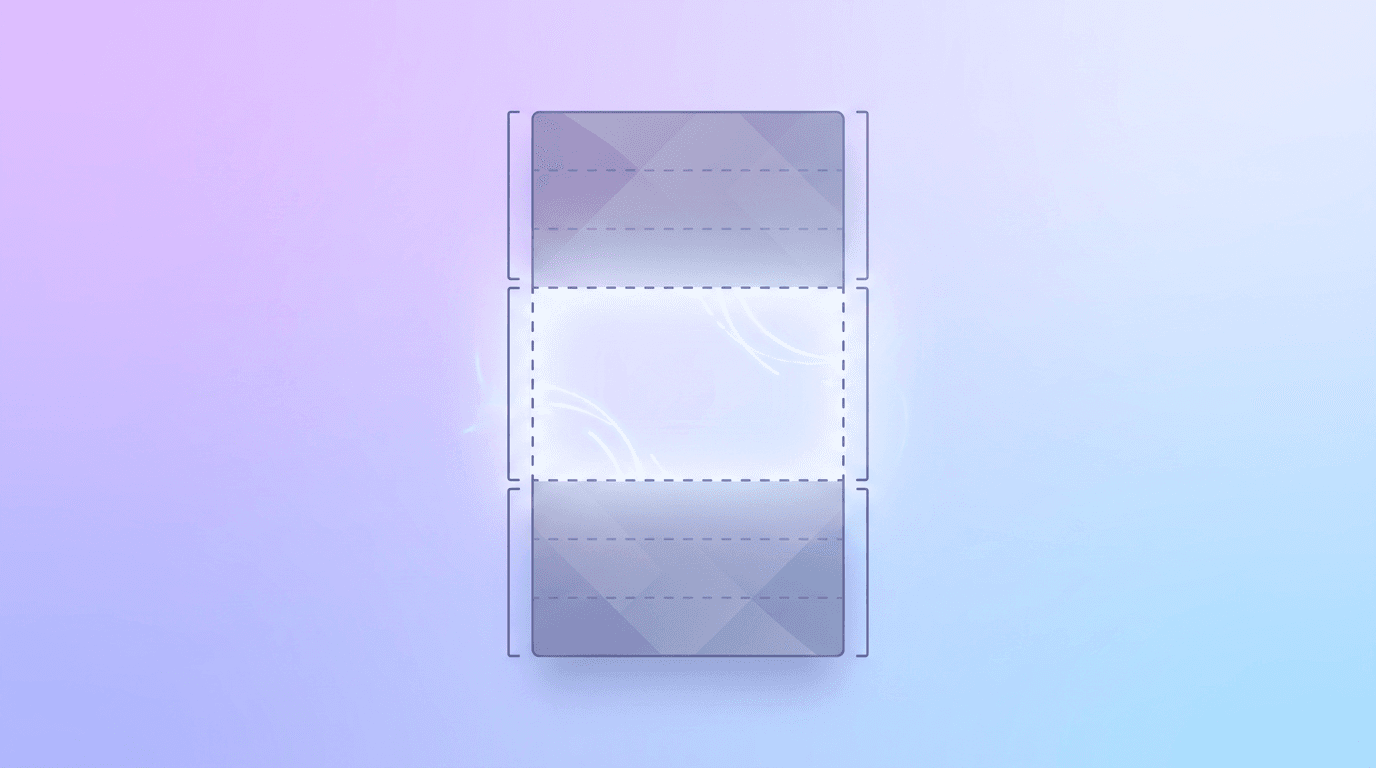
Get the dimensions right first, or Instagram will crop your content awkwardly. Stories are full-screen and vertical:
| Element | Spec |
|---|---|
| Dimensions | 1080 x 1920 pixels |
| Aspect ratio | 9:16 (vertical) |
| Safe zone | Keep text and key elements in the center, away from the top and bottom ~250 px |
| Max length per segment | 60 seconds (longer videos split automatically) |
That safe zone matters. Instagram overlays your username at the top and the reply bar at the bottom, so anything important placed there gets covered. Keep your headline and key visuals in the middle. For every other format and platform, our complete guide to social media image sizes has the full reference.
How to Post an Instagram Story: The Basics
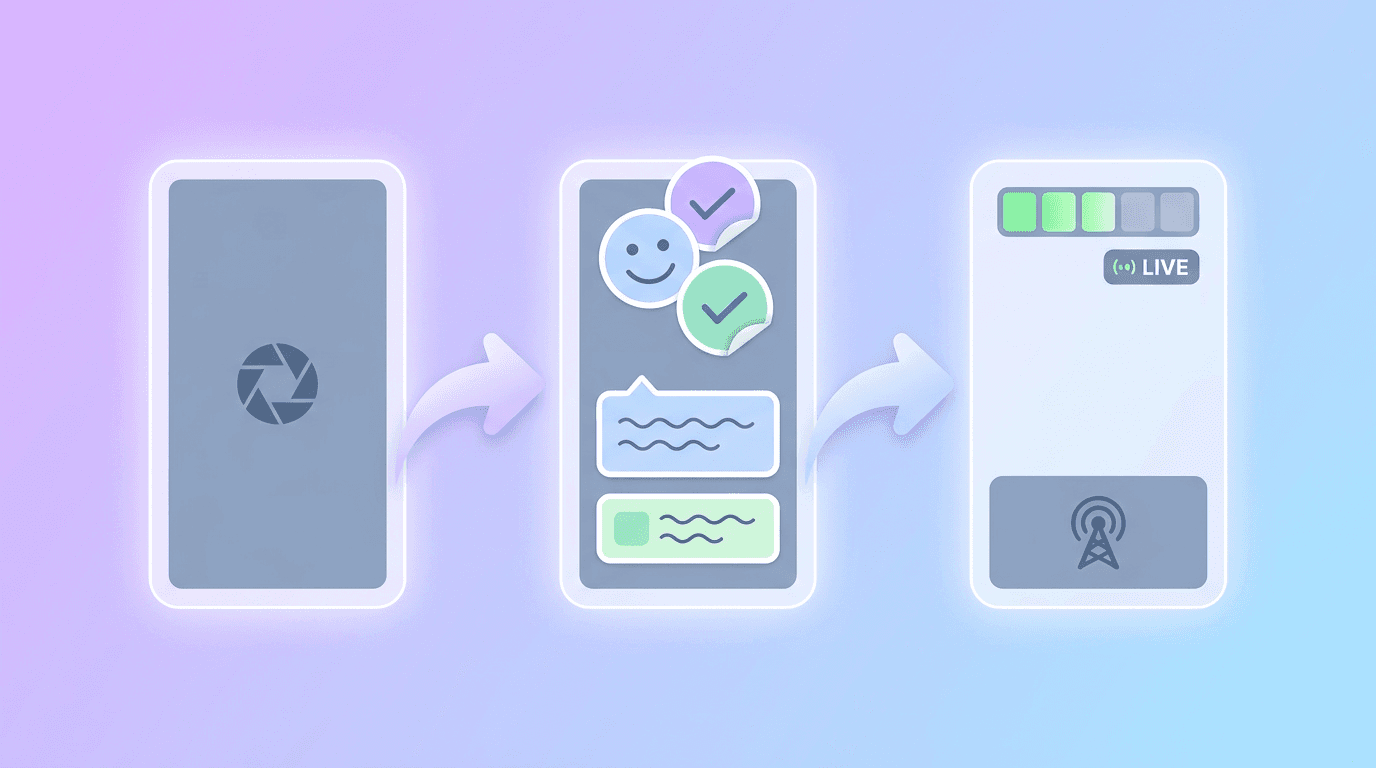
If you are new to Stories, here is the simple version of getting one live.
Step 1: Open the Story Camera
Tap your profile picture with the plus icon in the top-left of your feed, or swipe right from anywhere in the app. You can also tap the plus icon at the top and select Story.
Step 2: Capture or Upload Your Content
Take a photo or video right in the app, or swipe up (or tap the gallery icon) to upload something you already made. Uploading a pre-designed graphic is how the polished accounts do it, more on that below.
Step 3: Add Text, Stickers, and Effects
Use the toolbar to add text, stickers, music, GIFs, and interactive elements like polls, questions, quizzes, and countdowns. These are not just decoration. Interactive stickers are one of the strongest ways to earn engagement and signal to Instagram that your Story is worth showing to more people.
Step 4: Share It
Tap Your Story to post to your main Story, or send it to Close Friends for a more select audience. Your Story stays live for 24 hours, then disappears (unless you save it as a Highlight).
How to Design an Instagram Story That Stands Out

Posting a Story is easy. Making one people actually watch is where design comes in. The difference between a Story that gets tapped past and one that holds attention almost always comes down to these moves.
Lead With One Clear Message
A Story has seconds to land. Pick a single idea per Story frame: one tip, one announcement, one question. Cramming three messages onto one screen guarantees none of them sticks. If you have more to say, break it across multiple frames.
Make Your Text Big and Readable
Most people watch Stories one-handed, on the move, often with sound off. Your text needs to be large, high-contrast, and instantly legible. Thin light text on a busy photo is invisible. Add a solid or semi-transparent background behind text so it pops. We break down contrast, hierarchy, and focal points in our guide on designing social media posts that stand out.
Stay On Brand
When your Stories share a consistent color palette, font, and style, your audience recognizes your content the instant it appears, even before they see your name. That recognition is what turns casual viewers into followers. A simple brand kit keeps every Story cohesive.
Add Motion
Animated Stories outperform static ones because movement catches the eye in a fast-tapping feed. A headline that slides in, a background that drifts, or an element that pops gives viewers a reason to pause. You do not need an editor for this. Our guide on how to make animated social media posts shows how AI tools add motion from a simple description.
Use an Interactive Sticker
Polls, questions, sliders, and quizzes invite a tap, and every interaction tells Instagram your content is engaging. Even a simple "this or that" poll can dramatically lift replies and reach.
The fastest way to make designed Stories consistently is to skip the blank canvas. With Krumzi's AI Instagram story maker, you describe the Story you want ("a 1080x1920 Instagram Story announcing a weekend sale, bold headline, soft pink gradient, space for a poll"), the AI builds it, and you post it to Instagram. For the prompting fundamentals, see how to create social media graphics with AI.
Instagram Story Ideas to Steal
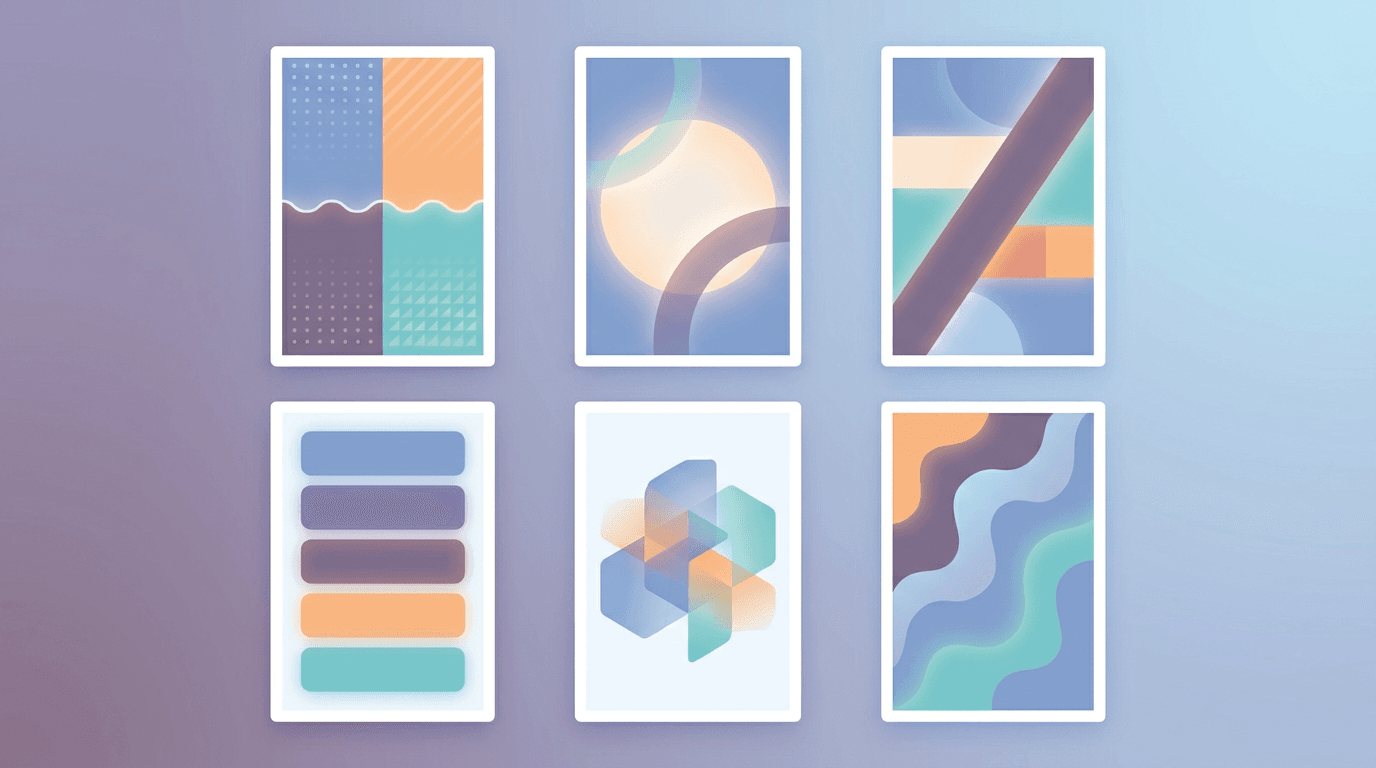
Stuck on what to post? These formats reliably perform:
- Behind-the-scenes: A quick look at your process, workspace, or day. Authentic and relatable.
- Polls and questions: Ask your audience to weigh in. Low effort for them, high engagement for you.
- Tips and how-tos: Share one quick, useful tip across two or three frames.
- Product teasers: Show a new product or feature with a countdown sticker building anticipation.
- Repost and tag: Share user content or a milestone, then tag people to extend reach.
- Polls leading to a link: Build curiosity across frames, then point to a link or your latest post.
For more concepts you can adapt into Stories, browse our list of 15 social media video ideas, and pair them with the reach tactics in our guide on how to get more views on Instagram.
Common Instagram Story Mistakes
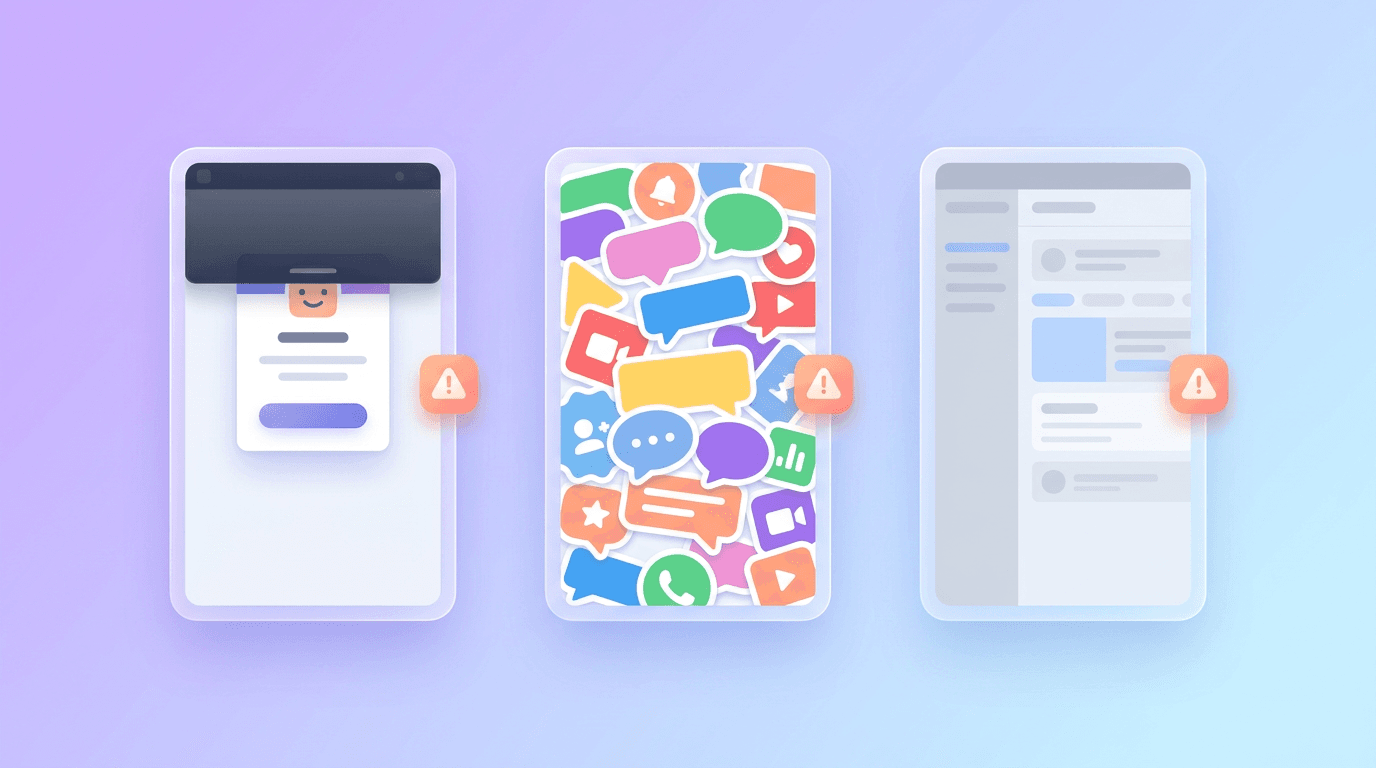
- Text in the danger zones. Anything near the top or bottom gets covered by the username and reply bar. Keep it centered.
- Too much on one frame. One message per frame. Spread the rest across more frames.
- No call to action. Tell people what to do: vote, reply, tap the link, swipe to the next frame.
- Inconsistent look. Random colors and fonts every time make your brand forgettable.
- Ignoring the silent majority. Most people watch with sound off, so your message has to work visually without audio.
Frequently Asked Questions
How do you make an Instagram Story?
Tap your profile picture with the plus icon or swipe right to open the Story camera. Capture a photo or video, or upload one you designed in advance. Add text, stickers, and interactive elements, then tap Your Story to share. It stays visible for 24 hours.
What size is an Instagram Story?
An Instagram Story is 1080 x 1920 pixels, a 9:16 vertical aspect ratio. Keep your important text and visuals in the center of the frame, away from roughly the top and bottom 250 pixels, so the username and reply bar do not cover them.
How do you put multiple photos in one Instagram Story?
You can add multiple photos to a single Story frame using the layout or sticker tools: open the Story camera, add your first photo, then use the photo sticker (the smiley sticker icon) to layer additional images on top. For a cleaner result, design a multi-photo collage in advance and upload it as one image.
How long can an Instagram Story be?
Each Story segment can be up to 60 seconds. If you upload a longer video, Instagram automatically splits it into 60-second segments that play in sequence. Photos display for about 5 seconds each by default.
Can you schedule Instagram Stories?
Yes. You can schedule Stories in advance using Instagram's professional tools or third-party social media schedulers, which is useful for planning campaigns or posting at peak times. Designing your Stories ahead of time makes scheduling a batch much easier.
Start Posting Stories That Get Watched
Making an Instagram Story is simple, but making one that stands out takes a little design intention: get the 9:16 size right, keep text centered and bold, stick to one message per frame, stay on brand, and add an interactive sticker to invite engagement. Do that consistently and your Stories become a daily reason for people to tap in.
Start by designing one Story for your next post or announcement, then add a poll and see how many replies you get. For more ways to create scroll-stopping content without a designer, explore the best AI design tools in 2026.
Related reading:
A month of posts, designed before your coffee cools
Describe the post. Krumzi designs it from scratch, on your brand, fully editable.
Make your first design freeFree to make, no card. Only pay if you download it.