On this page
✨ TL;DR
An animated logo adds short motion to your static logo, making your brand more memorable in videos, intros, websites, and social posts.
The easy path: upload your logo to an AI or template tool, pick a motion style, and export. The pro path: animate it yourself with keyframes in motion software.
Keep it short. The best logo animations last 3 to 5 seconds and match your brand's personality.
Export an MP4 for video intros and a transparent GIF or WebM for websites and signatures.
A static logo sits there. An animated logo moves, and that movement is what makes people remember it. A quick reveal at the start of a video, a subtle loop on your website, a logo that pops into a social post: motion turns a flat mark into something that feels alive and professional.
The best part is that animating a logo no longer requires years of motion-design training. This guide covers how to make an animated logo two ways, the fast beginner route and the more advanced route, along with the timing, formats, and design rules that keep it looking polished instead of cheap.
What Is an Animated Logo (and Where You Use It)
An animated logo is your existing logo with motion added: a fade-in, a draw-on effect, a spin, a bounce, or a full cinematic reveal. The motion can be subtle or dramatic, but the goal is always the same, to make your brand mark more dynamic and memorable.
You will use an animated logo in more places than you might expect:
- Video intros and outros on YouTube, courses, and ads
- Website headers and loading screens for a premium first impression
- Social media posts and Stories to brand your content
- Email signatures and presentations for a touch of polish
- App splash screens while content loads
Because it shows up everywhere your brand does, an animated logo is one of the highest-leverage brand assets you can create. It also pairs naturally with a complete brand kit, so every piece of your brand stays consistent.
Before You Animate: Get Your Logo Ready

Animation works best when your starting logo is clean. Prep these first:
- A high-quality file: Save your logo as a transparent PNG, or better yet an SVG or vector file. Transparency matters so the logo can animate over any background.
- Separated elements: If your logo has an icon and text, having them as separate layers lets you animate each part independently, which looks far more interesting than moving the whole thing as one block.
- A sense of your brand personality: Is your brand playful and bouncy, or sleek and minimal? The motion style should match. A law firm and a kids' toy brand should not move the same way.
How to Make an Animated Logo: The Easy Way
If you do not have motion-design experience, online tools are the fastest route to a professional result. The process looks like this:
Step 1: Upload Your Logo
Start with your transparent PNG, SVG, or vector file. The cleaner and higher-resolution the file, the better the animation will look.
Step 2: Choose a Motion Style
Browse the available animation presets: fades, pops, spins, draw-on reveals, glitch effects, or magical assembles. Pick one that fits your brand's personality. When in doubt, simpler reads as more premium. A clean fade-and-scale almost always beats a busy effect.
Step 3: Customize the Timing and Background
Adjust how long the animation runs and how each element enters. Add background music if it is for a video intro. Keep the full animation between 3 and 5 seconds, which research and working motion designers agree is the sweet spot for holding attention without dragging.
Step 4: Export in the Right Format
Download your animation as an MP4 for video intros and outros, or as a transparent GIF or WebM for your website, email signature, or app. Exporting both is smart so you have the right file for every use.
If you would rather describe what you want than click through presets, an AI tool like Krumzi lets you generate animated brand content from a prompt and keep every element editable. Because Krumzi is built around motion and AI design, adding movement to brand assets is part of the core workflow rather than an afterthought. For more on creating motion content without an editor, see our guide on how to make animated social media posts.
How to Make an Animated Logo: The Pro Way
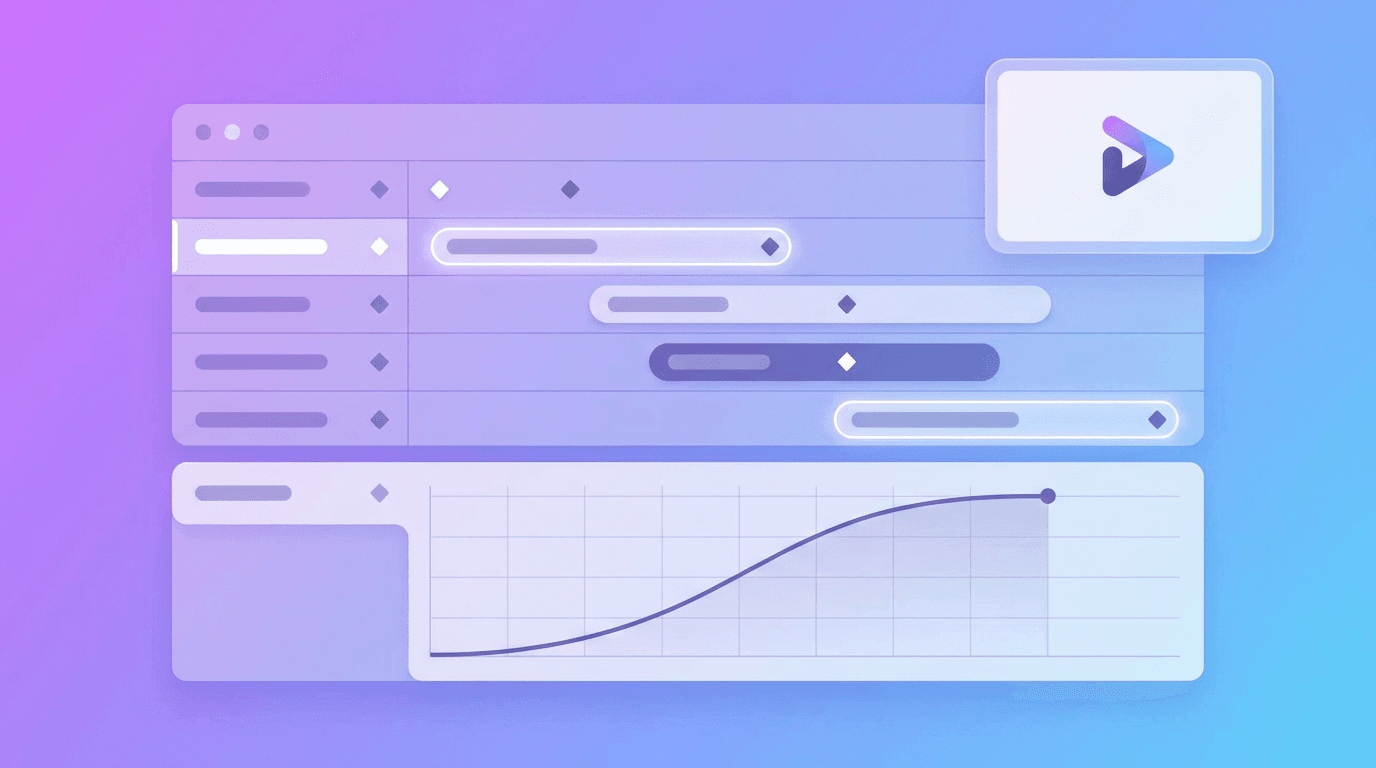
For custom, complex, or cinematic animations, dedicated motion software gives you full control. This route has a steeper learning curve but unlimited flexibility.
- Keyframe the basics: Animate properties like opacity (fade), scale (grow or shrink), position (slide), and rotation. Setting keyframes at the start and end of each move tells the software how to animate between them.
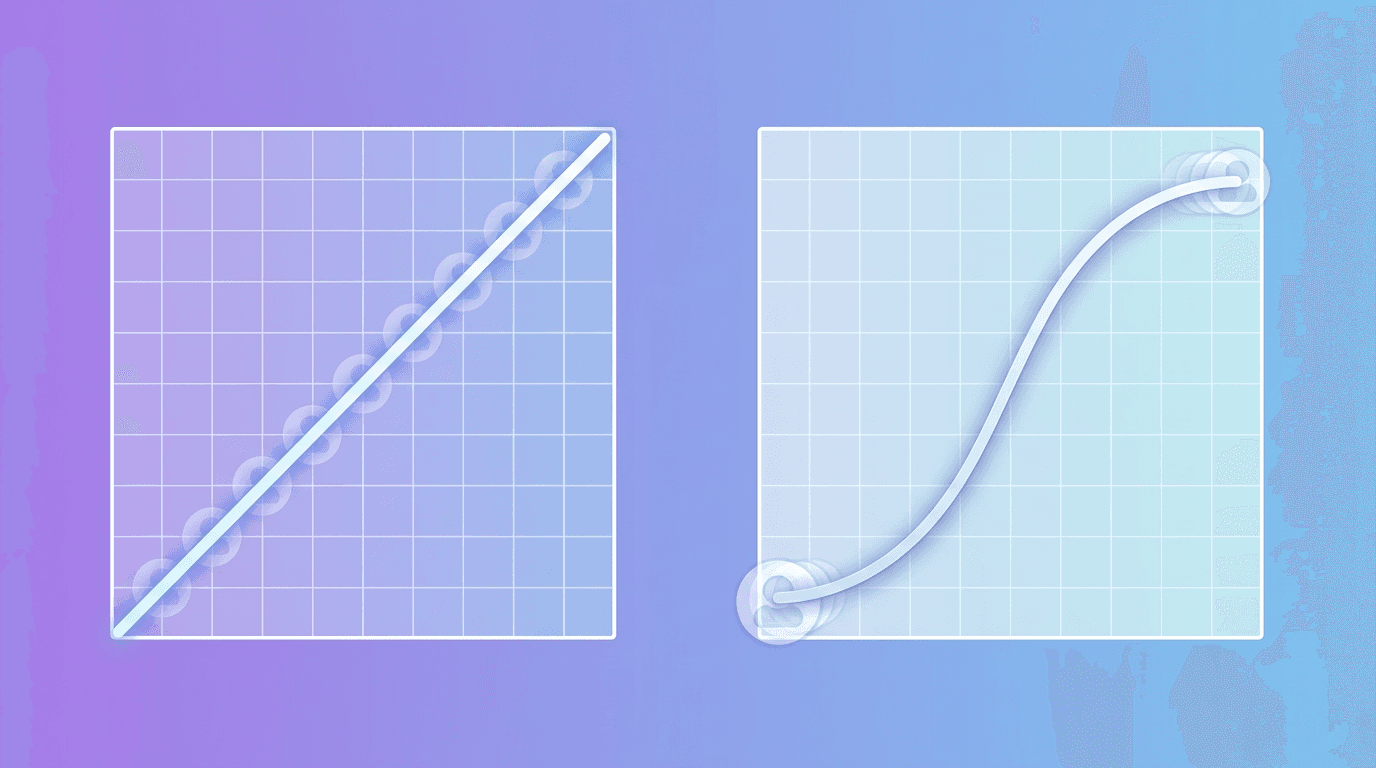
- Use easing: This is the secret to professional motion. Nothing in real life moves at a constant speed. Apply easing so elements accelerate and settle naturally instead of moving robotically.
- Add a hold: A brief pause at the peak of a motion, even a few frames, makes the animation feel deliberate and polished.
- Stagger your elements: Animate the icon and text at slightly different times rather than all at once. The offset creates rhythm and looks intentional.
The pro path is worth it when your logo animation is central to your brand, like a signature intro you will use on hundreds of videos. For most small businesses and creators, the easy path delivers 90 percent of the result in a fraction of the time.
Animated Logo Design Rules That Keep It Looking Expensive
- Keep it short. Three to five seconds is the standard. A logo reveal that overstays its welcome annoys viewers and delays your actual content.
- Match the motion to the brand. Bouncy and energetic, or smooth and refined. The movement should reinforce your brand personality, not fight it.
- Respect your colors and shapes. Animation should enhance your logo, not distort it. Keep your brand colors and proportions intact. Consistent branding increases revenue by up to 23 percent, so do not let motion muddy your identity.
- Mind the easing. Linear motion is the number-one giveaway of an amateur animation. Smooth, eased movement instantly looks more professional.
- Export for every use. Keep an MP4 for video and a transparent GIF or WebM for the web, so your animated logo works everywhere your brand appears.
Frequently Asked Questions
How long should an animated logo be?
The ideal length is 3 to 5 seconds. That is long enough for the motion to register and feel complete, but short enough that it does not delay your content or bore the viewer. For a video intro, lean toward the shorter end so people reach your main content quickly.
What format should I export an animated logo in?
Export an MP4 for video intros, outros, and ads. Use a transparent GIF or WebM for websites, email signatures, presentations, and apps, since those need a transparent background so the logo sits cleanly over any color. Exporting both formats covers every use case.
Can I animate a logo for free?
Yes. Several online tools let you upload your logo and apply animation presets at no cost, then export a basic version for free. AI design tools like Krumzi also offer a 7-day free trial (trial exports are watermarked) for creating animated brand content from a description, which is the quickest route if you are not a designer.
Do I need After Effects to animate a logo?
No. Professional motion software gives you the most control for complex, custom animations, but it is not required. For most creators and small businesses, an online or AI-powered tool produces a polished animated logo in minutes without any motion-design experience.
What makes a logo animation look professional?
Three things: keeping it short (3 to 5 seconds), using smooth easing instead of constant-speed motion, and matching the movement to your brand's personality. Staggering the timing of different elements and adding a brief hold at the peak of the motion also separate a polished animation from a cheap one.
Bring Your Logo to Life
An animated logo is one of the simplest upgrades that makes a brand look bigger and more polished. Prep a clean, layered logo file, choose a motion style that fits your personality, keep it to 3 to 5 seconds, and export the right formats for video and web. Whether you take the easy AI route or animate it by hand, the result works everywhere your brand shows up.
Start by getting your logo into a transparent, layered file, then pick one simple motion to test. For more ways to build a polished brand without a designer, explore the best AI design tools in 2026.
Related reading:
A month of posts, designed before your coffee cools
Describe the post. Krumzi designs it from scratch, on your brand, fully editable.
Make your first design freeFree to make, no card. Only pay if you download it.