On this page
Before a brand has a logo, a website, or a single post, it usually has a mood board. It is the visual gut-check that turns a fuzzy feeling ("I want it to feel warm but modern") into colors, fonts, and images you can actually point to. And it saves you from the worst part of any project: redoing everything because nobody agreed on the vibe up front.
This guide shows you how to make a mood board step by step, what to put on it, and how to keep it focused so it actually guides your design instead of becoming a random pile of pretty pictures.
What Is a Mood Board?
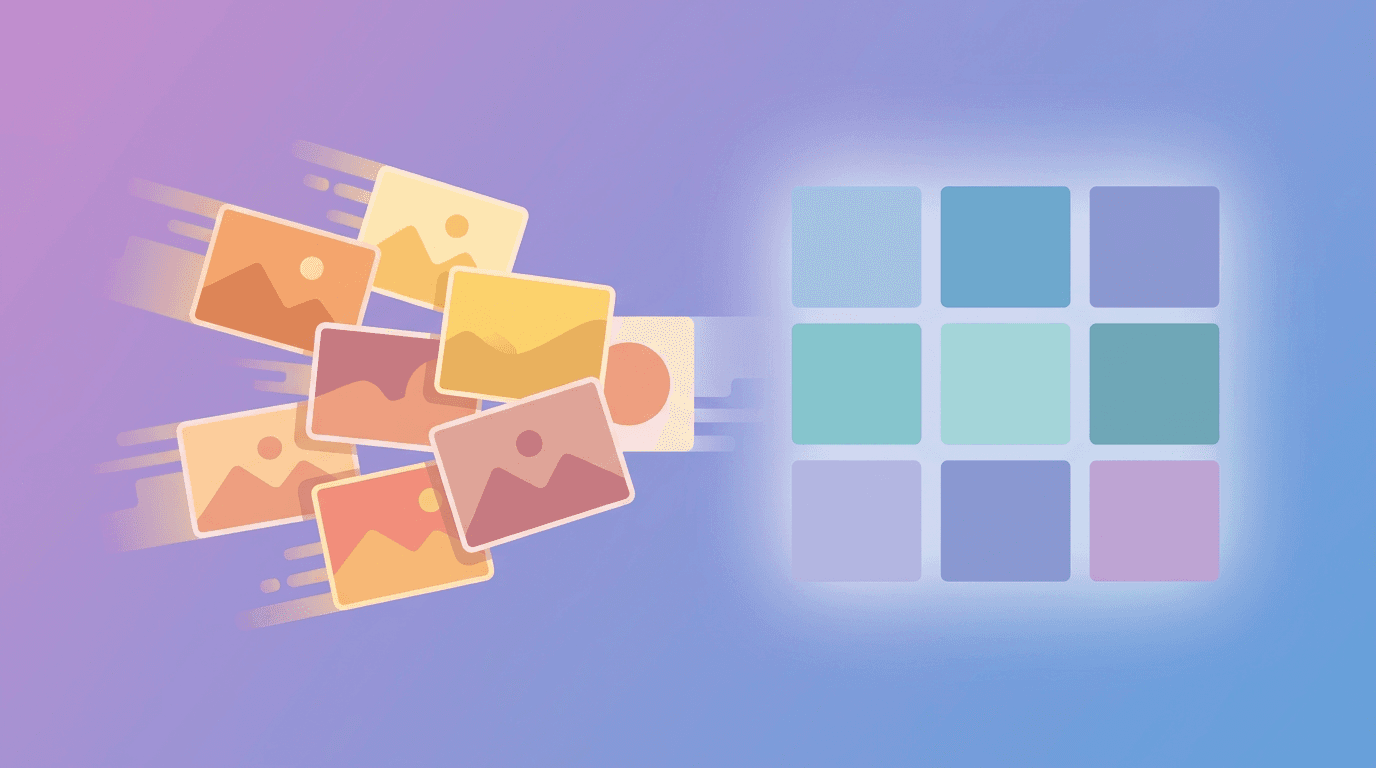
A mood board is a visual collage that captures the look and feel of a brand, product, or project. It pulls together colors, typography, photography, textures, and reference images into one place so everyone can see the intended direction at a glance.
Think of it as a visual thesis statement. It does not have to be polished or final. Its job is to align people and set a direction before real design work begins.
Mood boards show up in branding, interior design, fashion, web design, marketing campaigns, and content planning. Anywhere a consistent aesthetic matters, a mood board earns its keep.
Why Mood Boards Matter
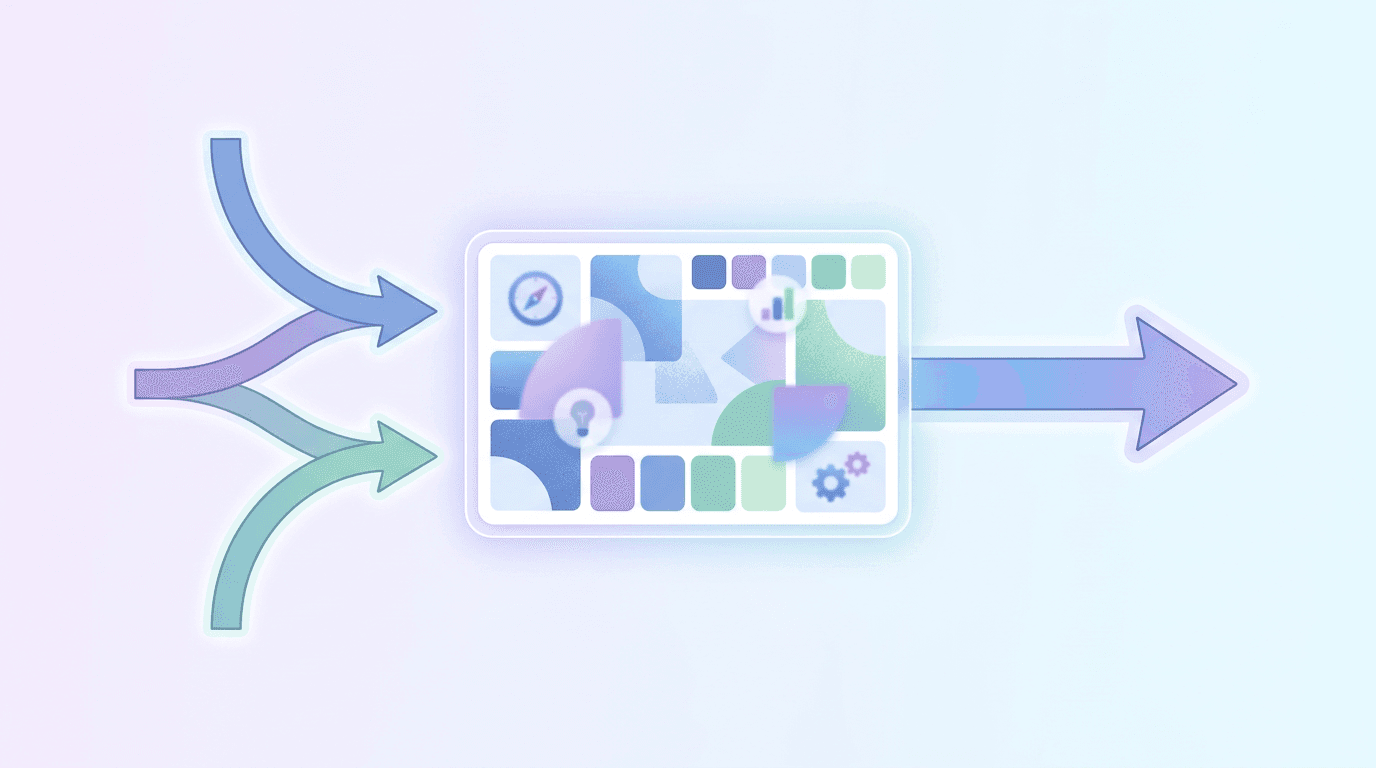
A good mood board does three things. It aligns everyone involved so the client, designer, and team share the same vision. It speeds up decisions because you are choosing between defined options instead of infinite ones. And it acts as a reference you can hold every future design choice against.
Skip it, and you tend to discover disagreements halfway through, which is the most expensive time to find them.
How to Make a Mood Board in 6 Steps
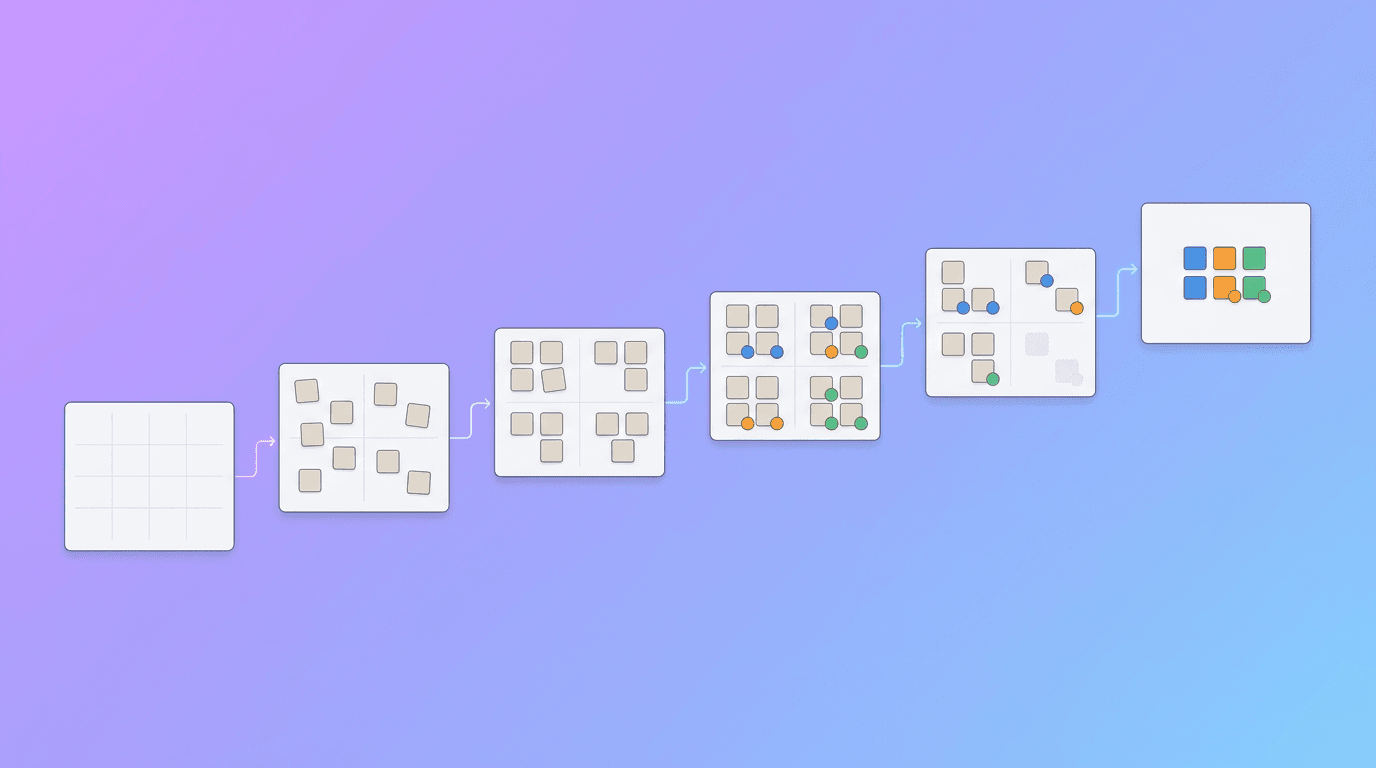
Step 1: Define the Strategy and Feeling
Start with words, not pictures. Get clear on what the brand or project is about, who it is for, and the personality you want to project. Are you going for premium and minimal, or playful and loud? This foundation keeps the visual choices honest later.
If you are building a brand from scratch, our guide on creating a brand kit with AI pairs perfectly with this step.
Step 2: Pick 3 to 5 Keywords
Boil the feeling down to a handful of adjectives: for example, calm, natural, trustworthy, refined. These keywords become your filter. Every image, color, and font you consider has to support at least one of them. Anything that does not fit gets cut, which keeps your board from drifting.
Step 3: Gather Visual References
Now collect. Pull images that match your keywords from anywhere that inspires you: photography, packaging, architecture, nature, other brands you admire. Aim wide first, then narrow down to the strongest 15 to 20 pieces. Balance a few literal references (your actual product or space) with mood pieces that just capture the feeling.
Step 4: Choose Colors and Typography
Pull a color palette from your references, usually three to five colors that work together without overwhelming the board. Then pick typography: one font for headlines and one for body text is a reliable combination. The colors and fonts should feel like an obvious extension of your keywords, not a surprise.
For color direction, current trends can spark ideas, and our roundup of graphic design trends is a useful reference here.
Step 5: Add Textures and Details
Layer in textures and patterns that add depth: paper, marble, linen, gradients, or subtle geometric patterns. This is also where you add a personal or brand-specific touch that makes the board unmistakably yours rather than a generic aesthetic anyone could grab.
Step 6: Arrange, Review, and Refine
Lay everything out in a balanced composition. Group similar elements, give the board some breathing room, and step back. Does it read as one cohesive feeling, or does something clash? Remove anything that fights the mood. A tight board of 20 aligned elements beats a crowded board of 50.
If building the layout by hand feels tedious, an AI design tool like Krumzi can assemble a clean mood board from a description of your keywords and colors, then let you swap any element until it feels right. No dragging tiny images around a canvas for an hour.
What to Include on a Mood Board
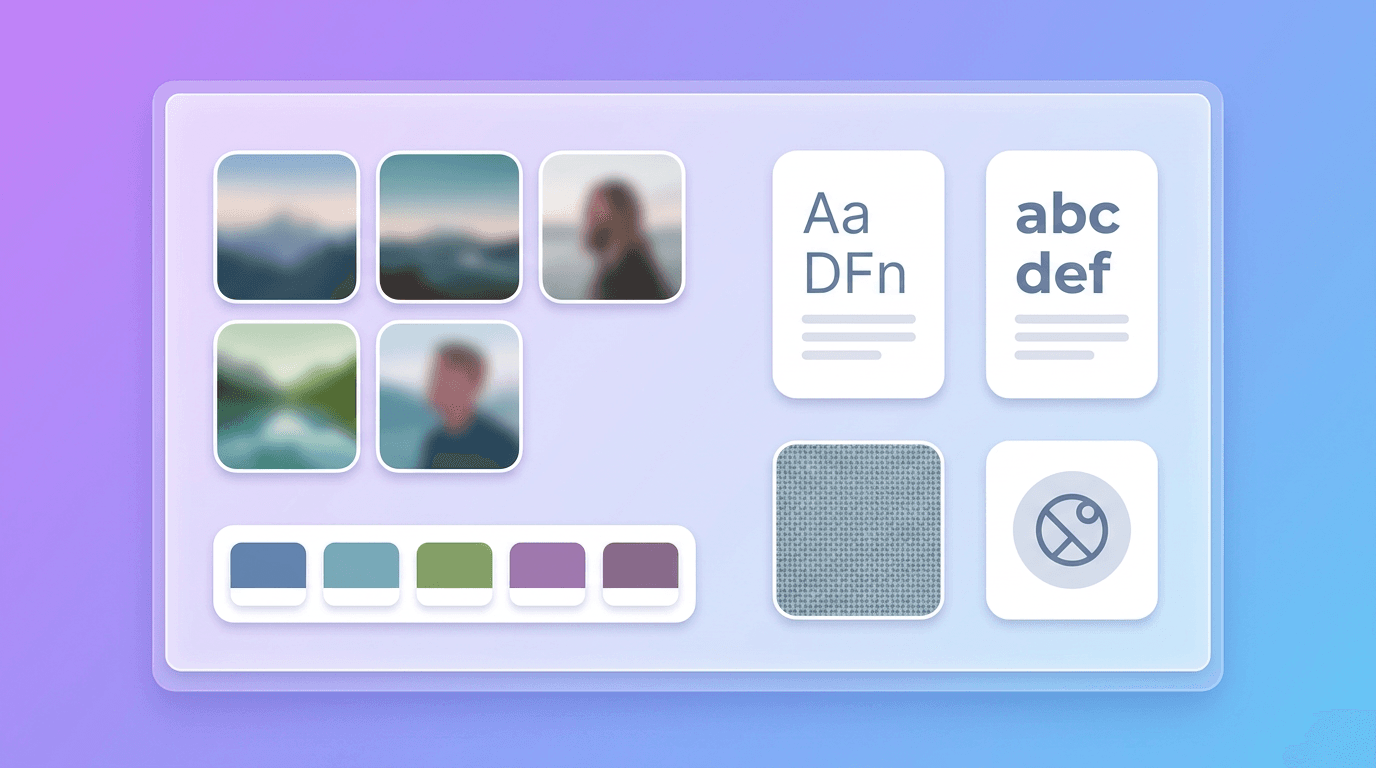
| Element | What it does |
|---|---|
| Color palette | Sets the emotional tone |
| Typography | Shows voice and personality |
| Photography style | Defines how imagery should feel |
| Textures and patterns | Adds depth and richness |
| Reference imagery | Anchors the overall direction |
| Keywords | Keeps every choice on-brief |
Digital or Physical?
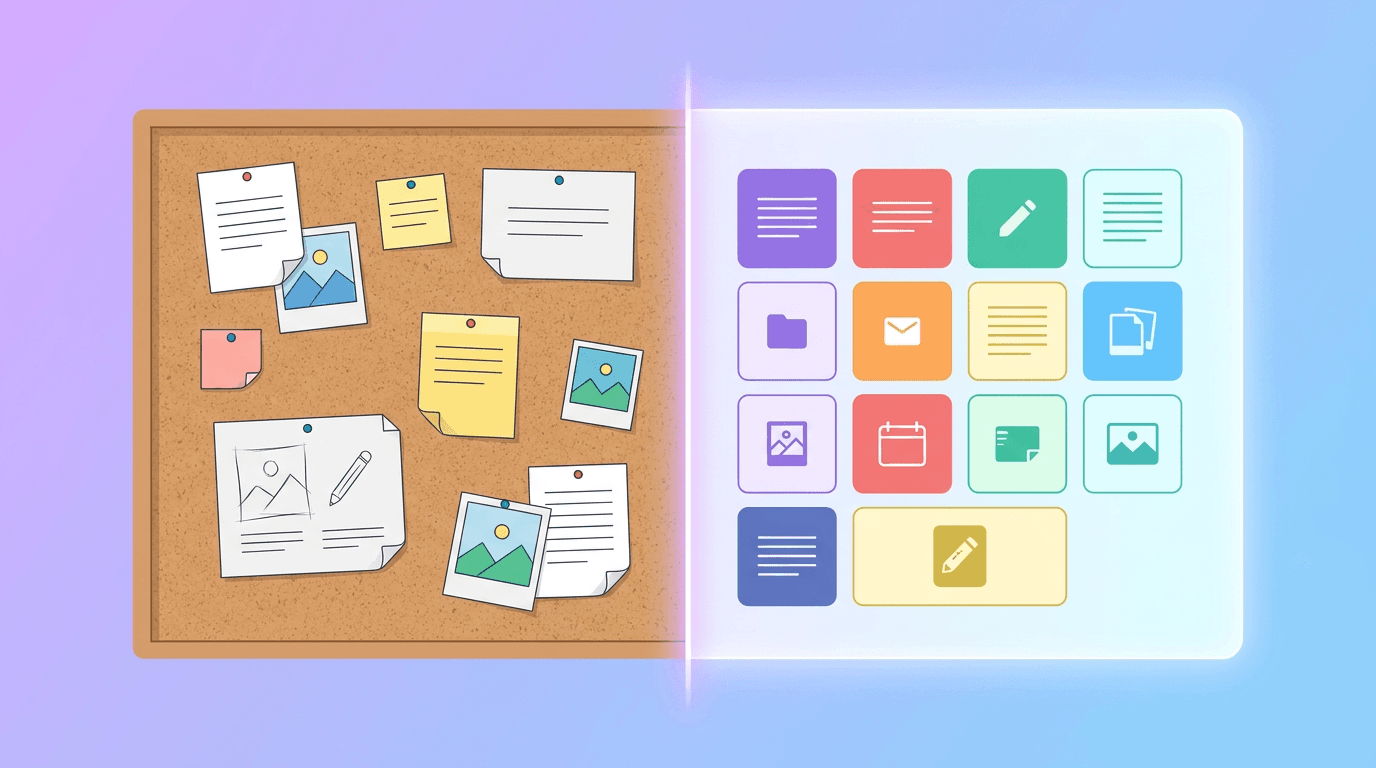
Both work, but digital wins for most people in 2026. A digital mood board is easy to share, quick to edit, and simple to hand off to a designer or teammate. Physical boards (printouts and swatches pinned to foam) still shine for tactile projects like interiors or product design, where texture in real life matters.
Whichever you choose, the process above stays the same. The board is a thinking tool, not the final art.
Once your mood board is set, it becomes the reference for everything downstream: your posts, your ads, your whole social media aesthetic. And if you are choosing software to bring it to life, our guide on how to choose an AI design tool can help.
Frequently Asked Questions
What should a mood board include?
A mood board should include a color palette, typography, photography style, textures or patterns, reference images, and a few keywords that define the feeling. Together these show the intended look and voice at a glance.
How many images should be on a mood board?
Around 15 to 20 strong pieces is ideal. Enough to communicate a clear direction, but not so many that the board becomes noisy and loses focus. Quality and cohesion beat quantity.
What is the difference between a mood board and a style guide?
A mood board explores and sets the general feeling early in a project. A style guide comes later and defines exact rules: specific hex codes, font sizes, logo usage, and spacing. The mood board inspires; the style guide enforces.
Can I make a mood board for free?
Yes. You can build one with free tools, a Pinterest board, or an AI design tool by describing your keywords and colors. The key is following a clear process so the board stays cohesive rather than random.
How do I make a mood board without design skills?
Start with your keywords and colors, then use an AI design tool like Krumzi to generate the layout for you. Describe the mood you want, and adjust the colors, fonts, and images until the board matches your vision.
Ready to turn a feeling into a plan? Describe your brand's vibe in Krumzi and build a mood board you can actually design from.
A month of posts, designed before your coffee cools
Describe the post. Krumzi designs it from scratch, on your brand, fully editable.
Make your first design freeFree to make, no card. Only pay if you download it.