On this page
- Step 1: Decide What Kind of Gift Card You Need
- Step 2: Get Your Brand Elements Ready
- Step 3: Use the Right Dimensions
- Step 4: Design the Card
- Step 5: Set Up Selling and Redeeming (For Businesses)
- Step 6: Promote Your Gift Cards
- Step 7: Print or Deliver
- Frequently Asked Questions
- Make a Gift Card That Sells Itself
Gift cards are one of the highest-margin things a small business can sell. Customers pay upfront, a good share of balances get spent above the card value, and every card puts your brand in someone new's wallet. For a personal gift, a custom card feels far more thoughtful than a generic one from the checkout rack.
Either way, you do not need a designer or expensive software to make one. This guide covers how to make a gift card in 2026, whether it is a digital card for your shop or a handmade one for someone you love, from design to selling and redeeming.
Step 1: Decide What Kind of Gift Card You Need
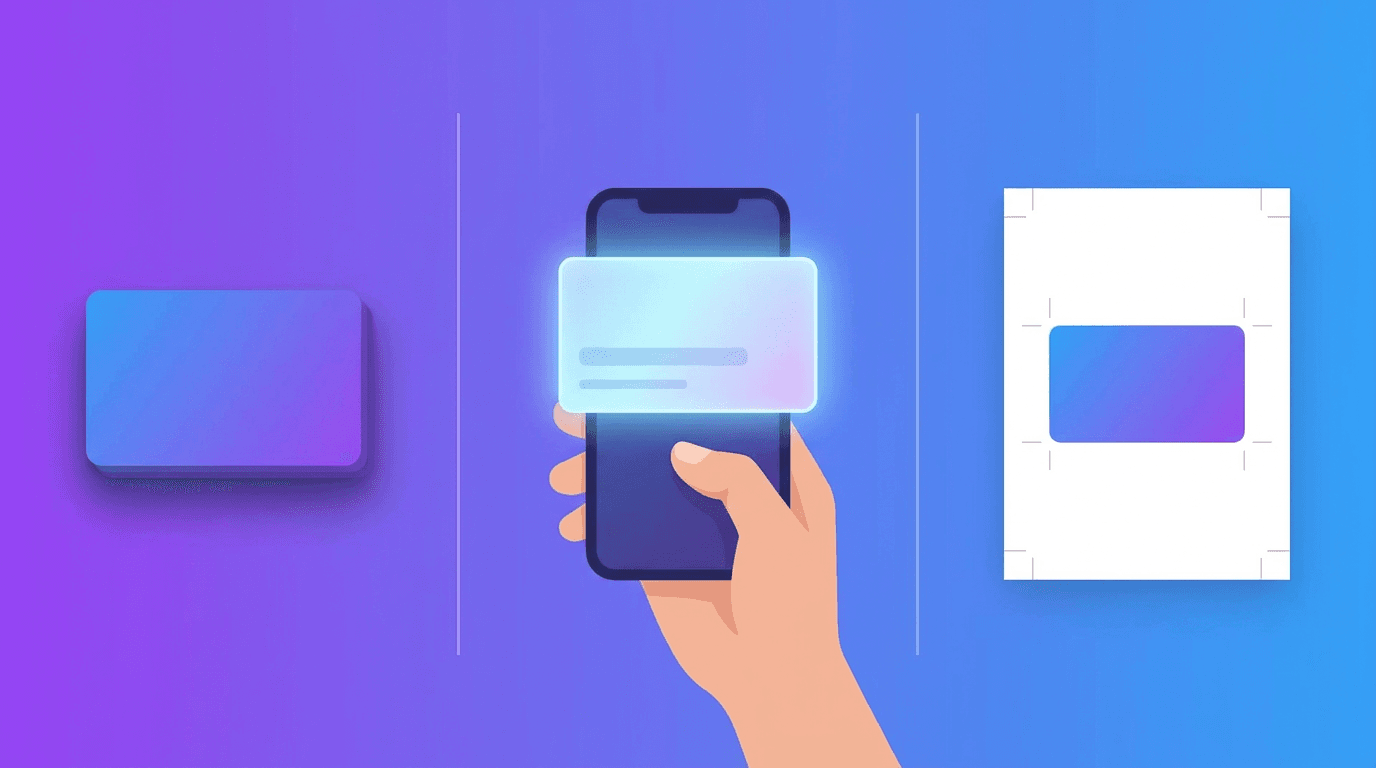
Start by choosing the format, because it changes everything downstream.
- Digital gift card: Delivered by email or text as an image or code. Cheapest, fastest, and easiest to sell online. Best for most small businesses.
- Physical gift card: A printed plastic or card-stock card customers can hold. Great for in-store displays and impulse buys.
- Personal gift card: A one-off card you are gifting to a friend or family member, printed at home or sent digitally.
Also decide whether the card carries a set value (like 25 or 50) or an amount the buyer chooses. Set values are simpler to design and display.
Step 2: Get Your Brand Elements Ready
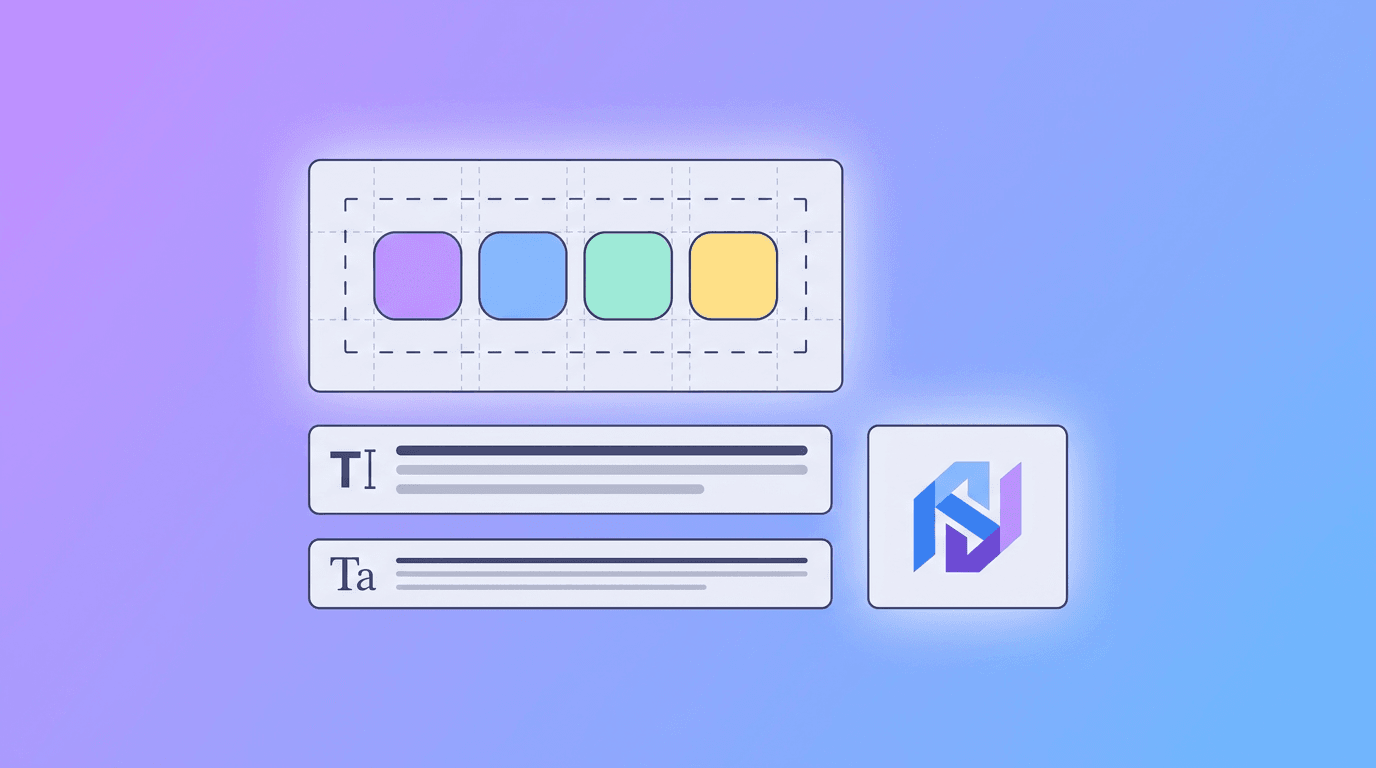
A gift card is a tiny billboard for your brand, so it should look like you. Gather:
- Your logo in a clean, high-resolution file
- Your brand colors
- One or two brand fonts
- Any tagline or short message you want on the card
If you do not have a consistent set of these yet, our guide on how to create a brand kit with AI walks through building one in minutes. Consistency here is what makes a card look professional instead of homemade.
Step 3: Use the Right Dimensions
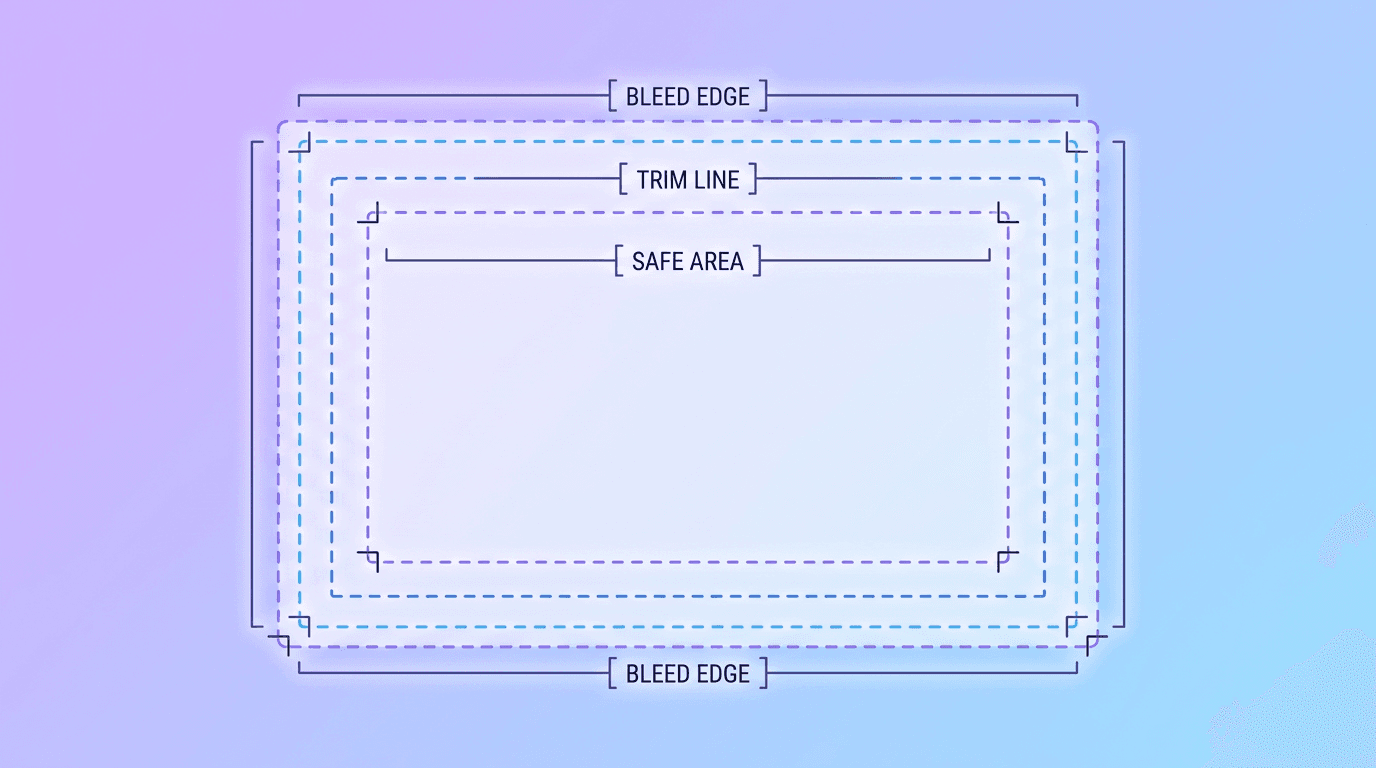
Standard gift card size matches a credit card: 3.375 x 2.125 inches (about 1050 x 675 px at print resolution). Designing at this size keeps a physical card looking sharp and professional.
For a digital-only card, you have more freedom. A landscape rectangle around 1050 x 600 px displays cleanly in email and on phones. If it will also be printed at home, stick with the credit-card ratio so it looks right either way.
Step 4: Design the Card
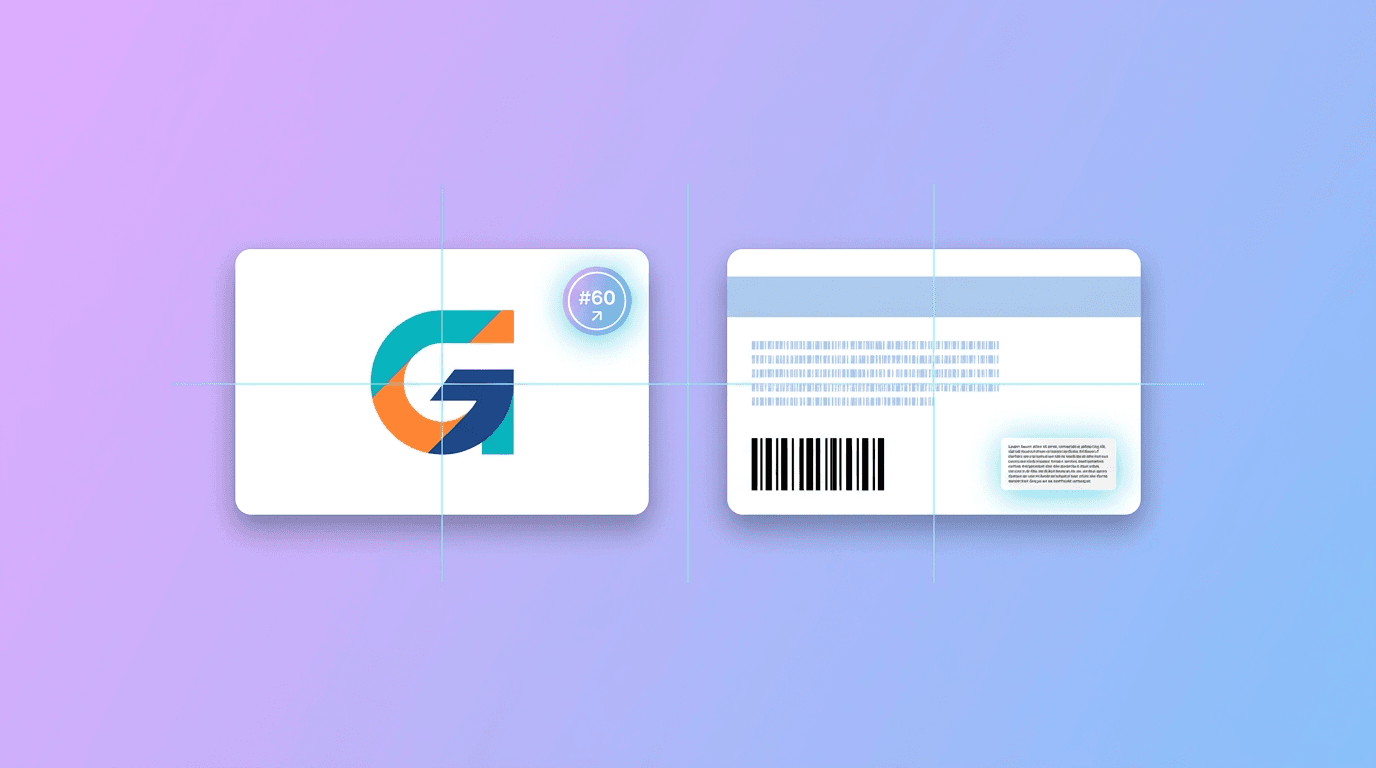
A great gift card is simple. Cramming it full of text makes it look like a coupon. Keep these elements front and center:
- Your logo or business name, clearly visible.
- The words "Gift Card" so its purpose is obvious.
- The value (if it is a set amount).
- A clean, on-brand background that reflects your style or the occasion.
Leave room on the back (or in the email) for the code, a short how-to-redeem line, and any expiry or terms. For occasion-specific cards like holidays or birthdays, adjust the colors and imagery to match while keeping your logo consistent.
The Easy Way: Design It With AI
Instead of fighting with templates, an AI design tool like Krumzi lets you describe the card you want ("a modern gift card for a coffee shop, warm brown and cream, our logo centered, 25 value") and it designs a polished, correctly sized card for you. Every element stays editable, so you can spin up holiday, birthday, and thank-you versions from the same base in seconds. That is a real advantage when you want a whole set of seasonal cards rather than one.
Step 5: Set Up Selling and Redeeming (For Businesses)
The design is only half of it. To actually sell gift cards, you need a way to track balances and redeem them. You have two main paths:
- Use your point-of-sale or e-commerce platform. Most POS and online store systems have built-in gift card features that generate unique codes, track balances, and handle redemption automatically. This is the cleanest option.
- Track manually for a small operation. For a tiny business, you can issue cards with unique codes and log balances in a spreadsheet. It works, but it is easy to make mistakes as volume grows.
Whichever you choose, your design connects to it simply: the platform provides the code, and your custom card is the branded wrapper around it. Decide on your terms too, including whether cards expire (many regions regulate this, so check local rules) and whether they can be reloaded.
Step 6: Promote Your Gift Cards
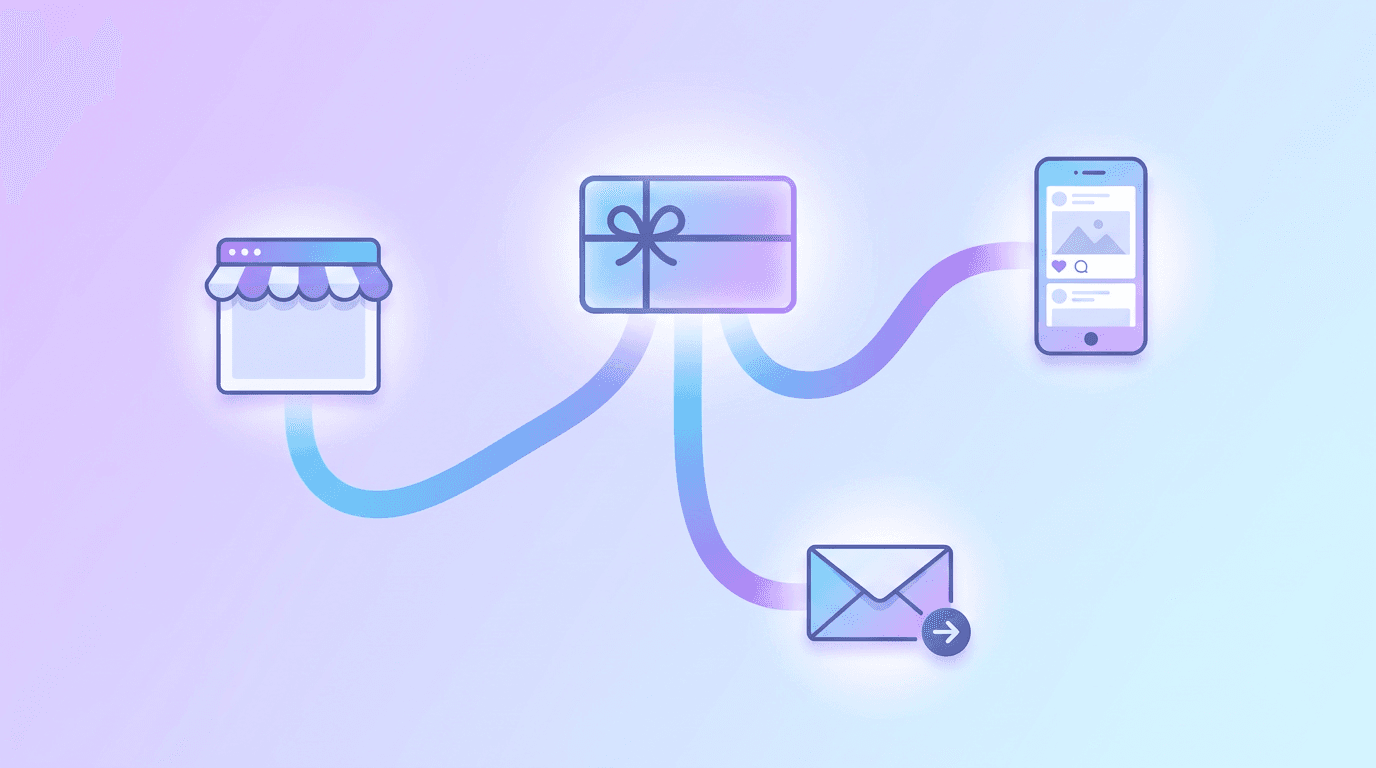
A gift card nobody knows about does not sell. Once yours are ready:
- Add them to your website and checkout, ideally with the card image on display.
- Post them on social media, especially before holidays, Mother's Day, and graduation season.
- Display physical cards near your register for impulse purchases.
- Email your list a few weeks before major gifting occasions.
Our roundup of small business marketing ideas has more ways to get them in front of customers, and if you want matching promo graphics, creating marketing materials without a designer covers the rest.
Step 7: Print or Deliver
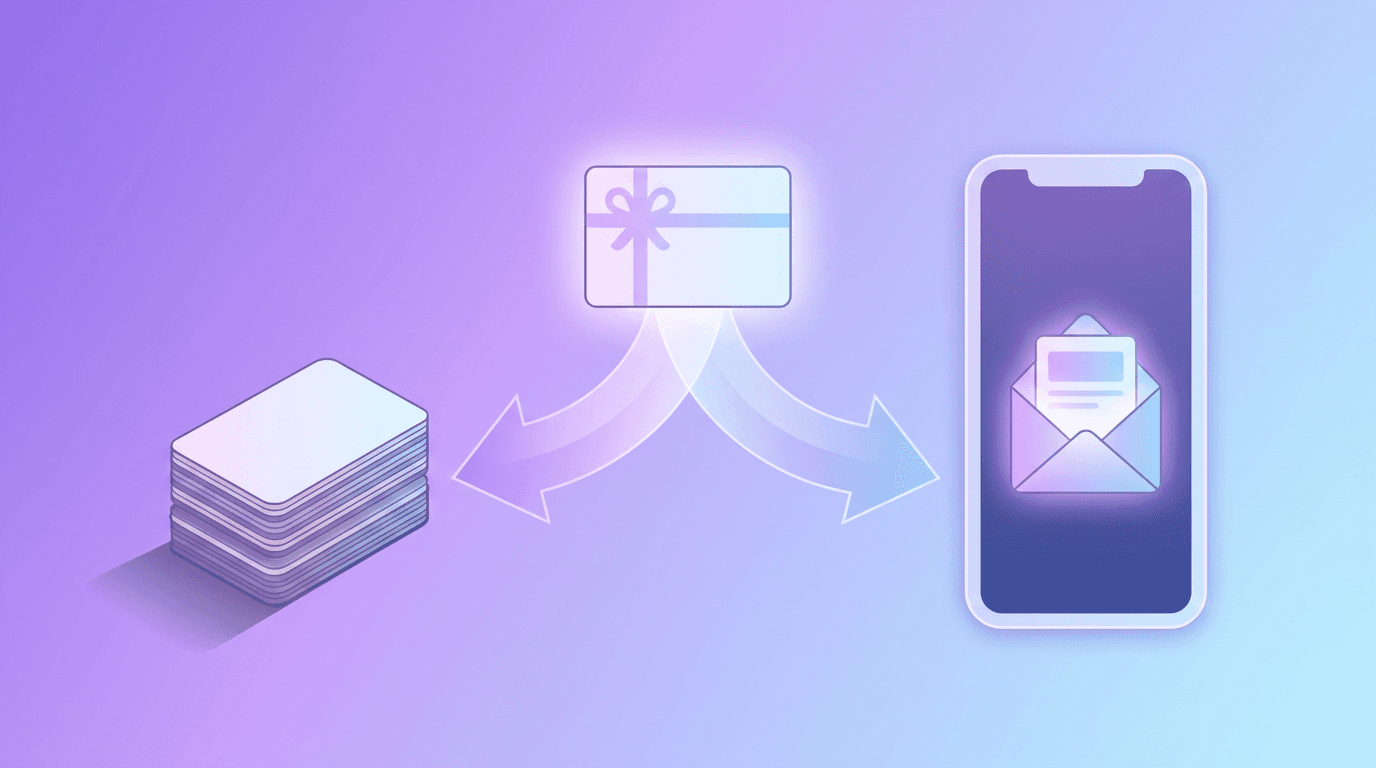
- Digital cards: Export a high-quality PNG or JPG and send it by email or text, or attach it to the code your platform generates.
- Home printing: Export a PDF at the credit-card size, print on sturdy card stock, and trim cleanly. A rounded-corner punch adds a professional touch.
- Professional printing: For plastic cards, send your high-resolution file to a card printer. Confirm their bleed and safe-zone requirements before you submit.
Frequently Asked Questions
Can I make my own gift cards for my business?
Yes. You can design branded gift cards yourself with an AI design tool, then use your point-of-sale or online store's gift card feature to generate codes, track balances, and handle redemption. The design is the branded wrapper around that system.
What size is a standard gift card?
A standard gift card matches a credit card at 3.375 x 2.125 inches, or about 1050 x 675 px at print resolution. Designing at this size keeps physical cards looking sharp and professional.
How do I make a digital gift card?
Choose your value and dimensions (around 1050 x 600 px works well), design a clean card with your logo and the amount, export it as a PNG or JPG, and deliver it by email or text alongside a redeemable code from your sales platform.
How much does it cost to make a gift card?
Designing a gift card can be free with an AI design tool. Costs only come in if you order professionally printed plastic cards, which vary by quantity and printer. Digital cards have no printing cost at all.
Do gift cards have to expire?
It depends on where you operate. Many regions have laws limiting or banning expiration dates and inactivity fees on gift cards, so check your local regulations before setting terms.
Make a Gift Card That Sells Itself
A good gift card is simple, on-brand, and correctly sized, with a reliable way to redeem it behind the scenes. Get those right and gift cards become an easy, high-margin win for your business or a thoughtful gift for someone special.
When you are ready to design one, describe what you want and let Krumzi create an editable, professional card in seconds. To round out your brand, our guides on designing a business card and making a flyer with AI are great next steps.
A month of posts, designed before your coffee cools
Describe the post. Krumzi designs it from scratch, on your brand, fully editable.
Make your first design freeFree to make, no card. Only pay if you download it.